01
Choose a branch
Show the locations customers can visit.
LunaCal is an appointment booking system for businesses with multiple branches. Customers choose a location, service and available time. You manage staff, appointments, payments and reminders in one place.

Instead of setting up a separate booking tool for every branch, configure your locations, services and staff in LunaCal. Customers can book the right appointment online, while your team works from connected calendars and scheduling rules.
Show the locations customers can visit.
Show services available at that branch.
Use staff availability and calendar checks.
Confirm a booking and collect payment if needed.
Send confirmations and appointment reminders.
Put all your locations in one booking flow. Customers choose the most convenient branch before they select a service or appointment.
Illustrative booking flow; replace with your actual LunaCal screenshot when publishing.
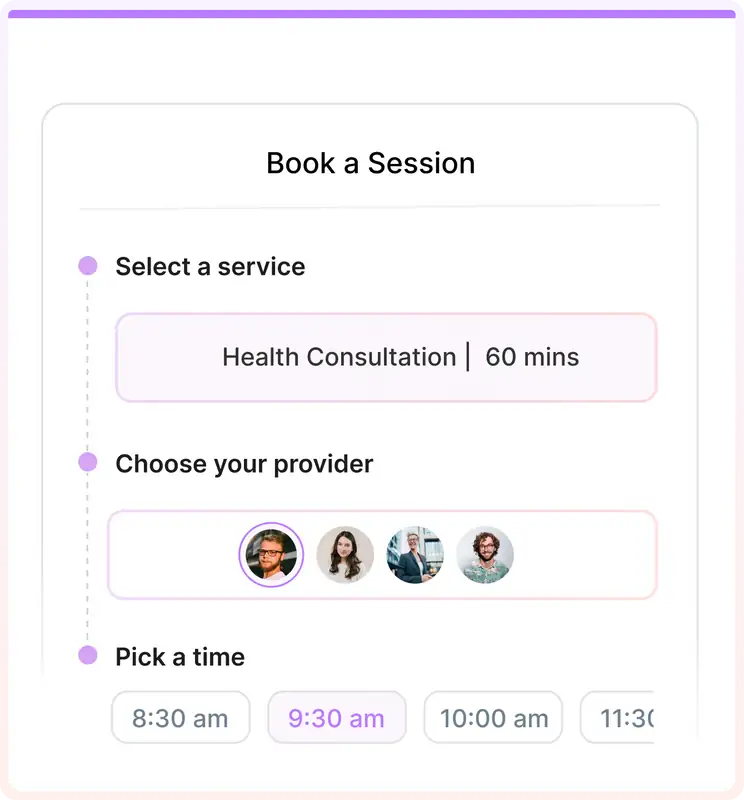
Your branches don't have to offer the same appointments. Set up the right service options, durations, prices and providers for each booking flow.
A salon could offer hair services at one branch and spa treatments at another. Customers see the choices relevant to where they're booking.
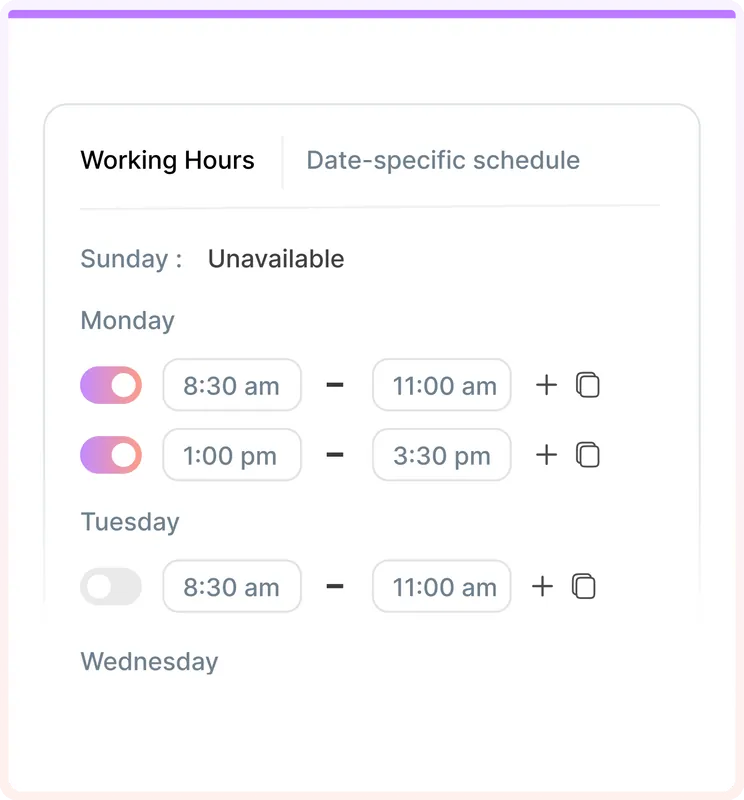
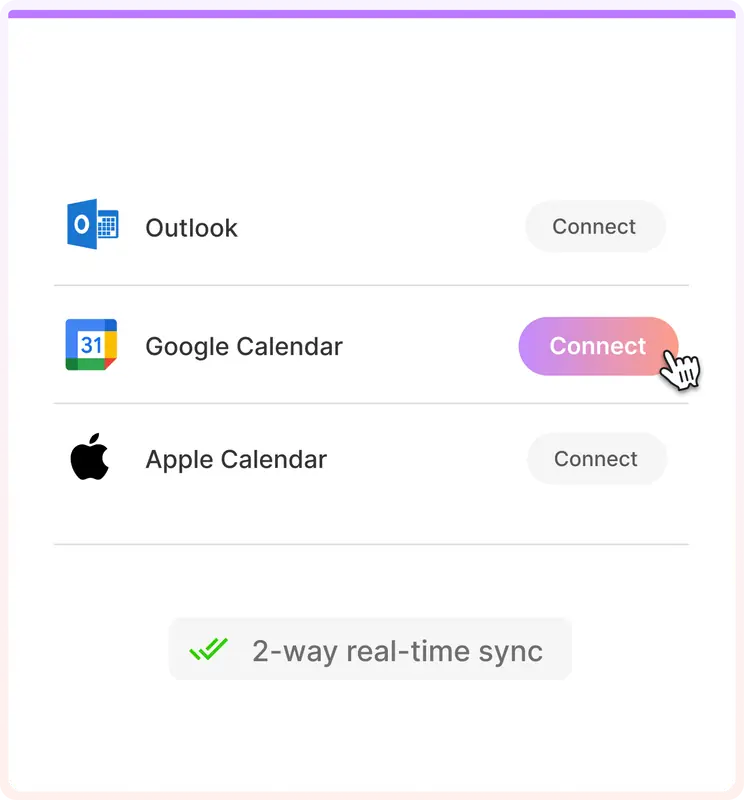
Assign team members to your services, define working hours and connect their calendars. Customers see appointment times that fit the provider's availability.
| Staff | Mon | Tue | Wed | Thu |
|---|---|---|---|---|
| Maya · Downtown | 9–5 | 9–5 | – | 9–5 |
| Leo · West End | – | 10–6 | 10–6 | 10–6 |
| Nina · Downtown | 8–4 | – | 8–4 | 8–4 |
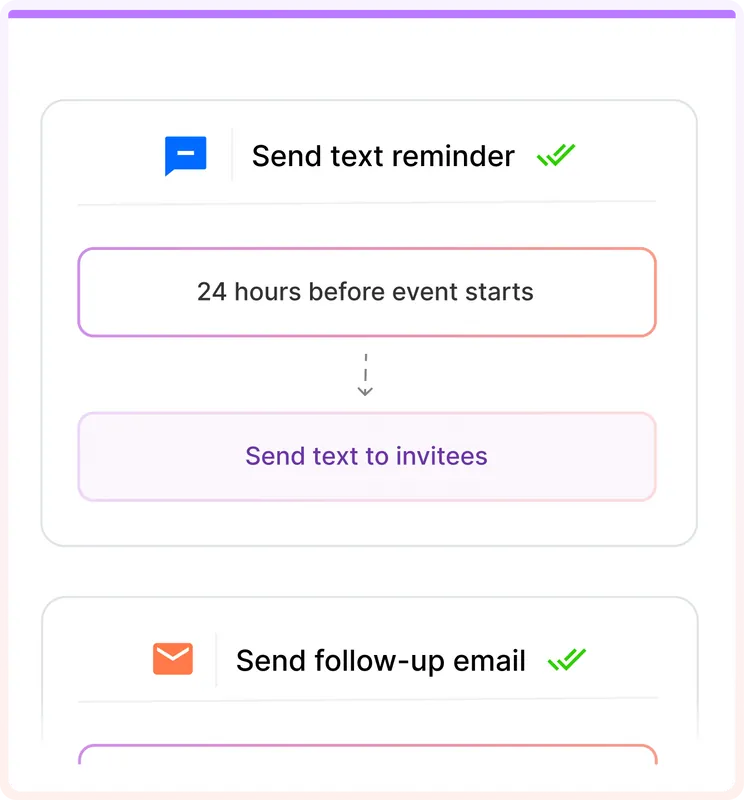
LunaCal can send booking confirmations and automated email and SMS reminders, so employees don't have to follow up with every customer manually.
Set up reminder and follow-up workflows for your appointments.
Explore booking features ↗Collect full payment for appointments through Stripe or PayPal. You can also sell multi-session packages and offer coupons for your services.
Your payment processor's usual fees still apply.
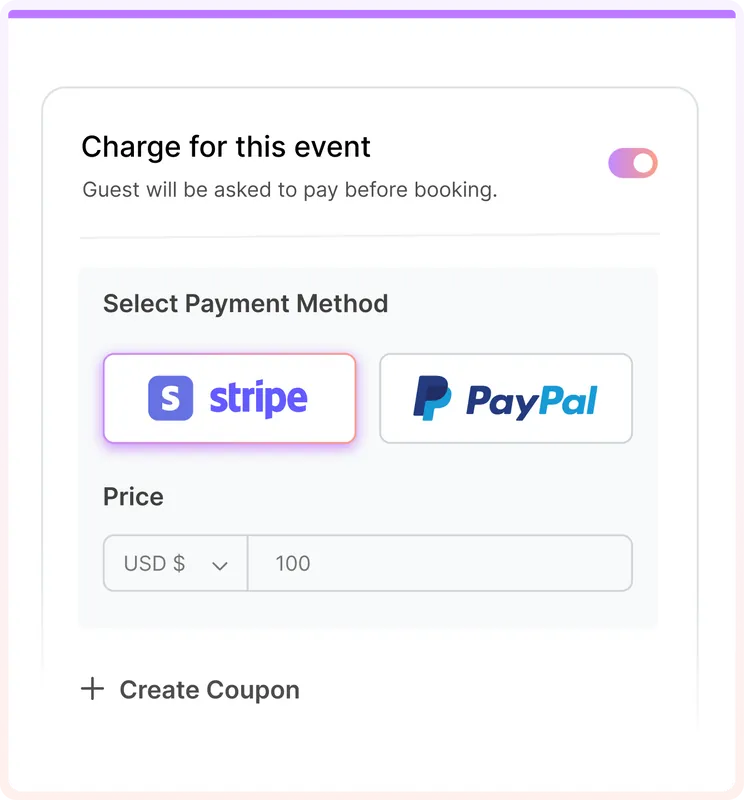
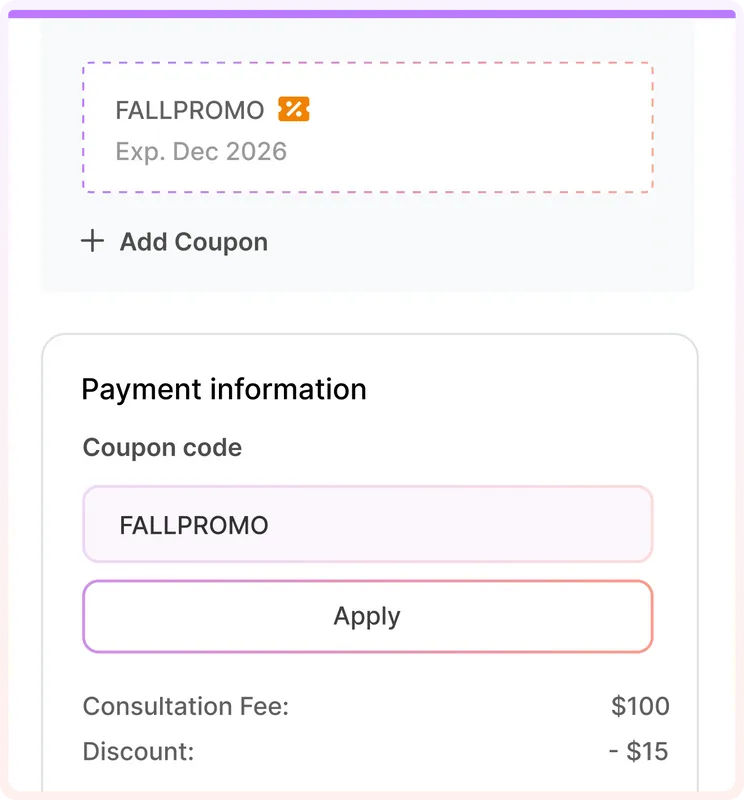
Example checkout · Payment not processed on this preview
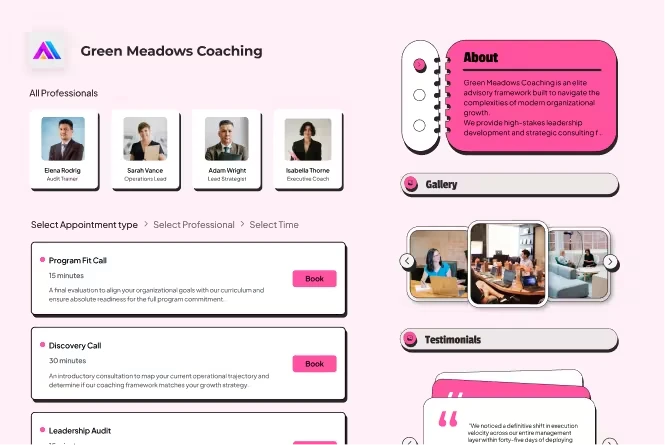
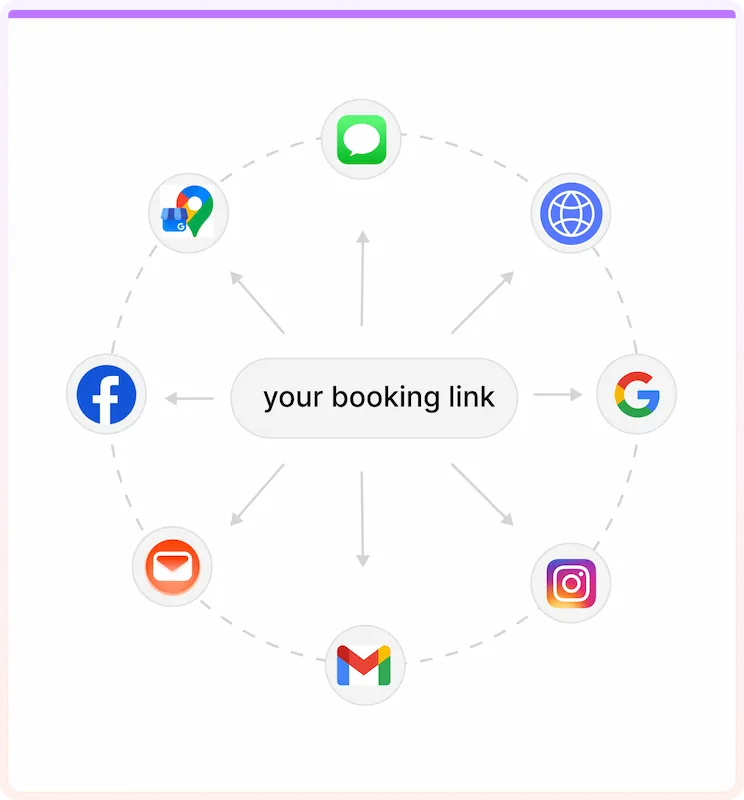
Use a standalone booking page, embed LunaCal on your website or share a booking link for each customer journey.
Customize colors, images, videos, testimonials and FAQs. A custom booking domain is also available.
Use the same scheduling platform for consultations, classes, packages and other appointments.
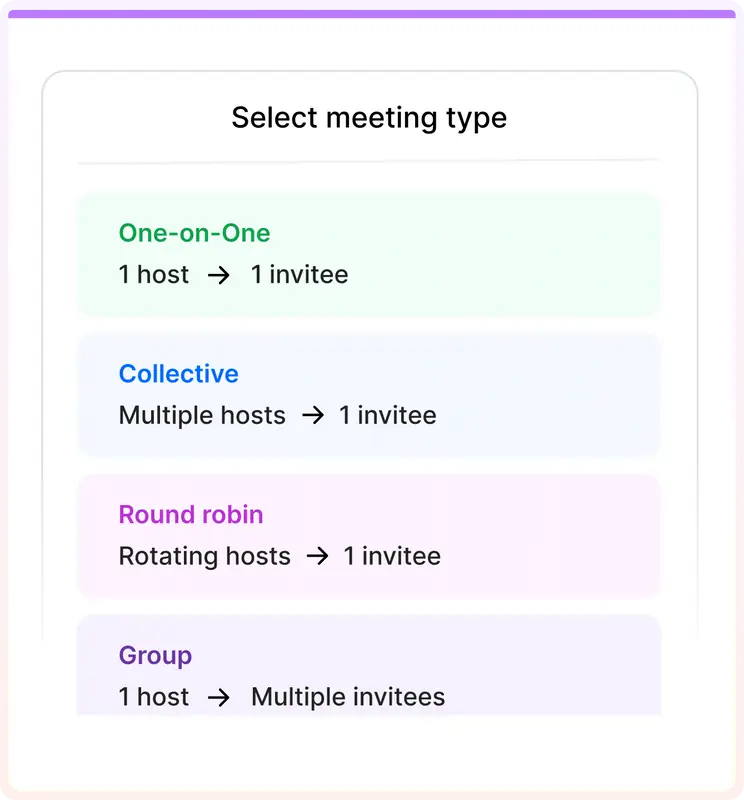
Let several customers join a class or shared session.
Schedule repeat sessions and ongoing services.
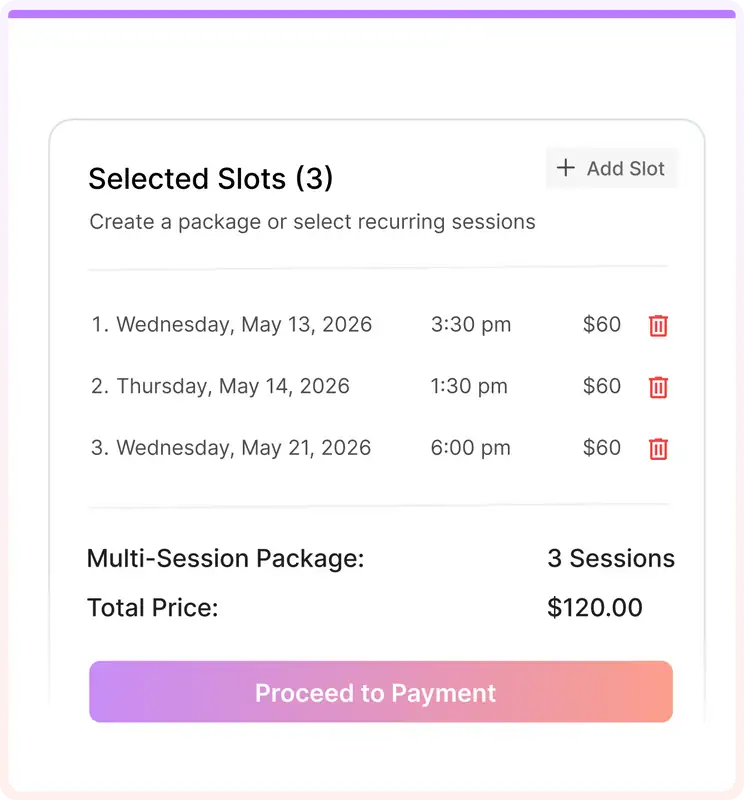
Sell several appointments upfront and book them over time.
Collect details with custom intake forms.
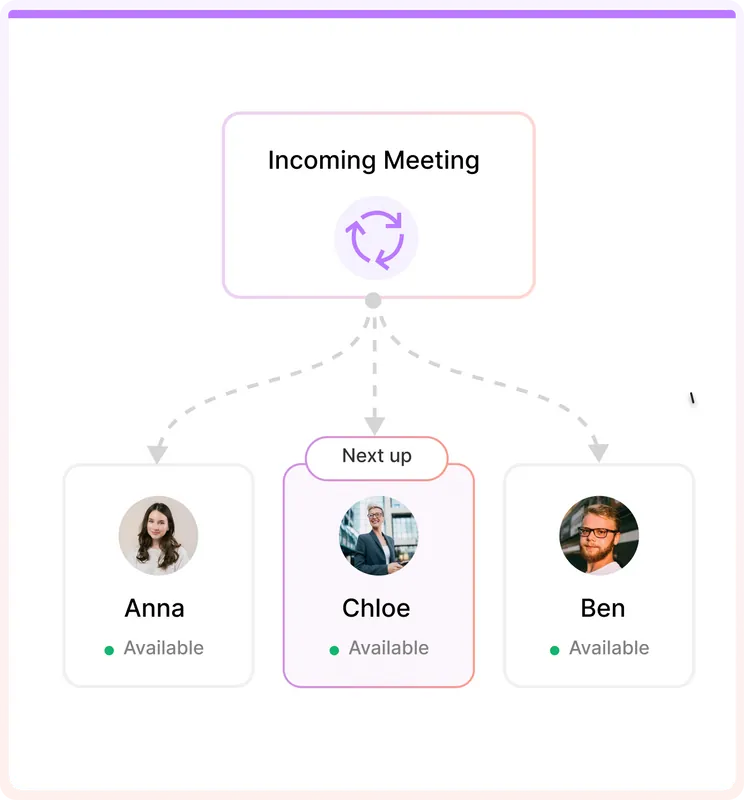
Distribute appointments among available team members.
Set minimum notice, buffers and availability exceptions.
Check multiple connected calendars for conflicts.
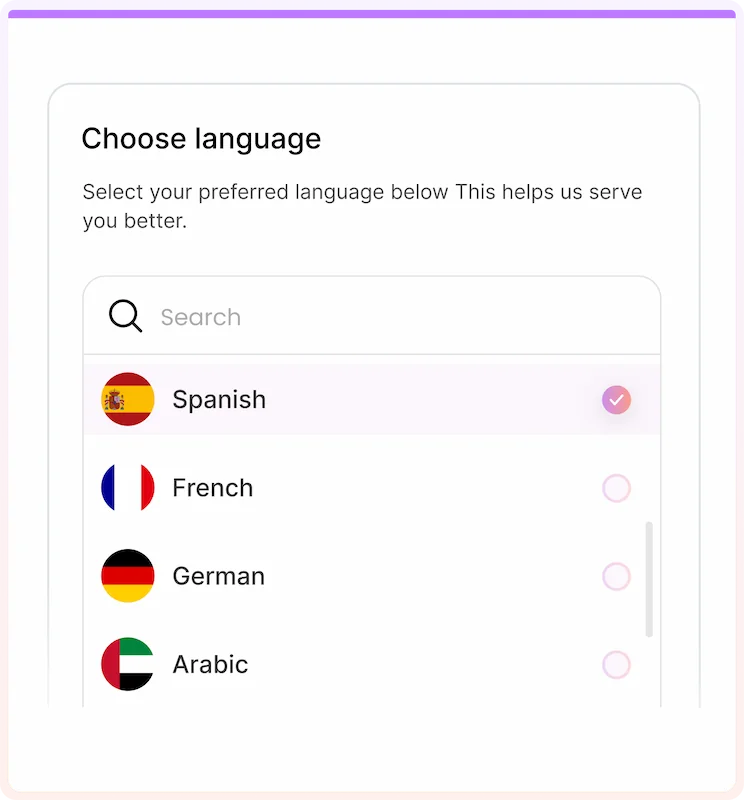
Offer booking in several customer languages.
Calendars, meeting tools, payments and workflows work alongside your bookings.
The important differences are how customers select a branch, how staff and services are organized, and what you're charged as you add locations.
| What matters | LunaCal | Square Appointments | SimplyBook.me | Acuity | Calendly |
|---|---|---|---|---|---|
| Multi-location setup | Multi-location service booking within the Teams scheduling setup | Multi-location management on paid plans | Multiple Locations custom feature; Enterprise cluster for larger chains | Separate calendars can represent different locations | Separate event types / team setups |
| Customer chooses a branch | Location and service booking flow | Location selection on booking site | Location appears as a booking step | Through calendars or booking-page setup | Typically via separate event links or routing forms |
| Different staff & services | Teams, providers and services | Staff and services by location | Providers and services by location | Calendars and appointment types | Hosts, teams and event types |
| Calendar availability | Google, Outlook & Apple; multiple calendars | Staff calendars and scheduling controls | Provider schedules and calendar integration | Individual calendar and availability rules | Calendar sync and team availability |
| Paid bookings | Stripe & PayPal; 0% LunaCal commission | Square Payments; deposits and prepayments | Several payment gateways; deposits | Stripe, Square & PayPal | Stripe & PayPal payments |
| Appointment packages | Multi-session packages on Teams | Prepaid series / packages | Packages custom feature | Packages on Standard and above | Primarily event-based bookings |
| SMS reminders | SMS & email | SMS & email | SMS & email; usage may cost extra | SMS on Standard and above | Plan / workflow dependent |
| Pricing structure | Per user Teams from $15/user/month | Per location Plus $49/location/month | Plan-based Booking, provider & feature limits | By calendar allowance 1 / 6 / 36 calendars by plan | Per seat Plan features vary |
| Setup assistance | Free 1:1 LunaCal support | Support varies by plan | Live chat support | Customer support | Help center / plan-based support |
↔ On mobile, swipe horizontally to see each product. Pricing, fees and feature availability can vary by plan and region.
Sources checked October 2026: LunaCal · Square · SimplyBook.me · Acuity · Calendly. Check current plans before choosing.
LunaCal's Teams plan includes team scheduling, multi-location and multi-service workflows, and multi-session packages. Check the current plan details for your setup.
See all plans ↗If your customers book time with a person, team or service at more than one site, the same booking flow can handle the different locations.
Branch selection, stylist availability and paid treatments.
Consultations, staff schedules and appointment reminders.
Classes, instructors, private sessions and packages.
Teachers, campuses and recurring lessons.
Appointments with people across multiple offices.
Booking flows organized by service area and team.
Configure your location and service options, durations and pricing.
Add team members, connect calendars and set the relevant booking rules.
Customize the page, embed it on your website and set payments and reminders.
LunaCal offers free 1:1 support to help configure your booking setup.
Questions businesses ask when moving from one location to several.
It lets a business take appointments across several branches, offices or studios. Customers choose a location, service and time, while the business manages the scheduling setup.
Yes. LunaCal supports multi-location, multi-service booking flows so you can offer the appropriate location and service choices.
Yes. Set up services and team members for your booking flows and configure the availability of the people taking appointments.
Yes. LunaCal connects with Google, Outlook and Apple calendars, including conflict checking across multiple calendars.
Yes. Use Stripe or PayPal for paid appointments and configure email and SMS appointment reminders.
Yes. Embed your LunaCal booking flow or share a standalone booking link. Branding and custom-domain options are available.
LunaCal charges 0% booking commission. Stripe or PayPal processing fees still apply to payments.
The Teams plan is advertised from $15 per user per month. Visit the pricing page for current rates, included features and billing terms.
Set up your branches, services and staff with LunaCal.