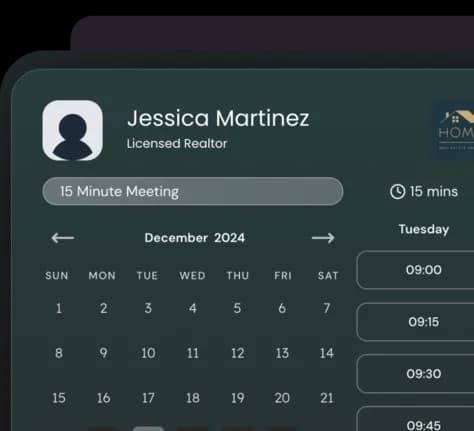
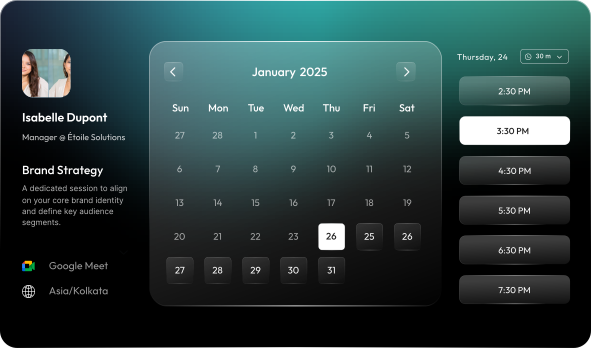
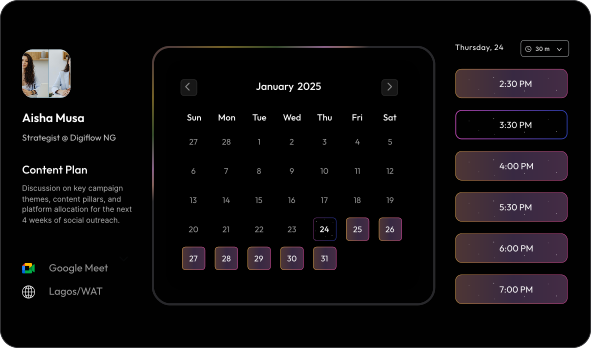
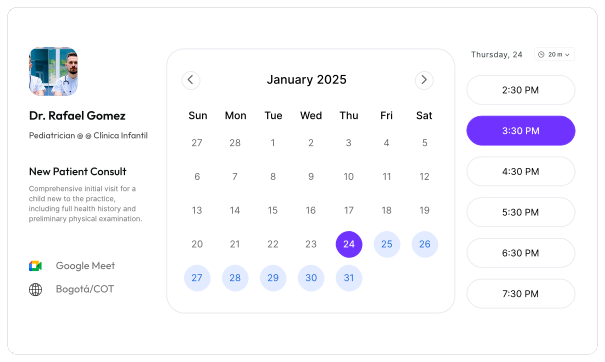
Embed Gorgeous
calendar widget on
your website
Choose your Design → Customize it → Copy-paste code
Available for Free to All Lunacal Users
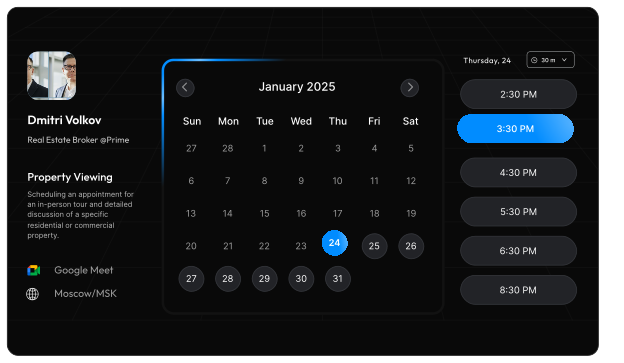
2500+ Companies Trust Lunacal















Add “Book my calendar”
to your site.
Multiple ways of embedding - Inline on a page,
floating as a widget, or opening as a pop-up.
Embed an inline calendar
Place the full booking calendar directly on any page like pricing, or contact us.

Add a floating widget
Keep a small customisable “Book” widget visible while people scroll. One click opens your calendar.
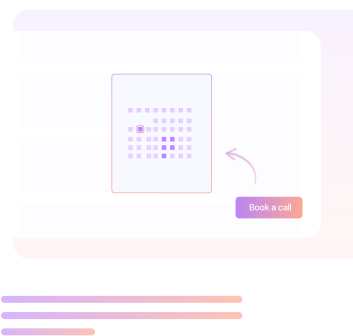
Open a pop-up calendar from any button
Turn any button into a booking trigger. Example: “Book a demo”, “Book a call”, “Get a quote”.

Powered by Lunacal's scheduling engine.
You’re not just embedding a pretty UI. You still get the full scheduling setup behind it.
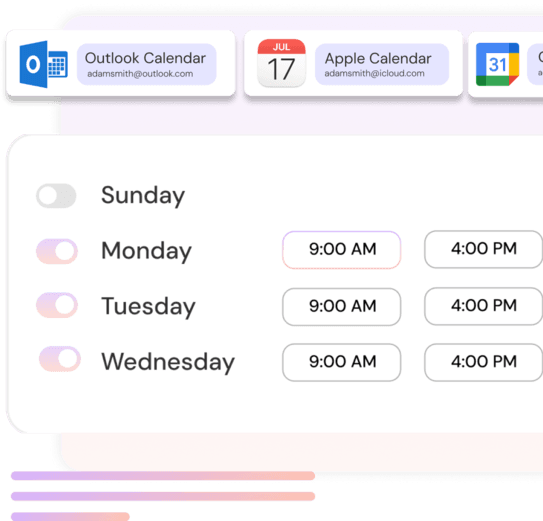
Connect calendars
Sync Google, Outlook, and Apple calendars to avoid double-booking.
Connect meeting tools
Add Google Meet, Zoom, or Microsoft Teams. Or use your custom meeting from any tool.
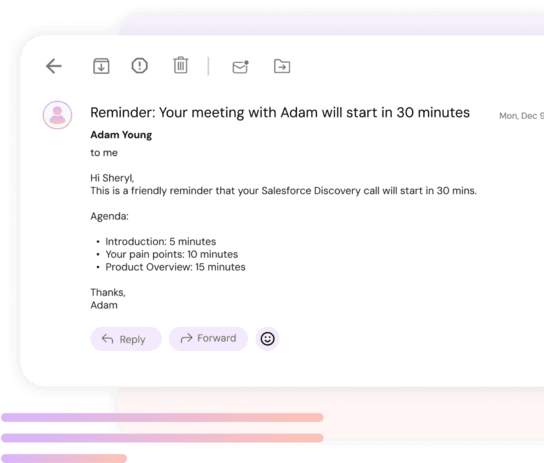
Meeting reminders
Send booking confirmations, reminders, and follow-up emails & SMS automatically.
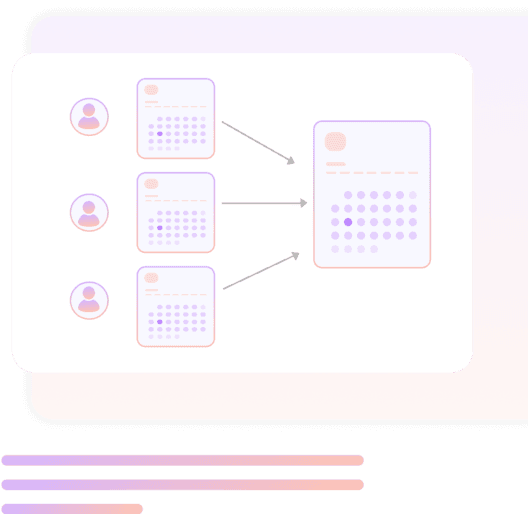
Teams
Create team booking pages. Route meetings with round-robin or let invitees pick a host.

Paid bookings
Take payment while someone books. Connect Stripe or PayPal for deposits or full payments.
Full-suite of features, one simple tool
Automated Reminders
Send automated SMS and email reminders for meetings.
Booking Links
Generate shareable links to schedule appointments.
Workflows
Send multi-step emails before, during, and after meetings.
Buffers
Add breathing space to prevent back-to-back bookings.
Calendar Sync
Sync with Google, Outlook, and Apple calendars, multiple at the same time.
Website Embed
Embed booking calendar directly on your site.
Embed social content
Add feed from insta, fb, linkedin, youtube, tiktok, etc.
Team Scheduling
Complete suite for scheduling as a team.
Group Bookings
Allow multiple attendees to join classes, webinars, or sessions.
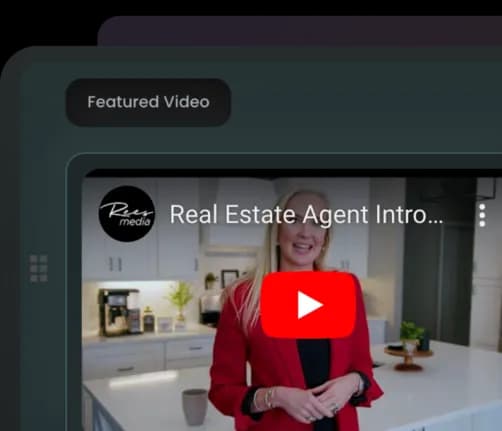
Images and Videos
Add content like images or videos to your booking page.
Notice Period
Set minimum time required for booking in advance.
Manual Booking Approval
Option to approve or reject bookings before confirming them.
Round Robin Allocation
Distribute meetings evenly across the team.
Booking questions
Customizable pre-booking questions on scheduling page
Collective scheduling
Allow guests to book time when all team members are available.
Custom availability
Customize availability for specific days to manage availability exceptions
Multi-Location & Multi-Service
Manage multiple business locations or service categories easily.
Custom Domain
Use your own domain for a fully branded scheduling experience.
Paid Bookings
Collect payments directly via Stripe or PayPal. Lunacal charges 0% commission.
Coupons & Discounts
Offer promotional codes and special pricing for your clients.
Landing Page
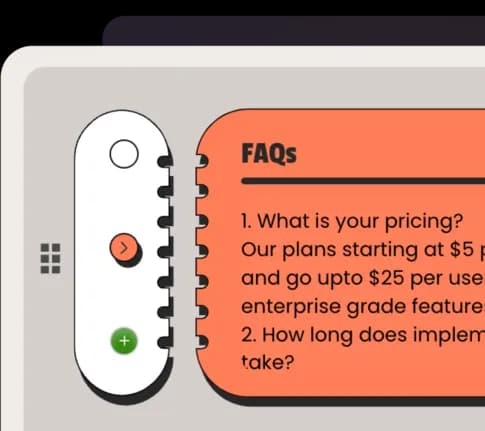
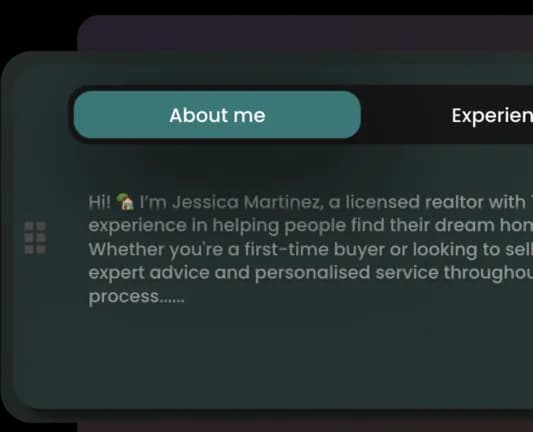
Add your profile, FAQs, company details, and more on the scheduling page.
GDPR Compliant
Built with full compliance for secure data handling and privacy.
Languages
13+ languages (Eng., Spanish, German, French, Portuguese, Dutch, etc.
Integrations
Integrate using zapier, webhooks, CRM (hubspot, pipedrive) etc.
Endless customisation options
Customer logos
Videos
Testimonials

FAQ
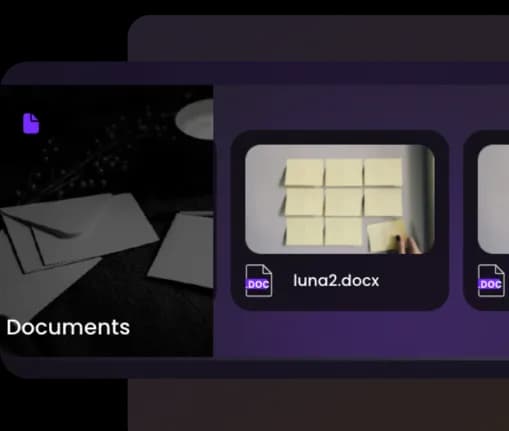
Files
About
Profile photo