Dance Class Scheduling Software
Dance scheduling with level/age filters, trials, capacity limits, packs, payments, cancellations, reminders, & instructor schedules.
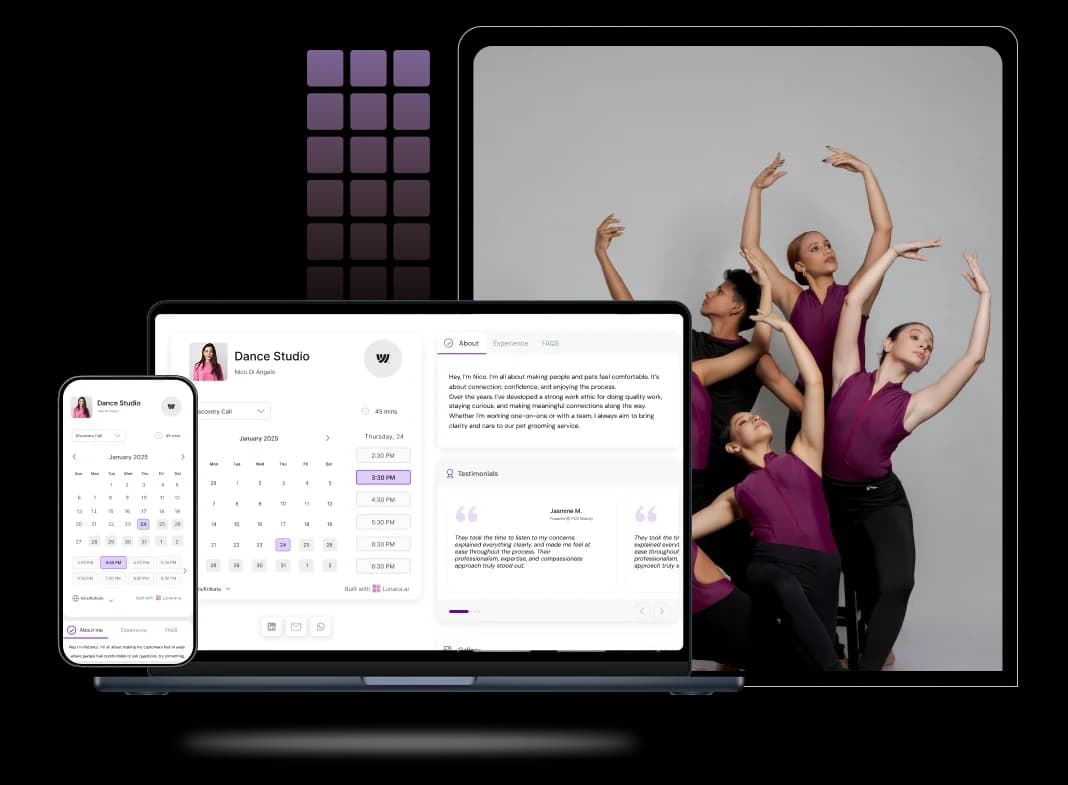
Scheduling features for dance classes and instructors
Let dancers book classes, trials, and drop-ins instantly
Dance classes fill up fast, and “I’ll confirm later” loses students. A good dance studio scheduling software shows real-time availability, caps class size, and lets someone reserve a spot in seconds. It should handle trials, waitlists, and cancellations cleanly, so front-desk chaos doesn’t become your brand.
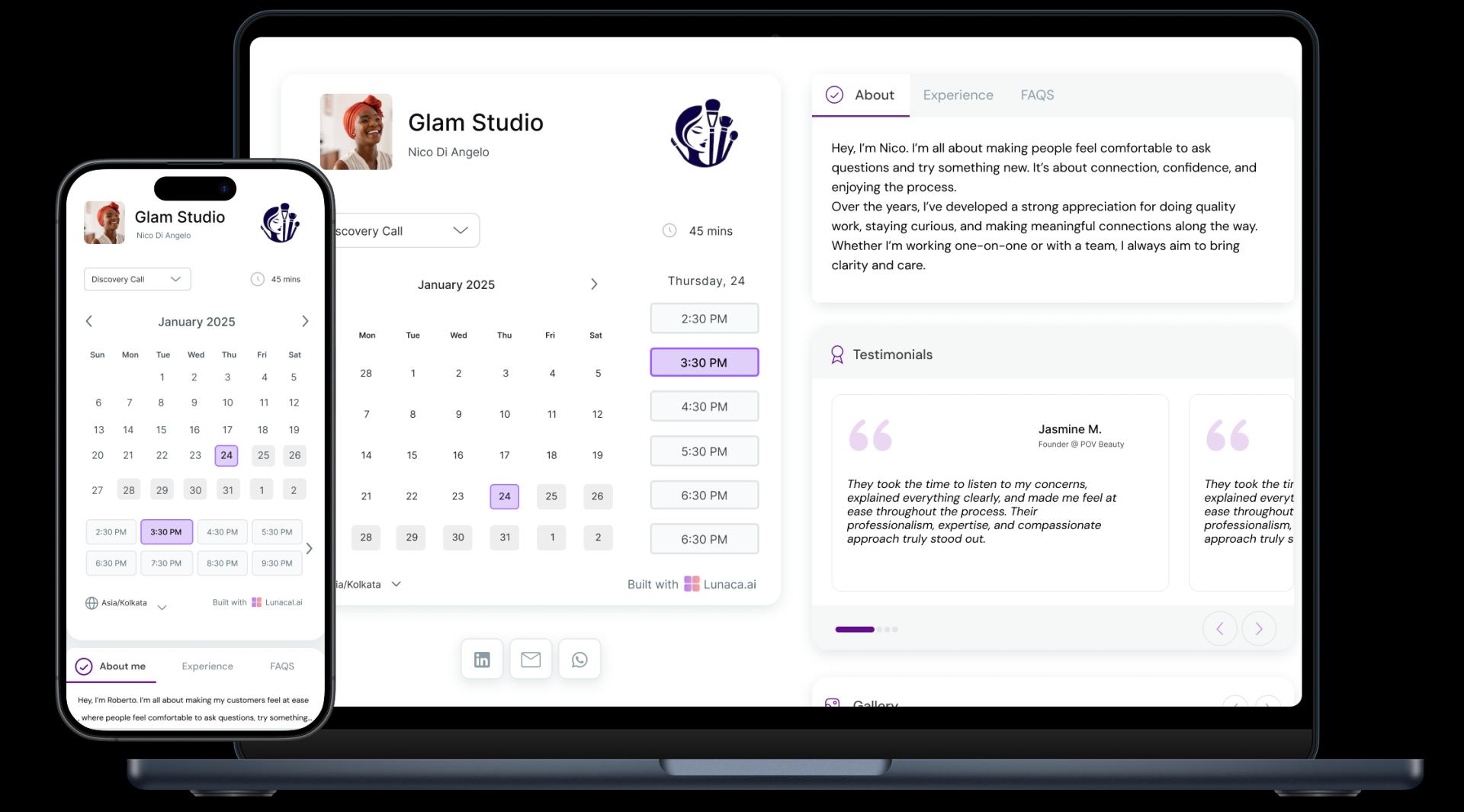
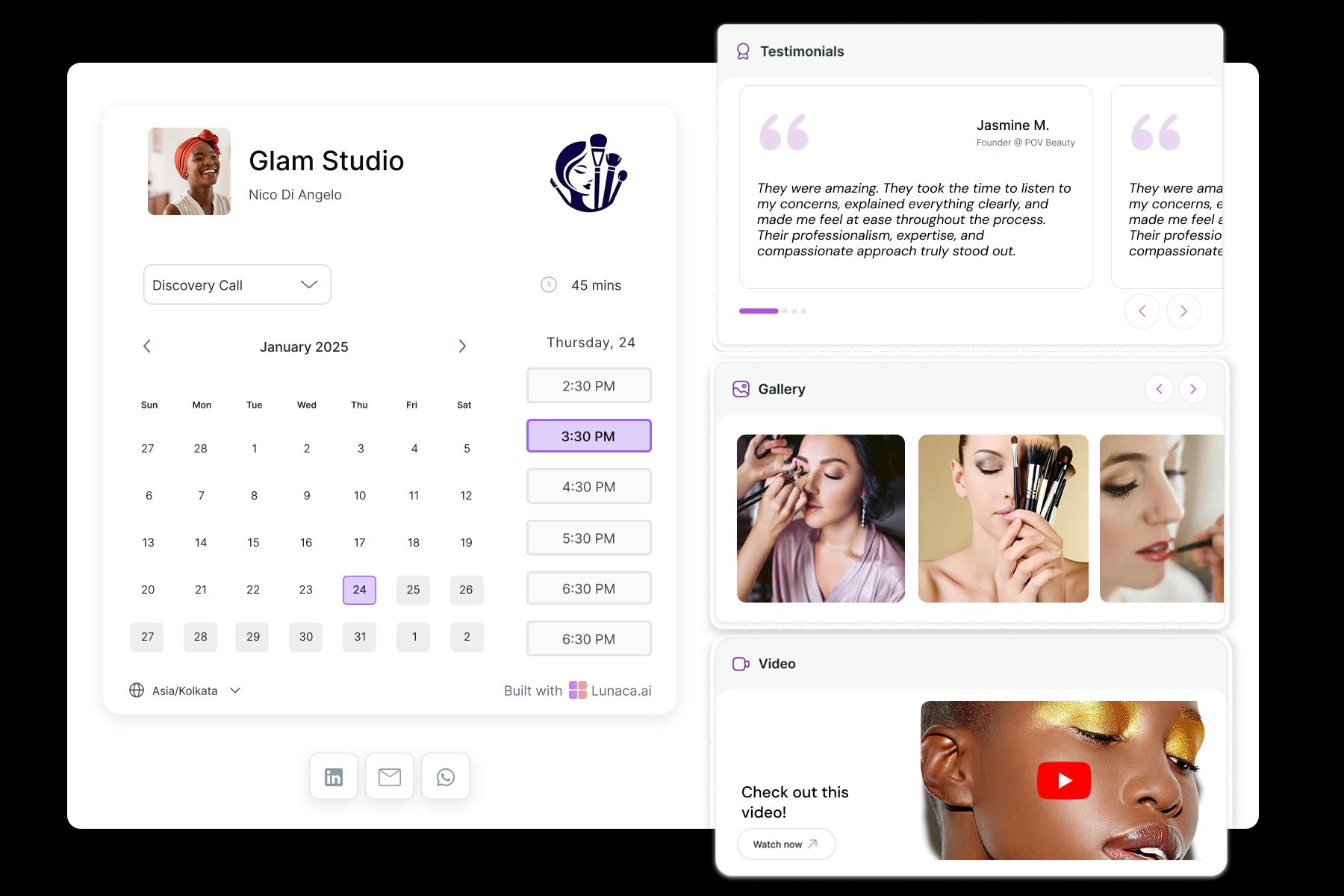
Show your styles, vibe, and instructors before they book
People choose a studio as much for energy as for time slots. Your dance studio booking page should support photos, videos, instructor highlights, and class notes (music style, intensity, dress code). When someone lands from Instagram, they should instantly understand what “your studio” feels like.
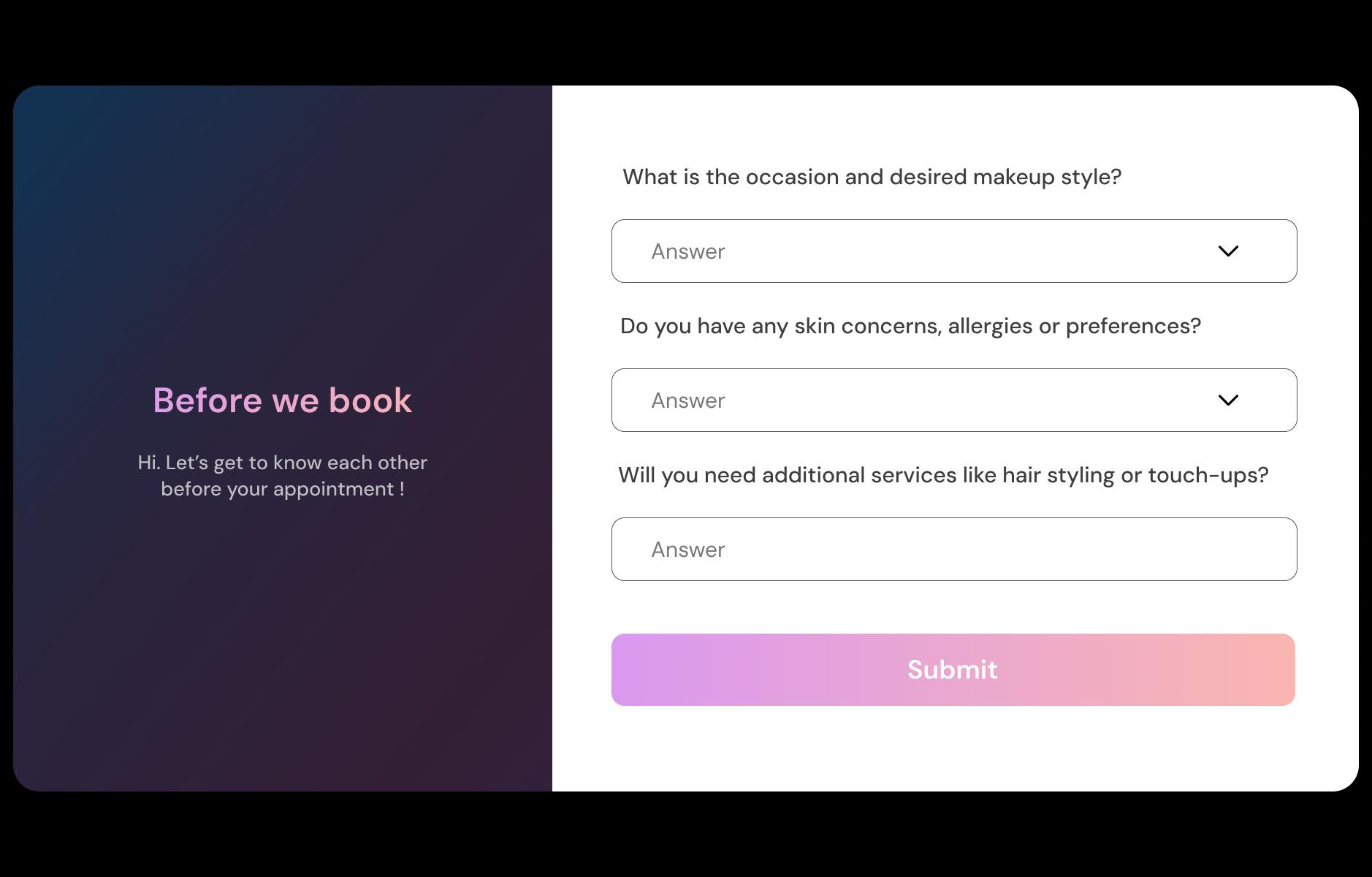
Place dancers correctly with level, goals, and injury info
A beginner in an advanced class is a safety issue, not a small mistake. Ask at booking: level (beginner/intermediate/advanced), goals (fitness, audition prep, technique), age group, and any injuries or restrictions. The answers should show up on the roster so instructors can plan combos and give safer modifications.
Reduce no-shows with prep notes and studio details
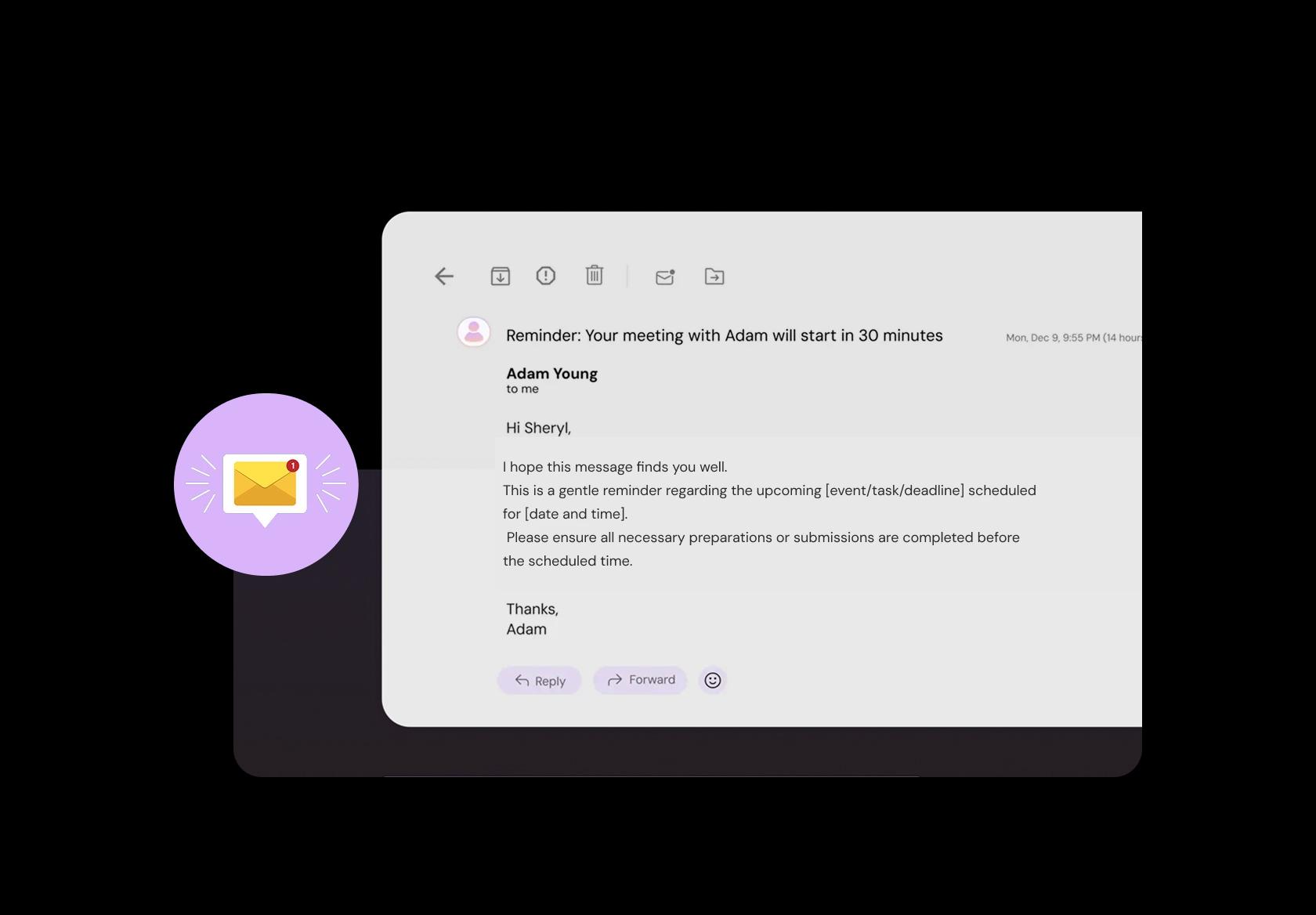
Reminders work best when they’re specific. Send automated messages with what to bring (shoes, tights, water), arrival time (“please arrive 10 minutes early”), and the right room (“Studio B upstairs”). Add policies too: late entry rules, makeup class links, and cancellation cutoffs.
Take drop-in fees, class packs, and memberships upfront
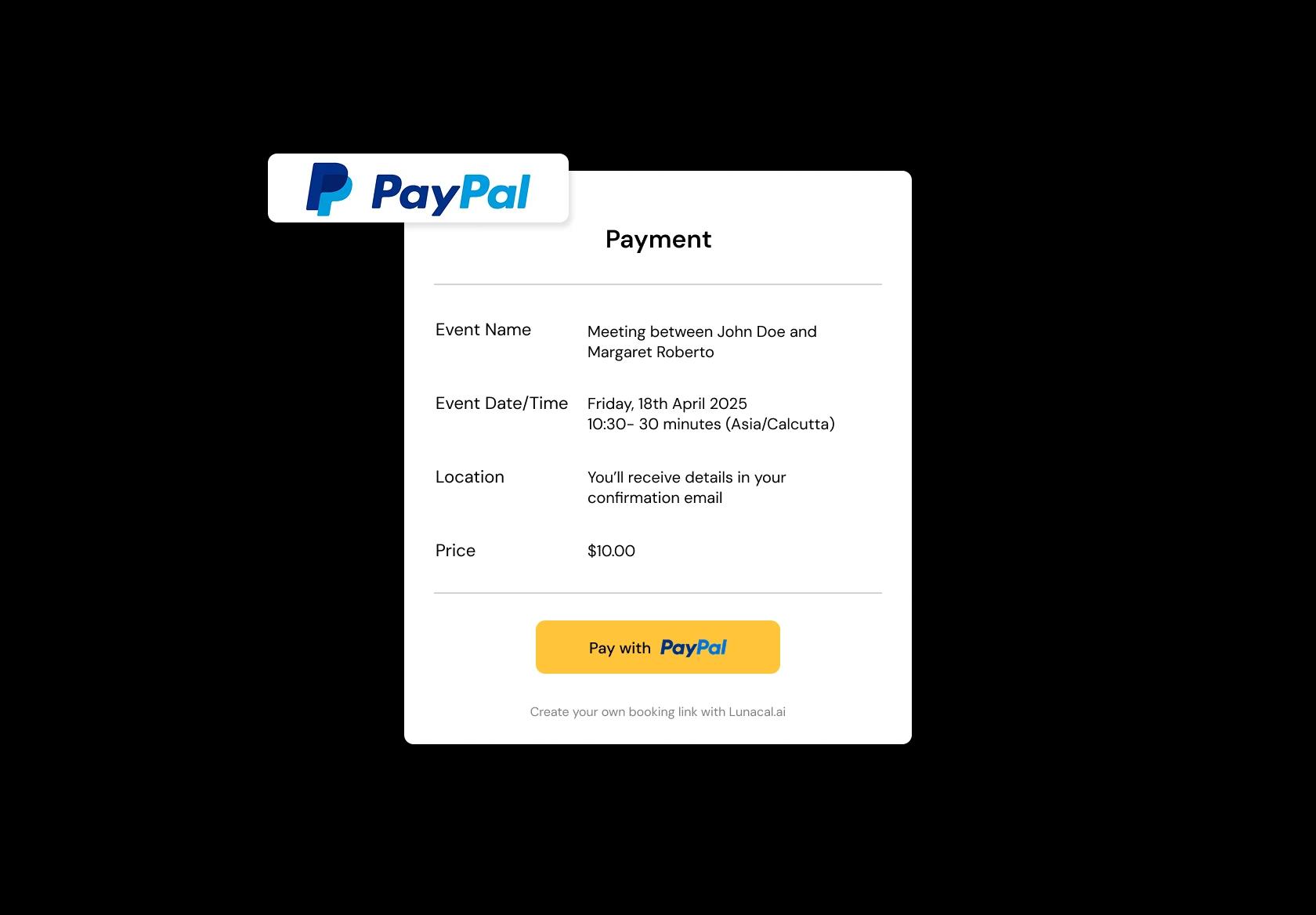
Payments shouldn’t happen in a rushed line at the door. Let dancers pay during booking for drop-ins, monthly memberships, or class packs (5-class, 10-class). For global audiences, it helps to support multiple currencies and clear tax receipts. When payment is confirmed, the spot is confirmed.
Run multiple studios or rented halls without mix-ups
If you teach across studios, rehearsal spaces, schools, or rented halls, location confusion is guaranteed unless your system handles it well. Each class should show the exact address, room, and any entry instructions. Separate availability per location so travel time and overlapping bookings don’t wreck your timetable.
Separate group classes, privates, intensives, and auditions
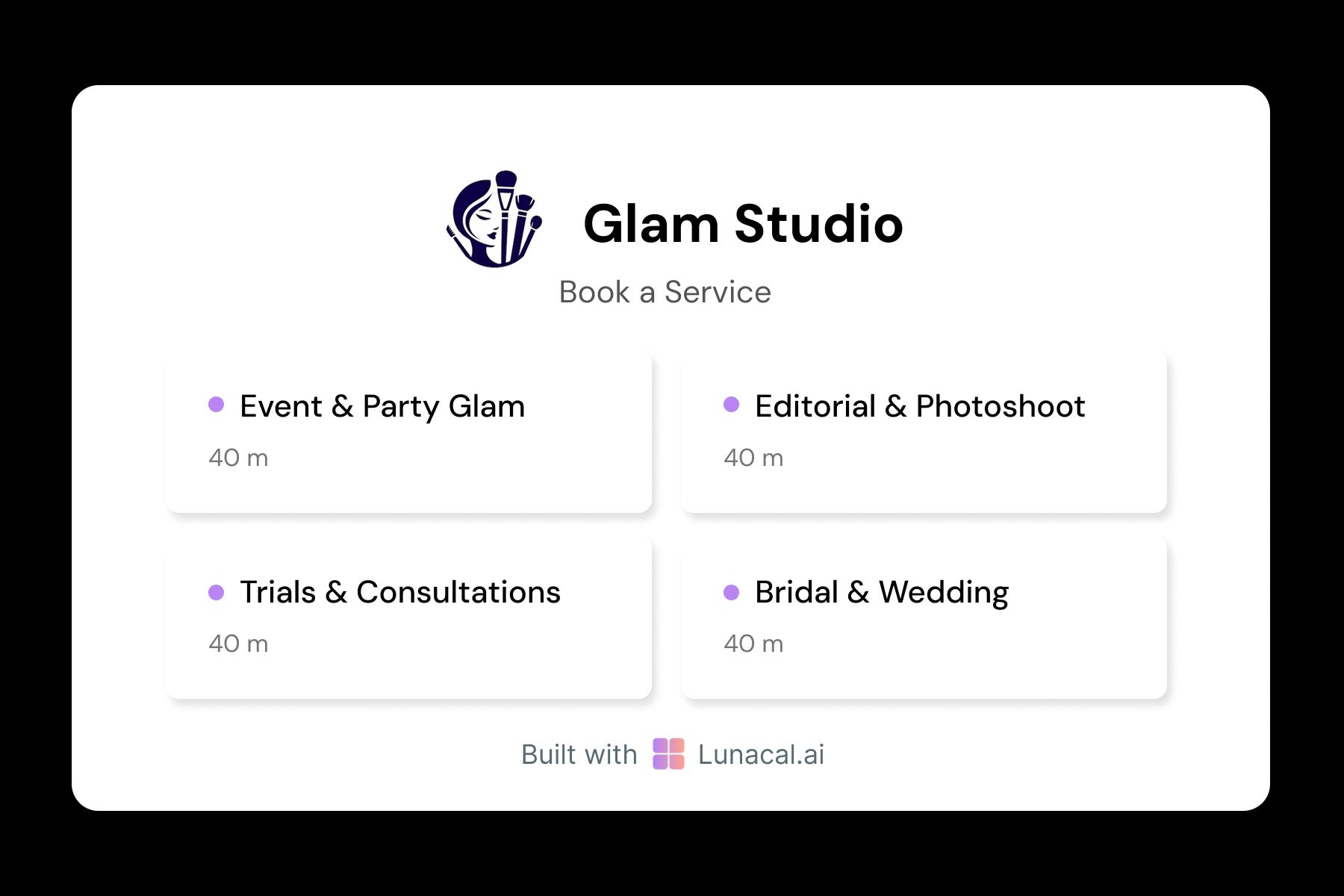
A 3-day intensive needs different rules than a 30-minute trial. Create distinct services for group classes, private lessons, choreography sessions, audition prep, and workshops. Each one should have its own duration, pricing, capacity, and policies so dancers know what they’re booking, and you don’t keep correcting misunderstandings.
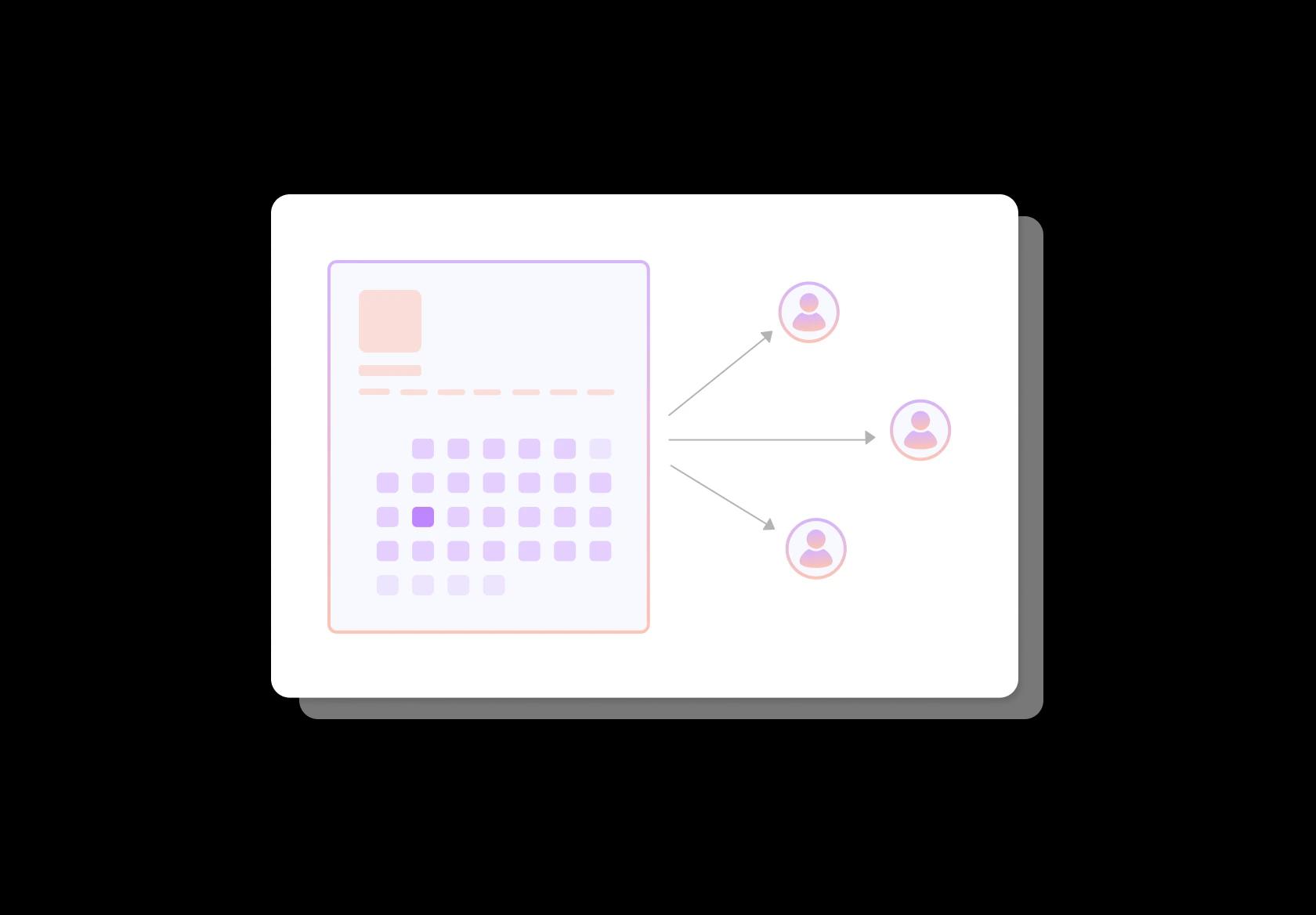
Distribute new students across instructors fairly
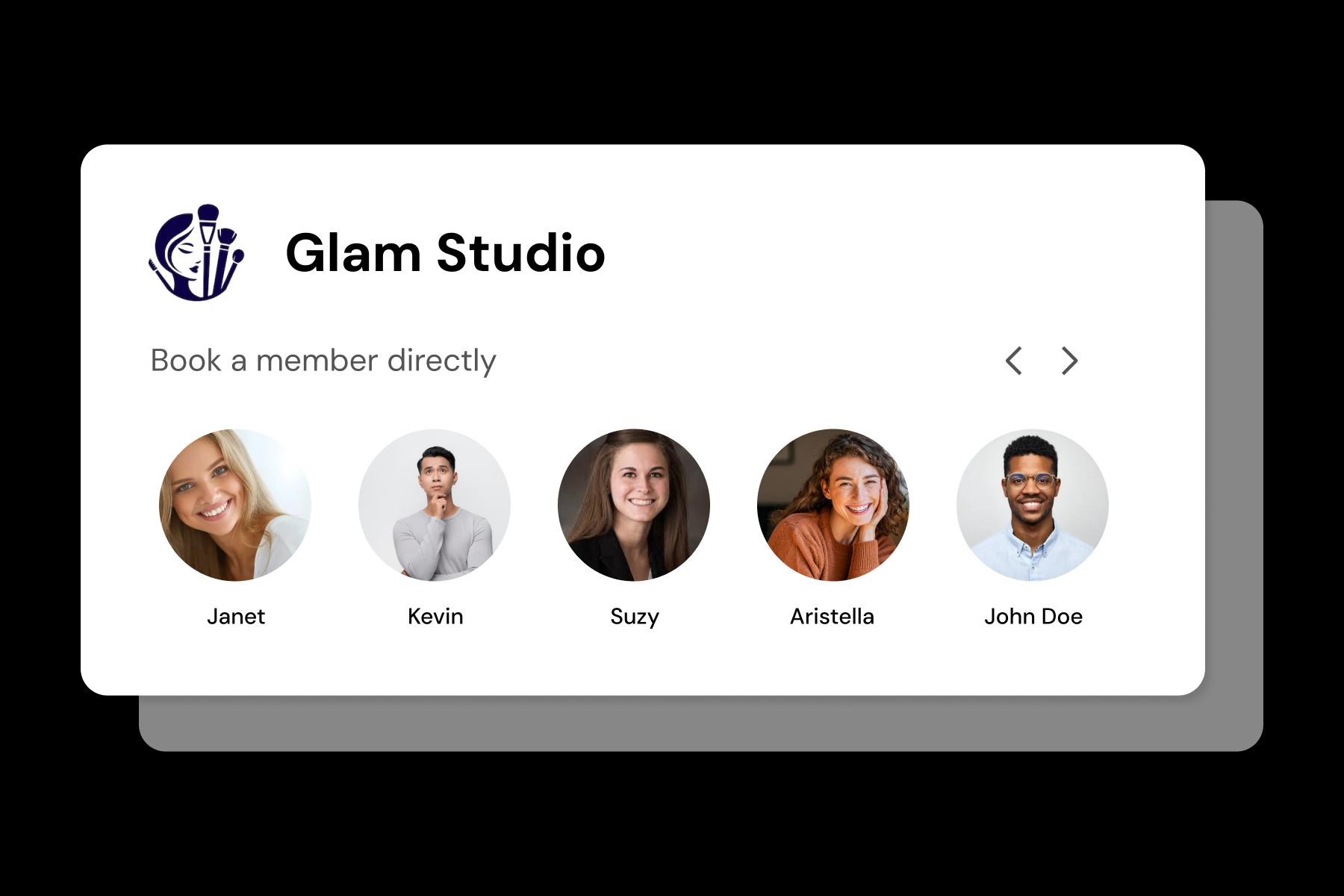
Round-robin only matters if it respects real constraints. Assign students based on instructor availability, style (hip-hop vs ballet), and level suitability, not just “who’s next.” This prevents one teacher from being overloaded while another has gaps, and it keeps student experience consistent across the team.
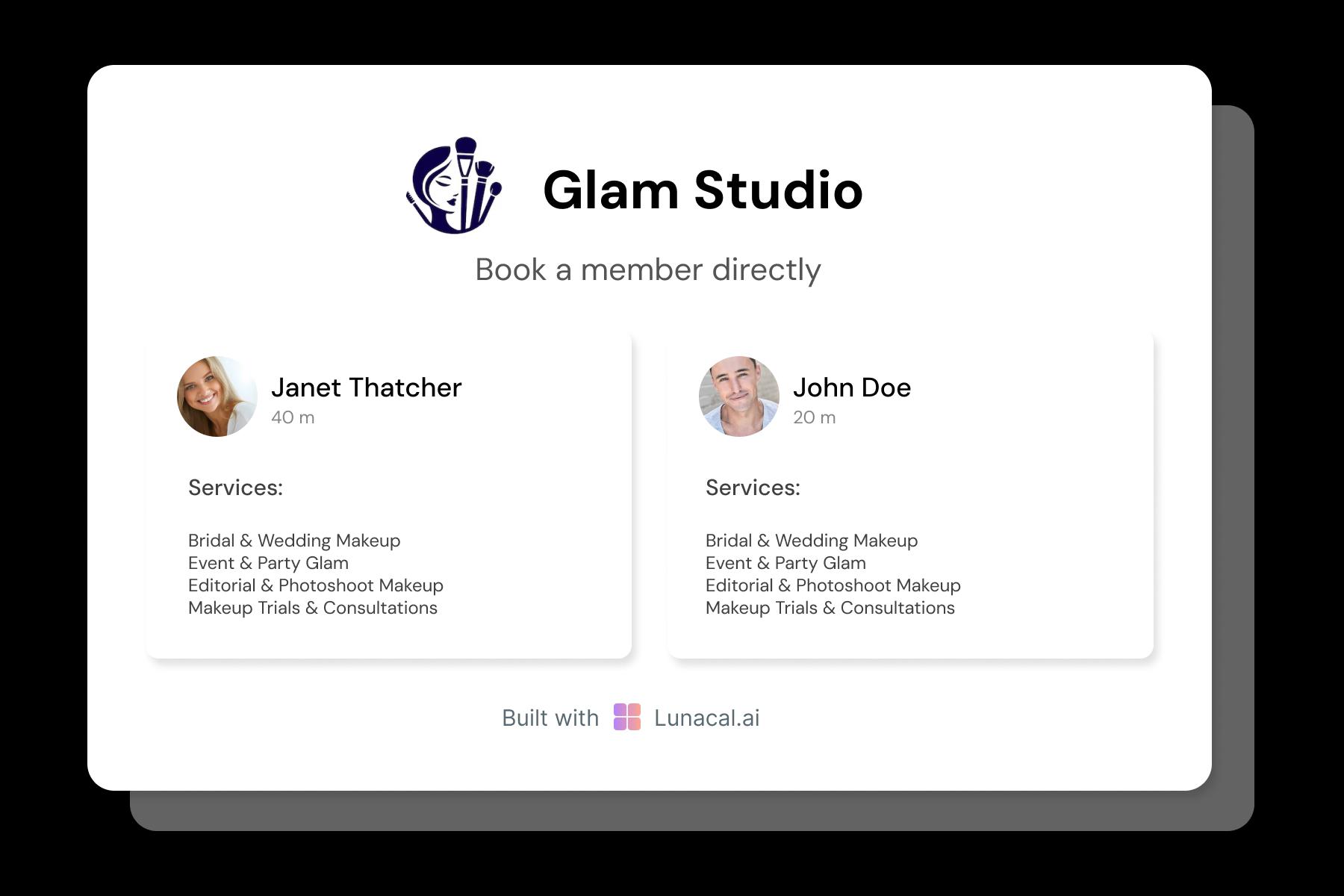
Help dancers choose by style, teaching vibe, and focus
Students often pick the teacher before they pick the time. Instructor profiles should show specialties (ballet technique, contemporary, heels, breaking), teaching style (strict vs encouraging), and who it’s best for (beginners, competitive teams, adults). This reduces dropouts because students start with the right fit.
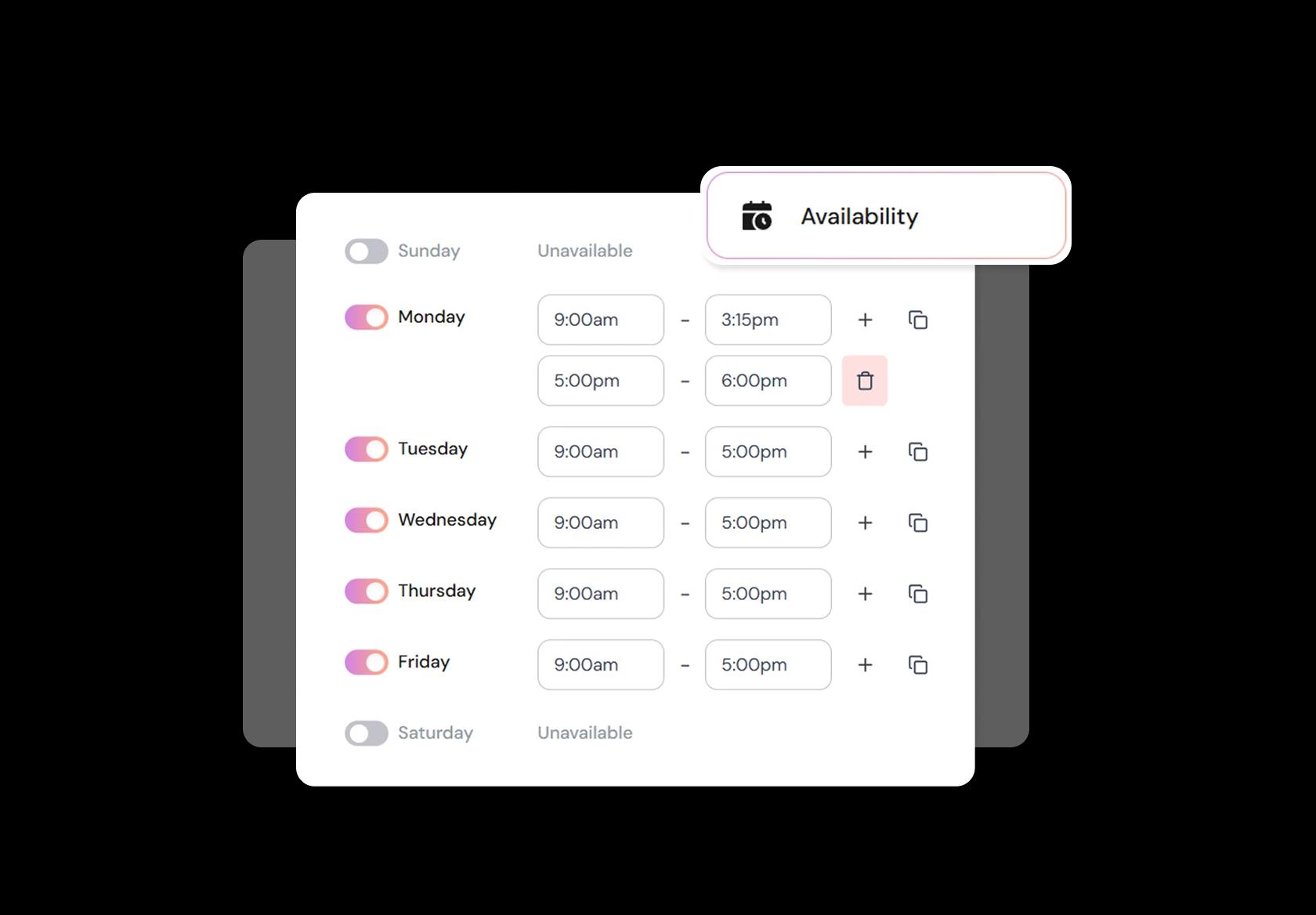
Adapt quickly for shows, auditions, holidays, and seasonality
Dance calendars change constantly: show weeks, rehearsal blocks, exams, holidays, and off-season dips. Your dance studio management software should let you edit availability fast, add blackout dates, set minimum notice, and build buffers. When schedules shift, students should see updates instantly so you avoid “but I thought class was on” confusion.
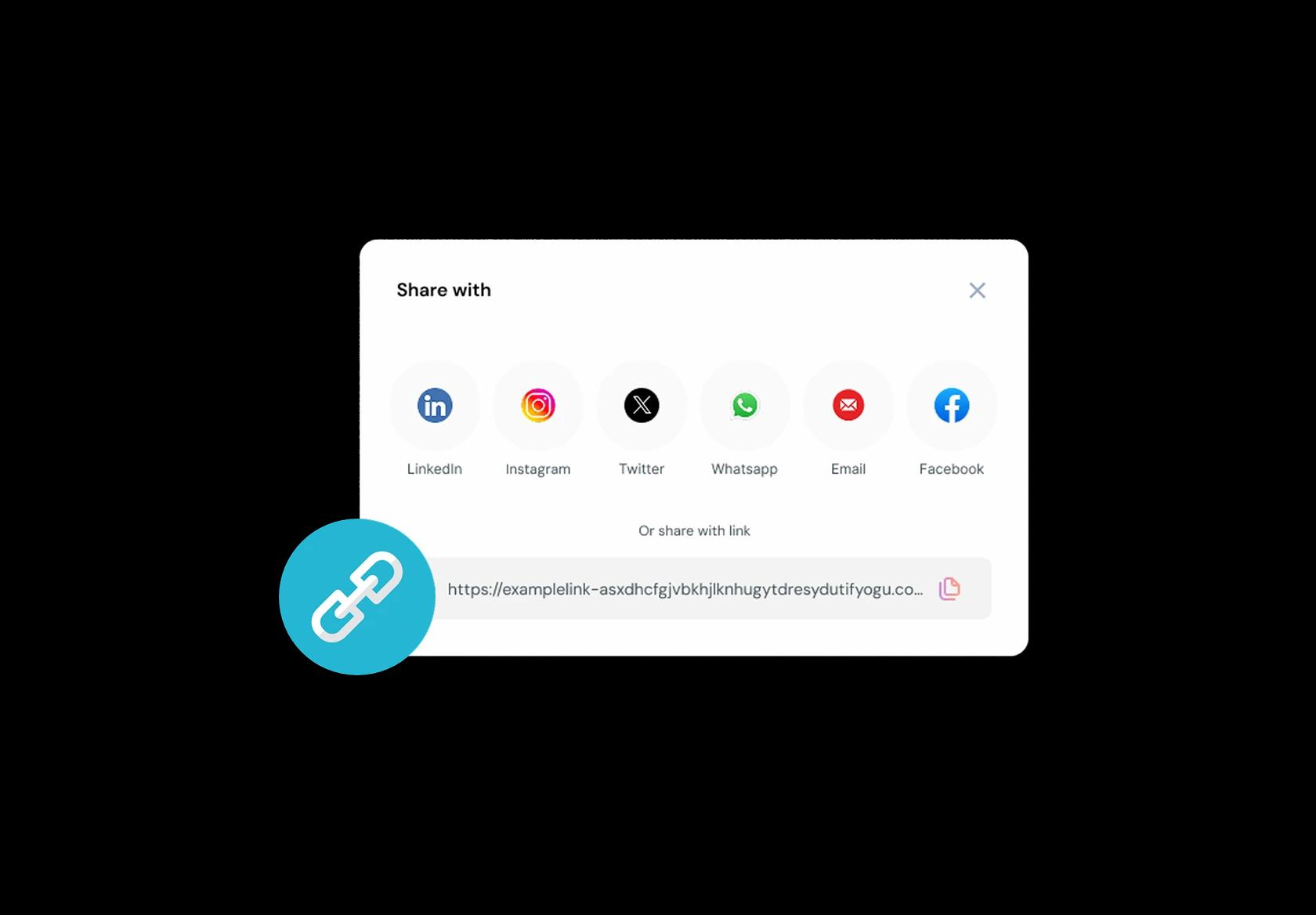
One link that works across socials, flyers, and email
Dancers find you everywhere: Instagram bio, QR codes on flyers, school newsletters, WhatsApp groups, and Google Business Profile. Use one booking link that always shows the latest schedule, class options, and pricing. Fewer steps means more bookings, especially on mobile.
No commission, No license fees.
Just simple, fair pricing
(save upto 20%)
Standard
- Unlimited Calendars & Services
- Connect Online Meeting Tool
- Payments via Stripe, PayPal
- Text / Email Reminders
- Customize your booking page
Teams
- All Standard Features
- Teams Scheduling
- Multi-session Packages
- Round-robin Scheduling
- Webhooks
Enterprise
- AI Voice Agent
- Account Manager
- Complete Branding
- MCP Server (Beta)
- SSO
Related scheduling apps


Dance Studio Scheduling Software Playbook
This playbook helps you set up dance studio scheduling software so parents, students, and instructors always know what’s happening, what to do next, and what it costs.
Start with what people actually book
Your schedule gets messy when “a class” is treated like one generic event. Dance studios run multiple booking types, and each needs different rules.
- Create separate bookable types for group classes, private lessons, trials, workshops, intensives, and auditions.
- For group classes, include level and style in the name (for example: Beginner Ballet, Intermediate Hip-Hop, Kids Jazz).
- For private lessons, collect the goal upfront (technique, choreography, competition prep) so the instructor can plan.
- For workshops and intensives, treat them like an “event series” with a clear start and end date, not a recurring weekly class.
Design your timetable like a studio, not like a calendar
Dance scheduling breaks when you ignore rooms, transitions, and instructor constraints. Your software should reflect your real floor plan.
- Set capacity per class based on room size and style (a ballet class and a contemporary class often can’t share the same cap).
- Add buffer time between classes for entry and exit, water breaks, and quick resets (especially for kids classes).
- Assign each class to a specific studio room to avoid accidental double-booking.
- Lock instructor availability windows so you don’t schedule a class that conflicts with school pickup hours, commute time, or other studios.
- If you serve multiple time zones (online classes), show local time clearly and confirm it in the booking confirmation.
Handle trials, drop-ins, and waitlists without chaos
This is where most dance studios lose time on DMs and back-and-forth. Build a system that absorbs “can I try one class?” requests automatically.
- Create a dedicated “Trial Class” option with a simple intake form (age, level, style interest, prior experience).
- Use waitlists for full classes, and configure it to notify the next person automatically when a spot opens.
- Set a cut-off for same-day bookings (for example, 2–6 hours before class) so instructors aren’t surprised.
- For drop-ins, show a “spots left” indicator so people don’t show up assuming it’s fine.
Collect the right student info once, then reuse it
Dance studios need more than a name and email. Collect the details that prevent awkward situations and keep you safer operationally.
- Age and guardian contact for minors, plus emergency contact for everyone.
- Medical notes that matter in movement settings (injuries, asthma, recent surgery, limitations).
- Consent fields for photo and video use (separate “studio social media” and “internal training” if you want clarity).
- Waiver acceptance with timestamp and the name of the person who accepted it.
- Preferred communication channel (email, SMS, WhatsApp) and permission for reminders.
Match payments to how dance studios actually sell
If your pricing model and your scheduling model don’t match, you’ll constantly be manually fixing bookings.
- Support term-based fees for academic-style programs (common for kids and graded tracks).
- Offer monthly memberships for ongoing classes (common for adults and open-level programs).
- Use class packs for flexible attendance (5-class pack, 10-class pack) without forcing a fixed weekly commitment.
- Add sibling or family discounts without requiring manual coupon handling every time.
- Make refunds and credit policies visible at checkout so disputes drop.
- For a global audience, display currency clearly and avoid unclear “tax included” ambiguity if you serve multiple regions.
Reduce no-shows with rules that feel fair
Dance classes are time-based inventory. Your cancellation policy should protect the studio without feeling hostile.
- Set a clear cancellation window (for example, 12 or 24 hours) and enforce it consistently.
- Decide what happens on late cancel: lose the credit, pay a fee, or move to a waitlist priority penalty.
- Enable “makeup class” rules only if you can track them cleanly (limited to the same level, within a time window).
- For kids classes, add an easy “guardian reschedule” flow so the studio isn’t stuck mediating via messages.
Make attendance and check-ins part of the workflow
Attendance isn’t just admin. It affects safety, instructor planning, and retention.
- Use quick check-ins per class so you know who is physically present.
- Track absences so you can identify students at risk of dropping off (especially after 2–3 missed weeks).
- Give instructors a simple roster view with notes (injury, level guidance, guardian pickup notes for younger students).
- For private lessons, log what was covered so progress feels real and renewals become easier.
Run your studio communication like a system
Most scheduling problems feel like “communication problems.” Automations help, but only if the messages are specific and predictable.
- Send an instant confirmation that includes class name, level, room, what to wear, and arrival time recommendation.
- Send reminders at the right moments: one the day before, and one a few hours before (especially useful for kids classes and weekend sessions).
- If a class is cancelled or moved, notify everyone automatically with the updated details and the reschedule path.
- For global audiences, include local time in messages and avoid ambiguous formats like 07/08/2026.
Plan for recitals, auditions, competitions, and intensives
These are “high stakes” weeks where normal scheduling rules break. Treat them as first-class events in your system.
- Create a dedicated event type for auditions and assessments with time slots and capacity controls.
- Collect what you need upfront: song choice, style, experience level, age group, and any partner/group details.
- For recitals, manage rehearsals as separate sessions from the main classes to avoid confusion.
- Use one registration flow for each event so you don’t juggle payments in one place and attendance in another.
Track the metrics that actually improve a dance studio
Most studios don’t need complicated analytics. They need a few numbers that explain schedule health and student retention.
- Class fill rate by time and style (you’ll usually find obvious “dead zones” you can fix).
- Drop-off points (for example, students who stop coming after 3–4 classes).
- Instructor load balance so one instructor isn’t overbooked while another is underused.
- No-show and late-cancel rate by class type (trials and drop-ins behave differently than memberships).
- Revenue per class hour, so you stop guessing which sessions are worth keeping.
Copy-paste policies you can put on your booking page
These reduce misunderstandings and save you from repeating the same explanations every week.
- Late arrival
- If you arrive more than 10 minutes late, you may be asked to observe instead of joining, so we can keep the class safe and focused.
- Cancellation window
- Please cancel or reschedule at least 12 hours before class. Late cancellations may forfeit the class credit.
- Trial class expectation
- Trial classes are for finding the right level and style. We’ll guide placement after your first session.
- Waitlist rule
- If a spot opens, we’ll notify the next person on the waitlist. Please confirm quickly so the spot doesn’t stay unused.
Authored & Reviewed by:
Pranshu Kacholia is the founder of Lunacal.ai, a calendar scheduling and appointment booking system. He works directly with businesses of all sizes to improve booking outcomes - reducing no-shows, cutting back-and-forth, and making scheduling more reliable and efficient. His day-to-day includes reviewing real scheduling setups and edge cases: complex availability and buffers, time zones, routing, cancellation/rescheduling rules, paid meetings and deposits, reminder workflows, and integrations with calendars and meeting tools. He regularly shares appointment scheduling best practices through interviews and community conversations (see this interview and this discussion) and also writes about calendar scheduling (read the article on Medium). He has first-hand experience of using 40+ scheduling tools such as calendly, acuity scheduling, vagaro, fresha, tidycal, square, setmore etc. and understands product nuances deeply.
Lunacal.aiCalendlyAcuity SchedulingSquare AppointmentsSetmoreDoodleBooksyMindbodyFreshaSimplyBook.meHoneyBook


