Weekly working hours
Turn days on or off and set your bookable time ranges.
LunaCal calendar availability combines your working hours, connected calendars and event booking rules to determine which slots clients can book. Keep separate schedules for different services without treating every empty calendar slot as working time.
Start your free trialCompare scheduling tools ↓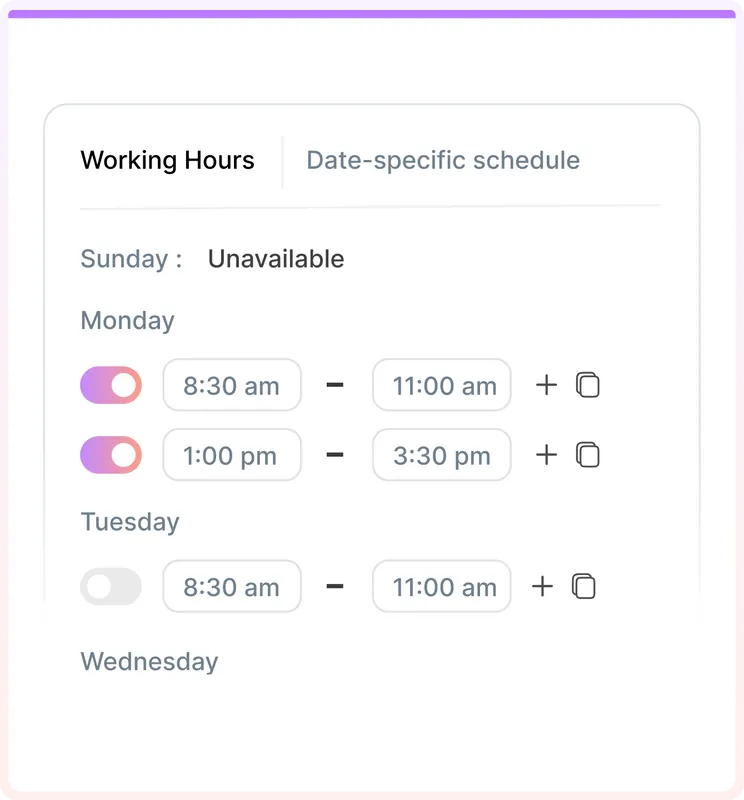
Weekly hours define when you work. Calendar conflicts and booking rules narrow that time to appointments you can accept.
Turn days on or off and set your bookable time ranges.
Add more than one working interval in a day to leave breaks.
Create named availability schedules and assign them to event types.
Block a whole day or selected hours for holidays and one-off changes.
Connect Google, Outlook and Apple calendars for availability checks.
Reserve preparation and transition time before and after events.
Set how much advance notice a new appointment needs.
Control how far into the future people can book.
Limit bookings for an event over the periods you configure.
Show available slots in the visitor’s time zone.
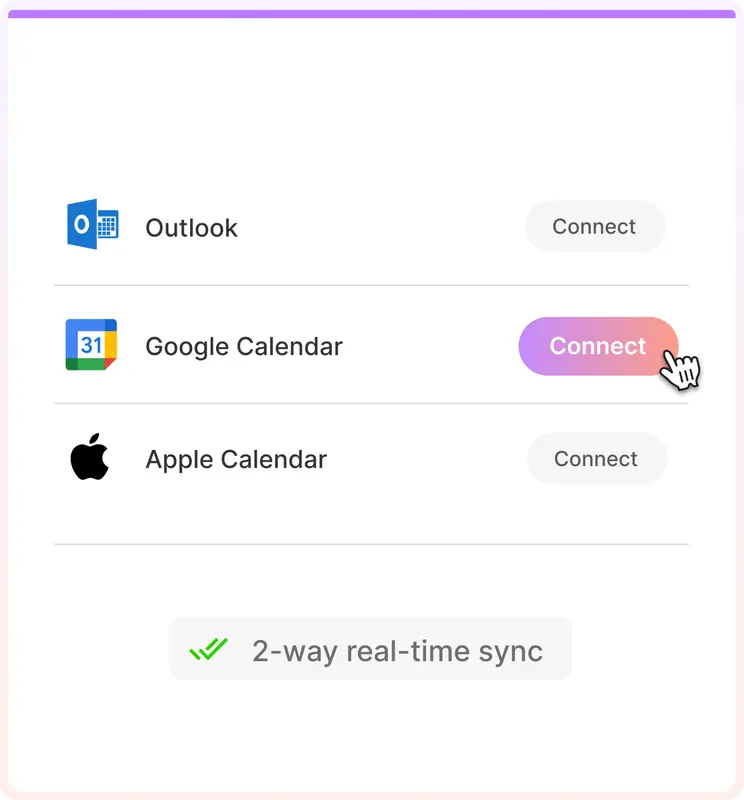
LunaCal can check more than one connected calendar while saving new bookings to the calendar you choose. Your work and personal commitments can both inform availability.
An empty Sunday stays unavailable if Sunday is disabled in the assigned schedule. A calendar gap alone does not open a bookable slot.
A connected commitment can make time unavailable inside your working hours. Check that the relevant calendar is connected when diagnosing an unexpected slot.
The appointment length and configured buffers affect which gaps can accommodate a booking. Longer services can show fewer choices than short calls.
Advance notice stops short-notice bookings. The advance booking limit controls how far ahead clients can reserve a time.
Save an availability schedule once and select it inside the event type that should use it. Assigning the correct schedule matters as much as creating it.
Configure working hours →Example: offer short introductions on weekday mornings while keeping afternoons for client work.
Give an extended consultation a different schedule so its available times match when you can deliver that service.
Use an exception for a holiday or appointment instead of rewriting the regular weekly schedule.
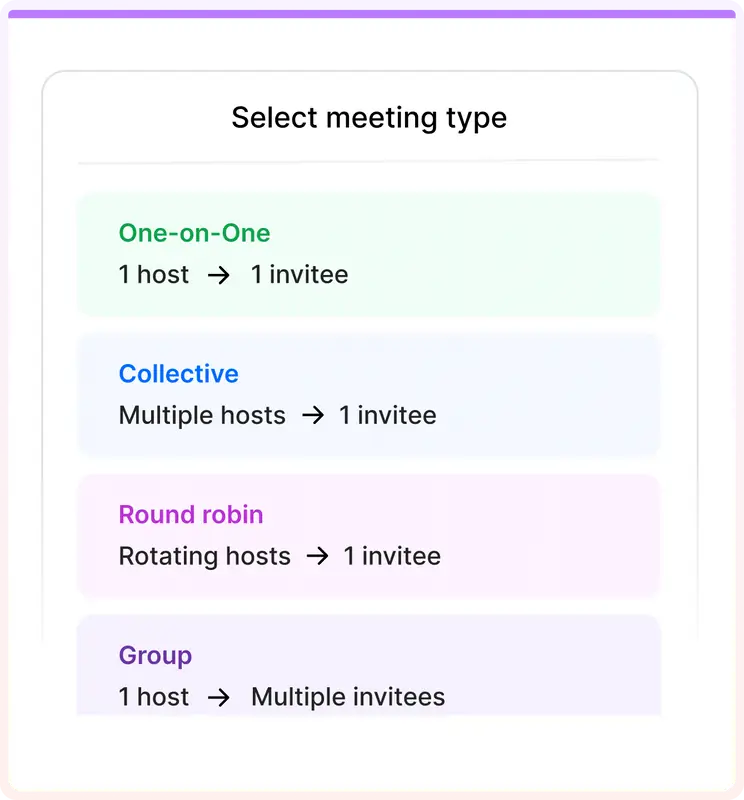
A team appointment needs more than one person’s hours. The event format decides which hosts must be available.
LunaCal combines unlimited calendar connections with service-level schedules and booking controls, so one account can handle different kinds of work.
Standard includes unlimited calendar connections. Keep multiple work and personal calendars in the availability setup as your commitments grow.
A saved schedule can serve the events that need it. Separate hours for introductions and consultations do not require separate accounts.
Use the same platform for scheduling rules, paid sessions and reminders. Standard starts at $9 per user per month; team formats are available on Teams.
Core availability controls are common across scheduling tools. Calendar connection limits and how those controls extend to services and teams are useful differences to compare.
| Capability | LunaCal | Calendly | Cal.com | Koalendar |
|---|---|---|---|---|
| Weekly availability | Yes | Yes | Yes | Yes |
| Date-specific exceptions | Yes | Yes | Yes | Yes |
| Multiple schedules | Yes | Yes | Yes | Yes |
| Event-specific hours | Yes | Yes | Yes | Yes |
| Calendar conflict checks | Yes | Yes | Yes | Yes |
| Connected calendars | Unlimited | Up to 6 | Unlimited | Plan dependent |
| Before/after buffers | Yes | Yes | Yes | Yes |
| Minimum booking notice | Yes | Yes | Yes | Yes |
| Future booking window | Yes | Yes | Yes | Yes |
| Time-zone conversion | Yes | Yes | Yes | Yes |
| Collective availability | Teams+ | Standard+ | Teams+ | Paid plans |
| Round-robin availability | Teams+ | Teams+ | Teams+ | Paid plans |
| Free plan | No | Yes | Yes | Yes |
No. The slot must also fit the availability schedule, event duration and booking rules. A gap outside working hours remains unavailable.
Yes. Create named availability schedules and choose the appropriate saved schedule in each event type.
Yes. Add an availability exception for the date and mark the full day or selected hours unavailable.
Yes. LunaCal supports multiple Google, Outlook and Apple calendar connections. Select the calendars needed for conflict checking and the destination for new bookings.
Advance notice controls how soon a client may book from the current time. A buffer reserves time around a scheduled appointment.
No. Changes to advance notice or advance booking limits apply to new bookings. Existing bookings stay in place.