PT Scheduling Software
Plan-of-care scheduling with evals + follow-ups, therapist + room matching, recurring visits, cancellations, reminders, & self-serve rescheduling.

Booking features for plans, sessions, and therapists
Patients book physio appointments without phone-tag
Patients should be able to book a physical therapy appointment in under a minute, whether it’s post-op rehab, chronic pain, or a first evaluation. Good scheduling shows only slots that match your rules (evaluation length, therapist type, room/equipment needs), so patients commit to care instead of “I’ll call later.”

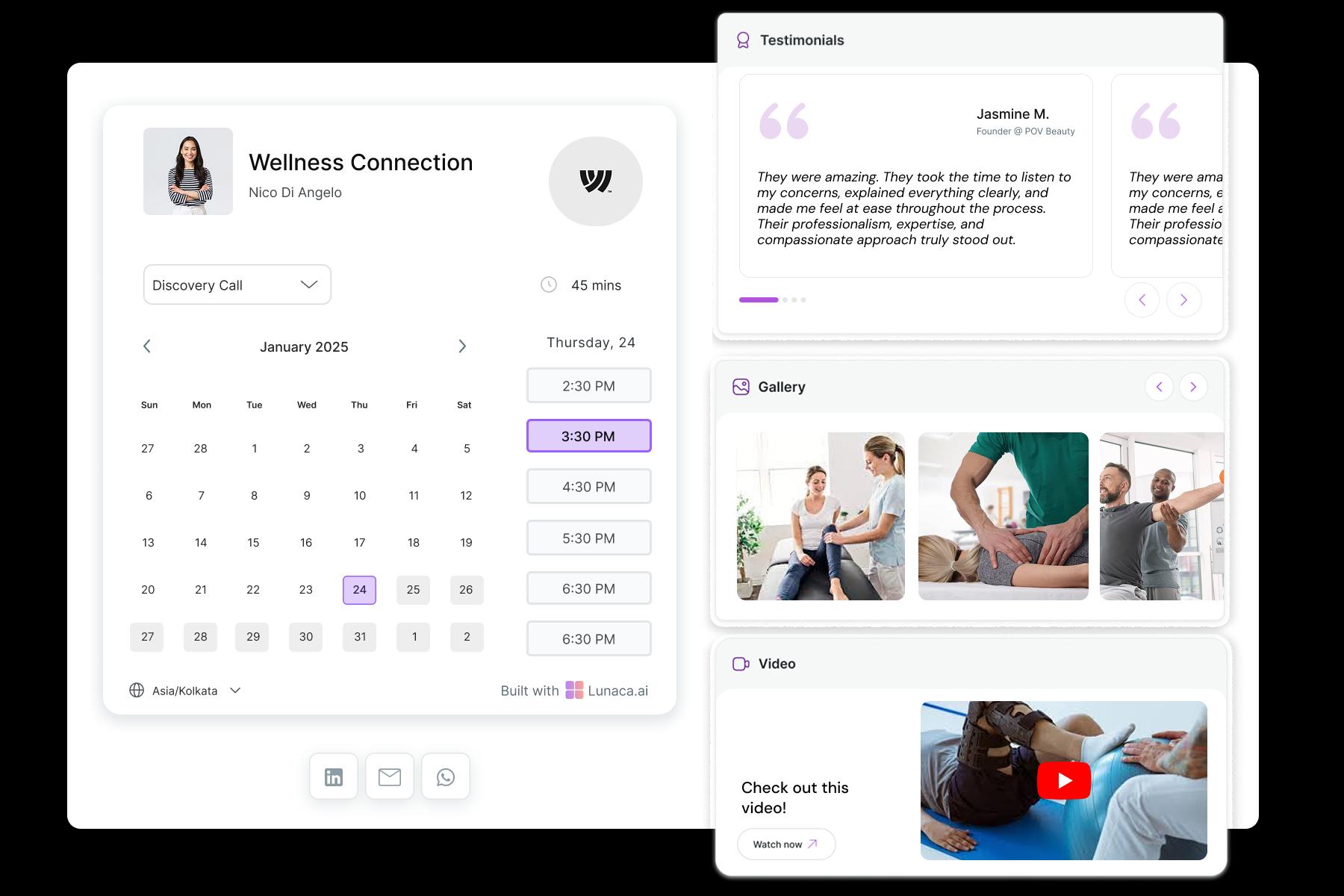
Build trust before booking with proof and clarity
Most patients aren’t comparing software. They’re asking: “Will this clinic actually help me?” Add real-world proof on the booking page: clinic photos, what your sessions look like, and outcomes people care about (return to sport, pain-free sitting, walking stairs). Mention your approach plainly: manual therapy, movement rehab, sports physio, pelvic floor, post-op protocols.
Capture injury details so the first session starts strong
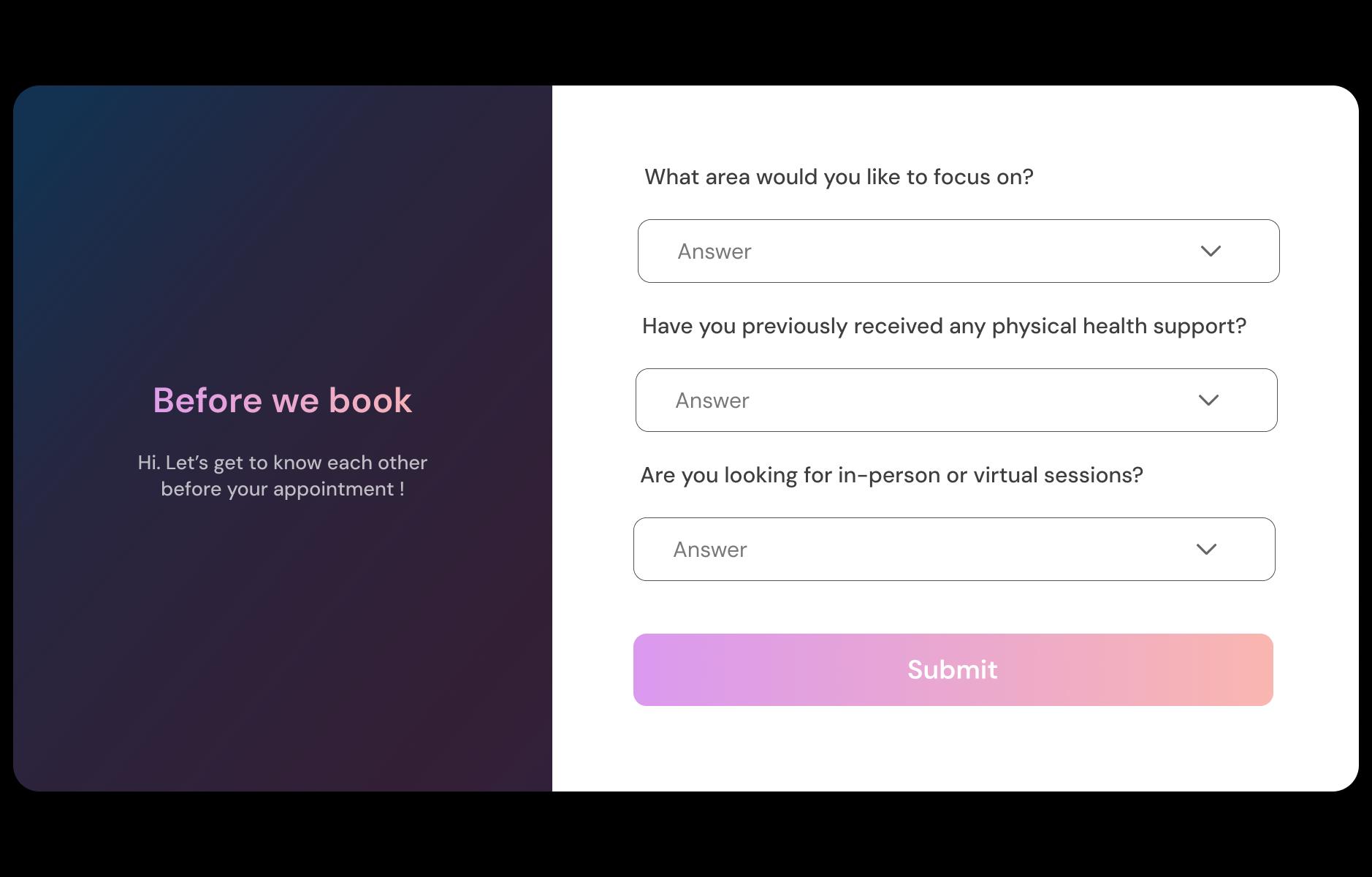
Ask the basics upfront so intake isn’t a messy back-and-forth: body area, onset date, aggravating movements, red flags, and what they’ve tried. Include common cases globally: ACL rehab, rotator cuff pain, frozen shoulder, sciatica, plantar fasciitis. These answers help you prep equipment, assign the right clinician, and run a smoother first physiotherapy evaluation.
Reduce no-shows and improve visit readiness
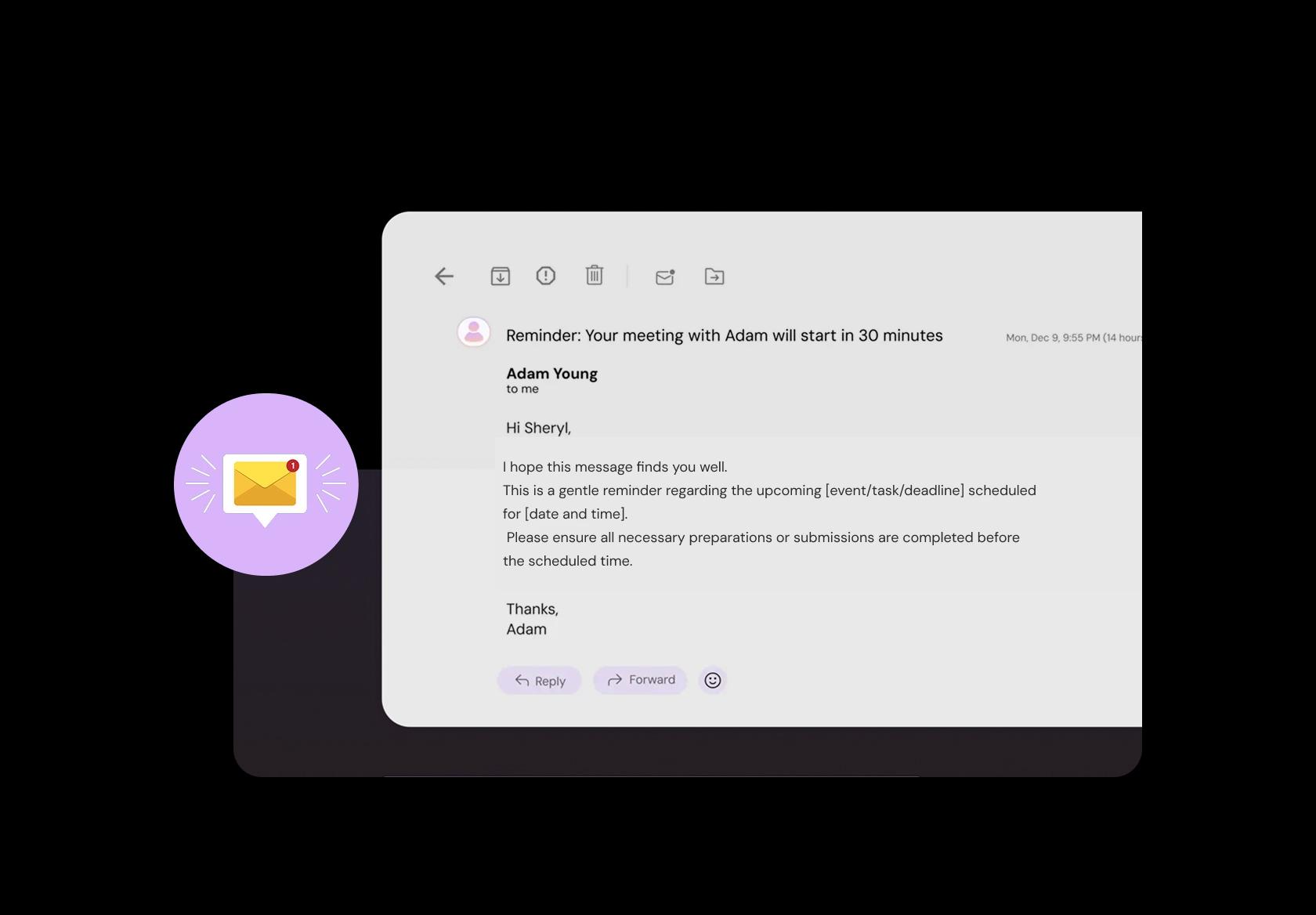
Reminders are operational, but they also improve outcomes. Send a 24-hour and 2-hour reminder with practical instructions: what to wear, whether to bring imaging or referral notes, clinic address/parking, and arrival time for forms. For first visits, add one line that sets expectations (assessment + plan + next steps).
Collect session fees or copays before the visit
For private-pay, evaluations, or package-based care, upfront payment reduces last-minute cancellations and awkward desk conversations. Let patients pay a deposit or full fee during booking, and clearly state your cancellation window. If you handle insurance separately, the booking flow can still collect a card to hold the appointment.

Run multiple clinics and home visits without overlaps
If you operate across branches or offer mobile/home visits, scheduling must reflect reality: travel time, location-specific hours, and therapist routing. Create locations like “Clinic A,” “Clinic B,” and “Home Visit,” each with its own availability and buffers. Patients see the correct options and your team avoids double-booking and chaos.
Separate evaluations, follow-ups, and specialty treatments
Not every physio visit is “30 minutes.” A first evaluation may need 60–90 minutes, follow-ups may be 30–45, and specialty services (dry needling, gait analysis, vestibular rehab, pelvic health) can require different room setup and consent steps. Set durations, prep time, and buffers per service so your day doesn’t collapse by 3 pm.
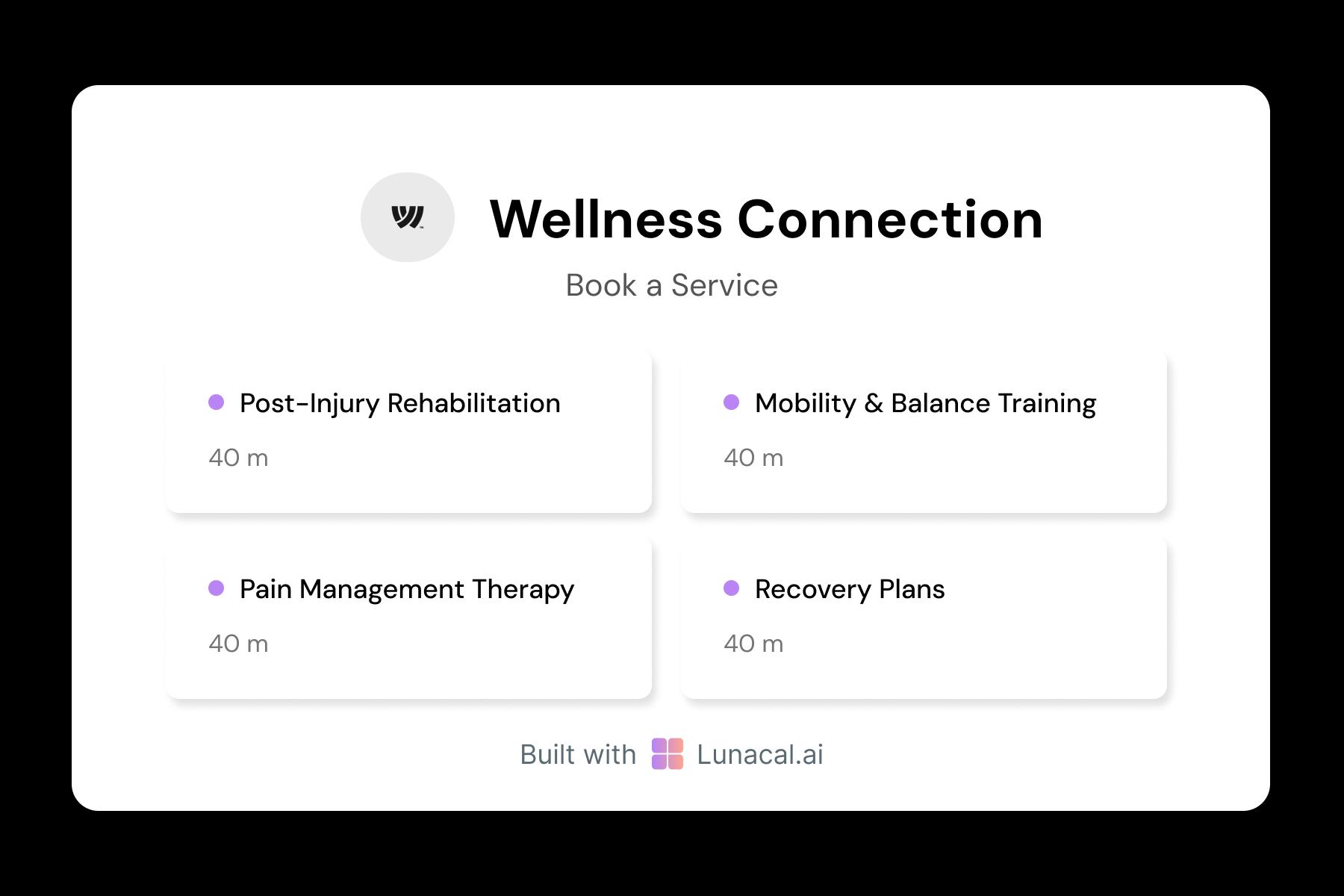
Share new bookings fairly across therapists
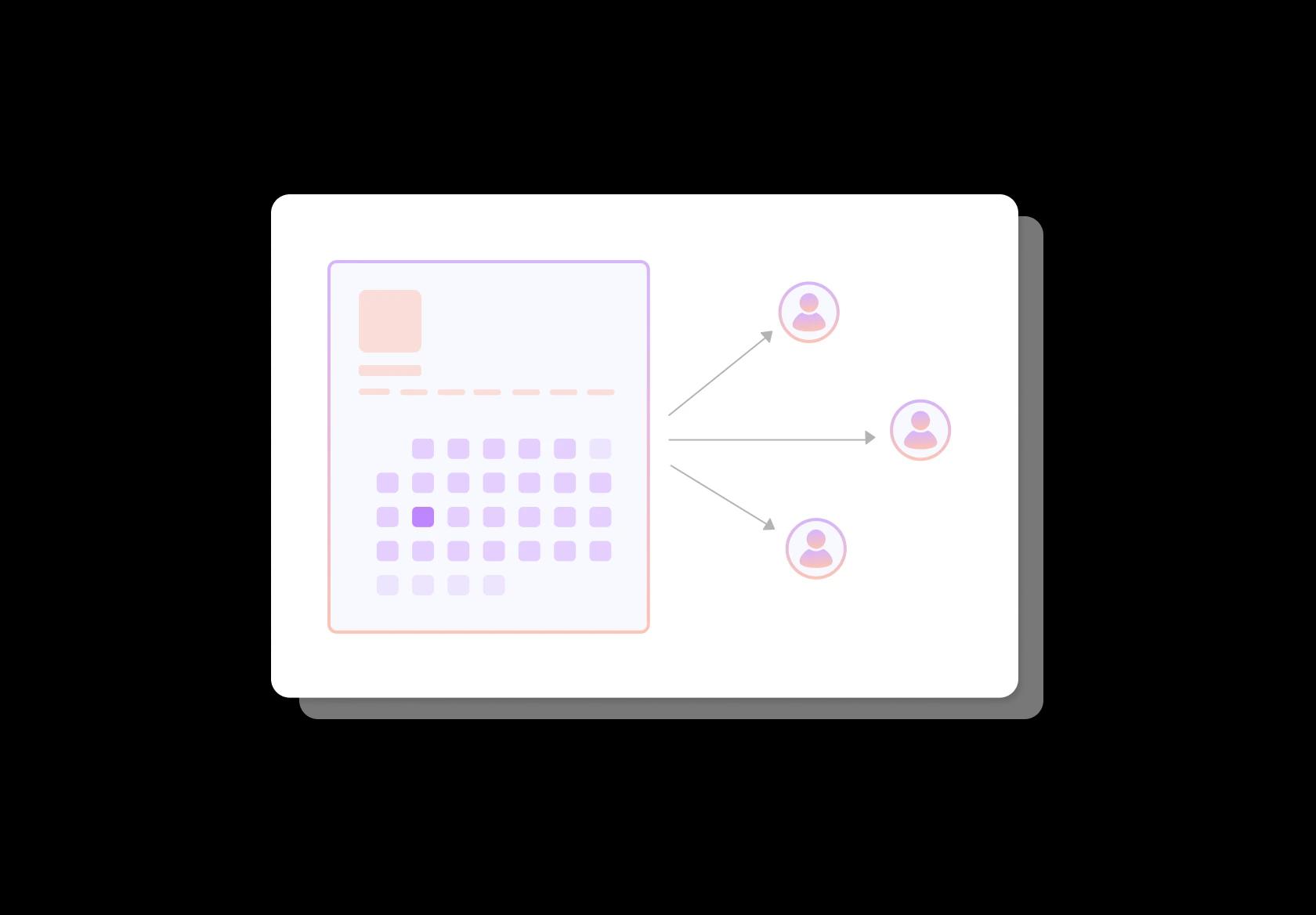
In multi-therapist clinics, uneven schedules burn people out and increase wait times. Round-robin assignment balances new patient evaluations across available clinicians, while still respecting constraints like specialty, language preference, and location. Patients get earlier appointments, and your team stays sane during peak weeks.
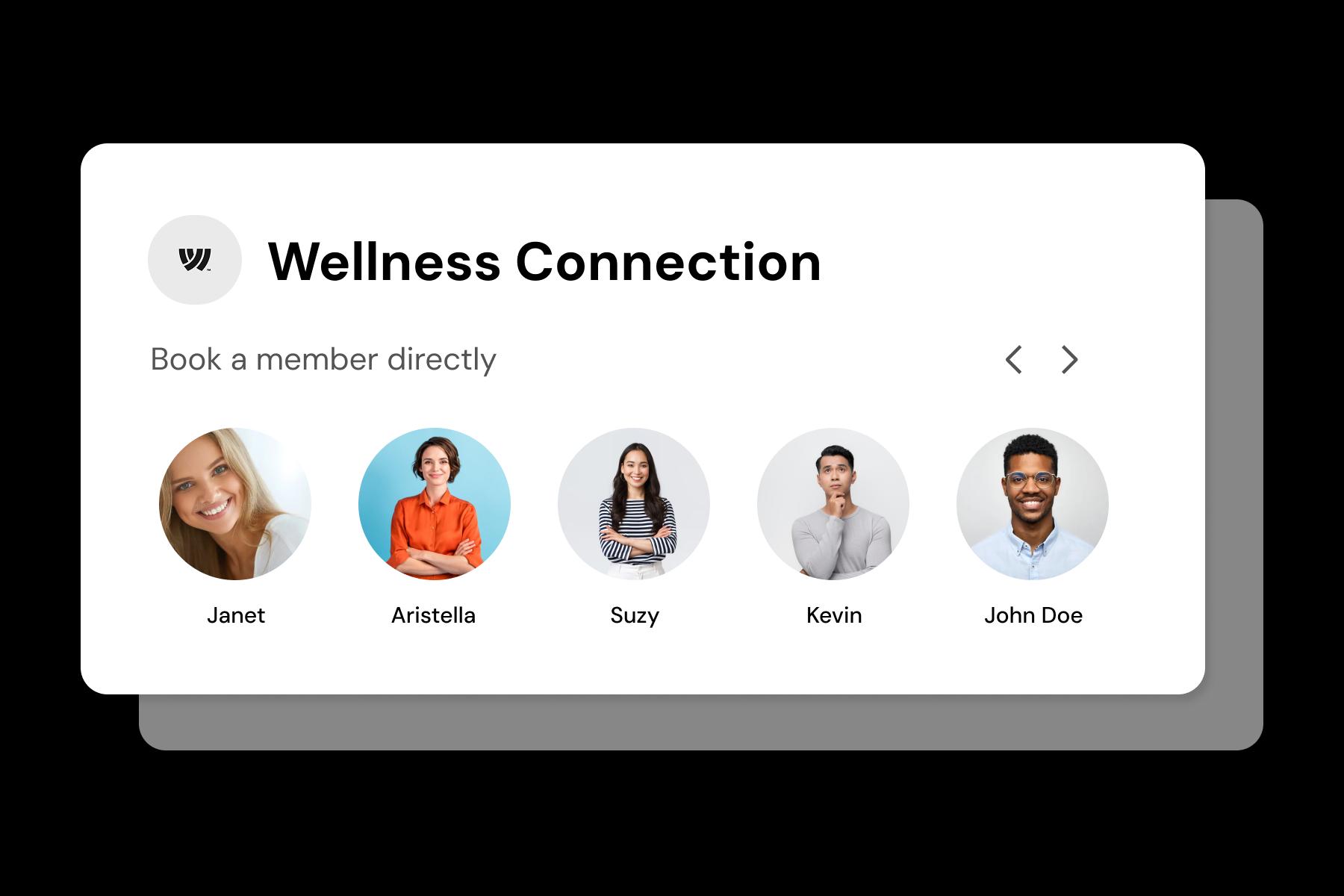
Help patients choose the right physiotherapist
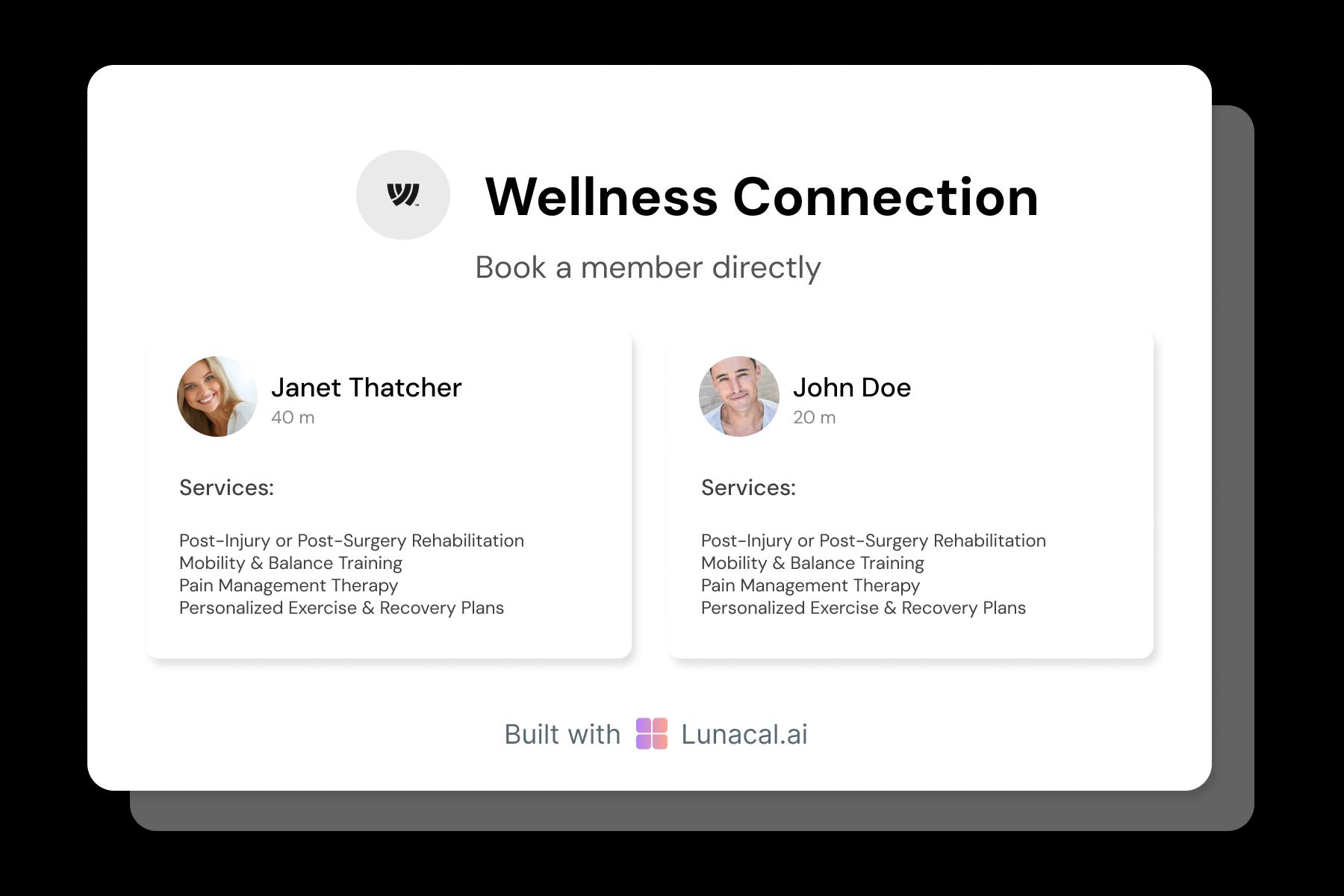
Patients often want a fit, not just a slot. Profiles should answer: what you treat most, methods you use, years of experience, and what a first session feels like. Some patients look for neuro rehab. Others want sports rehab, postnatal physio, or chronic pain coaching. Clear profiles reduce mismatched bookings and improve retention.
Protect time for evals, urgent cases, and admin
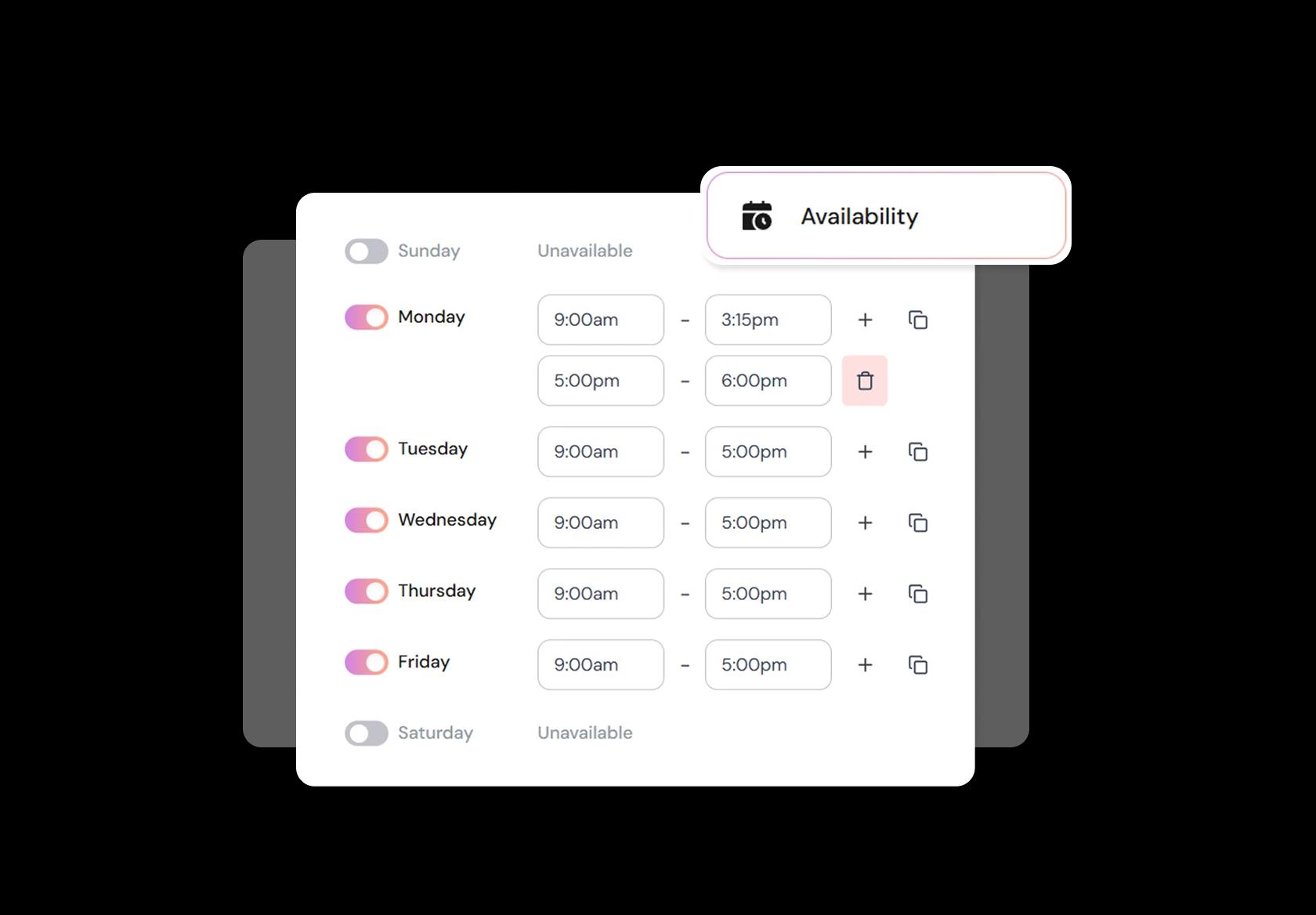
Clinics don’t run on perfect calendars. You need space for longer evaluations, post-op check-ins, documentation, and the occasional urgent referral. Set availability rules by service type (eval vs follow-up), add buffers automatically, and use minimum notice windows. This prevents overpacked days and constant manual rescheduling.
Put booking where referrals and patients already are
Referrals come from everywhere: doctors, Google search, WhatsApp, discharge notes, old patients, and clinic websites. Add the booking link to your site, intake forms, SMS/email reminders, and referral workflows so patients don’t have to hunt. A consistent link improves show rates and keeps your clinic appointment booking process clean.
No commission, No license fees.
Just simple, fair pricing
(save upto 20%)
Standard
- Unlimited Calendars & Services
- Connect Online Meeting Tool
- Payments via Stripe, PayPal
- Text / Email Reminders
- Customize your booking page
Teams
- All Standard Features
- Teams Scheduling
- Multi-session Packages
- Round-robin Scheduling
- Webhooks
Enterprise
- AI Voice Agent
- Account Manager
- Complete Branding
- MCP Server (Beta)
- SSO


PT Appointment Booking Playbook for Physical Therapy Scheduling Software
This playbook is about one thing: turning “someone needs physio” into the right therapist, the right visit type, and a plan of care that doesn’t fall apart after week one.
Start with visit types, not generic time slots
Physical therapy appointment booking breaks when every appointment is treated like the same “30-minute meeting.” Build your schedule around what actually happens in a PT clinic.
- Separate visit types: initial evaluation, follow-up treatment, post-op protocol visit, sports rehab, dry needling (if applicable), home visit (if applicable).
- Give each visit type its own default duration and buffer time.
- Create “requires equipment” variants (treadmill, private room, ultrasound) so scheduling matches real capacity.
Collect just enough intake to triage correctly
Good PT scheduling software reduces front-desk back-and-forth by capturing the details that decide clinician fit and session length.
- Primary complaint and body region (low back, shoulder, knee, pelvic floor, neuro, pediatric).
- Severity and mobility limits (simple scale plus “can you climb stairs / walk 10 minutes”).
- Referral status and diagnosis if available (self-referred vs physician referral, post-op date).
- Contraindication flags (recent fracture, fever, severe swelling, numbness, red-flag symptoms) with a prompt to call the clinic when flagged.
Make insurance and payment steps unmissable
For global clinics, payment models vary wildly. The booking flow should match your reality so patients don’t arrive surprised.
- Ask: insurance, self-pay, or employer program. Route each to the right next step.
- Collect only what you truly need pre-visit (policy ID or a photo upload) and state what will be verified later.
- Show a plain-language estimate range for self-pay where relevant, and your cancellation fee policy before confirmation.
Design scheduling around a plan of care
PT is rarely one-and-done. Your physiotherapy appointment booking should make recurring scheduling easy without turning your calendar into a mess.
- After an evaluation, offer a “recommended cadence” choice (e.g., 2x/week for 3 weeks) that books a series.
- Allow patient-friendly rescheduling that preserves cadence (move one visit without breaking the whole series).
- Keep waitlist logic: if a patient cancels, offer that slot to the next best-fit patient automatically or semi-automatically.
Match patients to therapists with rules, not luck
When PT scheduling is manual, the best therapists get overloaded and outcomes suffer. Use simple assignment rules that reflect your clinic.
- Skill-based routing: post-op knees to clinician A, vestibular to clinician B, pelvic floor to clinician C.
- Continuity preference: “same therapist” as default, with “fastest available” as an option.
- Room and equipment constraints: don’t allow two sessions needing the same room or device at the same time.
Protect your day with buffers and late-arrival logic
PT sessions slip when documentation, room turnover, and patient mobility aren’t accounted for. This is where physical therapy scheduling software should feel like a clinic tool, not a calendar tool.
- Add shorter buffers for standard follow-ups, larger buffers for evaluations and complex cases.
- Set a late-arrival policy that triggers a choice: shortened session, clinician-approved switch, or reschedule.
- Keep a “quick check-in” slot type for brace fitting, exercise refreshers, or post-op questions.
Use reminders that reduce no-shows without feeling spammy
No-shows hit PT clinics hard because backfills are difficult on short notice. A clean reminder system is a retention tool, not just admin automation.
- Send instant confirmation with location, parking notes, what to wear, and what to bring.
- Send one reminder 24 hours before and one a few hours before, with a one-tap reschedule option.
- For first-time patients, include a short “arrive 10 minutes early” note and intake completion link.
Measure what actually improves clinic utilization
If you want PT scheduling software to pay for itself, track operational metrics that reflect care delivery.
- No-show and late-cancel rate by visit type (evaluations behave differently than follow-ups).
- Therapist utilization and gaps (are prime hours filled with the right visit types).
- Series completion rate (how many patients complete the recommended plan of care).
Authored & Reviewed by:
Pranshu Kacholia is the founder of Lunacal.ai, a calendar scheduling and appointment booking system. He works directly with businesses of all sizes to improve booking outcomes - reducing no-shows, cutting back-and-forth, and making scheduling more reliable and efficient. His day-to-day includes reviewing real scheduling setups and edge cases: complex availability and buffers, time zones, routing, cancellation/rescheduling rules, paid meetings and deposits, reminder workflows, and integrations with calendars and meeting tools. He regularly shares appointment scheduling best practices through interviews and community conversations (see this interview and this discussion) and also writes about calendar scheduling (read the article on Medium). He has first-hand experience of using 40+ scheduling tools such as calendly, acuity scheduling, vagaro, fresha, tidycal, square, setmore etc. and understands product nuances deeply.
Lunacal.aiCalendlyAcuity SchedulingSquare AppointmentsSetmoreDoodleBooksyMindbodyFreshaSimplyBook.meHoneyBook


