Physiotherapy Appointment Scheduling Software
Rehab scheduling with recurring sessions, therapist selection, room/equipment booking, treatment-plan cadence, reminders, & rebooking flows.

Scheduling features for sessions, plans, and progress
Patients book evaluations or follow-ups without phone tag
The first goal is simple: make it easy to start treatment. A good physiotherapy booking software flow lets patients book an initial assessment, post-op follow-up, or recurring rehab session in minutes. Show only the slots that actually work for your clinic, then confirm instantly with clear appointment details so you are not stuck coordinating on calls all day.

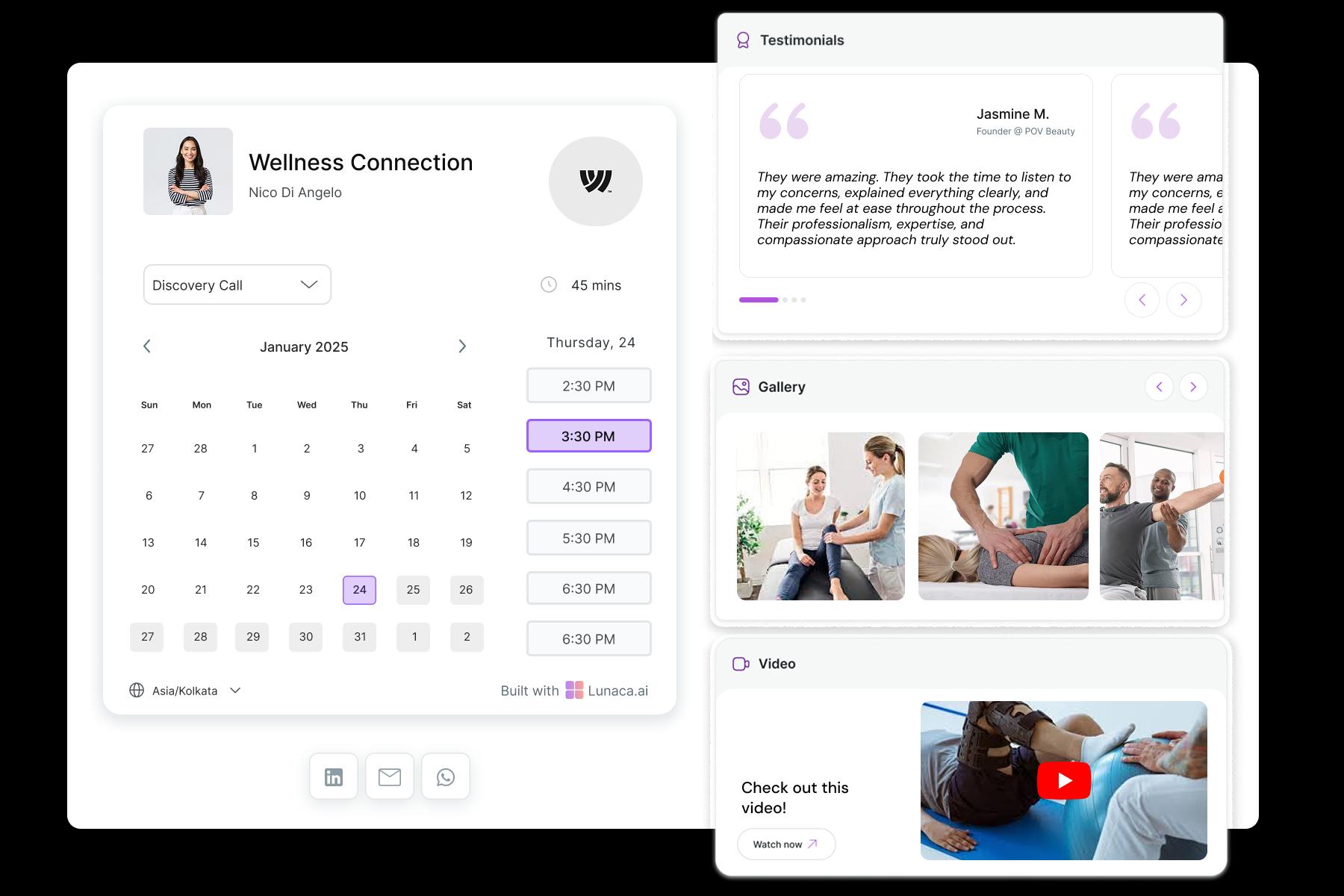
Explain your approach, specialties, and what patients should expect
Most patients are nervous and confused, not “shopping.” Use the booking page to spell out what you treat (sports rehab, neuro physio, pelvic floor, chronic pain), what the first visit looks like, what to bring, and who it’s for. When your physiotherapy scheduling software supports these details on-page, patients arrive more prepared and you waste less time resetting expectations.
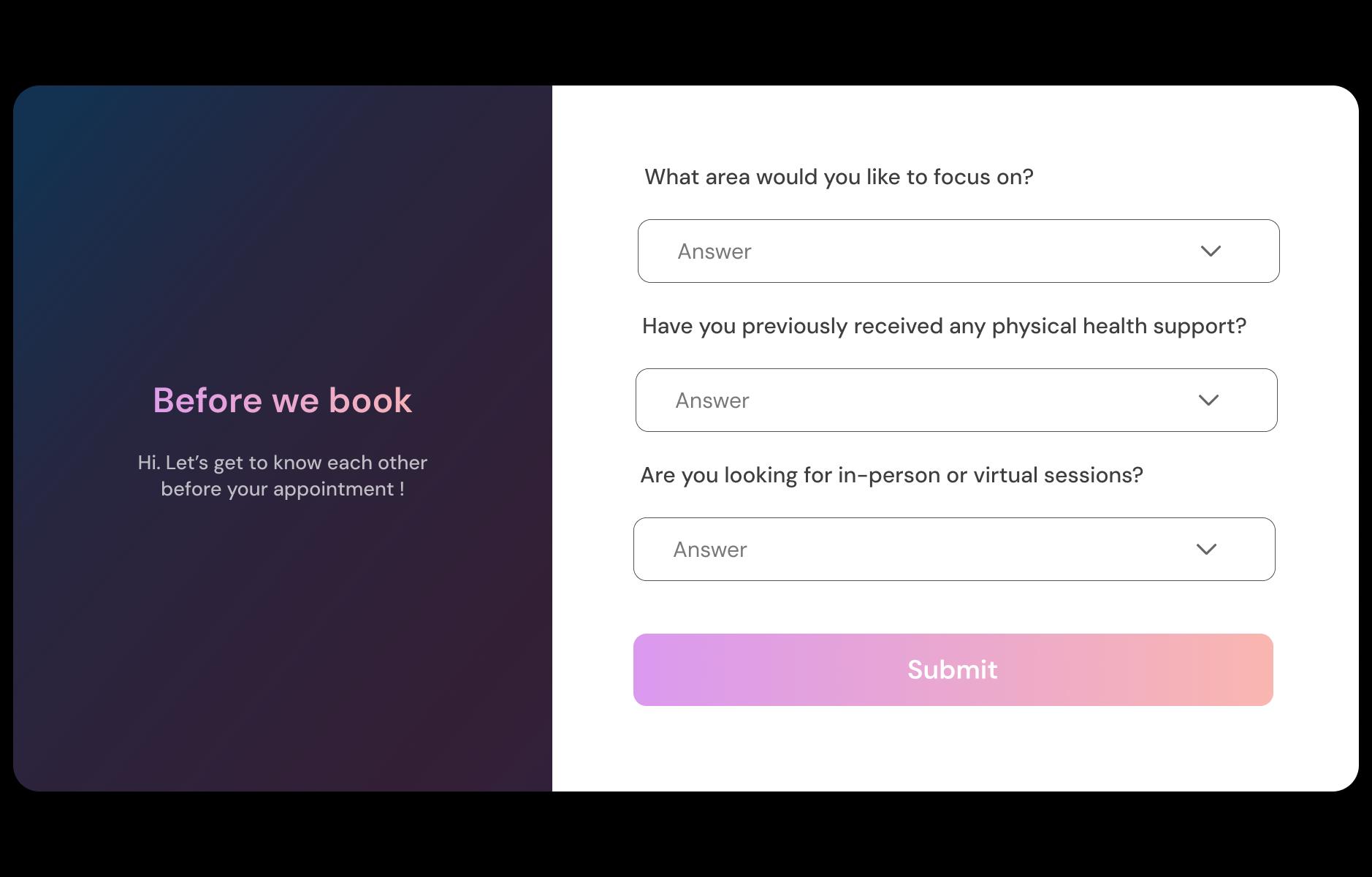
Collect injury context, goals, and referral details upfront
Start with the basics in the booking form so the first session isn’t a 20-minute interview. Ask what happened (ACL tear, stroke rehab, shoulder pain), current symptoms, mobility limits, key goals, and whether there’s a doctor referral. If relevant, allow notes like “pain worst in mornings” or “can’t climb stairs.” It makes the plan smoother from day one.
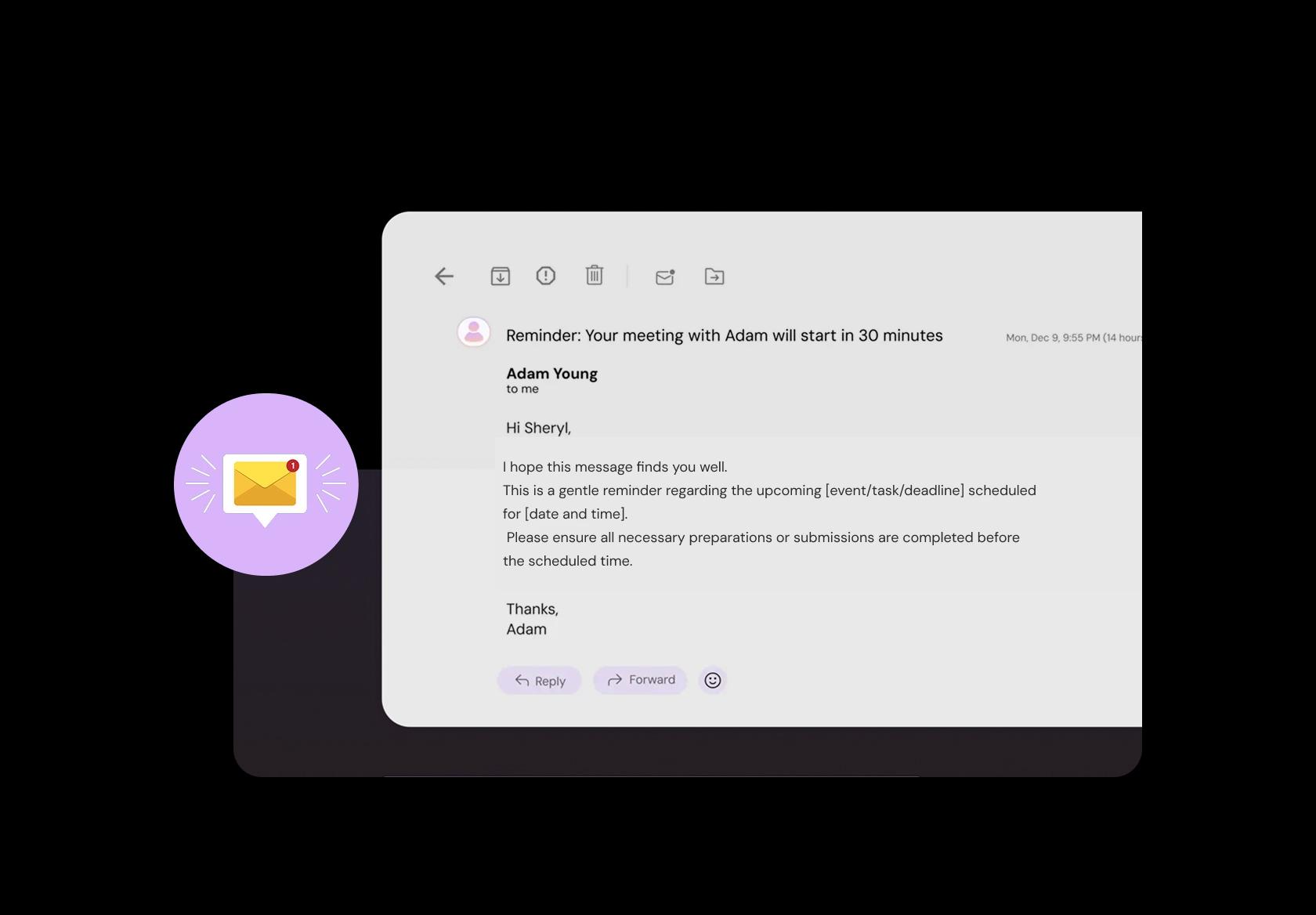
Reduce no-shows with clear pre-visit instructions
People juggling work, pain, and family forget, even when they care. Send a reminder that includes the clinic address, parking or entry notes, and simple instructions like “wear loose clothing” or “bring your referral or reports if you have them.” Add an easy reschedule link and your cancellation window. This keeps your day running and respects everyone’s time.
Take payment for evaluations, packages, or prepaid rehab plans
Payments get messy when they happen last minute. Let patients pay for an initial evaluation, a single session, or a package plan during booking, then send an automatic receipt. For clinics that struggle with last-minute drop-offs, upfront payment (or a small booking fee where appropriate) can reduce “soft bookings.” Keep it transparent and tied to your policy.

Manage multiple branches, gym sessions, and home visits
If you run two clinics, treat at partner gyms, or do home visits, overlap becomes your silent killer. A centralized physiotherapy scheduling software setup keeps everyone on the same calendar with the right location attached to each booking. Add travel buffers for home visits and avoid accidentally booking a therapist in two places at once.
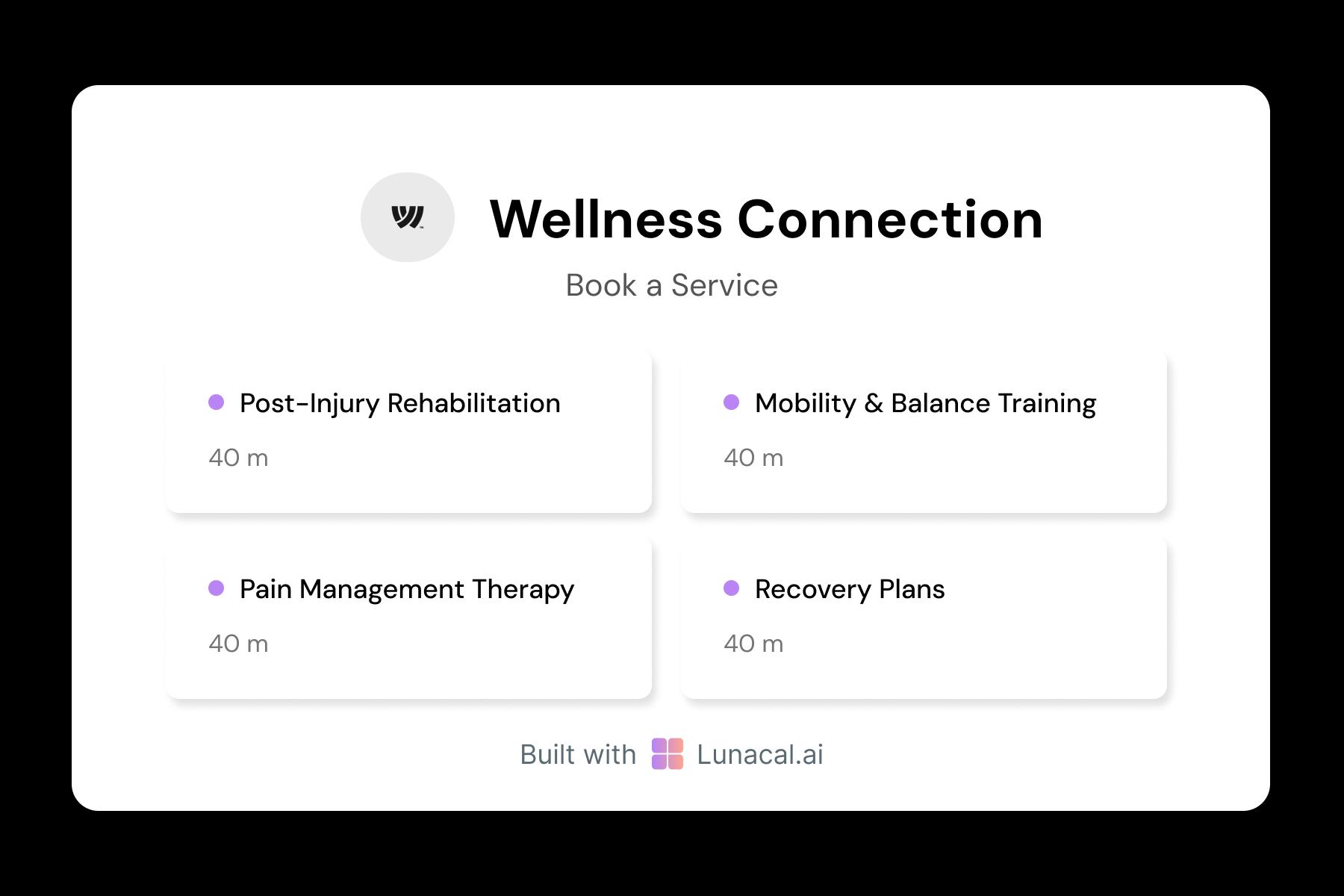
Separate evaluation, follow-up, dry needling, and rehab blocks
Not every appointment should be treated like “one slot.” An initial assessment often needs more time than a follow-up. Dry needling or shockwave may need specific room setup. Define each service with its own duration, buffers, and rules so your day stays realistic. This is the difference between a clean schedule and a clinic that’s always running late.
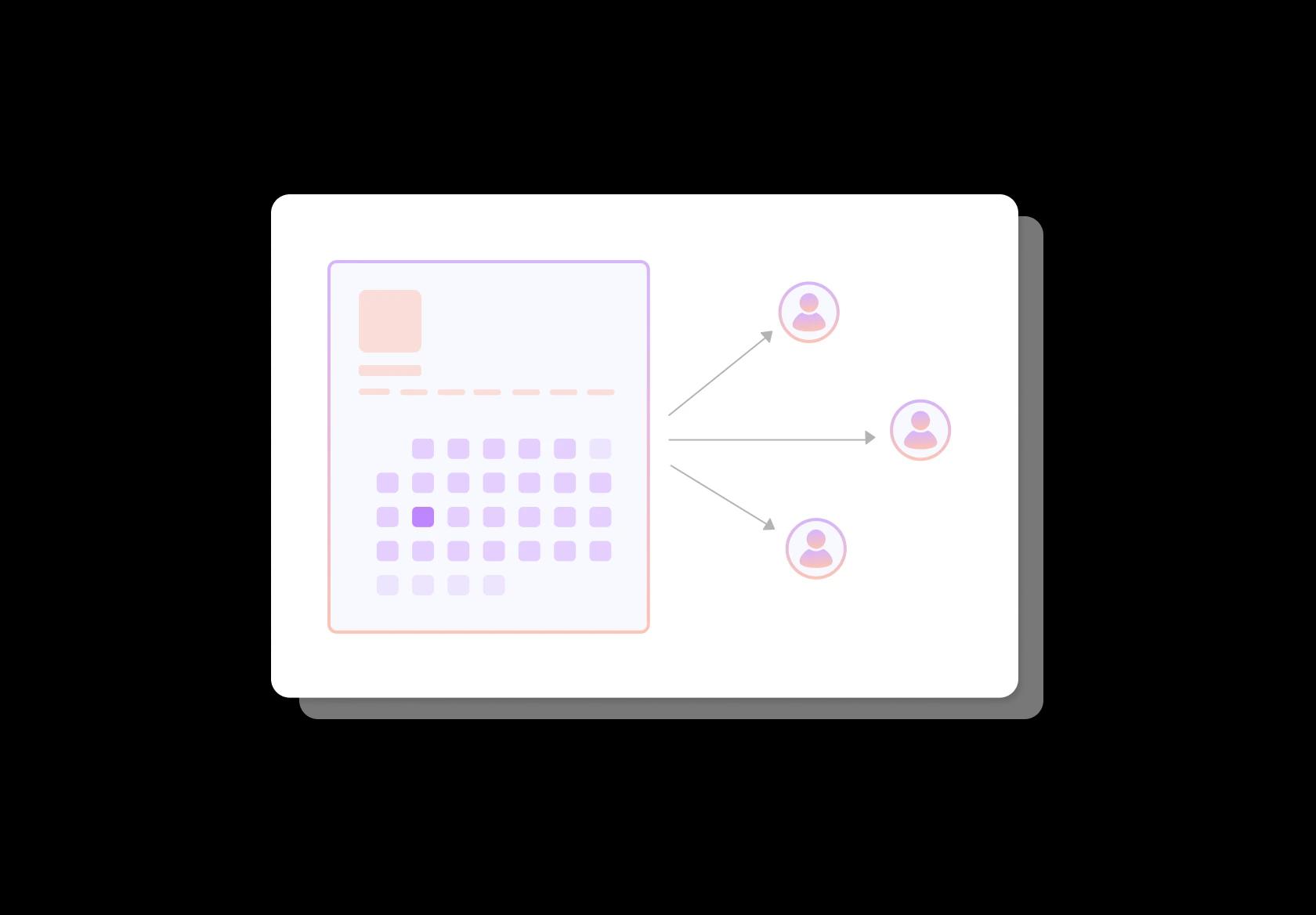
Distribute “first available” bookings across therapists fairly
When patients just want the earliest slot, “first available” should not land on the same therapist every time. Round-robin helps spread new bookings across your team so workloads stay balanced and waitlists move faster. It’s especially useful during peak periods when follow-ups stack up and you’re trying to protect quality of care across therapists.
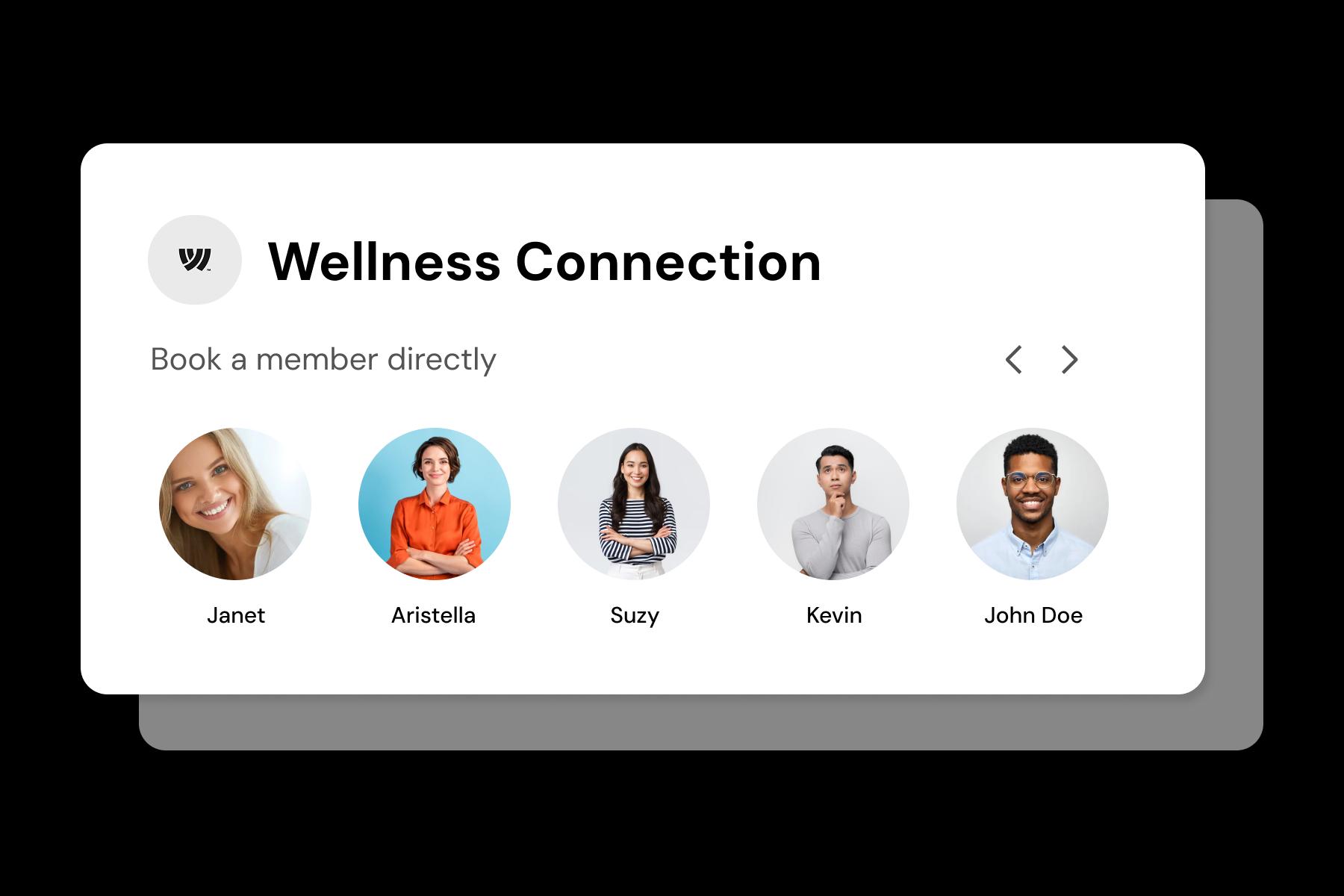
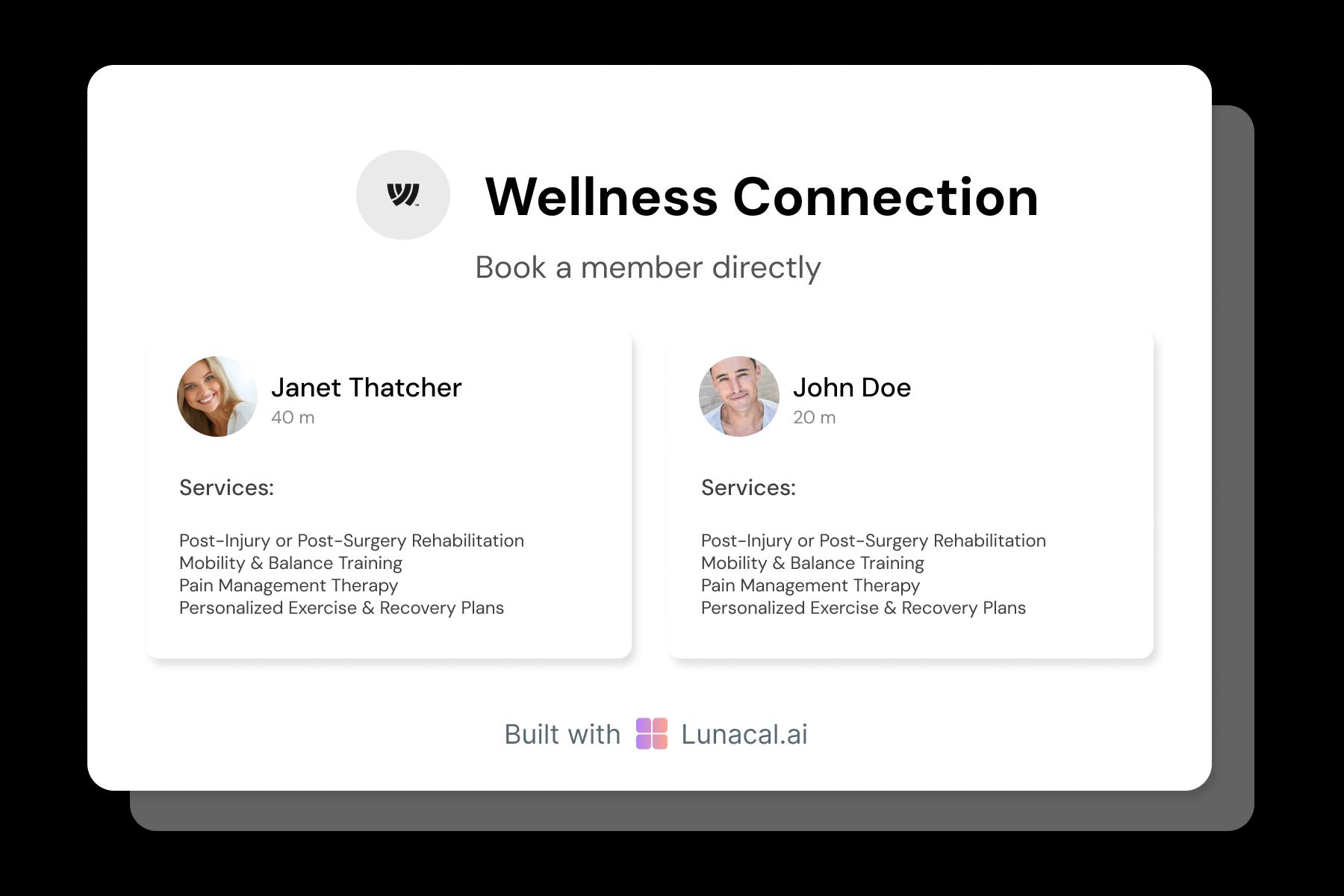
Help patients choose the right therapist with confidence
Patients often need a specific skill set, not just any open slot. Add short, human therapist profiles with focus areas (post-op rehab, pediatric, neuro, pelvic floor, sports), languages spoken, and treatment style. Let patients pick a therapist, or choose “any available.” This small detail builds trust fast and reduces mismatched bookings.
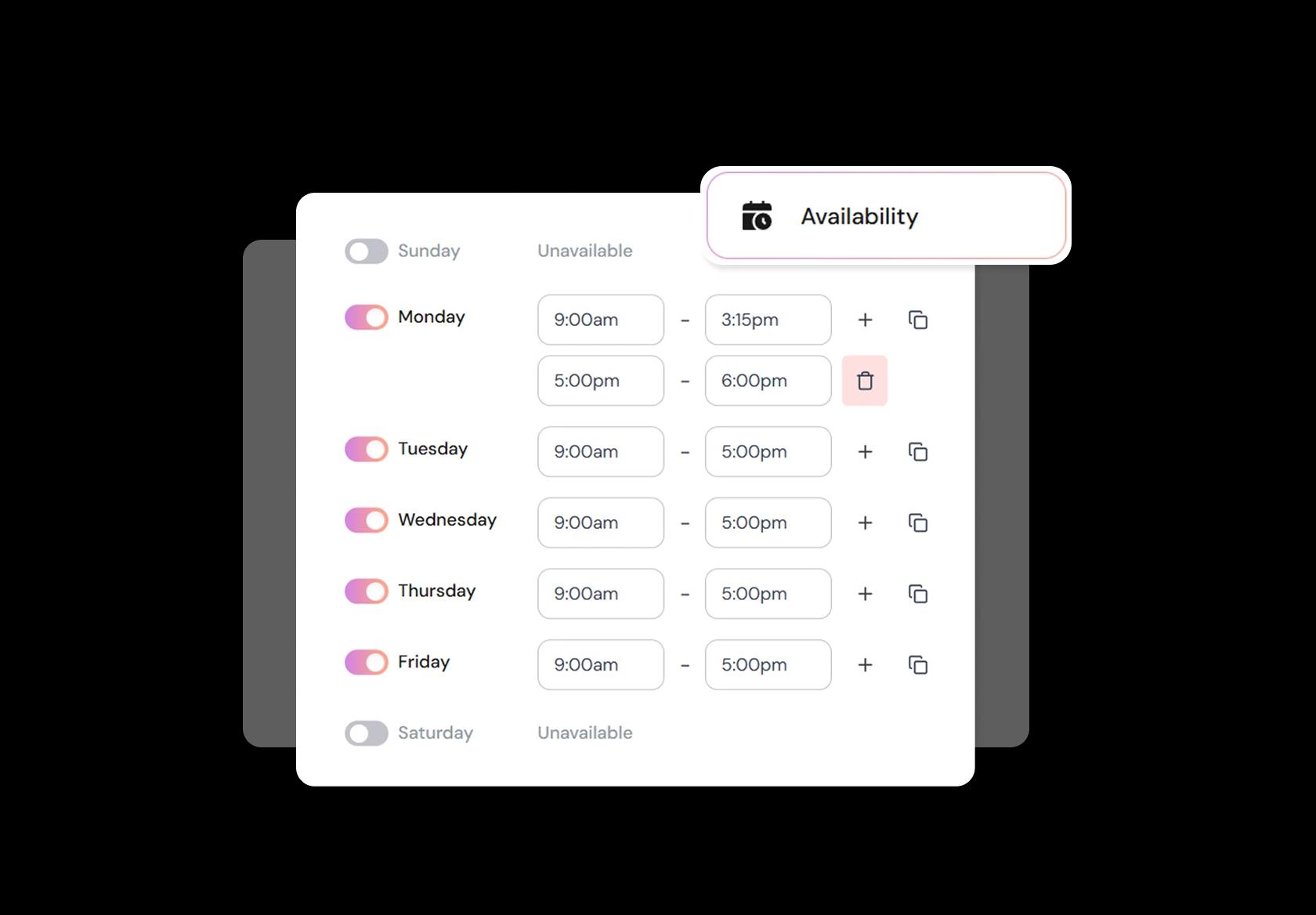
Control buffers, documentation time, breaks, and minimum notice
Real clinics need breathing room. Block time for documentation, case discussions, equipment resets, and unexpected over-runs. Add buffers between heavy treatment sessions or home visits, and set minimum notice so you’re not getting same-hour bookings that disrupt care. Good physical therapy scheduling software should let you adjust this quickly when your week changes.
Share one booking link across web, WhatsApp, and referrals
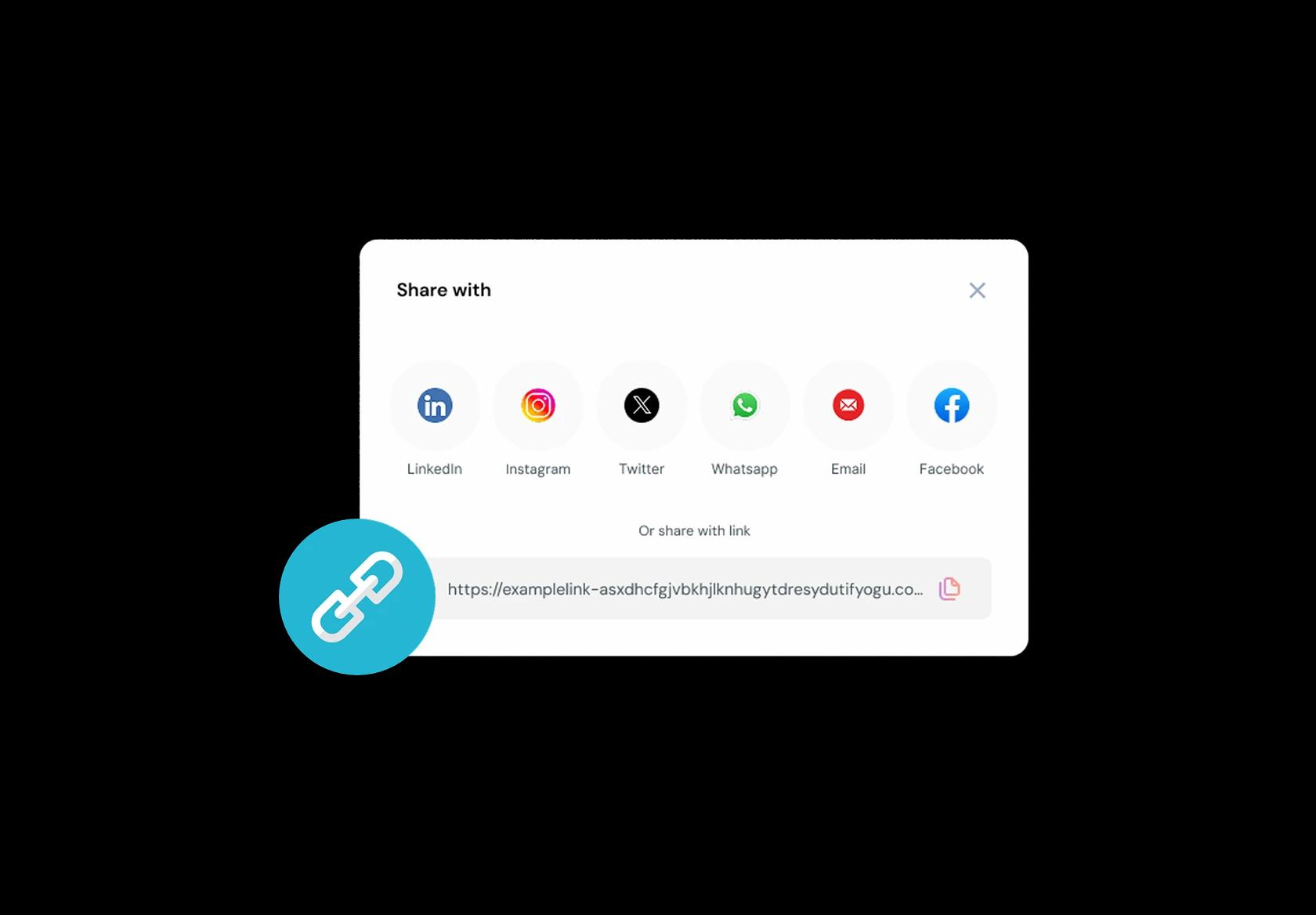
Patients come from everywhere: a doctor referral message, a Google Business Profile, a discharge note, an email, or WhatsApp. Keep one consistent booking link that takes them straight to the right service and location. When physiotherapy booking software is truly frictionless, patients book sooner, show up better prepared, and you spend less time chasing confirmations.
No commission, No license fees.
Just simple, fair pricing
(save upto 20%)
Standard
- Unlimited Calendars & Services
- Connect Online Meeting Tool
- Payments via Stripe, PayPal
- Text / Email Reminders
- Customize your booking page
Teams
- All Standard Features
- Teams Scheduling
- Multi-session Packages
- Round-robin Scheduling
- Webhooks
Enterprise
- AI Voice Agent
- Account Manager
- Complete Branding
- MCP Server (Beta)
- SSO


Physiotherapy Appointment Booking Playbook
This playbook is the simplest way to set up physiotherapy scheduling software so bookings stay accurate, sessions run on time, and patients actually come back for follow-ups.
Design your services like real physio sessions
A physiotherapy booking system breaks when your services are vague. Patients pick the wrong thing, your day slips, and your first consult gets rushed.
- Create separate appointment types for common flows: Initial Assessment, Follow-up Session, Sports Injury Rehab, Post-op Rehab, Neuro Physio, Home Visit, Tele-physio.
- Use realistic durations: initial assessments often need more time than follow-ups, even if pricing is similar.
- Add “focus area” options inside the booking flow (back, knee, shoulder, neck) so the therapist can prepare equipment and plan the session.
- If you offer multiple techniques (manual therapy, dry needling, cupping, exercise rehab), keep them as add-ons or notes, not separate confusing services.
Collect patient intake that prevents wasted first sessions
The fastest way to look “unprofessional” is spending the first 15 minutes discovering basics you could have collected during physiotherapy appointment booking.
- Problem summary: “What’s bothering you, and when did it start?”
- Pain scale and pattern: “What makes it worse or better?”
- Red flags prompt: recent trauma, numbness/tingling, fever, unexplained weight loss, night pain, or anything they’re worried about.
- Medical context: surgeries, major diagnoses, current meds, and any imaging reports they already have.
- Goal-based question: “What do you want to get back to doing?” (running, lifting, sitting at work, climbing stairs).
- Consent note for communication: email or SMS reminders, and whether it’s okay to leave a voicemail.
Protect quality with buffers, caps, and smart availability
Physio isn’t a haircut. If you cram sessions back-to-back with no recovery time, your notes suffer and patients feel rushed.
- Add a short buffer between sessions for documentation, cleanup, and equipment reset.
- Block “admin time” daily for notes, referrals, insurer paperwork, and program updates.
- Limit how many initial assessments can be booked per therapist per day.
- Offer different availability windows for in-clinic, home visits, and tele-physio so travel time doesn’t destroy your schedule.
- If you run group rehab or classes, separate them from 1:1 scheduling so they don’t steal prime treatment slots.
Make location, therapist, and equipment rules explicit
Most physiotherapy clinic scheduling issues aren’t “calendar problems.” They’re resource conflicts.
- If patients can choose a therapist, also offer “earliest available” to improve conversion.
- If certain services require a private room, specific table, or equipment, tie availability to that resource.
- For multi-location clinics, keep location-specific hours and local therapist rosters so patients don’t book the wrong clinic.
- Use internal notes for therapist-only context (previous flare-ups, anxiety, communication preferences) that should not appear in patient emails.
Reduce no-shows with reminders that feel helpful, not spammy
People don’t skip physio because they hate you. They skip because pain reduces, work gets busy, or they forgot why consistency matters.
- Send an instant confirmation that repeats: appointment type, location, therapist, and what to bring.
- Send a reminder the day before, and another a few hours before for morning appointments.
- Include a one-tap reschedule link. A reschedule is a win compared to a no-show.
- Add arrival guidance: parking, reception check-in, and “please arrive 5–10 minutes early for first visits.”
- For tele-physio, include a simple checklist: quiet space, phone stand, shorts/comfortable clothing, and good lighting.
Payments, packages, and invoices without country-specific complexity
Global clinics handle payments differently, but the scheduling workflow is the same: reduce back-and-forth and make the next step obvious.
- If you take deposits, apply them to higher-risk bookings: first-time assessments, peak hours, and short-notice slots.
- If you sell packages (for example 6 sessions), make sure patients can book follow-ups easily without emailing reception every time.
- Offer simple receipts or invoices for reimbursement where relevant, without assuming a specific insurance system.
- If you do corporate wellness or employer-paid sessions, keep that as a separate booking path with required billing details.
Build the follow-up loop directly into your booking flow
Physiotherapy is rarely “one and done.” Your scheduling software should make continuity feel natural.
- After the session, prompt rebooking with a suggested window (for example “book your next visit in 3–7 days”).
- Send a short follow-up message that asks one question: “How did you feel after the session?”
- If a patient hasn’t rebooked, send a gentle nudge that ties to their goal: “Want to keep momentum on your shoulder rehab?”
- For long rehab plans, let patients pre-book a series of sessions so they don’t drop off after week one.
Copy-paste clinic policies that prevent misunderstandings
These policies make your physiotherapy booking system feel clear and fair, especially for new patients.
- Late arrival: “If you arrive late, your session may be shortened to avoid delaying other patients.”
- Cancellation window: “Please reschedule at least 24 hours in advance. Late cancellations may incur a fee.”
- What to bring: “Wear comfortable clothing. Bring any reports or scans you already have.”
- When to reschedule: “If you feel unwell, have a fever, or your condition suddenly worsens, please reschedule and consider medical advice.”
The weekly check that keeps your schedule healthy
If you track only one thing, track what stops patients from completing their plan.
- No-show rate by appointment type (initial assessments often behave differently from follow-ups).
- Drop-off after visit one (if it’s high, your rebooking flow needs work).
- Peak-hour utilisation (are your best slots being used for the right services).
- Therapist load balance (one therapist overbooked while another has gaps is a scheduling rules problem, not a demand problem).
Authored & Reviewed by:
Pranshu Kacholia is the founder of Lunacal.ai, a calendar scheduling and appointment booking system. He works directly with businesses of all sizes to improve booking outcomes - reducing no-shows, cutting back-and-forth, and making scheduling more reliable and efficient. His day-to-day includes reviewing real scheduling setups and edge cases: complex availability and buffers, time zones, routing, cancellation/rescheduling rules, paid meetings and deposits, reminder workflows, and integrations with calendars and meeting tools. He regularly shares appointment scheduling best practices through interviews and community conversations (see this interview and this discussion) and also writes about calendar scheduling (read the article on Medium). He has first-hand experience of using 40+ scheduling tools such as calendly, acuity scheduling, vagaro, fresha, tidycal, square, setmore etc. and understands product nuances deeply.
Lunacal.aiCalendlyAcuity SchedulingSquare AppointmentsSetmoreDoodleBooksyMindbodyFreshaSimplyBook.meHoneyBook


