Pet Grooming Scheduling Software
Multi-pet booking with pet details, service options, groomer selection, buffers, online payments, reminders, & easy rebooking after visits.
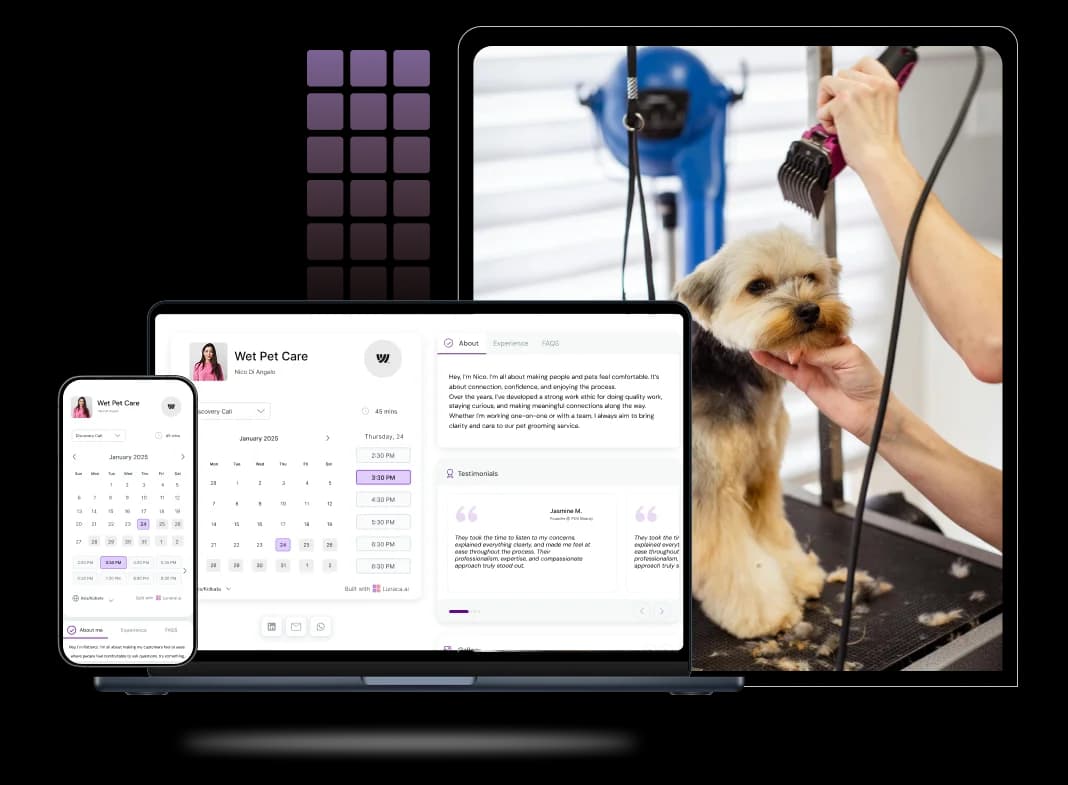
Scheduling features for salons, mobile, and routes
Let pet parents book grooming without back-and-forth
Pet parents usually message when you’re mid-groom, mid-bath, or handling a nervous pet. A booking page lets them pick a full groom, bath + blow-dry, tidy trim, nail trim, or puppy intro in one go. You control rules like earliest notice, slot length, and cleanup time, so your day stays realistic.
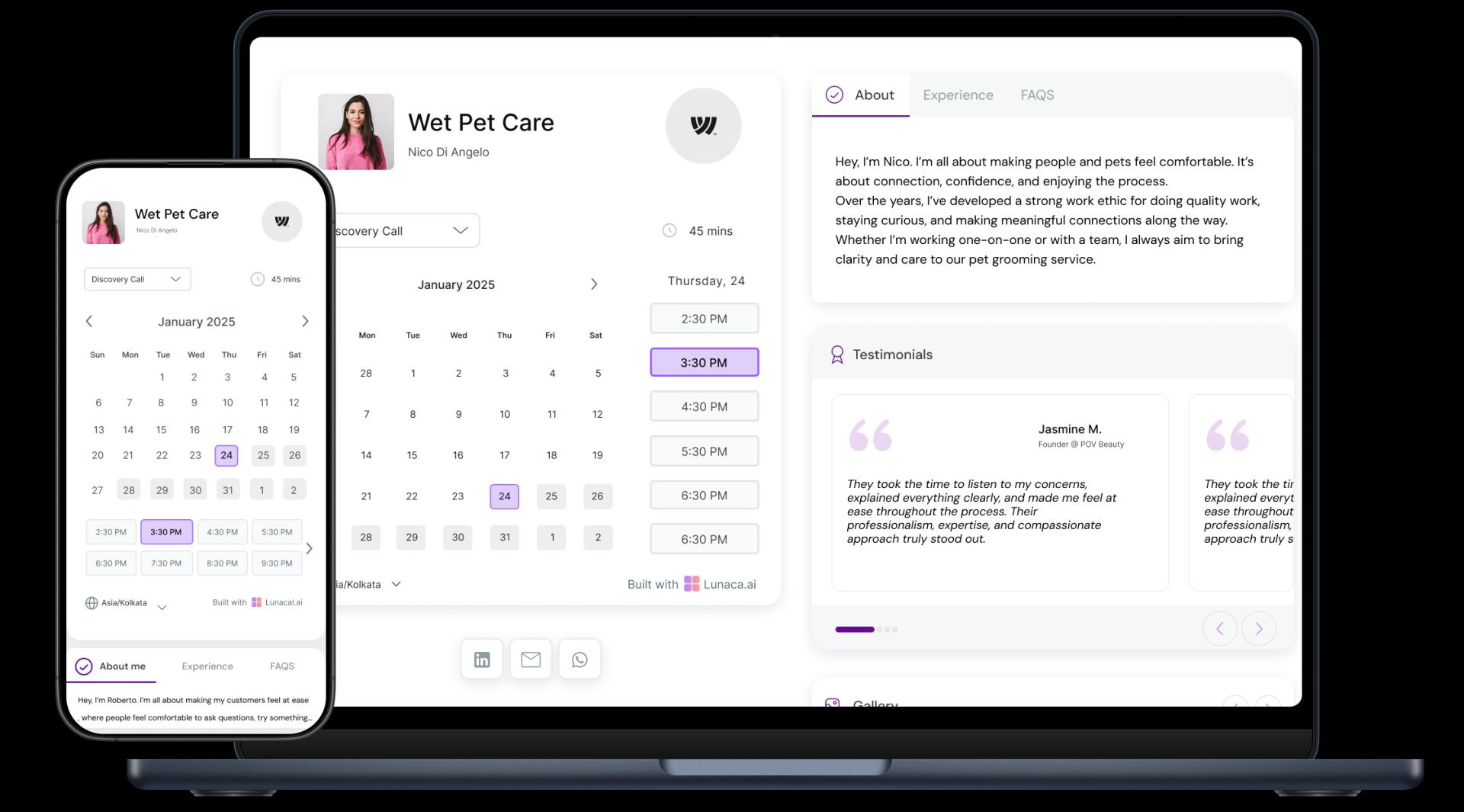
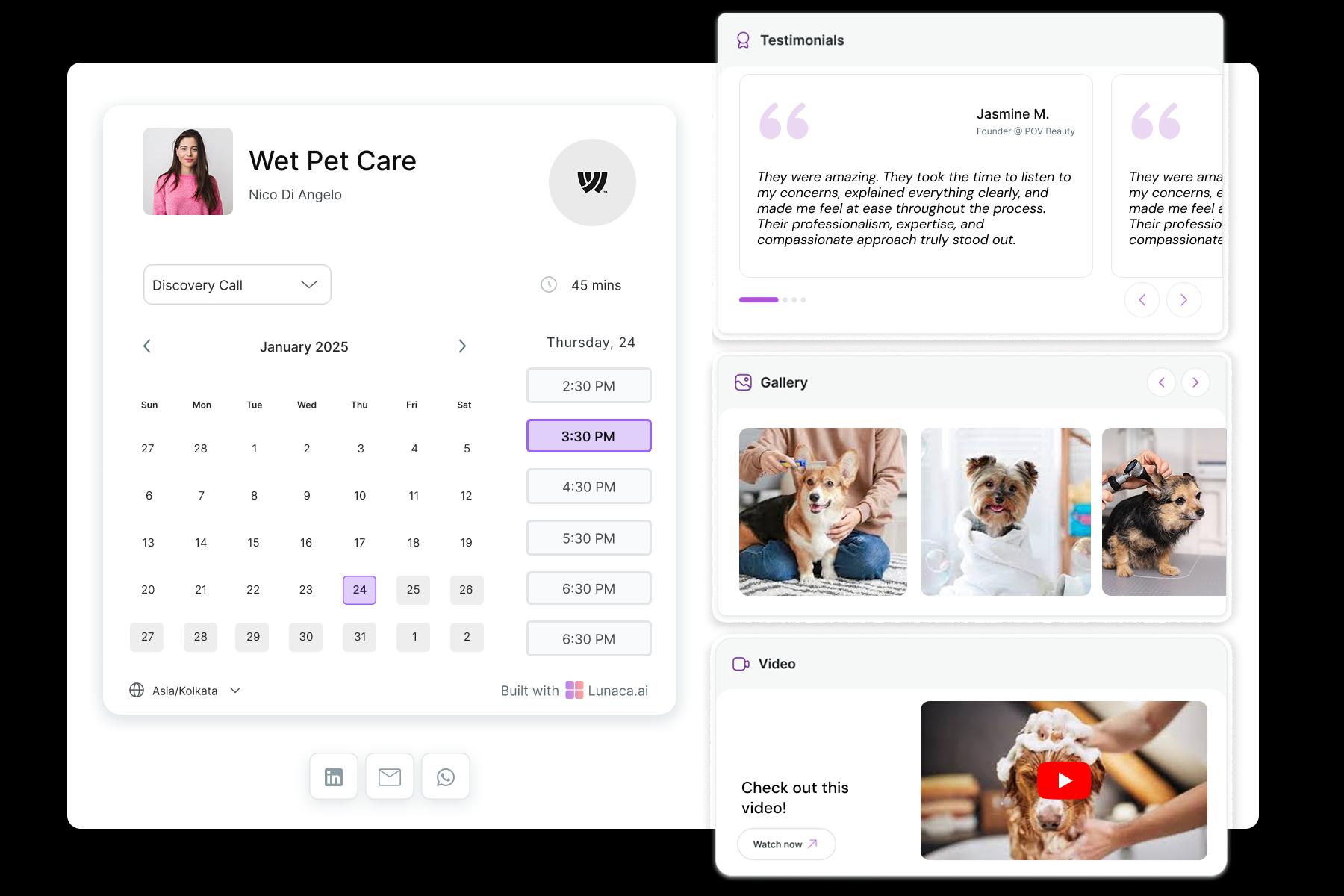
Show your work and your setup to build trust fast
Most pet parents aren’t only buying a haircut. They’re buying safety, hygiene, and calm handling. Add before/after photos by breed, a quick look at your grooming space, your sanitation standards, and a few short testimonials like “my dog finally stayed calm.” This reduces “Is my pet safe?” calls before they book.
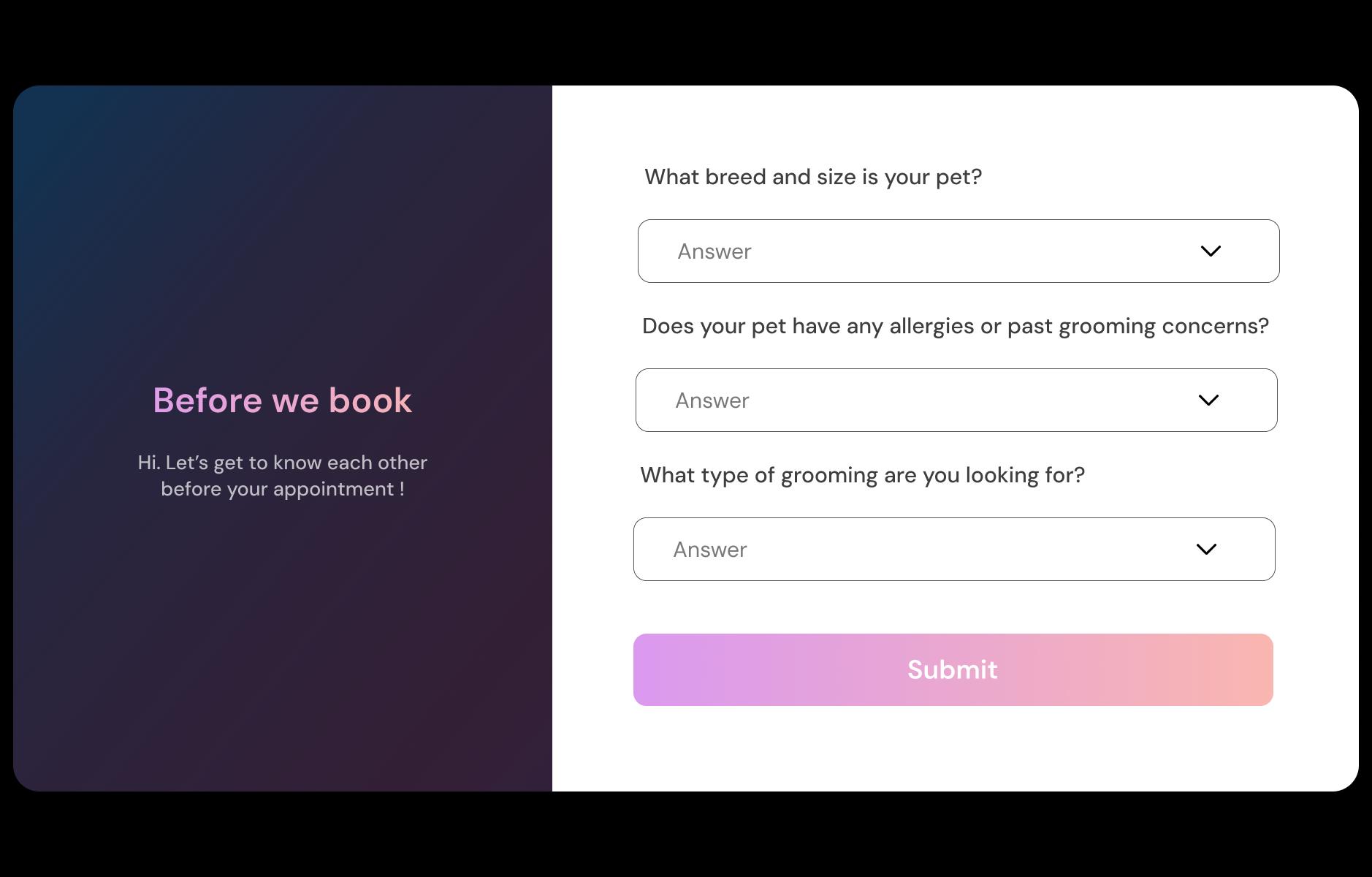
Collect breed, coat, temperament, and handling notes upfront
Ask the questions that change the groom. Breed/weight, coat type (double coat, curly, matted), age, last groom date, health issues, allergies, reactivity, and bite history. Add practical details like pickup/drop-off preference and “needs two-person handling.” The booking comes in with a clear plan, not surprises on the table.
Reduce no-shows and late pickups automatically
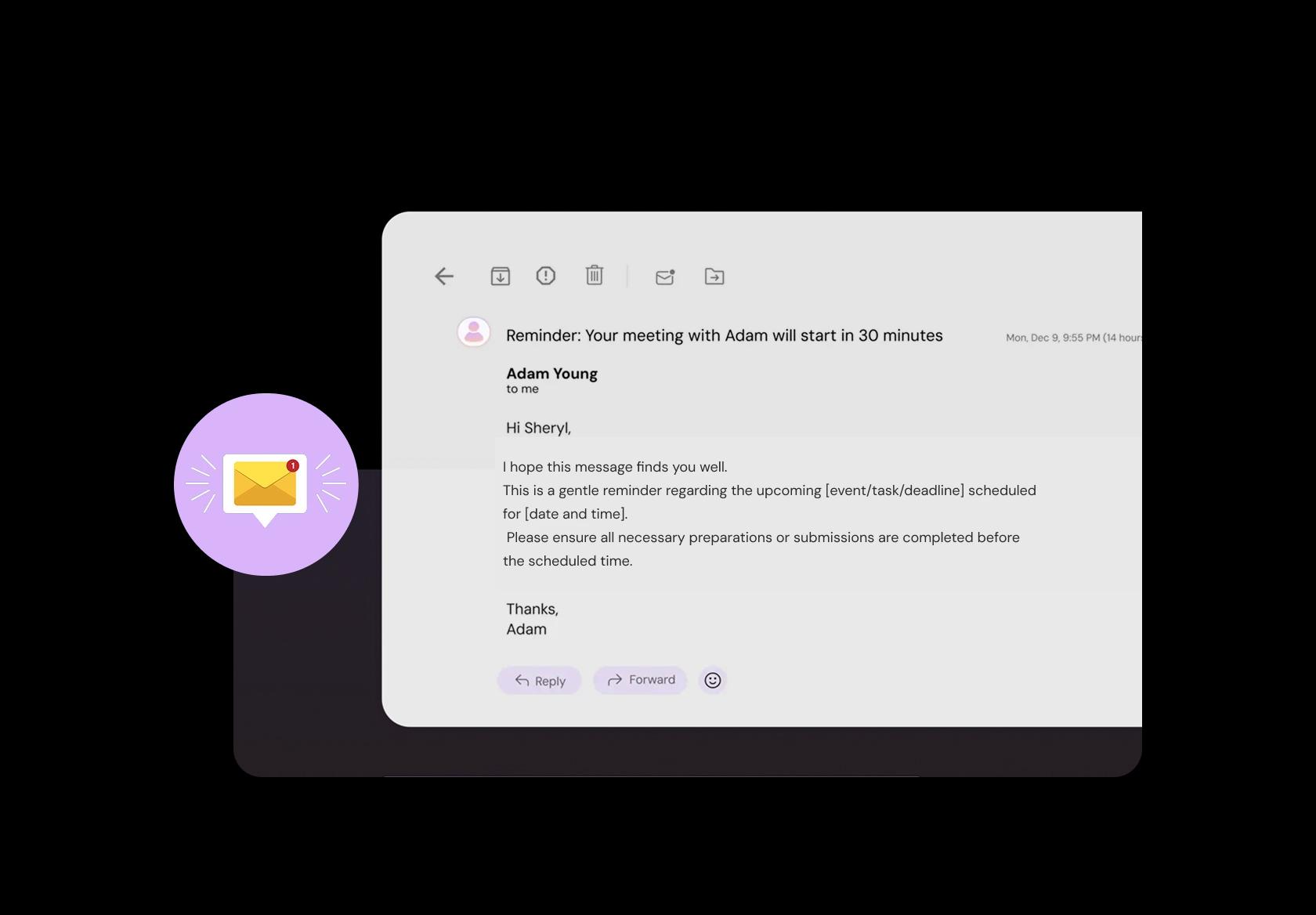
Grooming days derail when someone forgets, arrives late, or delays pickup. Send reminders with address/parking, arrival instructions, vaccine requirements (if relevant), and what to bring. After the groom, send a pickup message plus care notes like “no bath for 48 hours” or brushing tips. Fewer panicked calls, smoother turnaround.
Take deposits for long sessions and first-time clients
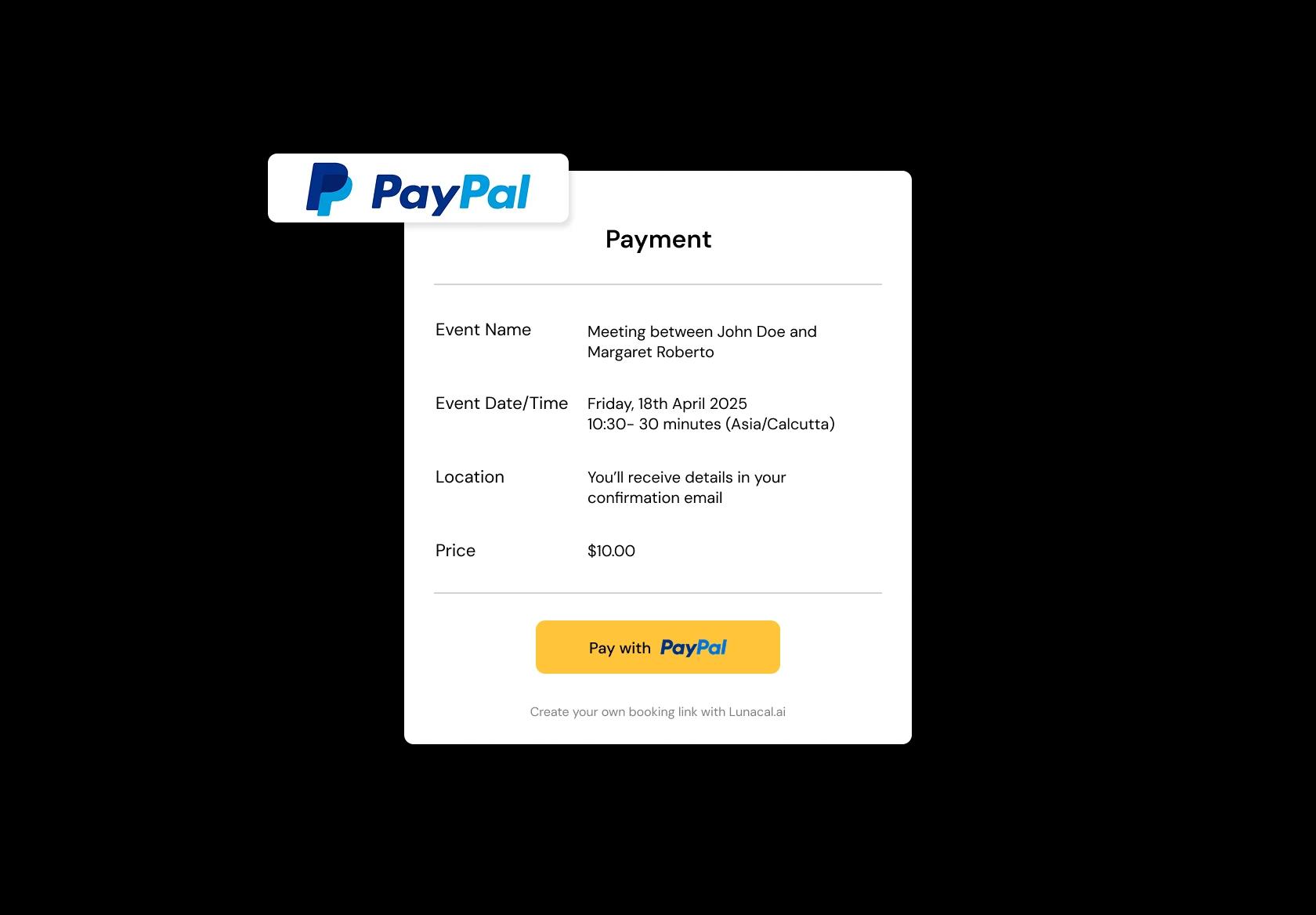
Missed appointments hurt more when it’s a de-shed, hand-scissor, or heavily matted coat that blocks a big slot. Take a deposit or prepay for longer services, peak days, and new clients. Make it automatic: payment confirms the booking, and your policy is clearly shown before they pay.
Handle shop, mobile van, and pop-up days cleanly
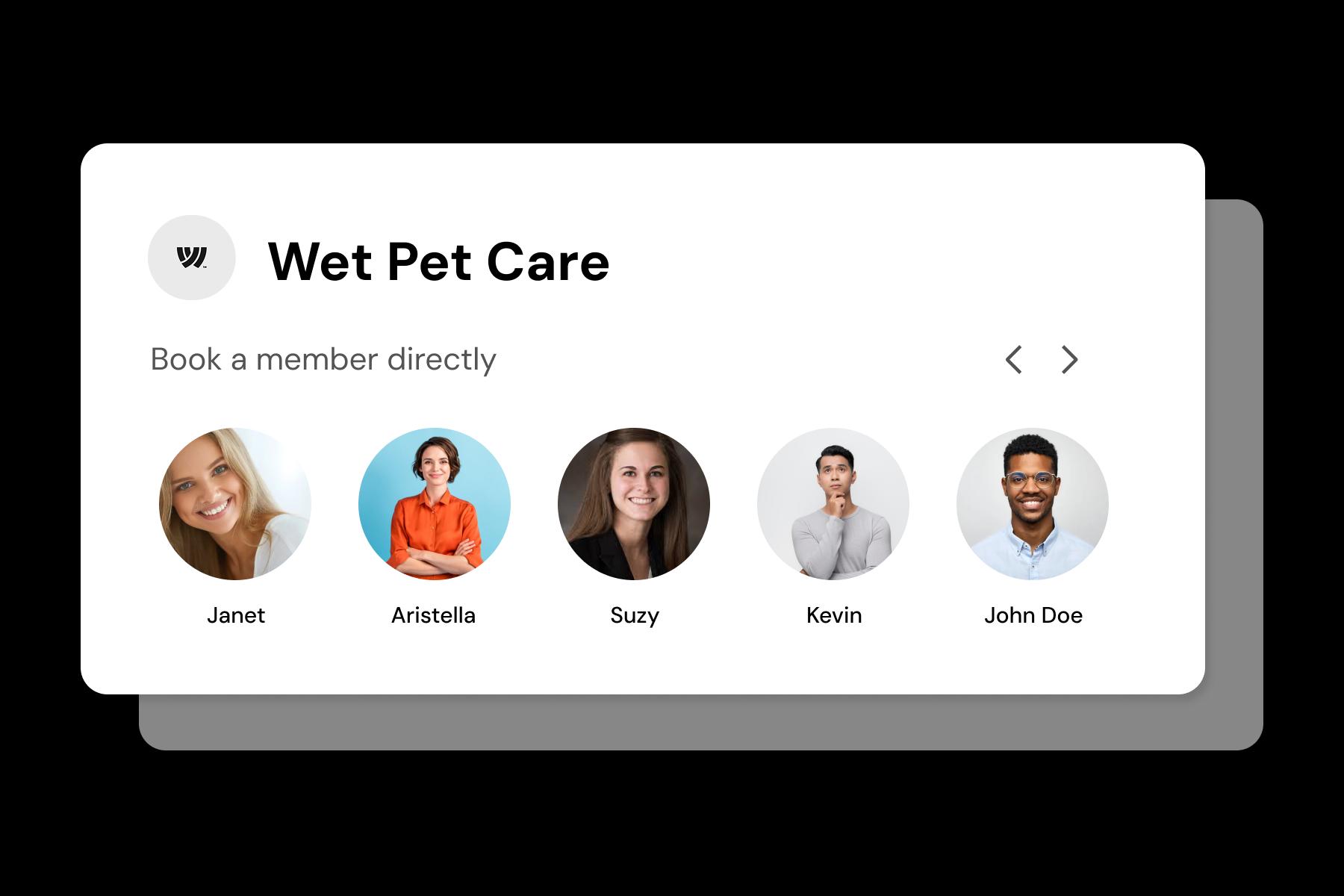
If you run a salon plus a mobile unit, it’s easy to double-book the wrong place. Set locations like “Salon”, “Mobile van”, “Pop-up (Neighborhood A)” with separate availability and travel buffers. Clients choose the right spot, and your calendar stays accurate even on rotating routes.
Separate baths, trims, deshed, and add-ons with rules
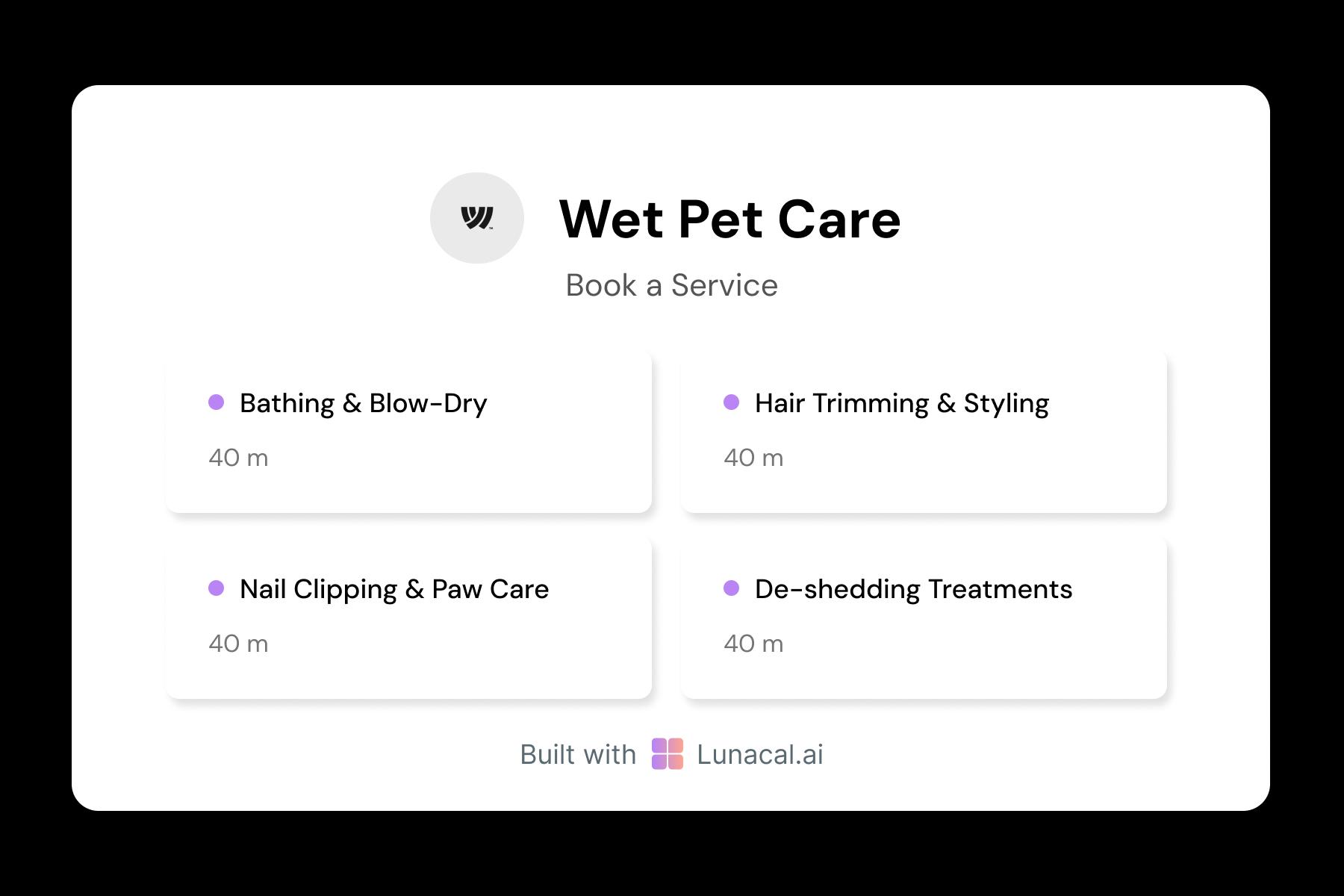
A nail trim shouldn’t consume a full-groom slot. Set each service with its own duration, buffers, price, and staffing needs. Add upgrades like de-shedding, flea/tick wash, teeth cleaning, paw balm, or specialty shampoo. You stop underestimating time, and clients pick exactly what they want.
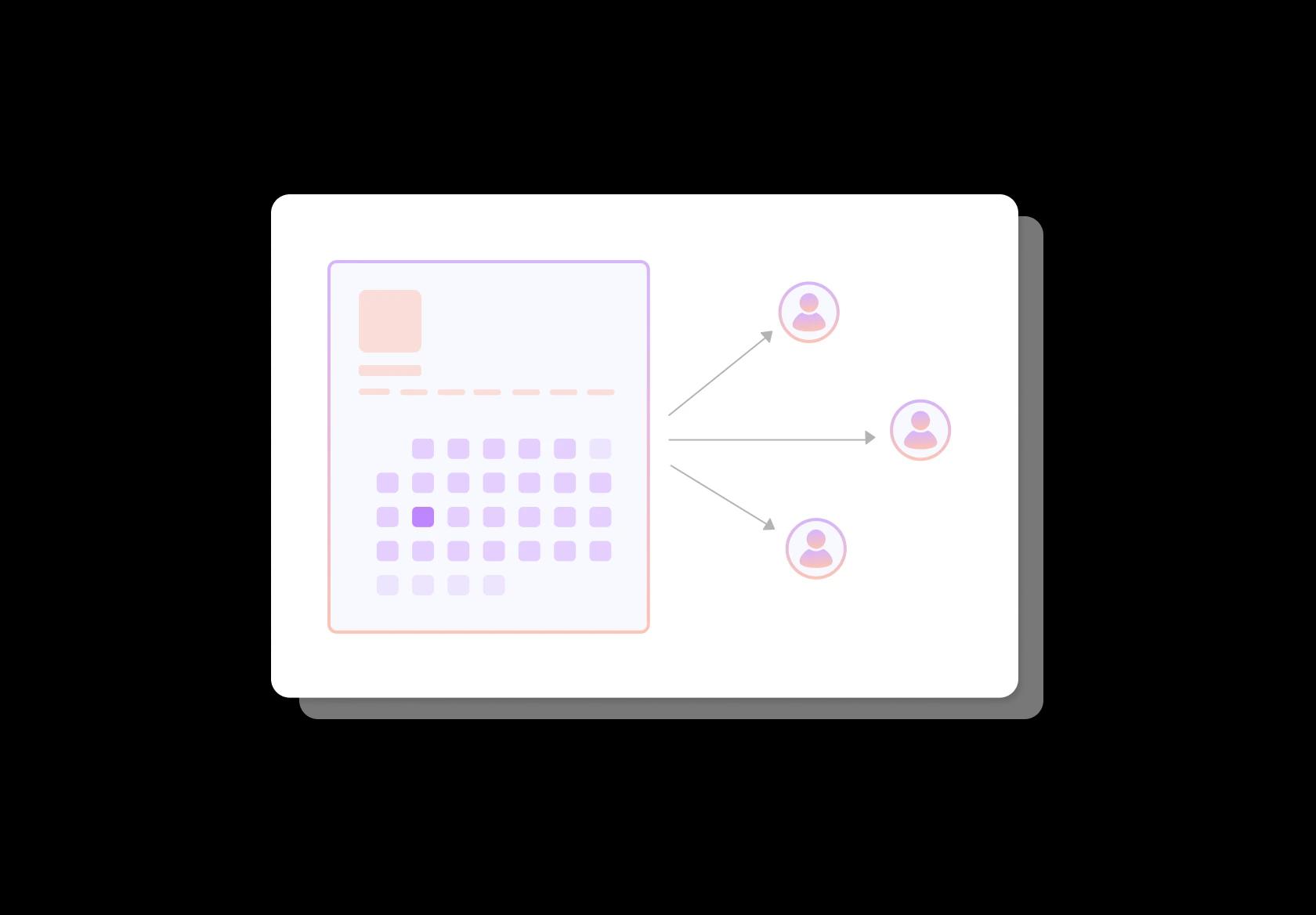
Distribute bookings fairly across groomers
When you have multiple groomers, manual assignment becomes chaos during busy weeks. Round-robin assigns new bookings to the next available groomer automatically. You can still keep control with rules like skill-based services (hand scissoring, cat grooming) or “senior groomer only.”
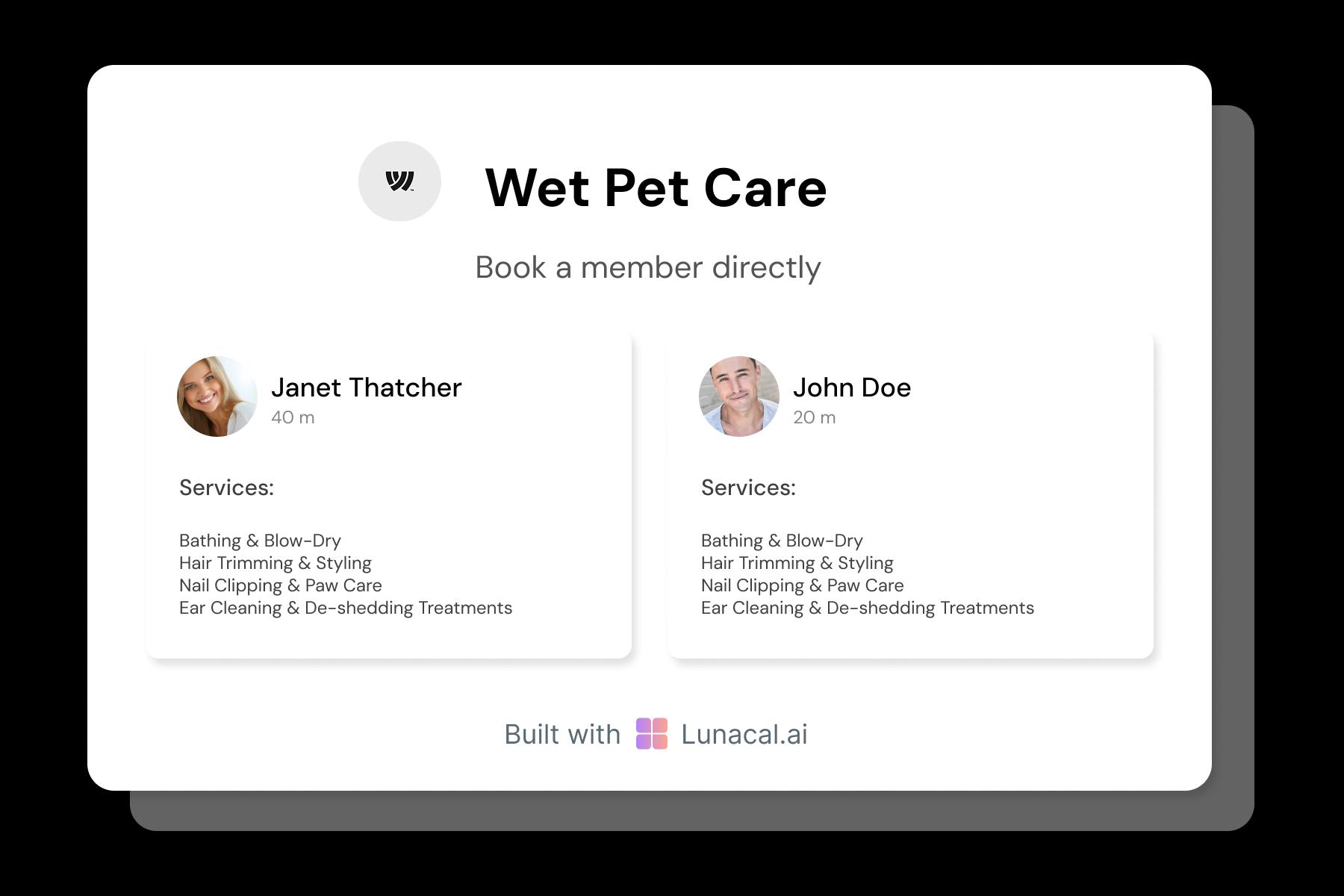
Help pet parents choose the right groomer
Some dogs do better with a familiar or calmer handler. Show short profiles with experience, specialties (doodles, double coats, anxious pets), and handling style. You can even add a note like “great with first-timers.” It builds trust before the first visit and reduces “who will groom my dog?” messages.
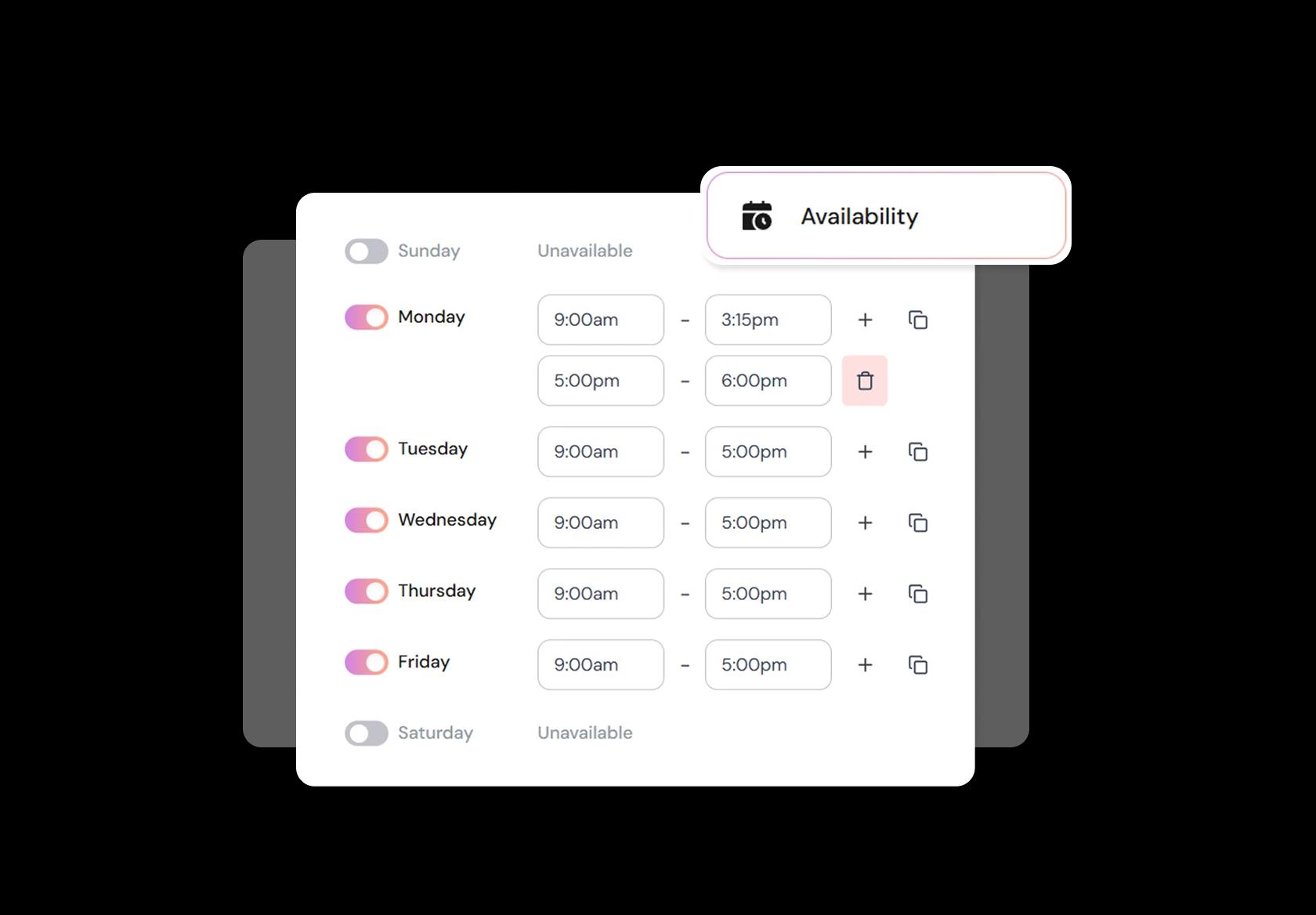
Block time for anxious pets, big coats, and cleanup
Real life grooming isn’t perfectly back-to-back. Block time for reactive pets, large breeds, heavy shedding, deep cleaning, or equipment maintenance. Add buffers for sanitizing between pets and breaks for your team. This prevents rushed grooms, late pickups, and burnout when the day gets heavy.
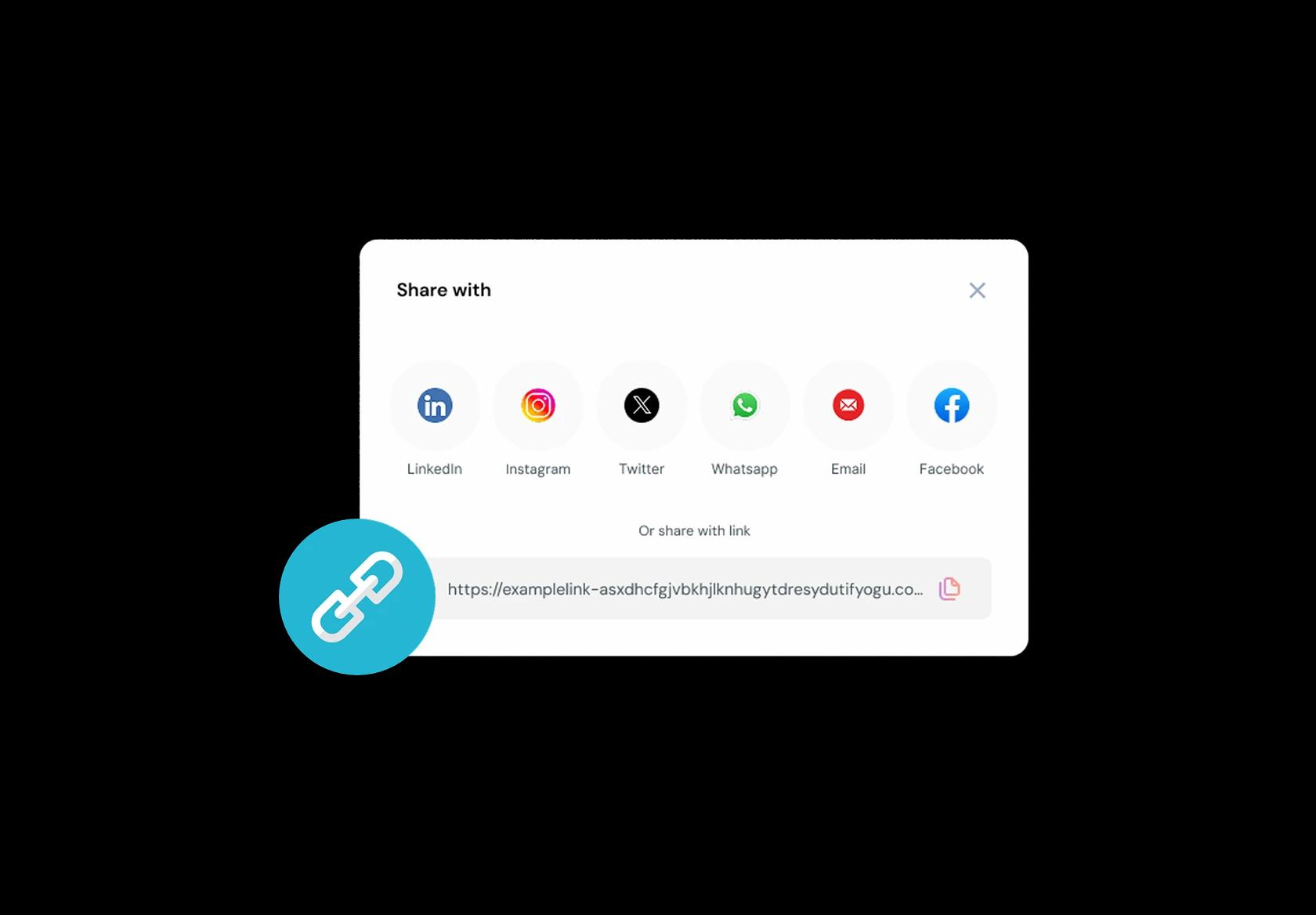
One booking link across Google, social, and messages
Pet parents find you from everywhere: Google Business Profile, Instagram, TikTok, WhatsApp, SMS, or a friend’s referral. If they can’t book immediately, many will move on. Share one link that always shows the latest services, pricing, and openings, so the question becomes “which slot?” not “are you free?”
No commission, No license fees.
Just simple, fair pricing
(save upto 20%)
Standard
- Unlimited Calendars & Services
- Connect Online Meeting Tool
- Payments via Stripe, PayPal
- Text / Email Reminders
- Customize your booking page
Teams
- All Standard Features
- Teams Scheduling
- Multi-session Packages
- Round-robin Scheduling
- Webhooks
Enterprise
- AI Voice Agent
- Account Manager
- Complete Branding
- MCP Server (Beta)
- SSO
Pet Grooming Appointment Booking Playbook
This playbook shows how to set up pet grooming scheduling software so bookings come in clean, predictable, and safe for your team and the pets.
Build a service menu that matches how grooming actually works
A pet grooming booking system fails when the service list is vague. Your menu should prevent “I booked a bath but wanted a full groom” situations.
- Create clear categories: bath and tidy, full groom, puppy intro groom, cat grooming, nail trim, deshedding, de-matting, spa add-ons.
- Offer size or coat-based variants: small, medium, large, double-coat, curly coat, short coat.
- Use service names that describe outcomes: “bath + blow dry + brush-out” beats “basic.”
- Add a “consult first” option for heavily matted coats, first-time aggressive pets, or special handling needs.
Collect the details that change time, safety, and pricing
Good pet grooming appointment booking isn’t just picking a slot. It’s collecting the information that prevents mid-appointment surprises.
- Pet basics: name, breed, age, approximate weight, and coat type.
- Coat condition: lightly tangled, moderate matting, severe matting.
- Temperament notes: anxious, reactive, history of biting, “needs two-person handling.”
- Health notes: skin issues, allergies, senior pet considerations, recent surgery, ear sensitivity.
- Vaccination policy acknowledgement if your shop requires it (rules vary by region, so state yours clearly).
Set availability around grooming capacity, not just “open hours”
To rank and convert for “pet grooming scheduling software,” you need to show you understand grooming constraints: drying time, reset time, and groomer bandwidth.
- Use buffers for cleanup and kennel turnover, especially in busy blocks.
- Limit daily capacity per groomer based on service type, not number of bookings.
- If you do drop-off grooming, separate “drop-off window” from “ready time” to reduce front-desk congestion.
- Keep one or two short slots for quick services (nails, face trim) so they don’t break your full-groom schedule.
Reduce no-shows without sounding harsh
No-shows are brutal in grooming because you can’t always refill the slot. Your rules should be short, visible, and consistent.
- Use deposits for first-time clients, long grooms, or peak weekend slots.
- Make rescheduling easy: one tap is better than a ghosted appointment.
- State a simple cancellation window (for example, 24 hours) and what happens to the deposit.
- For repeat offenders, require prepayment or restrict them to off-peak times.
Automate messages that pet parents actually read
Reminders and confirmations aren’t “nice-to-have.” They’re operational tools that protect your day.
- Confirmation message: service booked, date/time, location, parking notes, and what to bring (leash, carrier, vaccination proof if required).
- Reminder timing that works globally: one the day before, and one a few hours before.
- Prep instructions: arrive a few minutes early, bathroom break before drop-off, avoid feeding right before if your policy recommends it.
- After-service follow-up: care tips and a quick rebook link for the next cycle (many pets follow a predictable grooming cadence).
Handle the common “grooming edge cases” upfront
This is where most generic scheduling pages fall apart. Put the rules on the booking page so clients can’t miss them.
- Matting policy: explain that severe matting may require extra time, an added fee, or a humane shave-down if needed.
- Late arrivals: state whether the service will be shortened or rescheduled to protect other appointments.
- Safety-first handling: clarify that aggressive behavior may require rescheduling, extra handling support, or refusal for safety.
- Cat grooming notes: if you offer it, specify appointment structure and handling expectations because it’s not the same as dogs.
Make team hand-offs clean if you have multiple groomers
For multi-staff pet grooming scheduling software setups, hand-off clarity matters as much as booking volume.
- Let clients choose a preferred groomer, but keep a “fastest availability” option for conversion.
- Restrict advanced services (cat grooming, de-matting) to trained staff only.
- Keep internal notes visible to staff but not public: temperament, handling tips, prior reactions, clipper sensitivities.
- If you use kennels, treat kennel capacity like inventory so you don’t overbook drop-offs.
Copy-paste policies you can publish on your booking page
These small blocks improve trust and reduce back-and-forth, especially for new clients finding you via search.
- Matting: “If your pet has severe matting, grooming may take longer and may require an additional fee. We will prioritize comfort and safety over style.”
- Late arrival: “If you arrive late, we may need to shorten or reschedule your appointment to keep other pets on time.”
- Safety: “If a pet shows unsafe aggression, we may stop the service and discuss safer options. Staff and pet safety come first.”
Authored & Reviewed by:
Pranshu Kacholia is the founder of Lunacal.ai, a calendar scheduling and appointment booking system. He works directly with businesses of all sizes to improve booking outcomes - reducing no-shows, cutting back-and-forth, and making scheduling more reliable and efficient. His day-to-day includes reviewing real scheduling setups and edge cases: complex availability and buffers, time zones, routing, cancellation/rescheduling rules, paid meetings and deposits, reminder workflows, and integrations with calendars and meeting tools. He regularly shares appointment scheduling best practices through interviews and community conversations (see this interview and this discussion) and also writes about calendar scheduling (read the article on Medium). He has first-hand experience of using 40+ scheduling tools such as calendly, acuity scheduling, vagaro, fresha, tidycal, square, setmore etc. and understands product nuances deeply.
Lunacal.aiCalendlyAcuity SchedulingSquare AppointmentsSetmoreDoodleBooksyMindbodyFreshaSimplyBook.meHoneyBook


