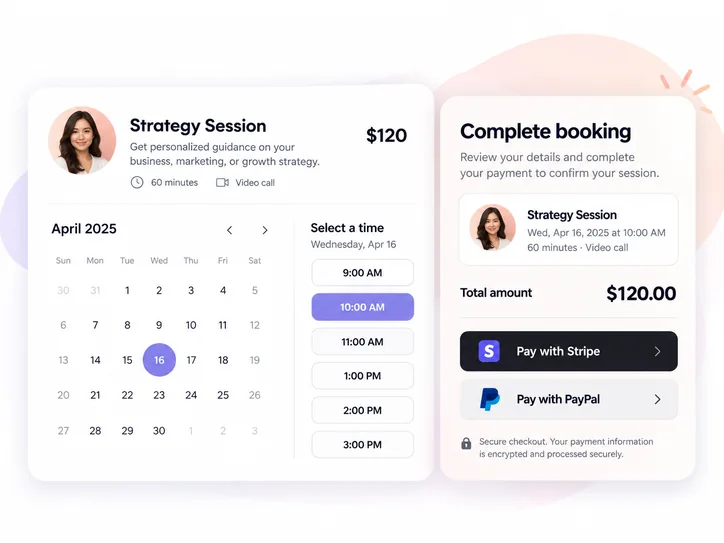
Deposits
Collect a partial payment to reserve a time. For a $120 service with a $30 deposit, state when the remaining $90 is due.
Charge for individual appointments, take a deposit, sell sessions in a package or offer a subscription. Clients book around your availability.
| Payment type | When the customer pays | How booking works | Example |
|---|---|---|---|
| One-time payment | At booking | Select an appointment and pay the service price. | $75 consultation |
| Deposit | Part at booking | Reserve a time and settle the remaining balance under your terms. | $30 deposit on a $120 service |
| Prepaid package | Before the included sessions | Buy several sessions together and book them over time. | Five coaching sessions |
| Subscription | According to the configured billing plan | Offer an ongoing service with its own billing and booking rules. | Monthly coaching plan |
Turn any paid service into a booking link. Your client sees the price, selects an available time and pays through the connected provider as part of the same booking flow.
Use paid bookings for consultations, tutoring, training, personal services or group sessions. Set a different price for each service, with Stripe or PayPal checkout built into the booking flow.
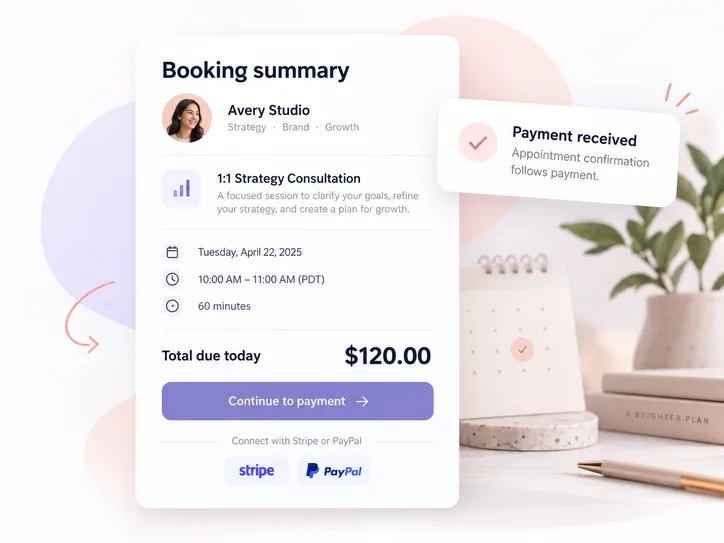
Connect a payment provider, price your service and share your booking page.
Connect your Stripe or PayPal account to your Lunacal booking setup.
Choose the appointment duration, availability, price and payment requirement.
Clients select a date and time, complete their details and proceed to payment.
Successful checkout confirms the paid appointment. View the transaction in your processor.
Let clients buy several sessions in one purchase. A client can pay for five coaching sessions or ten private lessons upfront, then schedule the included sessions over time.
Packages work well for structured programs or repeat visits. The client pays once, then books the included sessions without paying each time.
Example: A coach sells a five-session package for $350. The client pays for the package, books the first session and schedules the remaining four when ready.
Create a session package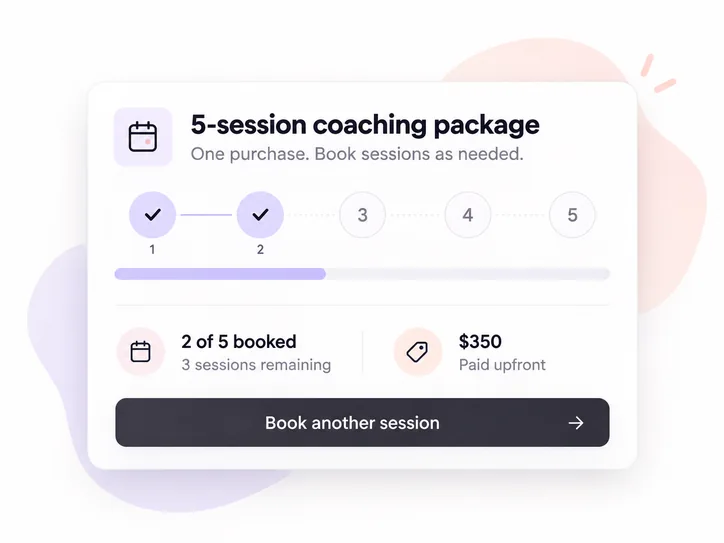
For ongoing client relationships
Give regular clients a subscription for coaching, advisory services or recurring lessons instead of charging them for every visit.
Offer a predictable way to pay for ongoing services while clients book around your availability.
Recurring appointments repeat on your calendar. A subscription lets clients pay for ongoing access to your service.
Offer flexible checkout while keeping each service's price and booking terms clear.
Collect a partial payment to reserve a time. For a $120 service with a $30 deposit, state when the remaining $90 is due.
Create time-limited or usage-limited offers for selected paid bookings, promotions or referrals.
Collect payments for group classes and events when attendees book a place.
Add your paid scheduling experience to your website or share a direct link in email, social profiles and messages.
Remind customers who leave the payment step before completing their booking.
Lunacal doesn't take an additional percentage of each paid booking. Stripe or PayPal processing fees and your plan cost are separate.
Compare everyday payment features across seven scheduling tools.
| Software | Pay at booking | Deposits | Prepaid packages | Subscriptions | Coupon codes |
|---|---|---|---|---|---|
| Lunacal ↗ | Yes | Yes | Yes | Yes | Yes |
| Calendly ↗ | Yes | Yes | Yes | No | Yes |
| Acuity ↗ | Yes | Yes | Yes | Yes | Yes |
| Koalendar ↗ | Yes | Yes | Yes | No | Yes |
| SimplyBook.me ↗ | Yes | Yes | Yes | Yes | Yes |
| Setmore ↗ | Yes | Yes | No | No | No |
| Zoho Bookings ↗ | Yes | Yes | No | No | No |
Sell paid appointments without giving Lunacal a percentage of every booking.
A $100 appointment carries $0 in Lunacal booking commission. Your payment provider still charges its standard fees according to your account, payment method and region.
Stripe and PayPal processing fees still apply. Refunds are handled according to your payment-provider settings and cancellation policy.
Direct answers about checkout, packages, subscriptions and payment fees.
Yes. Lunacal supports paid appointments through Stripe and PayPal. Add a price to a service, share your booking page, and collect payment during the booking process.
Connect Stripe or PayPal, set a price for your service and share or embed your booking page. Clients can select a time and pay during booking.
Yes. You can use a deposit for eligible paid services. Tell clients how much they owe at booking, when the rest is due and what your cancellation terms are.
Yes. Clients pay once for a multi-session package, then book the included sessions over time.
No. A recurring appointment repeats on your calendar. A subscription sets up an ongoing paid service. They solve different needs.
Yes. Lunacal supports subscription-based services for ongoing client relationships, alongside one-time appointments and prepaid session packages.
Yes. Lunacal lists limited-time and limited-use coupons for paid bookings. Configure the applicable offer and verify the final amount at checkout.
Lunacal charges 0% booking commission. Its paid scheduling plan starts at $9 per user per month. Stripe and PayPal charge their own processing fees.
Do not assume a booking cancellation also refunds a payment. Set a clear cancellation policy and check the payment and refund status in your connected processor.
Yes. You can share your Lunacal booking link or embed the booking widget into your website. Your customer can select a service and proceed through its configured payment flow.
Create a paid appointment, offer a package or set up an ongoing service—all with scheduling built in.
Create your booking page Stripe & PayPal · 0% Lunacal booking commission