Retail Store Scheduling Software
In-store appointments with staff selection, location-based slots, product/category notes, reminders, peak-hour controls, & easy rescheduling.

Scheduling features for demos, service, and pickups
Let customers book visits, fittings, or consultations instantly
Whether it’s a personal styling session, a custom order pickup, or a product demo—retail store booking software lets customers secure time without waiting in line or calling ahead.
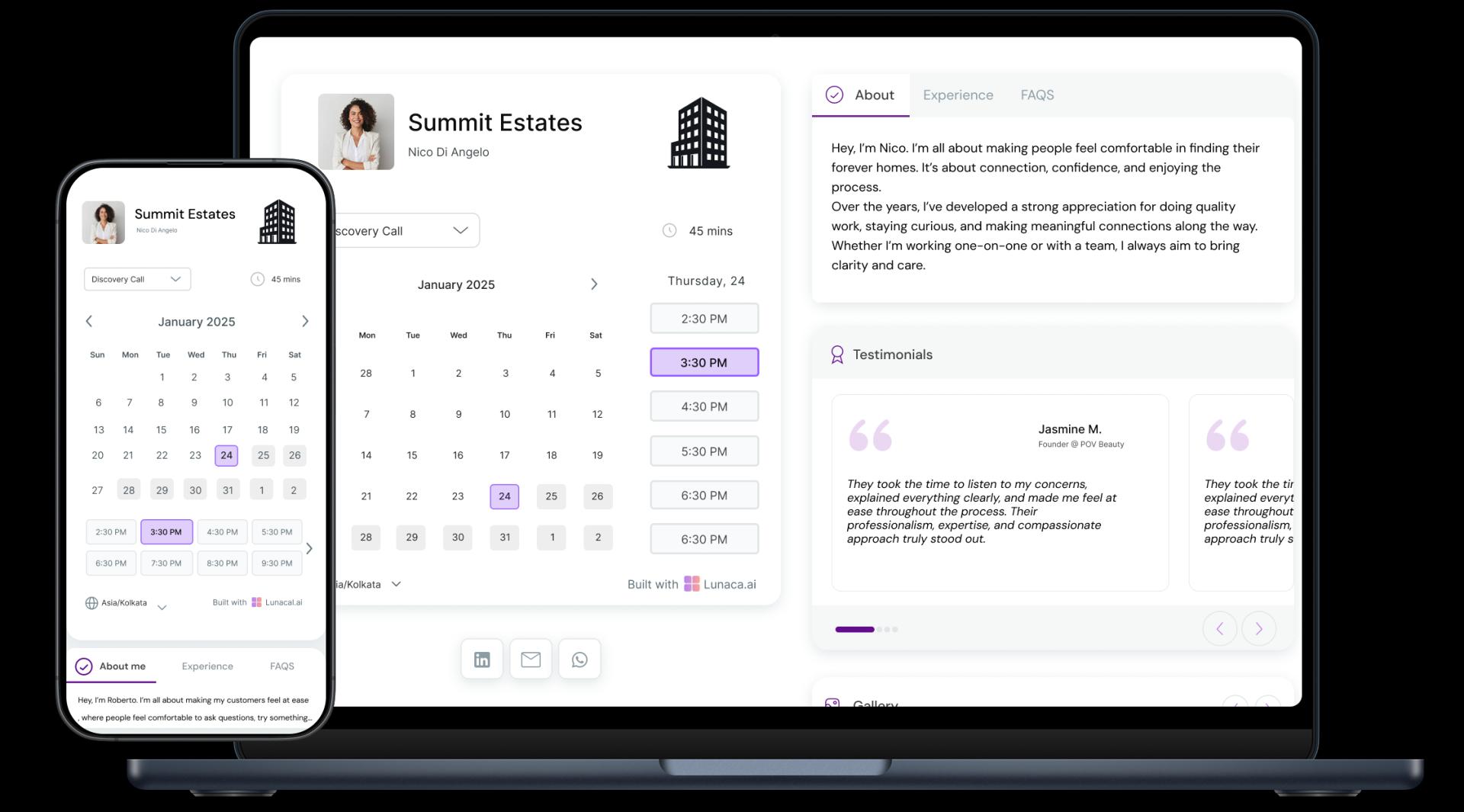
Highlight in-store services, offers, and product categories
Use your booking page to showcase what makes your store different—personalized fittings, new arrivals, eco-conscious goods. Retail store scheduling software helps you present it all clearly.
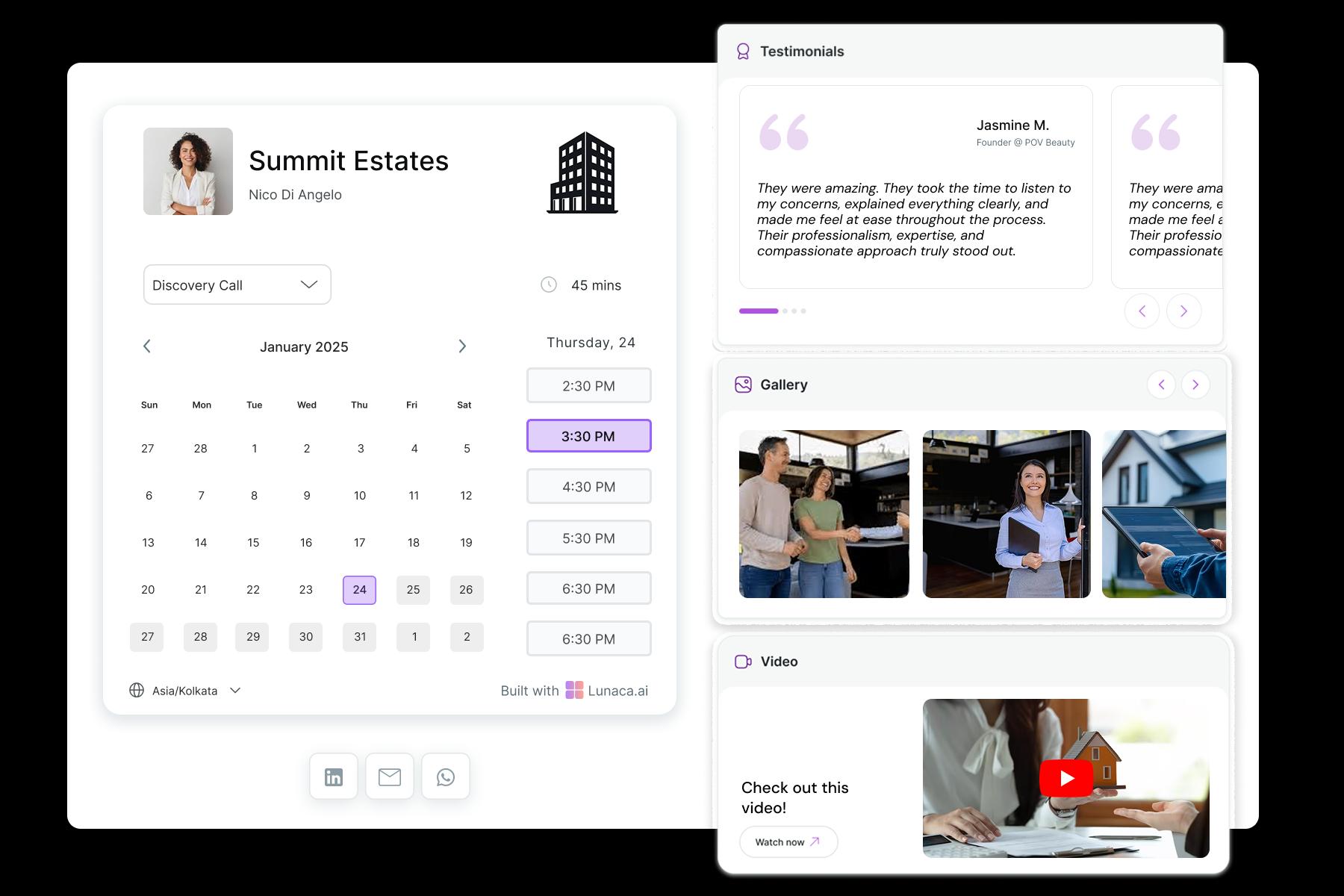
Ask size preferences, item interests, or special requests
Want to prep the right styles or keep limited stock ready? Ask up front about preferences, budget, or must-see items to give every shopper a curated experience.

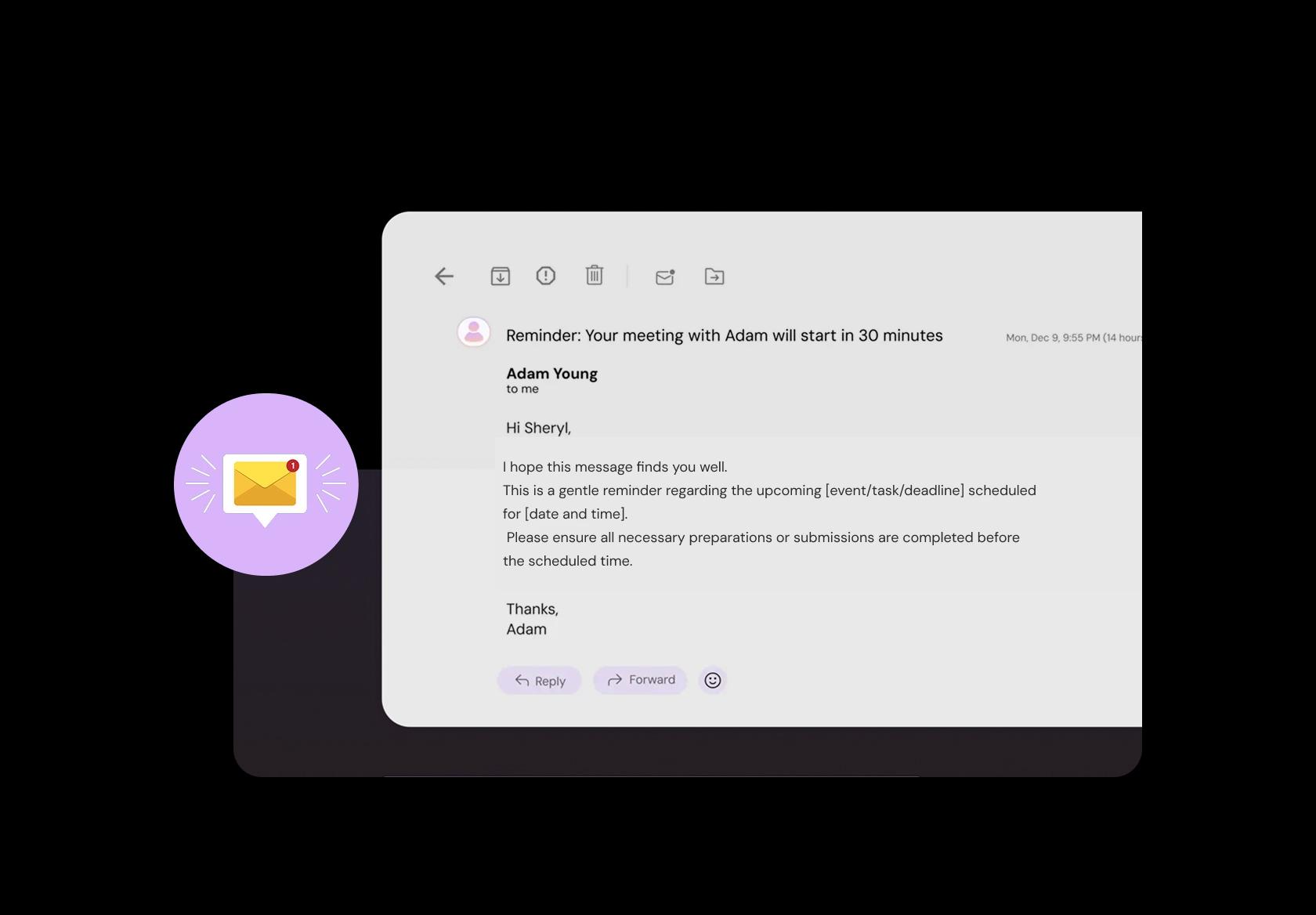
Send reminders with parking info or store policies
A quick reminder with directions, parking tips, or store entry rules keeps things running smooth—especially during sale days, pop-ups, or private events.
Collect deposits for appointments or custom orders
Holding a slot for a premium fitting? Retail store booking software can take a deposit at the time of booking so you’re not left with empty slots or wasted prep.

Manage visits across multiple branches or store formats
If you operate in malls, standalone stores, or pop-ups, centralized scheduling helps manage appointments across locations without overlapping or mixing up staff.
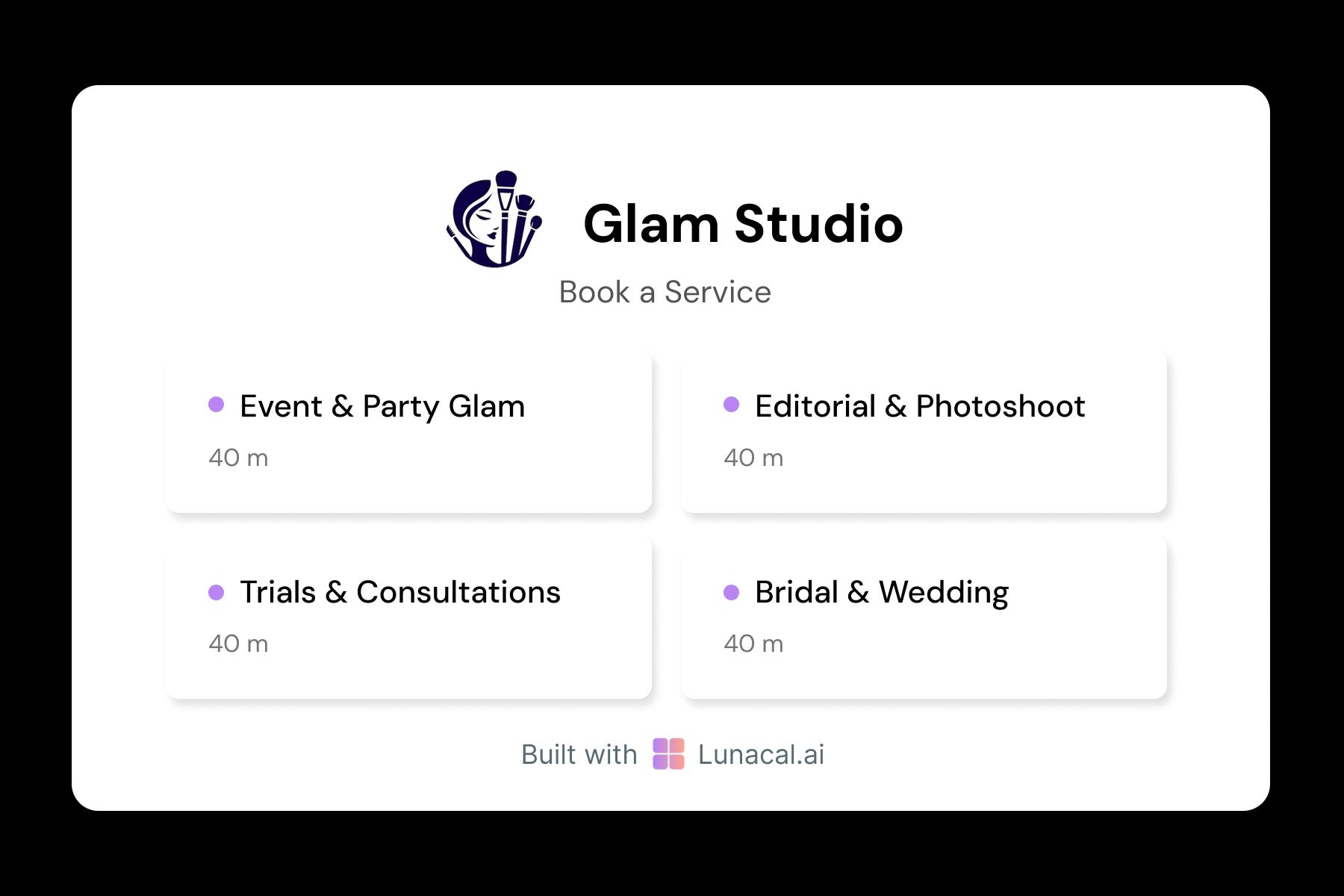
Separate bookings for tailoring, returns, or personal shopping
A return isn’t a fitting. And a gift consult isn’t a wedding outfit session. Create clear service types so both staff and customers know what to expect.
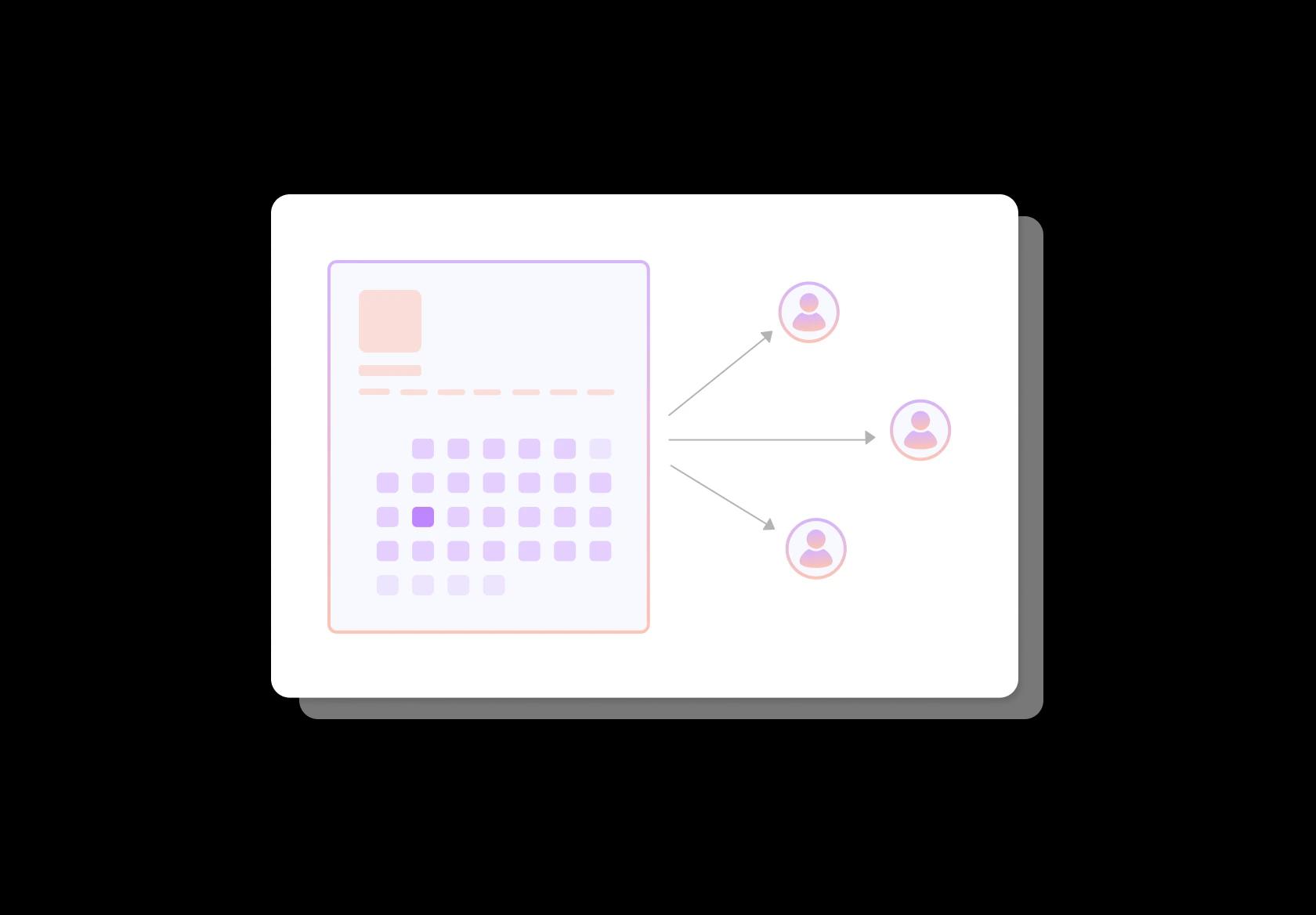
Distribute appointments among store associates fairly
For larger stores or during promotions, round-robin logic helps assign shoppers across available team members—no crowding, no idle time. Everyone gets served faster.
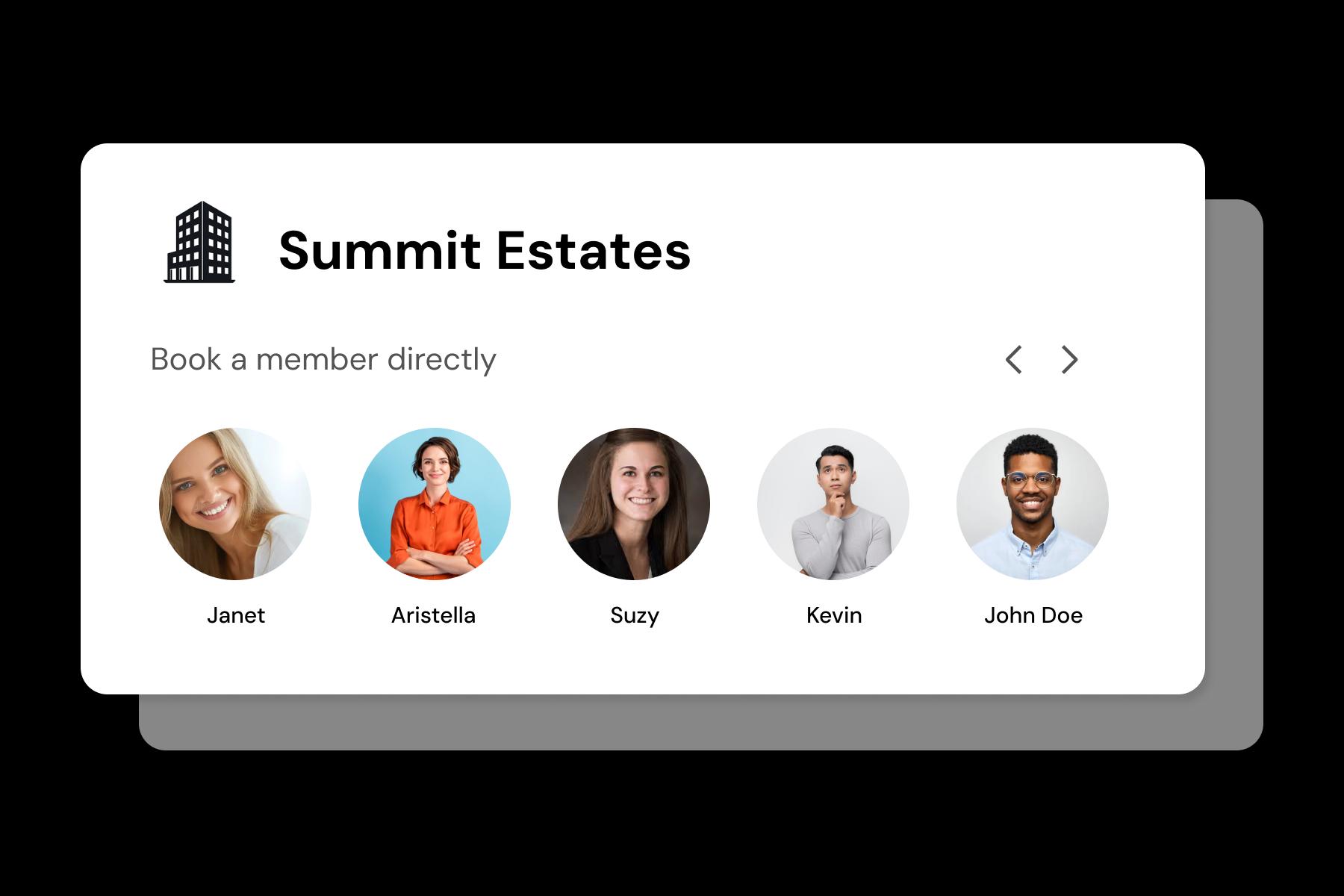
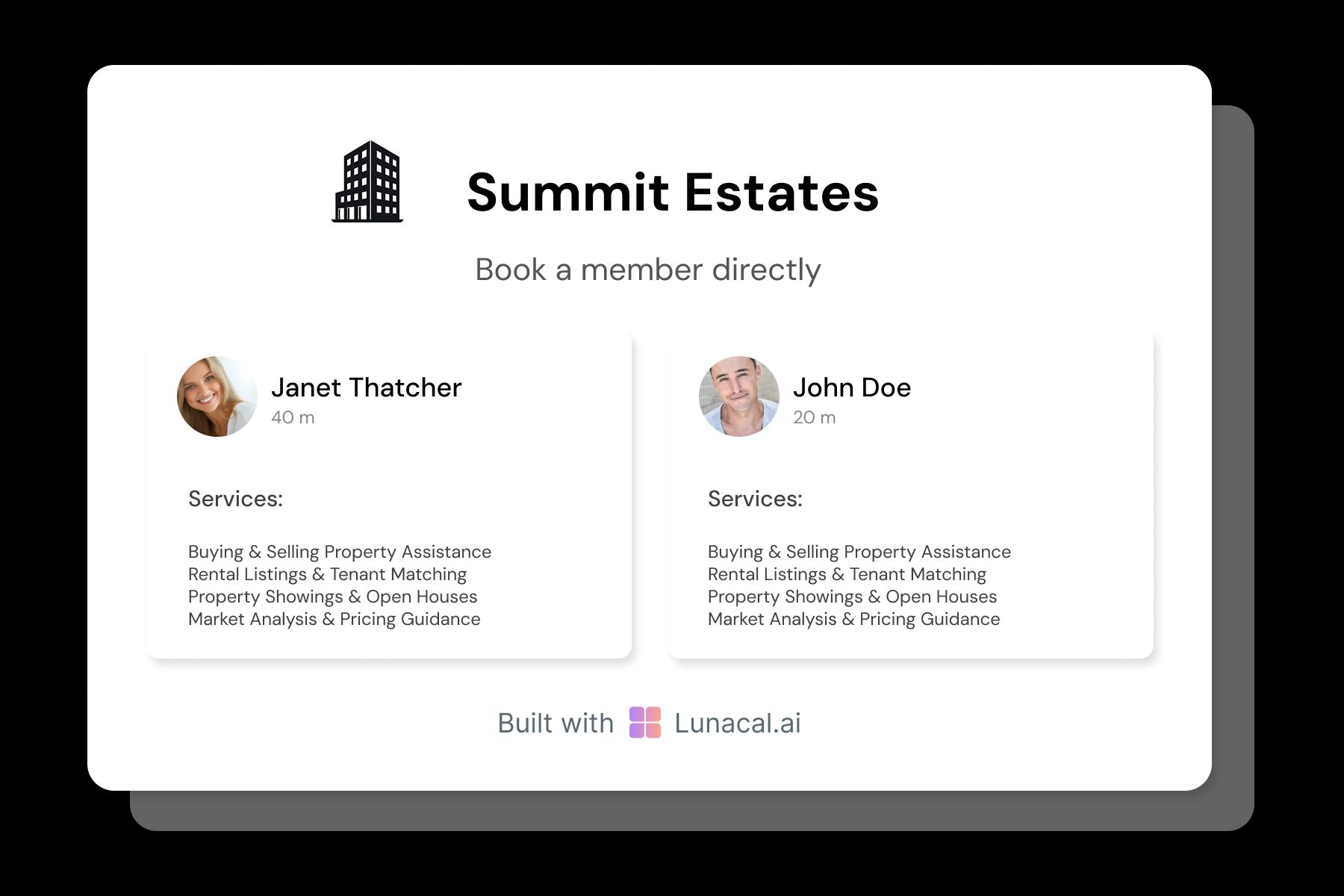
Let shoppers pick who they meet for service
Some clients want a stylist. Others need help from someone who knows tech or tailoring. Add profiles so customers connect with the right expert the first time.
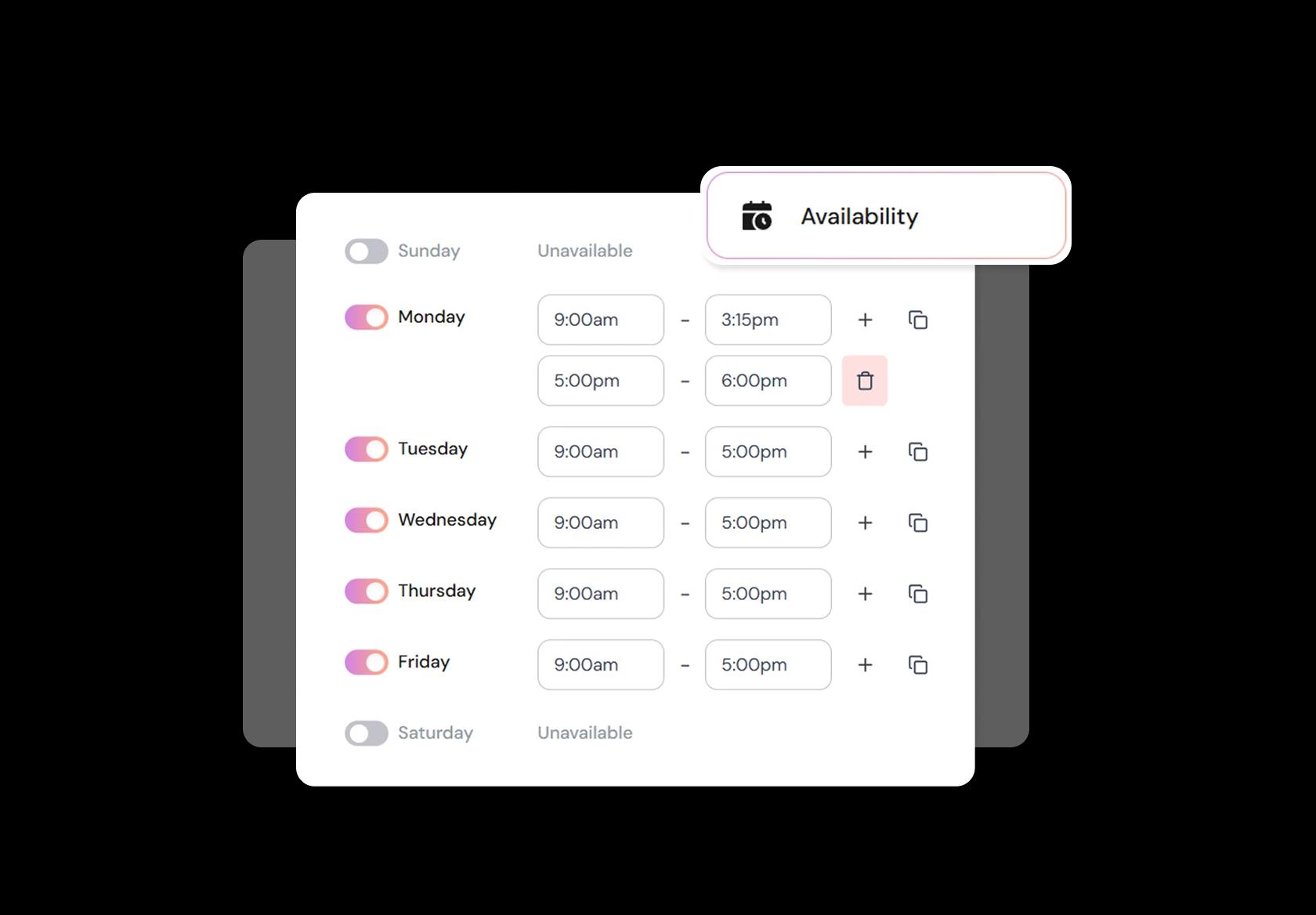
Adjust availability for new launches, events, or off-seasons
Launch week? Holiday hours? Or inventory restocking? With flexible availability in your retail store scheduling software, your team can open or close booking slots on the fly.
Add your booking link to receipts, banners, and social bios
Whether they saw a QR code in-store, found you on Instagram, or received a follow-up email—one click should take them straight to the calendar. That’s how you build repeat visits.
No commission, No license fees.
Just simple, fair pricing
(save upto 20%)
Standard
- Unlimited Calendars & Services
- Connect Online Meeting Tool
- Payments via Stripe, PayPal
- Text / Email Reminders
- Customize your booking page
Teams
- All Standard Features
- Teams Scheduling
- Multi-session Packages
- Round-robin Scheduling
- Webhooks
Enterprise
- AI Voice Agent
- Account Manager
- Complete Branding
- MCP Server (Beta)
- SSO
Related scheduling apps


Retail Store Scheduling Playbook
This playbook helps you use retail store scheduling software the way good store managers actually do: keep the floor covered, protect margins, and stop last-minute “where is everyone?” chaos.
Start with coverage, not shifts
A retail schedule isn’t “who works when.” It’s “which roles are covered” during every hour your store is open.
- List the roles you need per hour: cashier, floor associate, fitting room, stockroom, supervisor, security (if applicable).
- Mark non-negotiable coverage points: opening, closing, bank drop, receiving deliveries, store audits.
- Include invisible work: replenishment, shelf labels, returns processing, BOPIS/curbside handoff, store cleaning.
Build day-part templates that reflect real store rhythm
Most retail stores run on repeatable patterns. Templates make schedules consistent and easier to adjust.
- Create a weekday template and a weekend template before you start fine-tuning.
- Split the day into day-parts: opening rush, midday lull, evening rush, closing.
- Assign “anchor roles” first (manager-on-duty, main cashier), then fill the floor.
- If your store has appointments (styling, tailoring, consultations), block staff time around those slots so the floor doesn’t suffer.
Collect availability like a system, not a WhatsApp message
Availability is the #1 reason schedules break. Capture it cleanly, then enforce it.
- Ask for recurring availability (weekly pattern) and exceptions (exam week, family event, second job).
- Track constraints: max hours, preferred shifts, “can’t do closing”, “only weekends”.
- Keep a clear time-off request cutoff (example: requests must be in 7 days before posting the schedule).
- For part-time teams, store “minimum guaranteed hours” if you promise them.
Forecast demand using your store’s actual drivers
Scheduling well means matching labor to demand. You don’t need fancy math. You need the right inputs.
- Use sales by hour and footfall patterns if you have them. If not, start with your POS “busy hours.”
- Adjust for known spikes: payday weekends, local events, holidays, promotions, new collection drops.
- Plan extra coverage for operational spikes: inventory counts, deliveries, large returns days.
- For malls, watch closing time and weekend surges. For high-street stores, watch lunch and evening commuter peaks.
Lock in rules that prevent overtime, fatigue, and churn
Retail churn often starts with bad schedules. Put guardrails in place so the schedule doesn’t burn people out.
- Set max weekly hours by employee type (full-time, part-time, seasonal).
- Enforce minimum rest between shifts, especially between closing and next-day opening.
- Track breaks properly. Break rules vary by country and region, so set them to match local requirements.
- Limit “split shifts” unless a person explicitly agrees to them.
Handle call-outs and shift swaps without breaking the floor
Shift swaps are normal in retail. The problem is unmanaged swaps that leave you without the right role coverage.
- Require swaps to keep role coverage intact (cashier swaps with cashier, supervisor swaps with supervisor).
- Set a swap approval rule: manager approves only if coverage and compliance remain valid.
- Maintain a standby list by skill: “can run POS”, “can close”, “can receive inventory”.
- Keep a simple escalation ladder for no-shows: call, message, emergency backup, manager cover.
Schedule by skill, not just by names
The best retail schedules are built around capabilities. This is where retail employee scheduling stops feeling random.
- Tag staff skills: POS trained, returns specialist, visual merchandising, stockroom, supervisor-on-duty.
- Make sure every shift has the required mix: at least one strong cashier, one floor closer, one person who can handle escalations.
- For new hires, schedule overlap with trained staff for the first few shifts.
- For peak hours, add your fastest staff where conversion matters most (front of store, fitting room, checkout).
Multi-location scheduling without drama
If you run multiple stores, the schedule gets harder fast. Your retail shift scheduling system should make coverage portable.
- Separate “home store” staff from “flex staff” who can pick up shifts across locations.
- Track travel time between stores so you don’t schedule impossible back-to-back shifts.
- Standardize roles and naming across locations so swaps and coverage are predictable.
- Use fairness rules: distribute weekend and closing shifts without repeatedly dumping them on the same people.
Publish schedules in a way people actually follow
A schedule that isn’t seen is useless. A schedule that changes without clarity creates resentment.
- Set a consistent publish cadence (example: publish every Thursday for the next week).
- Send automatic notifications when shifts are assigned, changed, or swapped.
- Keep one official channel for schedule changes so “I didn’t see it” stops being a daily excuse.
- When you change a shift, include the reason in a short note. People accept changes faster when it’s explained.
Weekly review: the 6 numbers that tell you if scheduling is working
You don’t need a dashboard full of charts. You need a few signals that prevent slow-motion chaos.
- Coverage gaps per week (how many hours were you under-staffed).
- Overtime hours and the cause (bad forecasting vs call-outs).
- Late arrivals and no-shows by shift type (open vs close vs weekend).
- Labor-to-sales ratio by day-part (are you overstaffed at midday and understaffed at peak).
- Break compliance exceptions (these become real risk in many regions).
- Employee satisfaction signal (even a monthly “schedule fairness” pulse helps).
Copy-paste policies you can put into your scheduling workflow
These tiny policies reduce confusion and stop the same arguments from repeating every week.
- Time-off requests
- “Please request time off at least 7 days before the schedule is posted. After posting, requests may be declined if coverage is affected.”
- Shift swap rule
- “Swaps must be approved. You’re responsible for the shift until the swap is confirmed in the schedule.”
- Call-out rule
- “If you can’t make a shift, inform the manager as early as possible. Messaging 10 minutes before start time isn’t acceptable unless it’s an emergency.”
- Late arrival
- “If you’re running late, message immediately with an ETA. Repeated late arrivals may result in fewer scheduled hours.”
Authored & Reviewed by:
Pranshu Kacholia is the founder of Lunacal.ai, a calendar scheduling and appointment booking system. He works directly with businesses of all sizes to improve booking outcomes - reducing no-shows, cutting back-and-forth, and making scheduling more reliable and efficient. His day-to-day includes reviewing real scheduling setups and edge cases: complex availability and buffers, time zones, routing, cancellation/rescheduling rules, paid meetings and deposits, reminder workflows, and integrations with calendars and meeting tools. He regularly shares appointment scheduling best practices through interviews and community conversations (see this interview and this discussion) and also writes about calendar scheduling (read the article on Medium). He has first-hand experience of using 40+ scheduling tools such as calendly, acuity scheduling, vagaro, fresha, tidycal, square, setmore etc. and understands product nuances deeply.
Lunacal.aiCalendlyAcuity SchedulingSquare AppointmentsSetmoreDoodleBooksyMindbodyFreshaSimplyBook.meHoneyBook


