Short and long text
Use a single line for brief answers or a larger field for details.
LunaCal booking forms collect the details you need before an appointment is confirmed. Add questions to each event type, accept attachments and consent, and use the answers in your workflows or connected Pipedrive fields.
Start your free trialCompare scheduling tools ↓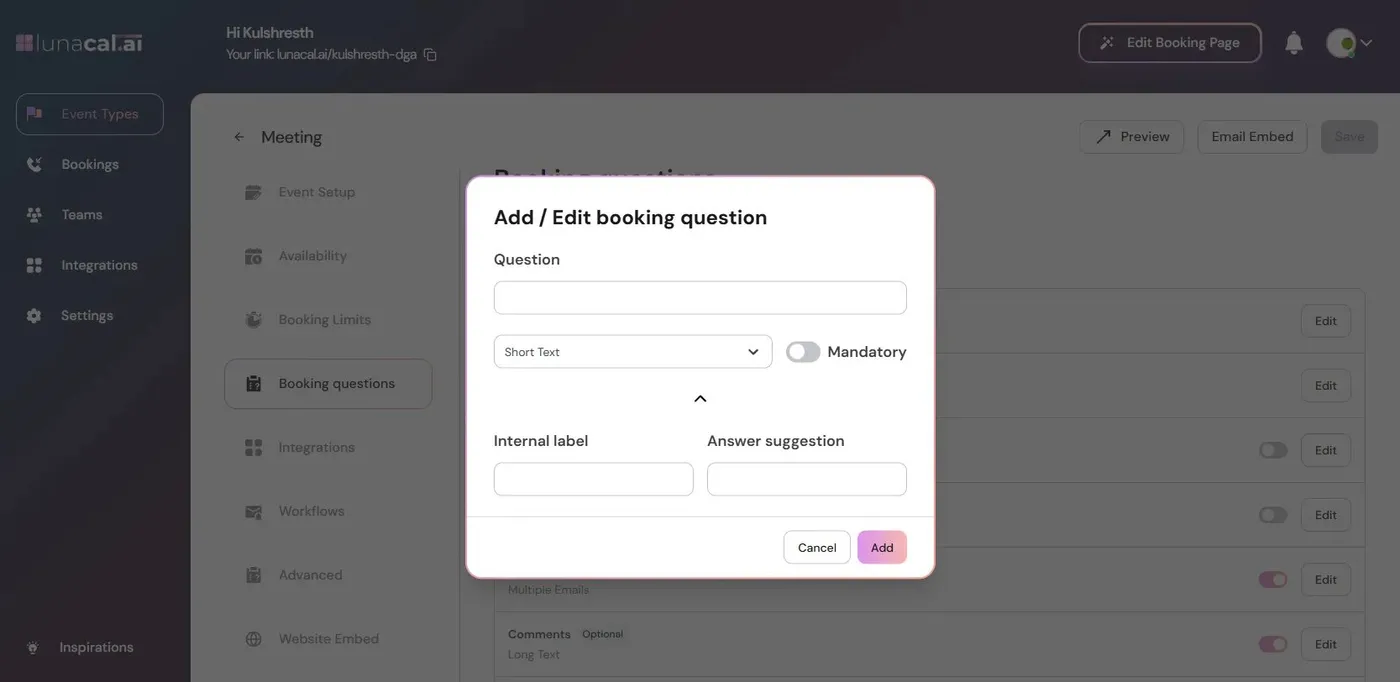
The appointment form can collect contact information, structured choices and supporting material without sending the client to a separate questionnaire.
Use a single line for brief answers or a larger field for details.
Collect an email address and a phone number with its country code.
Split the default Name field when you need separate name values.
Give clients a defined list when they should choose one answer.
Use checkboxes when more than one option can apply.
Ask clients to upload a document, image or spreadsheet during booking.
Collect an explicit acknowledgment of an agreement before the appointment.
Use Multiple Emails so each supplied address receives a confirmation.
Connect a question to a custom field in your Pipedrive account.
Turn on Mandatory only for answers needed to complete the booking.
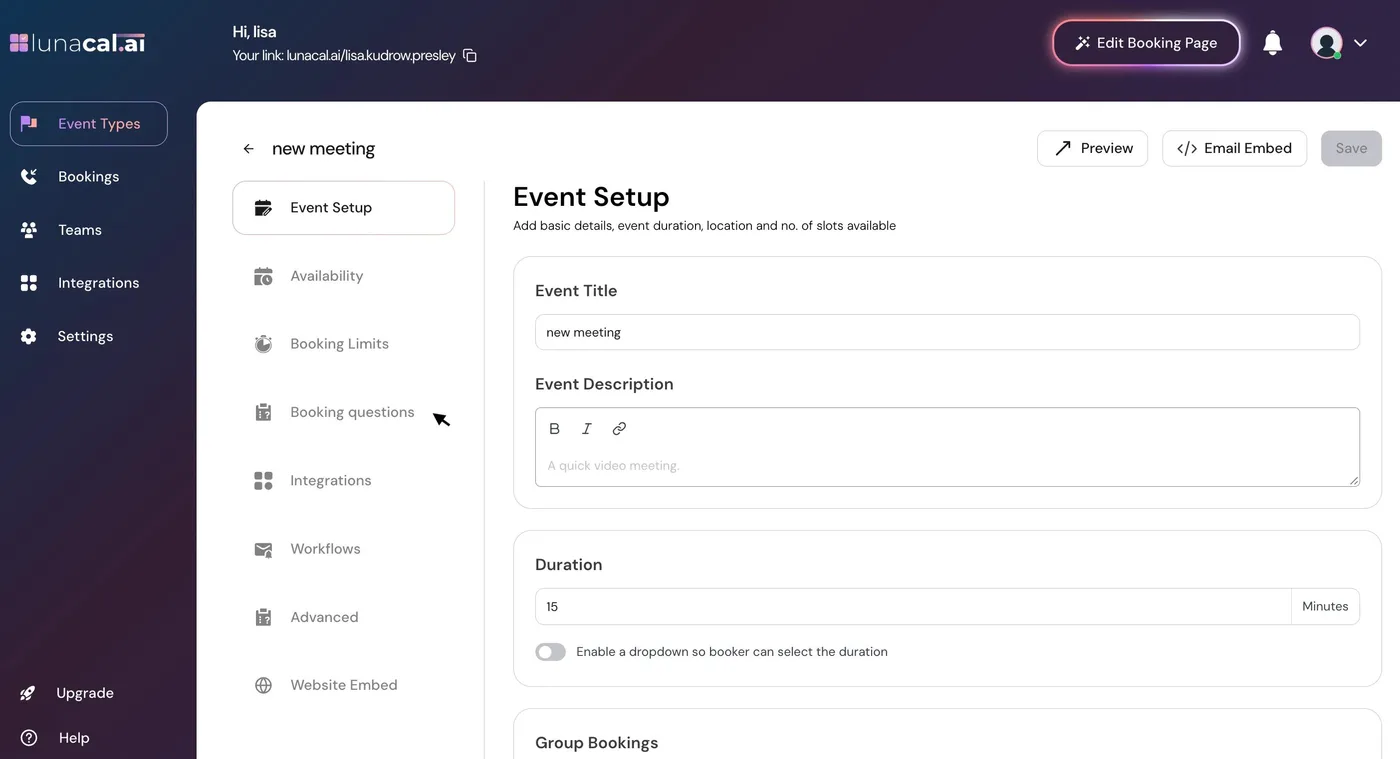
Different appointments can ask for different information. Edit the questions attached to the event rather than making every client complete the same long intake form.
The visible label should describe the information needed. Use Answer Suggestion for a short prompt inside the field.
The Internal Label is private. It identifies the answer when you reference it in a workflow or prefill it from another page.
A dropdown keeps answers consistent. Long text leaves room for detail. Attachments collect the supporting file itself instead of a description of it.
Hide/Unhide controls what clients see. Default questions cannot be deleted or changed to another type; switch an unused default question off instead.
Collecting information is only useful if it reaches the next step. LunaCal gives the form fields a role in appointment communication and connected CRM records.
Explore reminders →Use a question’s Internal Label to include its answer in a workflow message.
The Multiple Emails field includes the supplied addresses in booking confirmations.
Choose Pipedrive Custom Field for a question connected to a field in your CRM account.
When a client arrives from another form or a page that already has their details, LunaCal can receive those values through the booking URL or embedded calendar configuration.
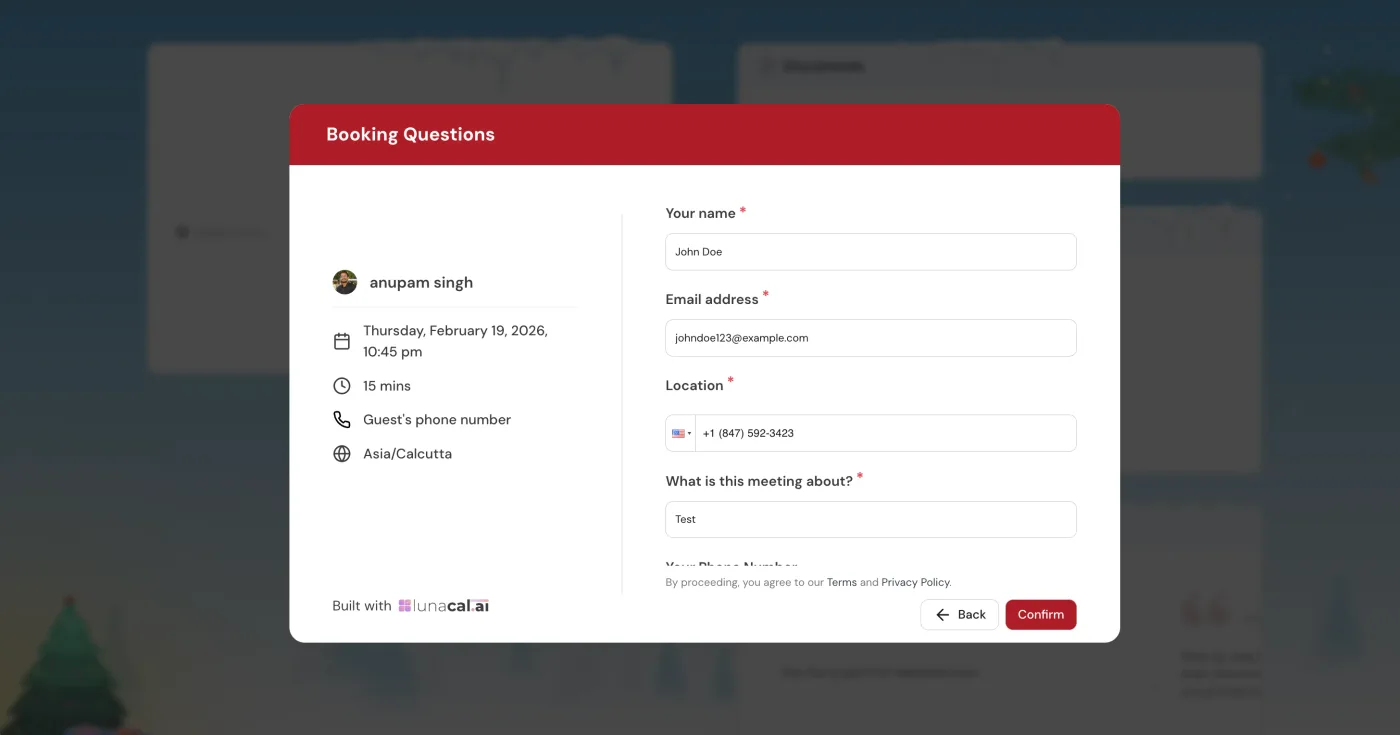
The useful combination is intake, scheduling and follow-up in the same appointment flow.
Attachment and Consent Checkbox fields handle information that a short meeting questionnaire often leaves to a separate form.
Internal labels make responses available to workflows, while the Pipedrive field type connects intake to CRM data.
Keep intake with availability, payments and reminders. You do not need a separate form product just to collect the supported fields before a booking.
Compare the field types you need, not just whether a tool supports “custom questions.” Attachments, consent and prefilling can remove a separate step from appointment intake.
| Capability | LunaCal | Calendly | Koalendar | Acuity |
|---|---|---|---|---|
| Short text answers | Yes | Yes | Yes | Yes |
| Long text answers | Yes | Yes | Yes | Yes |
| Phone number collection | Yes | Yes | Yes | Yes |
| Dropdown selection | Yes | Yes | Yes | Yes |
| Multiple-choice checkboxes | Yes | Yes | Yes | Yes |
| Required questions | Yes | Yes | Yes | Yes |
| Optional questions | Yes | Yes | Yes | Yes |
| File upload field | Yes | No native field | Yes | Up to 5 MB |
| Agreement acknowledgment | Consent checkbox | Checkbox question | Checkbox question | Terms agreement |
| Prefilled custom answers | Yes | Yes | Yes | Yes |
| Single-choice buttons | Yes | Yes | Yes | Yes / no |
| Choose questions by appointment | Yes | Yes | Yes | Yes |
Yes. Add an Attachment question to collect a file during booking. This can be a document, image or spreadsheet.
Yes. Turn on Mandatory for that question. The client cannot complete the booking until it is answered. Keep nonessential questions optional.
Yes, use Hide/Unhide. Default questions cannot be deleted or changed to a different field type. The Name question has a Split option for collecting first and last names separately.
Booking questions collect information for the appointment the client is booking. Routing forms use answers to decide which booking destination to show. Collecting an answer does not by itself create a routing rule.
Yes. Give the question an Internal Label and reference that label in a workflow. The label is not shown to clients.
Yes. Pass the values through the embed configuration using the corresponding Internal Labels. Booking links can also receive values through URL parameters.