Outbound reminder calls
Call the attendee after an appointment has been booked.
LunaCal’s AI voice agent calls attendees before an existing appointment. It can remind them, confirm the meeting, provide basic details and help reschedule or cancel when they ask—all from your scheduling workflows.
Start your free trialCompare scheduling tools ↓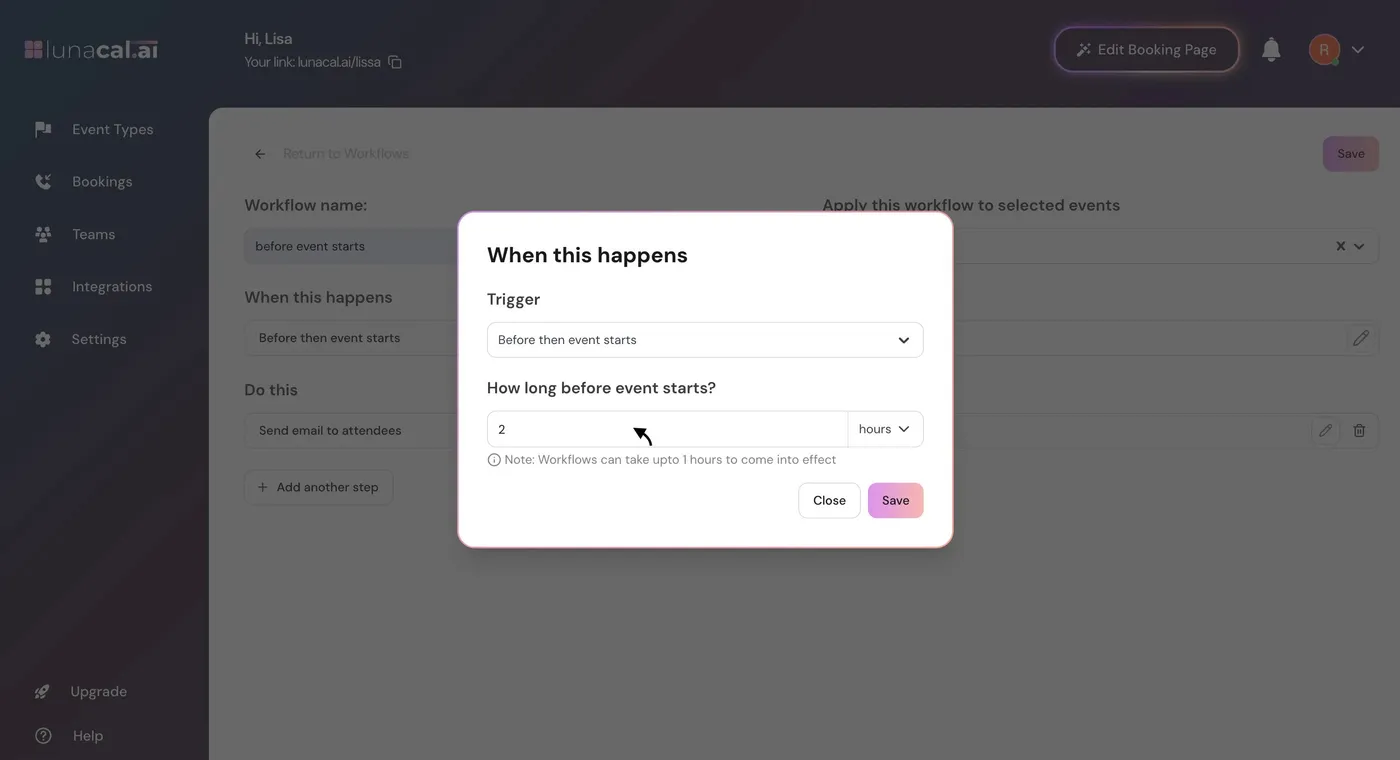
Add an outbound voice call to selected event types and set its timing relative to the booked appointment.
Call the attendee after an appointment has been booked.
Choose how far before the meeting the workflow runs.
Apply the voice action to the event types that need it.
Help the attendee confirm the upcoming appointment.
Let the attendee ask to change the appointment during the call.
Handle an attendee’s request to cancel the meeting.
Answer questions about the appointment’s basic details.
Voice calls and SMS draw from the same credit balance.
Each AI call has a maximum length of three minutes.
Voice Agent Calls are a workflow action. Start with an existing booking, select the event types and choose when the attendee should receive the call.
Bring the booked meeting to the attendee’s attention and help confirm the appointment.
Give the attendee basic information about the appointment they already booked.
Help change the appointment when the attendee asks for another time.
Handle cancellation when the attendee says they no longer need the appointment.
The call starts with the appointment already in LunaCal. You choose the event types and a before-event trigger, so the agent has a specific meeting to discuss.
Use voice for follow-up after booking. The workflow is an outbound reminder, not an incoming-call receptionist.
Apply the workflow to the services that need telephone follow-up rather than every event in your account.
Rescheduling and cancellation are part of the conversation when requested by the attendee.
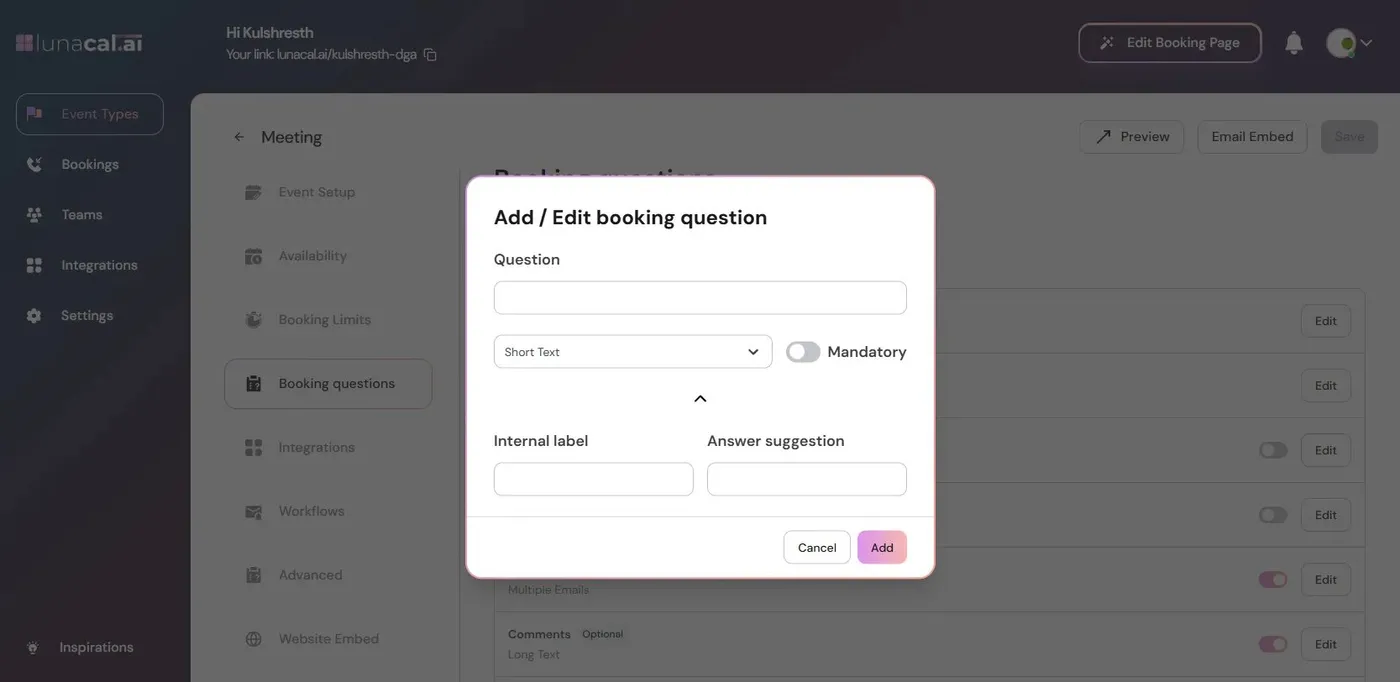
A voice reminder needs a usable attendee phone number. Collect the contact information needed for the appointment before adding the call workflow.
LunaCal puts voice follow-up inside the same system that holds the booking, event type and reminder timing.
The agent can help reschedule or cancel, not only read out a reminder message.
Choose event types and relative timing in Workflows. The call follows a booked appointment instead of a manually maintained calling list.
Enterprise starts at $25 per user per month with AI Voice Agent access. Voice usage is $0.15 per minute, capped at three minutes per call, using the same credits as SMS.
LunaCal focuses on calls before existing appointments. Cal.ai offers a broader inbound and outbound voice product; Calendly’s Callie schedules through email and chat. Koalendar offers email and SMS reminders.
| Capability | LunaCal | Calendly | Cal.com | Koalendar |
|---|---|---|---|---|
| Follow-up channels | Voice / email / SMS | Email / SMS | Voice / email / SMS | Email / SMS |
| Scheduling automation | Appointment calls | Callie email / chat | Inbound / outbound calls | Email / SMS workflows |
| Voice usage price | $0.15 / minute | — | $0.29 / minute | — |
| Before-event reminders | Yes | Yes | Yes | Yes |
| Event-specific setup | Yes | Yes | Yes | Yes |
| Booking questions | Yes | Yes | Yes | Yes |
| Email confirmations | Yes | Yes | Yes | Yes |
| Rescheduling links | Yes | Yes | Yes | Yes |
| Cancellation links | Yes | Yes | Yes | Yes |
| Calendar conflict checks | Yes | Yes | Yes | Yes |
| Team scheduling | Yes | Yes | Yes | Yes |
| Payment collection | Yes | Yes | Yes | Yes |
Yes. LunaCal Voice Agent Calls run through workflows after a meeting is booked. Set the trigger to Before an event starts and choose the timing.
The agent can help reschedule or cancel the meeting when the attendee requests it. It can also confirm the meeting and provide basic appointment details.
This feature is an outbound appointment-reminder workflow. It calls attendees about an existing booking rather than answering incoming calls to take new appointments.
Voice usage costs $0.15 per minute, with a maximum of three minutes per call. Calls use the same credit balance as SMS. The Enterprise subscription includes AI Voice Agent access; usage credits are separate.
The supported destinations listed for Voice Agent Calls are the United States, Australia, Canada and the United Kingdom.
Yes. Select the event types when creating the workflow and choose a before-event trigger time.
Yes. LunaCal also supports email and SMS workflows. You can use written reminders alongside the voice workflow for the event types that need them.