Fitness Class Booking System
Class scheduling with timetables, capacity limits, memberships/packs, payments, reminders, cancellations, & instructor calendars across locations.
In Depth Comparison: Best Fitness Class Booking System
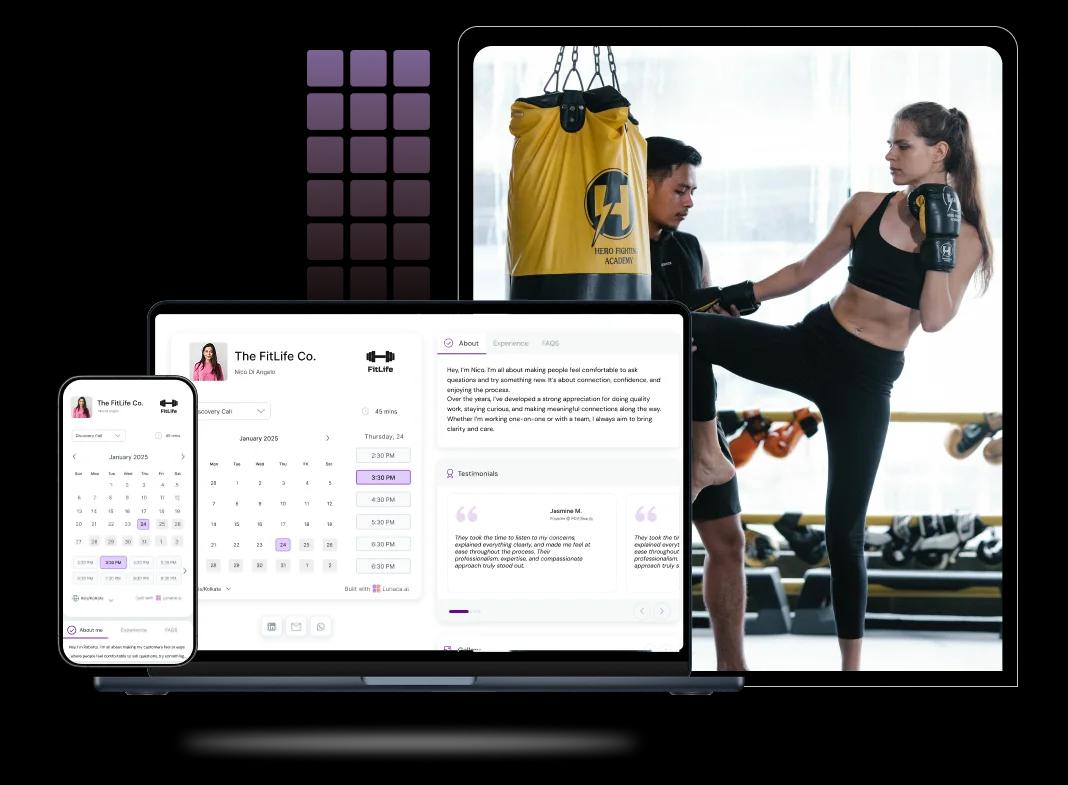
Scheduling features for classes, passes, and capacity
Let people reserve a spot in seconds
A fitness class booking page should show real-time availability and let members book instantly, whether it’s tomorrow’s spin class or next week’s HIIT. If a class is full, enable a waitlist so spots don’t go empty when someone cancels last minute.
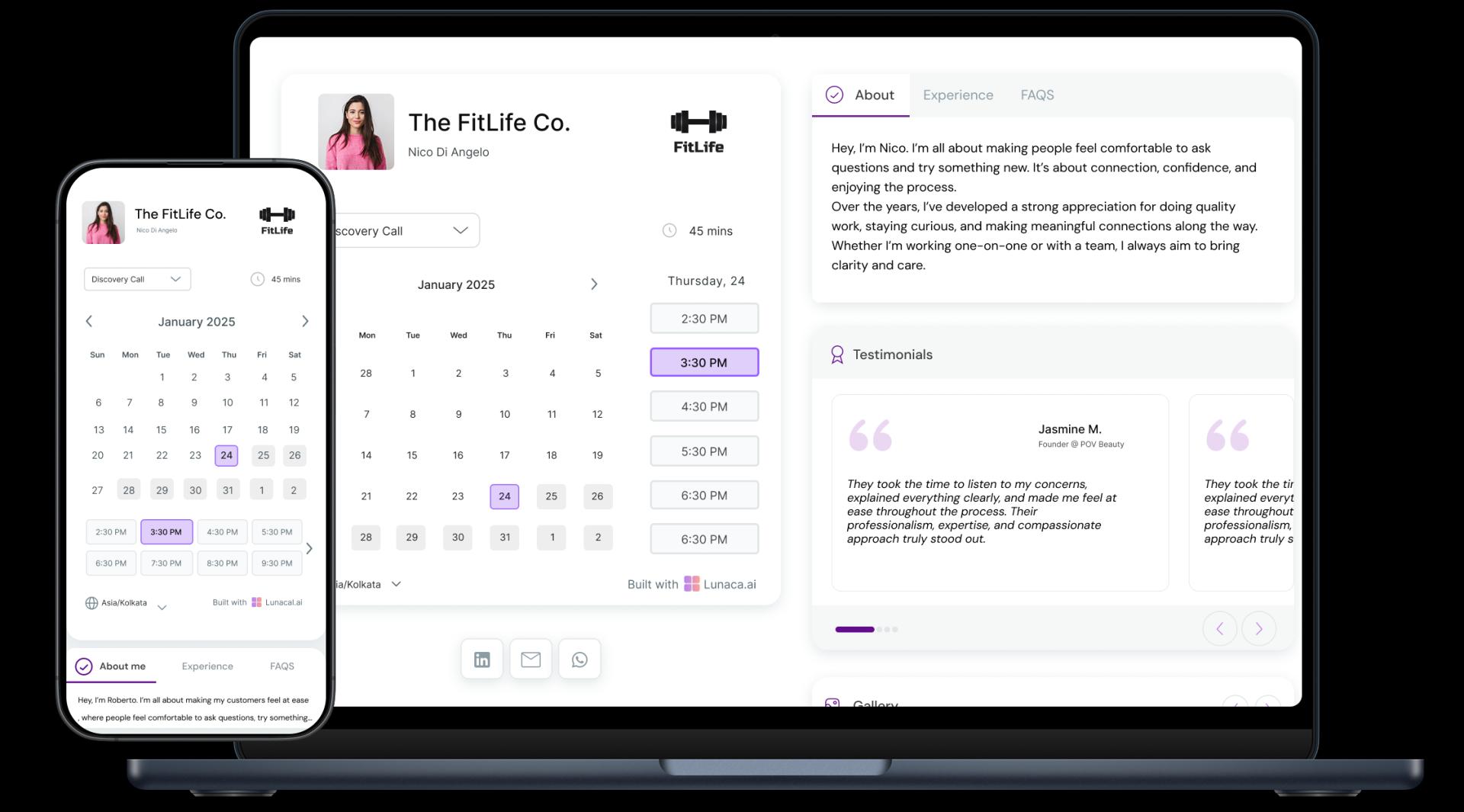
Show the vibe before they commit
People don’t just book a time, they book a vibe. Use your class scheduling page to show what the session feels like: beginner-friendly vs advanced, music style, intensity, and what to bring. Good fitness class scheduling software should make this visible before checkout, not hidden in DMs.
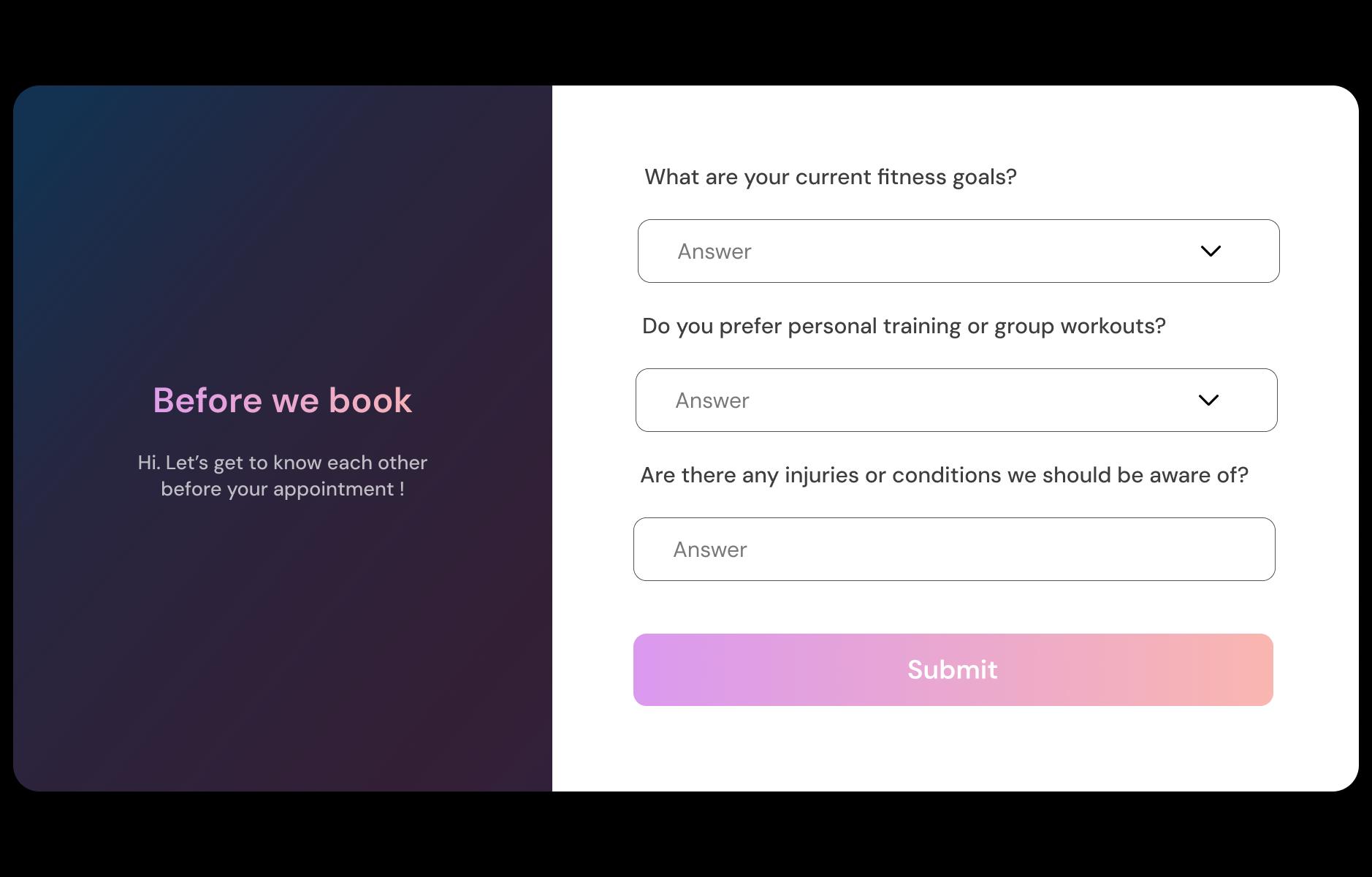
Collect injuries, level, and goals upfront
Ask the questions that prevent awkward moments mid-class: injuries, pregnancy/postpartum notes, experience level, and goals (fat loss, mobility, strength). Instructors see it before class starts so they can plan regressions and avoid putting someone in pain on rep one.
Reduce no-shows and late arrivals automatically
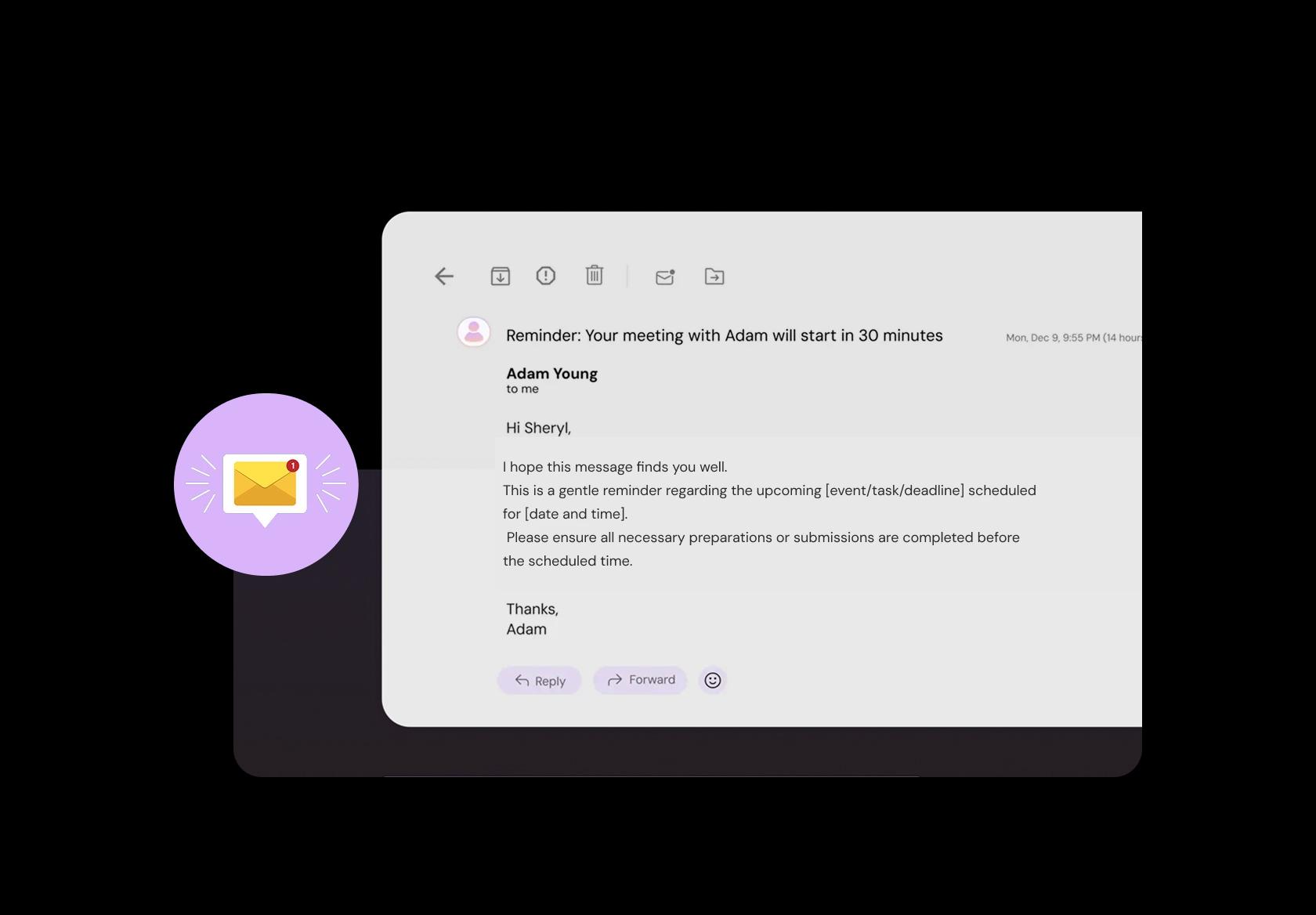
No-shows hurt more in group classes because the slot can’t be reused once the class starts. Send reminders the night before and 1–2 hours before with the studio address, parking notes, start time, and “arrive 10 minutes early” guidance. This keeps attendance predictable and energy high from warm-up.
Take drop-ins, memberships, and class packs
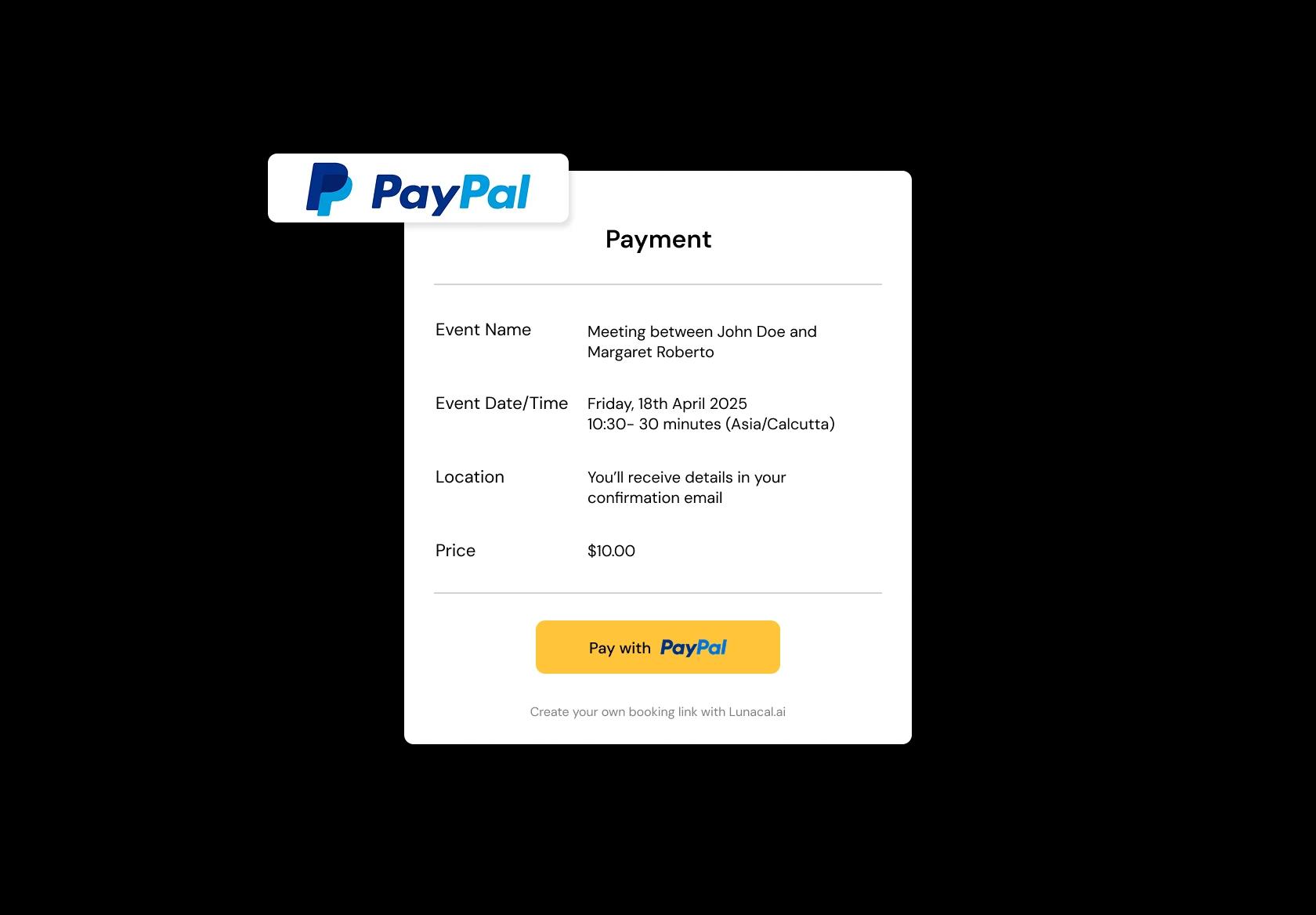
Let people pay while booking: drop-in fees, memberships, or packs like 5-class or 10-class passes. When payment is tied to the booking, you reduce “I’ll pay later” drop-offs and eliminate manual tracking. Fitness class scheduling software should also show remaining pack credits clearly.
Run classes across branches and pop-ups cleanly
If you run morning yoga in the studio and weekend bootcamps in a park, location must be unmissable. Set each location with its own schedule, capacity, and notes like entry rules or meeting point. This prevents members showing up at the wrong place, and stops instructors from being dragged into logistics chaos.
Different class types need different rules
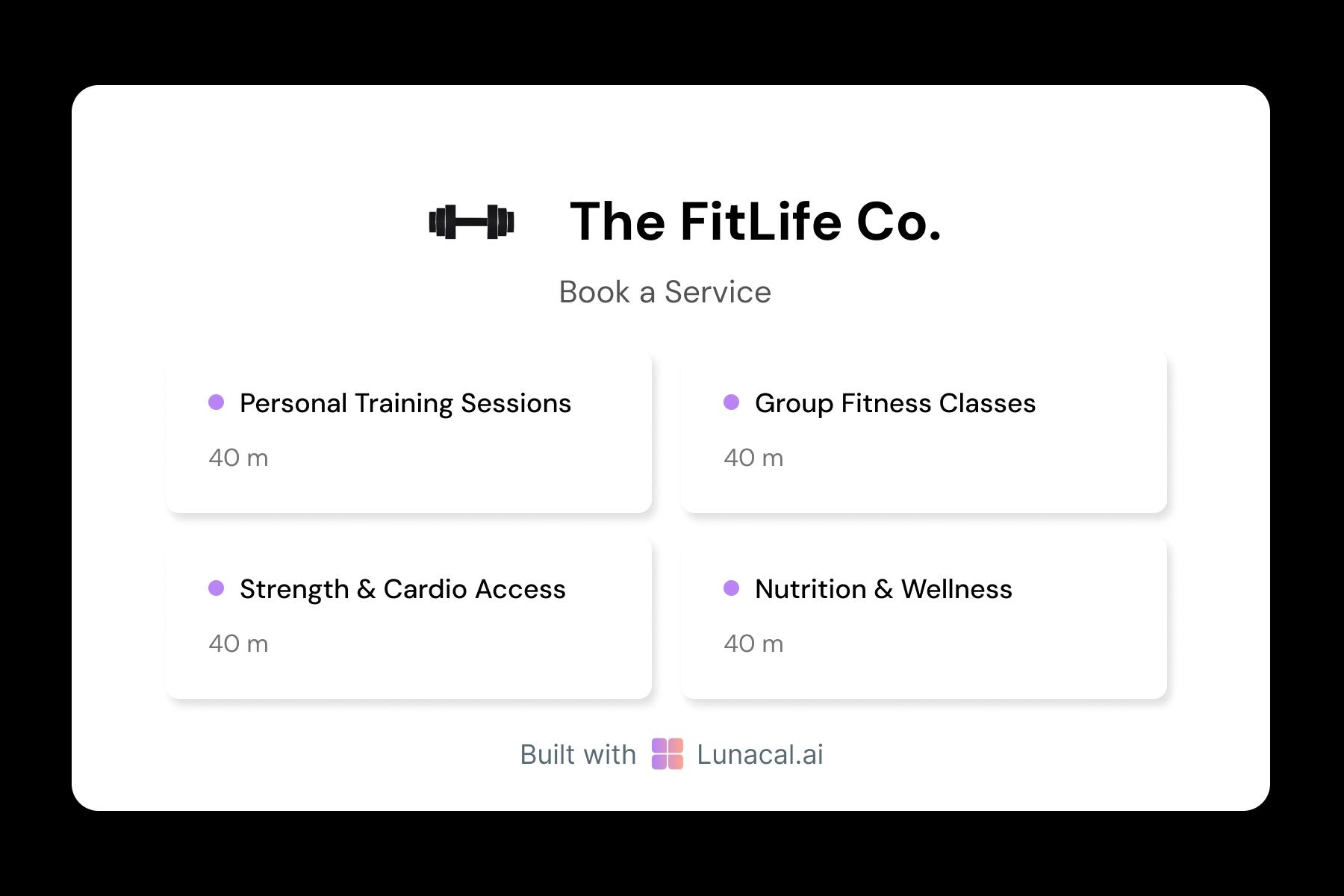
A 45-minute strength circuit and a 75-minute restorative flow should not share the same settings. Give each class type its own duration, capacity, description, and prep notes like “bring gloves” or “arrive early for form checks.” People book the right session, and you avoid mismatched expectations.
Distribute sessions across instructors fairly
If multiple coaches teach the same class type, rotate assignments automatically so one person isn’t overloaded while another sits idle. Round-robin works best when it respects instructor availability and avoids back-to-back stacking that causes burnout. Members still get a confirmed class fast.
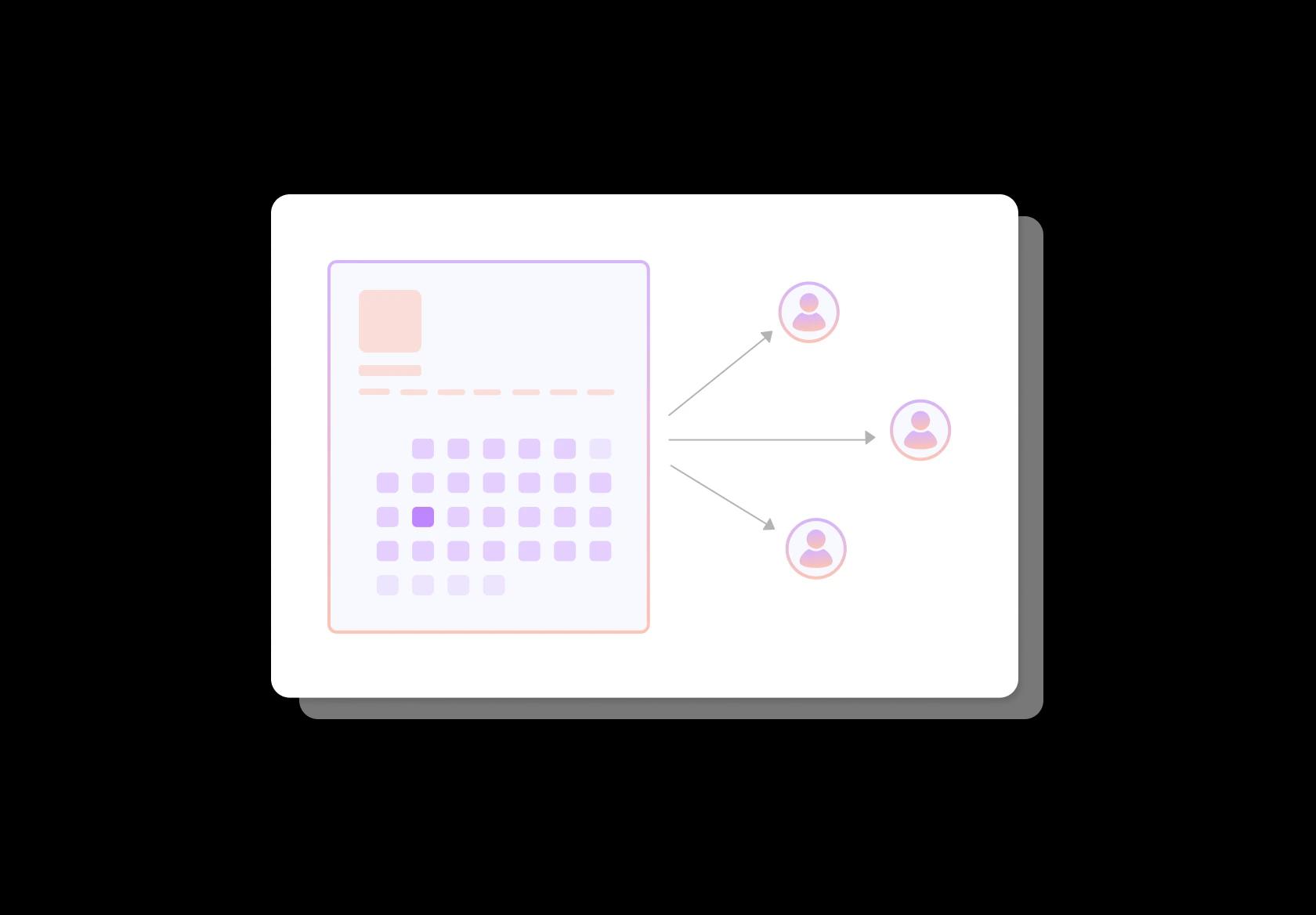
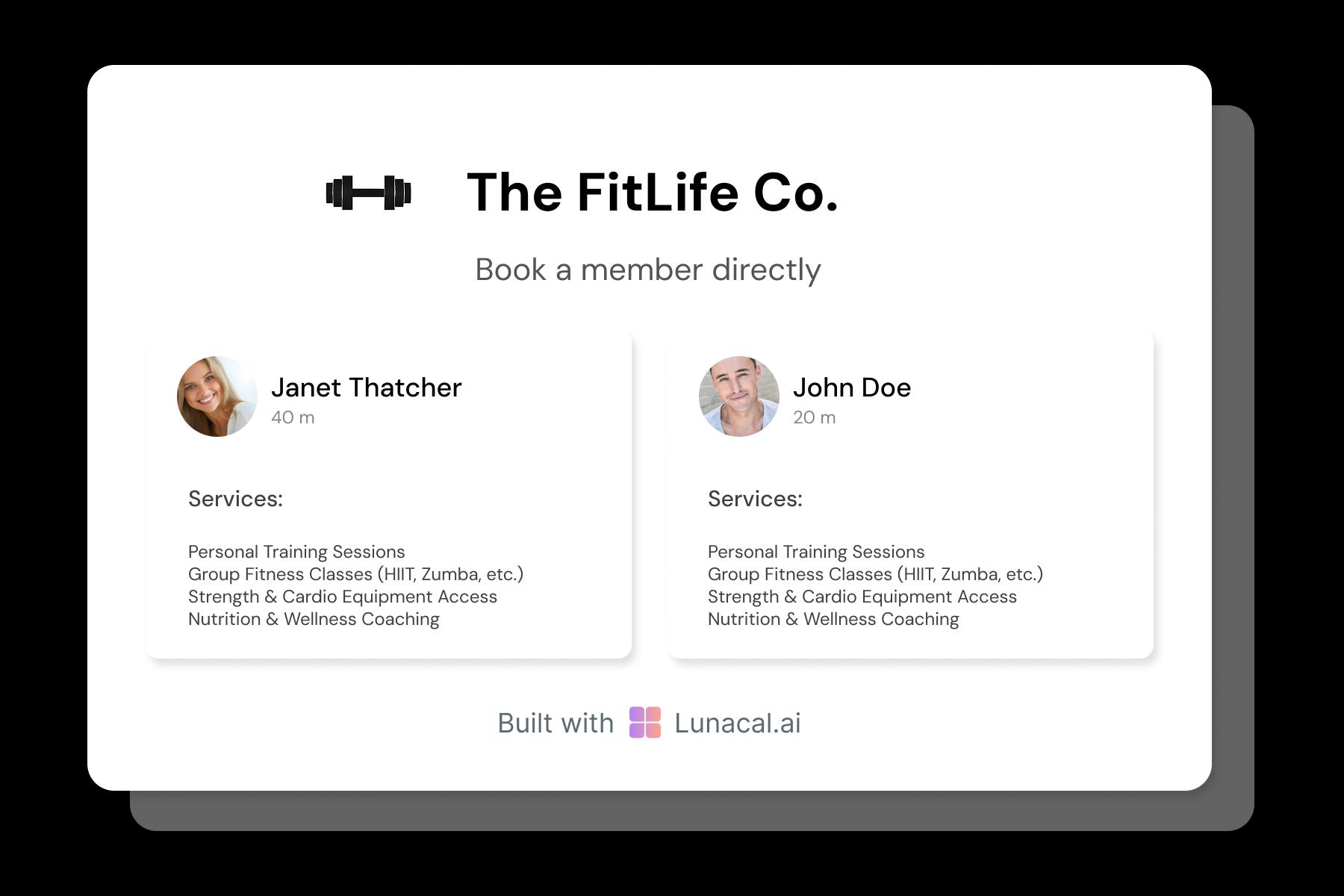
Help members choose the coach confidently
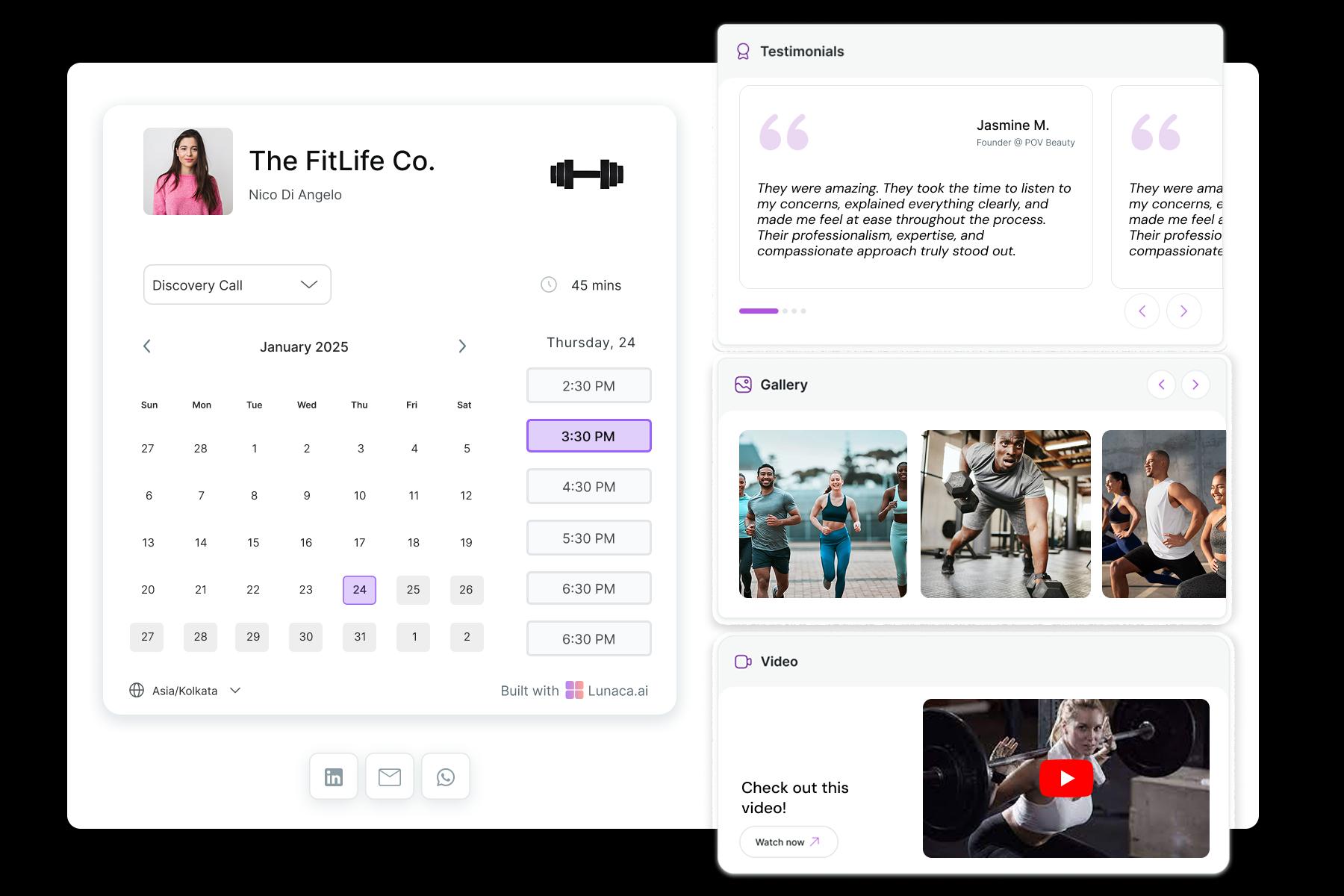
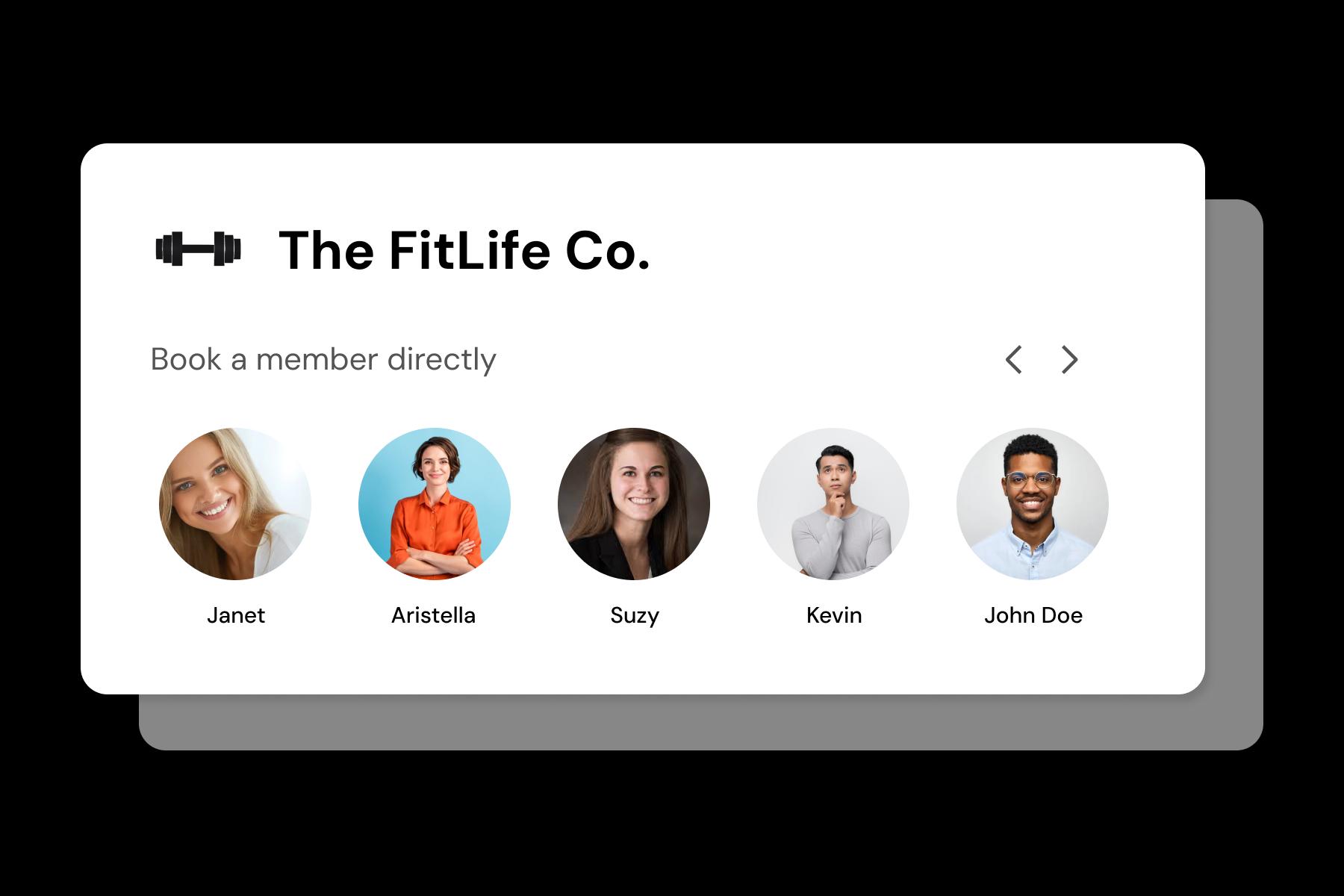
Many members follow the coach more than the class name. Add short instructor profiles with training style, specialties (mobility, strength, rehab-friendly), and what to expect in class. This reduces “who’s teaching?” messages and helps new clients book with confidence.
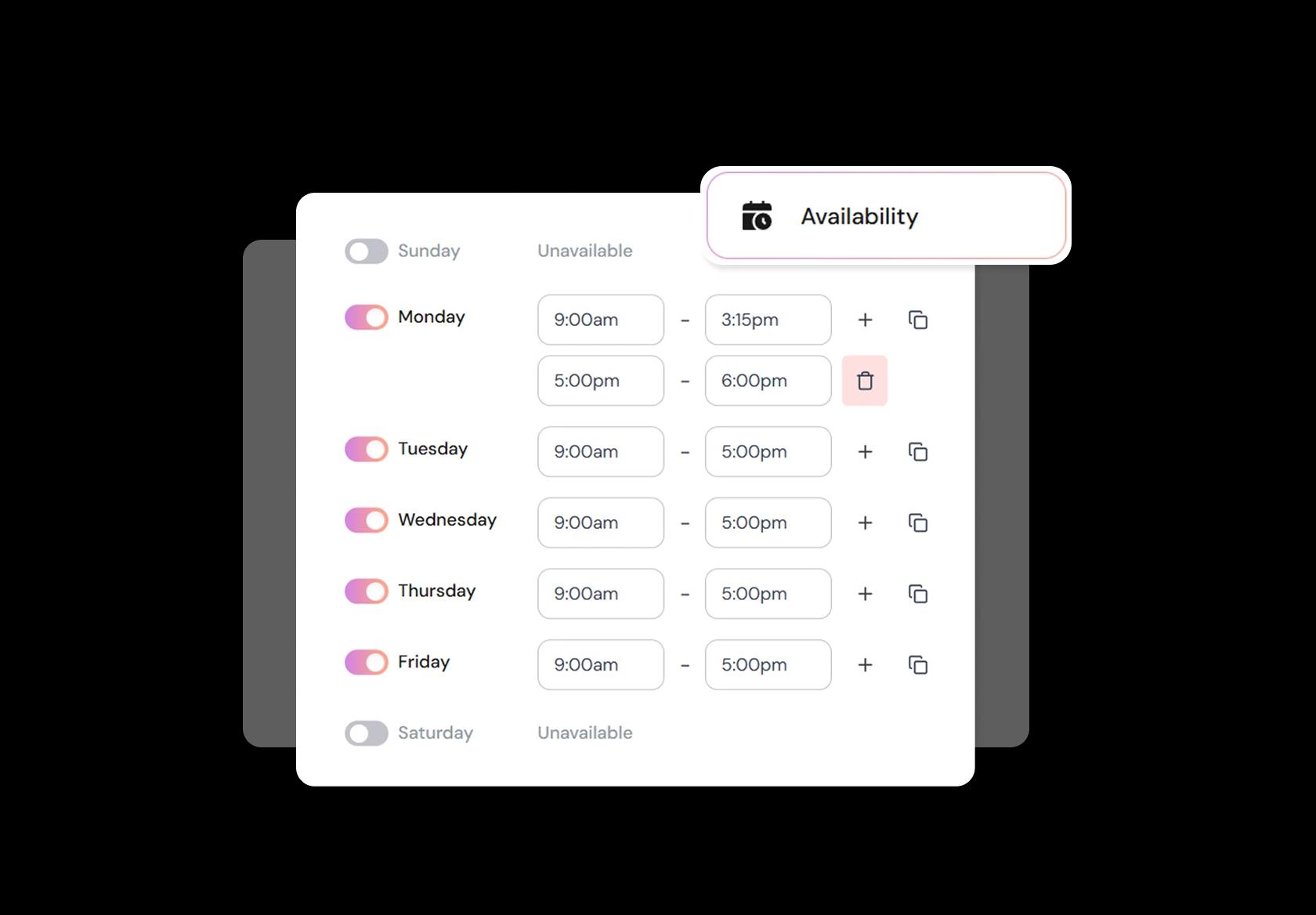
Control peak seasons, breaks, and time-off
Class schedules change with seasons: January rush, summer dips, holiday weeks, instructor leave, and event days. Set flexible availability rules, minimum notice, and buffers between sessions so you’re not running from one class to the next with zero reset time. Your fitness class scheduling stays realistic.
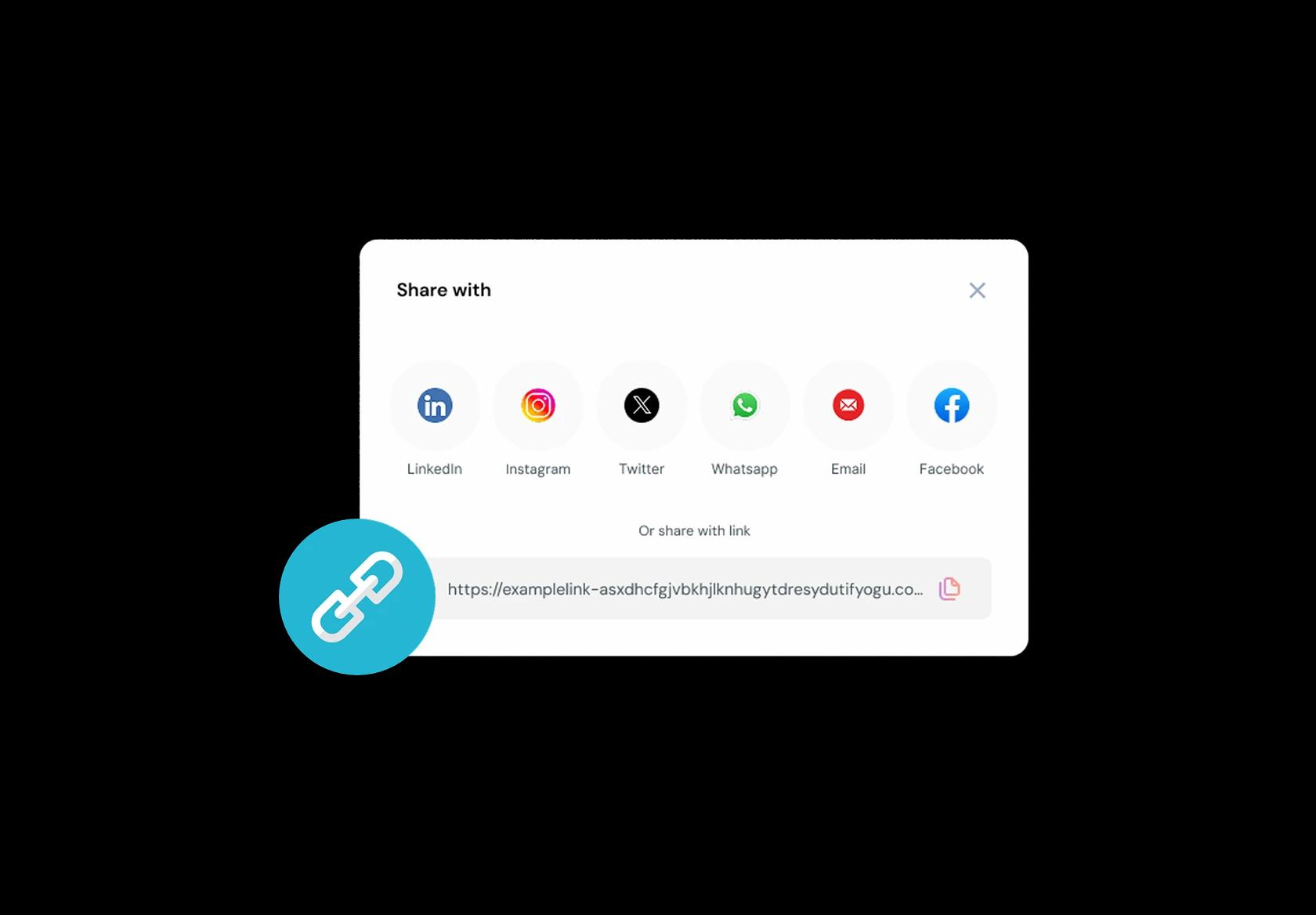
One mobile link that turns interest into bookings
People discover classes in messy places: Instagram bio, WhatsApp, a QR code on a flyer, a friend’s story, or Google Business Profile. Use one mobile-friendly booking link that always shows the latest schedule and lets them book in seconds. That’s how you convert “maybe” into a confirmed spot.
No commission, No license fees.
Just simple, fair pricing
(save upto 20%)
Standard
- Unlimited Calendars & Services
- Connect Online Meeting Tool
- Payments via Stripe, PayPal
- Text / Email Reminders
- Customize your booking page
Teams
- All Standard Features
- Teams Scheduling
- Multi-session Packages
- Round-robin Scheduling
- Webhooks
Enterprise
- AI Voice Agent
- Account Manager
- Complete Branding
- MCP Server (Beta)
- SSO




Fitness Class Booking Playbook
This playbook is meant to sit between your features section and your FAQ. It explains how a fitness class booking system should be set up in the real world, so your schedule stays full, instructors stay sane, and clients don’t drop off after week one.
Start with your “sellable units” (what exactly can a client book)
Most booking problems happen because the class catalog is messy. A good fitness class scheduling software setup starts by defining what’s bookable and what isn’t.
- Create clear class types: strength, HIIT, yoga, pilates, spin, bootcamp, mobility, beginner sessions.
- If you run levels, separate them (Beginner, Intermediate, Advanced) instead of cramming all into one class name.
- If equipment or stations matter, state it in the class title or short description (for example “Reformer Pilates” vs “Mat Pilates”).
Build a schedule that matches how people actually attend
A global audience will book differently based on work hours and commute patterns. Your schedule should be predictable, not random.
- Keep the “anchor slots” consistent each week (morning, lunch, evening). Consistency increases repeat attendance.
- Use shorter class durations only when they fit the workout type (for example 30–40 minutes for HIIT, longer for yoga or technique).
- Add buffer time when you need room turnover, equipment reset, or instructor changeover.
Capacity, waitlists, and overbooking rules (where money is won or lost)
Capacity controls are the core of any class booking system. If this is weak, you’ll have empty classes and angry walk-ins at the same time.
- Set a hard capacity per class based on room size and coaching quality, not just revenue goals.
- Enable waitlists for peak slots and define what happens when a spot opens (automatic promotion vs manual approval).
- Decide your overbooking policy intentionally. For high no-show classes, a small buffer can work, but only if you have space and clear rules.
Pricing structure that reduces admin work
The best fitness class booking system makes pricing self-explanatory at the moment of booking.
- Offer the common paths: drop-in, class packs (5 or 10), monthly membership, trial offer.
- Make eligibility clear: which classes are included in membership, and which require credits or add-ons.
- If you do dynamic pricing (peak vs off-peak), keep it simple and consistent so it doesn’t feel arbitrary.
Cancellation and no-show rules that feel fair but protect revenue
This is where most studios either leak revenue or lose trust. Make rules clear on the booking page, not hidden in a separate policy link.
- Set a cancellation window (for example 8–12 hours) and apply it consistently.
- Decide the consequence: credit forfeited, fee, or “late cancel strike” that limits future bookings.
- For waitlisted classes, tighten the window so spots can be released in time to refill.
Reminders and confirmations that reduce confusion
People don’t forget because they’re careless. They forget because life happens. Your reminders should prevent the two most common issues: missed classes and wrong expectations.
- Send instant confirmation with the class name, start time, location, and any prep notes (shoes, towel, arrival time).
- Send a reminder the day before and another a few hours before for early-morning and post-work slots.
- Include a one-tap reschedule or cancel link. A reschedule is better than a no-show.
Instructor and room scheduling that avoids double-booking
Clients see the class. You manage the operational constraints behind it.
- Assign instructors to classes and block instructor availability so you don’t accidentally schedule them in two places.
- If you have multiple rooms or zones, treat rooms like resources with their own capacity and buffers.
- For popular instructors, allow clients to filter by instructor, but always offer “any instructor” as the default for conversion.
Retention workflow (how to turn a first booking into a habit)
Fitness is routine. Your booking flow should make it easy for clients to come back without thinking.
- After class, prompt a simple next step: book the same class next week, or pick a recommended follow-up class.
- If you run progression programs, guide clients into a track (for example “Beginner Strength: Weeks 1–4”).
- Use limited-time trials carefully: the goal is habit formation, not discount addiction.
What to track weekly (so you can fix the system, not guess)
These are the metrics that actually tell you if your fitness class booking system is working.
- Fill rate by time slot (morning vs evening) and by class type.
- Waitlist conversion rate (how many waitlisted people actually get in and attend).
- Late cancellations and no-shows by class and by time slot.
- Repeat booking rate within 7 days (the simplest signal of habit forming).
Copy-paste booking page snippets (short, clear, global-friendly)
These small lines reduce support messages and awkward conversations at the front desk.
- Arrival: “Please arrive 10 minutes early for check-in and setup.”
- Late entry: “For safety and class flow, late entry may not be allowed after the class starts.”
- Cancellation: “Cancel at least X hours before class to keep your credit. Late cancellations may forfeit the credit.”
- Waitlist: “If a spot opens, you’ll be notified. Please confirm quickly so we can offer it to the next person.”
Authored & Reviewed by:
Pranshu Kacholia is the founder of Lunacal.ai, a calendar scheduling and appointment booking system. He works directly with businesses of all sizes to improve booking outcomes - reducing no-shows, cutting back-and-forth, and making scheduling more reliable and efficient. His day-to-day includes reviewing real scheduling setups and edge cases: complex availability and buffers, time zones, routing, cancellation/rescheduling rules, paid meetings and deposits, reminder workflows, and integrations with calendars and meeting tools. He regularly shares appointment scheduling best practices through interviews and community conversations (see this interview and this discussion) and also writes about calendar scheduling (read the article on Medium). He has first-hand experience of using 40+ scheduling tools such as calendly, acuity scheduling, vagaro, fresha, tidycal, square, setmore etc. and understands product nuances deeply.
Lunacal.aiCalendlyAcuity SchedulingSquare AppointmentsSetmoreDoodleBooksyMindbodyFreshaSimplyBook.meHoneyBook


