Gym Scheduling Software
Gym ops scheduling for classes + PT with trainer assignment, waivers, memberships/packs, payments, cancellations, reminders, & multi-location staff calendars.
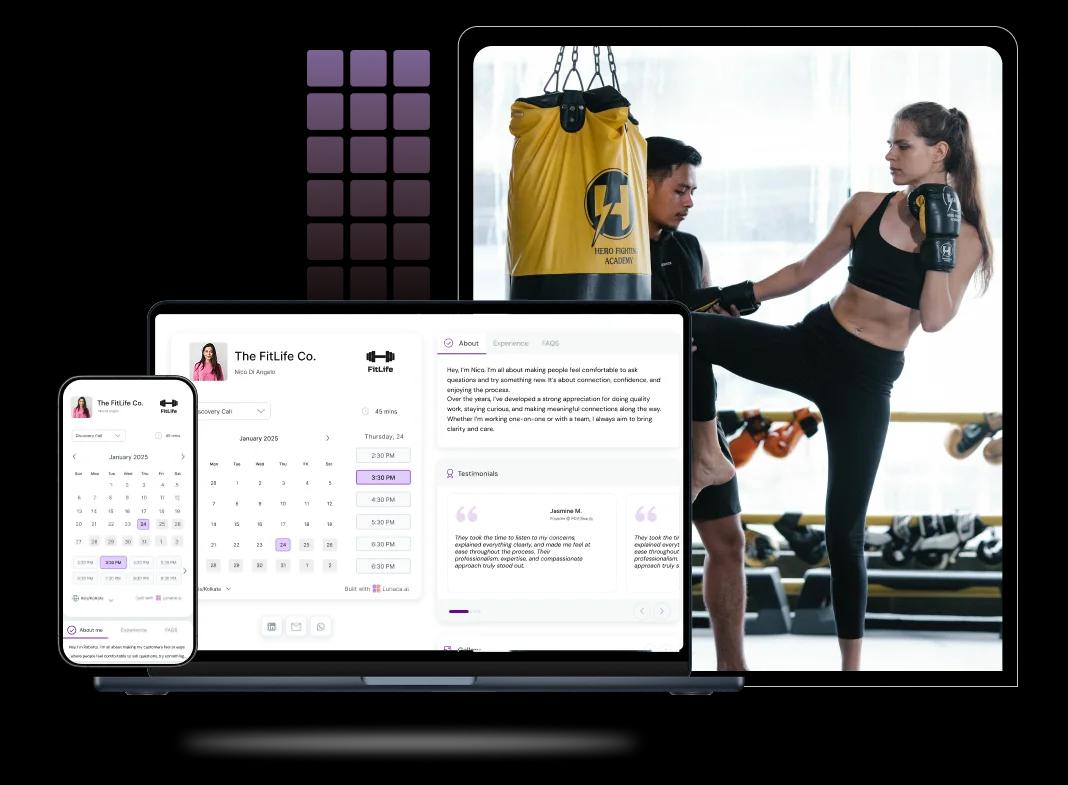
Booking features for trainers, members, and sessions
Let members book classes, PT, or equipment without front-desk chaos
Members should be able to book in seconds. Whether it’s a 6 a.m. strength class, a peak-hour treadmill slot, or a 1:1 PT session, your gym scheduling software should show only bookable times based on capacity, buffers, and trainer availability. That’s what stops double-bookings and “who’s using what?” arguments.
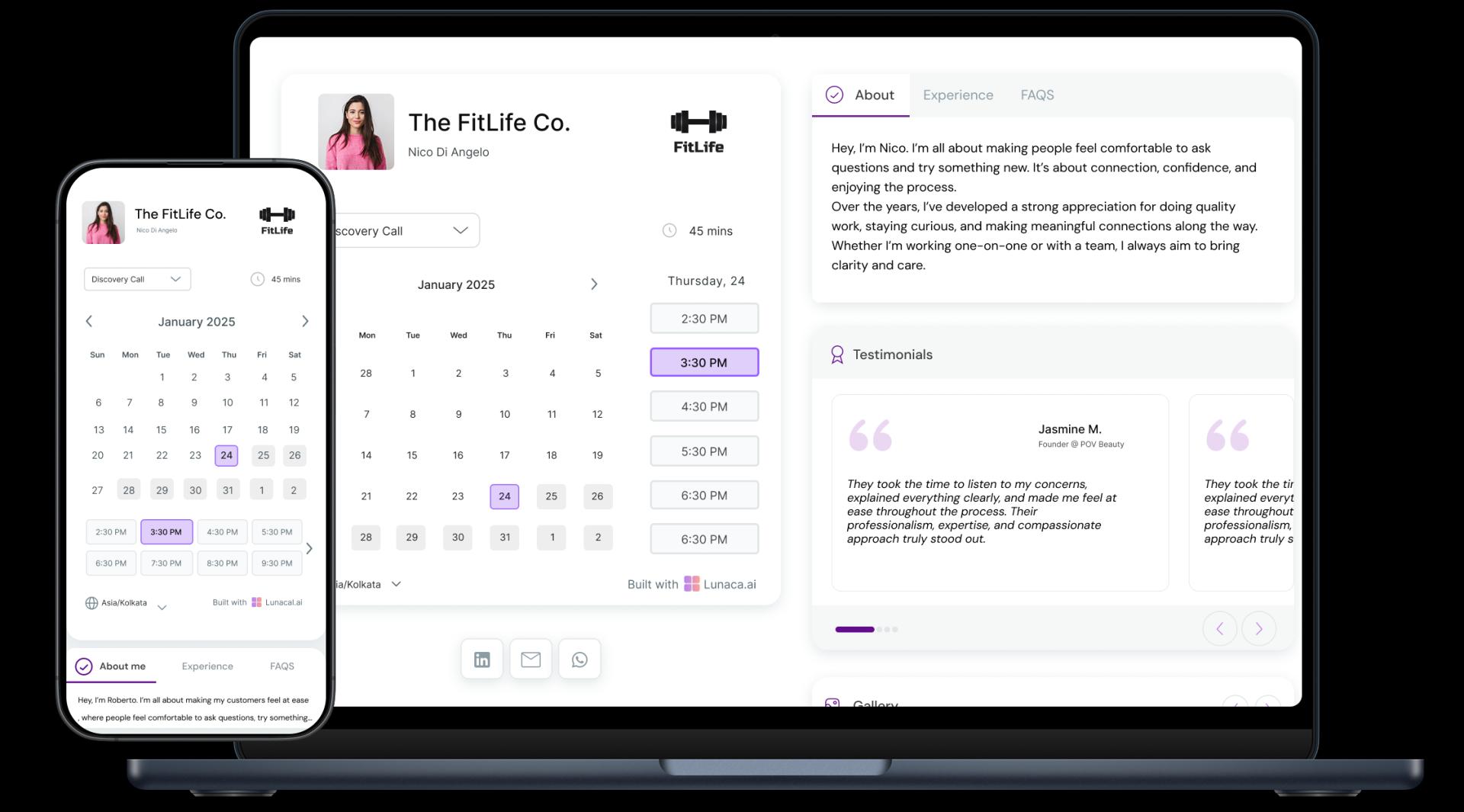
Turn the booking page into a clear “this is us” snapshot
People decide if your gym fits them before they visit. Use the booking page to show your vibe and rules: class types, coaching style, photos, pricing, what to bring, parking, and first-visit steps. A fitness club booking system that supports content (not just slots) reduces pre-join questions and improves show-up rates.
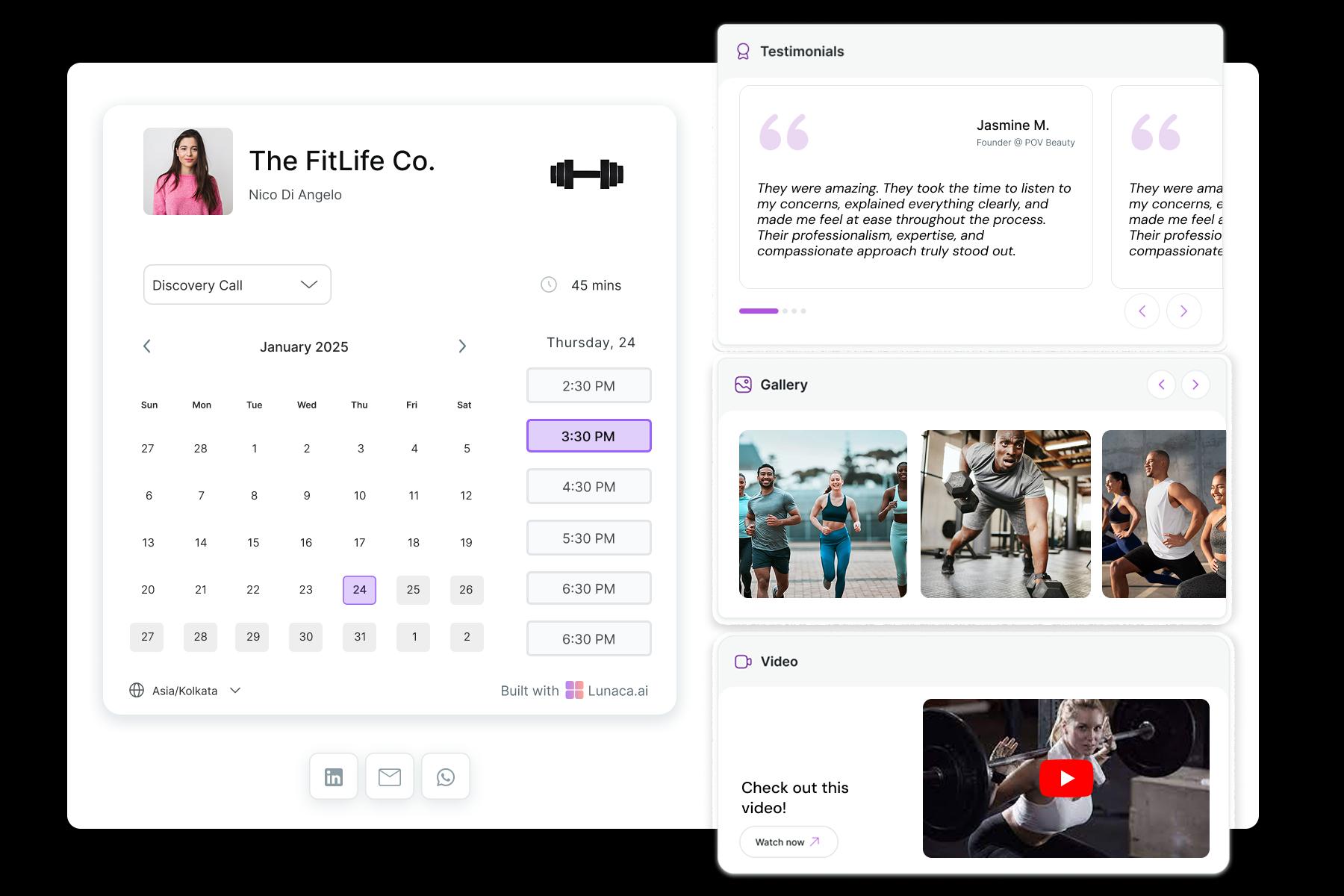
Capture goals, injuries, and preferences before the first session
Good gym appointment booking starts with context. Ask what they’re training for, injury history, experience level, preferred intensity, and any constraints (knee pain, postnatal, shift work). For PT, add screening basics and “what equipment do you have access to?” so the session starts with coaching, not admin.
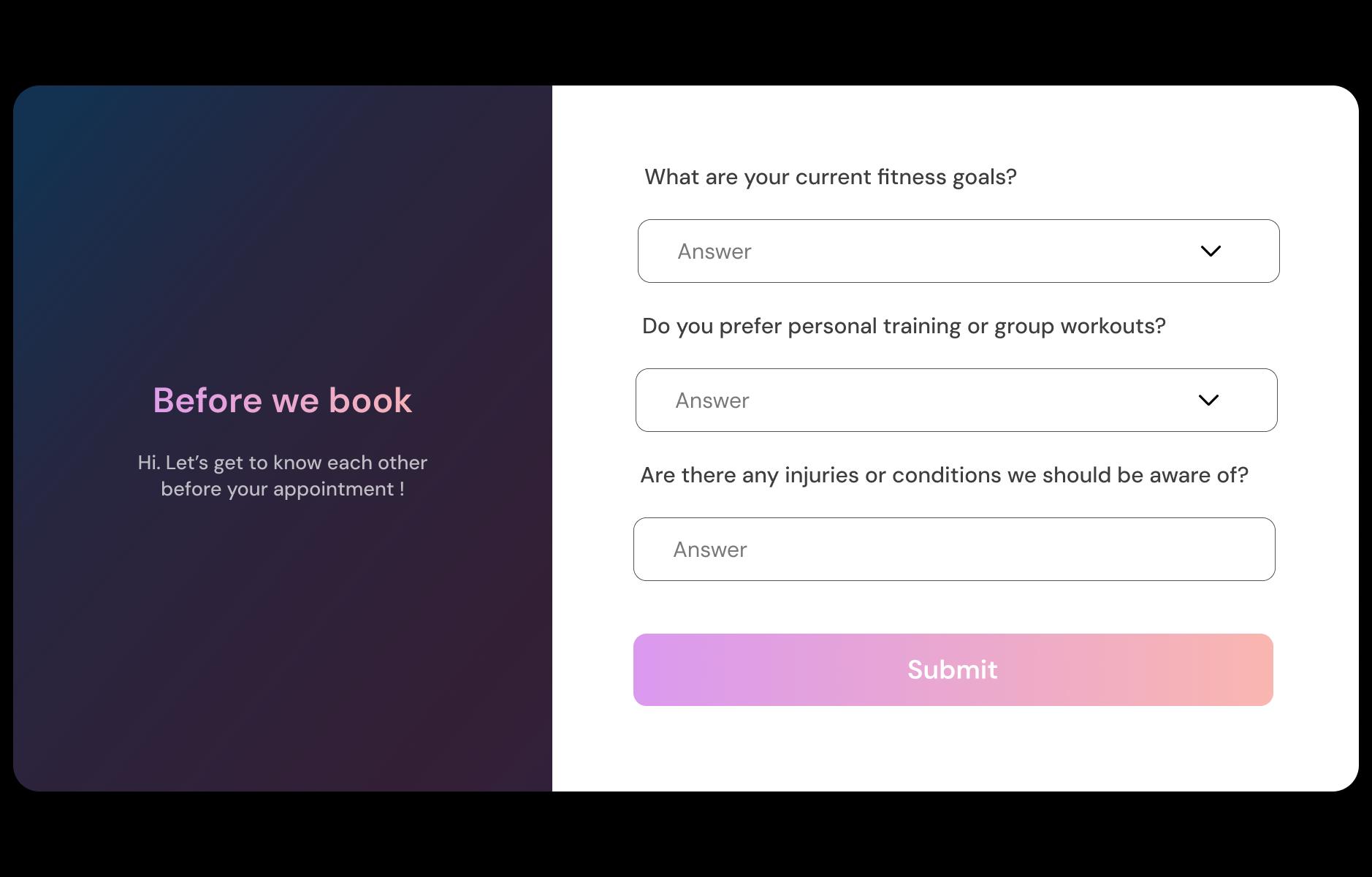
Reduce no-shows with clear nudges and reschedule paths
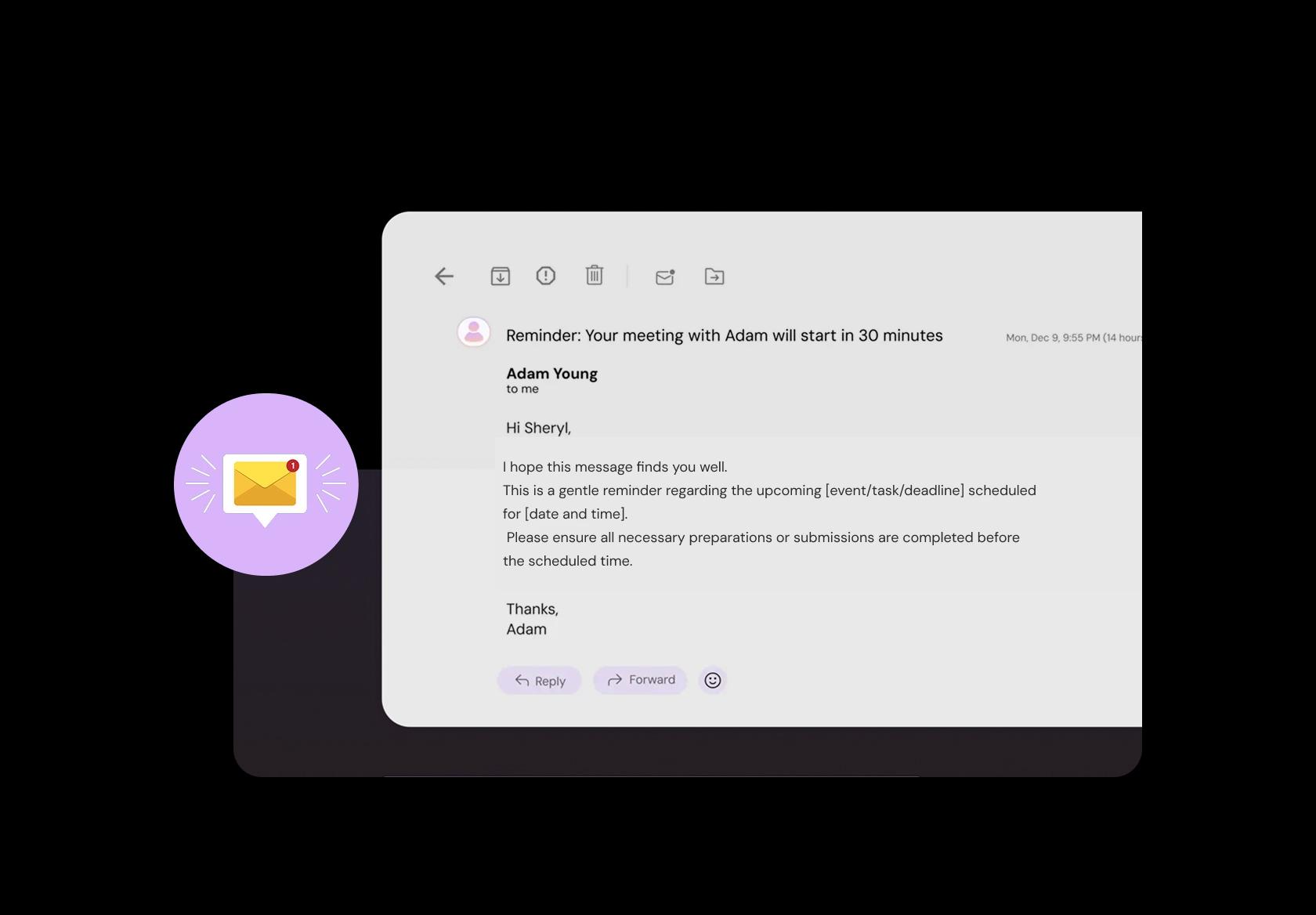
Reminders work best when they’re specific, not spammy. Send a message that includes time, location/branch, what to bring, and a one-tap reschedule link. For early-morning classes and weekend slots, include your late-cancel policy and check-in instructions so members don’t get stuck at the door.
Support memberships, drop-ins, credits, and paid sessions cleanly
Billing confusion kills retention. Your gym club scheduling software should handle “member included” sessions, paid drop-ins, intro offers, and PT packages without staff manually reconciling payments. Make it obvious what’s paid vs covered, and confirm only after payment (or credit use) to avoid soft bookings.

Run branches, zones, and staff schedules from one place
Multi-location gyms need one source of truth. Manage separate branches, rooms, and zones (weights, cardio, studio) with different hours, capacities, and staff. A proper gym scheduling system prevents a trainer being booked at two locations, and keeps each branch’s timetable aligned with local demand and holidays.
Separate open gym, classes, PT, and programs with clear rules
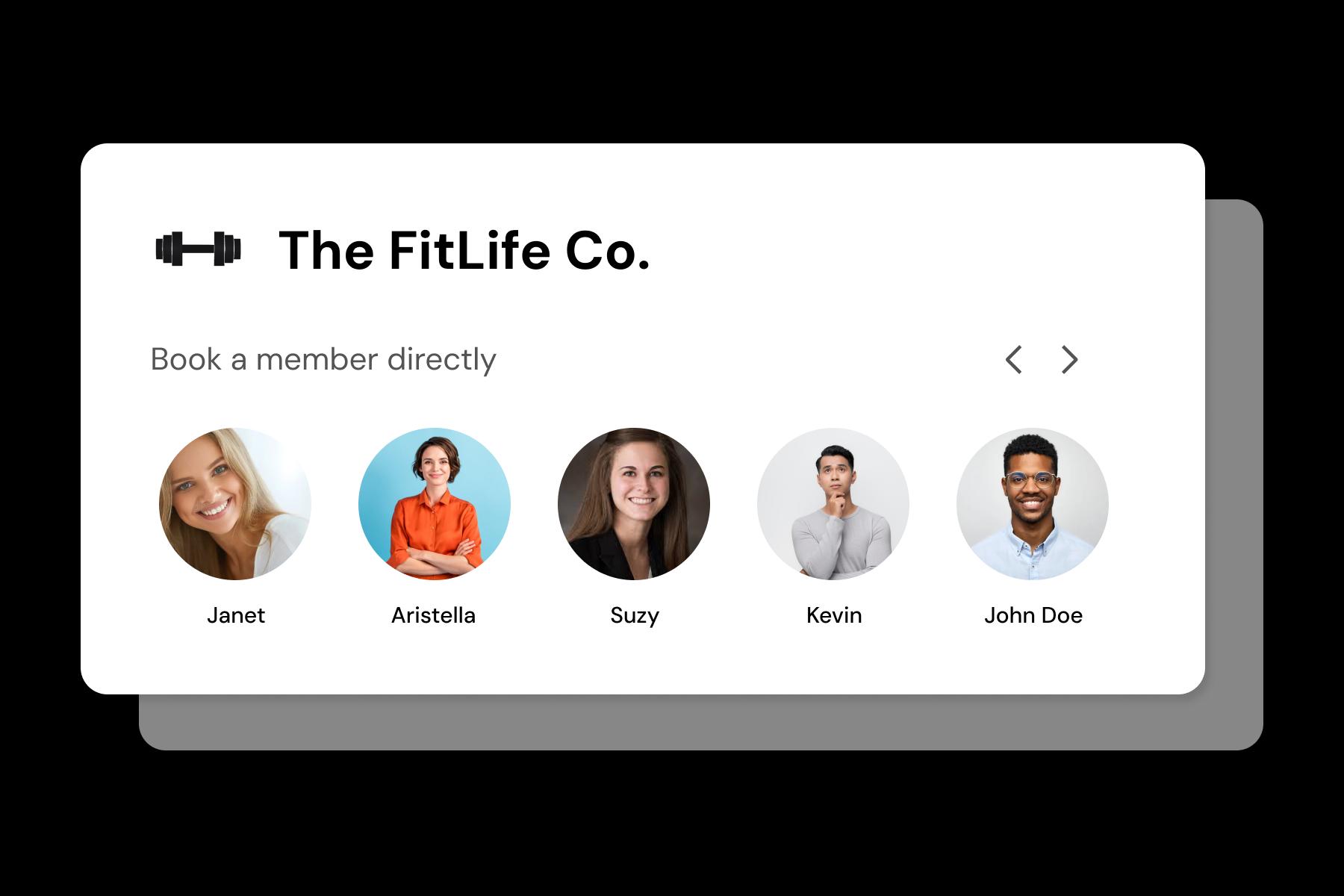
Different offerings need different booking logic. A bootcamp isn’t yoga, and PT isn’t open gym. Define duration, capacity, location/room, and instructions for each service so members know exactly what they’re booking. This also keeps your calendar realistic when one service requires setup or cleanup time.
Auto-assign new clients to the next available trainer
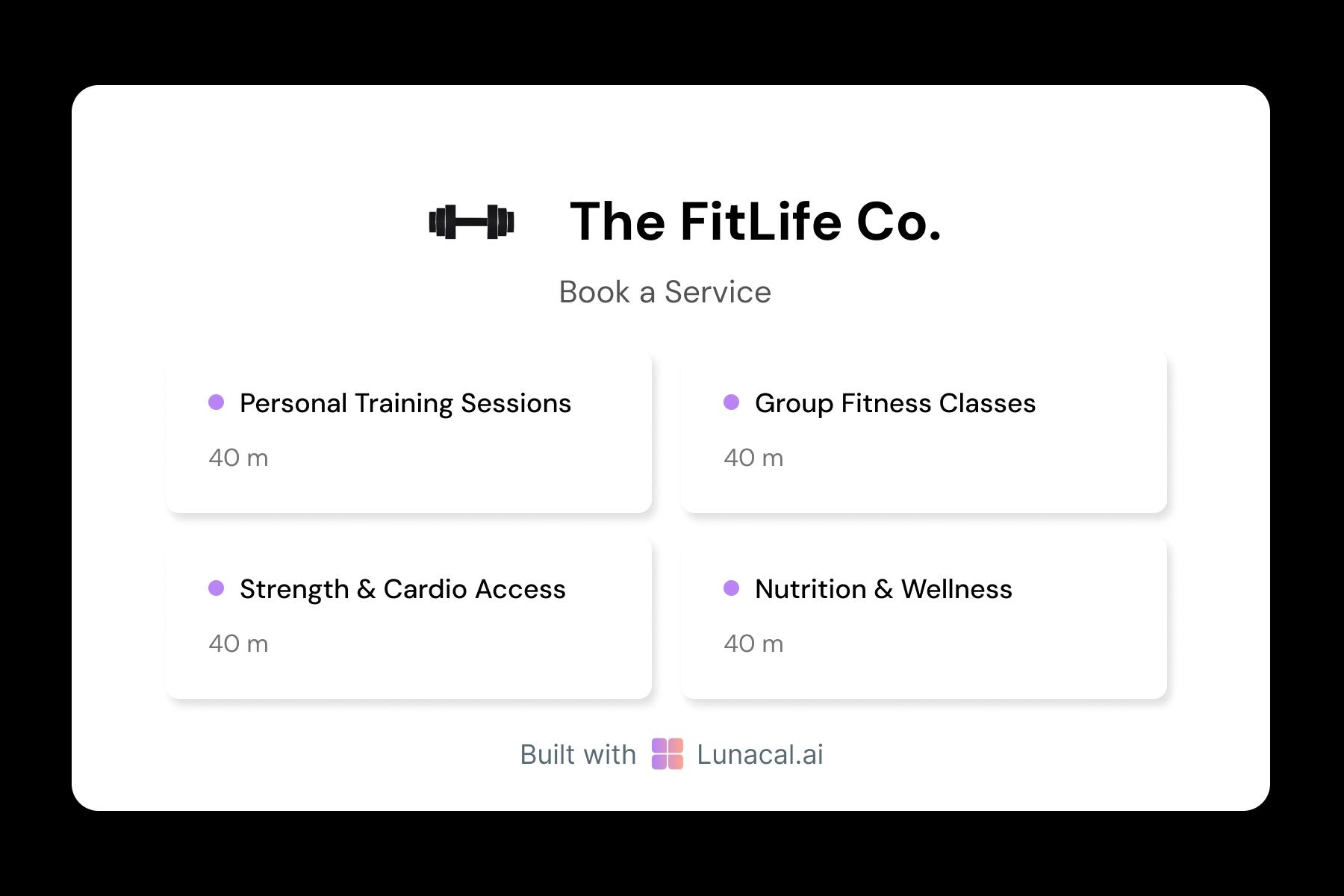
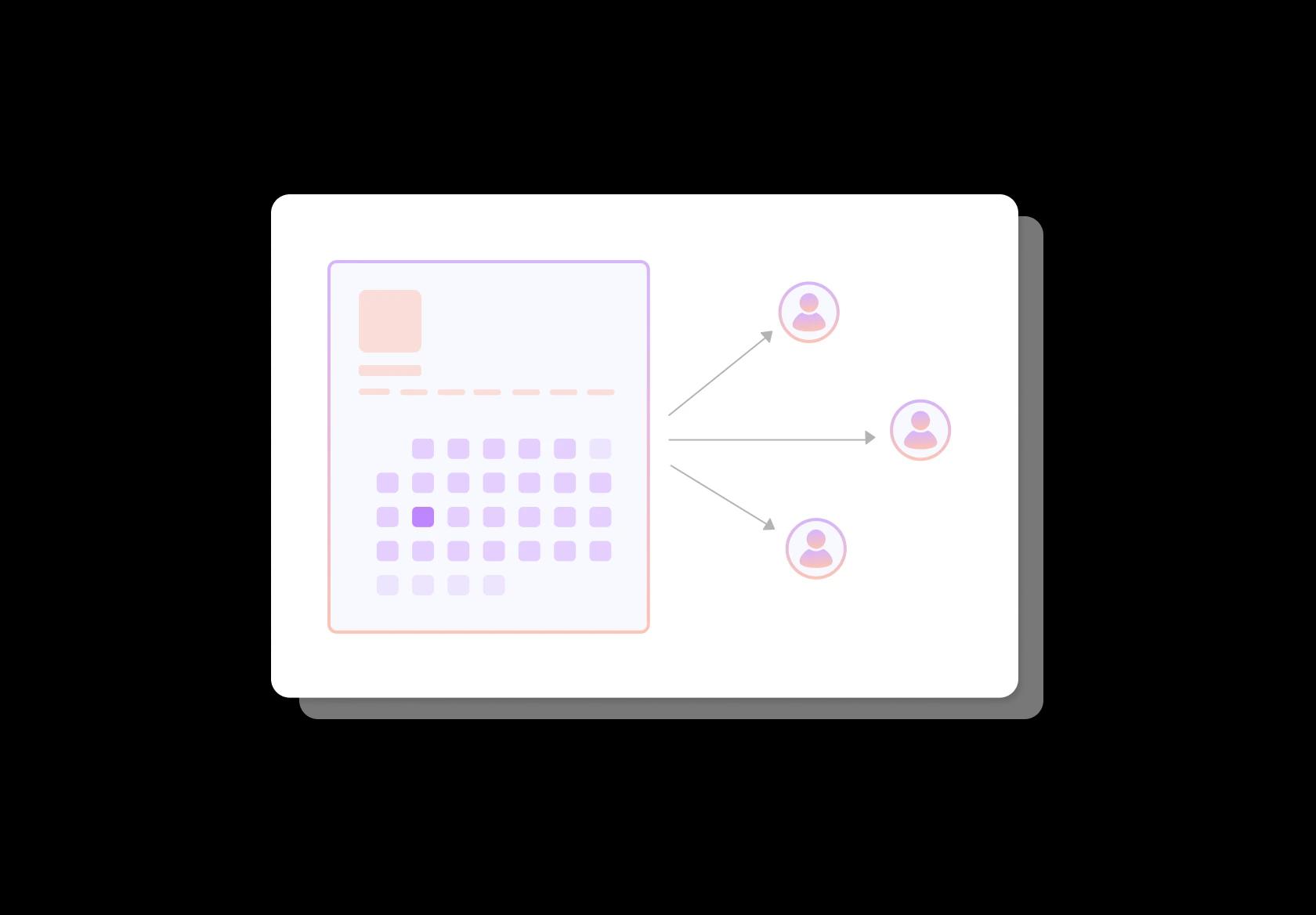
Round-robin is for fairness and faster starts. When a new PT client books, assign them to the next available coach (or rotate within a team) instead of whoever saw the message first. This keeps workload balanced, reduces delays, and prevents one trainer from being overbooked while others have gaps.
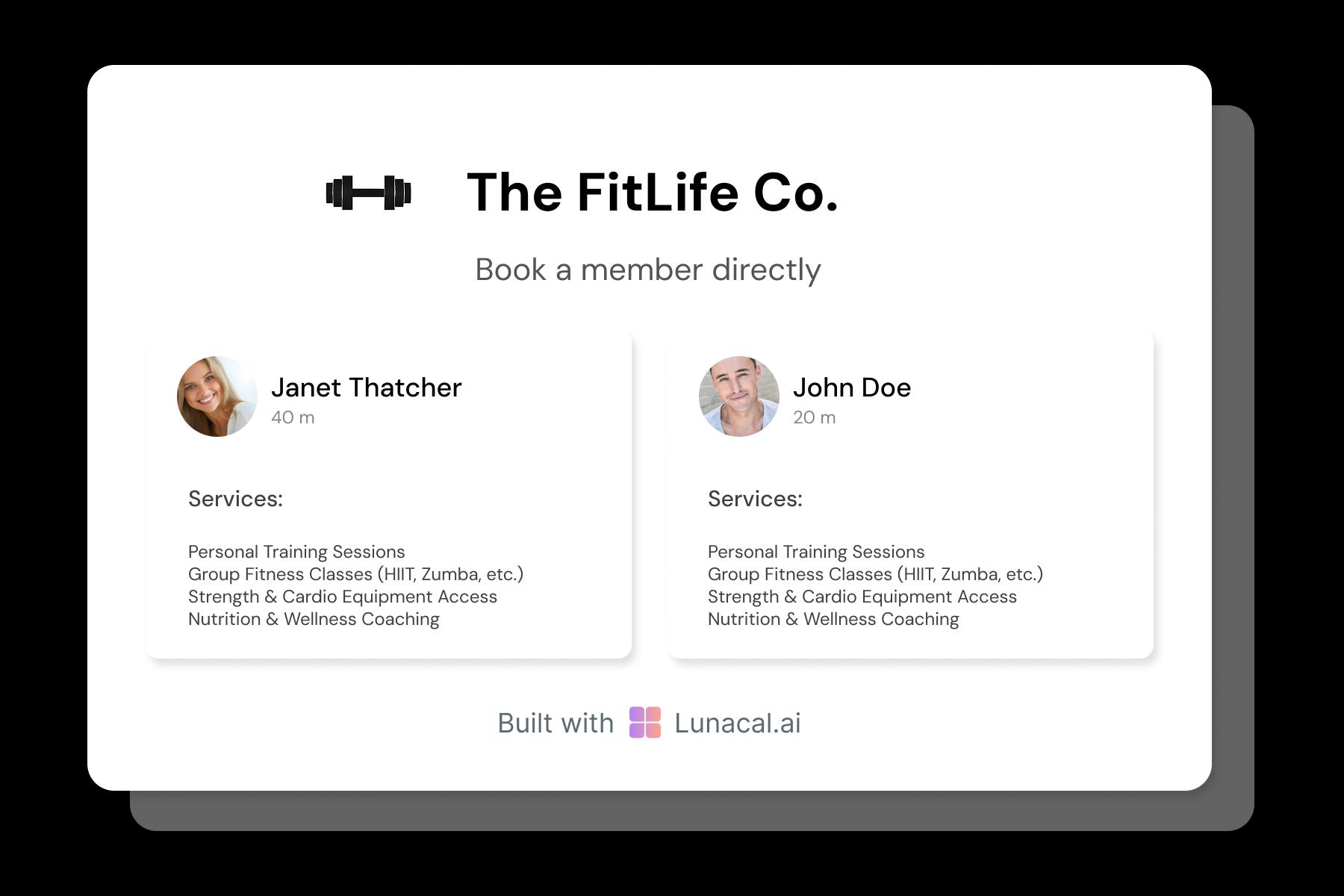
Help members choose a coach by style and specialty
Profiles should answer “is this my kind of coach?” List specialties (fat loss, strength, rehab, sports performance), coaching style, certifications, languages, and what a first session looks like. When your gym booking software shows this upfront, members pick confidently and trainers get better-fit clients.
Flex hours around peak traffic, maintenance, and staff shifts
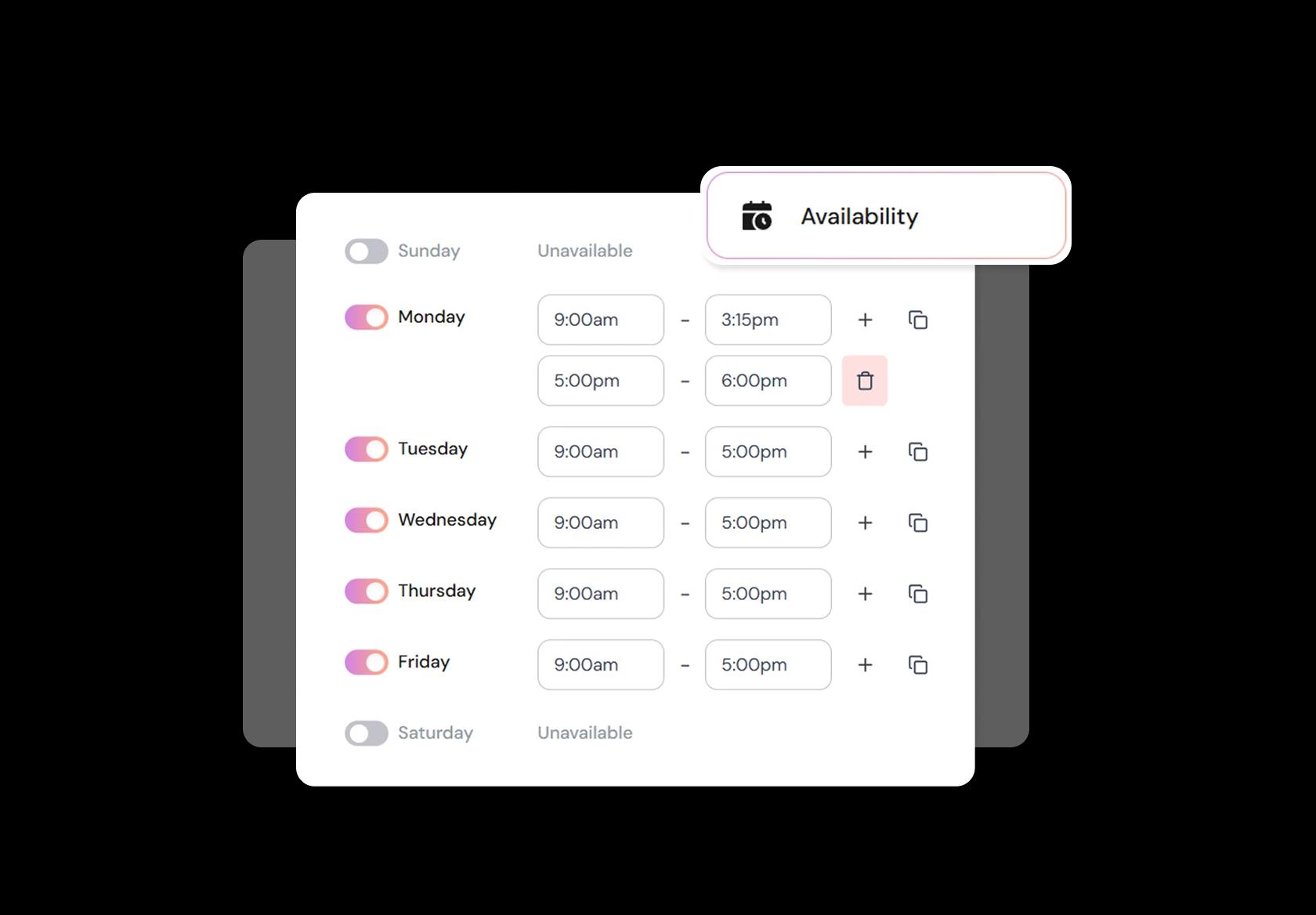
Gyms don’t run on a static calendar. Open extra slots during evening peaks, reduce capacity during renovations, block trainer holidays, and adjust for seasonal changes. Good gym scheduling software supports buffers for cleaning/reset time and minimum notice rules so last-minute bookings don’t wreck operations.
Make booking one tap from web, QR codes, email, and social
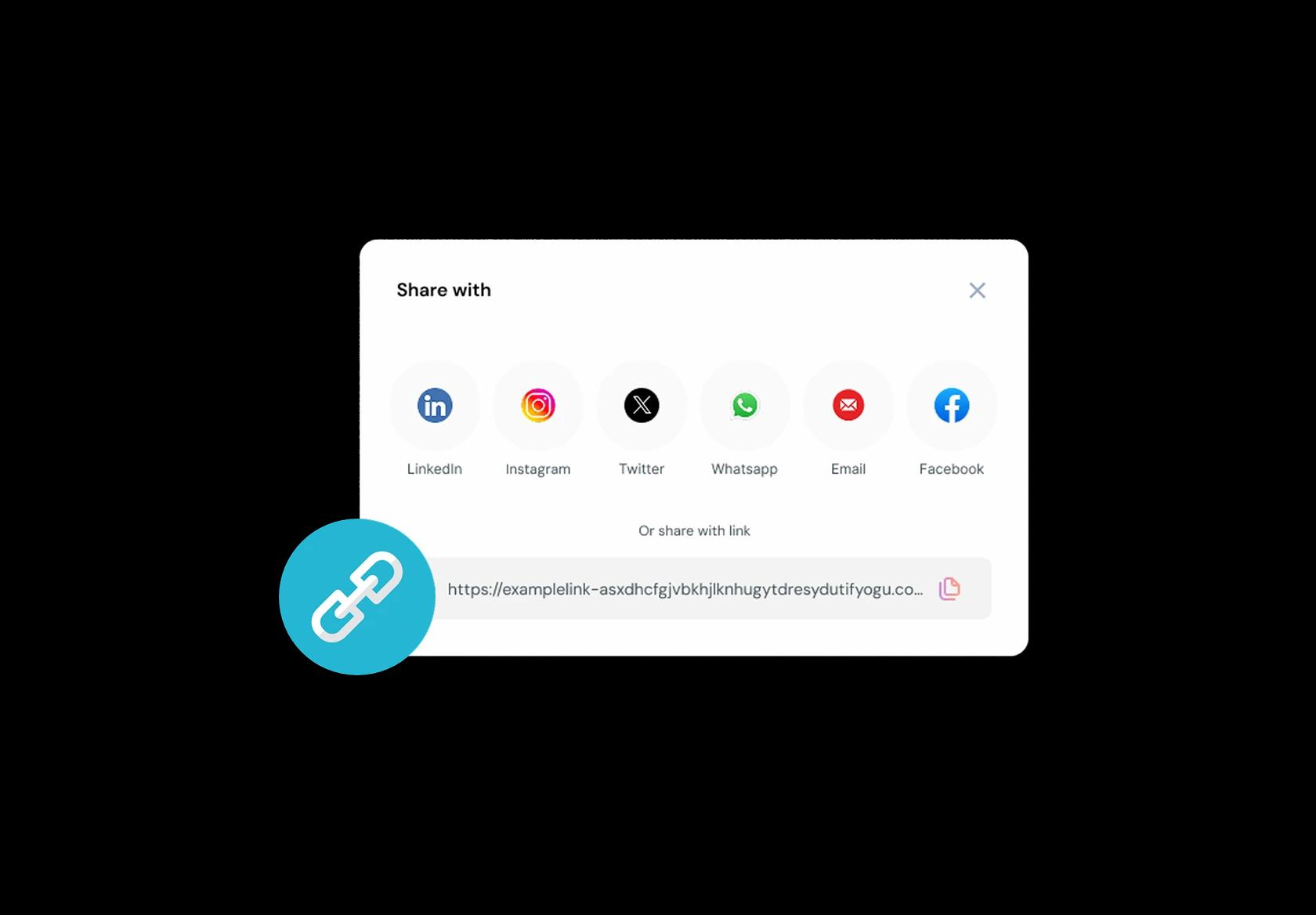
Booking should be reachable from wherever members discover you. Put the same link or embed on your site, Google Business Profile, Instagram bio, welcome emails, and a QR at reception. A consistent class booking system reduces friction, increases repeat bookings, and makes “I’ll book later” less likely.
No commission, No license fees.
Just simple, fair pricing
(save upto 20%)
Standard
- Unlimited Calendars & Services
- Connect Online Meeting Tool
- Payments via Stripe, PayPal
- Text / Email Reminders
- Customize your booking page
Teams
- All Standard Features
- Teams Scheduling
- Multi-session Packages
- Round-robin Scheduling
- Webhooks
Enterprise
- AI Voice Agent
- Account Manager
- Complete Branding
- MCP Server (Beta)
- SSO




Gym Scheduling Software Playbook: how to run bookings without chaos
Gym scheduling only works when your calendar reflects real gym behavior: peak-hour demand, class capacity, trainer availability, and members who forget what they booked. This playbook is a practical setup guide you can apply whether you run group fitness, personal training, a hybrid gym, or multiple locations.
Start with a schedule that matches how members actually book
Most gyms try to force everything into one “appointment” model. That breaks fast. Treat each booking type as its own lane so members don’t get confused and your ops team doesn’t spend the day fixing mistakes.
- Group classes: capacity-based bookings with waitlists and cutoffs.
- Personal training: staff-availability bookings with buffers and trainer selection rules.
- Facilities or equipment: bookable resources for things like courts, reformers, or assessment rooms.
- Intro sessions: a simpler flow for first-timers with clear instructions and waivers.
Build your class catalog like a gym operator, not like a spreadsheet
Class scheduling software performs best when the class “menu” is unambiguous. Globally, naming and expectations vary, so your catalog needs clarity more than creativity.
- Use clear class names plus a short descriptor: “HIIT (high-impact)” or “Strength (barbell)” so new members don’t guess.
- Separate skill levels: beginner, intermediate, advanced, and specify if modifications are offered.
- Set realistic durations including setup and wipe-down time, not just “45 min class time.”
- Add instructor notes that show during booking: “bring wraps,” “arrive 10 minutes early,” “indoor shoes required.”
Capacity rules that protect experience and prevent overcrowding
Capacity is the heart of gym booking systems. If you get it wrong, you create churn. If you get it right, your classes feel premium even without expensive upgrades.
- Set capacity based on safe spacing and equipment count, not room size alone.
- Use a waitlist that automatically promotes members when a spot opens, with a short confirmation window.
- Add booking cutoffs close to class start so instructors aren’t dealing with last-second roster changes.
- For popular slots, consider “member-only early access” windows instead of overbooking.
Reduce no-shows without turning your gym into a rules factory
No-shows are predictable. They spike for early mornings, lunch slots, and anything booked far in advance. Your system should make attendance the default behavior.
- Send instant confirmations that include class name, time, location, and what to bring.
- Send one reminder the day before and another a few hours before high-demand sessions.
- Make rescheduling one tap. A reschedule is almost always better than a no-show.
- Use light penalties only for repeat offenders, and keep the policy visible during booking.
Personal training scheduling that doesn’t burn out trainers
Personal training scheduling software fails when it ignores human constraints. Trainers need recovery time, travel time (if they move between sites), and prep time for programming.
- Set buffers between sessions for transitions, notes, and program updates.
- Use trainer-specific availability instead of one shared calendar for the whole team.
- Allow member preferences (trainer choice) but keep a “fastest availability” option to reduce drop-offs.
- Collect the few details trainers actually need before session one: goals, injuries, training history, and constraints.
Payments, memberships, and drop-in rules that don’t confuse people
Globally, gyms run on a mix of memberships, packs, drop-ins, and trial offers. Your booking flow should make the payment logic obvious before someone confirms.
- Show eligibility clearly: “included in membership” vs “paid drop-in” vs “pack required.”
- For drop-ins, take payment at booking to reduce last-minute cancellations.
- For packs, show remaining credits and prevent bookings when credits are insufficient.
- If you offer trials, cap usage and restrict peak slots so trials don’t crowd out long-term members.
Multi-location and timezone sanity for global audiences
If you serve travelers, remote coaching, or multiple cities, timezone handling becomes a trust factor. People blame the gym when calendars are unclear.
- Show timezone explicitly on booking pages and confirmation messages.
- For multi-location gyms, force a location selection early so members don’t book the wrong site.
- Keep class schedules location-specific, and avoid mixing instructor rosters across branches unless travel is real.
What to measure weekly so your schedule improves over time
A gym schedule is never “done.” The highest-performing gyms tweak based on behavior, not opinions. Track a small set of metrics and act on them.
- Fill rate by class type and time slot (spot which classes deserve prime-time).
- No-show rate by class type and booking lead time (spot which sessions need stronger reminders).
- Waitlist conversion rate (spot capacity problems and instructor demand patterns).
- Trainer utilization and buffer adherence (spot burnout risk and schedule fragility).
Copy-paste booking policy lines you can use on your scheduling page
Keep policies short. If members can’t read it in one glance, they won’t follow it.
- Late cancel: “Please cancel or reschedule before the cutoff so someone on the waitlist can take your spot.”
- Arrival: “Arrive 5–10 minutes early for setup. Late arrivals may not be allowed once class starts.”
- Waitlist: “If a spot opens, you’ll have a short window to confirm before it moves to the next person.”
- Safety: “If you feel unwell or injured, reschedule. Consistency matters, but safety matters more.”
Authored & Reviewed by:
Pranshu Kacholia is the founder of Lunacal.ai, a calendar scheduling and appointment booking system. He works directly with businesses of all sizes to improve booking outcomes - reducing no-shows, cutting back-and-forth, and making scheduling more reliable and efficient. His day-to-day includes reviewing real scheduling setups and edge cases: complex availability and buffers, time zones, routing, cancellation/rescheduling rules, paid meetings and deposits, reminder workflows, and integrations with calendars and meeting tools. He regularly shares appointment scheduling best practices through interviews and community conversations (see this interview and this discussion) and also writes about calendar scheduling (read the article on Medium). He has first-hand experience of using 40+ scheduling tools such as calendly, acuity scheduling, vagaro, fresha, tidycal, square, setmore etc. and understands product nuances deeply.
Lunacal.aiCalendlyAcuity SchedulingSquare AppointmentsSetmoreDoodleBooksyMindbodyFreshaSimplyBook.meHoneyBook


