Yoga Studio Scheduling Software
Yoga scheduling with drop-ins, recurring timetables, class packs, online payments, cancellations, reminders, & instructor substitutions.
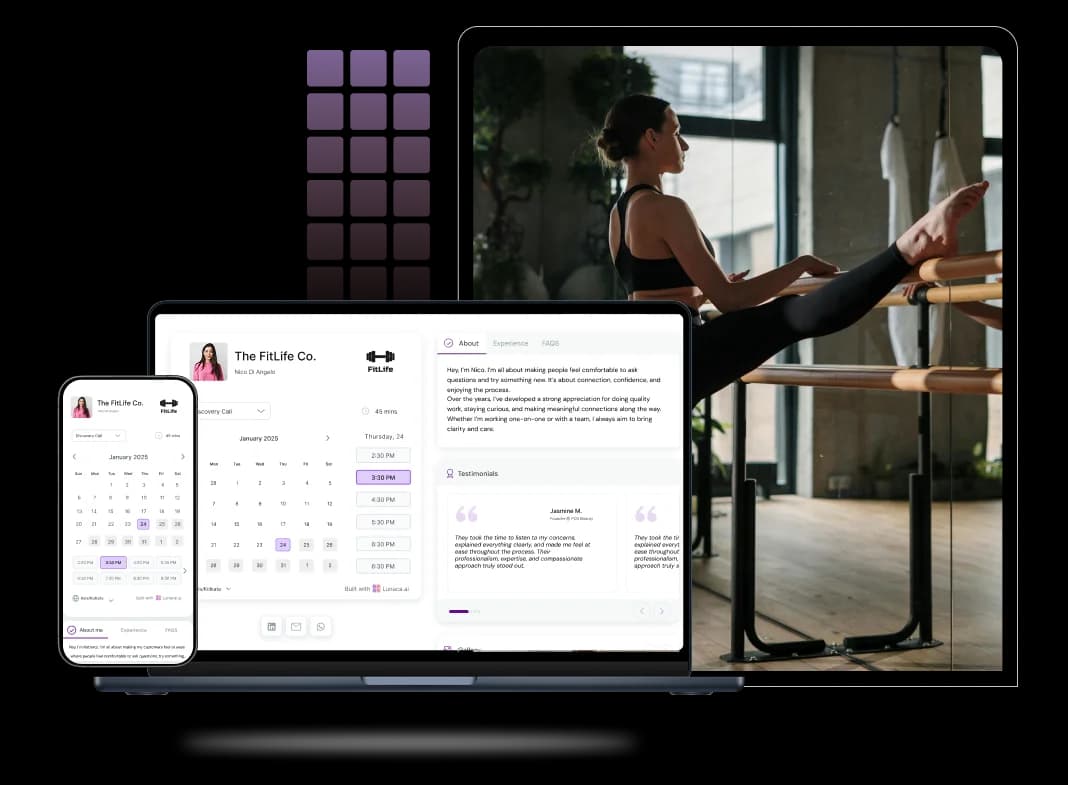
Scheduling features for Yoga Studios and Classes
Let students reserve their mats in advance
Students should be able to book a class in under 30 seconds. A yoga studio booking system should show real capacity (not “inquire to confirm”), let people pick a class, and instantly reserve a mat while the motivation is still alive. Add waitlists for full classes, and clear rules for late cancellation so your front desk isn’t stuck doing cleanup on WhatsApp.
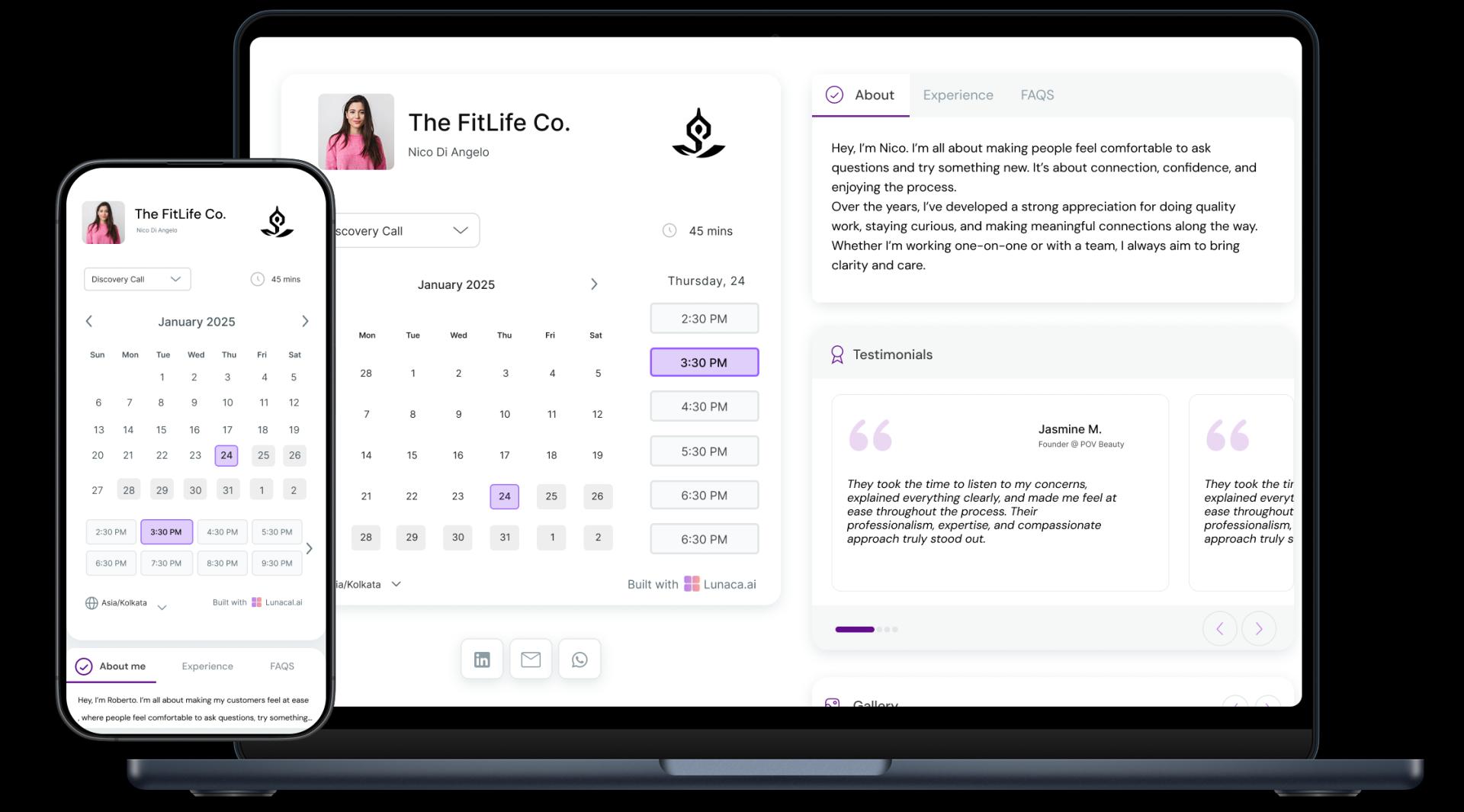
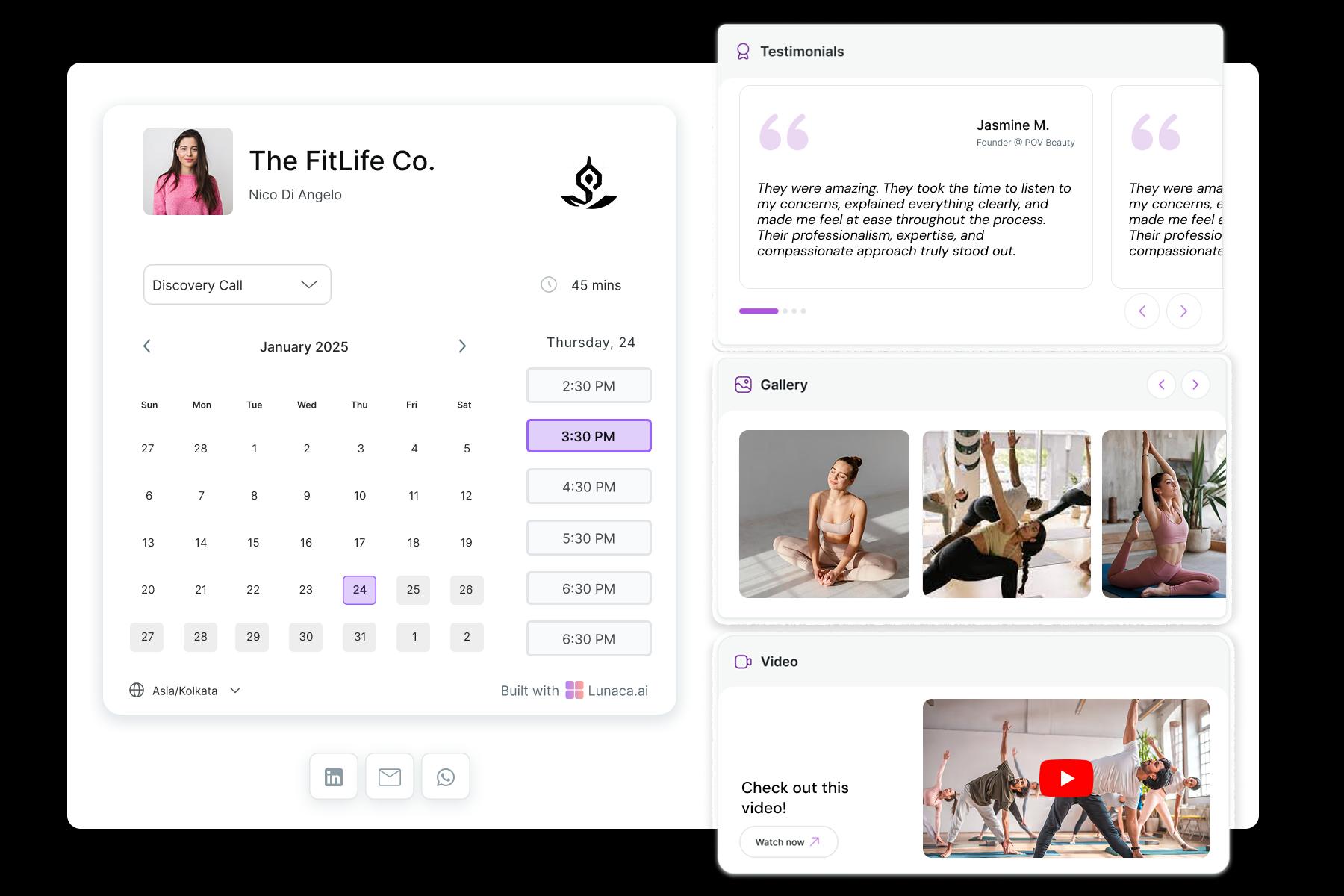
Share your studio’s energy, classes, and philosophy
Your booking page is often your first class with them. Show what the session feels like: class style, level, room vibe (hot, quiet, music, no music), what to bring, and what “beginner-friendly” actually means. Good yoga studio scheduling software should let you add this context right next to the timetable so students don’t book the wrong class and bail.
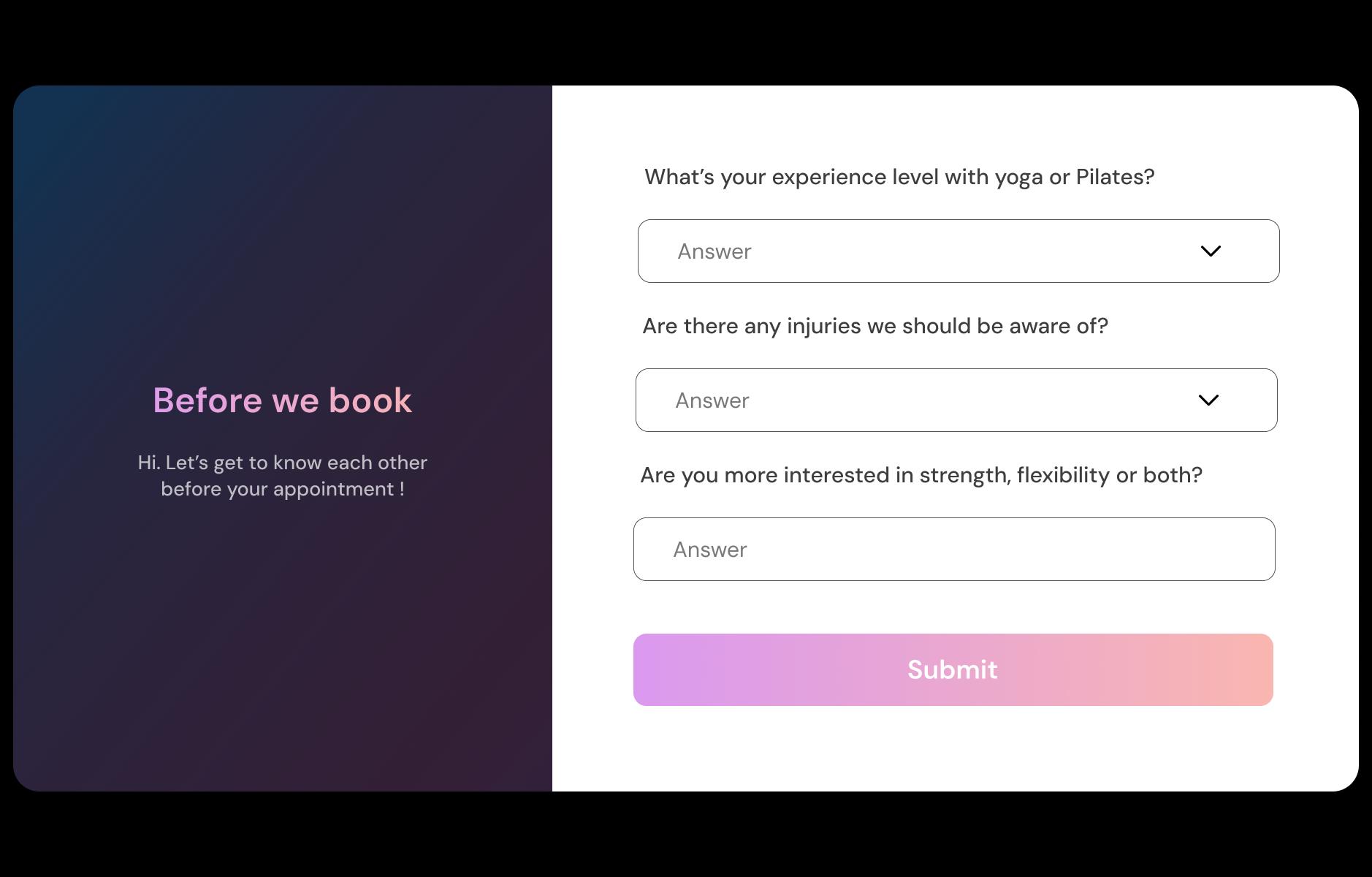
Ask about injuries, experience level, or preferences
Collect safety info before they arrive, not at the door. Ask 2–6 questions that actually change how you teach: injuries (knees, lower back, wrists), pregnancy, first-timer, comfort with hands-on assists, and goals (mobility, stress, strength). Save it with the booking so teachers can prep props and offer modifications without putting anyone on the spot.
Send pre-class nudges and post-session reflections
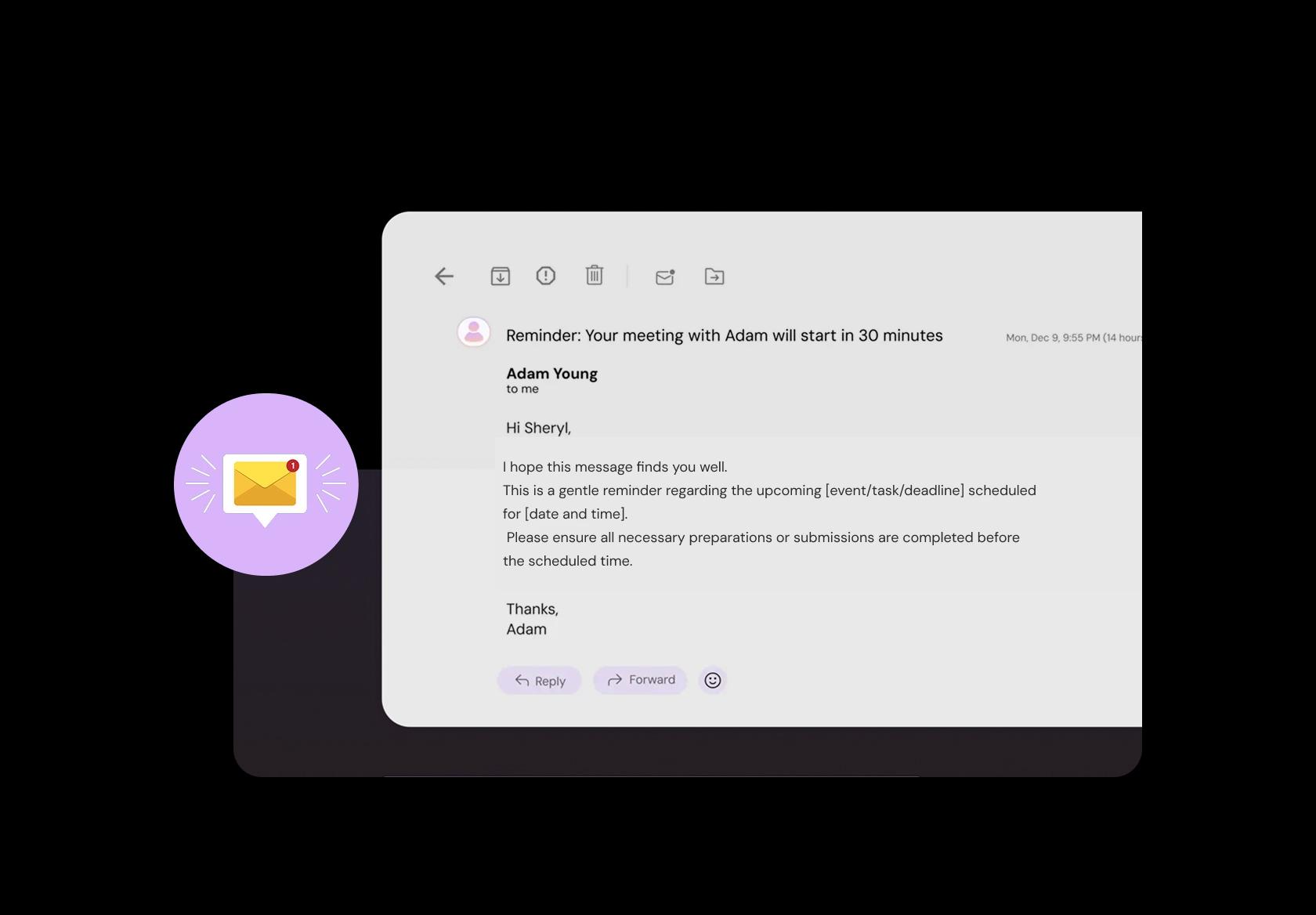
Reminders reduce no-shows and late arrivals when they’re done right. Send a short note 2–3 hours before class with parking and entry instructions, plus one practical prep tip (eat light, bring a towel for hot classes, arrive 10 minutes early). After class, a simple follow-up can share the playlist, recovery tips, or the next recommended class.
Accept one-time, pass-based, or subscription payments
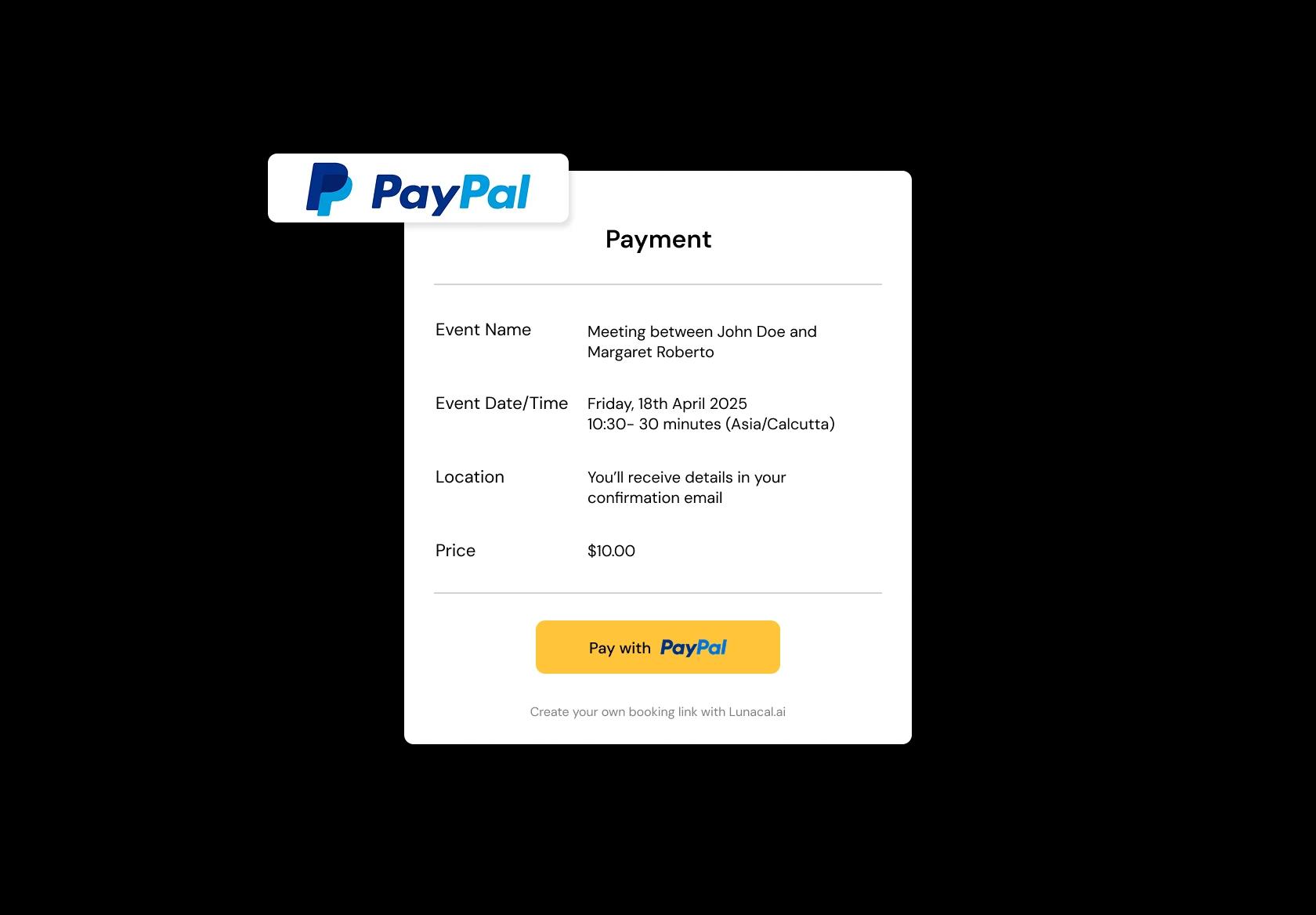
Let them pay the way studios actually sell yoga. Support drop-ins, class packs (5 or 10), monthly memberships, and workshop tickets. Make payment happen inside the yoga class booking flow so it doesn’t feel like a separate checkout ritual. Bonus points if it handles receipts, expiry rules for packs, and auto-renew memberships without manual chasing.
Manage classes across studios, rooftops, or pop-ups
Make “where is this class?” impossible to mess up. If you teach across two studios, a park, and the occasional pop-up, each listing should include the correct address, entry notes (gate code, floor, parking), and a map link. Yoga studio scheduling software should also prevent instructors from being booked in two places back-to-back without realistic travel time.
Set different durations, styles, and class energies
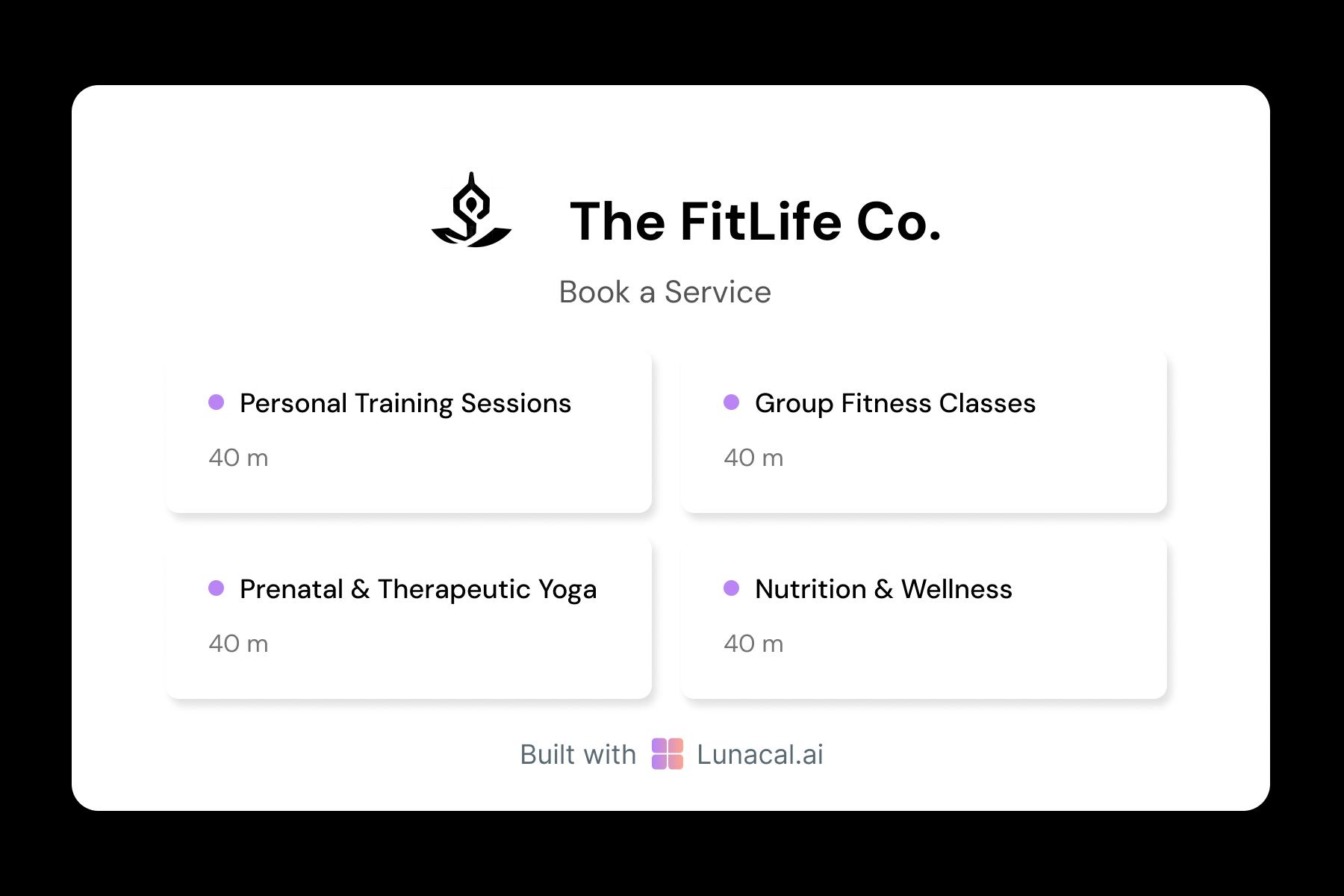
Different sessions need different setup and rules. A 45-minute power flow, a 75-minute yin, a prenatal class, and a weekend workshop should not share the same template. Set duration, max capacity, cancellation window, and prep/cleanup buffers per class type so transitions are smooth and teachers are not sprinting between rooms like it’s a relay race.
Distribute sessions among instructors fairly
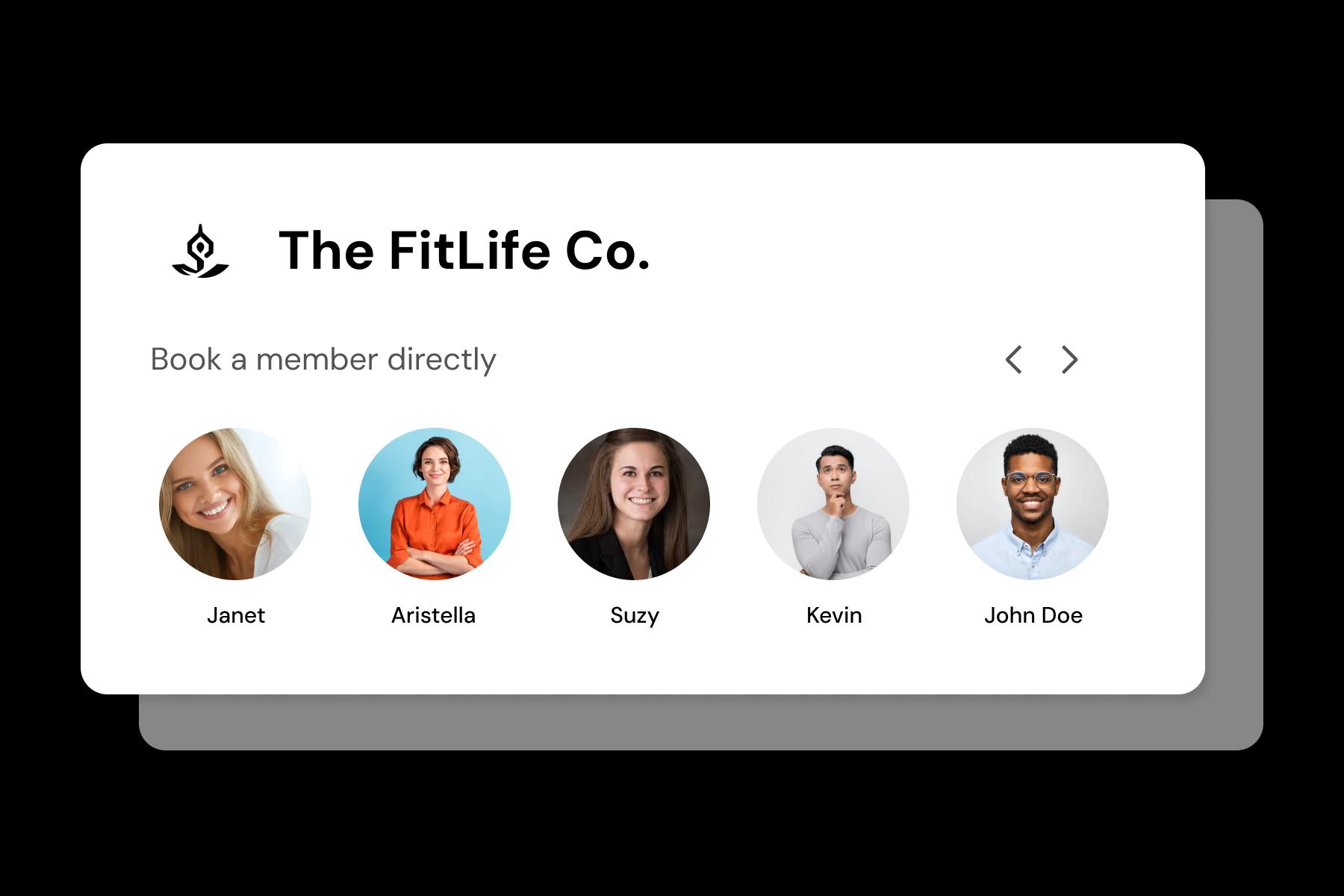
Round-robin matters most for privates and small-group sessions. If students book 1:1 sessions, teacher assignments should rotate fairly while still allowing “book with my favorite instructor.” This prevents one popular teacher from being overbooked, and it keeps newer instructors from being invisible even when they are available.
Help students connect with teaching styles before class
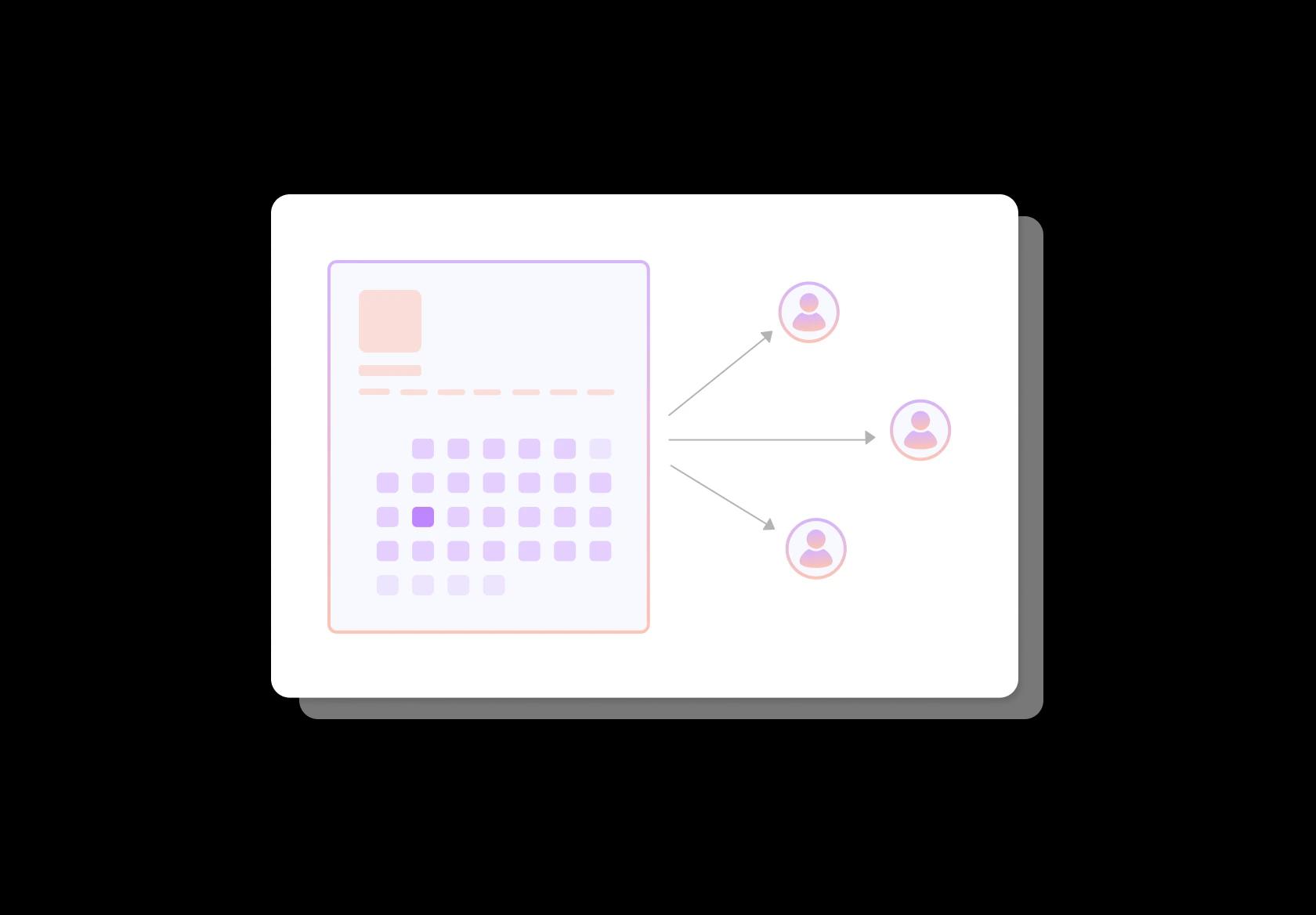
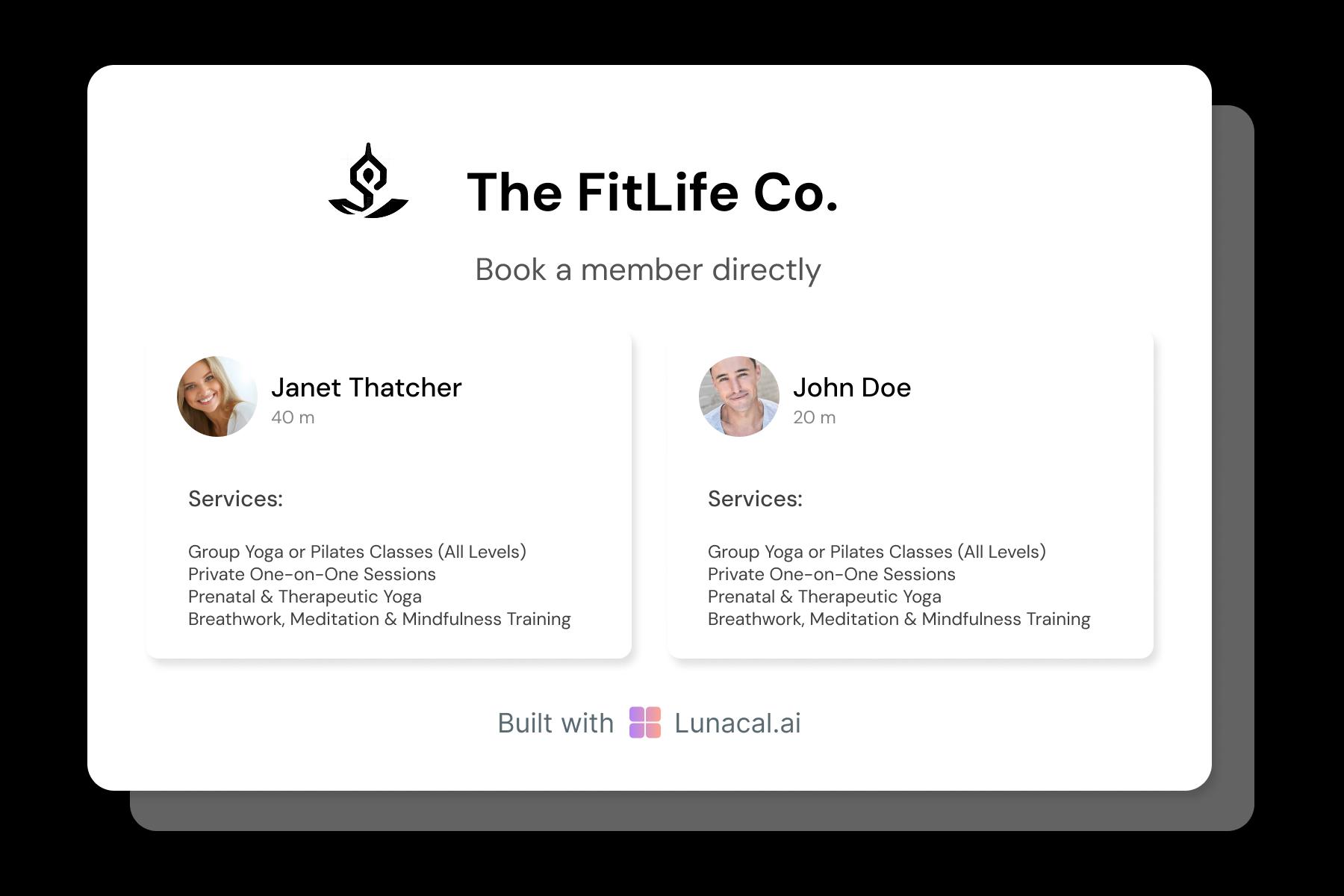
People don’t just book yoga, they book a teacher. Add a short profile that’s actually useful: training lineage/certifications, teaching style (slow and precise vs energetic), preferred assists, languages, and what they’re best with (beginners, mobility, strength, breathwork). This builds trust before the mat is even unrolled and improves repeat bookings.
Adjust schedule for teacher breaks, retreats, or demand shifts
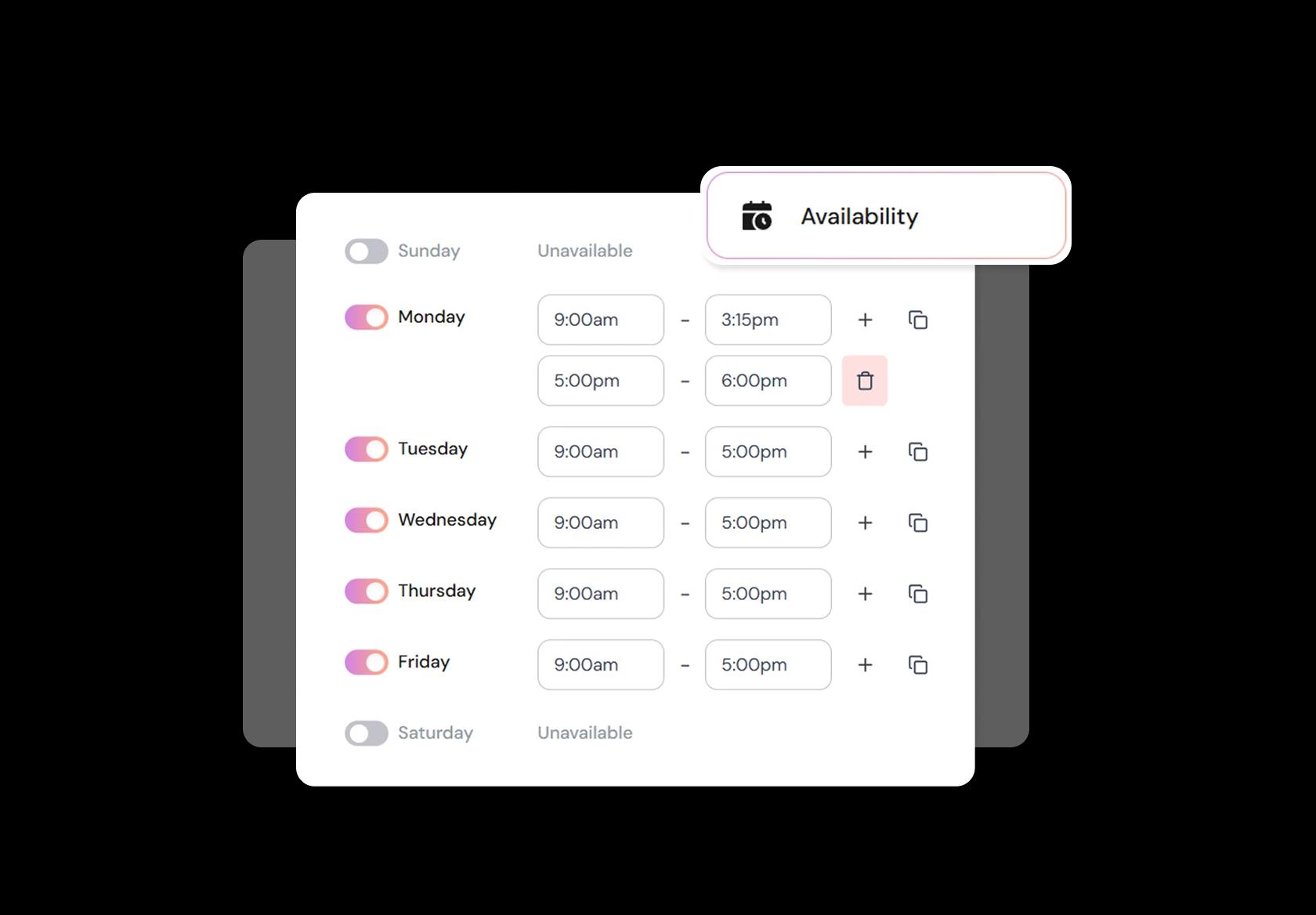
Yoga schedules change constantly. Retreat weeks, teacher trainings, festivals, seasonal demand, and simple burnout all affect availability. A solid yoga studio scheduling software should let you block time fast, swap teachers, add substitute classes, and update recurring schedules without breaking existing bookings or confusing students.
Add your calendar to Instagram, newsletters, or class flyers
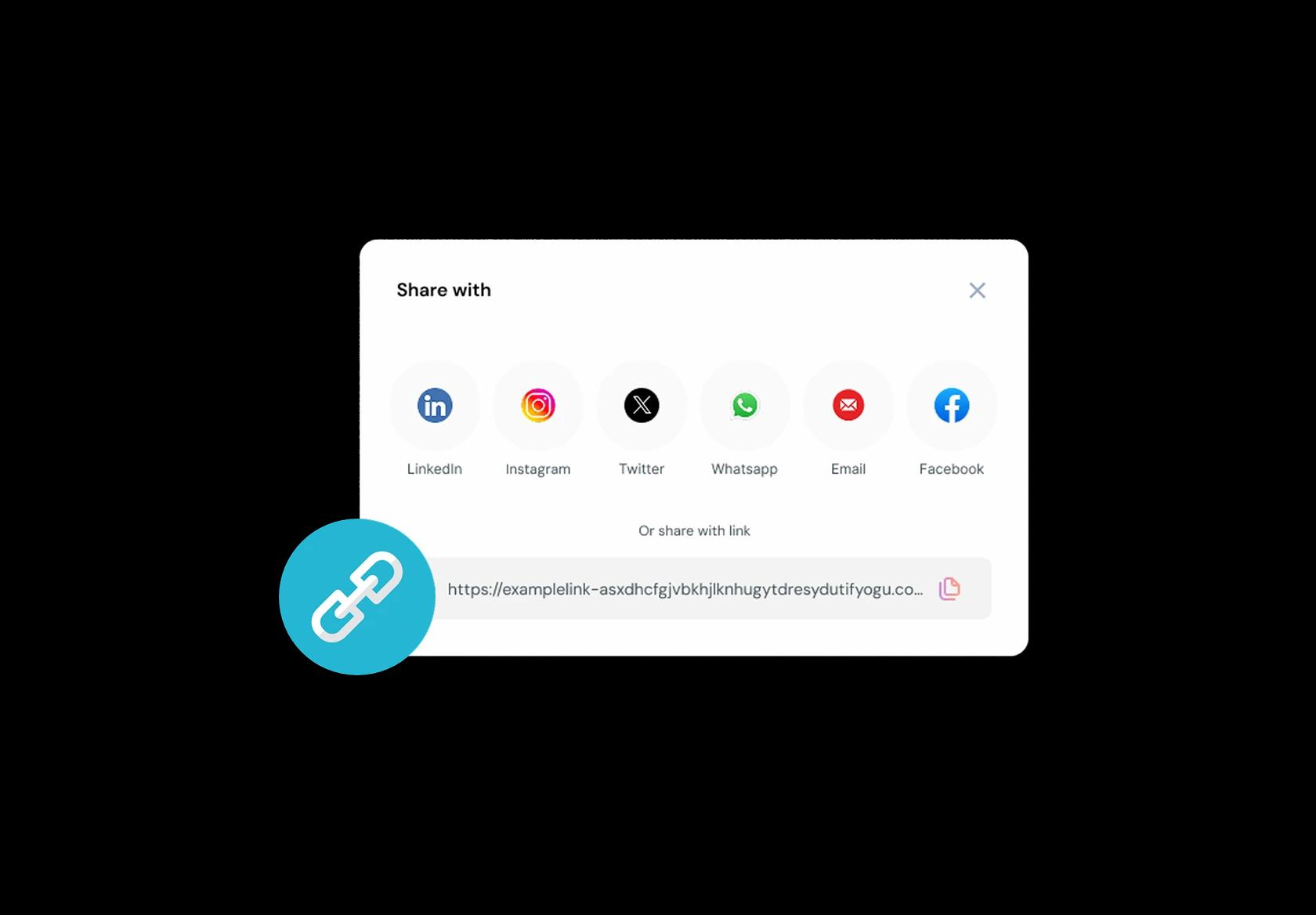
Make booking one tap from wherever they find you. Use one link that always stays current, whether it’s Instagram bio, Google Business Profile, WhatsApp, email newsletters, or a QR code on a studio flyer. If you embed the schedule on your website too, keep it consistent so students don’t see one timetable on the site and a different one on the booking page.
No commission, No license fees.
Just simple, fair pricing
(save upto 20%)
Standard
- Unlimited Calendars & Services
- Connect Online Meeting Tool
- Payments via Stripe, PayPal
- Text / Email Reminders
- Customize your booking page
Teams
- All Standard Features
- Teams Scheduling
- Multi-session Packages
- Round-robin Scheduling
- Webhooks
Enterprise
- AI Voice Agent
- Account Manager
- Complete Branding
- MCP Server (Beta)
- SSO




Yoga Studio Scheduling Playbook
A yoga studio doesn’t need “more features.” It needs a yoga studio scheduling software setup that keeps classes full, teachers paid correctly, and front-desk admin close to zero.
Start with your real inventory: classes, rooms, and teachers
Before you touch your timetable, define what you’re actually selling. Most studios run a mix of repeatable classes and occasional events, and your yoga class booking system should treat them differently.
- Class types: vinyasa, hatha, yin, prenatal, power, meditation, breathwork.
- Formats: in-studio, online, hybrid.
- Events: workshops, teacher trainings, retreats (different rules, different pricing, different cancellation windows).
- Spaces: Room A vs Room B, heat levels, props availability, max mats per room.
- Teachers: who can teach what (don’t let “anyone” get assigned to prenatal by accident).
Build a timetable that matches how students actually book
Global audiences behave similarly here: most students don’t browse endlessly. They look for “today”, “this week”, and “my teacher”. Make your schedule navigable before you make it pretty.
- Keep a stable weekly rhythm (same anchor classes each week) so regulars don’t re-learn your schedule.
- Tag classes clearly: beginner-friendly, all-levels, slow flow, heated, mobility, restorative.
- Show time zone context for online classes and traveling members.
- Use clear class names that don’t require insider knowledge (a new student should understand what they’re booking).
Set booking rules that protect the studio without annoying students
This is where most studios bleed time. Good rules reduce back-and-forth, late arrivals, and refund debates, while still feeling fair.
- Booking window: allow bookings up to 7–14 days ahead for regular classes; longer for workshops.
- Cancellation cutoff: 6–12 hours for classes is common; 24–72 hours for workshops depending on demand.
- Late cancel and no-show policy: keep it short, visible, and consistent.
- Arrival rule: decide whether you allow entry after class starts (and how long you’ll hold a spot).
- Capacity rules: separate “room capacity” from “teacher comfort” (some classes need extra spacing and props).
Use waitlists like a revenue tool, not an apology
Waitlists aren’t just for sold-out classes. They’re how you convert demand without manual messaging and last-minute chaos.
- Auto-promote from waitlist when someone cancels.
- Set a “promotion cutoff” (example: stop auto-promoting 2 hours before class so people aren’t surprised).
- Ask for payment details upfront only if your policy supports it; otherwise, keep it lightweight.
- Send one clear message when a spot opens, with a single confirm button.
Memberships, class packs, and drop-ins: keep pricing logic simple
Yoga scheduling falls apart when pricing feels like a spreadsheet. Your yoga studio booking system should make it obvious what a student can book and what happens when they run out.
- Drop-in: best for travelers and first-timers.
- Class packs: 5, 10, 20 classes with an expiry that’s easy to explain.
- Memberships: monthly recurring with clear inclusions (unlimited, 8 classes/month, off-peak, etc.).
- Workshops: separate product, separate policy (don’t bundle it into normal class packs unless you want support tickets).
Automate the messages that prevent no-shows and confusion
People don’t miss yoga because they hate yoga. They miss it because life happens. The right reminders reduce empty mats without sounding pushy.
- Instant confirmation: class name, teacher, studio address (and online link if relevant), plus cancellation rule.
- Reminder timing: one the day before, one 2–4 hours before (tune based on your audience).
- Weather or travel friction: make rescheduling one click. A reschedule beats a no-show.
- Post-class follow-up for new students: a short “how did it feel?” message can improve retention.
Teacher ops: reduce swaps, payout disputes, and last-minute scrambling
Studios often focus on student booking and forget the teacher workflow. A clean teacher setup is a silent retention engine for your team.
- Instructor profiles: specialties, certifications, and substitutes who can cover specific styles.
- Swap flow: teachers request swaps; admin approves; students get automatically notified of teacher changes.
- Attendance tracking: accurate counts matter for payout models (flat fee vs per-head vs tiered).
- Room assignment: avoid double-booking the same room across in-studio and hybrid sessions.
Make “trust” visible on the booking page
To rank above generic blogs, your page should feel like it was written by people who understand studios. Trust signals are not fluff here; they reduce drop-off and increase confidence.
- Clear studio details: location, parking notes, what to bring, and beginner guidance.
- Safety and accessibility notes: heat levels, injury modifications, pregnancy notes, wheelchair access if applicable.
- Waiver and consent: keep it simple, but make it explicit before the first class (and follow local requirements).
- Refund and cancellation policy: visible at booking, not hidden in a footer.
Copy-paste templates you can use today
- Late arrival
- “To keep the class uninterrupted, we may not be able to admit students after the class has started. If you’re running late, please reschedule.”
- Class cancellation
- “You can cancel or reschedule up to [X hours] before class. Late cancellations and no-shows may forfeit the class credit.”
- Waitlist spot opened
- “A spot opened for [Class Name] at [Time]. Tap confirm within [X minutes] to claim it.”
- Beginner message
- “New here? Arrive 10 minutes early. Tell your teacher about injuries or pregnancy so they can offer modifications.”
The only metrics that matter in week 1
If you want quick wins (and better SEO because your page reads like a real operator wrote it), track these and mention them as part of your studio ops:
- Fill rate by class and time slot (which classes consistently underperform).
- No-show and late-cancel rate (by class type and by membership type).
- Repeat attendance over 30 days (how many new students become regulars).
Authored & Reviewed by:
Pranshu Kacholia is the founder of Lunacal.ai, a calendar scheduling and appointment booking system. He works directly with businesses of all sizes to improve booking outcomes - reducing no-shows, cutting back-and-forth, and making scheduling more reliable and efficient. His day-to-day includes reviewing real scheduling setups and edge cases: complex availability and buffers, time zones, routing, cancellation/rescheduling rules, paid meetings and deposits, reminder workflows, and integrations with calendars and meeting tools. He regularly shares appointment scheduling best practices through interviews and community conversations (see this interview and this discussion) and also writes about calendar scheduling (read the article on Medium). He has first-hand experience of using 40+ scheduling tools such as calendly, acuity scheduling, vagaro, fresha, tidycal, square, setmore etc. and understands product nuances deeply.
Lunacal.aiCalendlyAcuity SchedulingSquare AppointmentsSetmoreDoodleBooksyMindbodyFreshaSimplyBook.meHoneyBook


