Massage Booking Software
Clinic-ready scheduling with therapist + room matching, intake forms, cleanup buffers, recurring sessions, prepay options, & easy rebooking links.
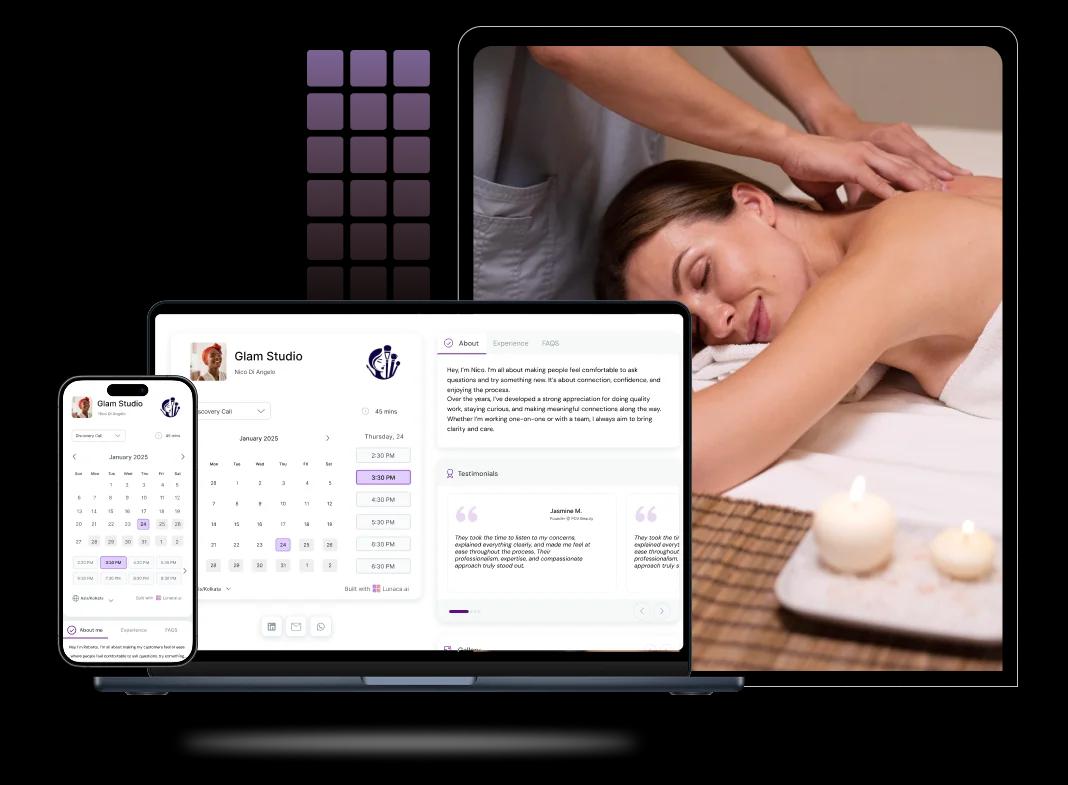
Booking features for massage studios and regulars
Clients book massage sessions in seconds, not after a call
Many people book a massage when the pain is fresh or the stress peaks. A fast online booking page lets them grab a slot immediately, get an instant confirmation, and stop second-guessing. Your front desk also spends less time answering “any slots today?” calls.
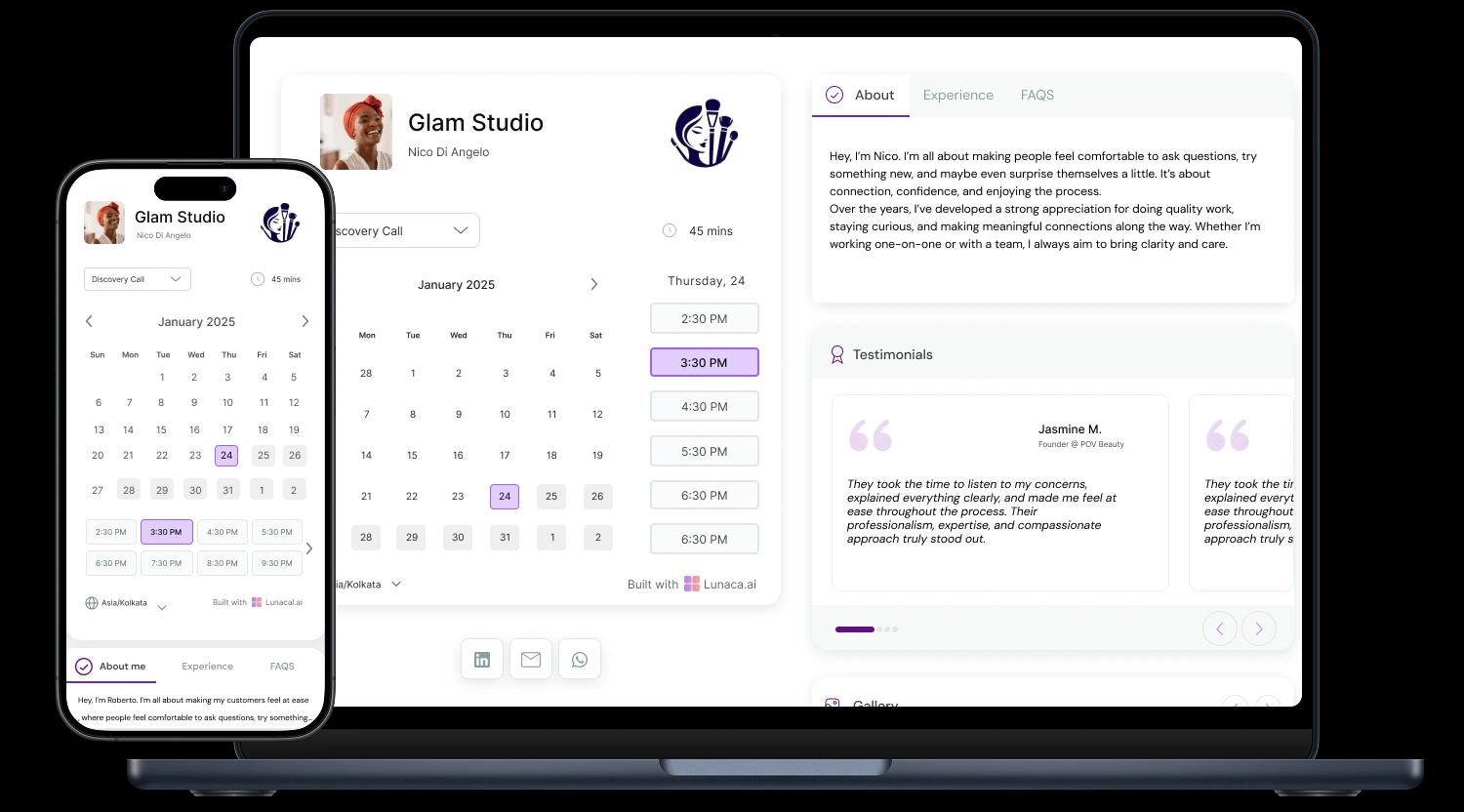
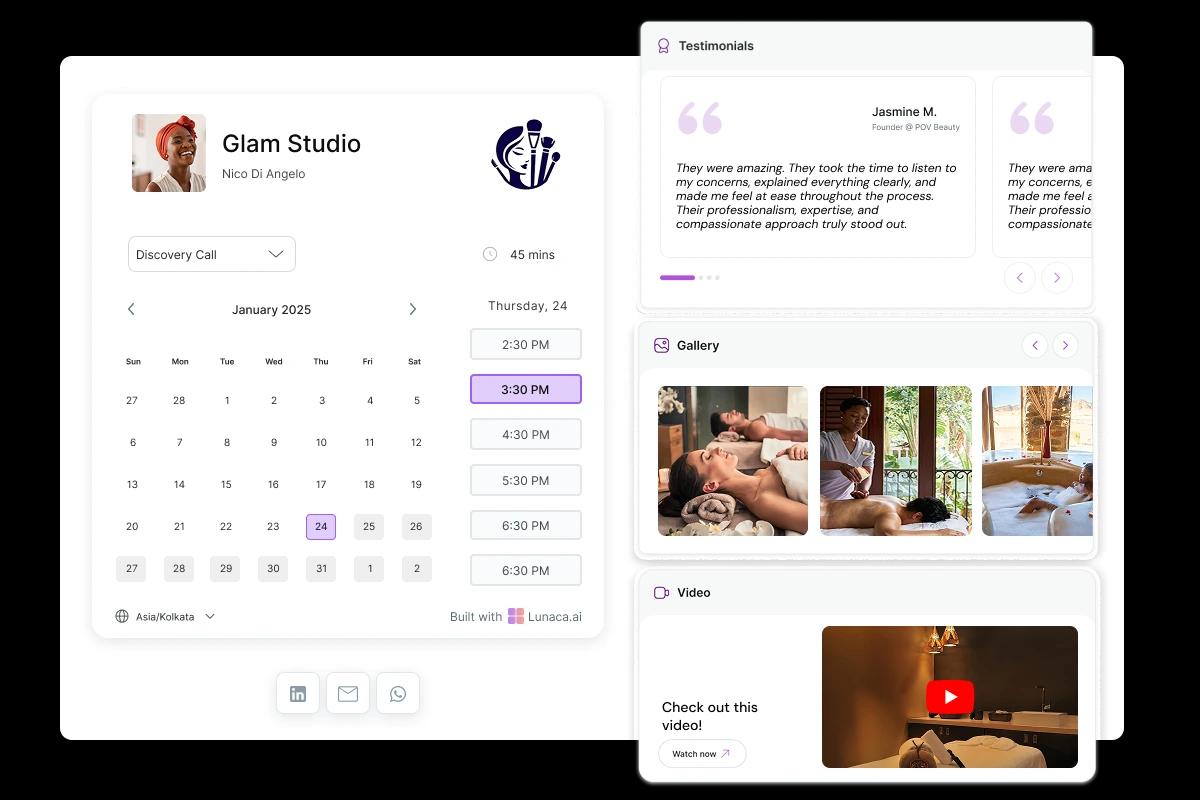
Photos, pricing clarity, and real reviews that feel believable
People don’t trust “luxury spa” claims. They trust what they can see. Add real photos of rooms, hygiene setup, and your actual ambience. Pair it with a few genuine reviews that mention outcomes like “slept better” or “neck loosened up”. It sets expectations before they arrive.
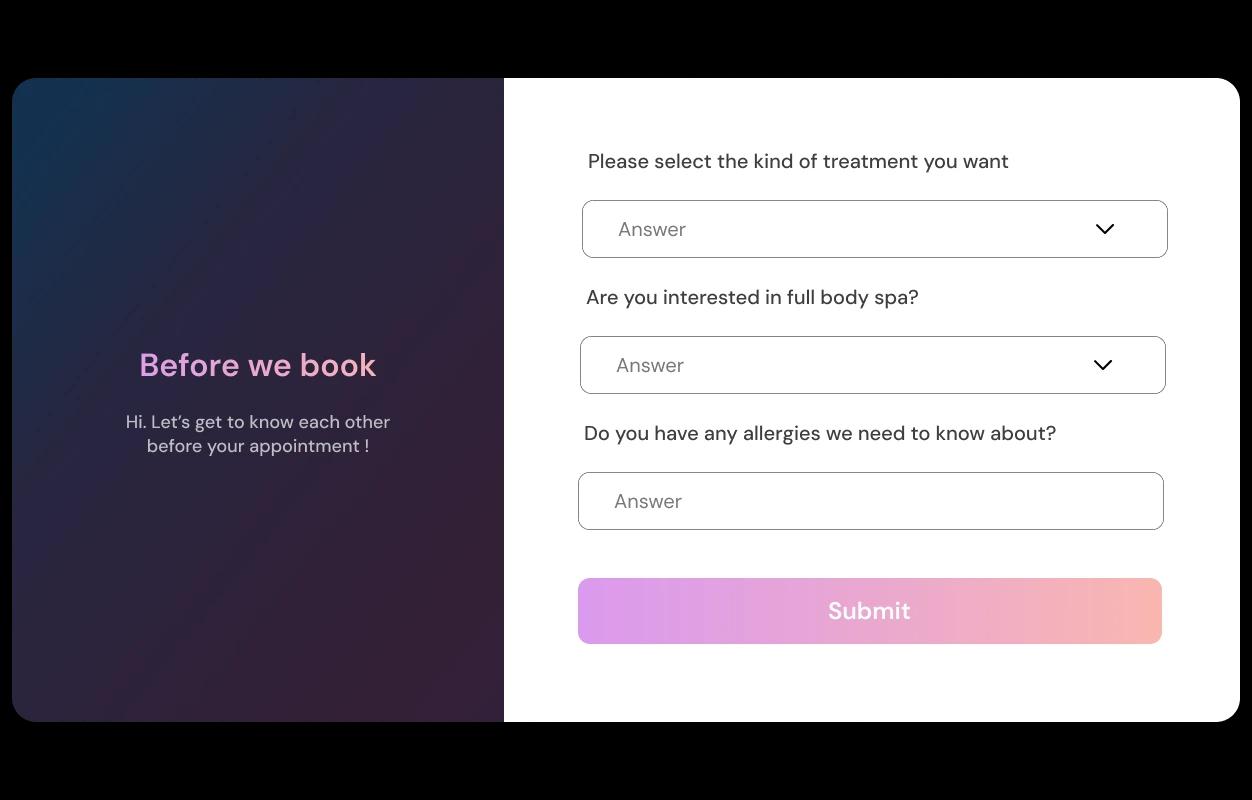
Capture pressure, pain areas, and contraindications upfront
Ask what you’d normally ask in the first 60 seconds: pressure preference, focus areas, injuries, pregnancy, allergies, and scent sensitivities. Add a quick “first visit or returning?” question too. Therapists walk in prepared, and clients feel cared for before they even step inside.
Reduce no-shows, and follow up without sounding salesy
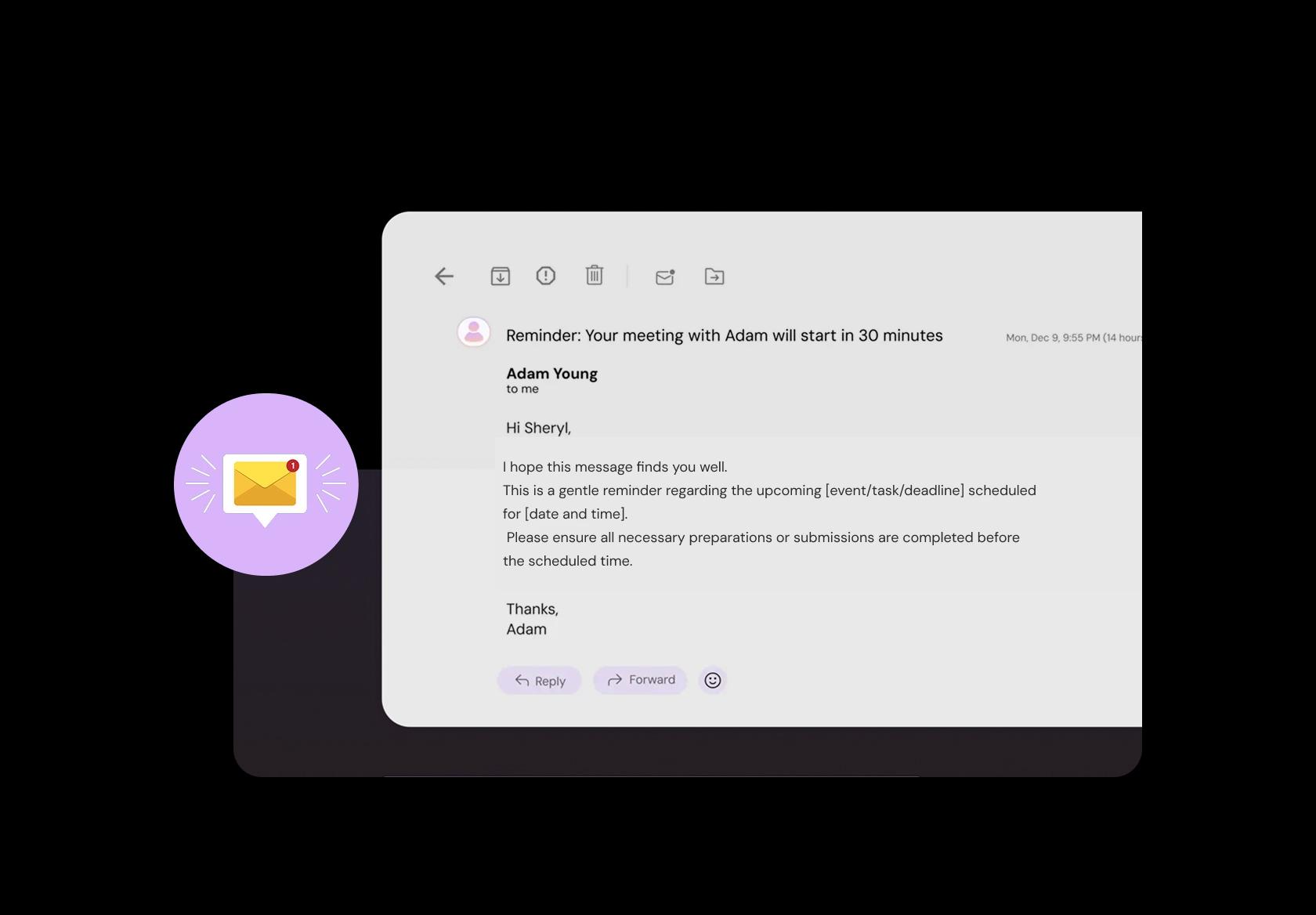
Most no-shows are simple: people forget, mix up the time, or can’t find the place. Send a reminder with the exact time, address, parking notes, and “arrive 5–10 minutes early”. After the session, send one short message to collect feedback and catch issues early.
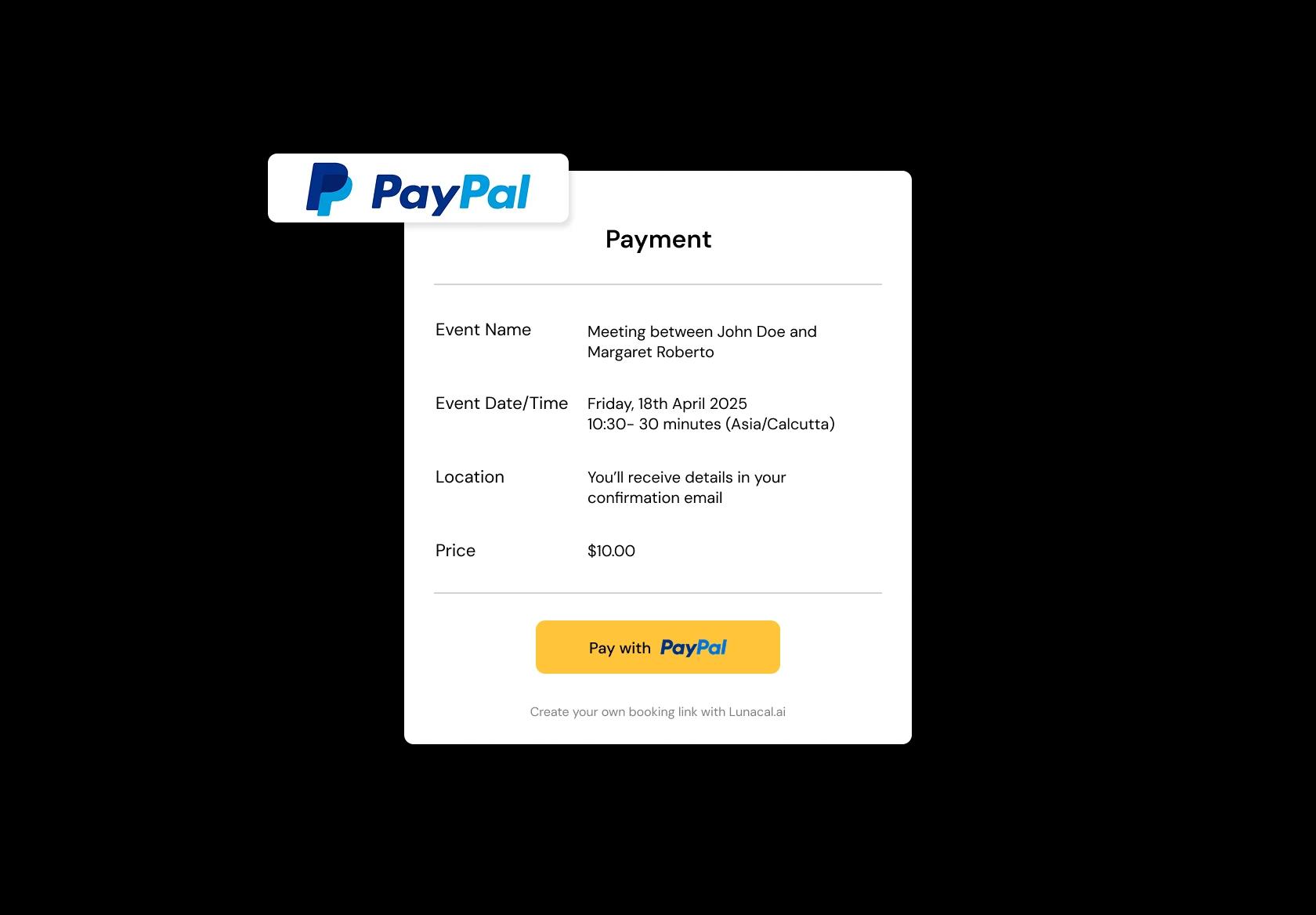
Deposits or full prepay to protect peak hours
Weekends and holiday weeks get blocked by “maybe” bookings. Taking a deposit (or full payment) makes the appointment real and reduces last-minute cancellations. It also helps you plan therapist shifts confidently instead of guessing how many clients will actually show up.
Run multiple rooms or branches without schedule chaos
Whether you have two treatment rooms or three locations, the problem is the same: double bookings and mixed-up staff schedules. Multi-location setup keeps each branch or room mapped to the right availability rules, so bookings land in the correct place automatically.
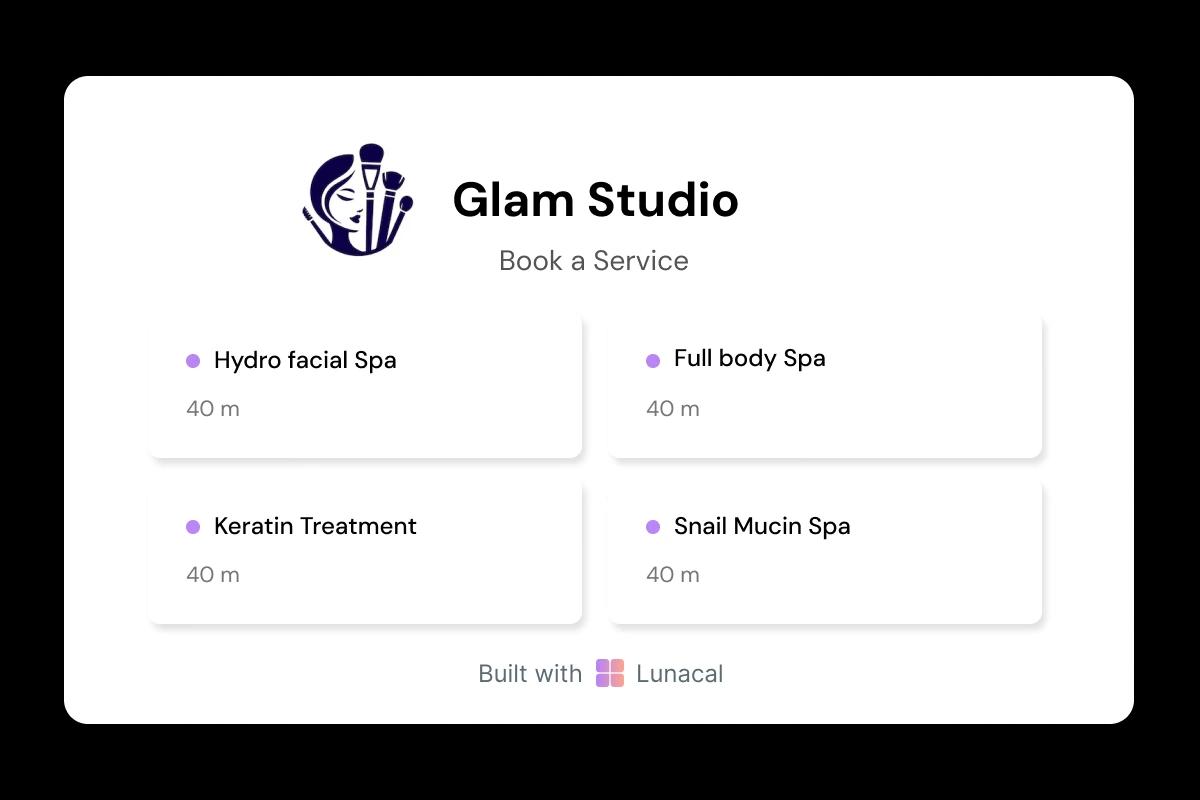
Every treatment gets its own duration, setup, and buffer
A 60-minute Swedish massage is not the same as deep tissue, hot stone, or prenatal. Set different durations, cleanup time, room prep time, and therapist requirements per service. That’s how you avoid running late all day and keep the experience calm for clients and staff.
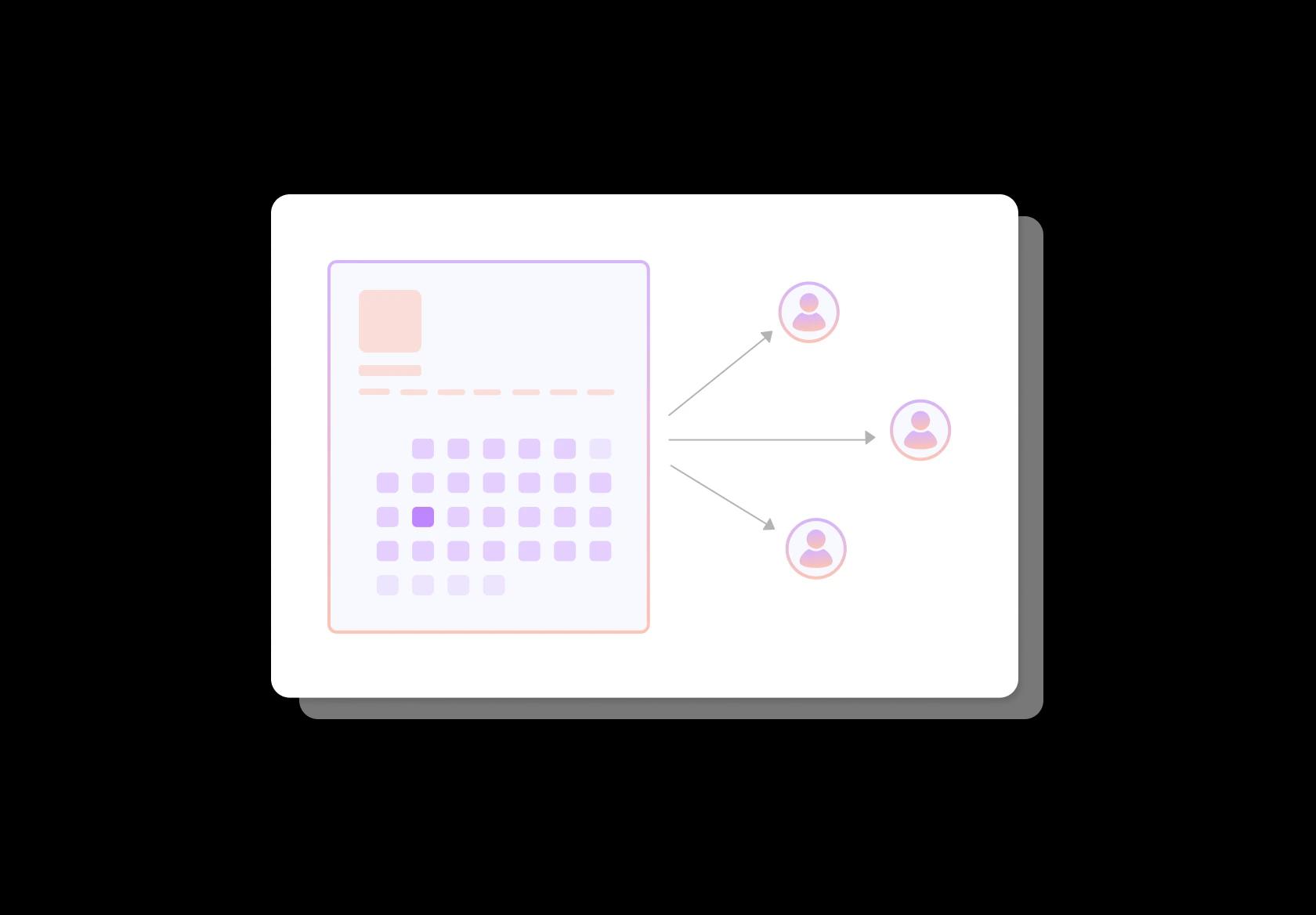
Spread bookings fairly across therapists without favoritism
If one therapist gets stacked while another sits idle, quality drops and burnout starts. Round-robin assignment balances demand across your team while respecting availability. Clients still get a great experience, and your staff stays consistent during busy weeks.
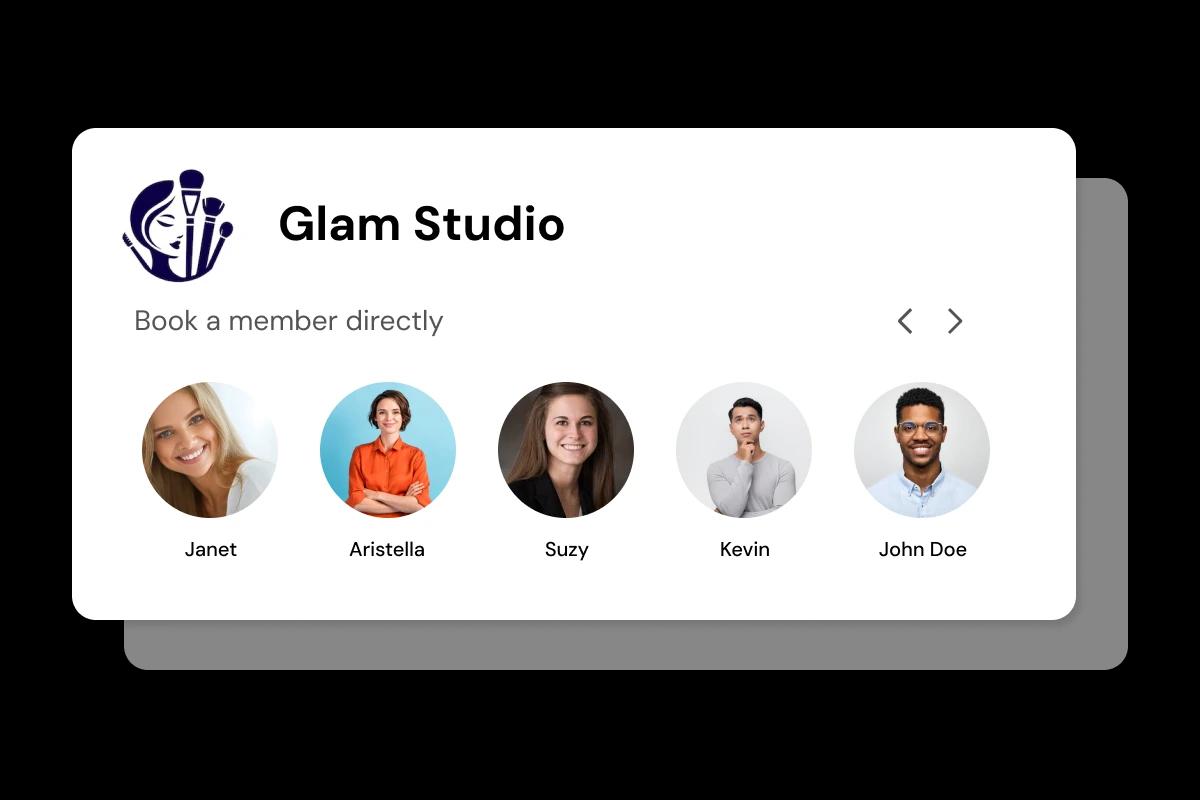
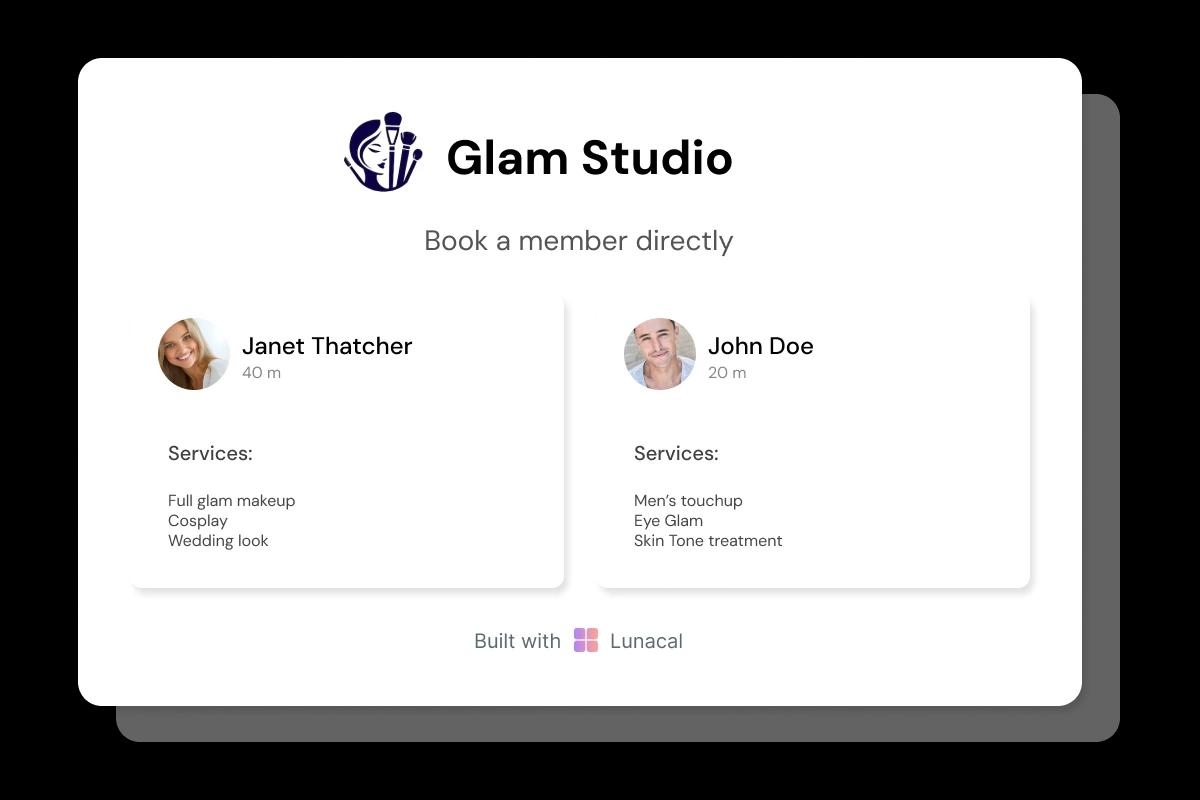
Let clients choose by specialty, not random availability
Many clients already know what they need: deep tissue for knots, prenatal comfort, sports recovery, lymphatic drainage, reflexology. Give each therapist a profile with specializations, languages (if relevant), and a few specific reviews. It builds trust and reduces “who am I booked with?” anxiety.
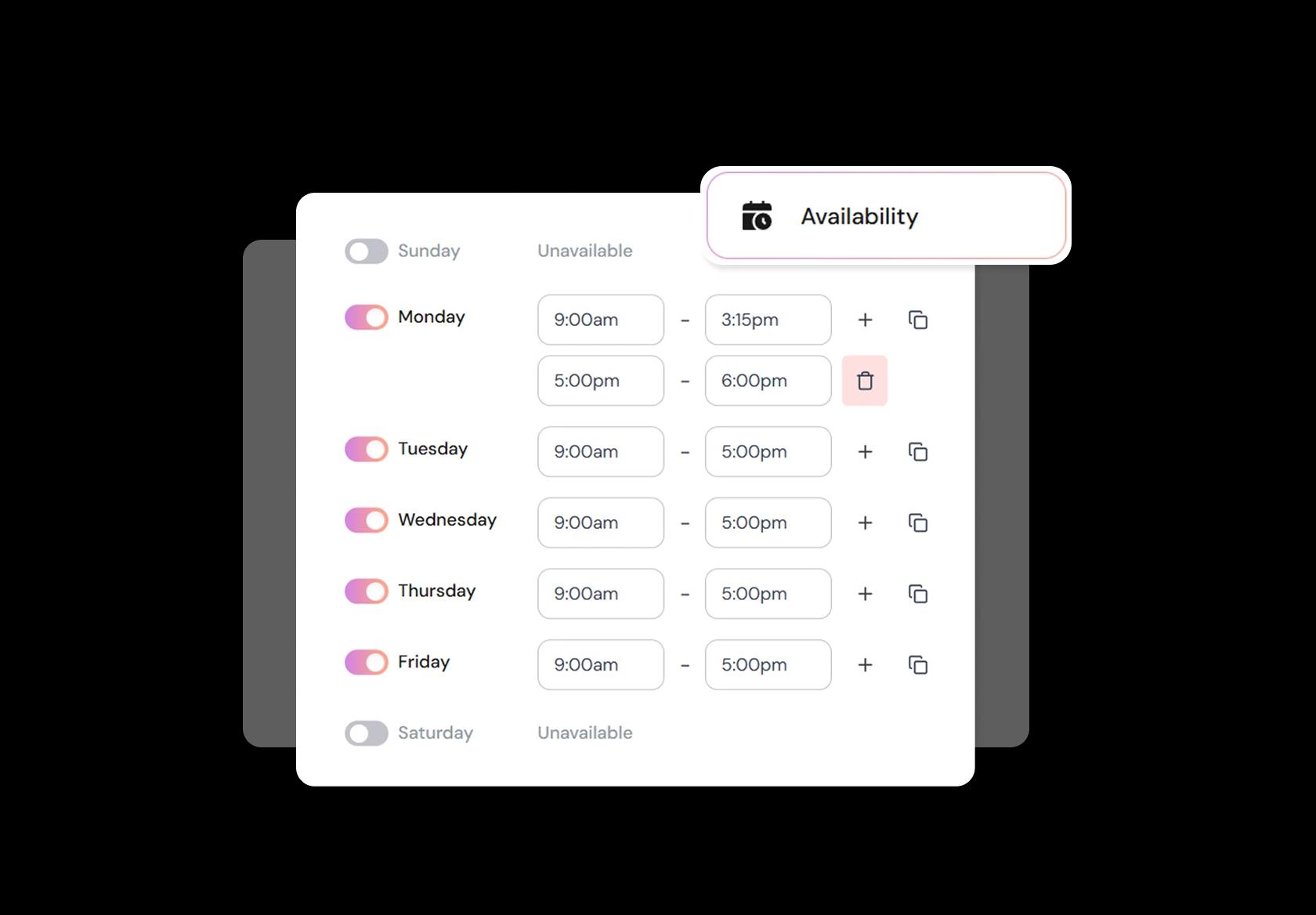
Handle weekends, holidays, breaks, and therapist time-off easily
Spas don’t run on the same schedule year-round. You need different hours for weekends, festival seasons, and peak travel months. Add breaks, minimum notice, and last-minute cutoffs so therapists aren’t rushed. Updating availability should take minutes, not a spreadsheet.
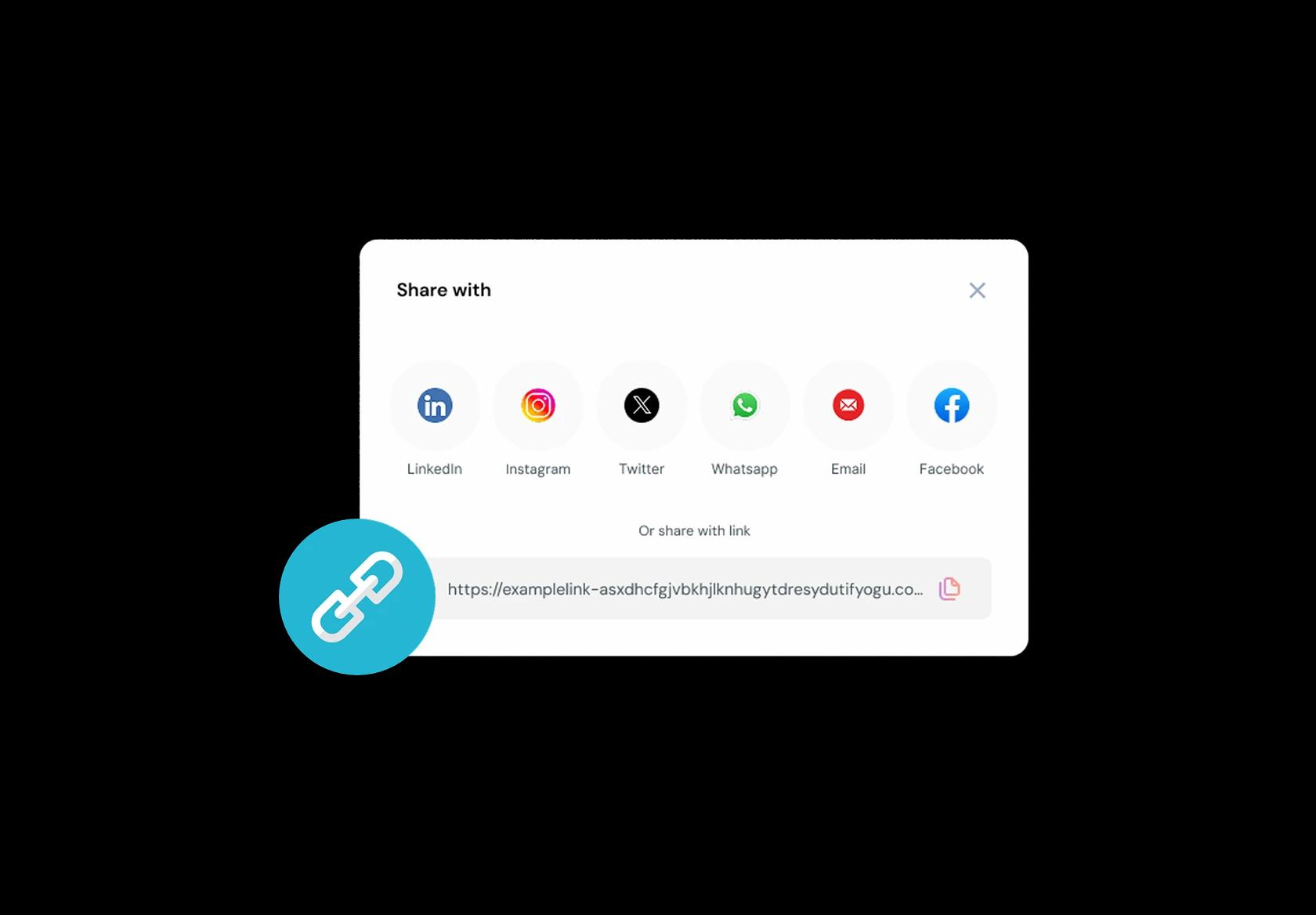
One booking link for Instagram, Google, WhatsApp, and your site
People discover spas in different places: Instagram, Google Maps, hotel concierge links, WhatsApp forwards, email signatures. Put one booking link everywhere so the path from “I’m interested” to “I’m booked” is instant. Fewer steps = more appointments.
No commission, No license fees.
Just simple, fair pricing
(save upto 20%)
Standard
- Unlimited Calendars & Services
- Connect Online Meeting Tool
- Payments via Stripe, PayPal
- Text / Email Reminders
- Customize your booking page
Teams
- All Standard Features
- Teams Scheduling
- Multi-session Packages
- Round-robin Scheduling
- Webhooks
Enterprise
- AI Voice Agent
- Account Manager
- Complete Branding
- MCP Server (Beta)
- SSO
Related scheduling apps


Massage Appointment Booking Playbook
A good massage booking flow does one thing really well: it collects the details that change the session, protects your recovery time, and reduces no-shows without sounding aggressive.
Define services and durations that match real sessions
- Split by intent, not just names: relaxation, deep tissue, sports, prenatal, lymphatic, couples, chair massage.
- Offer durations that map to outcomes: 30 minutes for targeted work, 60 minutes for a full session, 90 minutes for complex issues or full-body plus focus.
- If you serve international clients, keep service names plain and add one short line of context in the service description.
Collect intake that actually changes what you do
- Primary goal: pain relief, stress, recovery, mobility, sleep, posture, injury support.
- Key constraints: areas to avoid, sensitivity level, recent injuries, pregnancy status, preferred pressure, therapist gender preference (if relevant).
- Practical notes: parking/access instructions, mobility needs, “quiet session” preference, fragrance sensitivity.
Protect therapist energy with smart buffers
- Add reset time for linens, sanitizing, notes, and breath between sessions, especially after deep tissue.
- Use different buffers by service type: shorter for chair massage, longer for deep tissue, prenatal, or first-time clients.
- Keep a small “same-day only” block for reschedules so cancellations don’t wreck your week.
Reduce no-shows with deposits and simple policies
- Use deposits for high-demand slots and longer sessions, and make the rule visible before confirmation.
- Keep policies readable in 10 seconds: cancellation window, late arrival handling, and reschedule options.
- Offer a reschedule link in every message so clients can move their slot instead of vanishing.
Automate reminders that feel human
- Send instant confirmation with location, therapist name, and what to bring or wear.
- Send one reminder the day before and one a few hours before for appointments booked multiple days out.
- For global clients, show times in their timezone on the booking page and in reminders.
Handle teams, rooms, and equipment cleanly
- If you have multiple therapists, offer “fastest availability” plus an option to pick a preferred therapist.
- If rooms or tables are limited, treat them like resources so two bookings don’t collide.
- Keep private internal notes for therapists separate from client-visible notes.
Turn one session into a repeat client without pressure
- Suggest a rebook window based on the service type, and make rebooking one tap.
- If you sell multi-session packs, make follow-up booking frictionless, not a back-and-forth chat.
- Track three basics: no-show rate, repeat rate, and peak-hour utilization.
Authored & Reviewed by:
Pranshu Kacholia is the founder of Lunacal.ai, a calendar scheduling and appointment booking system. He works directly with businesses of all sizes to improve booking outcomes - reducing no-shows, cutting back-and-forth, and making scheduling more reliable and efficient. His day-to-day includes reviewing real scheduling setups and edge cases: complex availability and buffers, time zones, routing, cancellation/rescheduling rules, paid meetings and deposits, reminder workflows, and integrations with calendars and meeting tools. He regularly shares appointment scheduling best practices through interviews and community conversations (see this interview and this discussion) and also writes about calendar scheduling (read the article on Medium). He has first-hand experience of using 40+ scheduling tools such as calendly, acuity scheduling, vagaro, fresha, tidycal, square, setmore etc. and understands product nuances deeply.
Lunacal.aiCalendlyAcuity SchedulingSquare AppointmentsSetmoreDoodleBooksyMindbodyFreshaSimplyBook.meHoneyBook


