Barbershop Booking System
Complete setup for haircuts, beard services, and walk-ins with service-based durations, barber selection, chair scheduling, online payments, & reminder texts.

Booking features for barbers, salons, and teams
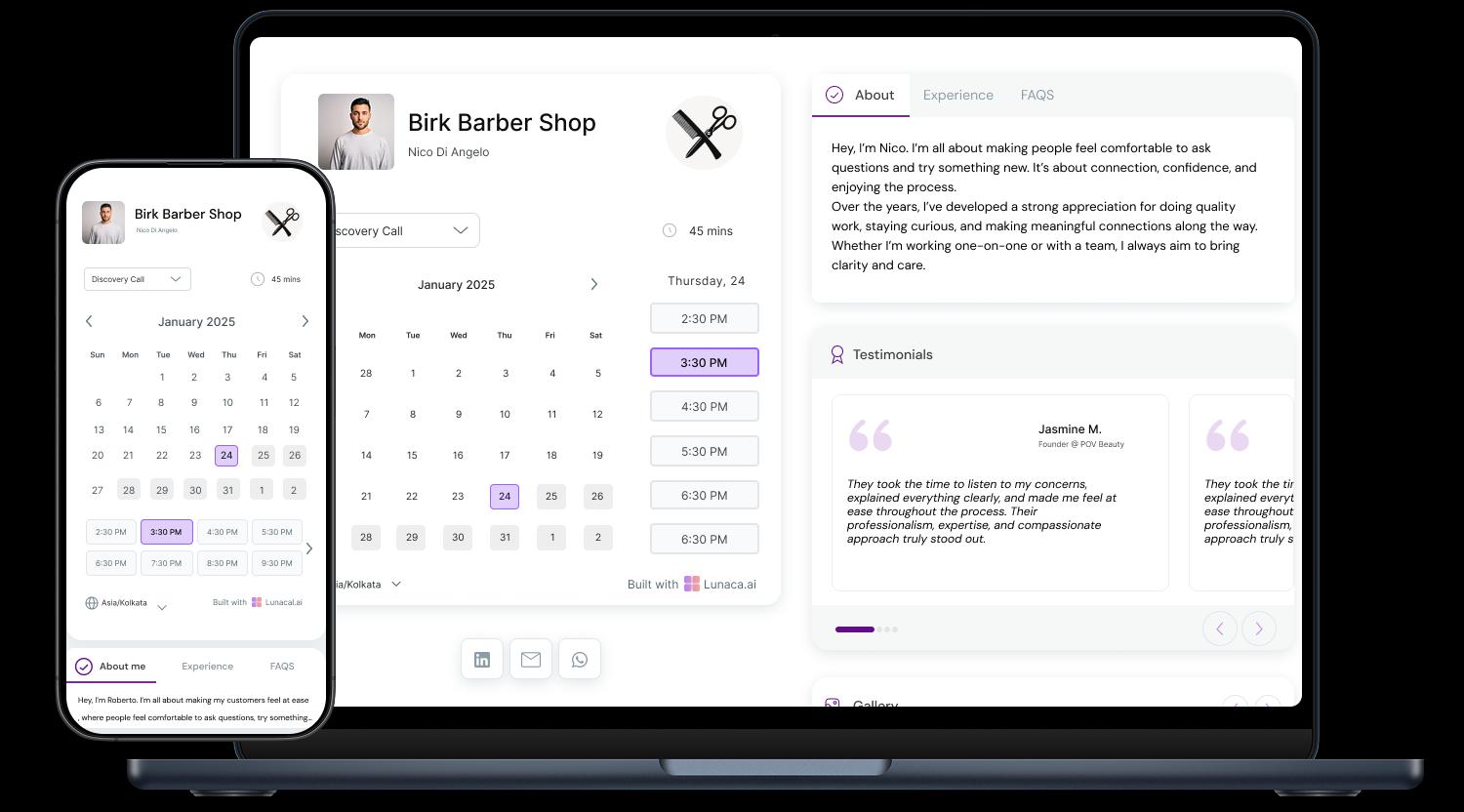
Clients book a slot without calling or waiting for replies
Walk-ins are chaos on busy days, but your calendar doesn’t have to be. Clients see only real openings based on your chair hours, break times, and service durations, then confirm in seconds. Less DM ping-pong. Fewer “bro you free now?” messages.
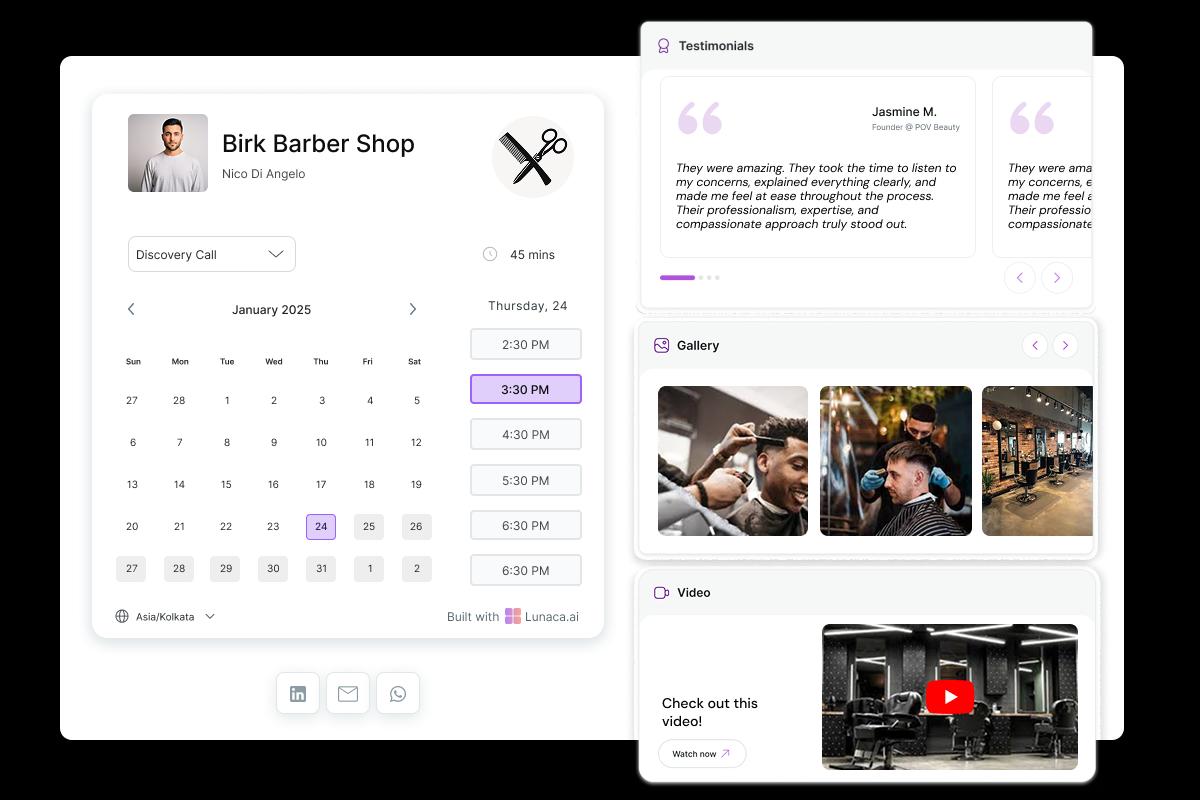
Turn the booking page into your haircut portfolio
Most clients decide in 10 seconds based on photos. Add before-after shots, fades, beard work, kids cuts, and real reviews right on the booking page so people trust you before they book. It works like a portfolio that also takes appointments.
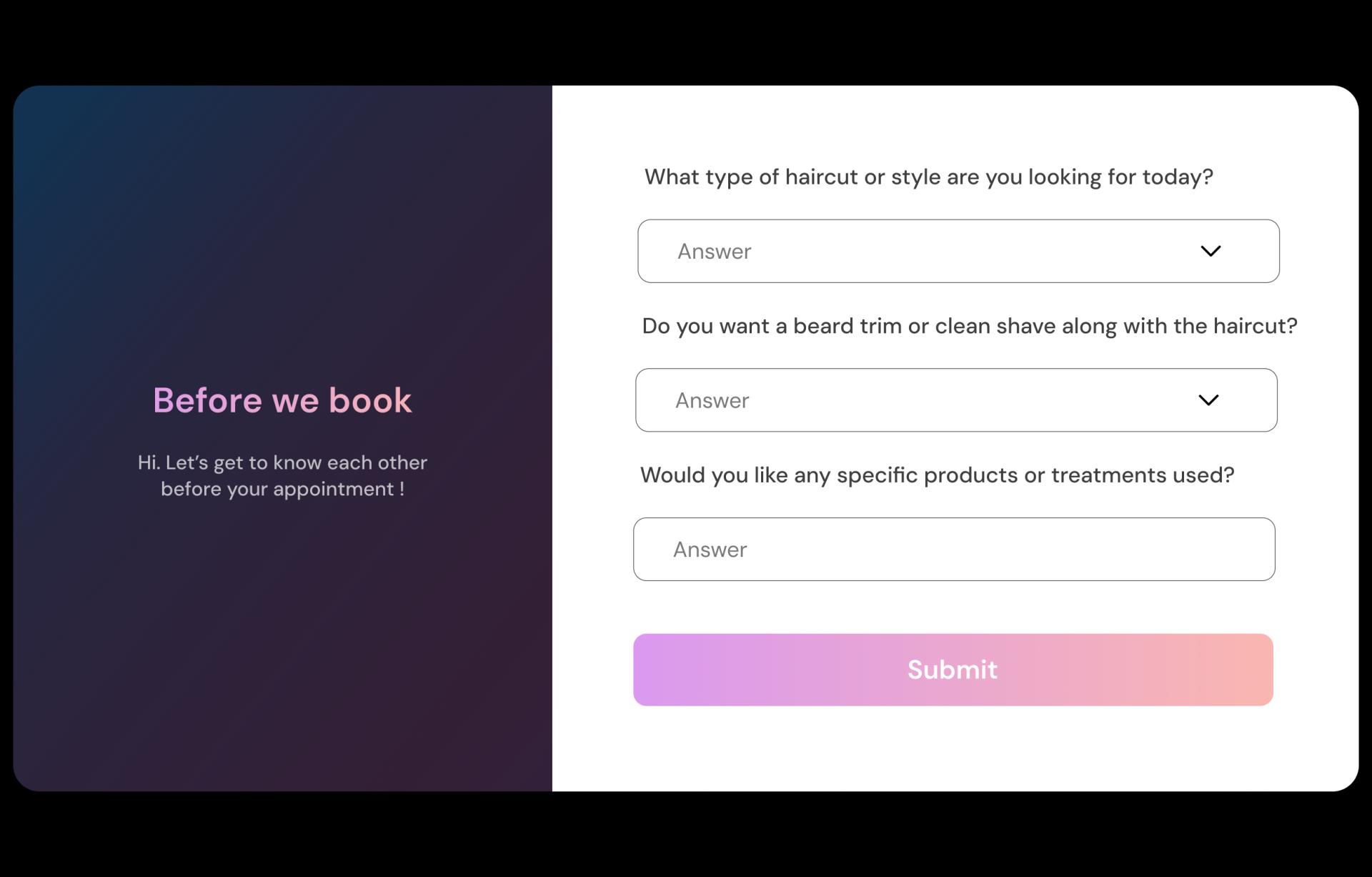
Collect haircut and beard details before the client arrives
Ask what you’d normally ask on WhatsApp: skin fade or taper, beard only or full haircut, kids cut, long hair, preferred length, and any problem areas. You can also ask “first time here?” and “who do you usually book with?” so you’re not guessing when they sit.
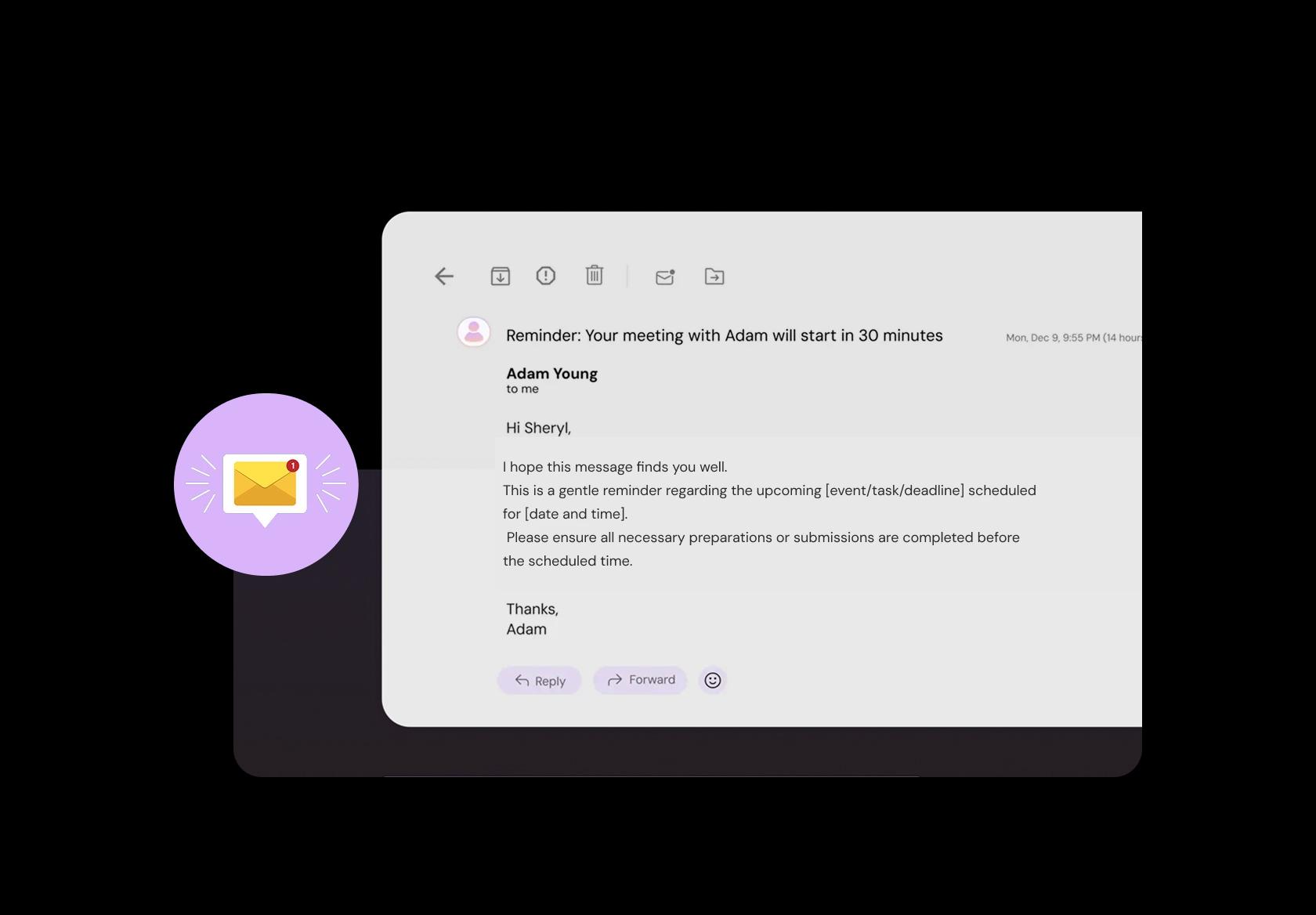
Fewer no-shows with clear reminders and follow-ups
A simple reminder reduces late arrivals and no-shows, especially for first-time clients. Include shop address, parking notes, and “arrive 5 minutes early” instructions. After the cut, send a quick follow-up asking if they’re happy and linking to reviews, while it’s still fresh.
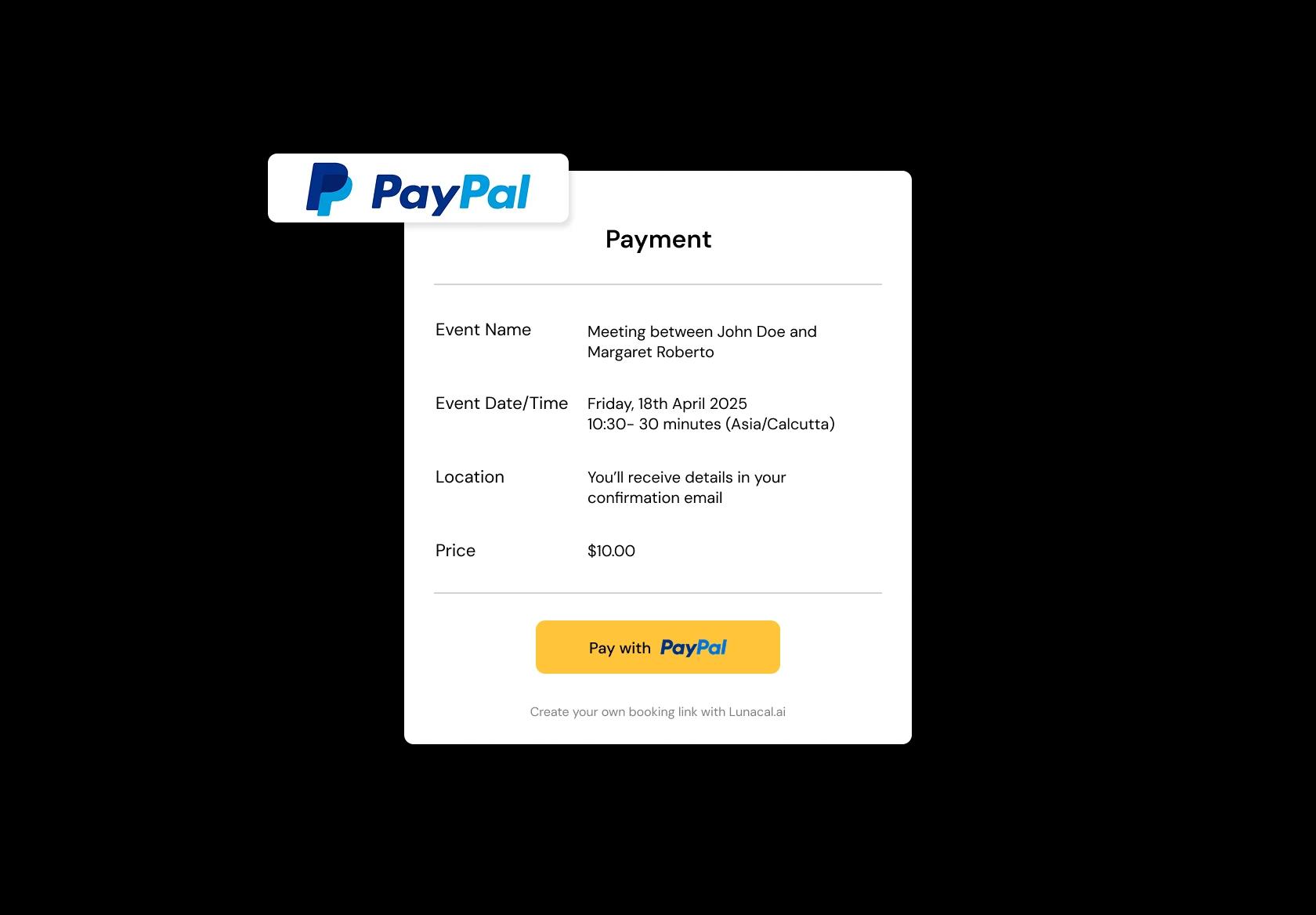
Take deposits or full payment to lock serious bookings
Peak hours get blocked by people who vanish. Deposits help filter out “maybe” bookings and protect your chair time. You can take full payment for high-demand slots, or deposits for longer services like hair + beard packages. This one saves real money.
Run multiple shops or chairs without double-booking
If you’ve got two locations or multiple chairs, you need one view of the day. Set separate hours per shop, assign staff to a location, and avoid overlap when someone is working split shifts. It keeps the schedule clean, especially on weekends.
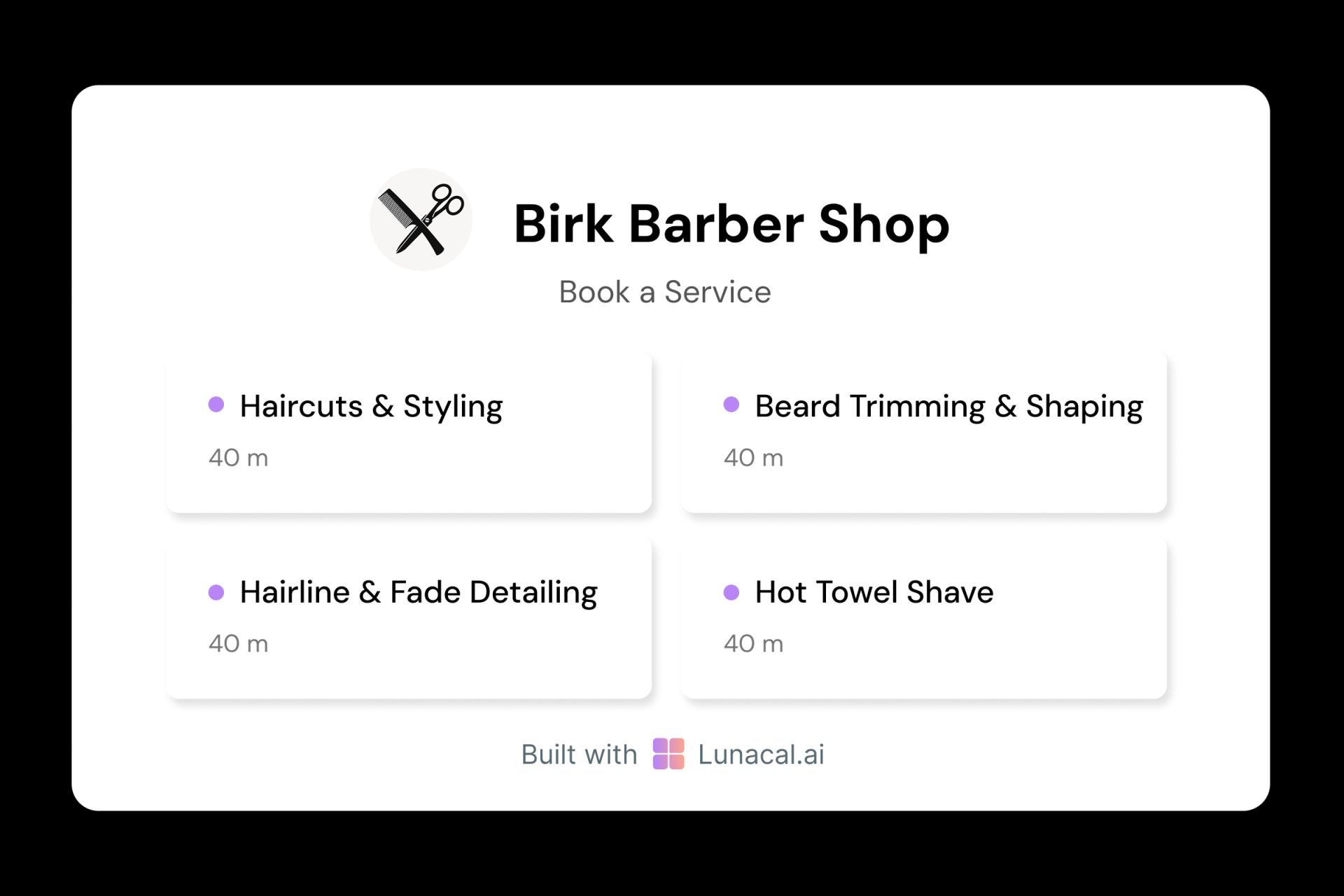
Each service gets its own duration, price, and buffers
A lineup isn’t a haircut, and a beard clean-up isn’t a full service. Set different durations and buffers so a 10-minute edge-up doesn’t eat a 45-minute slot, and a full hair + beard doesn’t get squeezed in like it’s nothing. That’s how real barbershops stay on time.
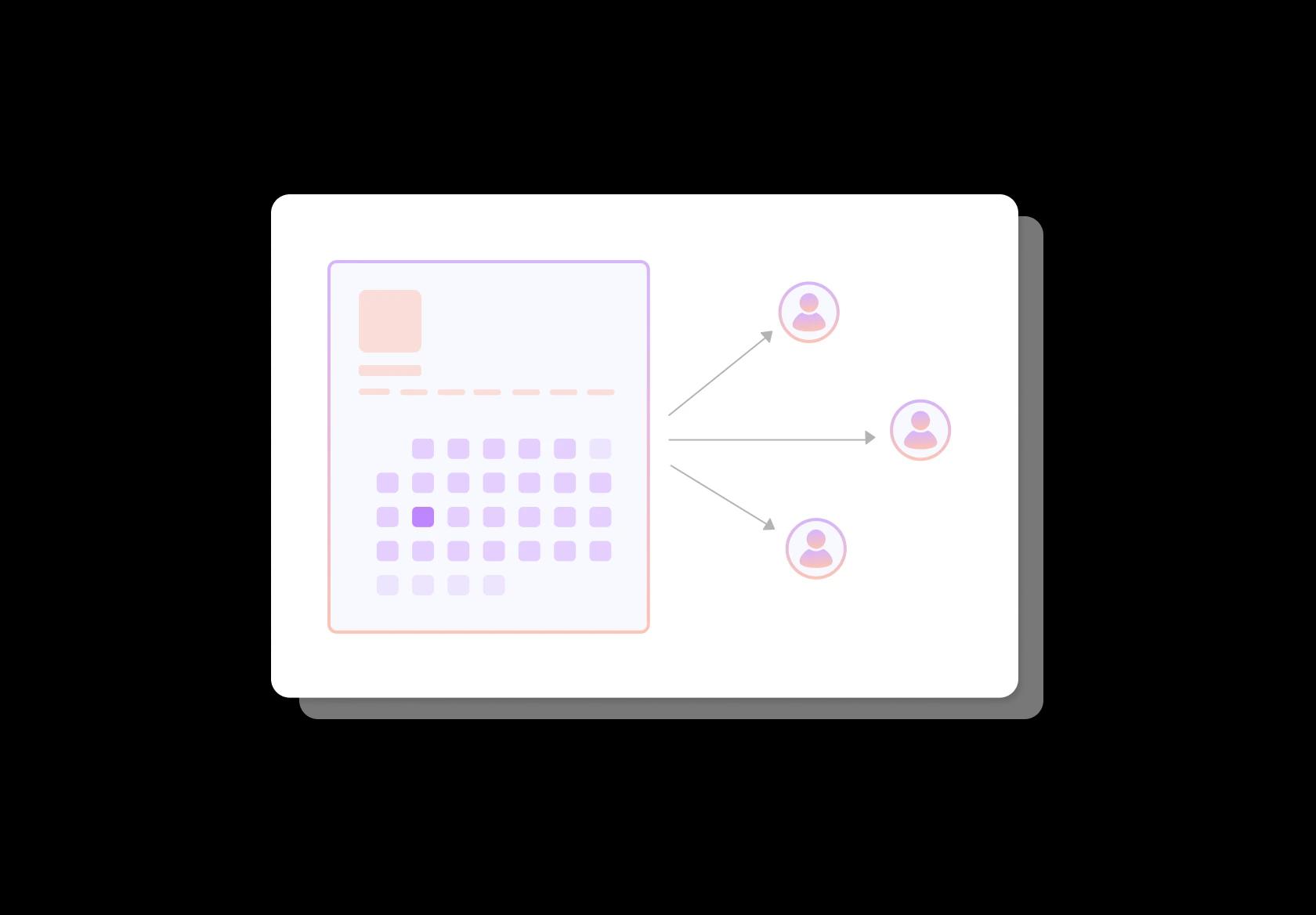
Automatically share bookings fairly across barbers
If your team offers the same services, round-robin spreads bookings so one barber isn’t slammed while another sits idle. It’s ideal for walk-in heavy shops that still want online scheduling, and it keeps the team motivated because leads don’t feel “biased.”
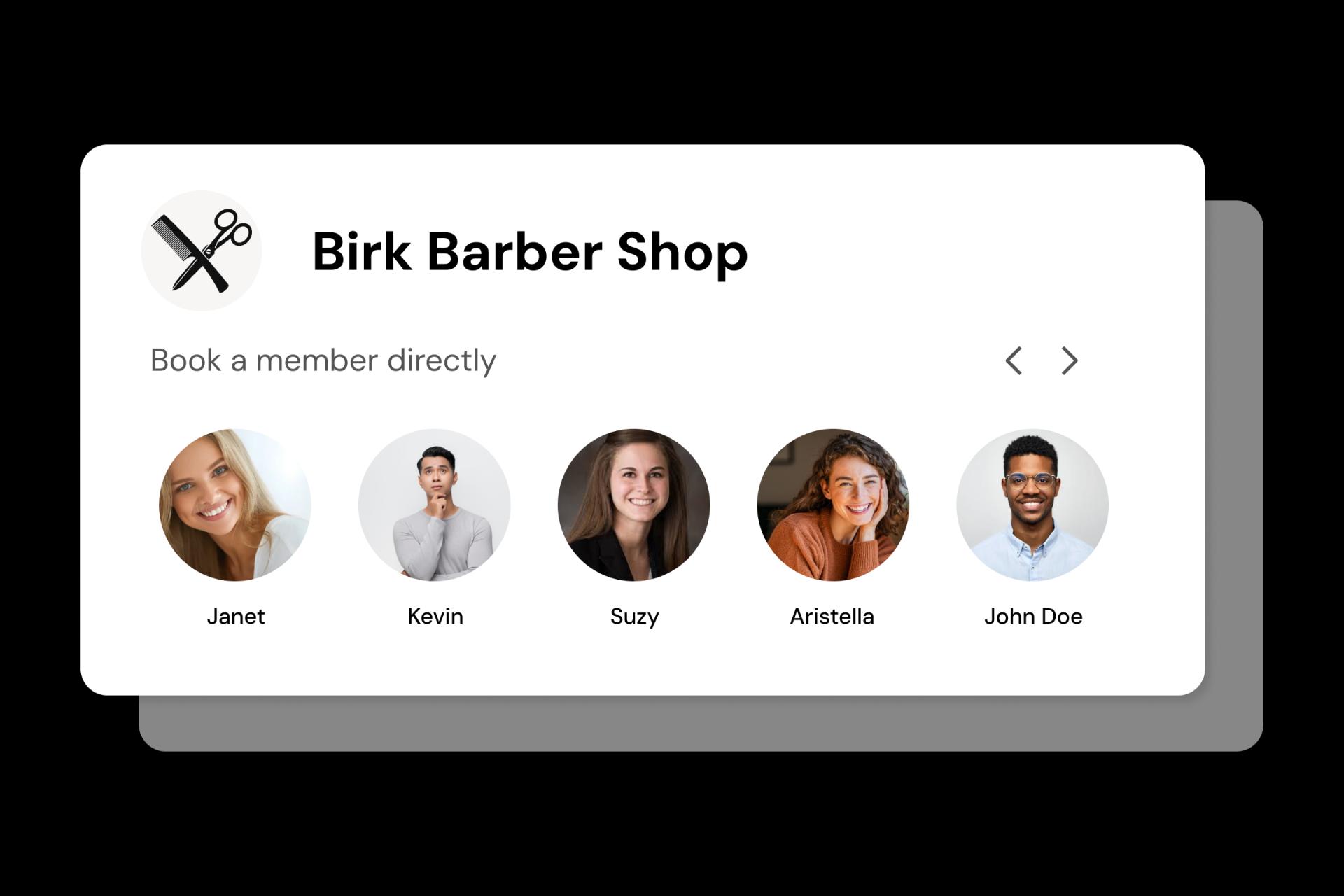
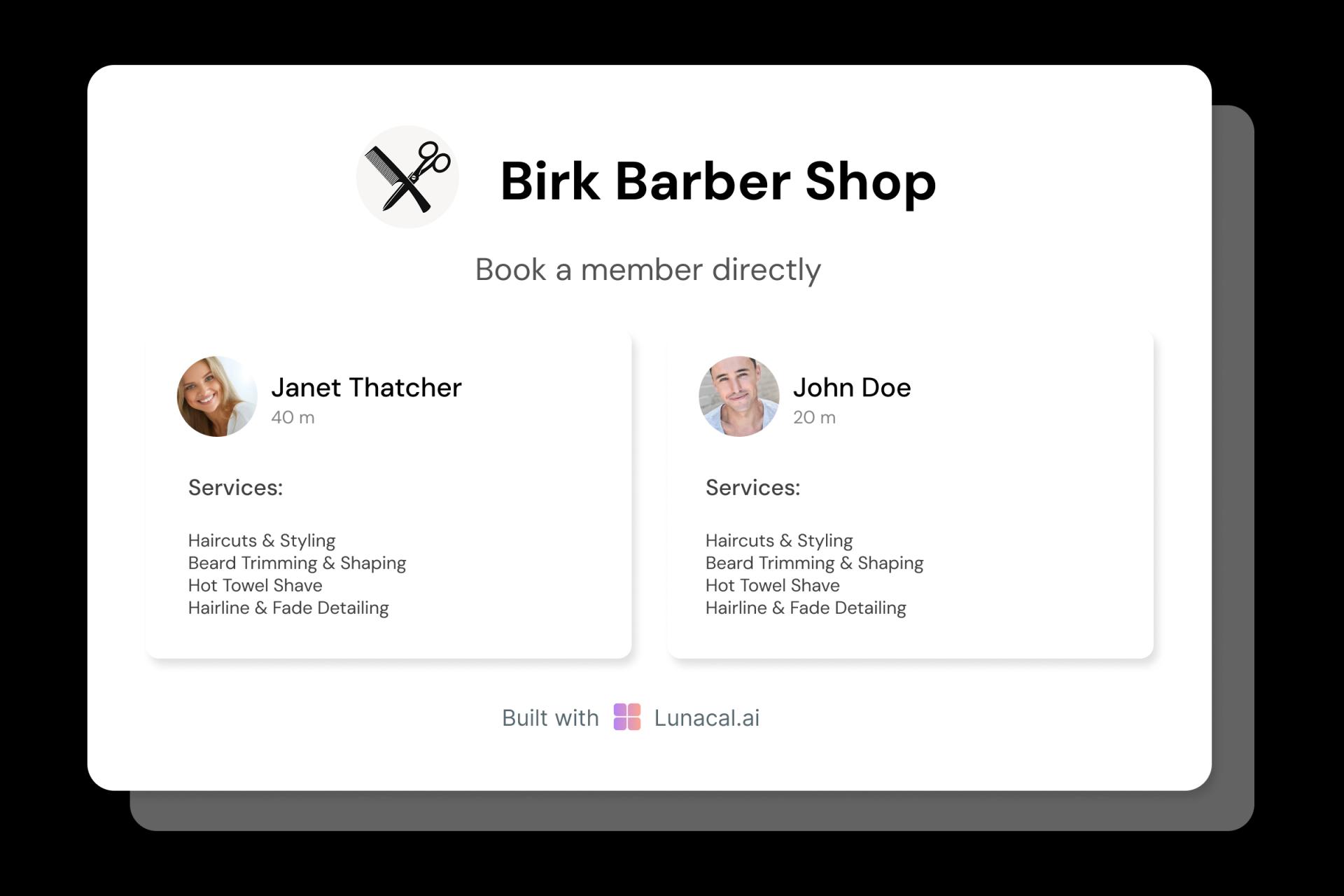
Let clients choose a barber based on style and specialty
Clients often come for a specific style: fades, scissor work, kids cuts, beard shaping, or long hair. Show each barber’s photos, specialties, and next availability so clients can book confidently. It reduces “who’s good for this?” calls and saves front-desk time.
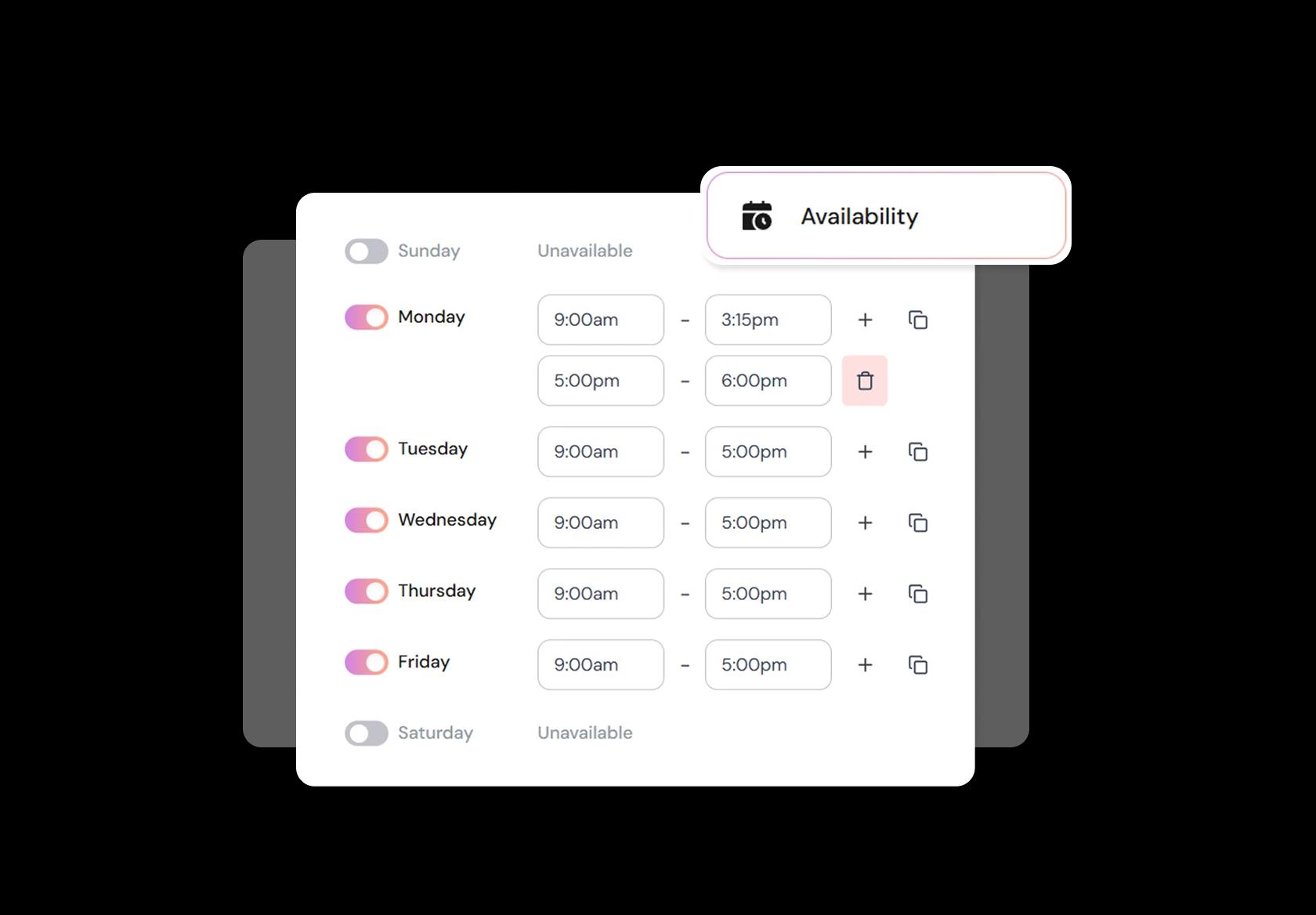
Change hours for holidays, rush weeks, and personal days
Barber schedules change all the time: Eid, weddings, festival rush, early closing, staff off days, or an extra Sunday opening. Update availability anytime, add buffers between clients, and set minimum notice so you’re not forced into last-minute bookings you can’t honour.
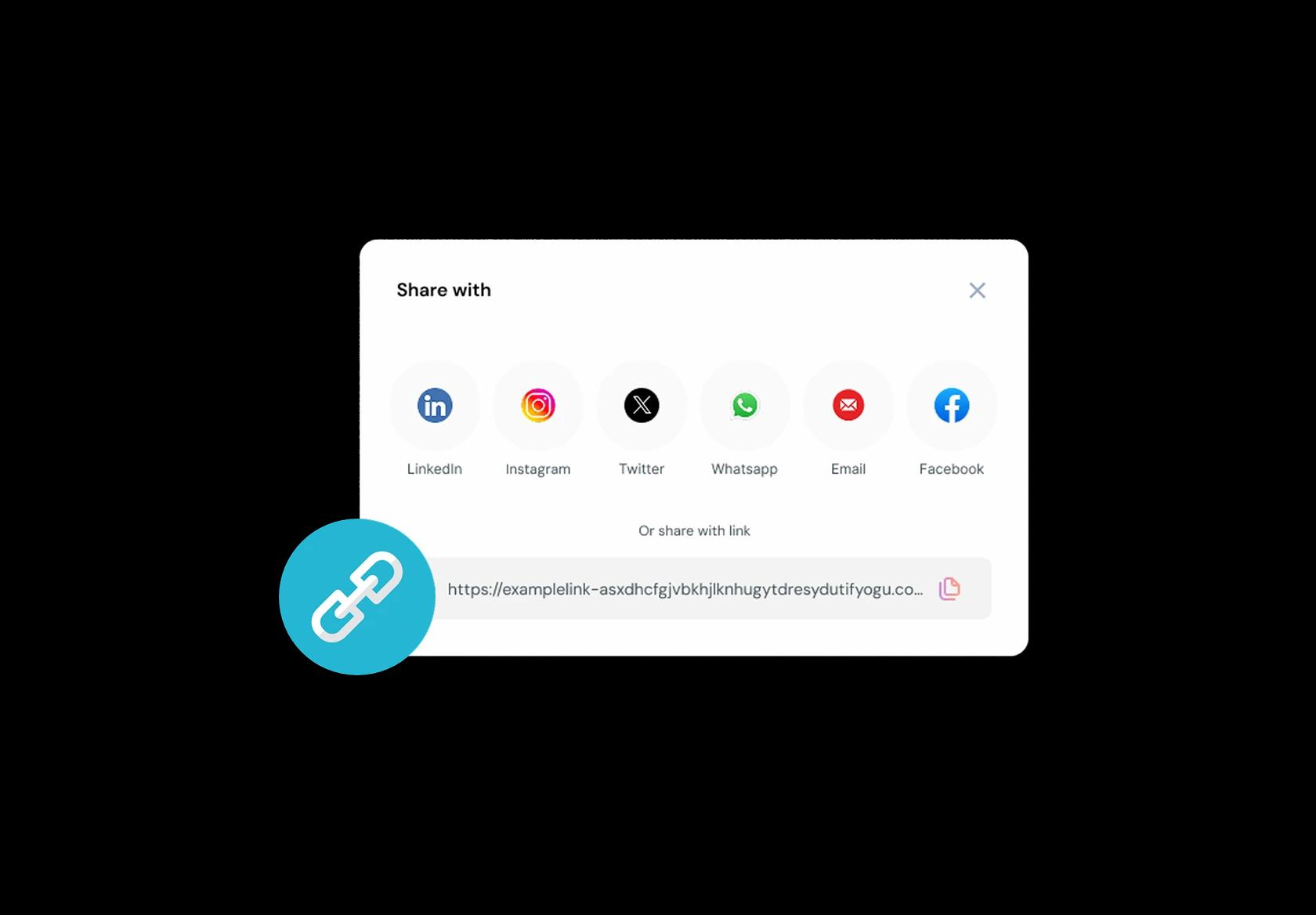
One booking link for Instagram, Google, WhatsApp, website
Clients find you in different places: Instagram reels, Google Business Profile, WhatsApp forwards, or your website. One link should always land them on the same booking flow with services, prices, and real availability. Less confusion. More confirmed appointments.
No commission, No license fees.
Just simple, fair pricing
(save upto 20%)
Standard
- Unlimited Calendars & Services
- Connect Online Meeting Tool
- Payments via Stripe, PayPal
- Text / Email Reminders
- Customize your booking page
Teams
- All Standard Features
- Teams Scheduling
- Multi-session Packages
- Round-robin Scheduling
- Webhooks
Enterprise
- AI Voice Agent
- Account Manager
- Complete Branding
- MCP Server (Beta)
- SSO
Related scheduling apps
Barbershop Appointment Booking Playbook
This playbook is about building a barbershop booking system that matches how a real shop runs: services, chairs, walk ins, rush hours, and barbers with different styles.
1) Start with a service menu people instantly understand
Your barbershop booking system should mirror what clients actually ask for at the chair.
- Use plain names that work globally: Haircut, Fade, Kids Cut, Beard Trim, Hot Towel Shave, Haircut + Beard.
- Separate “Haircut” and “Fade” if your fades usually take longer.
- Keep add ons as add ons: Beard Line Up, Razor Line, Hair Wash, Hair Styling, Head Massage.
- For new clients, offer a “First visit” version of your main service if you usually spend extra time consulting.
2) Set durations like a barber, not like a calendar
Barber scheduling software works only when durations reflect reality, not optimism.
- Assign duration by service type, not one default slot for everything.
- If one barber is slower or more detailed, set barber specific durations for the same service.
- Add a small cleanup and reset buffer so delays do not snowball through the day.
- Keep a “Quick chair” option only if you truly can deliver it fast, like Beard Trim or Line Up.
3) Decide how you handle walk ins vs appointments
The best barbershop appointment booking flow depends on whether walk ins are your lifeblood or your backup.
- If you are walk in heavy, reserve a percentage of each hour for walk ins and keep appointments for longer services.
- If you are appointment heavy, define clear late arrival rules so walk ins do not push booked clients out.
- If you do both, publish one simple sentence on the booking page: “Walk ins welcome, appointments recommended for evenings and weekends.”
4) Collect the few details that actually change the cut
Client intake should be short, but it should prevent rework and awkward surprises.
- Preferred barber, or “fastest available”.
- Service notes: skin fade, scissor cut, beard length goal, razor sensitive skin, preferred style.
- Hair constraints: cowlick, thinning area, scalp sensitivity, or anything to avoid.
- Optional inspiration: “Paste a reference link” or “Describe the look in one sentence”.
5) Make barber choice and chair availability feel effortless
A barbershop booking system should reduce decision fatigue while still respecting preferences.
- Offer two paths: “Choose a barber” and “Any barber is fine”.
- If you run multiple chairs, schedule per barber, not as one shared calendar that double books.
- Block services to trained barbers only, for example straight razor shave if not everyone offers it.
- Show fewer, clearer slots instead of every possible 5 minute gap.
6) Protect peak hours without becoming annoying
Rush hour rules are where barber shop booking systems win or lose money.
- Set a notice period for evenings and weekends so you do not get last minute bookings you cannot prep for.
- Limit how far in advance prime slots can be booked if you regularly keep space for regulars.
- Use deposits only for longer services or peak windows, not for a simple line up, unless no shows are severe.
- If deposits feel too strict for your market, use a clear cancellation policy plus reminders instead.
7) Use reminders that prevent no shows without sounding robotic
Reminders should confirm the service, the time, and the barber, then make rescheduling easy.
- Send an instant confirmation with the service name, the barber name, and the shop location.
- Send one reminder the day before, and one a few hours before for appointments booked several days ahead.
- Include a reschedule link, because a reschedule is better than a no show.
- If you serve multiple countries, include timezone safe wording like “Your local time” where relevant.
8) Put your policies where clients will actually see them
Most conflicts come from hidden rules, not from bad clients.
- Keep policies short and visible on the booking screen, not buried in a footer.
- State the late arrival rule in one line and stick to it consistently.
- State your cancellation window in plain language and avoid legal sounding text.
- If you accept kids bookings, clarify minimum age, guardian presence, or quiet hours if you have them.
9) Make day of operations smoother for the barber and the front desk
Barber scheduling software should reduce interruptions while you are working, not create more.
- Show barber focused daily views with service, duration, notes, and client name.
- Allow quick status changes: arrived, in chair, completed, no show.
- Keep a gap handling habit: if someone cancels, open the slot publicly or route it to a waitlist if you use one.
- If you run walk ins, keep a lightweight queue that does not break the appointment schedule.
10) Turn a one time visit into a repeat without chasing people
A barbershop appointment booking system is also a rebooking system, because hair grows on a schedule.
- Offer “rebook the same service” in one tap after the appointment.
- Let clients book with the same barber again without searching.
- If you sell packages or memberships, ensure the booking flow actually redeems them cleanly.
- For global audiences, allow flexible payment options if you charge deposits or prepay.
11) Track the few numbers that reveal real problems
These metrics tell you whether your barbershop booking system is helping or hurting.
- No show rate by day and by service type.
- Peak hour utilization, especially evenings and weekends.
- Average delay drift, meaning how often you start late and how late it gets by mid day.
- Rebook rate within the typical cycle for your shop, for example every 2 to 6 weeks depending on your clients.
Copy paste snippets for your booking page
These reduce confusion and save you from repeating yourself all day.
- Late arrival
- If you are more than 10 minutes late, we may shorten the service or reschedule to keep other clients on time.
- Cancellation
- Please reschedule at least 24 hours in advance. Late cancellations may be charged a fee or forfeit a deposit if one was taken.
- Choose a barber
- Prefer a specific barber? Select them during booking. Want the earliest slot? Choose “any barber”.
- Service notes
- Add a short note like “skin fade” or “keep beard longer” so we can prepare and keep your appointment on time.
Authored & Reviewed by:
Pranshu Kacholia is the founder of Lunacal.ai, a calendar scheduling and appointment booking system. He works directly with businesses of all sizes to improve booking outcomes - reducing no-shows, cutting back-and-forth, and making scheduling more reliable and efficient. His day-to-day includes reviewing real scheduling setups and edge cases: complex availability and buffers, time zones, routing, cancellation/rescheduling rules, paid meetings and deposits, reminder workflows, and integrations with calendars and meeting tools. He regularly shares appointment scheduling best practices through interviews and community conversations (see this interview and this discussion) and also writes about calendar scheduling (read the article on Medium). He has first-hand experience of using 40+ scheduling tools such as calendly, acuity scheduling, vagaro, fresha, tidycal, square, setmore etc. and understands product nuances deeply.
Lunacal.aiCalendlyAcuity SchedulingSquare AppointmentsSetmoreDoodleBooksyMindbodyFreshaSimplyBook.meHoneyBook


