A personal trainer appointment booking system is the setup that lets clients choose a session type, pick a time, answer a few intake questions, pay or reserve the slot, and automatically receive confirmations and reminders.
If you’re setting up your own Personal Training Booking Software, it replaces the Instagram DM ping-pong, missed calls between sets, spreadsheets, and the “text me when you’re free” chaos.
For personal training, the non-negotiables are simple: protect your coaching hours, reduce no-shows, keep payments and packages clean, and make rescheduling painless without letting clients run your calendar.
Before you commit, it’s worth sanity-checking how the tool charges for seats, SMS, and payments, and whether package credits and reschedule cutoffs match how you actually coach. Here’s a practical reference point: Personal Training Booking Software pricing.
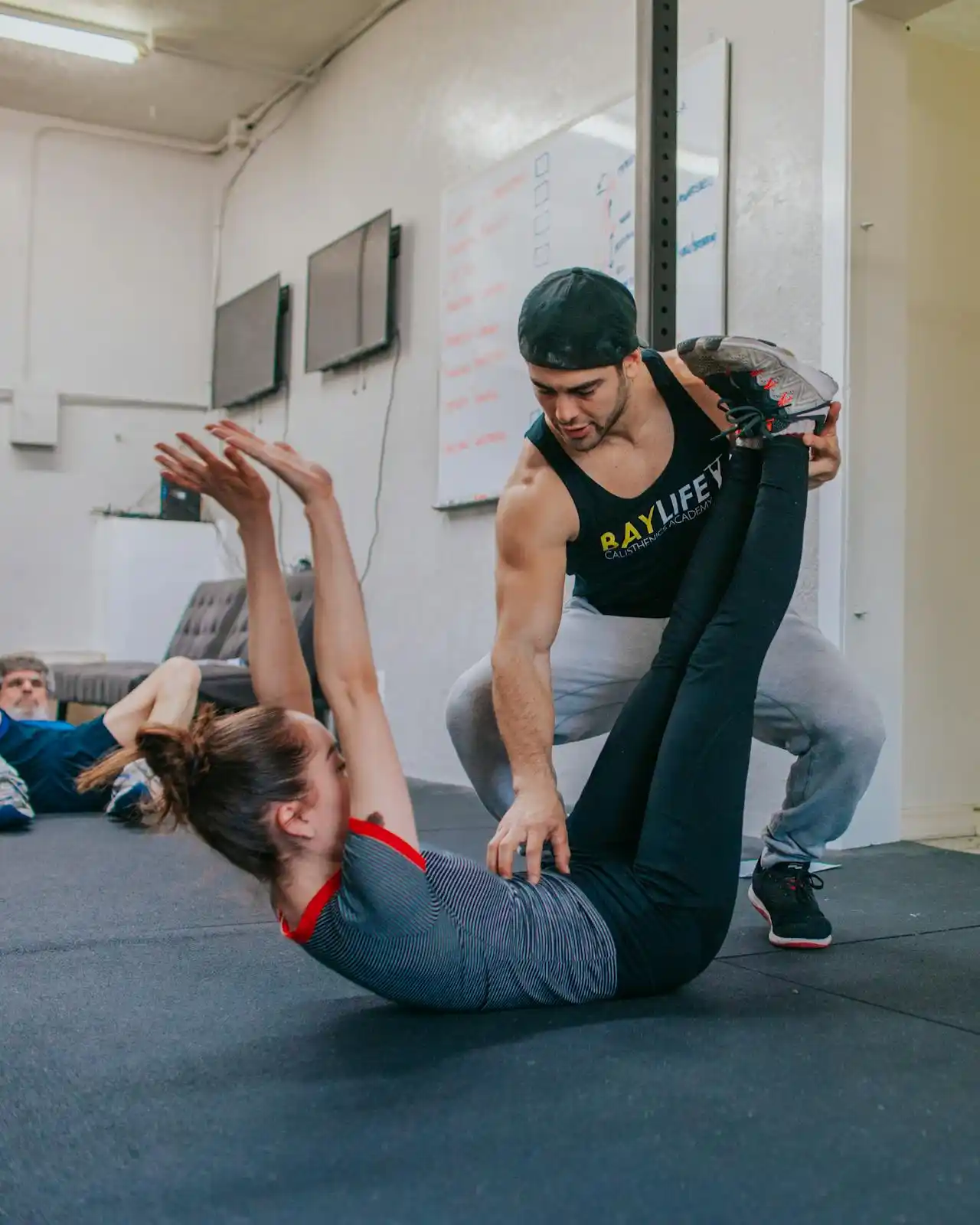
Quick feature checklist for a personal trainer scheduling system
- Instant self-booking so clients can book while motivation is high, without waiting for replies.
- Service menu with true durations so a 45-minute session isn’t booked into a 30-minute slot by accident.
- Client intake questions to capture injuries, goals, equipment access, and training level before the first session.
- Payments and deposits to lock in commitment and stop “ghost bookings” that waste your prime slots.
- Packages and credits so clients can buy 5, 10, or monthly bundles and book from their balance.
- Smart reminders that reduce no-shows and late arrivals without you manually chasing people.
- Reschedule and cancellation rules that clients can follow on their own, within your boundaries.
- Recurring bookings for clients who train weekly, so they don’t fall off when life gets busy.
- Group and semi-private booking for bootcamps, small groups, or partner sessions without double-booking you.
- Calendar sync so your coaching time and personal time don’t collide.
- Travel and buffer time for home visits, gym-to-gym movement, and equipment reset.
- Waivers and policy acceptance so clients acknowledge terms before they step into a paid slot.
Non-negotiable features for personal trainer scheduling
-
Instant Booking
You want clients booking the moment they decide, not after they’ve cooled off. A good system makes it easy to pick a session, choose a time, and get a confirmation in seconds. In personal training, that “friction gap” kills conversions more than most trainers realize, especially for leads coming from Instagram, referrals, or a gym floor chat.
Reality check: if booking takes more than a minute on mobile, you’ll lose people who were genuinely ready to start.
-
True Session Durations
Personal training is not one-size-fits-all time blocks. You’ll run 30-minute form checks, 45-minute strength sessions, 60-minute full training, assessment consults, mobility sessions, and sometimes “quick catch-up” sessions that still need a proper slot. Your scheduler must handle different durations cleanly, and it should prevent clients from booking mismatched times.
Red flag worth noticing: if your system lets clients book a “60-minute PT” into a 30-minute window because availability is generic, you’ll spend your week running late and apologizing.
Scenario that happens all the time: a new client books “Strength Training” but shows up wanting a movement screen, goal-setting, and program discussion. If your service types and durations aren’t designed for real sessions, your first impression turns into a rushed mess.
-
Payments First
The fastest way to reduce no-shows in training is to make sessions financially real. That can be a deposit, full payment, or a package credit required to confirm the booking. It also keeps your boundaries clear: prime morning and evening slots aren’t “maybe” slots.
What matters in this industry is flexibility: you’ll want different rules for different offers. A free discovery call might be allowed to book without payment. A peak-time PT slot might require a deposit. A semi-private session might require full payment because you’re holding two spots.
Secret tip: if you sell a low-cost “starter pack” that includes assessment plus two sessions, require payment at booking. It filters out curiosity shoppers and turns first-time interest into real commitment.
-
Packages and Credits
Personal training is built on consistency, and consistency is built on packages. Your system should handle credits cleanly: purchase a 10-pack, book sessions, automatically deduct credits, show remaining balance, and handle expiry rules if you use them. This matters more than people think because messy package tracking creates awkward conversations and disputes.
Red flag: if you’re tracking packs in a notes app or spreadsheets, you’re one missed update away from undercharging or overdelivering.
Also look for practical controls: do you want packages to be shareable for couples training together, or non-transferable to avoid abuse? Do you want pack expiry for accountability, or no expiry for premium clients? A trainer-focused scheduler should support the way you actually sell.
-
Booking Questions and Intake
The best trainers don’t “wing it” on session one. You want the basics before the first session lands on your calendar: goal, training history, injuries, medical considerations, schedule constraints, gym access, equipment available for home or online clients, and preferences like morning training vs evening training.
This is where booking questions earn their place. Done well, they let you prepare properly and reduce awkward surprises like “I’ve had shoulder pain for two years” mentioned five minutes into a heavy press session.
Red flag: if your system only supports one generic text box, you’ll either collect too little to coach safely, or too much too early and overwhelm clients.
Secret tip: split intake into two stages. Ask light questions at booking so it stays easy. Then automatically send a deeper intake after booking, once they’re committed. You’ll get better completion rates and better information.
-
Reminders That Fit Training Life
Training reminders aren’t just about showing up, they’re about showing up on time and prepared. A good system supports reminders that match real behavior: a reminder the day before, and another a few hours before, with the exact location, what to bring, and any prep instructions.
For online sessions, reminders should include the meeting link and a quick note like “have your bands and a stable chair ready.” For in-person sessions, reminders should mention parking, gym entry instructions, or “meet at reception.”
When it cracks in real life: you run semi-private sessions and one person forgets, so the other feels shortchanged. Reminders with clear policy language reduce those awkward moments.
-
Reschedule Rules
Personal training clients reschedule. It’s normal. What’s not normal is letting rescheduling turn into calendar whiplash. Your system should support client self-rescheduling within your rules: cutoff times, limits per month, and restrictions around peak hours.
A strong setup protects your week without turning you into the schedule police. It also reduces the endless back-and-forth texts that interrupt coaching.
Red flag: if clients can reschedule indefinitely with no cutoff, your “reliable income” becomes a moving target.
Scenario: a client tries to move a 7 AM slot at 6:20 AM. If your system allows it, you’ve just lost a peak hour that you cannot realistically fill. Your rules should match the reality of demand and short notice.
-
Group and Semi-Private Logic
Whether you run bootcamps, small group strength, partner sessions, or “semi-private” where you coach two to four people in the same hour, you need group booking that respects capacity. It should allow multiple bookings for the same class time, stop bookings when full, and ideally support a waitlist.
This feature also needs to play nicely with packages. Many trainers sell group packs or monthly memberships, and the booking experience should feel smooth: book a class, credit deducted, confirmation sent, done.
Reality check: if group booking is hacked together as multiple 1:1 events, you’ll eventually double-book yourself or spend hours doing manual fixes.
The overlooked features that hurt later
Most trainers pick a scheduling tool based on “can people book a slot.” That’s the easy part. The painful stuff shows up once you’re juggling real clients, real policies, and real life.
Buffers that protect your body and your day
You’re not just “switching meetings.” You’re coaching, demonstrating, cueing, cleaning equipment, writing notes, and sometimes walking across a gym. Buffers should be automatic and configurable by session type. A 30-minute session might need a short reset. A 60-minute session might need time for programming notes or client check-in.
If you do home visits, buffers need to reflect travel time, not just “five minutes.” Without this, your day becomes permanently late, and your client experience slowly degrades.
Location flexibility for real training setups
Trainers coach in gyms, studios, parks, apartment gyms, client homes, and online. Your system should handle locations cleanly and show them clearly in confirmations. It should also support different locations per session type, so “Online Check-in” doesn’t accidentally show your gym address.
Small detail, big impact: location clarity reduces late arrivals and “where are we meeting?” messages.
Policies that clients actually see and accept
Cancellation rules and late fees work best when they’re agreed to upfront, not argued about after. A strong system supports policy acceptance during booking, and it can include a waiver or terms acknowledgment.
This is about professionalism as much as protection. If you’re coaching people physically, you want clear terms around health readiness, punctuality, and cancellation windows.
Recurring bookings that reduce churn
Clients don’t quit because they hate training. They quit because life gets busy and they lose the habit. Recurring bookings lock in consistency. A good system makes it easy for a client to reserve Tuesdays and Thursdays for the next month, or for you to set a repeating slot for long-term clients.
Practical nuance: recurring should also support planned breaks. Clients travel. You should be able to skip a week without rebuilding everything.
Notes and follow-up flow
After a session, you’re thinking about progression, loads, technique cues, and what to adjust next time. If your system can trigger a simple post-session follow-up, it’s gold: “how did that feel?” “any soreness?” “confirm next week.” Even if you run coaching notes elsewhere, having lightweight follow-up automation reduces drop-off.
Where it cracks: you rely on memory for follow-ups, miss one check-in, and the client disappears quietly.
Time-zone handling for online clients
If you coach remote clients, time zones are a silent source of chaos. The booking page should detect the client’s time zone and show the correct times. Confirmations should be unambiguous. This prevents the classic “I thought it was 6 PM my time” problem.
If your tool makes time zones confusing, you’ll spend too much energy fixing avoidable issues.
Feature bundles by personal training business model
Different training businesses break in different places. Here are practical bundles that match how trainers actually work. If you want a central hub page you can share with leads, this is a solid example: Personal Training Booking Software.
Solo trainer working from a gym
You need scheduling that’s fast, simple, and protects peak hours.
- Instant booking with clear service types
- True durations with automatic buffers
- Calendar sync to avoid personal conflicts
- Payments or deposits for peak slots
- Reminders that include gym entry details
- Reschedule rules with a strict cutoff
- Intake questions to prep first sessions
This setup is about one thing: a calm week with predictable coaching blocks.
Mobile trainer doing home visits
Your schedule needs to respect travel, setup, and location friction.
- Location fields that show clearly in confirmations
- Travel buffers that vary by client or area
- Deposits to prevent last-minute cancellations
- Booking questions that confirm equipment access and space
- Smart reminders with address and parking notes
- Reschedule rules that protect travel-heavy blocks
- Packages to encourage consistent weekly training
With home visits, one late cancellation doesn’t just lose an hour, it can ruin a whole route.
Online or hybrid coach
You’re selling consistency, accountability, and a professional experience across screens.
- Time-zone detection for clients
- Automated reminders with meeting links
- Booking questions that capture equipment access and constraints
- Recurring bookings for weekly check-ins
- Packages or monthly memberships
- Simple follow-up triggers for adherence
- Clean rescheduling that doesn’t derail weekly rhythm
Hybrid nuance: keep online check-ins and in-person sessions as separate service types, with different durations and different reminder content.
Studio running small groups and multiple trainers
Now you’re managing capacity, team schedules, and fairness.
- Group booking with capacity limits and waitlists
- Staff assignment or trainer selection
- Shared calendar visibility to prevent clashes
- Payments and memberships tied to class credits
- Policies and waivers baked into booking
- Automated reminders to reduce late arrivals
- Reporting or basic analytics on attendance and no-shows
In a studio model, the scheduler is part operations. If it’s weak, admin work balloons fast.
FAQs
What should I look for in a scheduling system as a personal trainer?
Look for a tool that matches how training actually runs: multiple session types with true durations, automatic buffers, payments or deposits to reduce no-shows, and packages so clients stay consistent. Prioritize intake questions and policies too, because injuries, goals, and cancellation rules are not “nice to have” in training, they prevent real problems.
How do I reduce no-shows for personal training without sounding harsh?
Use structure instead of confrontation. Require a deposit or package credit to confirm peak slots, send two reminders with clear location details, and set a cutoff time for self-rescheduling. Keep your policy short and visible at booking so it feels standard, not personal. Most clients respond well when rules are predictable and applied consistently.
What’s the best scheduling tool for personal trainers?
It depends on your model and what you sell. If you want a branded booking page with payments, packages, intake questions, and reminders in one place, Lunacal fits well for trainers selling structured programs and bundles. If you run a more appointment-heavy setup with strong form workflows and a classic service business feel, Acuity Scheduling is a solid option. If you only need simple 1:1 time-slot booking with basic reminders and minimal setup, Calendly can be enough, especially for trainers doing consult calls and straightforward sessions.