A lot of teams outgrow Microsoft Bookings in a pretty predictable way. The shift happens when scheduling starts needing to support business workflows, payments, and smoother customer movement instead of just holding time on a calendar. If you charge for your time, Microsoft’s own documentation makes one limitation clear: Bookings does not support payments inside the booking flow.
For this article, I reviewed the main alternatives myself and tested the areas that matter most in a real switch decision, including payments, calendar sync, routing and team scheduling, and reminder workflows. I also cross-checked findings against G2, Trustpilot, Reddit, official docs, help centers, and pricing pages so the claims are easy to verify. I also kept an eye on details that matter across markets, including GDPR for Europe, Apple Calendar support, and timezone handling for teams working across the US, Canada, Germany, France, and Spain.
Comparing alternatives to Microsoft Booking
Comparison Table by Use Case
Use case
Best alternative to Microsoft Booking (G2)
Why it’s a fit
Free Trial/Plan available
Best for high converting booking pages
Lunacal (4.9/5)
Brand first pages that build trust before the booking step. Helps lift conversion by showing proof and context. Also known for helpful support.
Yes
Best for simple 1 to 1 booking
Calendly (4.7/5)
Clean booking links and fast setup for meetings
Yes
Best for group scheduling
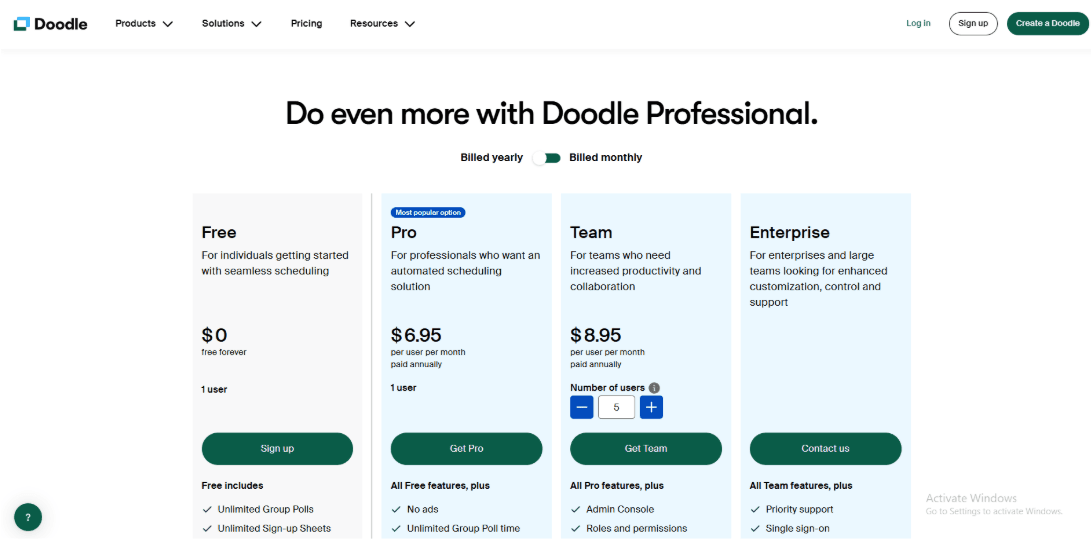
Doodle (4.4/5)
Poll style scheduling to find a time that works for everyone
Yes
Best budget pick for service businesses
Setmore (4.5/5)
Strong basics for appointments and small teams without spending much
Yes
Best for self hosting and deep control
Cal.com (4.6/5)
Open source feel with heavy customization and deployment options
Yes
Best for lead routing before booking
OnceHub (4.4/5)
Forms and routing help qualify and send leads to the right rep
When I look at Lunacal, the first thing that jumps out is the booking page. It turns a simple booking link into a clean client page. If you are thinking about Microsoft Bookings but worry the page looks too generic this is a good pivot. It explains who you are and what the business does before the client even picks a slot.
Users rate it 4.9 out of 5 on G2 and the personal reviews seem to back that up. I read through a bunch of them and saw a pattern. People like that the page makes visitors feel ready to book which pushes conversions up.
The data suggests Lunacal averages around 15.1 percent conversion. A lot of other tools sit closer to 10 percent. That five percent gap is huge when you count how many calls you actually book.
The core stuff is all there. You get sync with Google and Outlook and iCal plus auto video links. Reminders come through email and SMS. It works fine for solo users and handles teams too.
Features
Booking page
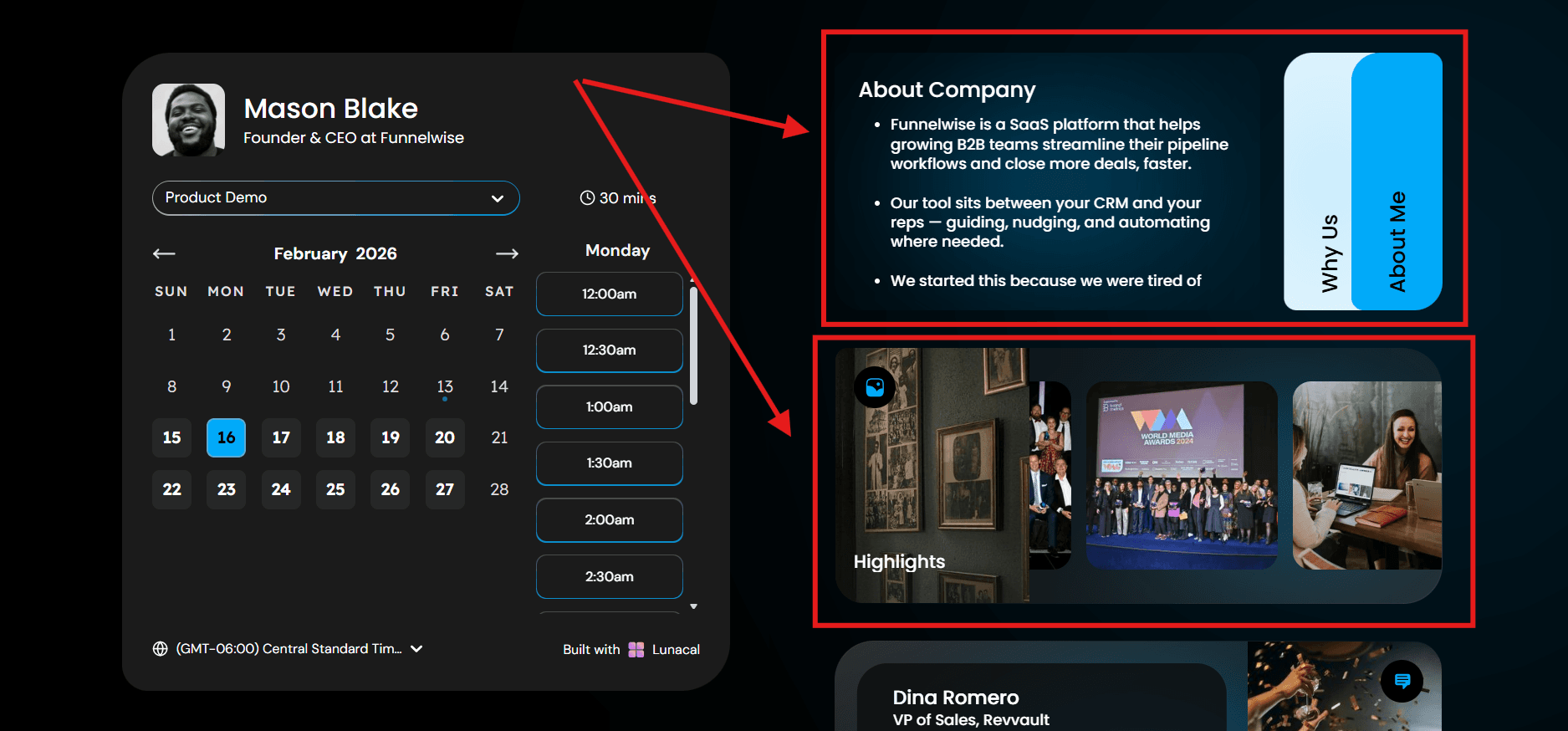
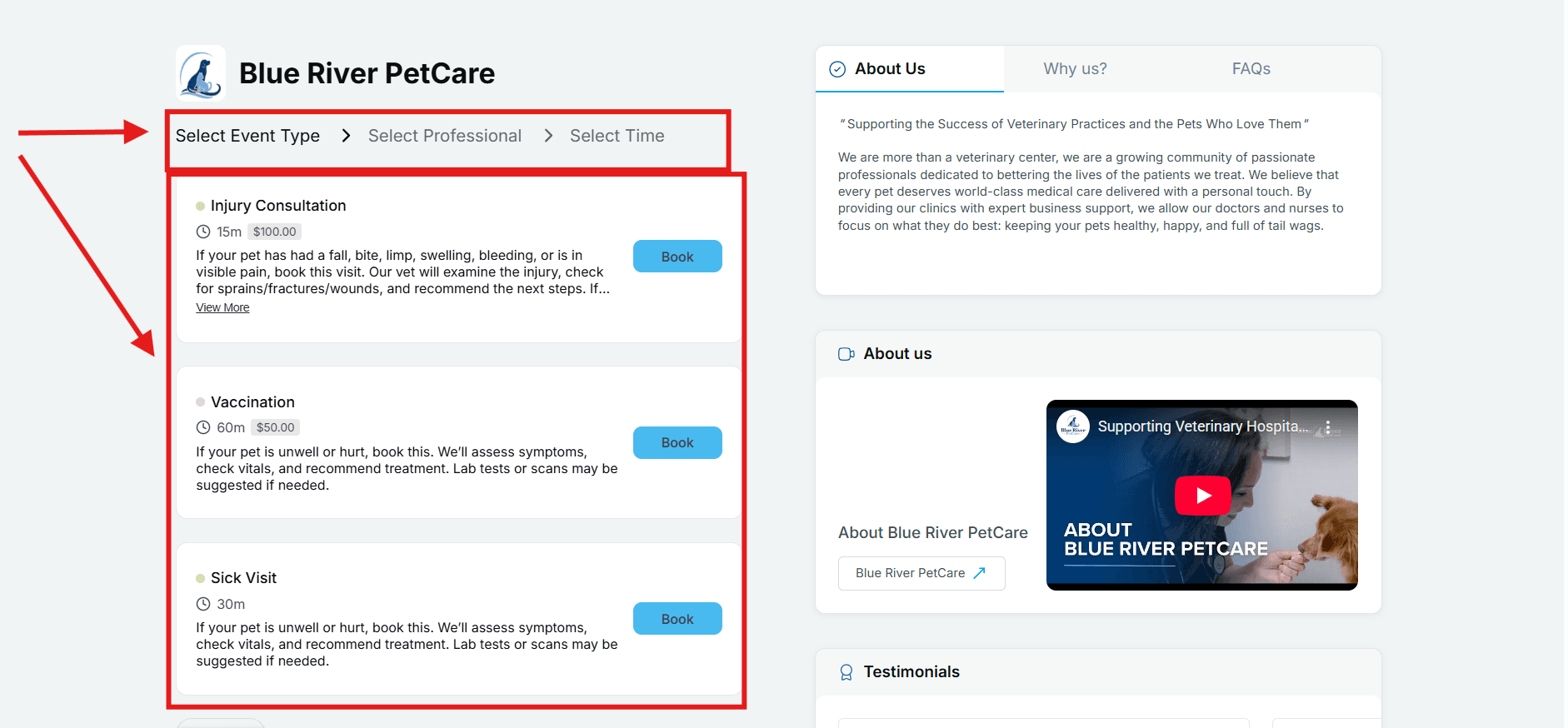
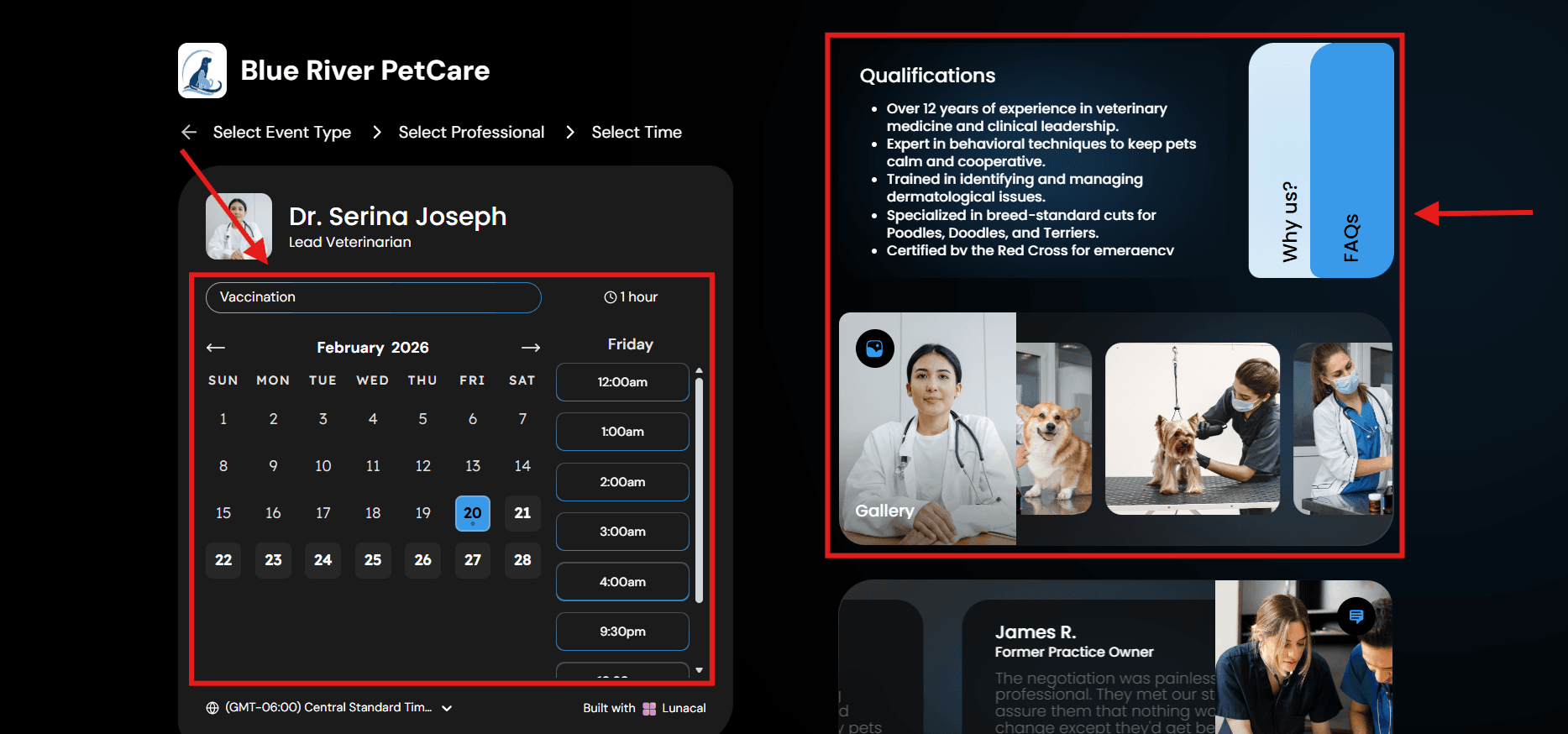
This is where Lunacal is unique. I can put real context next to the calendar so the visitor understands what they are booking before they pick a time. Service details, photos, videos, testimonials, FAQs, and even files can sit right there.
I also like that I can add page blocks like reviews, social links, and images so the booking link feels like a real client page.
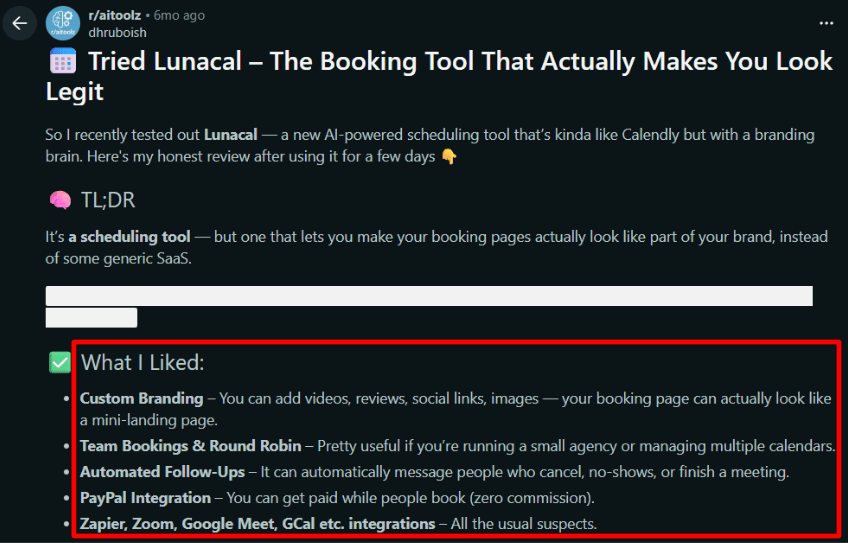
I saw a Reddit review call out the branding and how the page looks, and that matched what I noticed while testing.
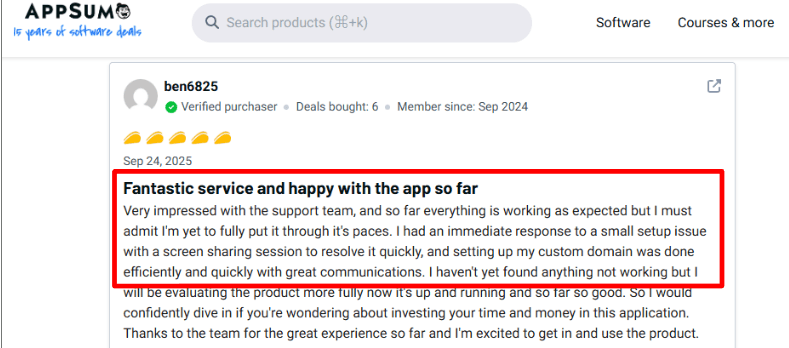
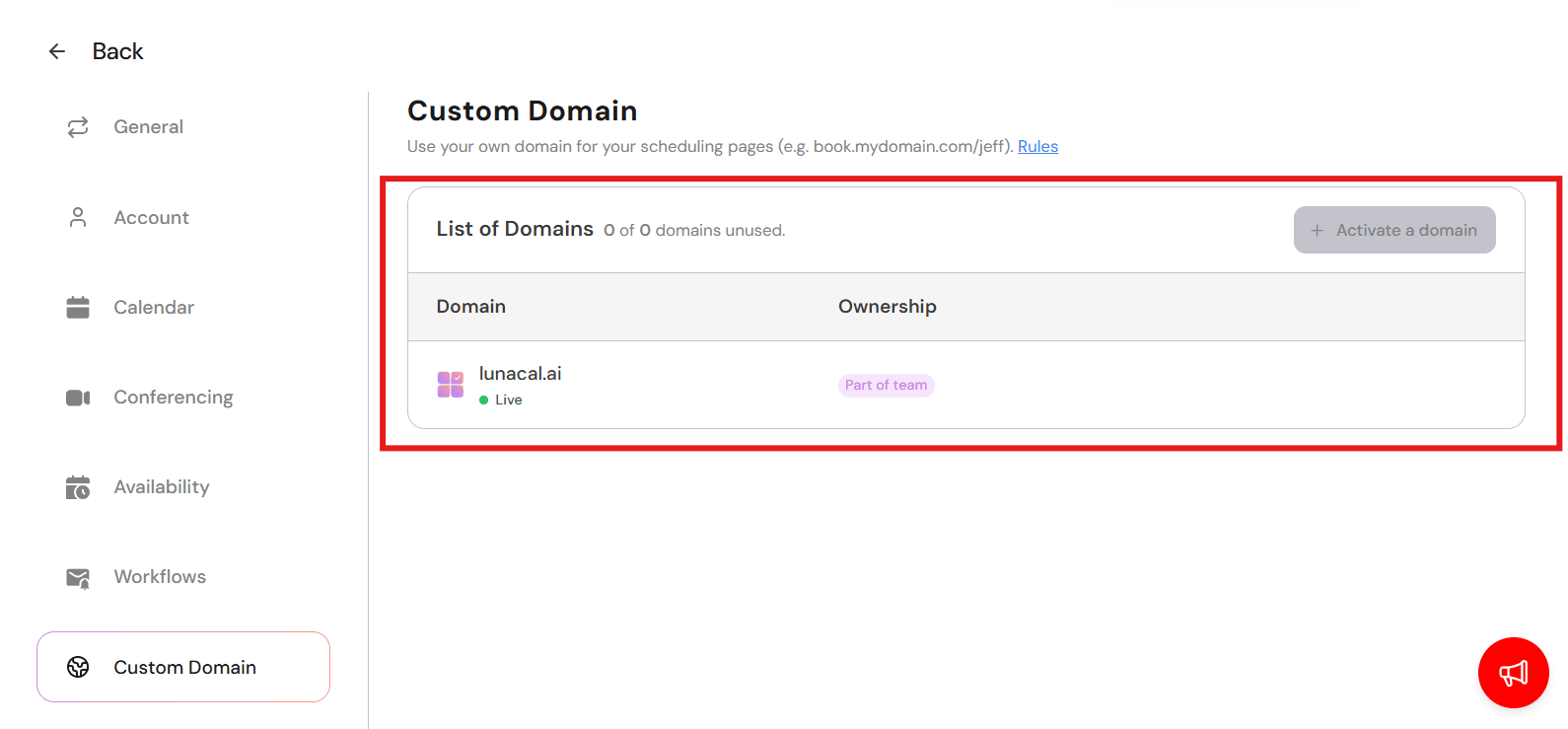
Setup support seems to be a strong point too. I found an AppSumo review where the user was happy about the quick human help. They also mentioned the custom domain setup was easy. It fits the general vibe that they want you to look professional.
In plain terms, it helps visitors decide faster. That usually means more bookings.
Team scheduling
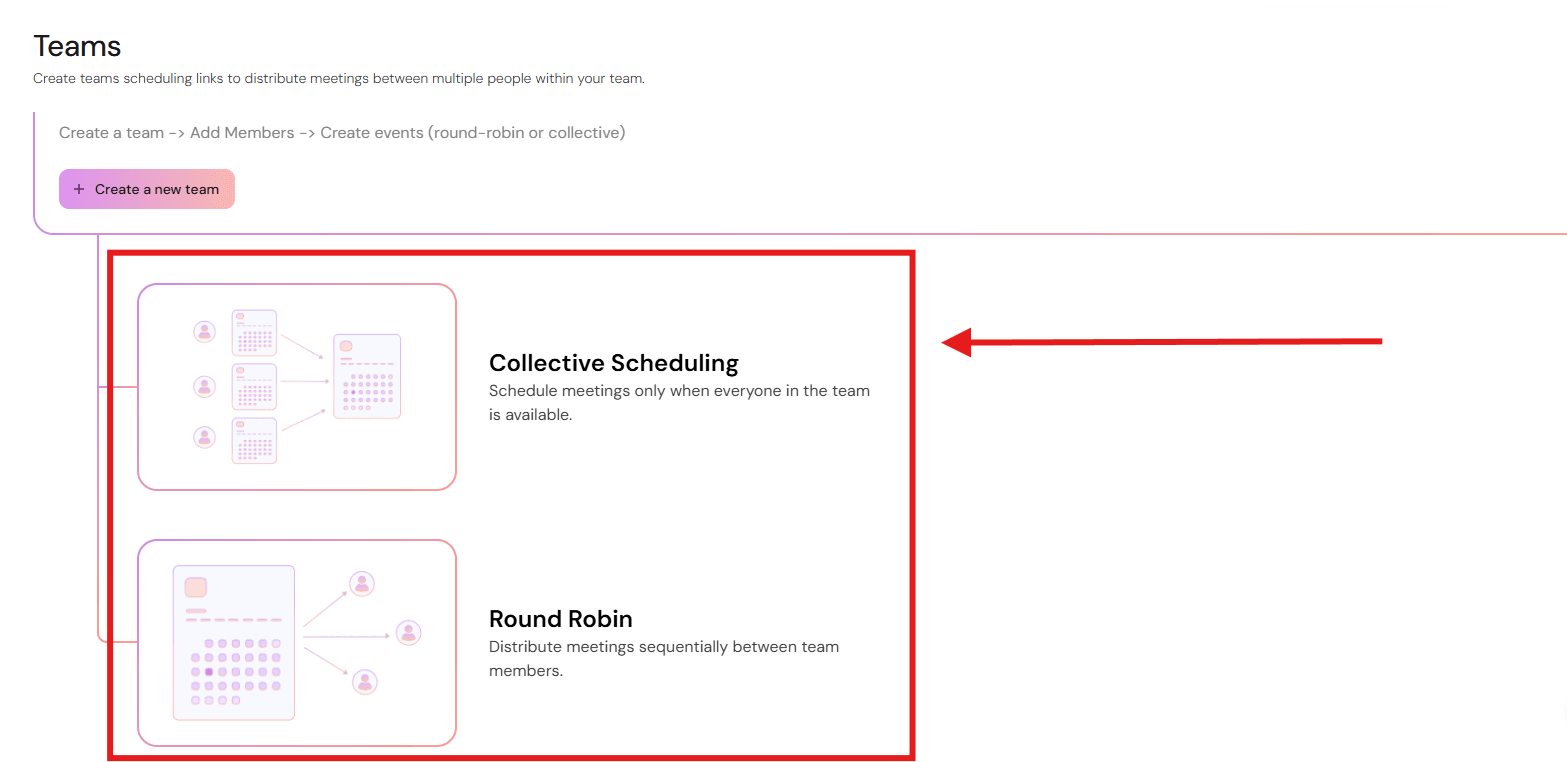
Team scheduling is a common pain point in appointment booking software, so I paid attention here. Lunacal supports different kinds of team booking options, including round robin and team booking for shared inbound leads. I can set different availability per person and route bookings to the right calendar.
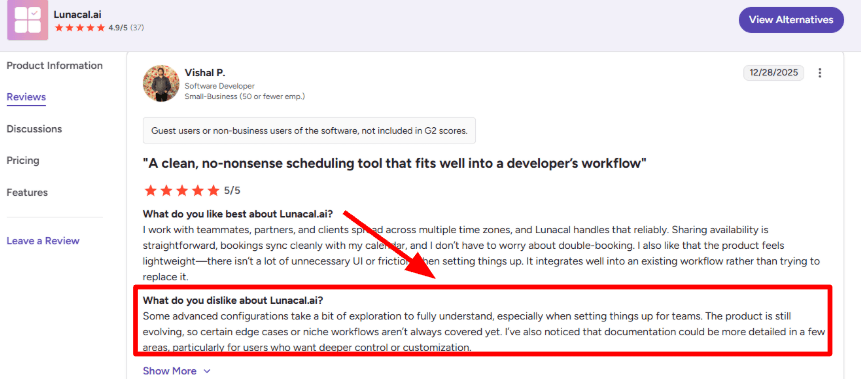
I did see people saying they needed to spend a bit of time setting it up the first time. A G2 reviewer mentioned fine tuning routing. That tracks with most team booking apps I have seen. The feature is powerful, so it needs a bit of starting setup.
Routing forms
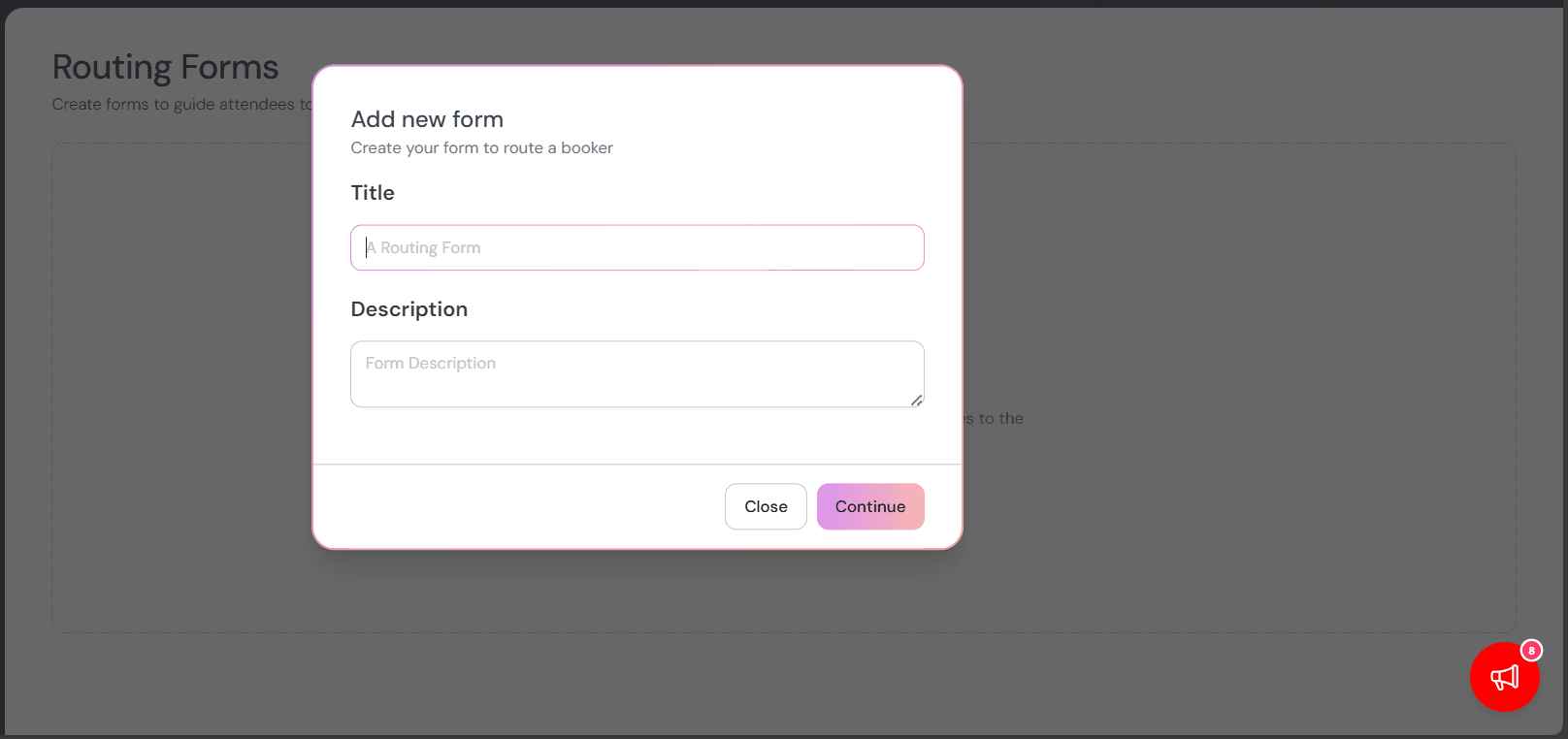
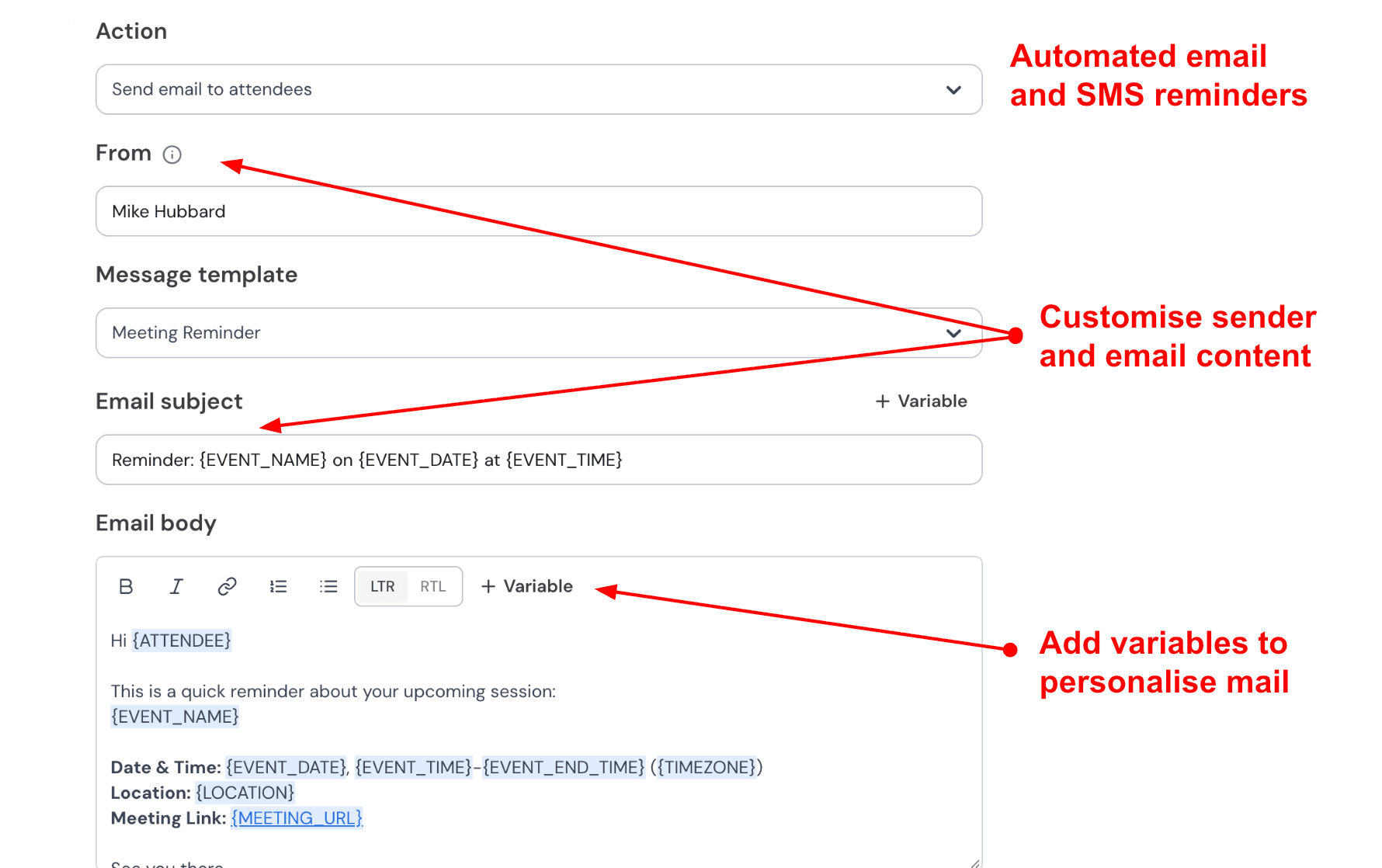
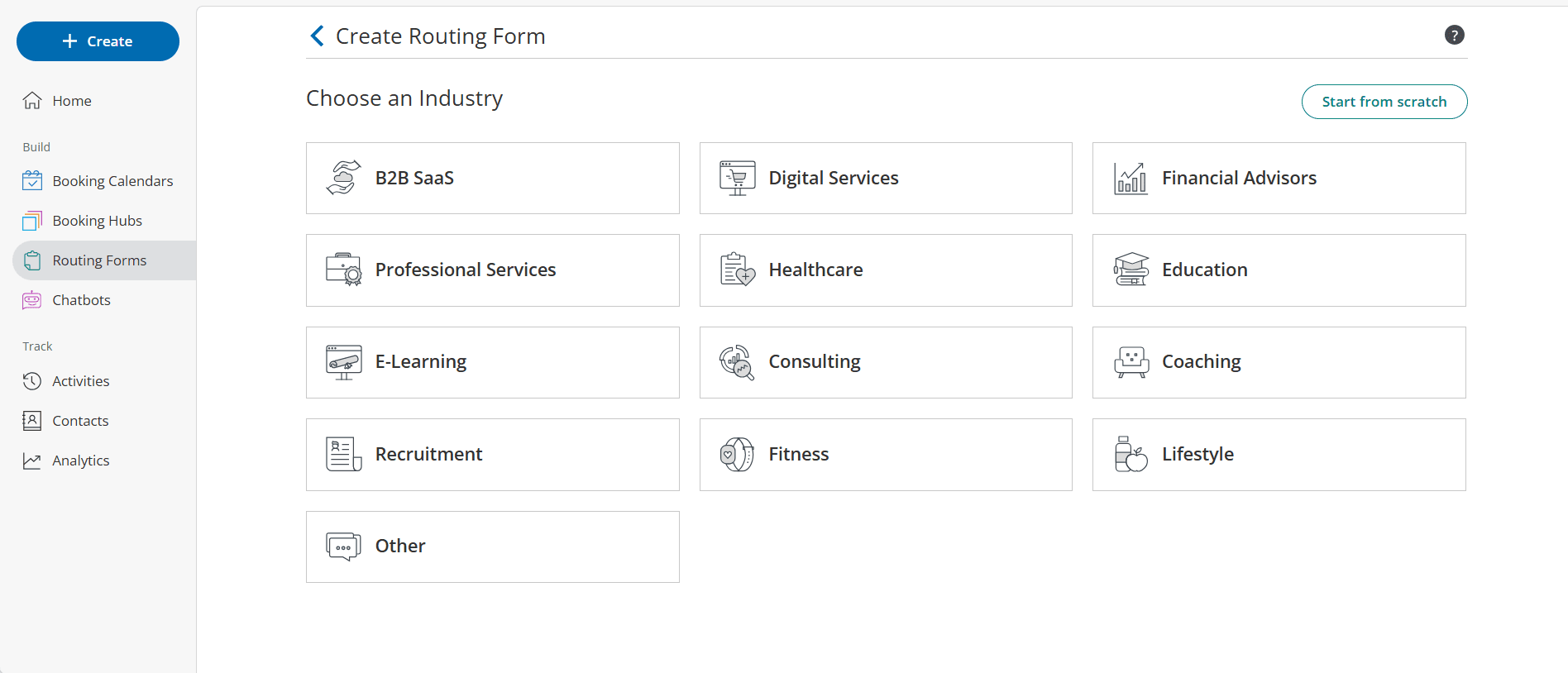
Stopping the wrong people from booking is just as important as getting the right ones. I can ask visitors about their budget or location before they even see a calendar. The answers determine where they go next.
Sales teams usually use this to make sure leads go to the correct account rep. Agencies use it to match clients with specialists.
Booking flow structure
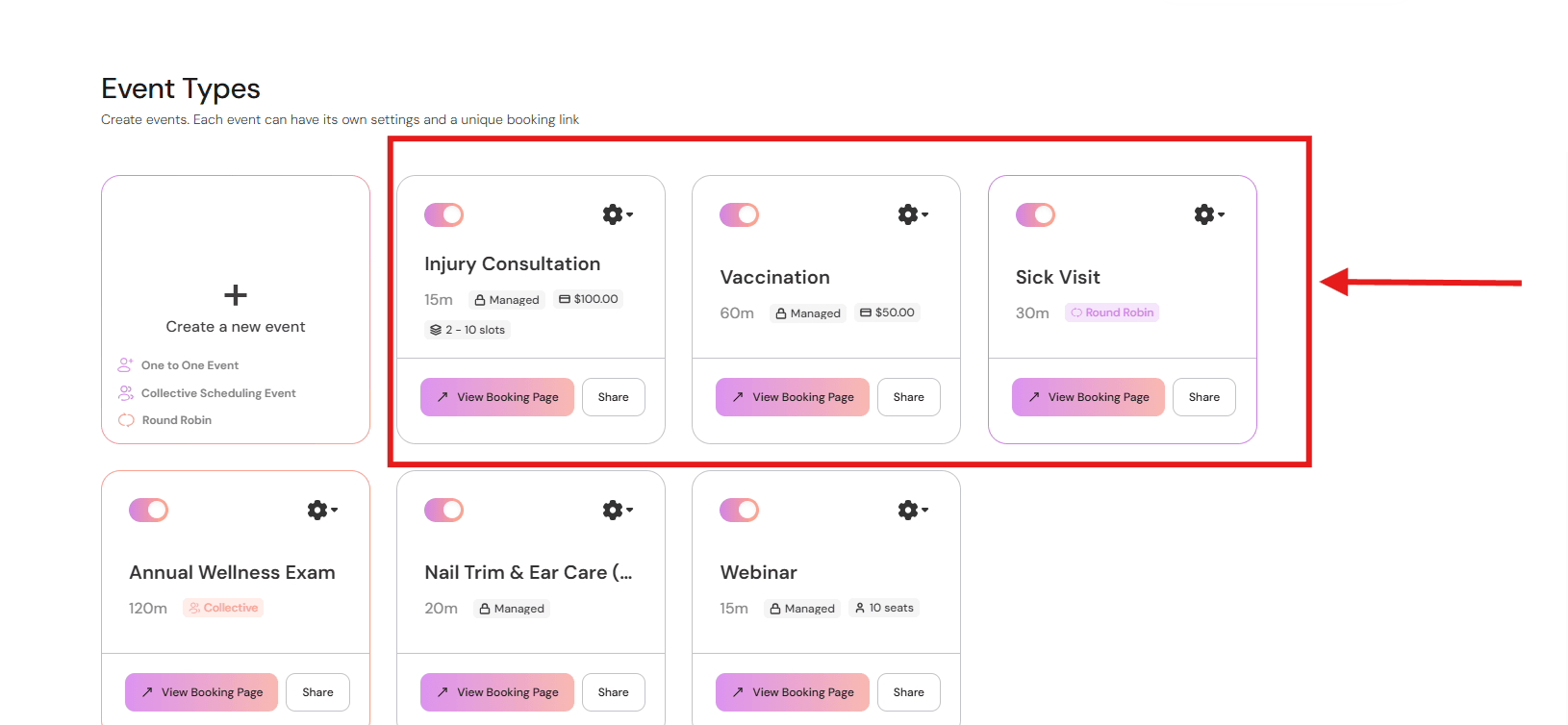
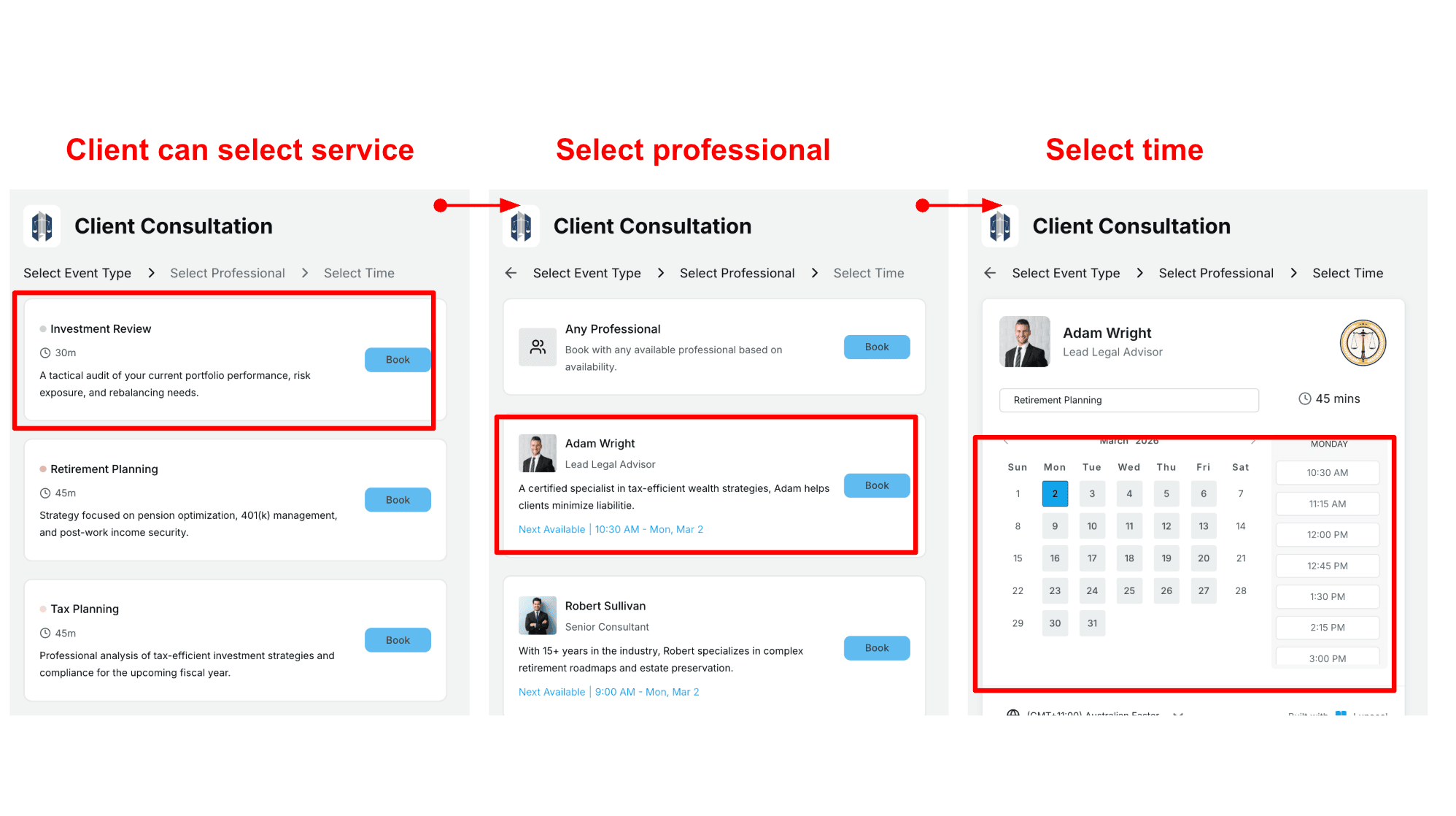
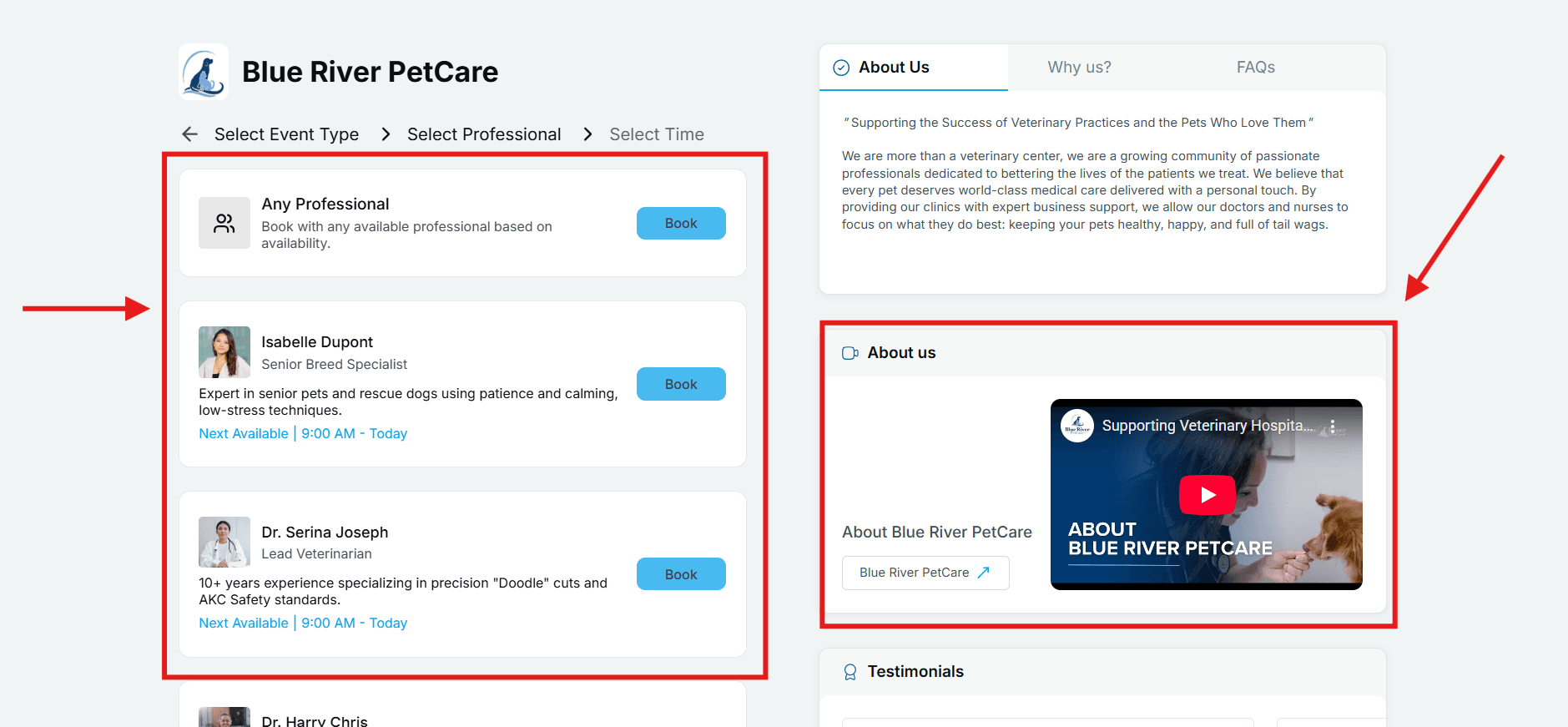
Most people do not wake up thinking I want a 30 minute slot at 3 pm. They think I need a haircut, I want this barber, I need a time that works. Lunacal supports that kind of flow.
The typical steps look like this:
Visitor selects a service type from the available options
Visitor chooses a specific professional available for the service
Visitor picks an available time slot while still seeing useful context
This is especially useful for salons, clinics, and agencies. The flow feels organized and it mirrors how real decisions are made.
Custom domain and presentation
I used to think this didn't matter. Then I realized how much trust a URL carries.
Using a custom domain keeps the experience on your own site. People don't feel like they are being bounced to a third party. The feedback on AppSumo about smooth setup is relevant here. Users just want it to work without technical drama.
Payment integration
If you charge by the hour, this part really matters.
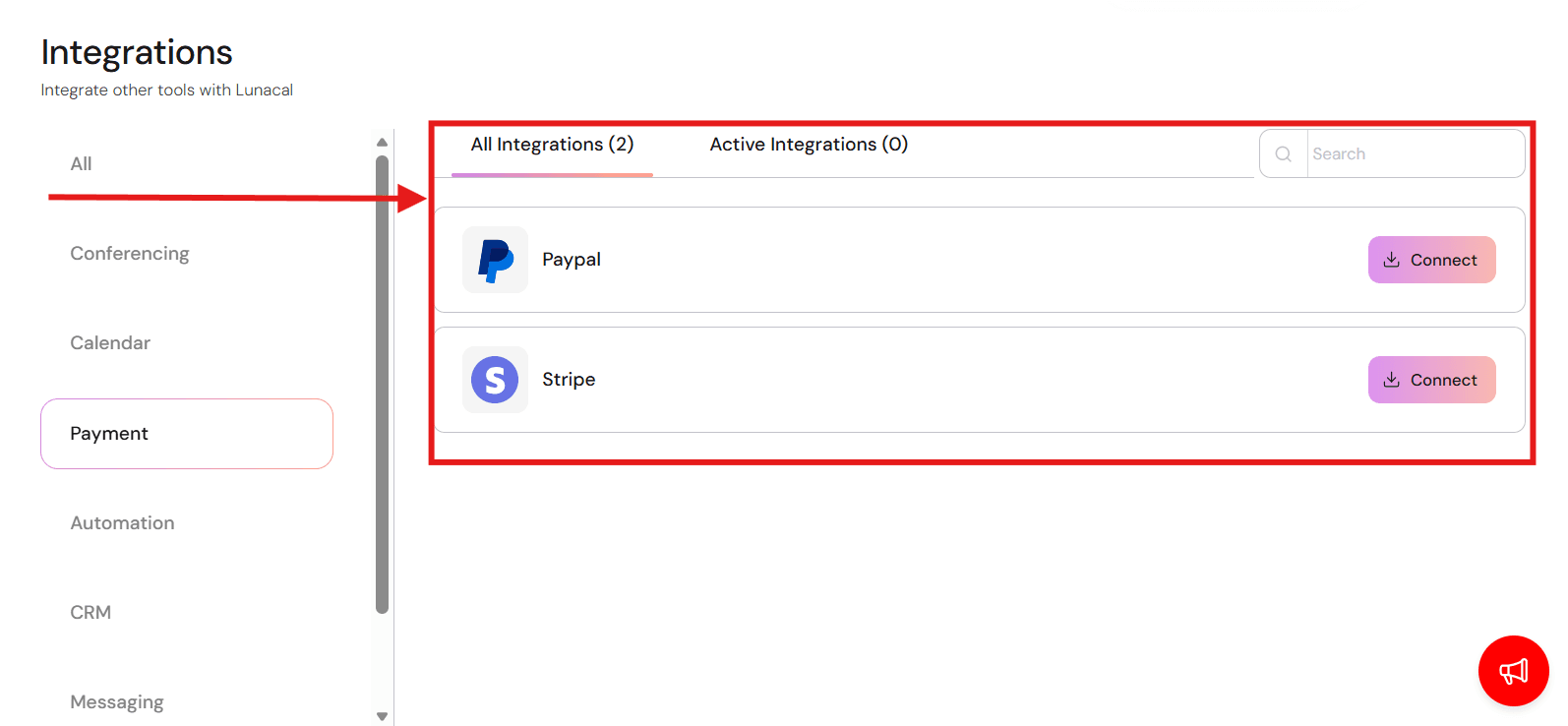
This is crucial if you bill by the hour. Lunacal connects with Stripe and PayPal to collect money inside the booking flow. Taking a deposit cuts down on no shows significantly. I always check the tax rules and refund settings before turning this on live.
Integrations
Nobody cares about integrations until the calendar breaks. I looked for what people complained about.
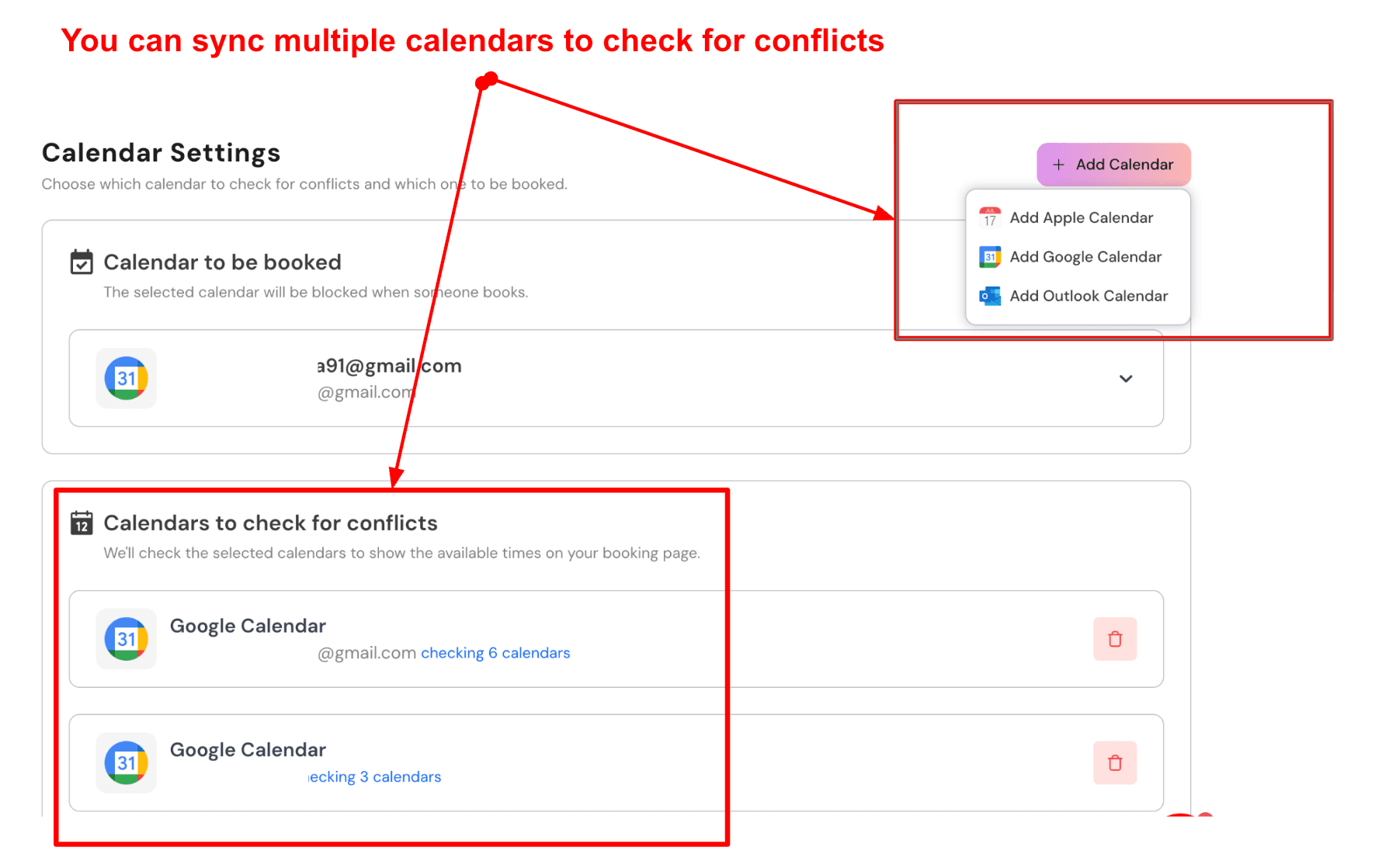
The sync covers Google Calendar plus Outlook and Apple Calendar so you avoid double bookings. You just have to pick which calendar controls the conflict checks. It stays stable after that.
Video links get added automatically. Email and SMS reminders go out on schedule.
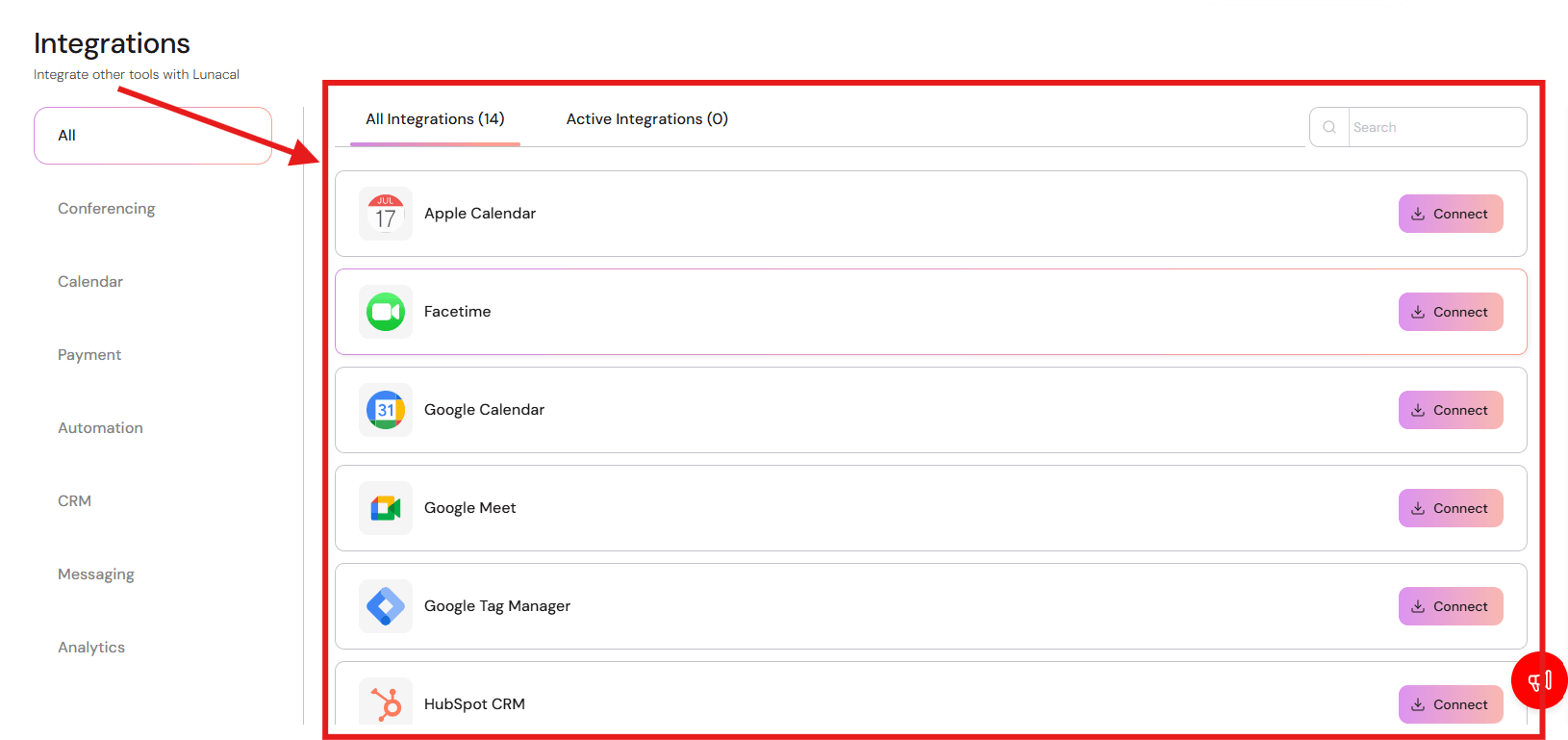
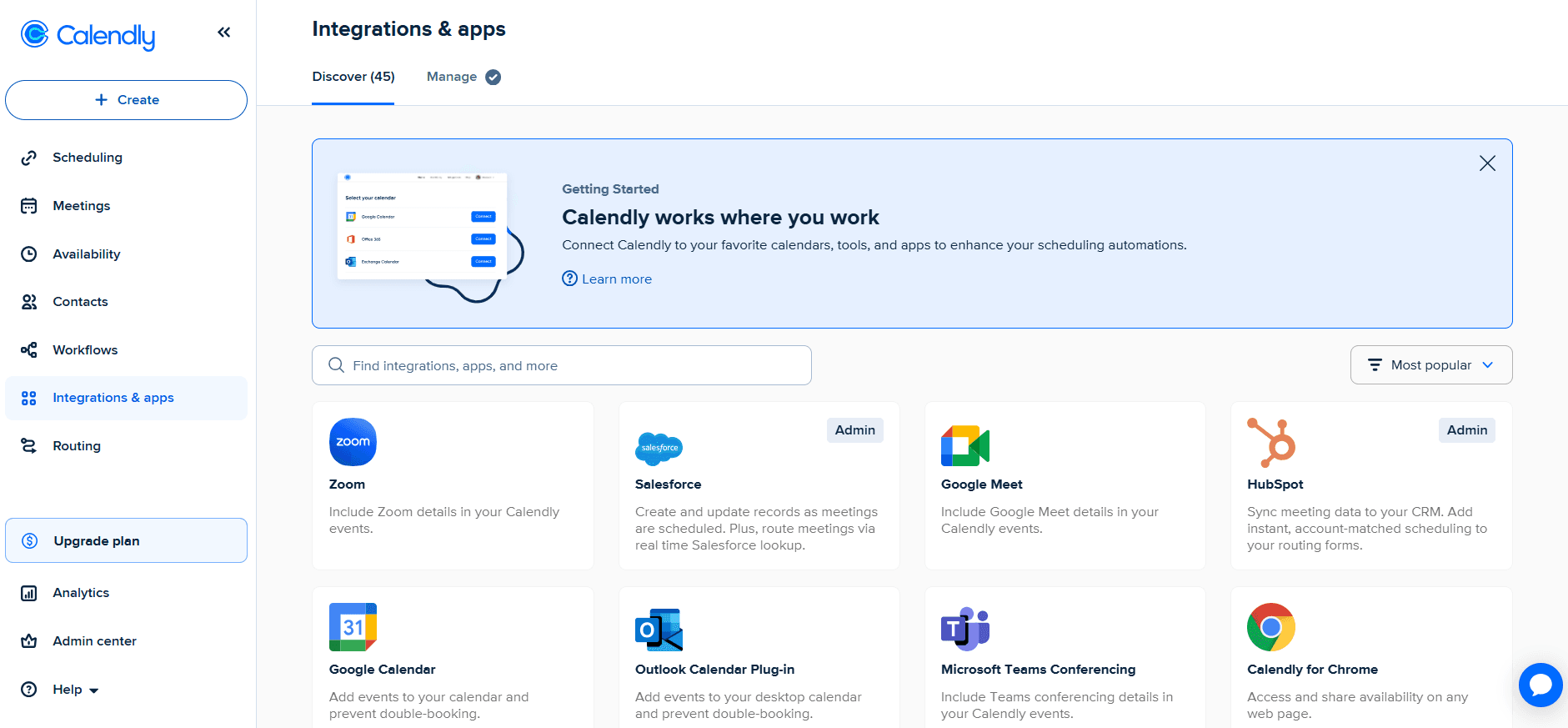
It hooks up to tools like Zapier or Zoom and Google Meet. This saves you from copy pasting links when a client reschedules. HubSpot users will like that bookings and cancellations sync directly to the CRM. It keeps the records clean without manual work.
Note on Microsoft 365 pricing:
Microsoft 365 business pricing has been reported to change from July 1, 2026. That can affect the bundled cost people associate with Microsoft Bookings.
Pros
Strong client facing pages when trust matters before the meeting
Payments during booking reduce back and forth
Round robin works well for small teams sharing inbound demand
Automations for cancellations and no shows save admin time
Integrations keep the workflow connected across tools
Cons
Some teams prefer Microsoft 365 admin controls for governance
Multi brand setup can take time once you go beyond one domain
More flexibility means more settings to review before sharing the link
Refund and reschedule policies still need clear rules outside the tool
If you only need a basic internal booking page, the extra blocks can feel like extra setup
Pricing
When to Choose Lunacal as an alternative to Microsoft Bookings
Go with Lunacal if your booking page needs to do some selling or if you need to take payments. It handles team routing nicely too. Stick with Microsoft Bookings if you want everything tightly locked inside your Microsoft 365 admin panel.
Calendly
Simple scheduling page built for easy booking.
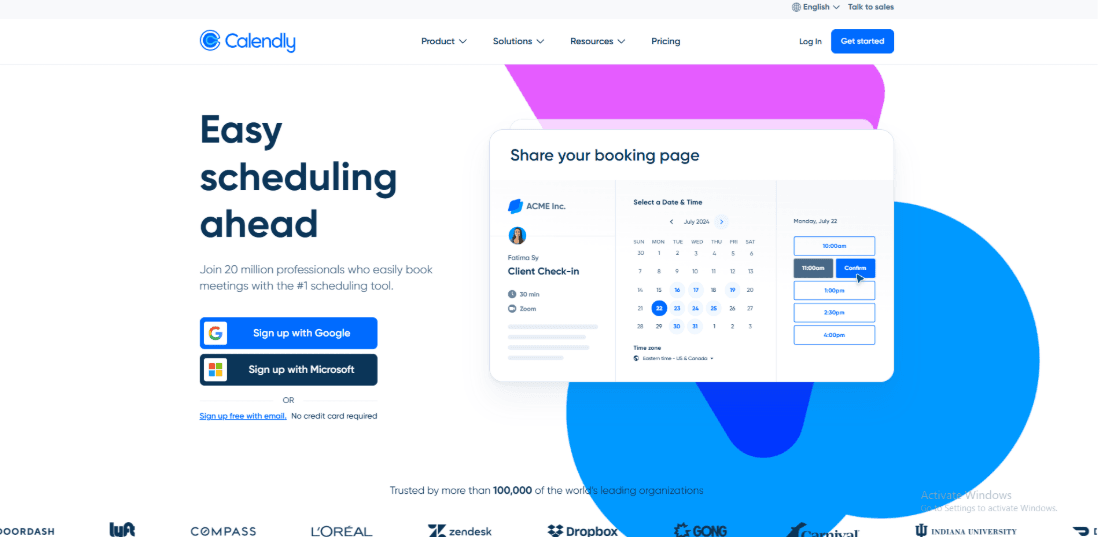
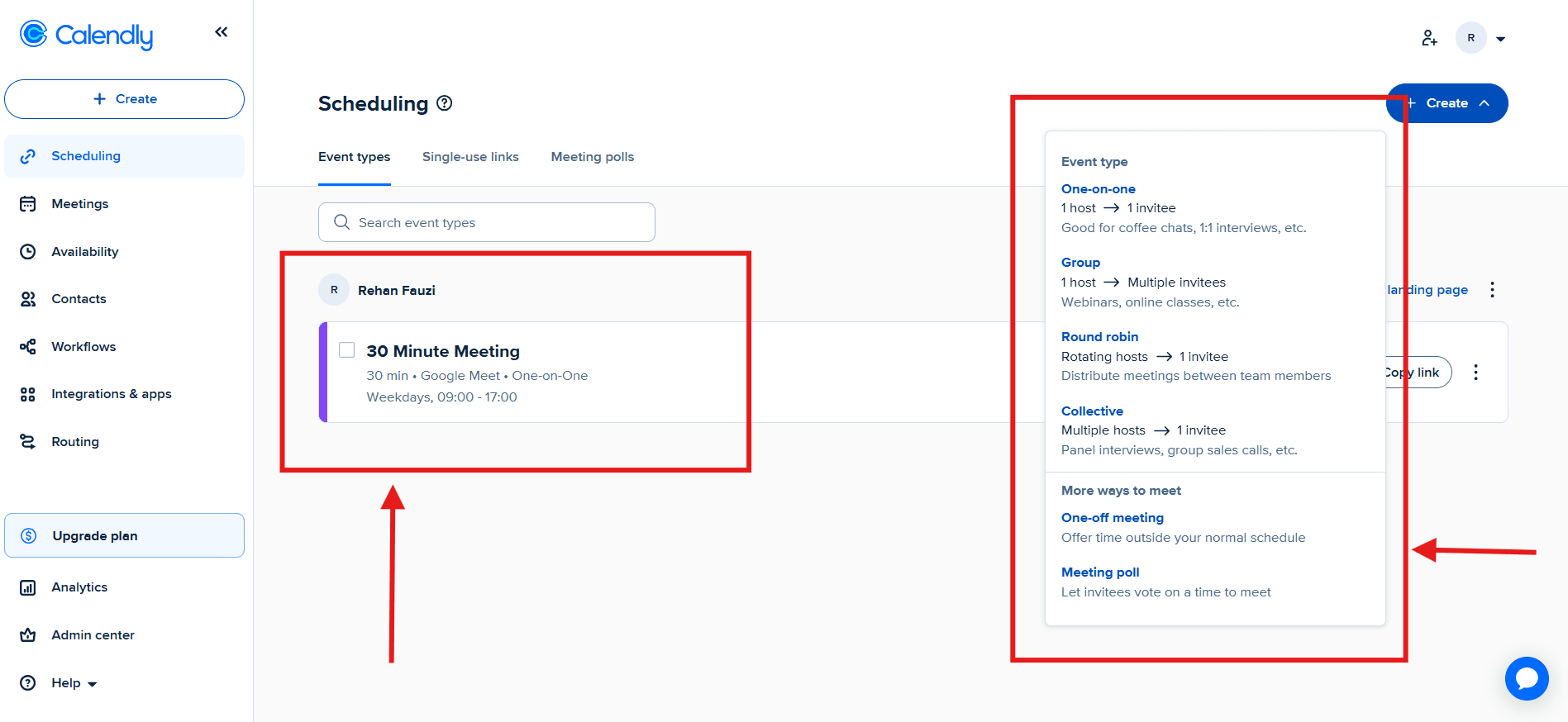
Calendly is the name everyone knows. It offers simple links that play nice with most calendars and video apps. If you are sending links to people outside your company it is a safe bet.
Calendar connections Calendly dashboard overview showing calendar integrations among others
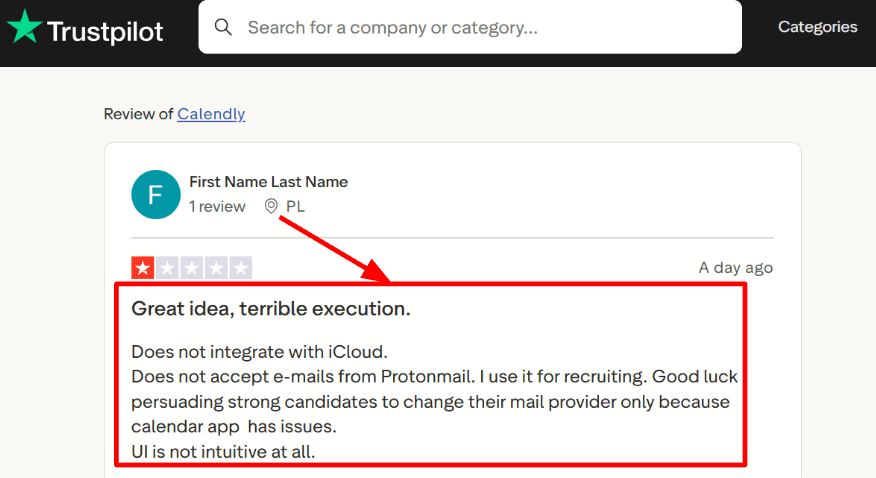
I got Google and Microsoft calendars connected fast. Apple iCloud was a different story. It didn't work and community threads confirm Calendly doesn't support iCloud sync. I saw a Trustpilot review mentioning issues with invites for iCloud and ProtonMail so I’m dropping that here.
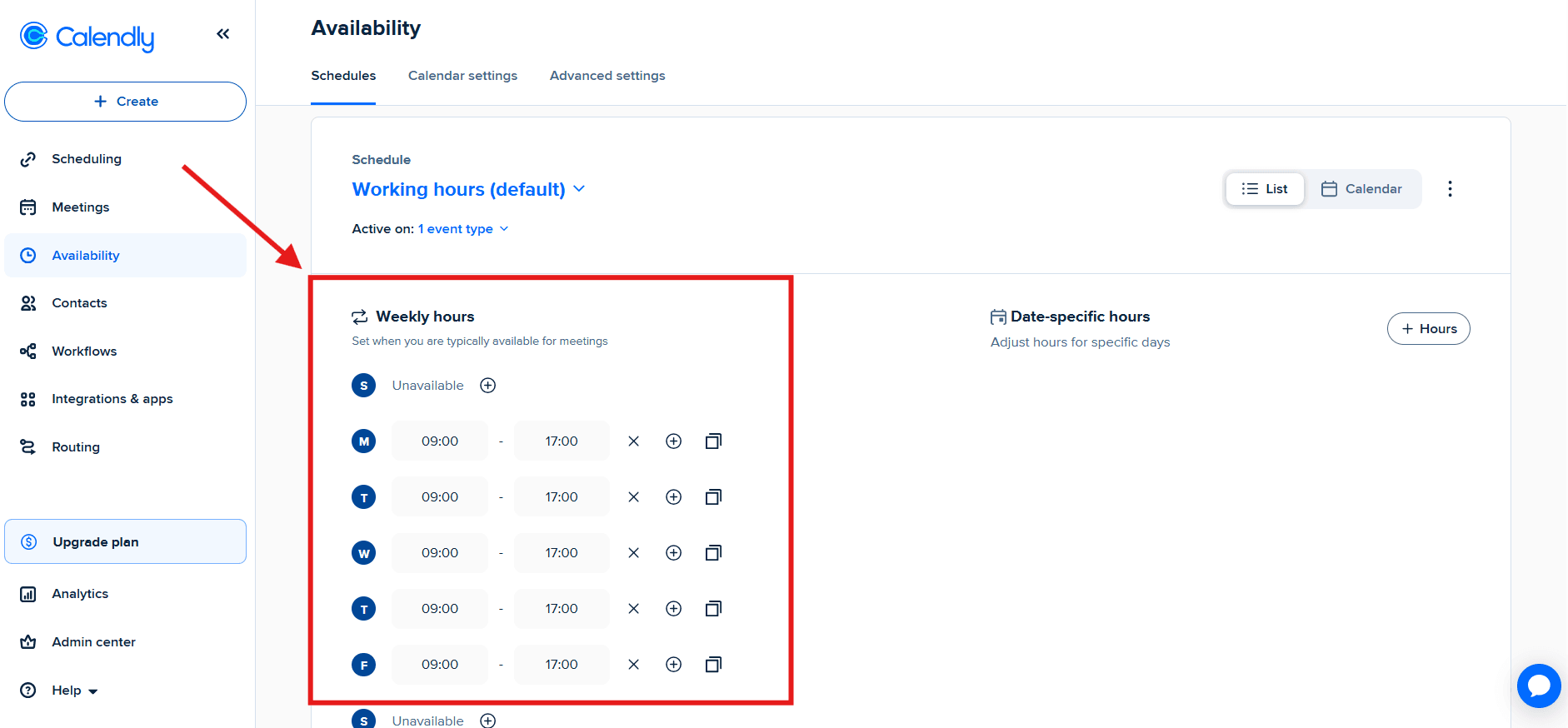
Availability limits Availability settings panel with buffers, minimum notice, and daily booking limits
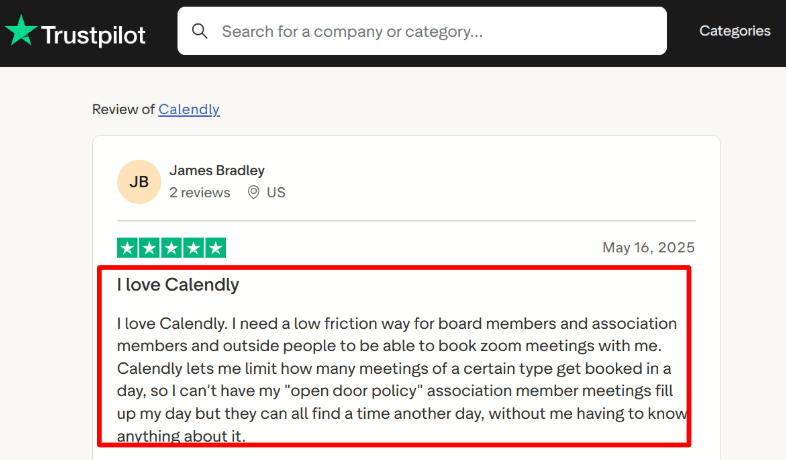
Daily caps and event limits help protect your day once bookings increase. A Trustpilot review described using limits to stop open meetings from taking over and that matched how it worked in my test.
Meeting tool integrations Calendar invite displaying auto-generated Zoom or Google Meet link inside the booking
Zoom and Google Meet setup felt fast and meeting details showed up in confirmations. Teams is supported too and the feature set is listed on the pricing page.
Payments at booking
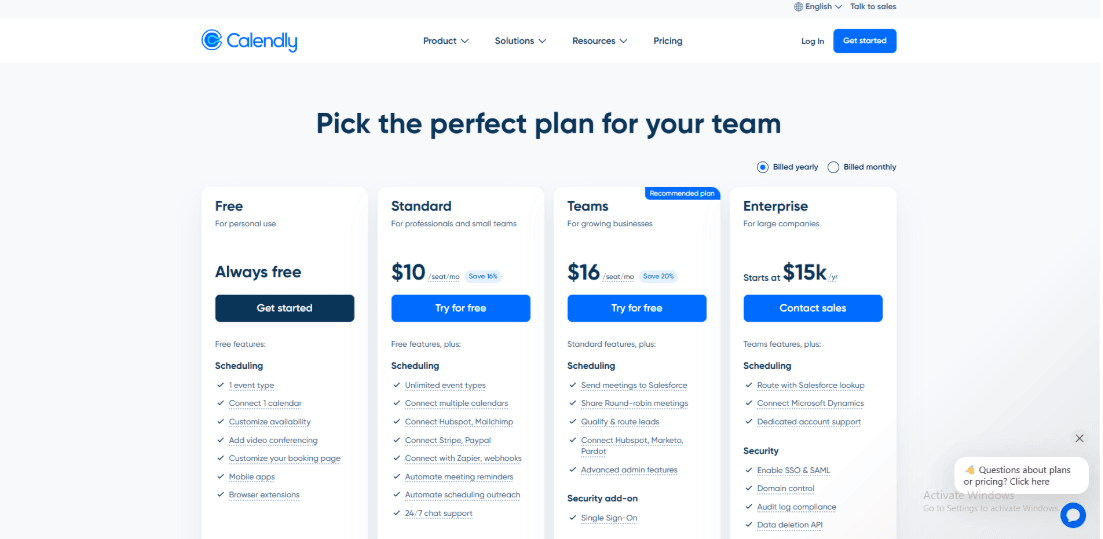
Calendly supports payment collection through Stripe and PayPal on supported plans. Microsoft Bookings states it has no payment support so payments usually happen outside the booking flow.
Automation hooks
Webhooks Zapier and the Scheduling API help push booking data into your workflow. Setup can take a bit of clicking because settings live in different places. Microsoft 365 business pricing changes from July 1 2026 were reported by Reuters so keep an eye on bundled costs over time.
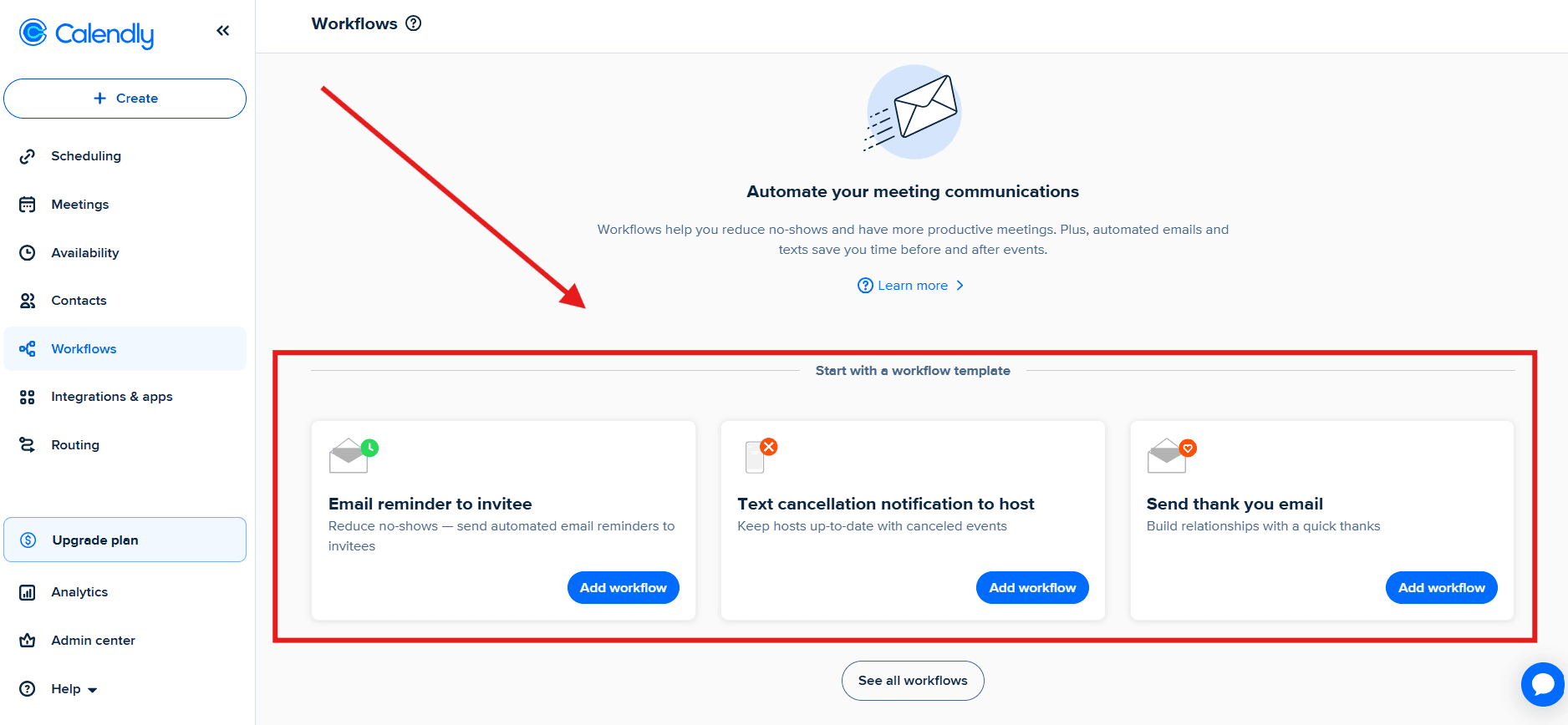
Reminders and workflows
Workflow settings screen for configuring automated email reminders and follow-ups
Calendly can send confirmation emails and reminder sequences.
Basic reminders are easy to set up, like in most appointment booking apps. When I tried to go deeper, I had to click around more than I expected. A few settings felt tucked away, then once I found them, they worked fine.
For teams booking a lot of calls, reminders matter. Reviews kept pointing to fewer no shows once reminders were running consistently.
No iCloud sync support can be a deal breaker for Apple first users
Some email setups struggle with the invites
Settings can be scattered for advanced users
It gets expensive for big teams compared to bundled tools
Check out the latest pricing of Calendly in 2026.
Calendly vs Microsoft Bookings
Choose Calendly when you schedule with people outside your Microsoft setup and you want broad calendar and video tool support. It also helps when you need payments at booking. Microsoft Bookings can fit better when you want Microsoft 365 governance and Microsoft native controls.
If you're a coach, this coaching scheduling software comparison should help.
Doodle
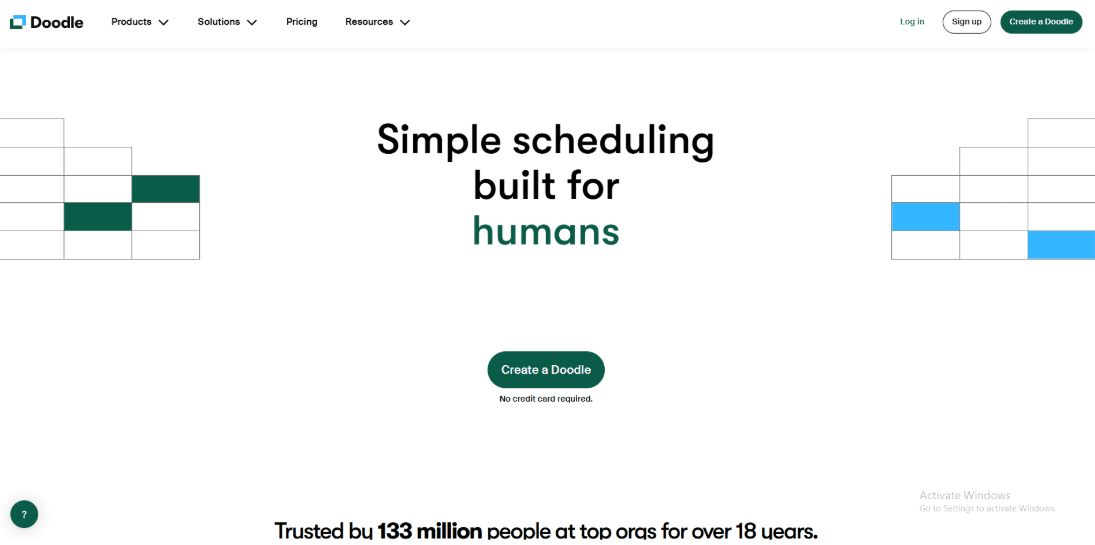
Doodle homepage pushing simple scheduling for busy teams.
Doodle is known for group scheduling polls that help people pick a time fast. It works well for cross company scheduling where you need group input.
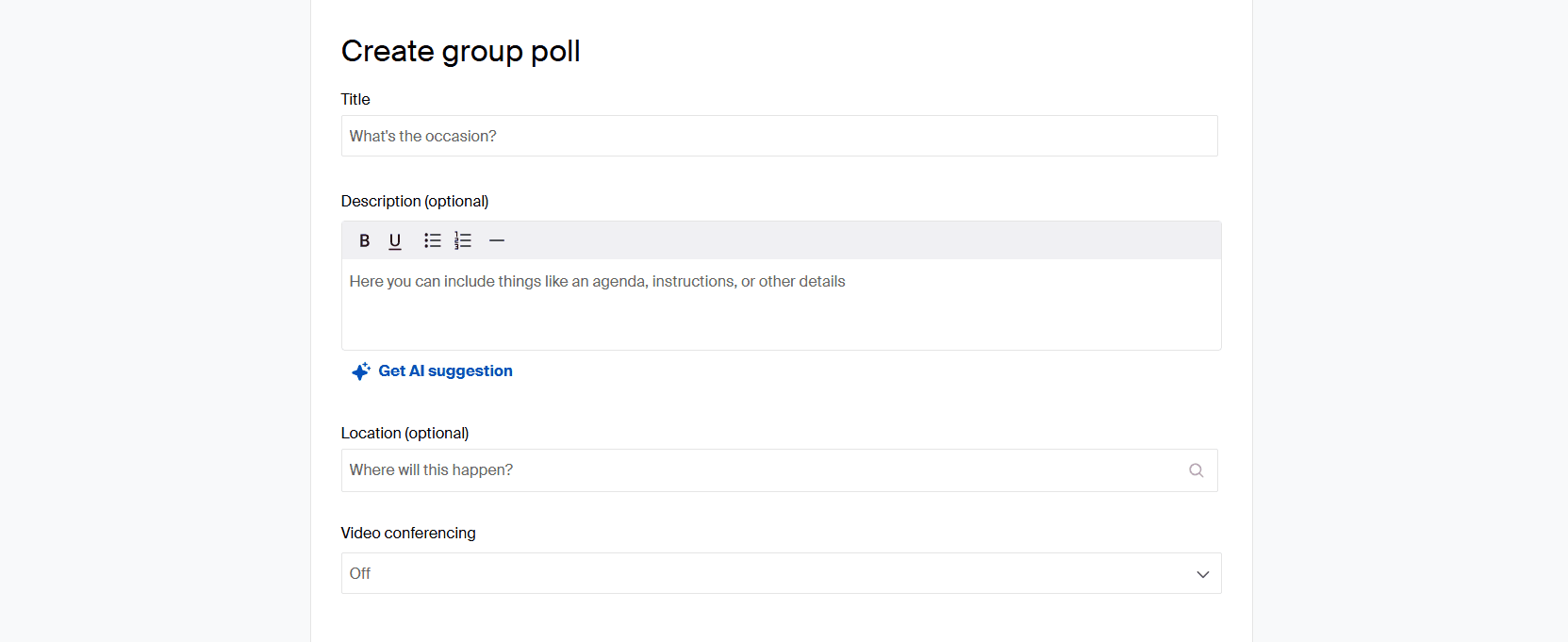
Group polls
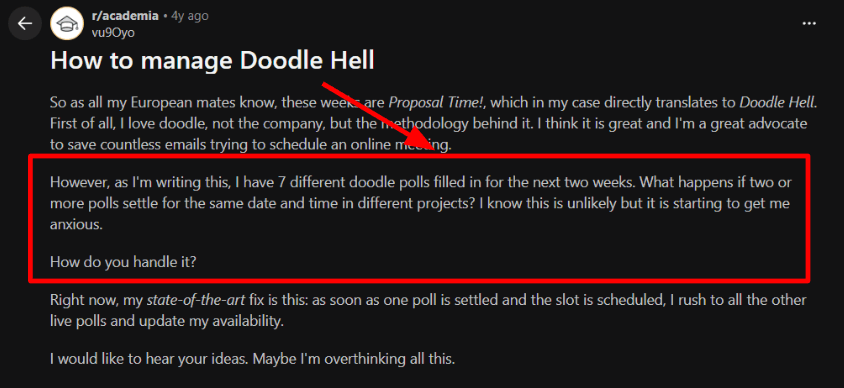
This is the main selling point. I used it to organize a large group and it worked. Managing a lot of polls can get messy though. A Reddit thread mentioned that same issue so I grabbed a screenshot. I still had to check my own calendar manually to be safe.
Flexible scheduling modes
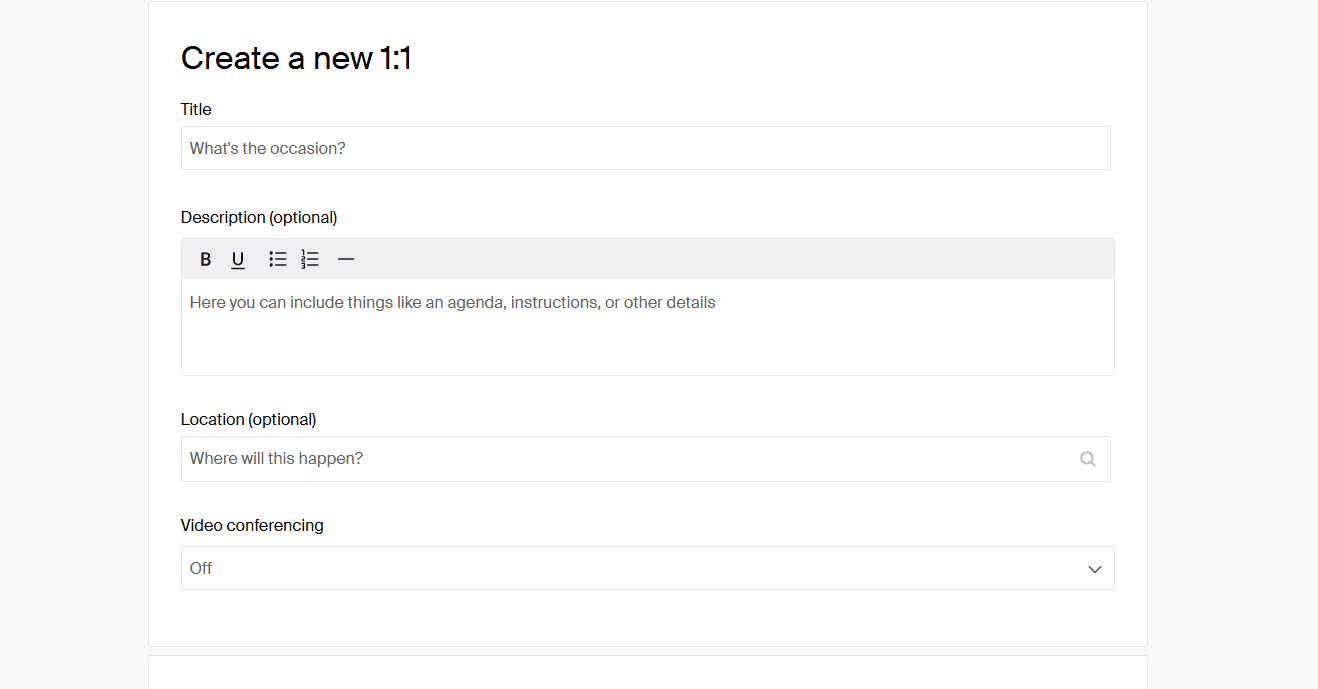
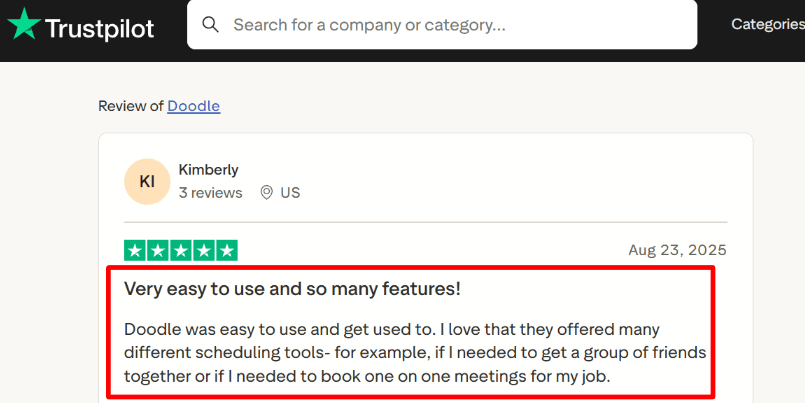
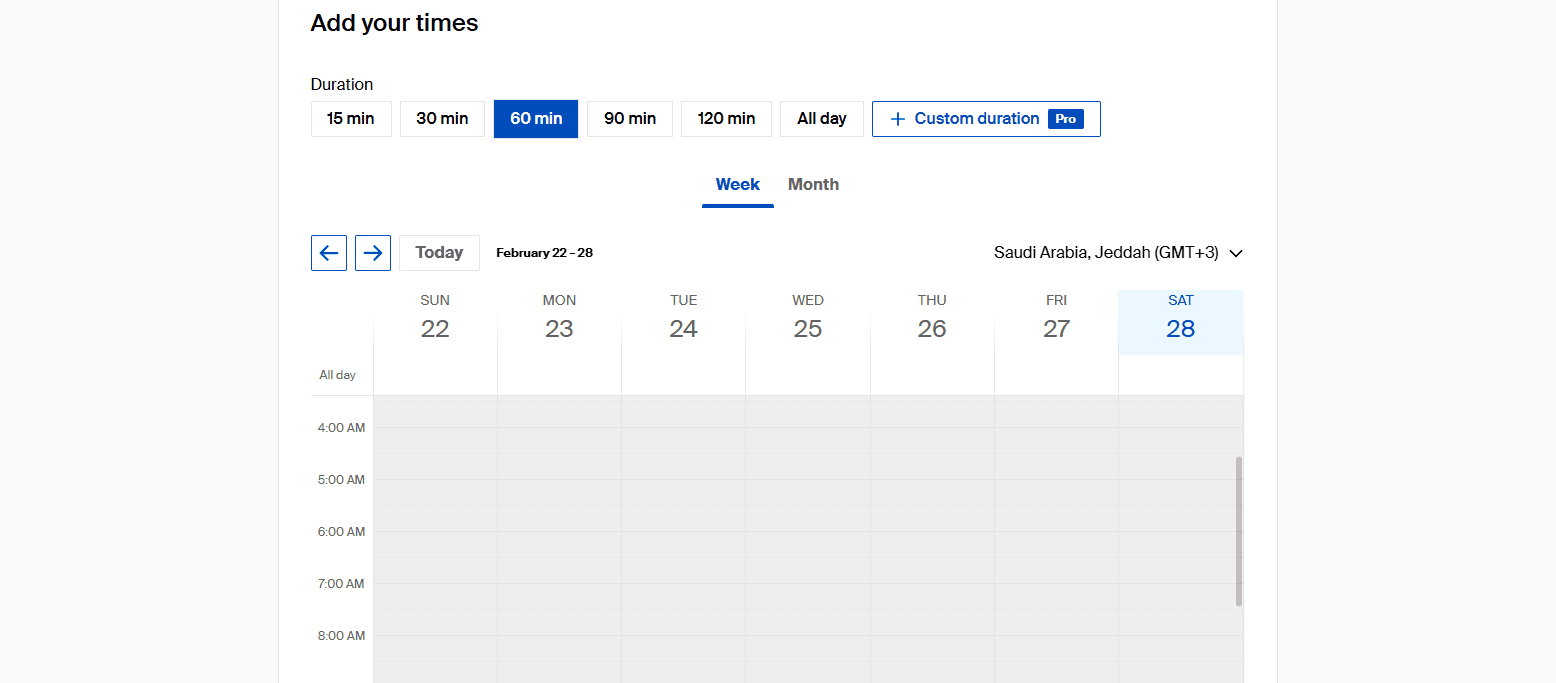
You can do polls or standard 1 to 1 links. The nice part is people can reply without making an account. Trustpilot reviews often mention it is easy for friends to use. My test showed the same.
Calendar integration
Google Calendar and Microsoft calendar connections help you propose times that are actually free. This matters when time zones and back to back meetings stack up.
Meeting links and payments
Doodle lists Zoom Google Meet Microsoft Teams and Stripe on its integrations page. Microsoft Bookings states it has no payment support. Payment at booking helps for paid consults and workshops.
Standalone plans
Doodle has a free tier and paid plans you can buy without changing your email suite. Microsoft 365 business pricing is reported to change from July 1 2026 and that can shift how people think about the cost of bundled tools.
Microsoft Bookings can be easier if you need Microsoft 365 admin controls and Teams first scheduling
Many live polls can lead to collisions unless you stay disciplined
It isn't really meant for complex staff rosters
Settings can differ between poll mode and booking mode
Exchange data compliance is easier with Microsoft native tools
Check out the latest pricing of Doodle in 2026.
When to Choose Doodle over Microsoft Bookings
Use Doodle for group consensus and paid sessions with external folks. Stick to Microsoft Bookings for internal teams and 365 workflows.
Setmore
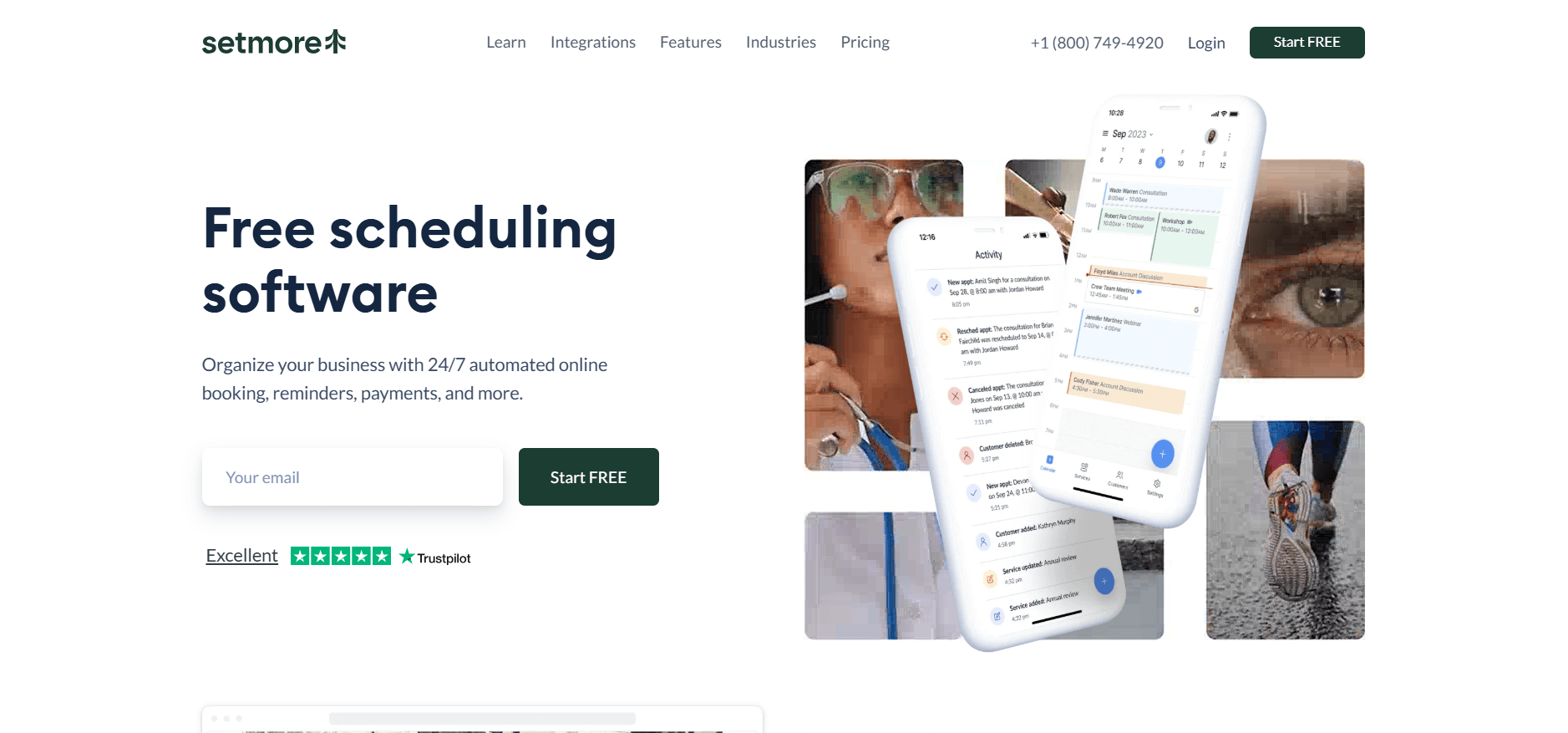
Setmore homepage
Setmore is known for simple online booking with payments and useful integrations for small teams. It can be a good alternative to microsoft bookings for service businesses that want quick setup.
Payment integration
You can turn on payments so clients book and pay in one flow using Stripe Square or PayPal. Microsoft Bookings has no native payment support so billing usually lives elsewhere.
Reliability signals
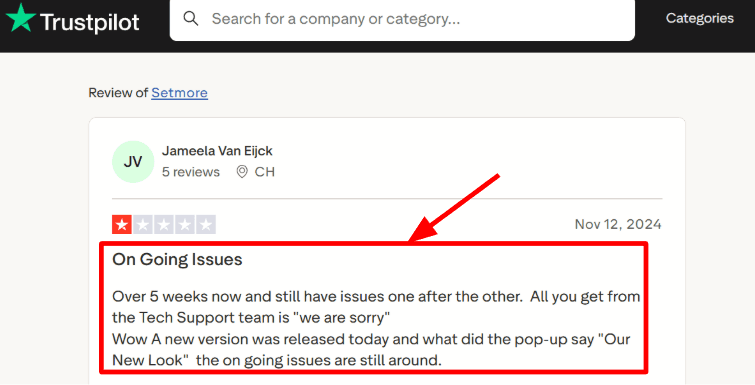
Most basics worked in my test and a few screens felt inconsistent. A Trustpilot review mentioned repeated issues and support replies that did not resolve them so I am sharing that screenshot.
Human support loop
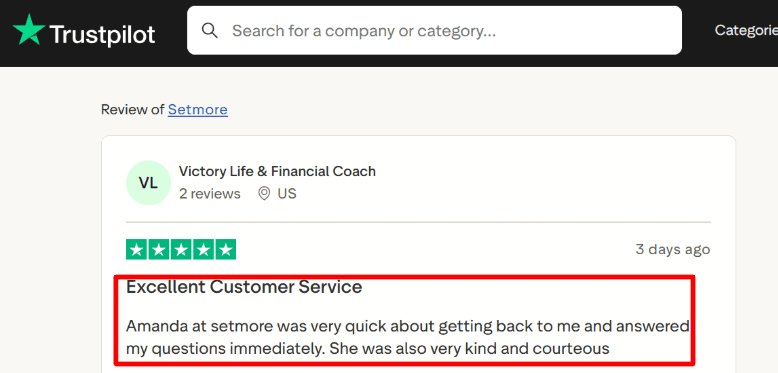
I also saw a Trustpilot review praising fast support from an agent named Amanda. That kind of help matters when clients already have your link.
Calendar sync controls
Setmore supports Office 365 calendar sync and two way sync in the Pro tier. One detail from the support doc is that two way Office 365 sync does not sync class sessions or Setmore events so plan around it.
Meeting tool integration
Zoom and Google Meet links can be added automatically so confirmations include the join link. Microsoft 365 list prices are reported
to rise from July 1 2026 and Bookings is part of those suites so costs can move even when your scheduling needs stay the same.
Brand controls
Branding settings panel for customizing booking page colors, buttons, and visuals
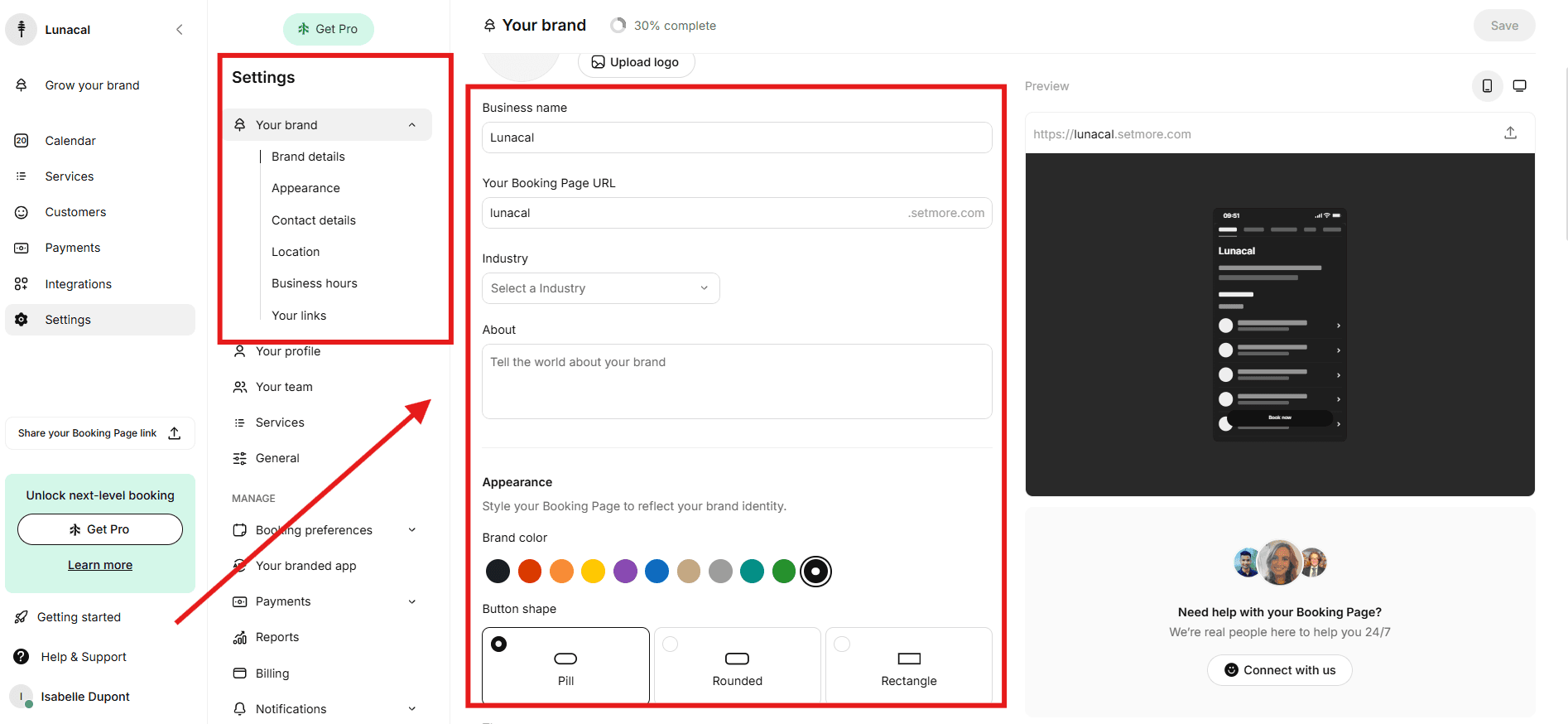
You can change how the booking page looks from the Your brand area. Colors, buttons, and basic visuals are easy to tweak. I did not feel like I needed design skills to make it look decent.
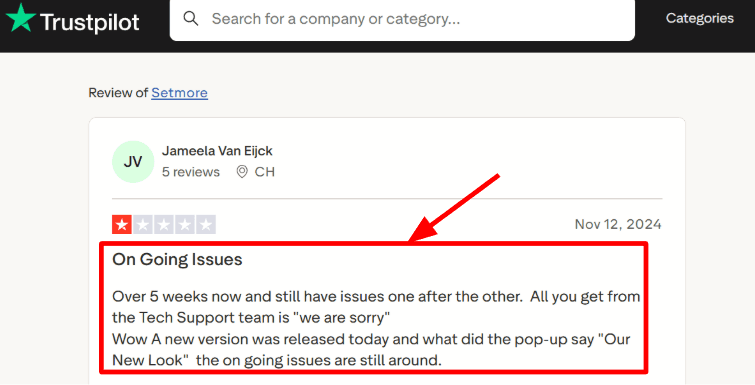
One thing I kept noticing, both in reviews and while clicking around, is that the interface changes fairly often. A Trustpilot review mentioned they got a new look while older issues were still around. I can see why someone would say that. Sometimes settings move and you have to hunt for them again.
Setmore also has an official brand visuals guide that helps when you are trying to find the right screen after an update.
The Trustpilot screenshot complains Setmore’s new UI shipped while older issues still lingered.
If Setmore is on your list, my Setmore alternative breakdown makes the tradeoffs clear.
Pros
Payments built into the booking flow with common providers
Quick setup without heavy admin work
Solid support for Zoom and Google Meet
Calendar sync options are clearly documented including Office 365
Support can be very responsive when you get hands on help
Cons
Microsoft Bookings is better for corporate admin control
The software behaves unevenly in edge cases
Office 365 sync has unexpected limits
You have to rely on docs for some behaviors
Compliance reporting requires manual work
When to Choose Setmore over Microsoft Bookings
Choose Setmore for the payments and the speed. Use Microsoft Bookings if you live in Teams and need corporate governance.
Cal.com
Cal.com is known for open scheduling infrastructure you can customize deeply including routing and paid bookings. It can work well for teams that want more control.
Meeting tool integration
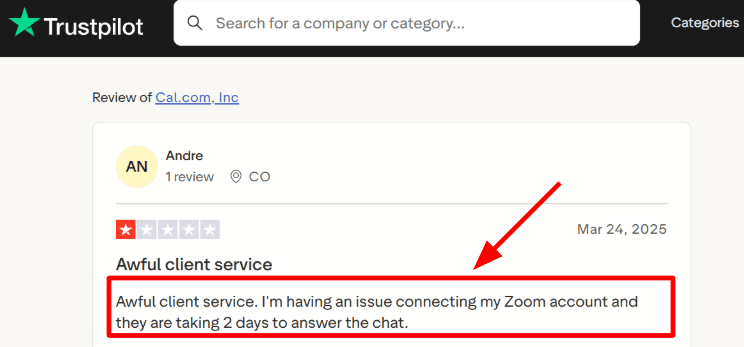
I set up Zoom easily but had to clarify app ownership rules. A Trustpilot review mentioned slow replies when the Zoom connection had issues so allocate time for testing.
Calendar sync
Google Calendar sync worked cleanly in my test. This matters for preventing double bookings across multiple calendars and event types.
Workflows and reminders
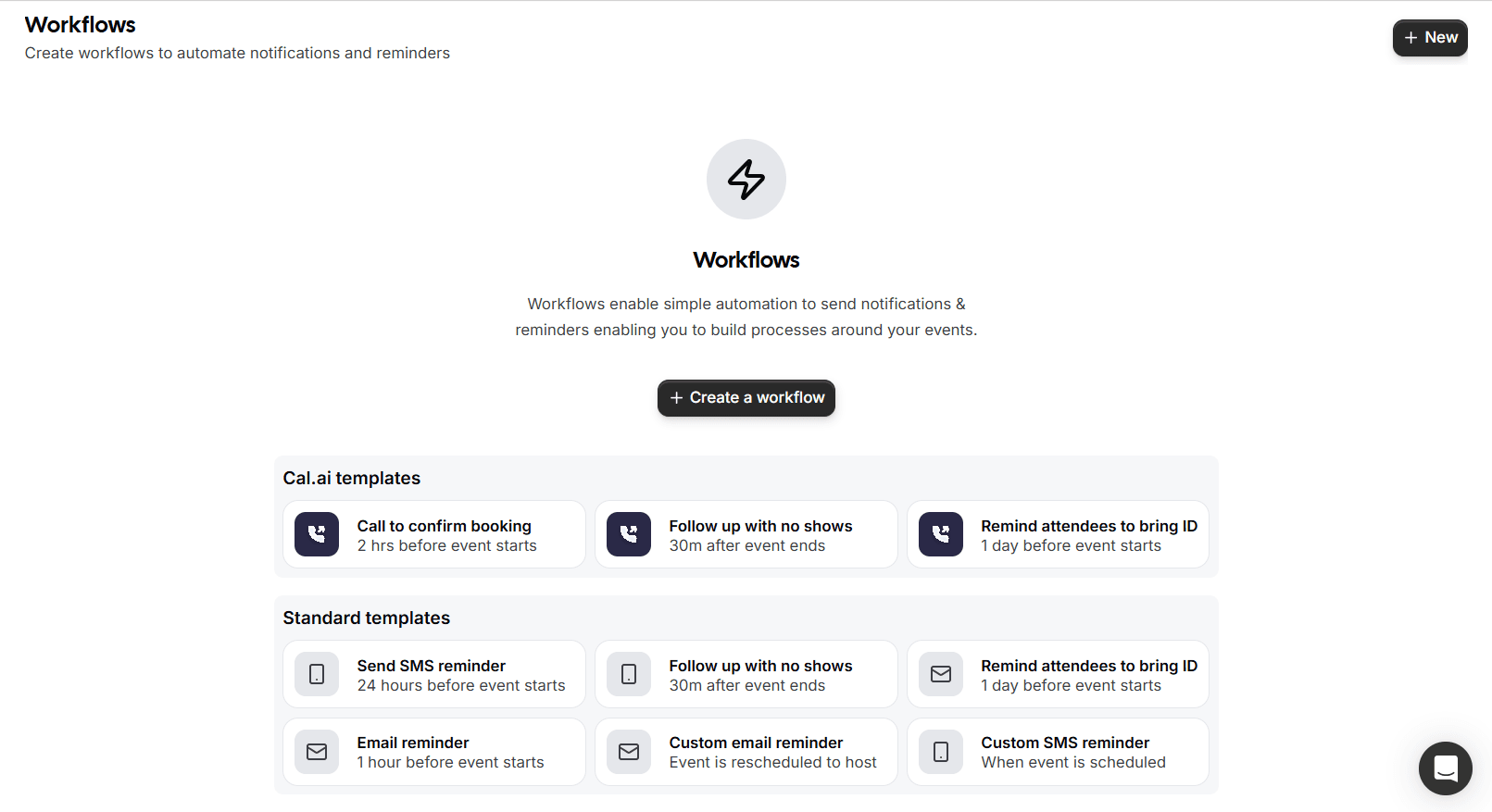
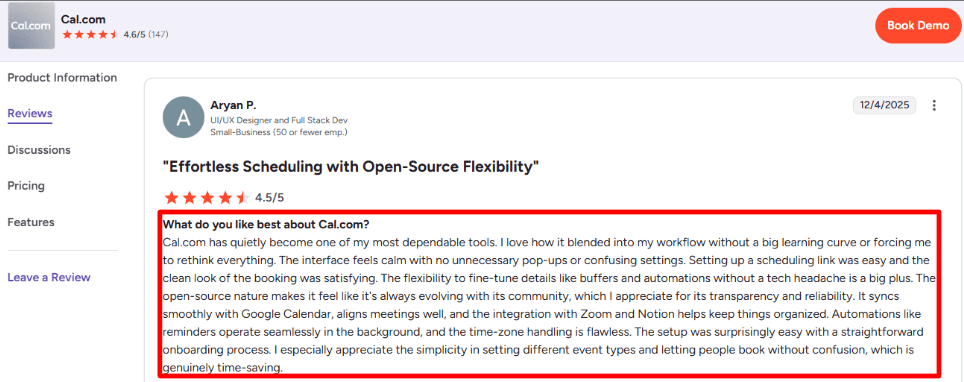
G2 reviews call the automations reliable. My experience matched that. Setting up reminders didn't require building a whole new bot.
Routing forms
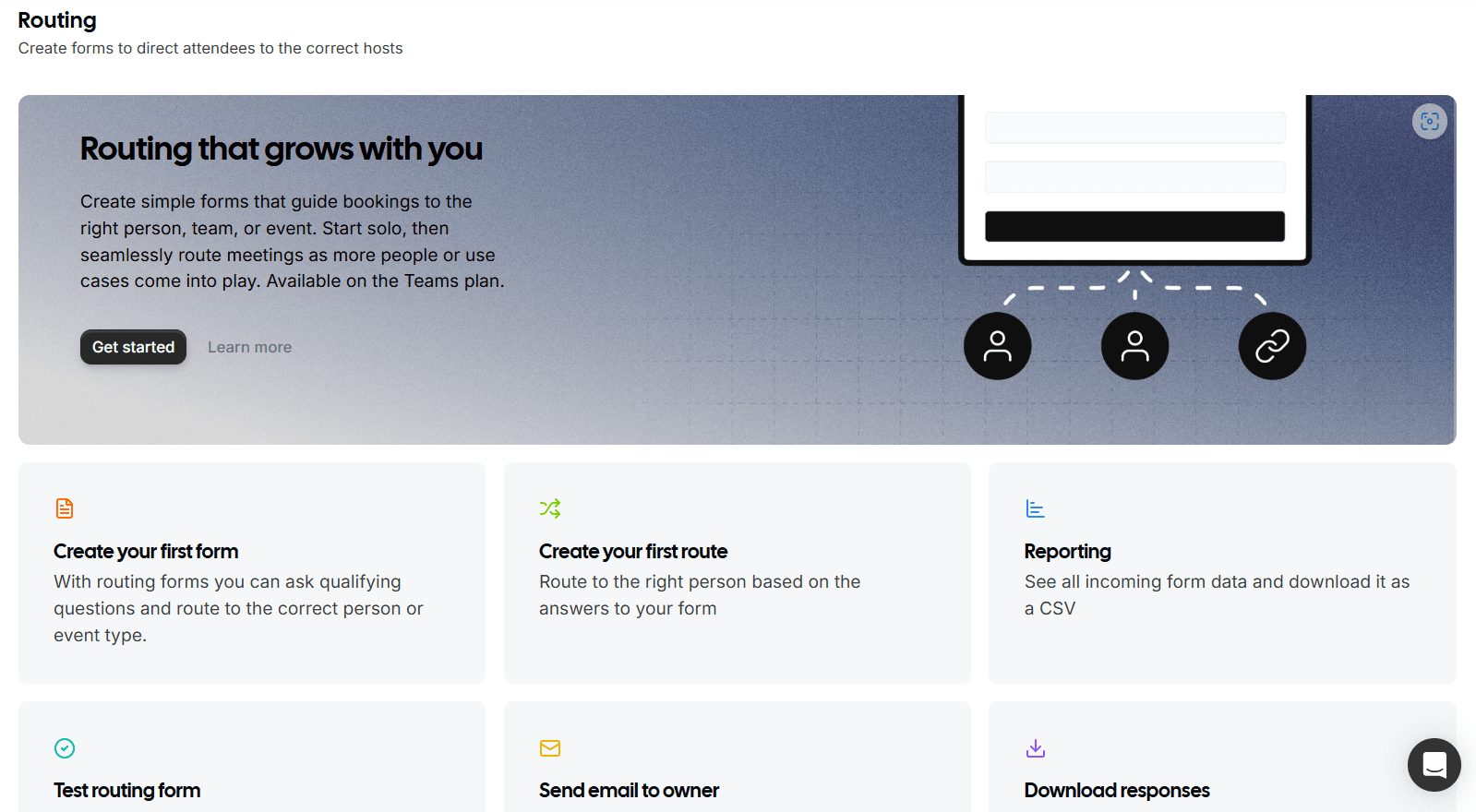
Routing is powerful. You can route based on rules and distribute meetings with round robin. I had to read the guide carefully during setup to avoid sending meetings to the wrong person.
Stripe payments
Cal.com supports taking payments via Stripe so a paid booking can happen in one flow. Microsoft Bookings states it has no built in payment support.
If you are looking at Cal.com, I put together a full list of Cal.com alternatives.
Pros
Strong routing and round robin for lead distribution
Stripe payments for paid appointments
Workflows reduce manual reminders and follow ups
Flexible integrations via apps and docs
Open source core helps teams that want transparency
Pick Cal.com for the routing and the customization. Stick with Microsoft Bookings for simplicity and native 365 storage.
When to Choose Cal.com over Microsoft Bookings
Choose Cal.com when routing and round robin matter and you want paid bookings with Stripe and workflows that reduce manual work. Microsoft Bookings can fit better when you want Microsoft 365 native controls and Exchange based storage.
OnceHub
OnceHub is known for lead routing and scheduling together. It fits teams that want qualification and routing built into the booking journey.
Account flexibility
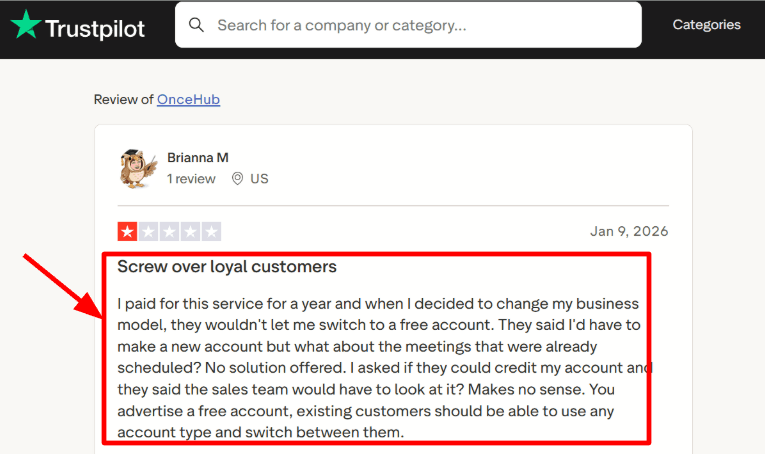
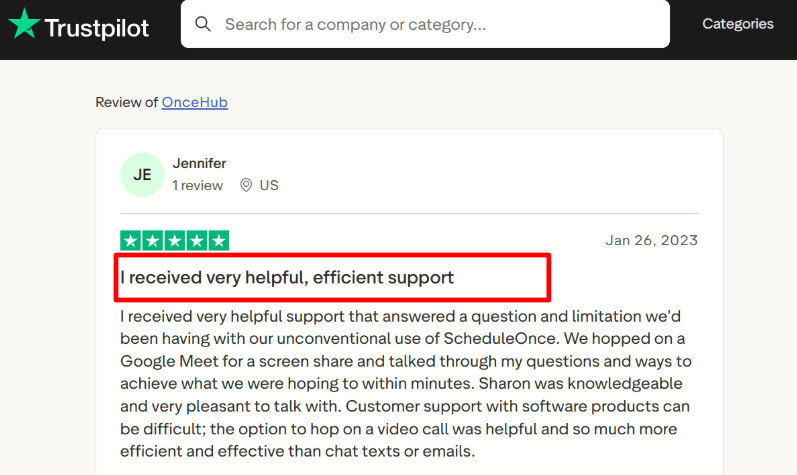
OnceHub feels separate from your email suite which can be useful. Account and plan changes can be tricky based on my test. A Trustpilot note mentioned downgrades pushing people toward starting a new account so I am sharing the screenshot.
Operator grade support
Support responses were quick and specific during my setup tests. A Trustpilot review mentioned a screenshare on Google Meet to unblock setup and that lines up with how hands on support can be.
Payment integration
OnceHub supports payment during booking via Stripe. Microsoft Bookings payment support has been discussed as retired in Microsoft Q and A so payments often need a separate flow. Upfront payment can reduce no shows for paid sessions.
Calendar and meeting integrations
OnceHub connects with Microsoft 365 calendars Exchange Outlook and Google Calendar. It can add meeting links for Teams Zoom and Google Meet. Calendar sync is the part to test carefully because stale availability causes real problems.
Routing and distribution
Routing is a core strength. You can qualify with routing forms and distribute meetings using rules like round robin and priority.
If OnceHub is part of your evaluation, here is my OnceHub alternative breakdown.
Pros
Strong routing for inbound leads and teams
Payments during booking with Stripe
Broad integrations across calendars video and CRM
Optional security and compliance add on with SSO and HIPAA BAA
Good fit for multi step booking journeys
Cons
Microsoft Bookings can be simpler for basic appointment booking inside Microsoft 365
Seat based pricing can add up as teams grow
Some routing features sit in higher tiers
PayPal Classic can include a 1 percent OnceHub fee
Plan and workspace boundaries can create friction during changes
Pricing
Free Basic plan for one user and one connected calendar with core booking pages
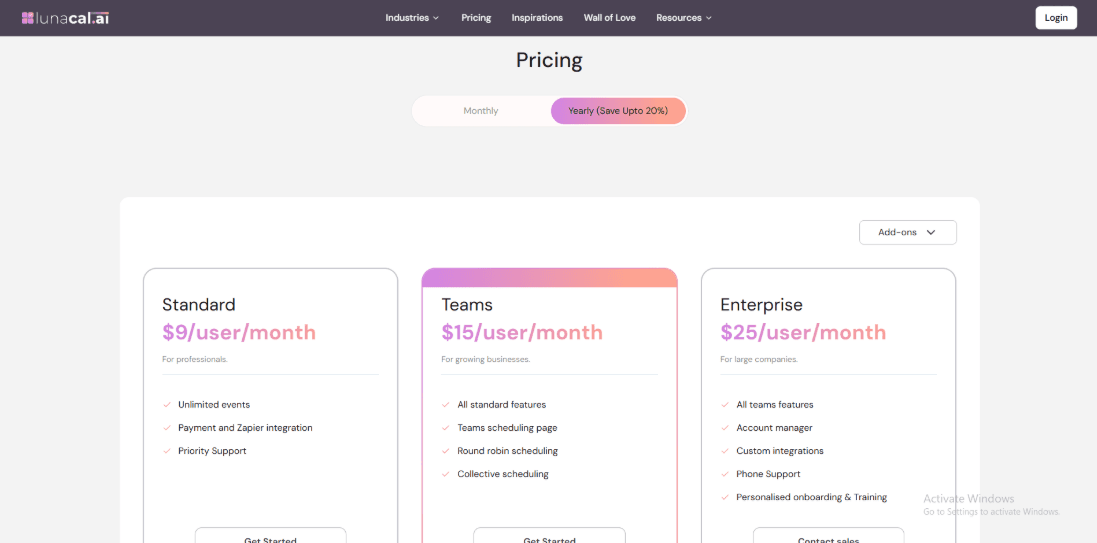
Paid tiers are per seat. Schedule is $12 per seat monthly. Route is $23 per seat monthly. Engage is $47 per seat monthly. Annual billing can be lower.
Security and Compliance add on is priced separately per seat. Enterprise is custom.
When OnceHub routing and scheduling comes up, I usually point to OnceHub alternative.
When to Choose OnceHub over Microsoft Bookings
Choose OnceHub when you need lead qualification and routing and round robin distribution and paid bookings in one flow. Microsoft Bookings can fit better when you want Microsoft 365 governance and simple service scheduling with data in Exchange shared mailboxes. Microsoft 365 pricing changes from July 1 2026 were reported by Reuters so it is worth tracking how bundle costs shift over time.
Conclusion: Which scheduling software to Choose?
Lunacal
Good when your booking link also needs to do some selling. You can add context like what you do, proof, and files before someone books. If you only need a basic internal staff scheduler, it may feel like extra steps. Pricing starts with a free plan and paid tiers from around $9 per month.
Calendly
A safe pick for clean 1 to 1 scheduling links and simple team scheduling. It is less suited when you want built in packages, payments, and deeper client flows. Pricing starts with a free plan and paid tiers from around $10 per month.
Doodle
Works best when you are trying to find a time that works for a group. It is not built for running paid appointments or follow up workflows. Pricing usually includes a free option and paid plans from around $6.95 per month.
Setmore
Built for service businesses that want a simple booking page with common basics. It can feel limited for bigger sales teams that need serious routing and round robin logic. Pricing starts with a free plan and paid tiers from around $5 per month.
Cal.com
Great if you want control and custom setup, including self hosting and developer friendly tweaks. It is a tougher fit for non technical teams that want guided support out of the box. Pricing starts with a free plan and paid tiers from around $15 per month.
OnceHub
Strong for inbound lead flows where you want forms and routing before a meeting gets booked. It can be more than you need if you just want a quick personal booking link. Pricing often starts with a trial and paid tiers from around $10 per month.
Methodology: How we tested different alternatives
For this guide, I set up the same three appointment types in each tool, tested the full flow from my phone, and followed what happens after the click all the way to the confirmation screen.
Here is what I checked every time:
How clear the booking page feels and whether it builds trust fast
Timezone handling and conflict checks so people do not double book by mistake
Team routing like round robin and ownership rules for shared calendars
Reminders plus reschedule and cancellation flow so the process stays clean
Payments and packages when you charge for appointments
Integrations like Teams Zoom CRM tools and Zapier
I also sanity checked the experience against what real users say. That includes G2 and Trustpilot ratings plus review patterns and forum threads where people talk about the day to day issues.
FAQs
Which is the best Microsoft Bookings alternative?
Best Microsoft Bookings alternatives for most teams are Lunacal. It is rated 4.9/5 on G2 and covers the things Bookings users miss: beautiful booking pages, customizable intake forms, reliable calendar integrations, and security plus GDPR options. If you only need a simple free link, Setmore can fit very well.
Calendly alternative for Microsoft Outlook: which one should you pick?
The most practical Calendly alternative for Microsoft Outlook is Lunacal, followed by Setmore and Doodle. Lunacal connects cleanly to Outlook calendars and supports team scheduling, round robin scheduling, and customizable intake forms so you collect context before the meeting hits the calendar. Setmore is a solid pick when you mainly need reminders and a straightforward setup. Doodle is great when your workflow starts with a poll.
What country level language and data protection nuances matter in Microsoft Bookings alternatives?
The country level nuances that matter most are privacy rules and language defaults.
• US, UK, Canada, Australia and EU all handle consent differently, so check data retention, audit logs, and breach notices.
• GDPR is required for EU, plus clear data processing terms.
• If you serve German, French, Spanish users, verify locale dates, Monday week start, and translated booking emails.
What features should you expect from a Microsoft Bookings alternative?
The features you should expect from a Microsoft Bookings alternative are two way calendar sync, service based availability, buffers and notice periods, reschedule and cancel links, reminders by email and SMS, reporting, and a clean booking page that loads fast.
How do you migrate from Microsoft Bookings to Lunacal, Calendly, Doodle, or Setmore?
Migration is usually quick. Export staff and services, rebuild them in Lunacal, Calendly, or Setmore, then fully reconnect Outlook calendars. For Doodle, recreate polls manually. Test reminders for a week.