Scheduling Software for Real Estate Agents
Showing + consult routing with lead qualification, travel buffers, timezone-safe booking, team handoffs, reminders, calendar sync, & quick reschedules.

Scheduling features for showings, buyers, and sellers
Let buyers book showings fast, without phone-tag
Make booking instant and predictable. People browse listings at odd hours, then forget by morning. A real estate appointment scheduling flow lets them pick a slot, confirms instantly, and blocks your calendar. Include practical options like “virtual tour” vs “in-person”, and set travel buffers so back-to-back showings don’t wreck your day.
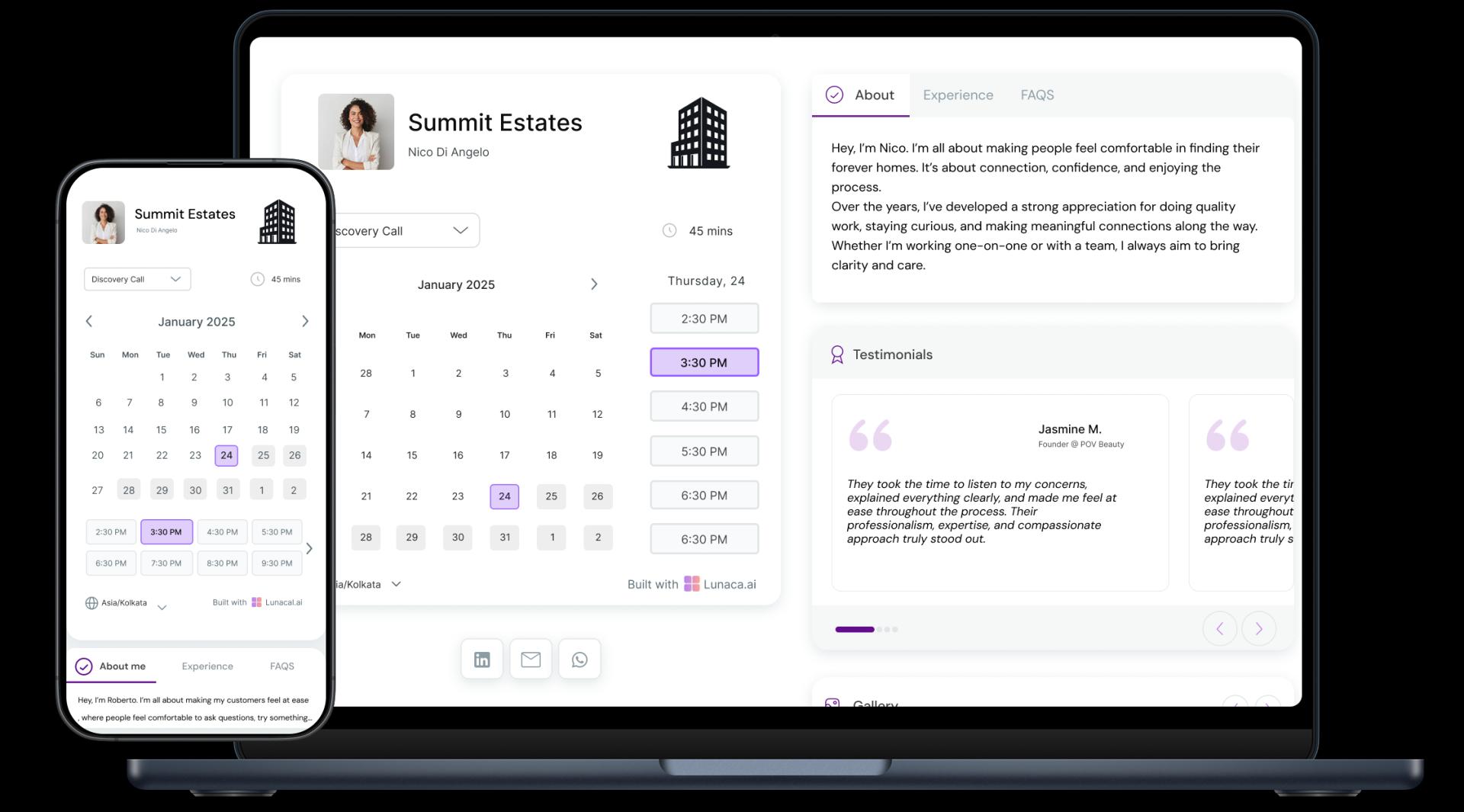
Turn the booking page into a mini listing pitch
Your booking page should pre-sell the showing. Add the basics buyers ask anyway: neighborhood highlights, commute notes, nearby schools, property video, and what makes this listing different. For sellers, show your process (pricing, staging, marketing plan). It should feel like booking time with a specialist, not just grabbing a slot.
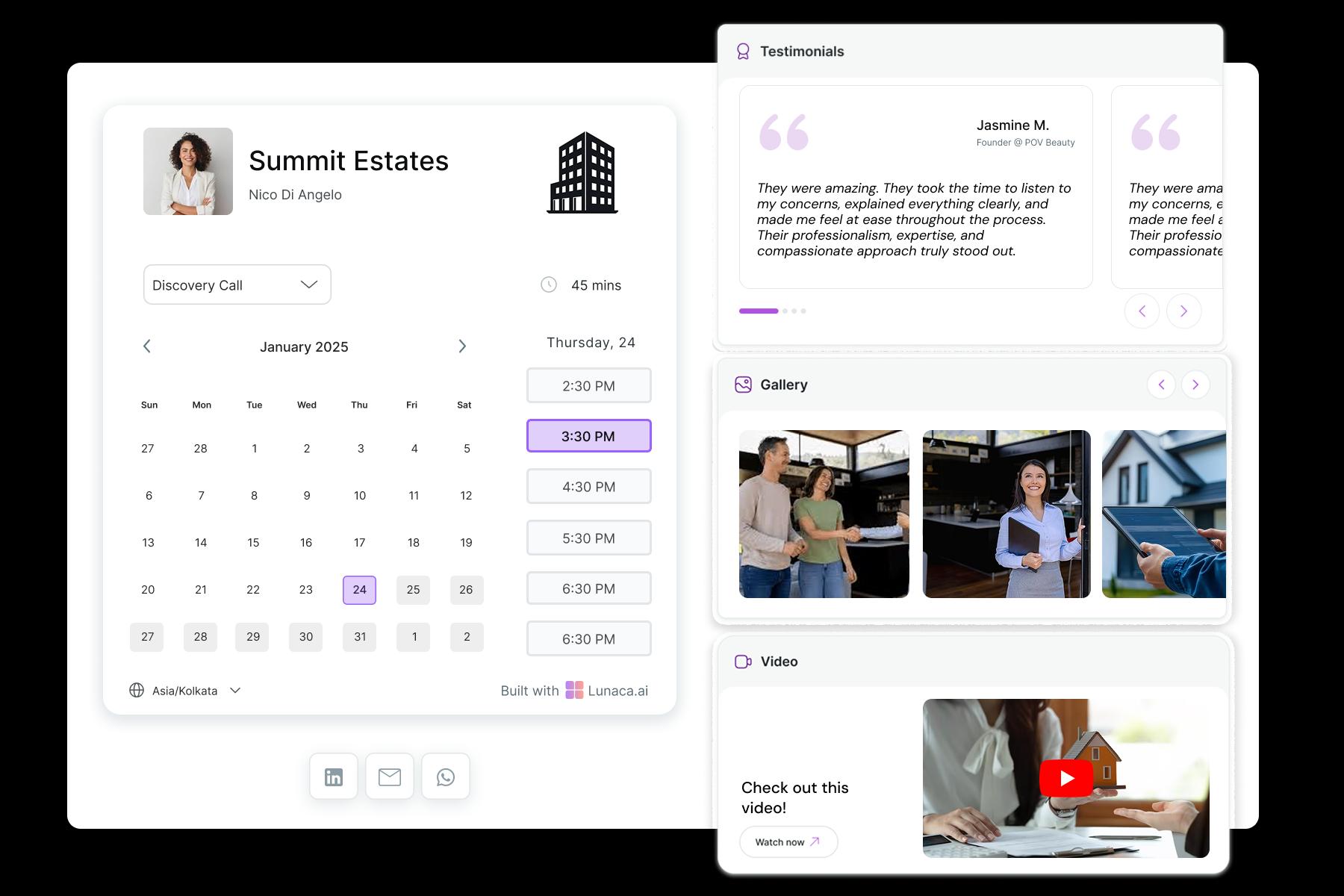
Pre-qualify and prep before you step out
Ask the questions that stop wasted showings. Keep it short but meaningful so you can prepare the right route and shortlist. Collect: - Buyer type (first-time, upgrade, investor) - Timeline and financing status (pre-approval or cash) - Must-haves (beds, parking, pet-friendly, elevator) - Who is attending and preferred language This saves hours and makes you look sharp.

Reduce no-shows with location, access, and safety details
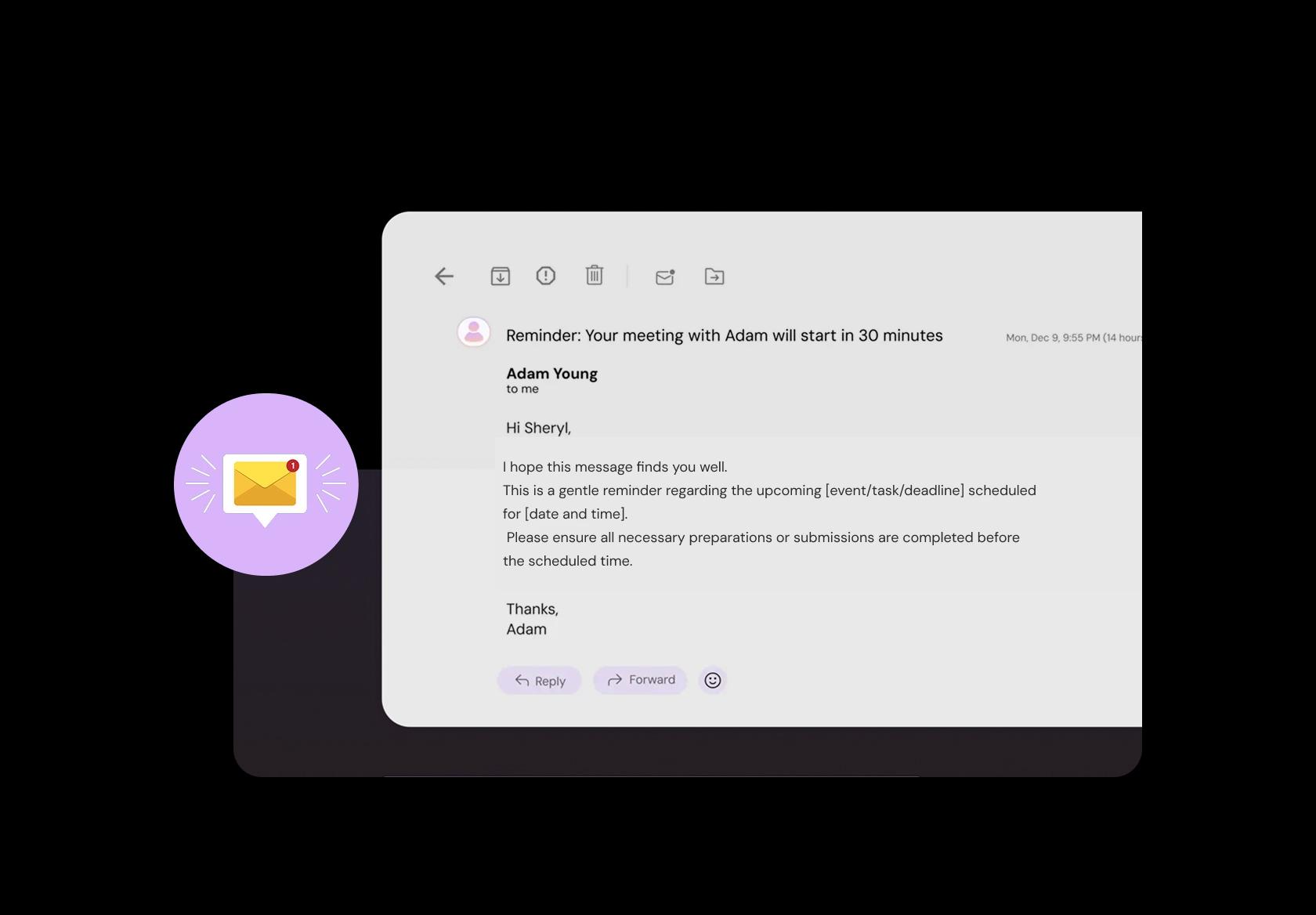
Reminders should prevent chaos, not just “see you soon”. Send a message with address pin, parking instructions, and entry steps (gate code, concierge, lockbox process). Mention what to bring if relevant (ID for secured buildings, proof of funds for high-value showings). Add a one-tap reschedule link because last-minute changes are normal.
Take consult fees or retainers without awkwardness
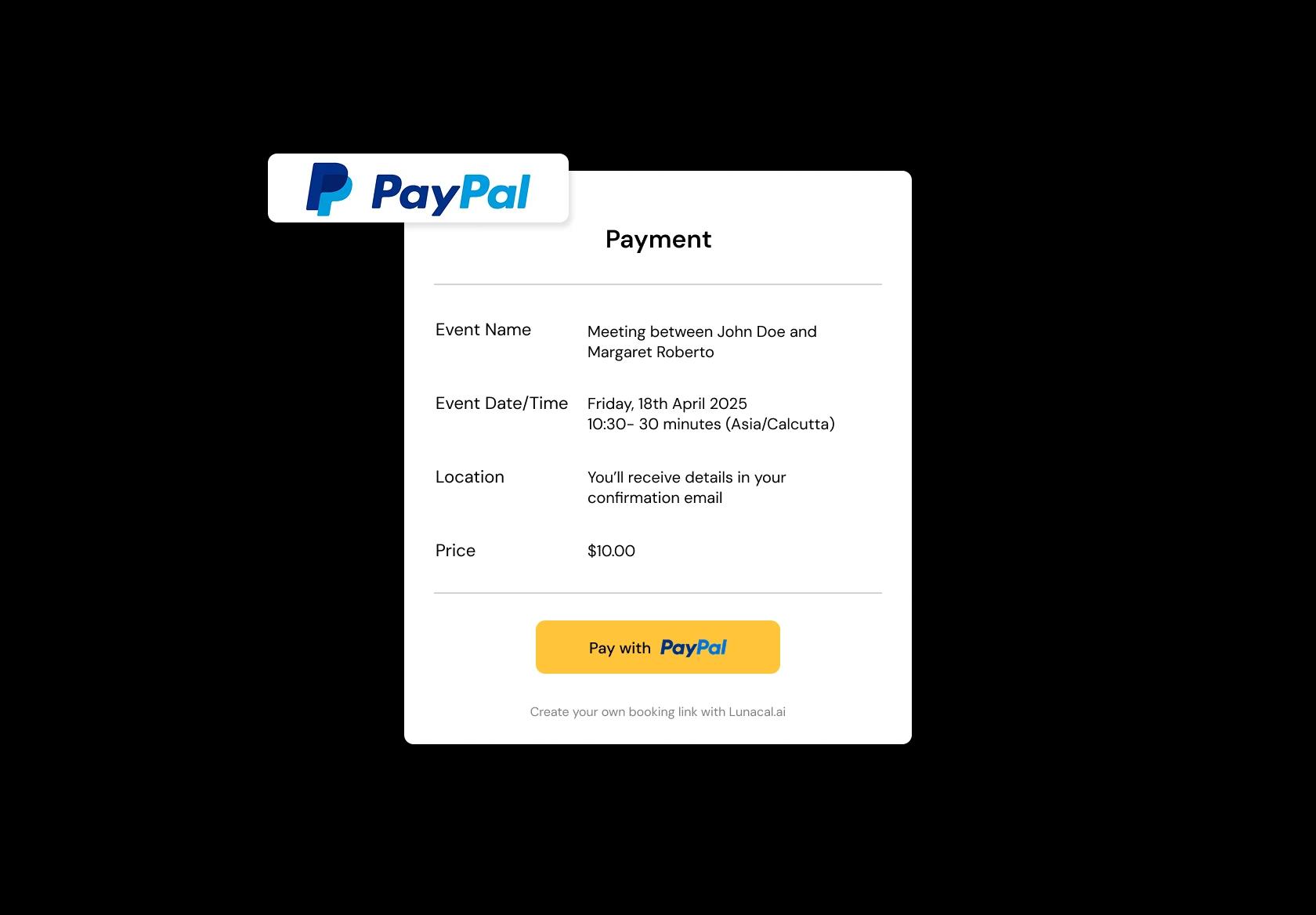
If your market uses paid consults, collect it upfront. A booking flow can charge for a buyer consult, a rental search retainer, or a strategy call, then confirm only after payment. Make terms visible in plain language: what’s refundable, how reschedules work, and whether the fee is credited toward commission where allowed.
Handle showings across neighborhoods, cities, and time zones
Real estate is logistics. Separate availability for “City A showings” vs “City B showings”, and add travel rules so you’re not sprinting across town. For international buyers, show times in their local zone automatically. For teams, keep office meetings, open houses, and property tours on one system so overlaps don’t happen.
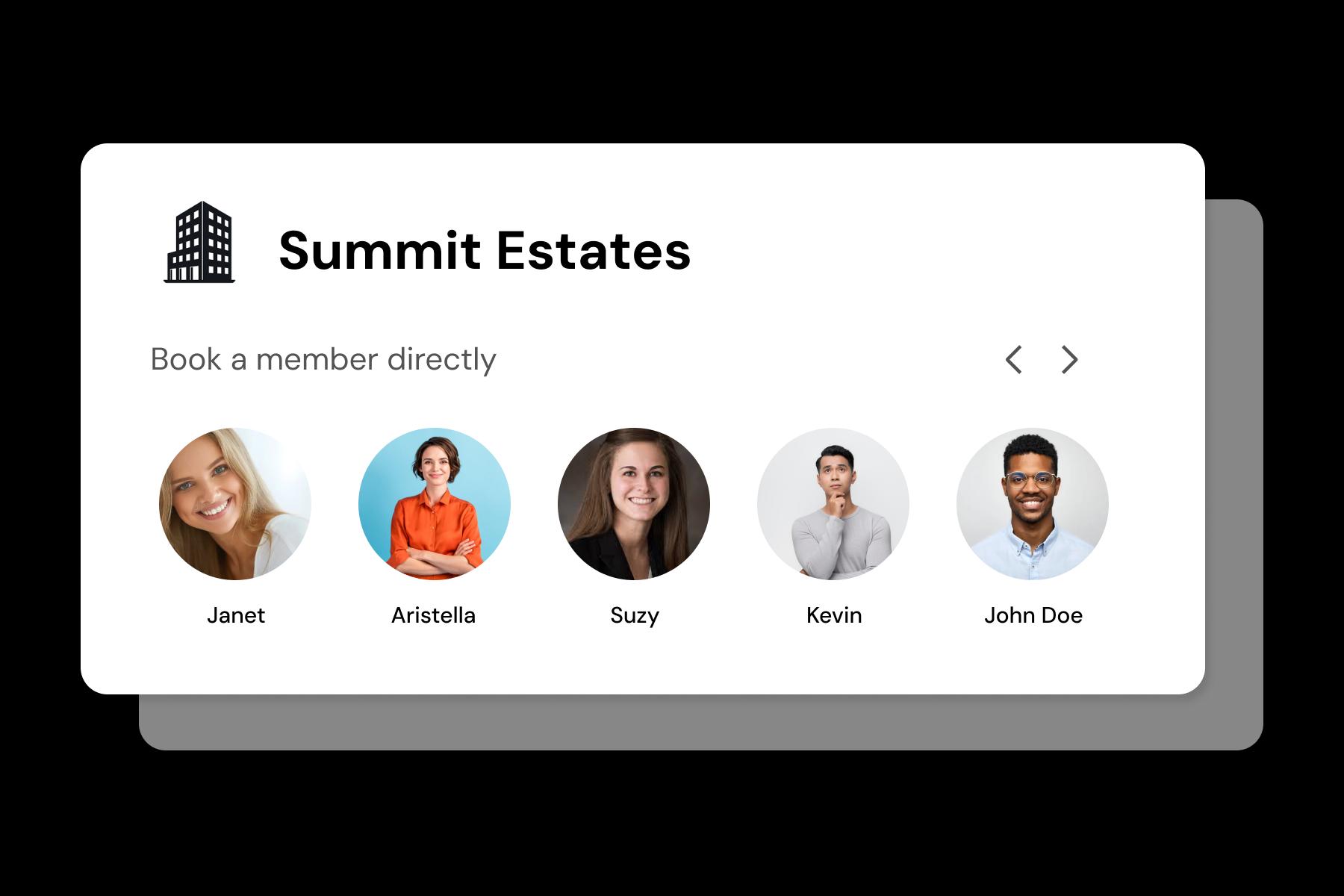
Different booking types for every stage of the deal
A 10-minute call is not a 2-hour tour. Create distinct booking options with clear expectations: - Buyer intro call (15–20 min) - Property tour block (60–120 min) - Listing consultation (45–60 min) - Inspection or appraisal access slot (30–45 min) Each gets its own duration, buffer, and questions.
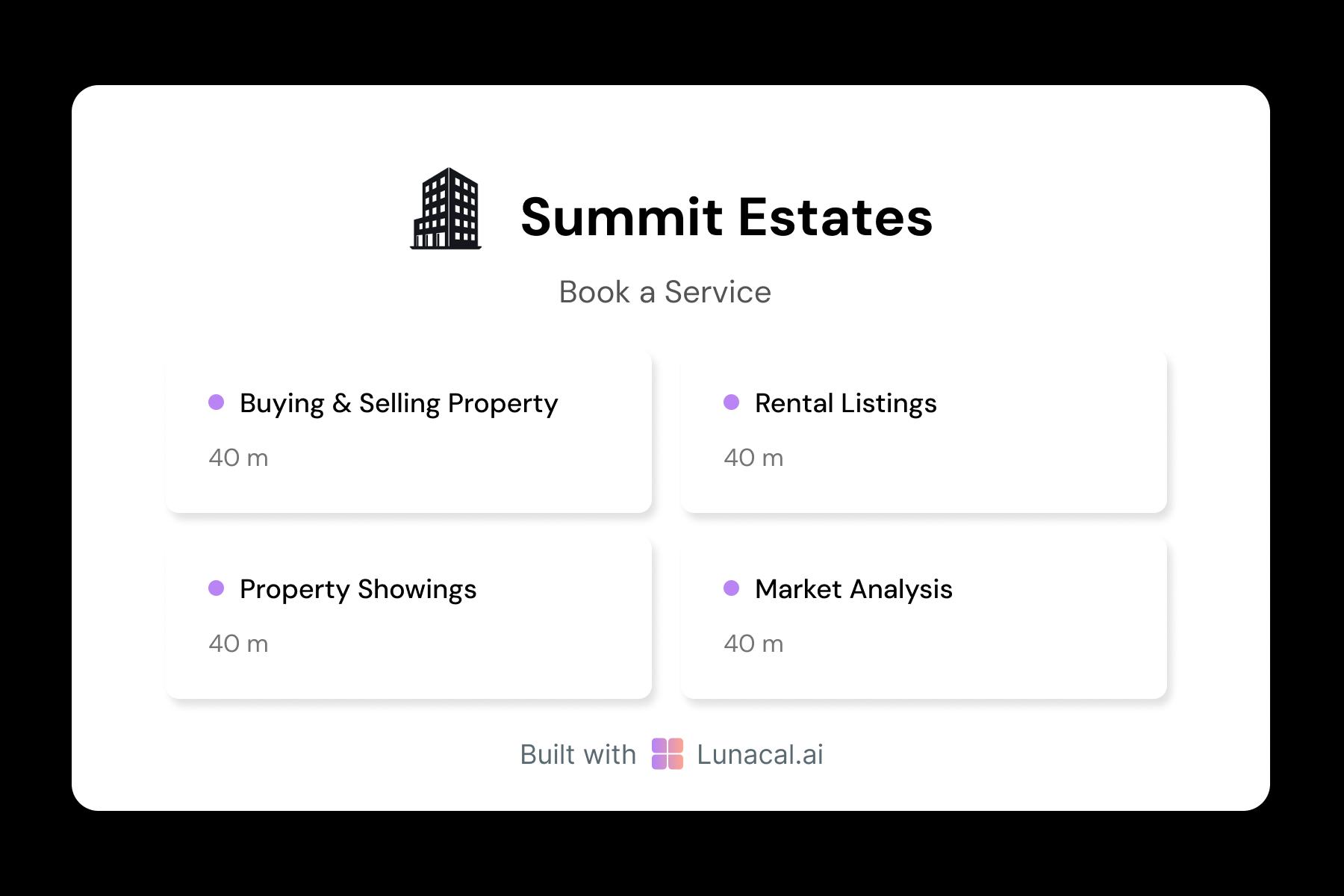
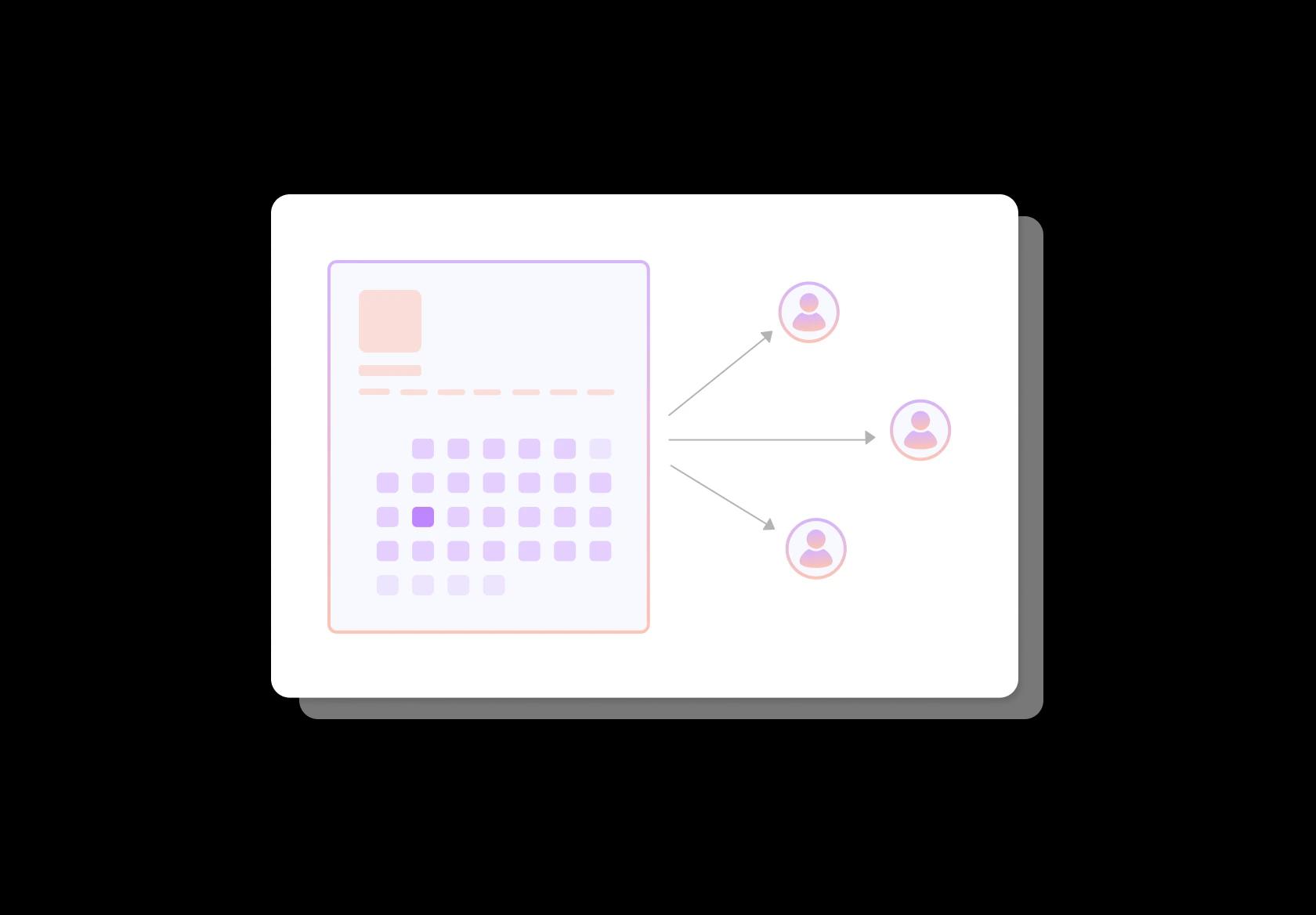
Route new leads fairly, and respond faster
Speed-to-lead matters. Round-robin (or rules-based routing) assigns the next inquiry to an available agent so clients get a fast confirmation instead of waiting for one busy person. Add simple rules like language, area, or property type. In my experience, faster confirmations cut “I already booked with someone else” losses.
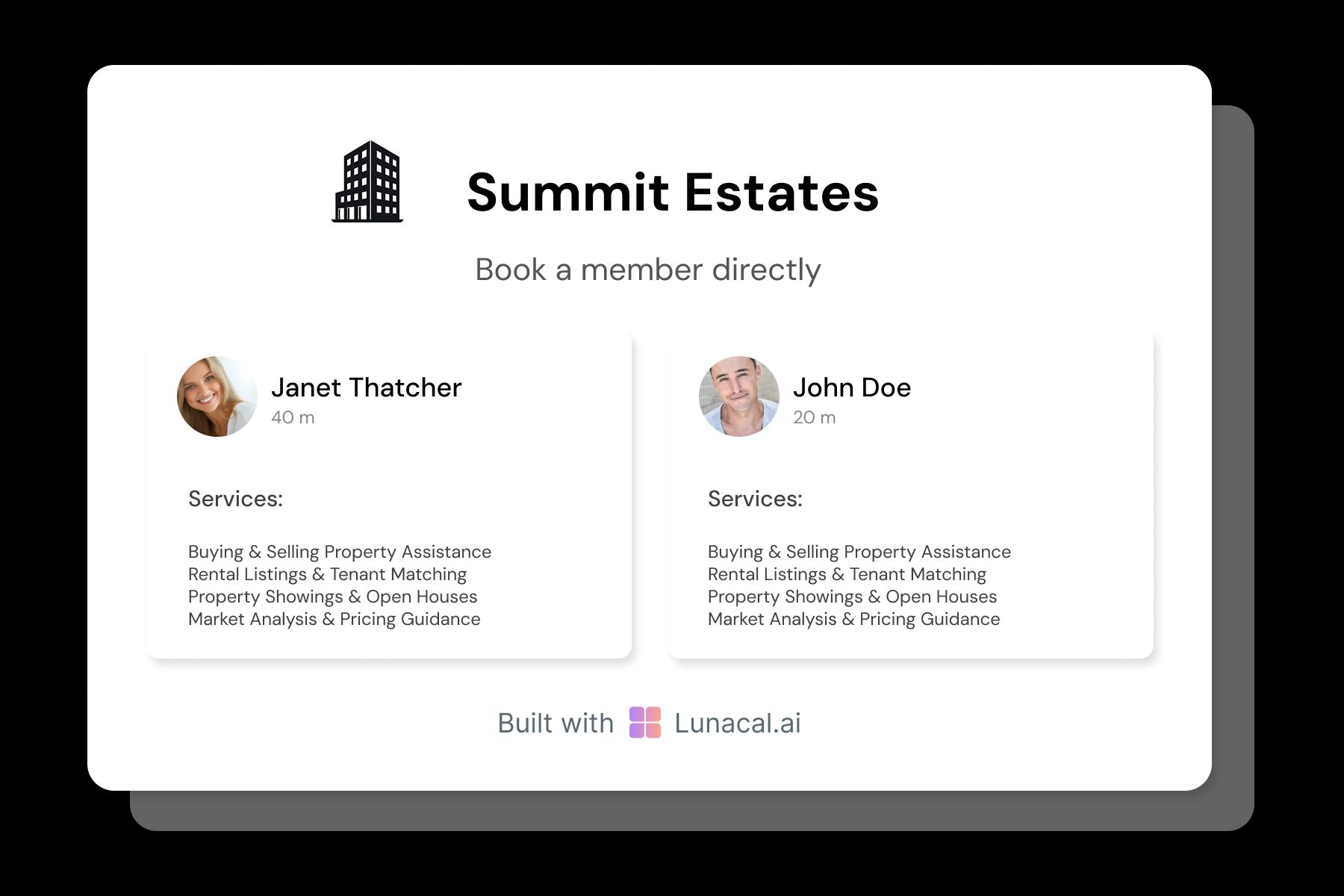
Help clients pick the right agent, not just a time
People choose agents they trust. Show short profiles with specialties (luxury, rentals, commercial, first-time buyers), areas covered, and a real photo. Add “next available today” so urgency-driven buyers can move. Offer two choices: “pick an agent” or “any available”, because some clients care, some just want speed.
Stay flexible around closings, inspections, and surprises
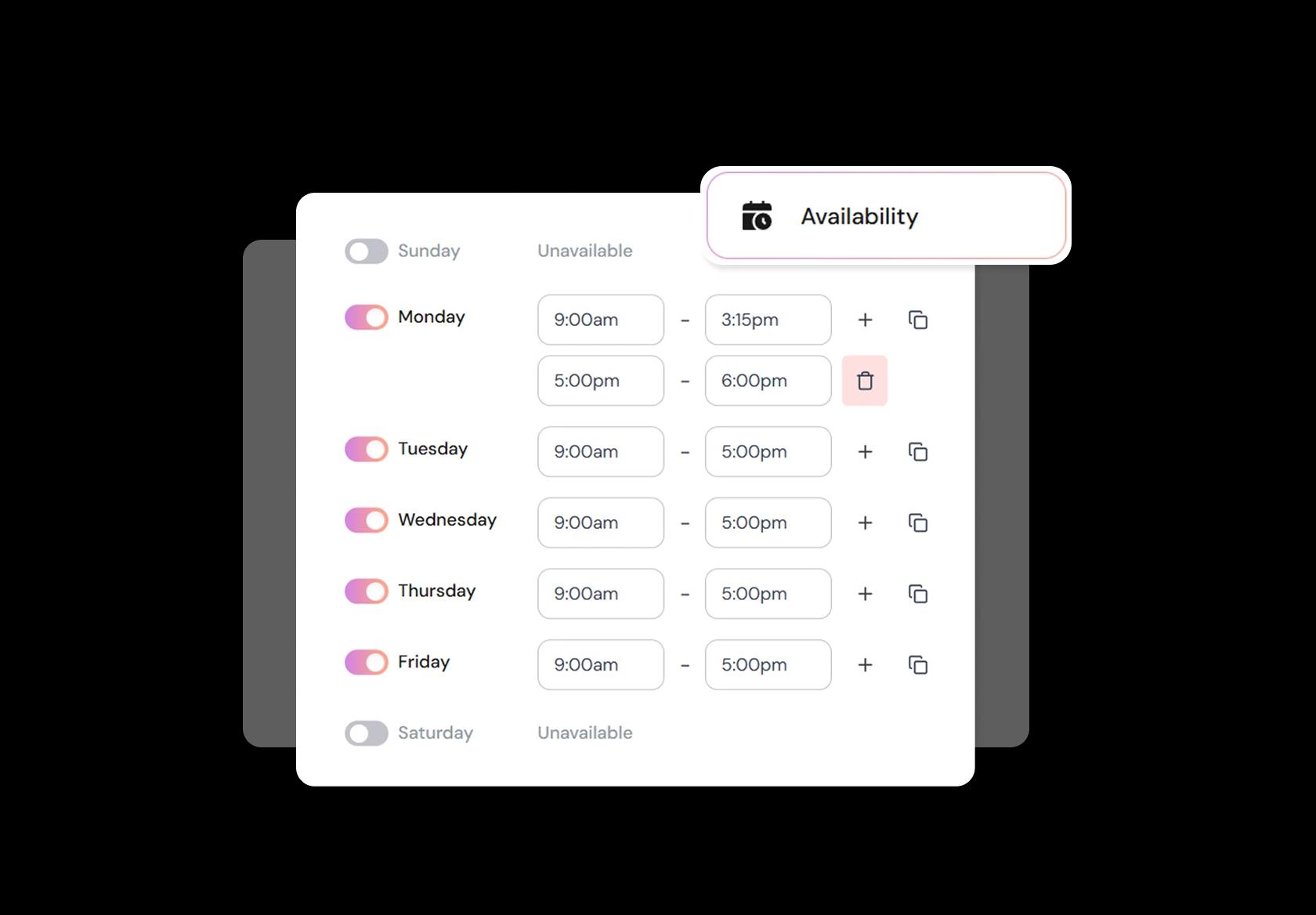
Your calendar needs to adapt to real deal flow. Block time for closings, lender calls, inspections, and last-minute seller requests. Use minimum notice so you don’t get a same-hour booking when you’re already on-site somewhere. Add working-hour rules for weekends and evenings, since many buyers can only view outside 9-to-5.
Put the booking link where intent already exists
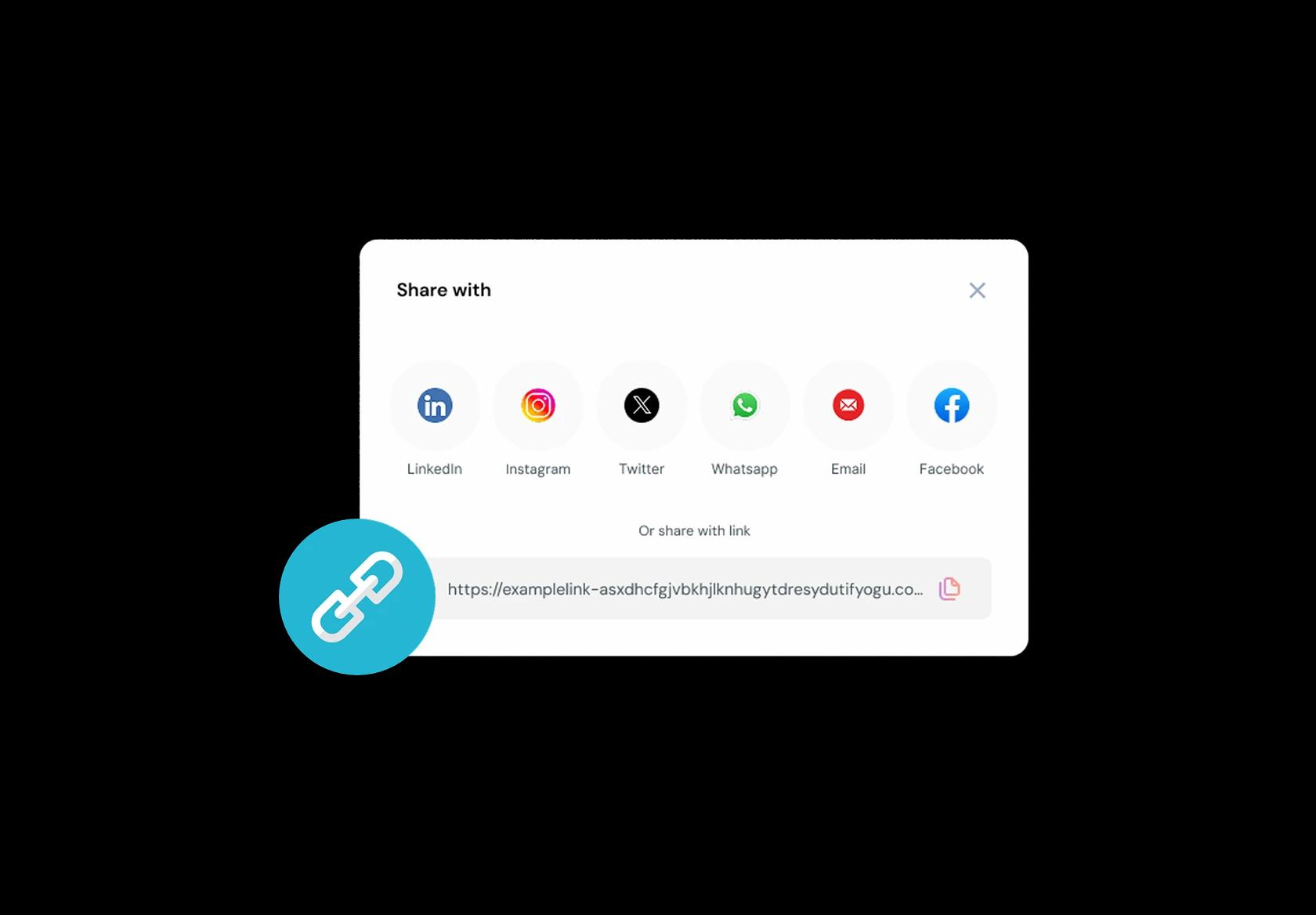
Meet clients where they discover you. Add your realtor booking link to listing pages, email signatures, WhatsApp/iMessage templates, social bios, and QR codes on yard signs or flyers. Use different links for different intents (buyer consult vs showing request) so people land on the right booking type immediately. Convenience turns curiosity into action.
No commission, No license fees.
Just simple, fair pricing
(save upto 20%)
Standard
- Unlimited Calendars & Services
- Connect Online Meeting Tool
- Payments via Stripe, PayPal
- Text / Email Reminders
- Customize your booking page
Teams
- All Standard Features
- Teams Scheduling
- Multi-session Packages
- Round-robin Scheduling
- Webhooks
Enterprise
- AI Voice Agent
- Account Manager
- Complete Branding
- MCP Server (Beta)
- SSO
Real Estate Agent Scheduling Playbook
This playbook helps you set up real estate appointment booking so leads don’t ghost, showings don’t collide, and your calendar stops running your life.
Design your “appointment menu” like a real agent
Most real estate agent scheduling software fails when every meeting is treated the same. Start by separating the appointments that need different prep, travel, and decision-makers.
- Buyer consultation (first call) versus buyer showing (in-person).
- Listing consultation versus seller follow-up (pricing, staging, paperwork).
- Offer strategy call, inspection follow-up, appraisal call, closing coordination.
- Open house slots (time-window blocks), not 1:1 meetings.
Qualify before you give away prime slots
You don’t need a “long form.” You need the few answers that stop mismatched meetings and wasted driving. Put this directly in your real estate appointment booking flow.
- Are you buying, selling, or both? Desired timeline.
- Preferred neighborhoods or commute constraints.
- Budget range or price expectation (optional but useful).
- Financing status: cash, pre-approved, speaking to a lender, not started.
- Who will attend: decision-maker(s) only, or also family/partners.
Use scheduling rules that match fieldwork, not deskwork
Real estate scheduling is not “back-to-back Zoom calls.” Your rules should protect blocks for travel, prep, and follow-ups.
- Set different availability for in-person showings versus virtual calls.
- Keep “deep work” blocks for CMAs, listing decks, and negotiation windows.
- Cap daily showings (yes, cap them) so quality stays high.
- Add minimum notice periods so you’re not sprinting across town in 30 minutes.
Make travel time a first-class citizen
Clients will happily book a showing across the city right after a showing on the other side. Your system shouldn’t allow that.
- Build buffers between in-person appointments for travel and parking.
- Create location-based booking notes: “Meeting point,” “unit access,” “gate code,” “parking instructions.”
- If you serve multiple areas, split availability by region (or dedicate days to zones).
- For global audiences: include timezone-safe confirmations for virtual consults.
Route meetings based on intent and urgency
This is the part that makes you rank above generic blogs: real lead routing is what agents actually need. “One calendar link” is not enough for teams.
- Buyers within 30 days get priority slots; long-horizon buyers get standard slots.
- Seller leads requesting a pricing conversation get routed to listing specialists.
- High-intent leads (pre-approved, specific address, urgent timeline) can skip straight to a tighter calendar.
- New leads can start with a shorter call, then unlock showings after qualification.
Reduce no-shows with confirmation content that feels professional
Real estate no-shows often happen because the client isn’t sure what the meeting is for, where it is, or what to bring. Fix that at booking.
- Auto-send the agenda: “what we’ll cover” in 3–5 lines.
- Include meeting mode clearly: phone, video, office, property address.
- For showings: include ID requirements, access notes, and a “be on time” line.
- Include a reschedule link that works on mobile, because that’s where most clients live.
Build “showing blocks” instead of letting clients pick random times
If you do showings, letting clients freely pick any time creates chaos. A better pattern is controlled windows.
- Create showing windows like “Saturday Showings (2-hour block)” and then confirm the exact property order after.
- Or offer fixed showing start times that align with your route planning (for example, top of the hour only).
- Keep a separate “same-day showing request” option that triggers a quick approval workflow.
Use team scheduling rules that don’t create internal conflict
If you’re a brokerage team, “round-robin” alone can be a mess. Real estate teams need fairness and context.
- Round-robin only for new inbound leads; route repeat clients back to the same agent.
- Make coverage rules explicit: weekends, evenings, vacation coverage, time-off protection.
- Lock certain meeting types to certain roles (listing consults to listing agents, showing assistants to showings).
- Ensure notes collected at booking are visible to the assigned agent instantly.
Track lead source without annoying the client
Real estate agent scheduling software should help you learn which channels actually produce serious clients, without asking invasive questions.
- Add a simple “How did you find me?” field (referral, Instagram, Google, portal, signboard, other).
- Store UTM/source data automatically if the booking link comes from ads or campaigns.
- Tag bookings by appointment type so you can see what converts into transactions.
Copy-paste templates that make your booking flow feel premium
These small lines reduce confusion and protect your time, especially for first-time buyers and sellers.
- Buyer consult intro: “We’ll clarify your timeline, budget range, preferred areas, and next steps so you leave with a plan.”
- Showing expectations: “Please arrive on time. If you’re more than 10 minutes late, we may need to reschedule to respect access windows and other appointments.”
- Reschedule nudge: “If your schedule changes, please use the reschedule link instead of replying to the confirmation message.”
- What to prepare: “If you have a lender pre-approval letter or a target monthly budget, bring it. If not, no stress, we’ll cover options.”
Authored & Reviewed by:
Pranshu Kacholia is the founder of Lunacal.ai, a calendar scheduling and appointment booking system. He works directly with businesses of all sizes to improve booking outcomes - reducing no-shows, cutting back-and-forth, and making scheduling more reliable and efficient. His day-to-day includes reviewing real scheduling setups and edge cases: complex availability and buffers, time zones, routing, cancellation/rescheduling rules, paid meetings and deposits, reminder workflows, and integrations with calendars and meeting tools. He regularly shares appointment scheduling best practices through interviews and community conversations (see this interview and this discussion) and also writes about calendar scheduling (read the article on Medium). He has first-hand experience of using 40+ scheduling tools such as calendly, acuity scheduling, vagaro, fresha, tidycal, square, setmore etc. and understands product nuances deeply.
Lunacal.aiCalendlyAcuity SchedulingSquare AppointmentsSetmoreDoodleBooksyMindbodyFreshaSimplyBook.meHoneyBook


