Booking Software For Photographers
Shoot scheduling with session types, questionnaires, location fields, contract + fee collection, reschedule rules, reminders, & package selection.
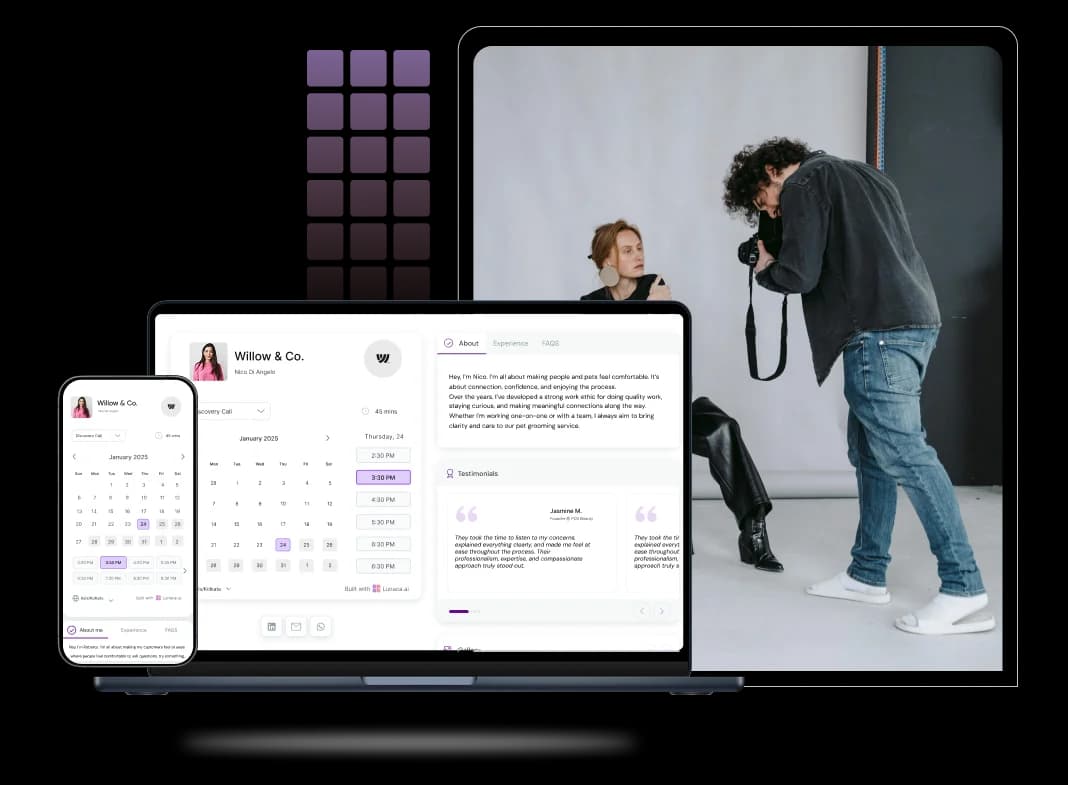
Scheduling features for shoots, consults, and delivery
Clients book shoots without back-and-forth emails
Clients book photography when they feel ready, not when you reply. Photography booking software should show real-time availability, let them pick a slot, and confirm instantly. It also needs practical rules like travel buffers, lead time, and “no same-day bookings” for big shoots.
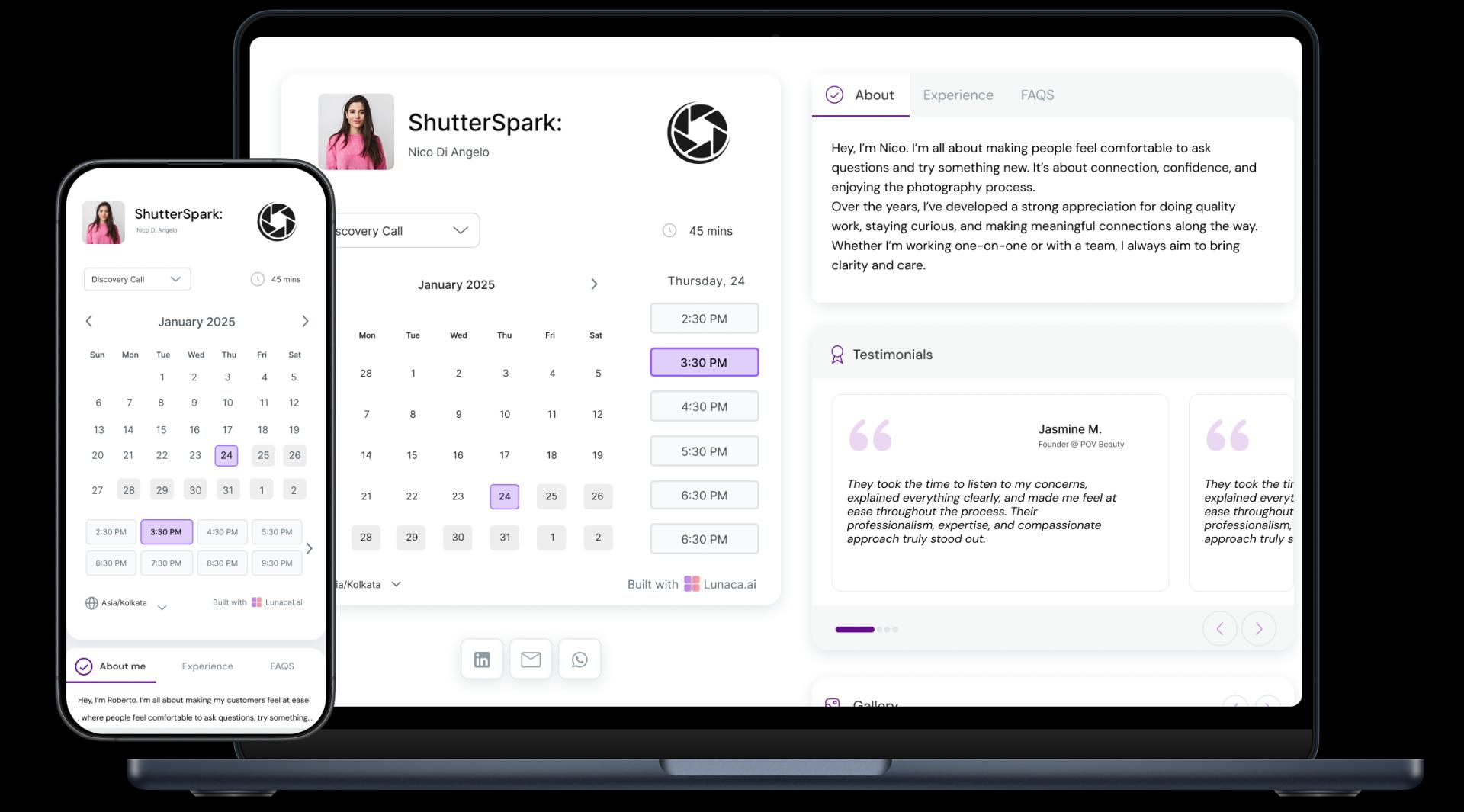
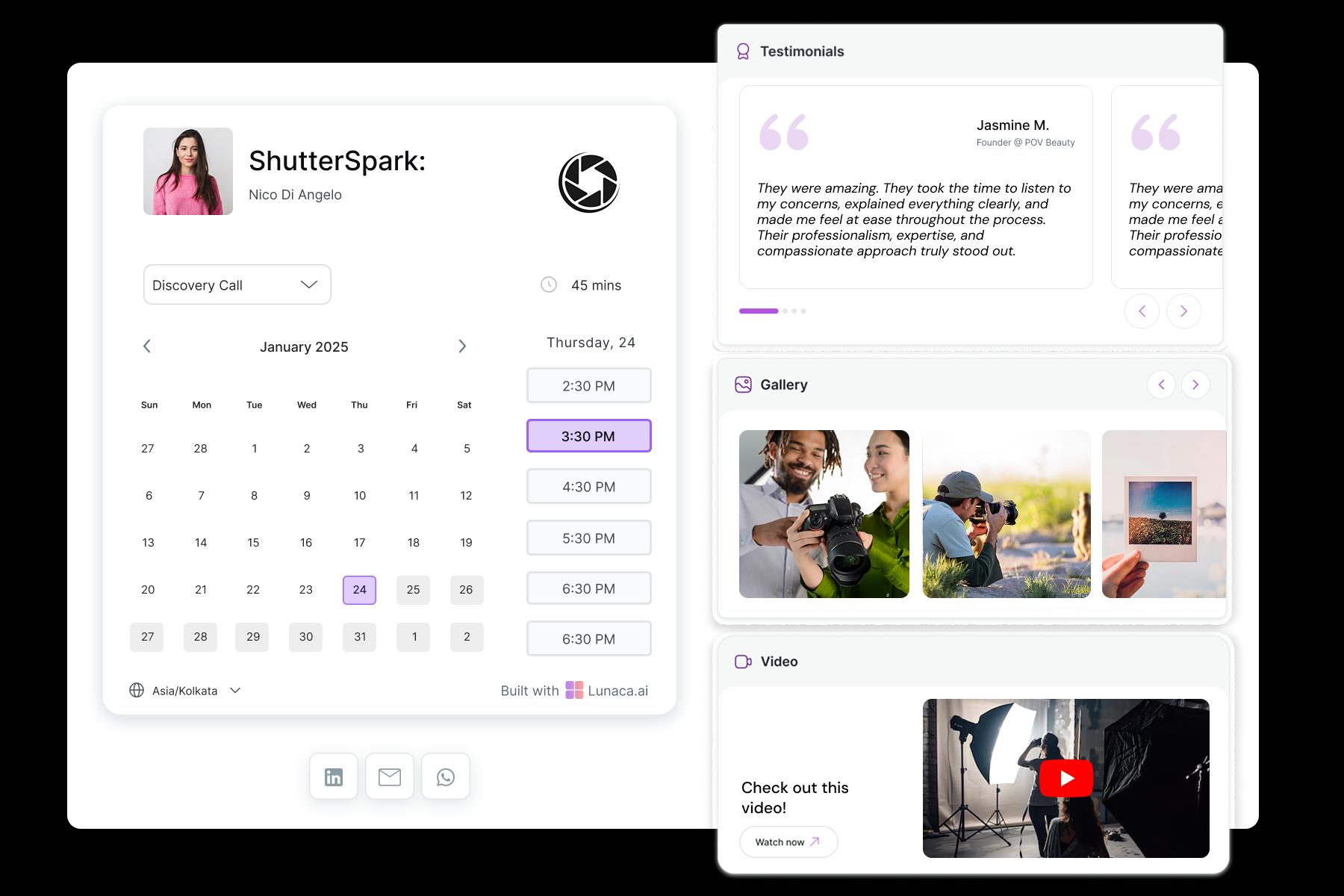
Show your style, packages, and deliverables before they book
A booking link should not look like a blank calendar. Photography scheduling software should let you show your portfolio, session types, starting prices, and what’s included (duration, number of edited photos, turnaround time). When clients know what they’re booking, you get fewer “quick question” DMs.
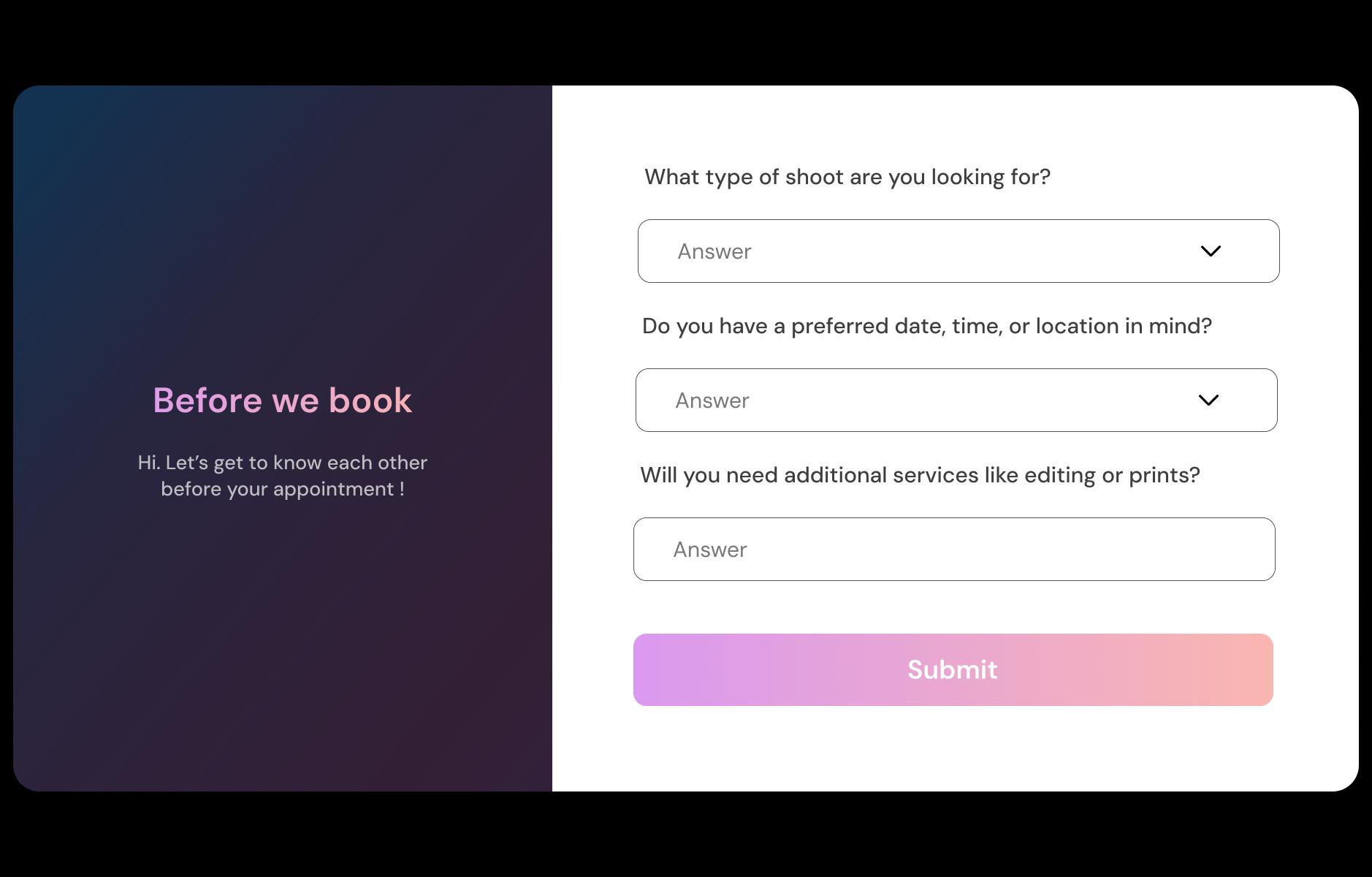
Collect shoot details, shot list, and location upfront
Ask the important stuff before the shoot is confirmed. Shoot type (maternity, headshot, product, wedding), location, indoor/outdoor, preferred vibe, and links to references. Add logistics like parking, access restrictions, and who will be present. This replaces 20 minutes of back-and-forth and helps you show up with the right gear.
Reduce no-shows and make clients show up prepared
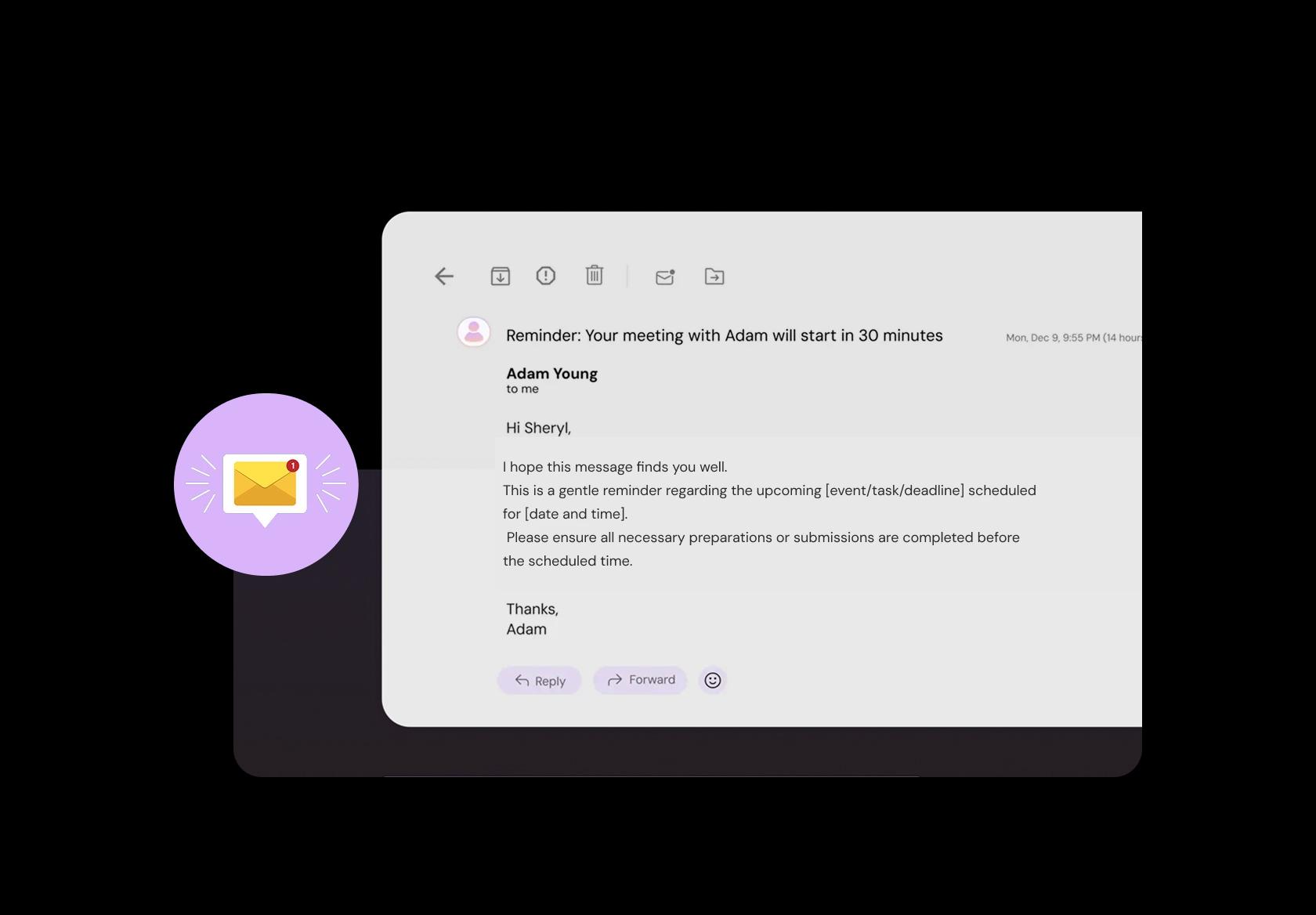
Reminders are not just “see you tomorrow.” Send a day-before note with address, timing, and prep: what to wear, what to bring, and when to arrive. For brand or product shoots, include “bring product variants, props, and brand guidelines.” For family sessions, include “snacks for kids” and “avoid logos.”
Take deposits or full payment to lock the slot
Photography cancellations hurt because you cannot re-sell that time easily. Good photography booking software should collect a deposit or full fee at booking, and show your policy clearly (reschedule window, late fee, refund terms). This turns “soft bookings” into real commitments, especially on weekends.

Manage studio, on-site, and travel sessions cleanly
If you shoot in a studio and on-location, your calendar needs to reflect reality. Let clients choose the location (studio, client site, outdoor spot), and apply different rules per location like travel time buffers, setup time, and service radius. This prevents double-booking and avoids “I thought you travel there” confusion.
Different shoot types with different durations and pricing
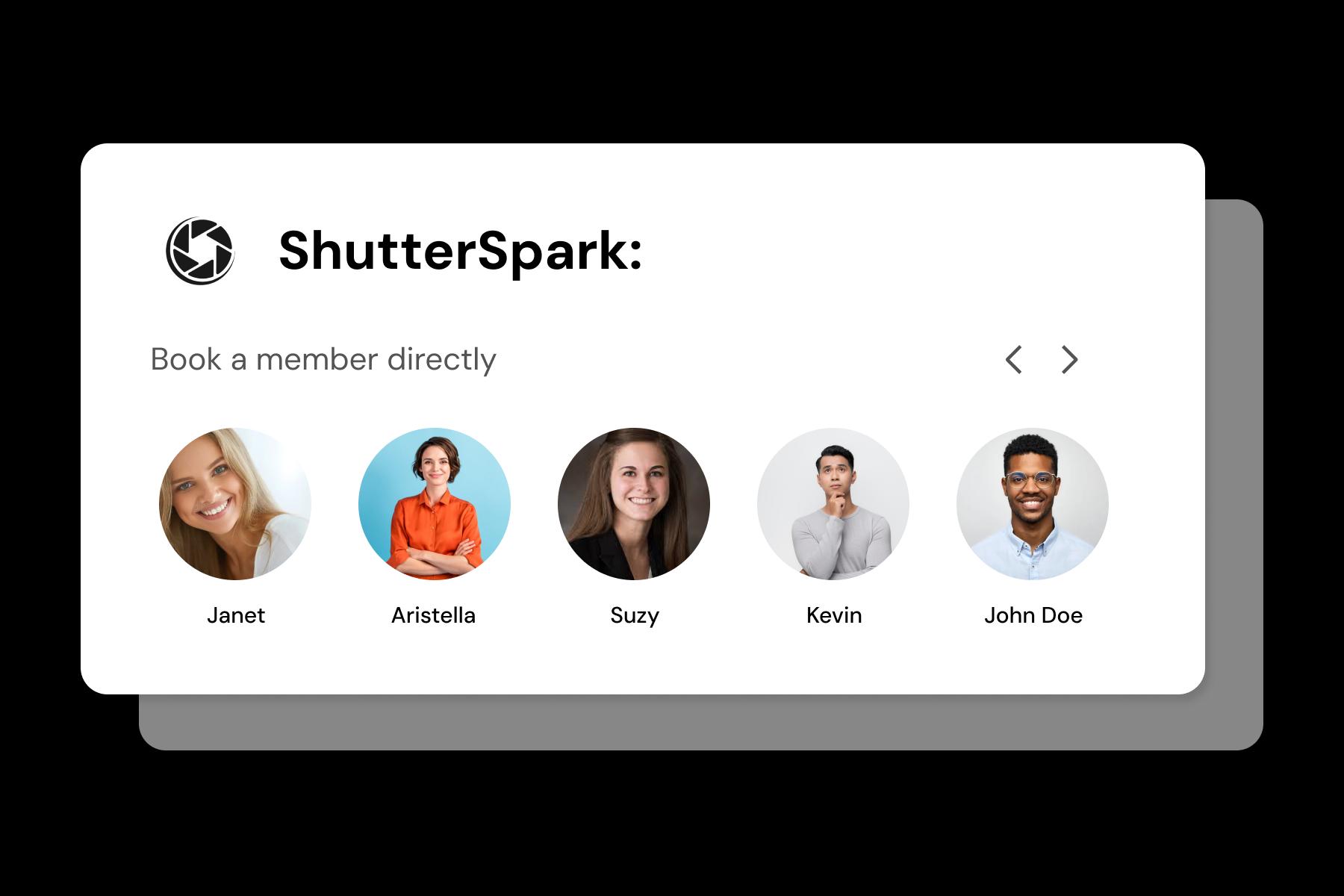
A 15-minute mini session is not a 6-hour wedding, and treating them the same breaks your schedule. Set separate durations, prices, and buffers for each service: mini sessions, headshots, product shoots, events, full-day weddings. Clients see clear options and you stop squeezing big work into small slots.
Distribute new bookings across photographers automatically
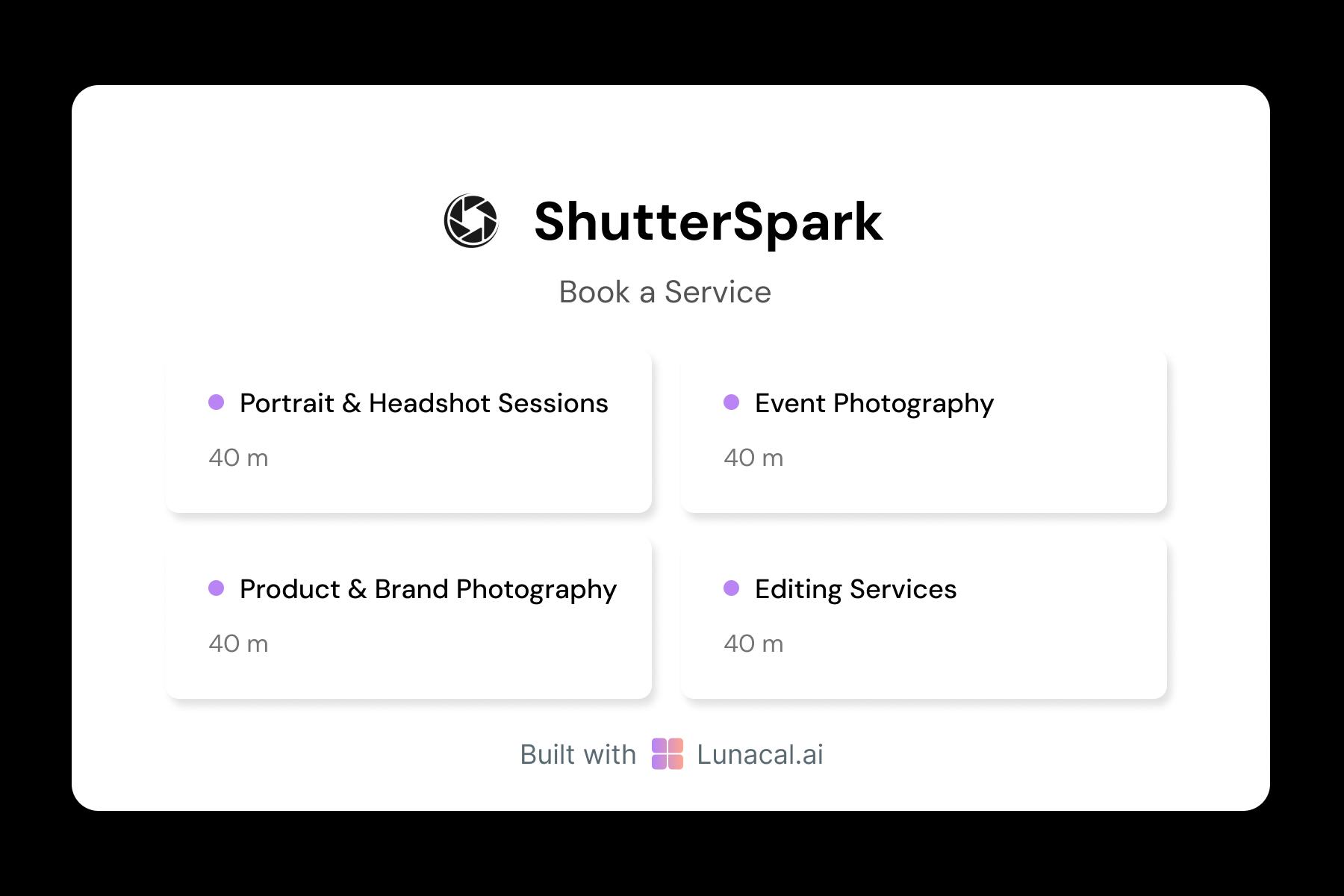
If you run a studio, speed matters. Round-robin booking assigns new sessions to the next available photographer so leads don’t wait for replies. You can also route by specialty, like “newborn” to your baby specialist or “corporate headshots” to someone experienced with posing and quick direction.
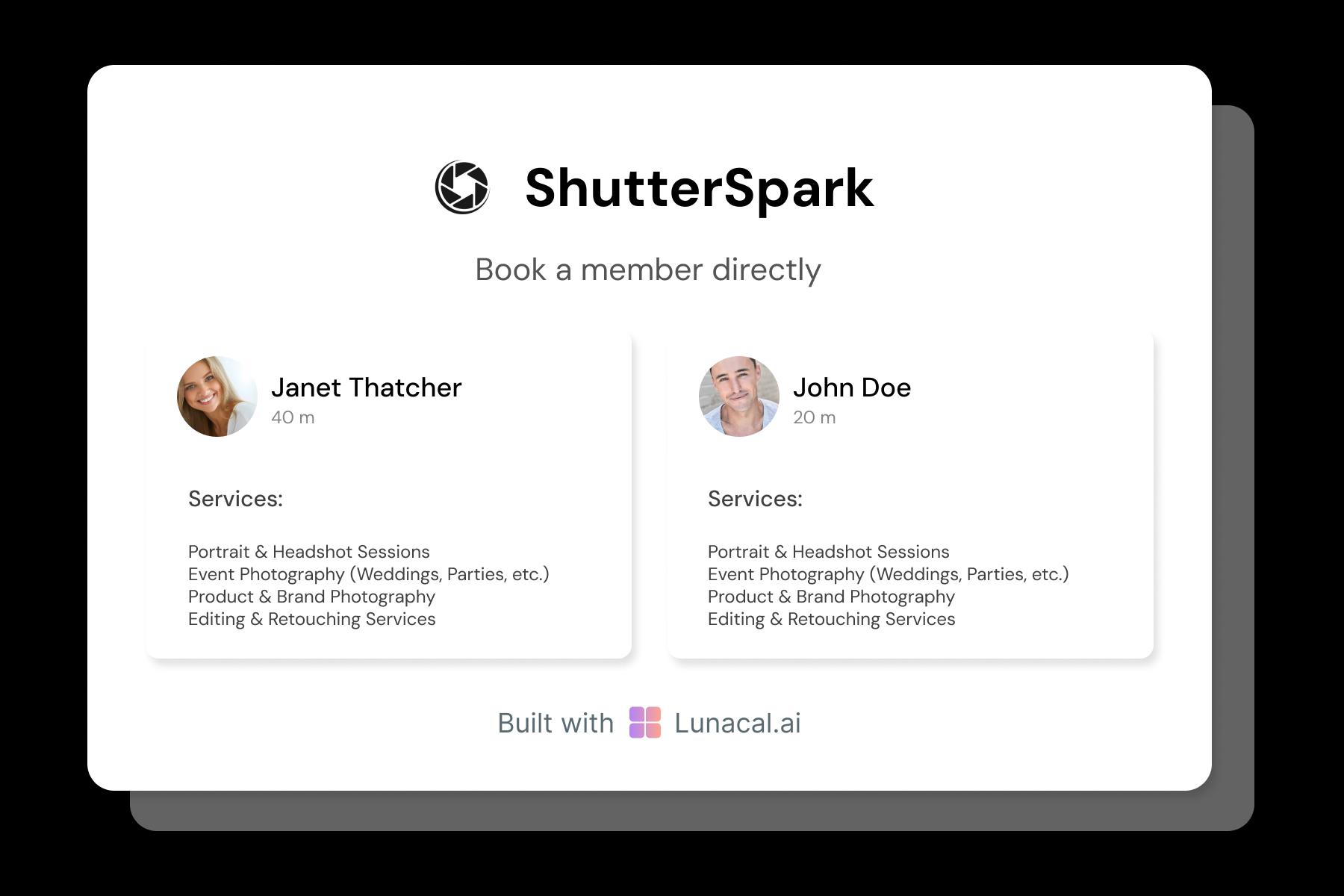
Help clients choose based on style, vibe, and specialty
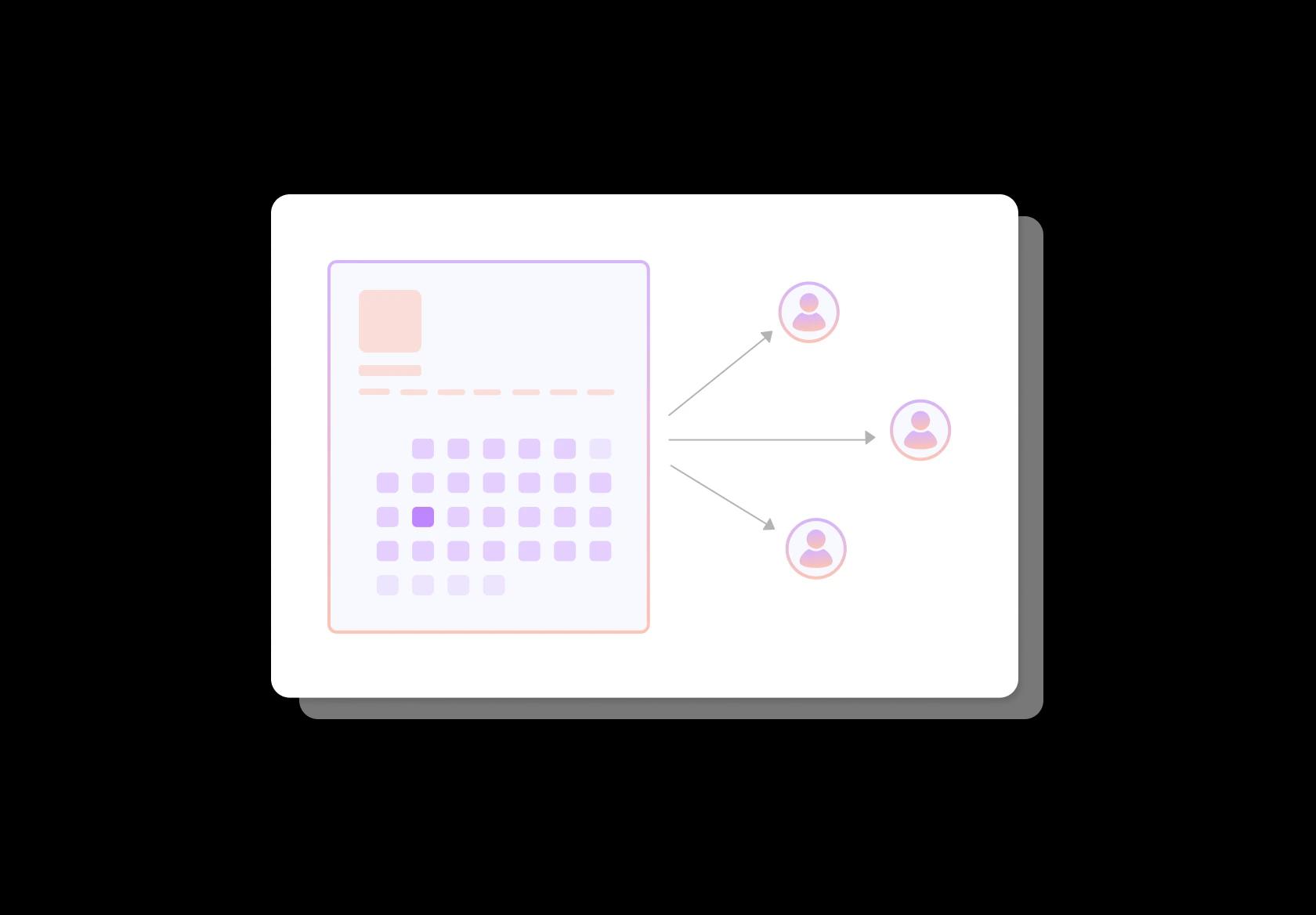
Clients pick photographers like they pick trainers: by trust and fit. Show profiles with a short bio, specialty (weddings, fashion, food, corporate), sample work, and what the session feels like (calm guidance vs high-energy direction). This builds confidence before booking and reduces mismatched expectations.
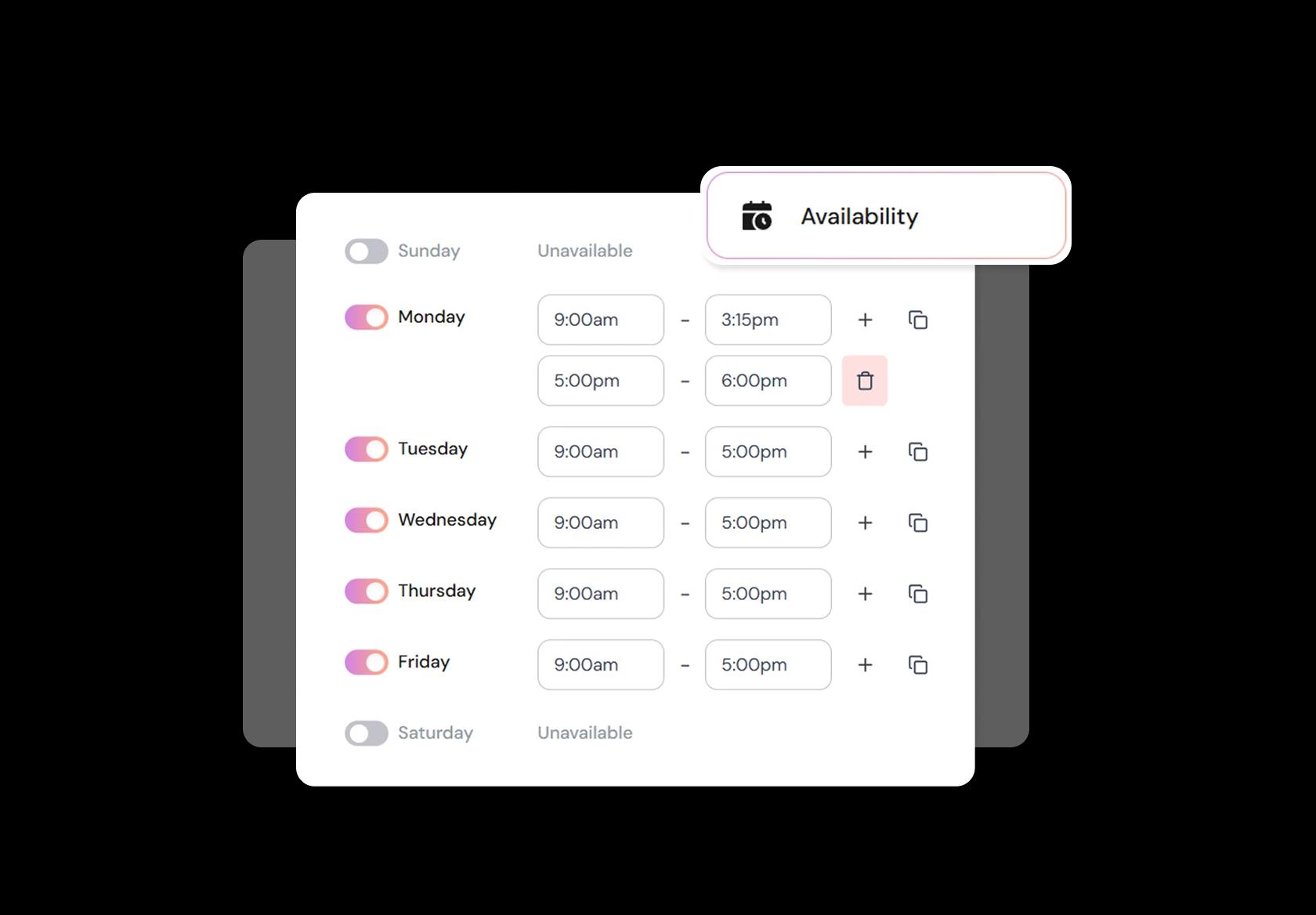
Block time for editing, scouting, travel, and life
Your workday is not just the shoot. Block time for editing, culling, client calls, scouting, and travel. Photography scheduling software should let you change availability fast without rebuilding your calendar every week. This matters during peak seasons when weekends are shoots and weekdays are post-production.
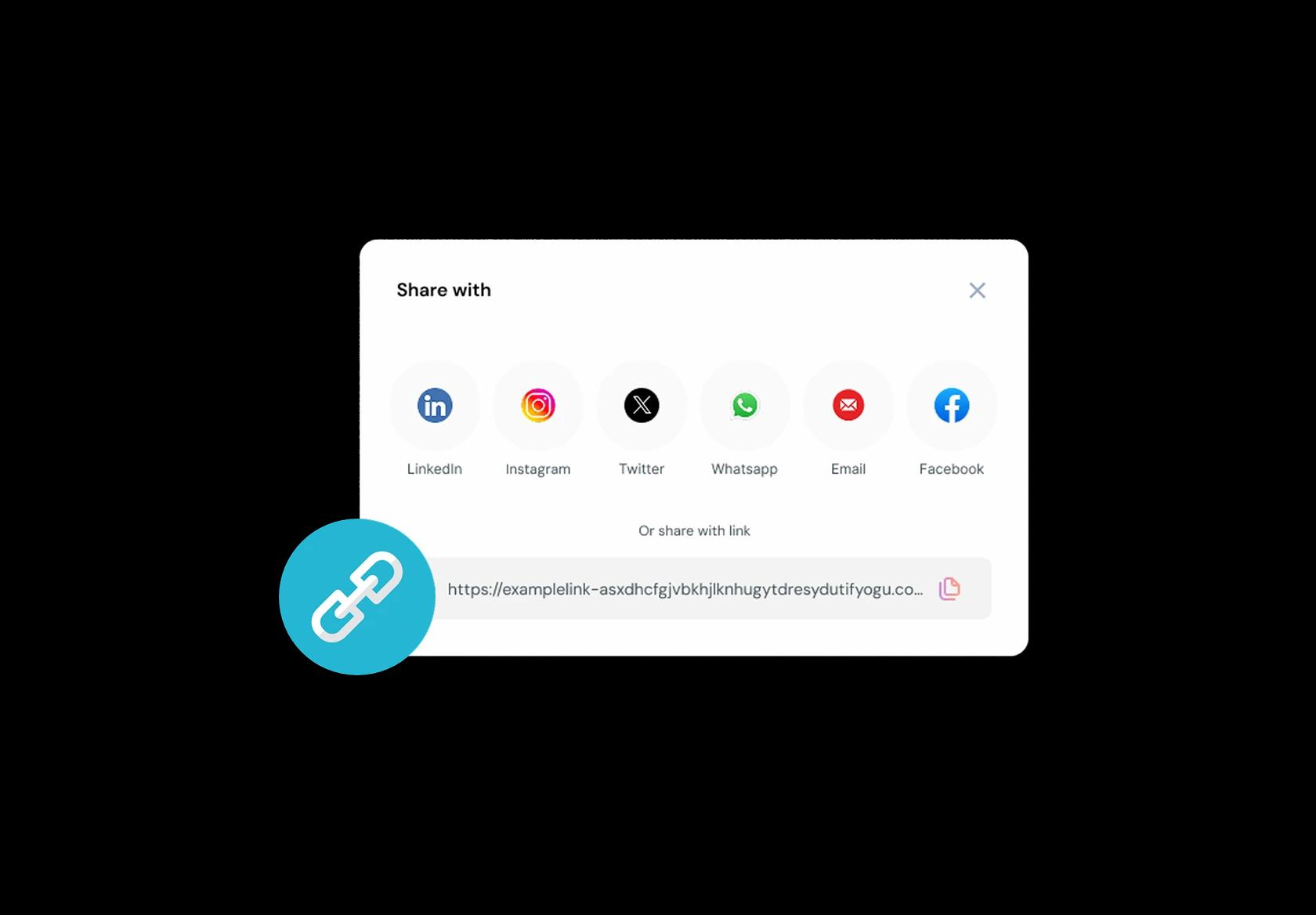
One link for website, Instagram, Google, and client referrals
Clients find photographers everywhere: Instagram, Google Business Profile, wedding blogs, venue partners, referrals. Your booking link should work in all of them, on mobile, and lead to the same clear booking flow. One link, consistent experience, fewer lost leads, and fewer “are you free?” messages.
No commission, No license fees.
Just simple, fair pricing
(save upto 20%)
Standard
- Unlimited Calendars & Services
- Connect Online Meeting Tool
- Payments via Stripe, PayPal
- Text / Email Reminders
- Customize your booking page
Teams
- All Standard Features
- Teams Scheduling
- Multi-session Packages
- Round-robin Scheduling
- Webhooks
Enterprise
- AI Voice Agent
- Account Manager
- Complete Branding
- MCP Server (Beta)
- SSO
Related scheduling apps



Photography Booking Software Playbook
Design the booking flow for how photographers actually sell
Photography booking software works when it turns “Are you free?” into a paid, confirmed shoot with the right details collected upfront.
- Assume clients are comparing you with 3 other photographers while filling your form.
- Optimize for speed: clear packages, clear next steps, minimal back and forth.
- Make it work for global clients: time zones, location formats, currencies, and phone numbers should not break the flow.
Build services clients can pick without emailing you
If your services are confusing, your calendar will be full of wrong bookings and “can we change this?” messages.
- Create services by outcome, not by internal jargon: “Wedding full day”, “Engagement shoot”, “Family portraits”, “Studio headshots”.
- Add “starting from” pricing only if you also show what decides the final price (hours, deliverables, travel, number of looks).
- Separate “session time” from “deliverables” so clients do not assume more hours automatically means more edited photos.
- Offer a “quick discovery call” service for high ticket shoots instead of forcing clients to guess the right package.
Use availability rules that protect travel, editing, and your sanity
Photography scheduling software should prevent you from booking shoots that look fine on a calendar but are impossible in real life.
- Add buffers for travel and setup, not just breaks.
- Block editing days the same way you block personal time. Editing is work, not “free time”.
- Set different rules by shoot type: weddings and events need bigger buffers than studio headshots.
- Use location based limits: “Only accept bookings within X km/miles on weekdays” if you travel often.
Collect the shoot details that change everything
Great photography appointment booking collects the details that decide gear, time needed, and pricing before the client can book.
- Occasion: wedding, maternity, newborn, brand shoot, corporate headshots, event.
- Location: exact address, indoor or outdoor, venue name if relevant.
- Date flexibility: exact date, or “any day in this range”.
- Coverage needs: hours required, number of people, number of outfits or looks.
- Style preference: candid, editorial, documentary, studio clean, film look, specific references.
- Deliverables: edited photos count range, highlight reel request, album interest, turnaround expectations.
Turn interest into commitment with deposits and simple payment steps
The biggest difference between a “lead” and a “booking” is usually a deposit that is easy to understand and easy to pay.
- Use deposits for high demand slots and high effort shoots (weekends, golden hour, weddings).
- Keep policies short: deposit amount, when it is refundable, what happens if they reschedule.
- Let clients pay in their preferred way where possible, especially if you serve international clients.
- If you offer installments, show it clearly before checkout so it feels planned, not negotiated.
Make contracts and consent feel normal, not scary
Photography booking pages rank and convert better when they look professional and reduce uncertainty.
- Include a simple agreement step: cancellation, reschedule, usage rights, delivery timeline.
- Add a model release option when relevant, but do not force it for every shoot type.
- For client privacy, clearly state how you handle private galleries and who gets access.
- Use plain language. Legal sounding text reduces trust for many clients.
Confirmations and reminders that reduce ghosting
People forget. Your booking system should prevent “I didn’t see the time zone” and “I forgot” problems.
- Send an instant confirmation with date, time, time zone, location, and what to bring or prepare.
- Send a reminder 24 hours before with parking notes or meeting point instructions.
- Send a reminder a few hours before with a “running late” option and your contact method.
- If the shoot is remote (consults, review calls), include a single click meeting link and backup instructions.
Handle reschedules without turning your week into customer support
Rescheduling is normal in photography. The goal is to make it painless while protecting your calendar.
- Allow rescheduling with rules: minimum notice period and number of allowed changes.
- For weather dependent shoots, offer a “weather backup window” process inside the booking flow.
- Make your policy consistent globally: time zones and holidays vary, your rules should stay clear.
Build a post booking workflow that makes clients feel taken care of
The best photographer booking software does not stop at “Booked”. It continues into a smooth client experience.
- Send a short prep guide: outfit tips, timing tips, what happens if it rains, what to expect.
- Collect references after booking, not before, to keep the booking step fast.
- Share the delivery timeline and how proofs and selections work.
- For weddings and events, request a point of contact and timeline highlights early.
Track the only metrics that actually improve bookings
If you want to rank and win, measure what clients do, not what you hope they do.
- Booking conversion rate: visits to bookings completed.
- Drop off step: where people stop (package selection, form, payment).
- No show and late cancellation rate by shoot type.
- Lead time: how far in advance people book, so you set availability smartly.
- Revenue per slot: which services deserve your best hours.
Copy paste snippets for your booking page
These reduce confusion and make your booking page feel trustworthy.
- Time zone clarity: “All times are shown in your time zone. If you are traveling, please double check before confirming.”
- Weather backup: “For outdoor shoots, we will reschedule once without a fee if weather makes the shoot impractical.”
- Delivery timeline: “You will receive your edited gallery within X days. Rush delivery is available as an add on.”
- Reschedule rule: “You can reschedule up to once with at least 24 hours notice. Late changes may require a fee.”
Authored & Reviewed by:
Pranshu Kacholia is the founder of Lunacal.ai, a calendar scheduling and appointment booking system. He works directly with businesses of all sizes to improve booking outcomes - reducing no-shows, cutting back-and-forth, and making scheduling more reliable and efficient. His day-to-day includes reviewing real scheduling setups and edge cases: complex availability and buffers, time zones, routing, cancellation/rescheduling rules, paid meetings and deposits, reminder workflows, and integrations with calendars and meeting tools. He regularly shares appointment scheduling best practices through interviews and community conversations (see this interview and this discussion) and also writes about calendar scheduling (read the article on Medium). He has first-hand experience of using 40+ scheduling tools such as calendly, acuity scheduling, vagaro, fresha, tidycal, square, setmore etc. and understands product nuances deeply.
Lunacal.aiCalendlyAcuity SchedulingSquare AppointmentsSetmoreDoodleBooksyMindbodyFreshaSimplyBook.meHoneyBook


