Lawn Care Scheduling Software
Route-friendly scheduling with recurring jobs, service areas, crew assignment, weather reschedules, travel buffers, payments, & reminders.

Booking features for recurring routes and seasons
Let homeowners book lawn service in 30 seconds
Most people book lawn care the moment they notice the grass is out of control, usually after work or on a weekend. A lawn care booking software link lets them pick a service, choose a slot, and lock it in without calls or back-and-forth. You get a confirmed job with the right details before the crew rolls out.
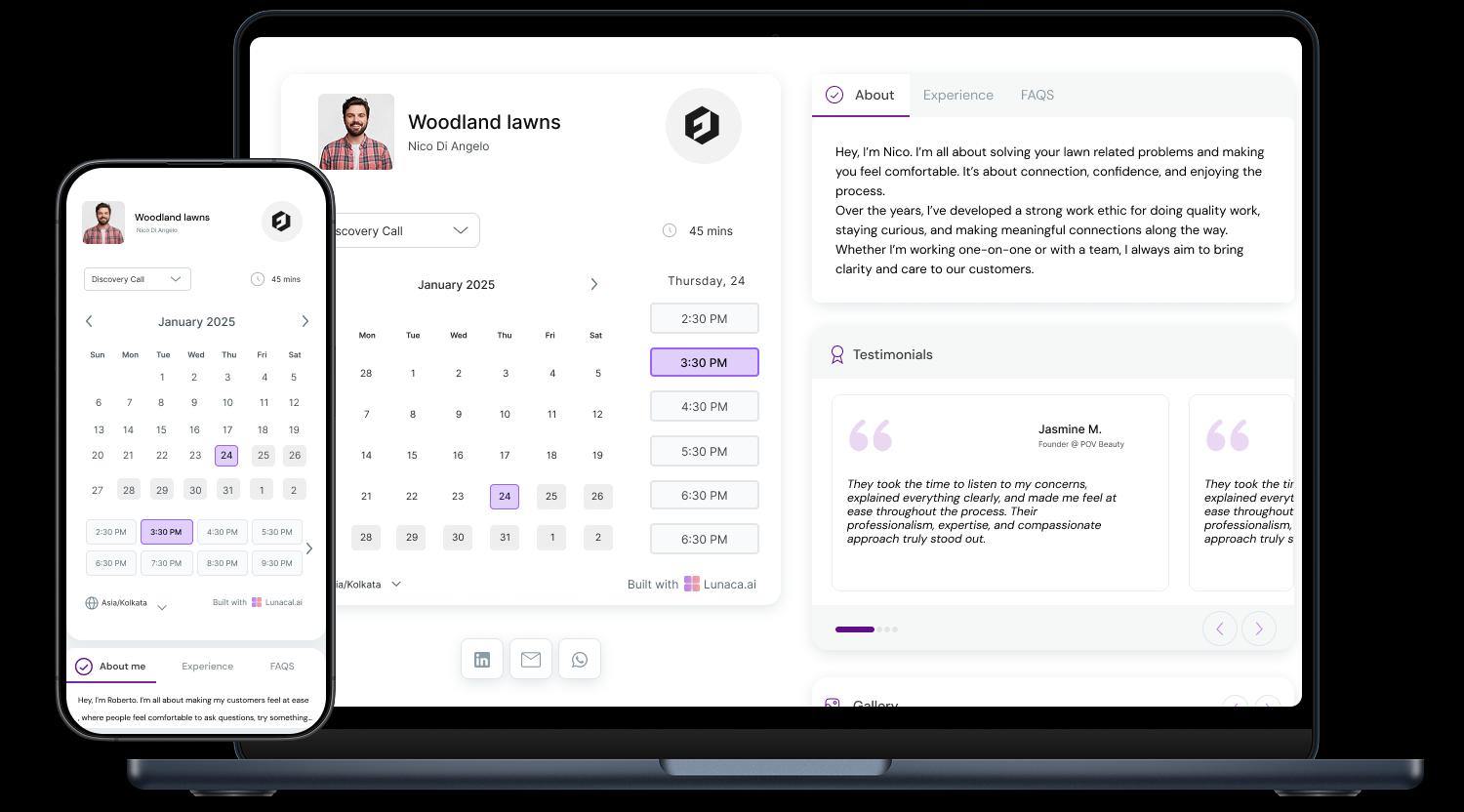
Explain your work clearly, before they pick a service
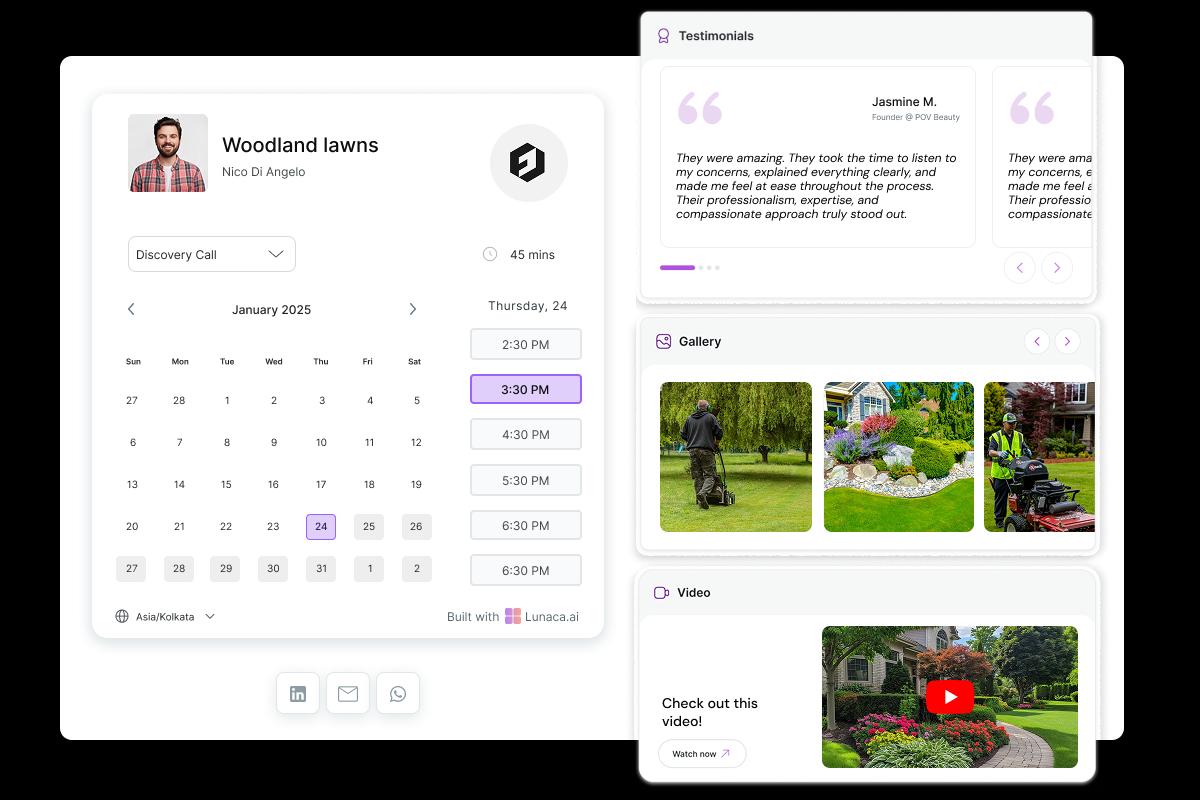
Homeowners don’t know the difference between “mowing” and a full “cleanup.” Use the booking page to show what you actually do: edging, trimming, mulching, weeding, seasonal cleanup, fertilizing, or eco-friendly care. Good lawn care scheduling software turns your page into a simple service menu with photos, coverage area, and what’s included so customers book the right thing.
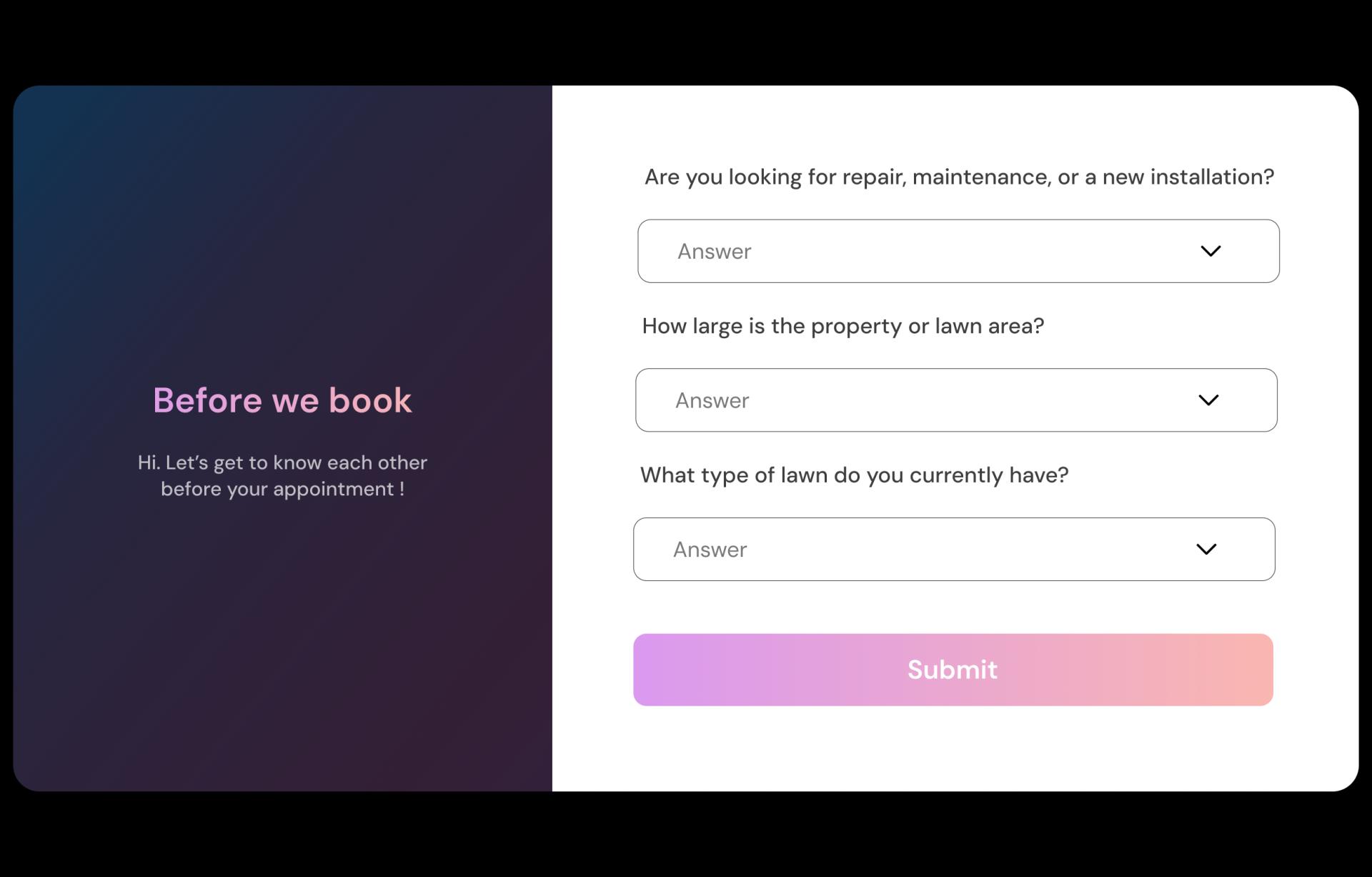
Collect yard access and job details upfront
The fastest way to waste a day is arriving without the right info. Ask for yard size, address, gate access, pets, parking, slope, overgrowth level, and whether they want mowing, trimming, aeration, cleanup, or a one-time rescue job. With lawn mowing scheduling software, those answers stay attached to the booking so crews don’t have to call from the driveway.
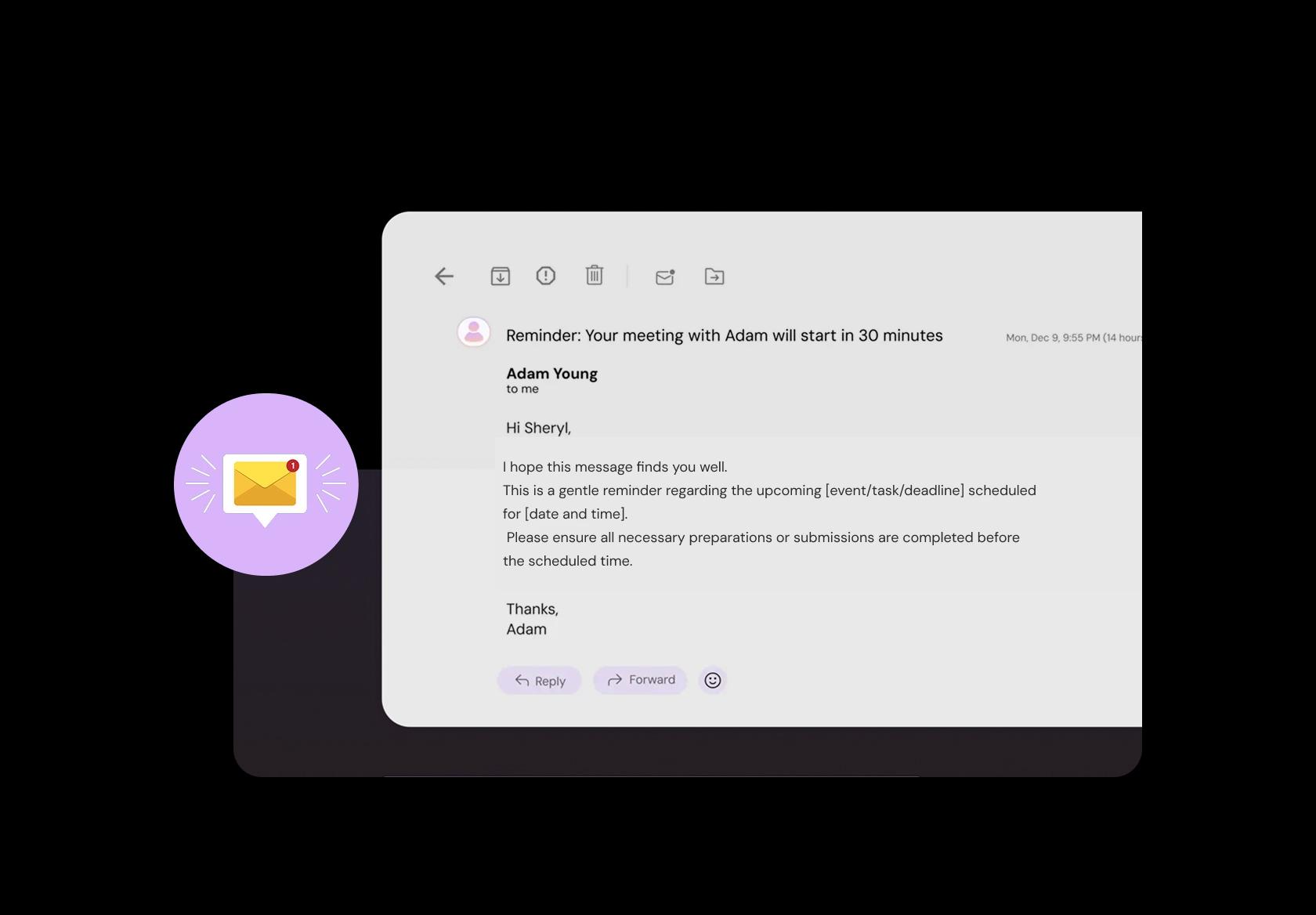
Avoid “no access” jobs with a simple prep message
Lawn jobs fail for boring reasons: locked gates, cars blocking entry, sprinklers running, or dogs outside. Send a reminder that says exactly what they should do: unlock the gate, move the car, keep pets indoors, mark fragile plants, and confirm any HOA rules. This reduces wasted drive time and helps you finish more jobs per day.
Take deposits or full payment at booking
Whether it’s a one-time mow or a monthly plan, collecting money should not require awkward chasing. Let clients pay during booking (deposit or full amount) and send an automatic receipt. For higher-effort jobs like cleanups or overgrown yards, deposits filter out “maybe” bookings and protect your schedule.

Schedule across service areas without creating bad routes
If you serve multiple neighborhoods or zip codes, the schedule can look “full” and still be inefficient. Set service areas and availability rules so you don’t book two opposite ends of town back-to-back. Solid lawn care scheduling software helps keep routes realistic, reduces windshield time, and makes it easier to add urgent jobs without breaking the day.
Sell by scope, not just minutes
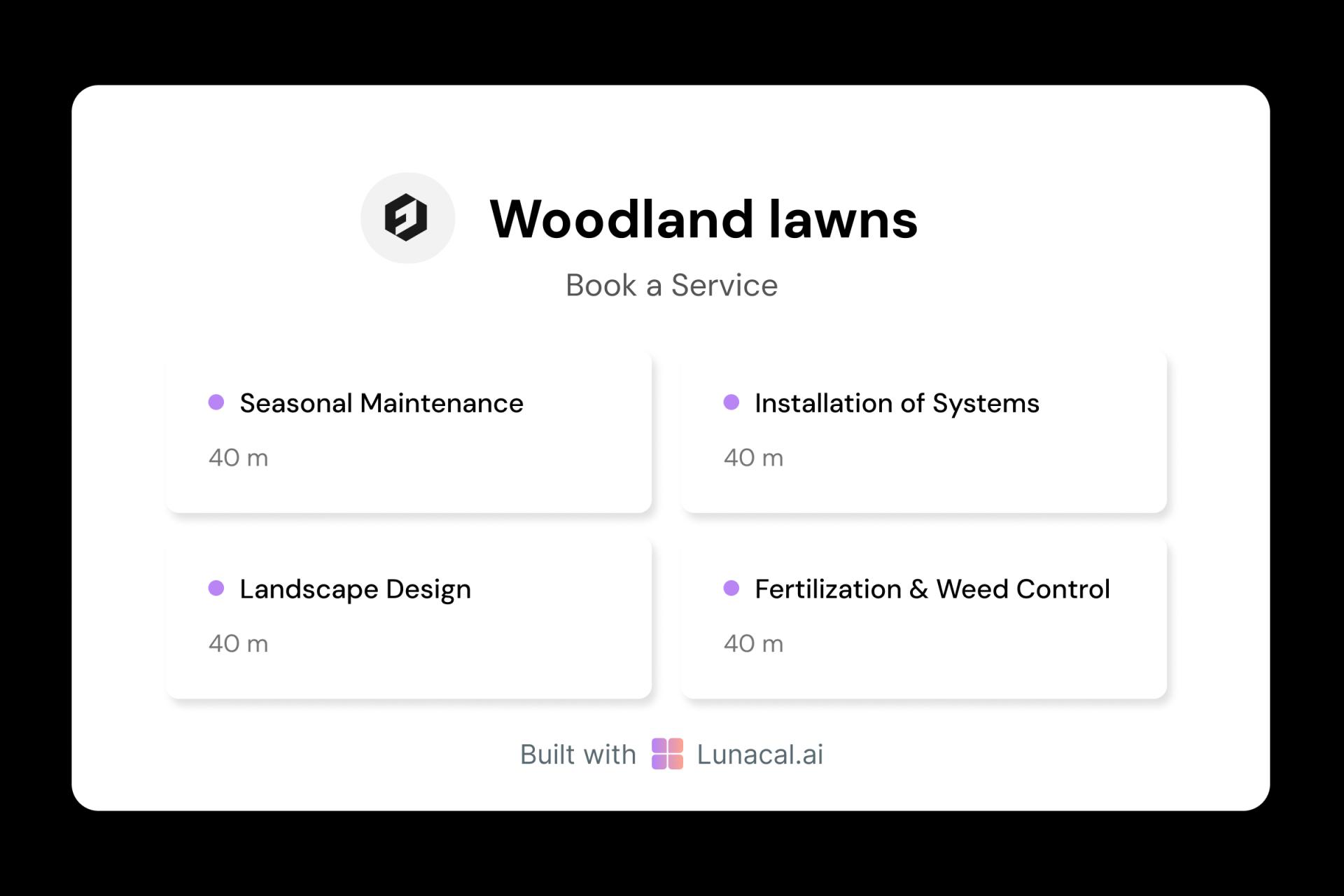
Lawn care is not a generic 60-minute appointment. A basic mow is predictable. Leaf cleanup, fertilizing, aeration, hedge trimming, or sod installation can’t be treated the same way. Offer clear services with different rules, pricing, and lead times so customers choose correctly and your crew shows up prepared.
Distribute jobs across crews automatically
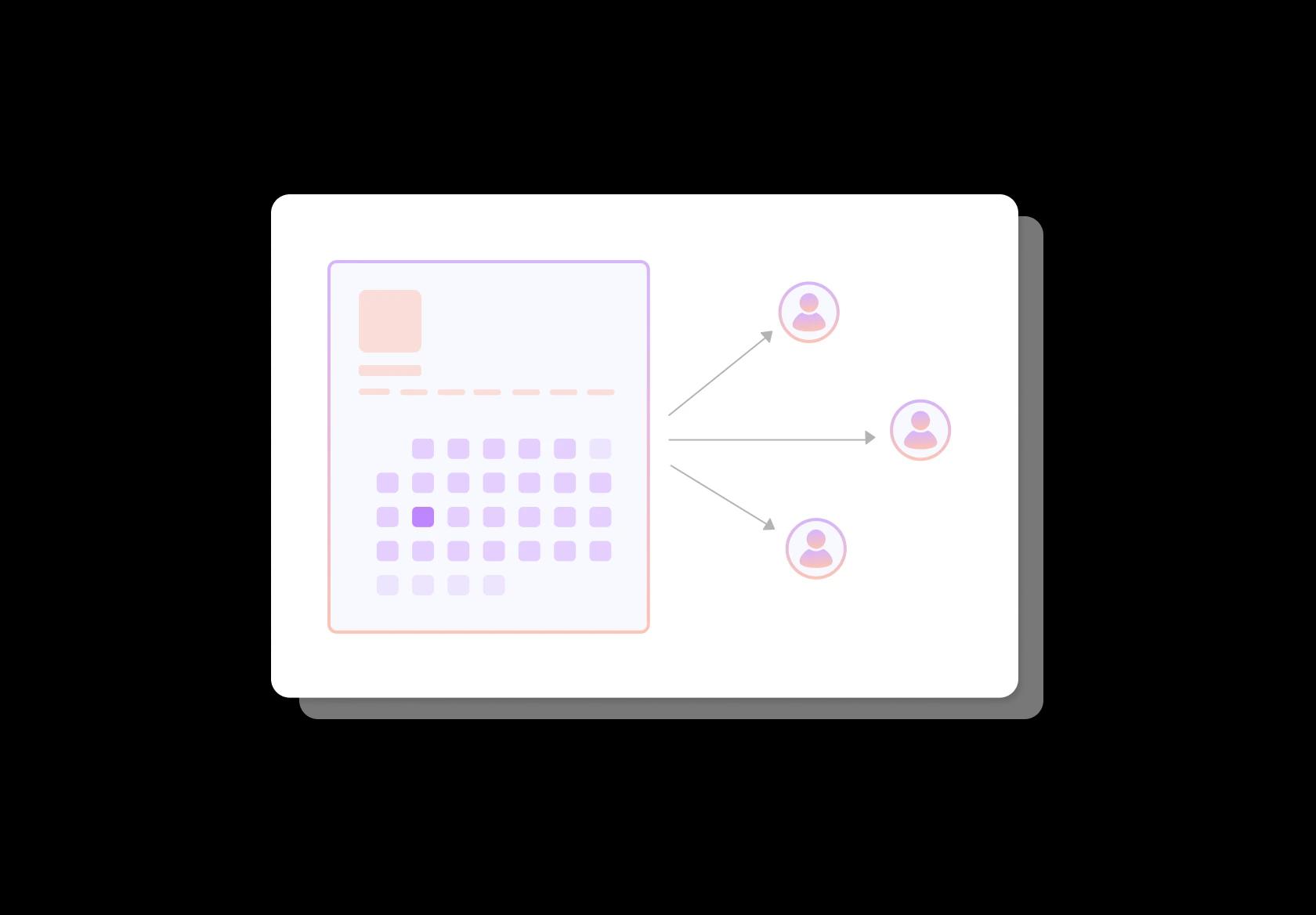
When you have multiple crews or trucks, the goal is simple: keep everyone working without overloading one team. Round-robin assignment routes new bookings to the next available crew based on capacity. That means faster slots for homeowners and fewer scheduling fires for you during peak season.
Build trust for first-time customers
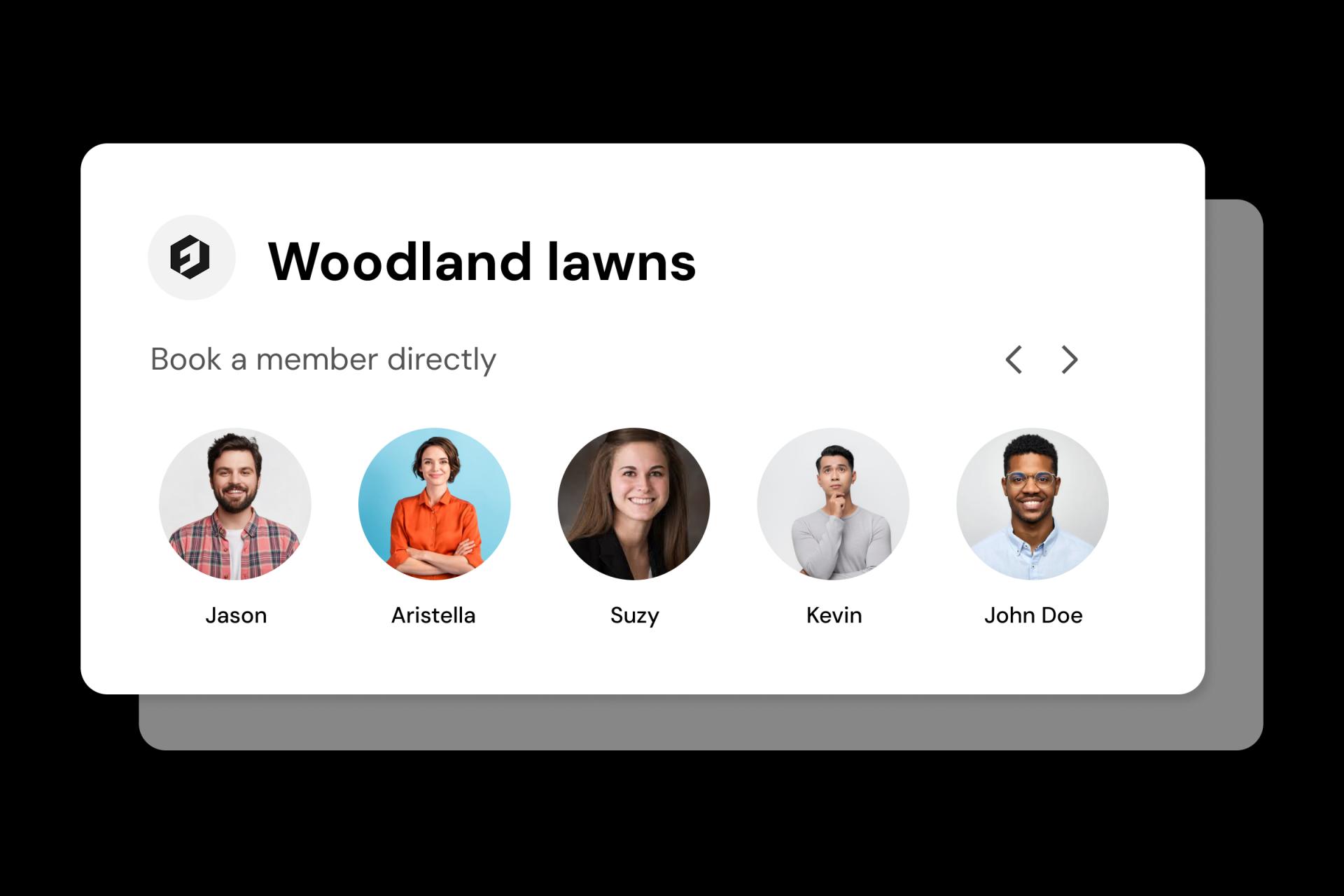
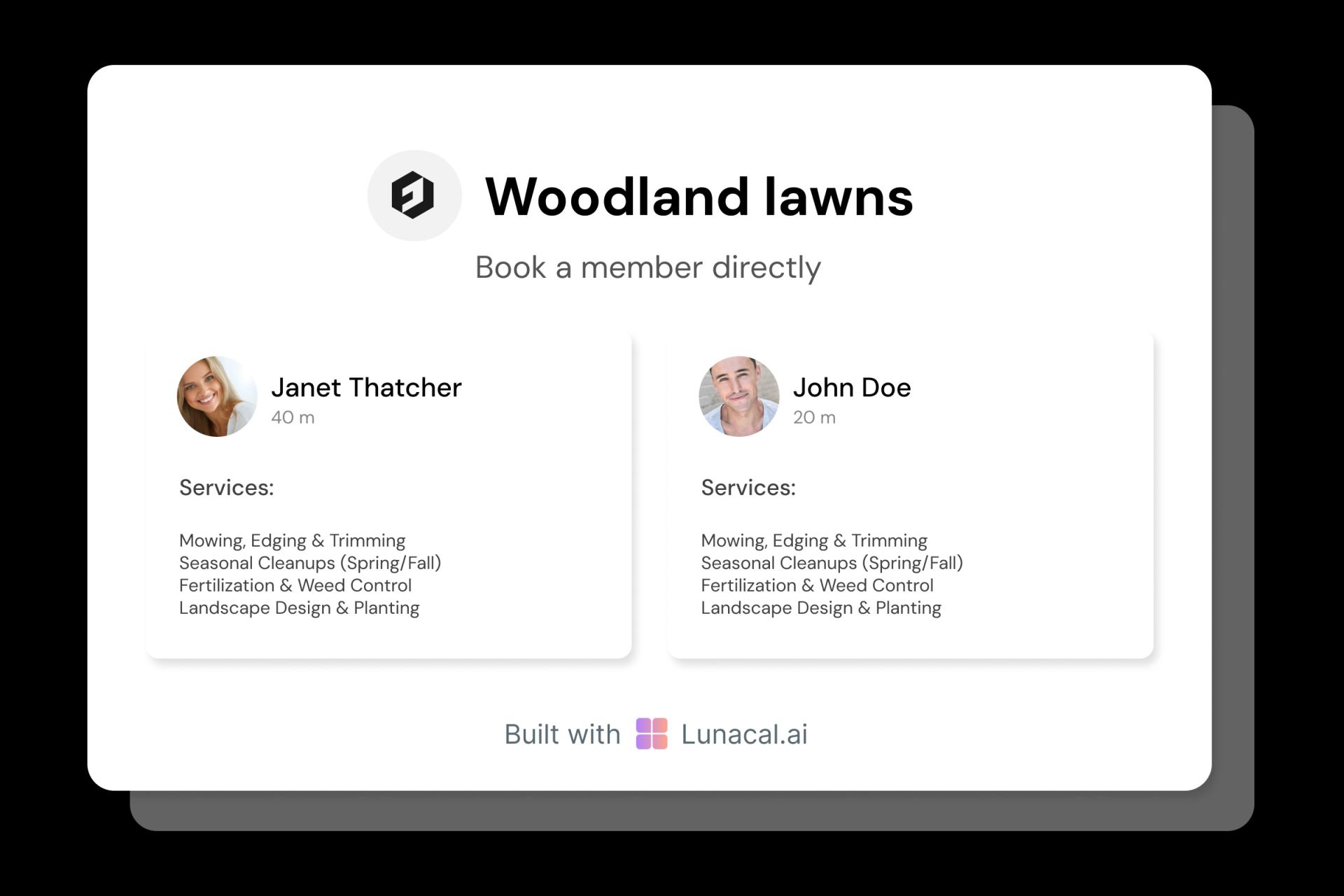
Many homeowners hesitate because they don’t know who is showing up. Add a short crew profile: name, role, years in the field, and what they specialize in (mowing, edging, cleanups). Even one photo and a sentence like “Crew lead for 6 years” makes your business feel real, especially for new customers booking online for the first time.
Adjust fast for weather and equipment downtime
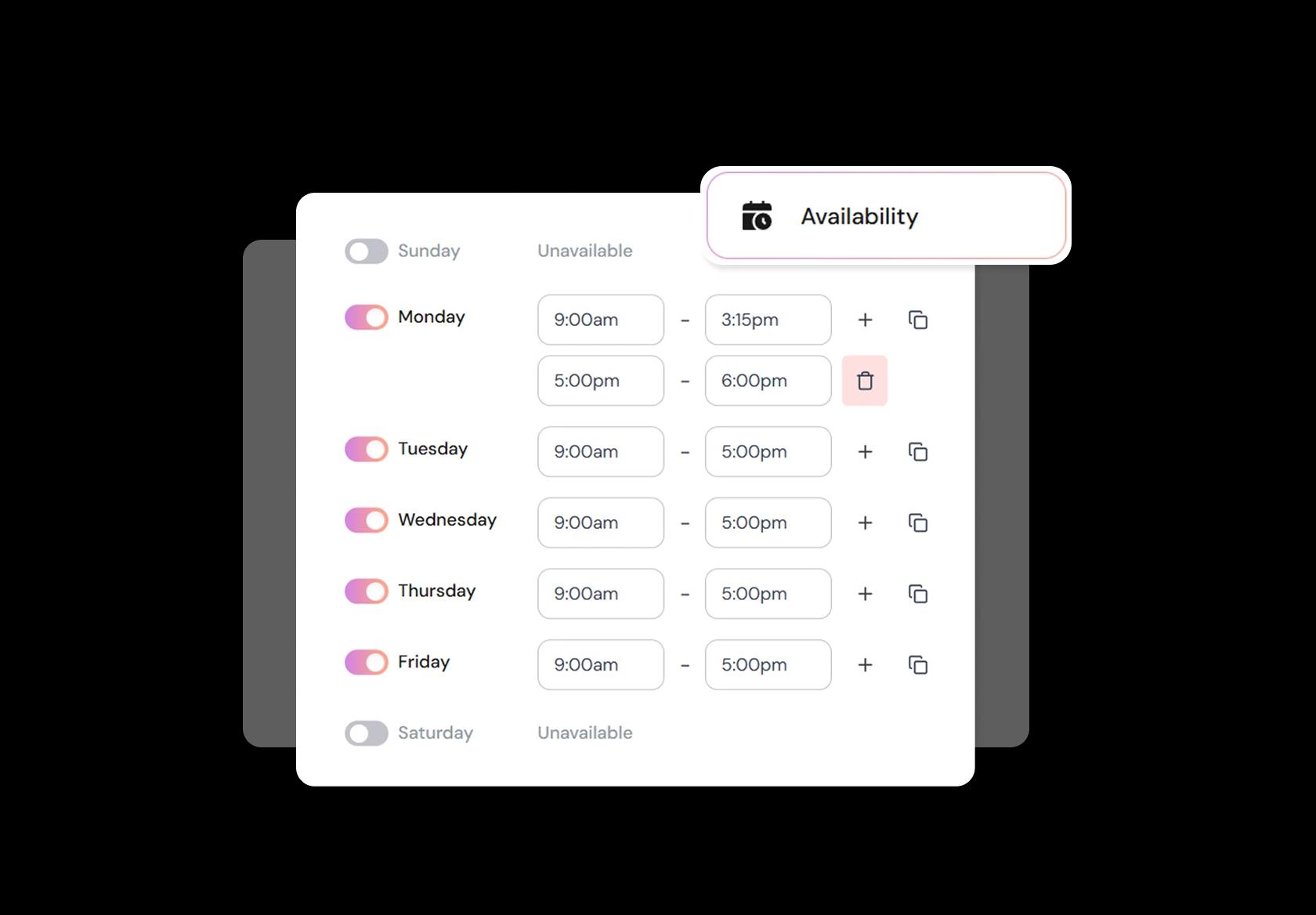
Rain delays, heat waves, and equipment issues are normal in lawn care. The scheduling system should let you block time, shift days, and update availability without a mess of manual texts. Good lawn care scheduling software makes it easy to reschedule cleanly, notify clients automatically, and prevent a backlog from snowballing.
Turn any offline marketing into instant bookings
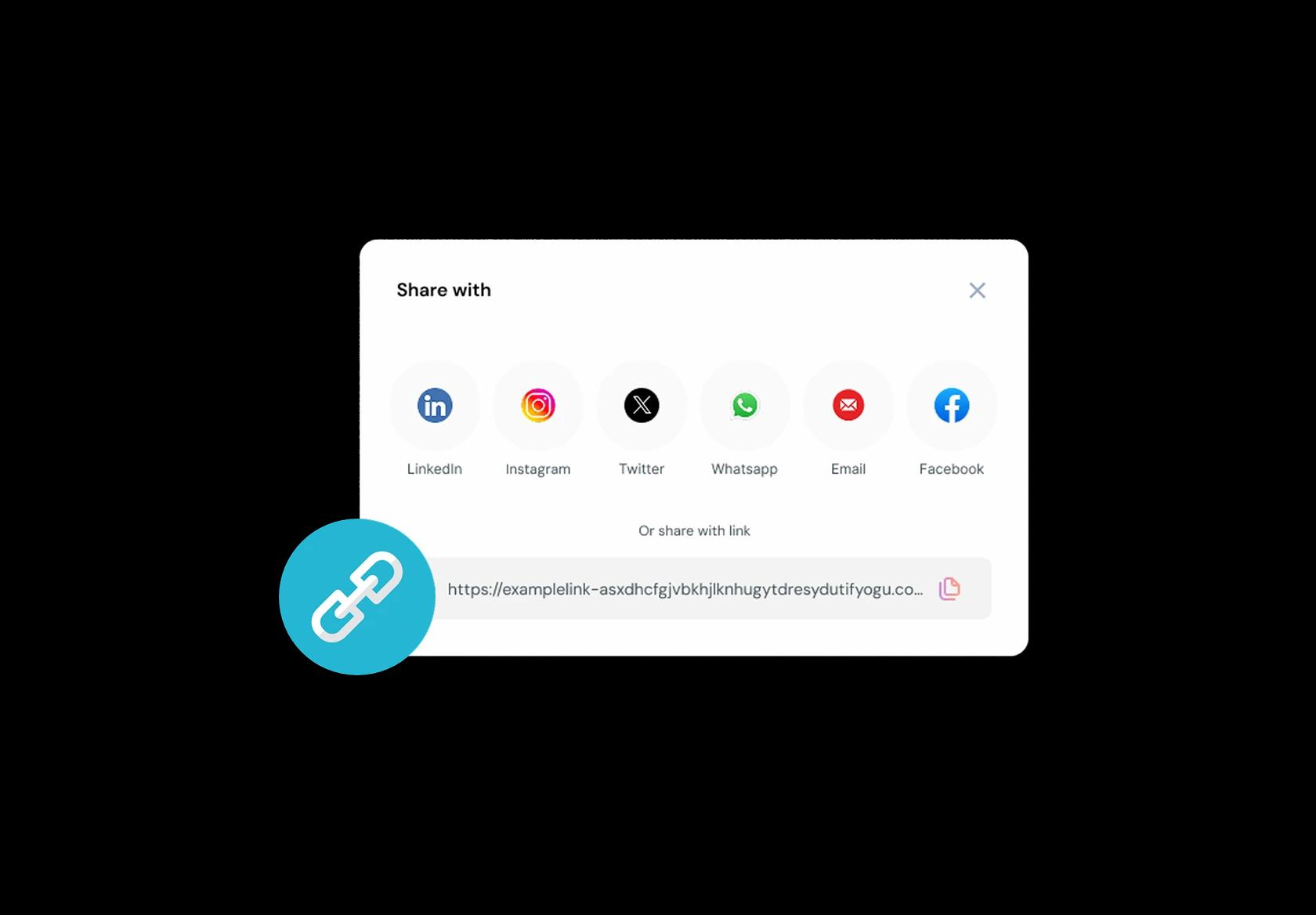
Lawn care is discovered everywhere: yard signs, truck decals, door hangers, flyers, Nextdoor, WhatsApp, Google Business Profile, and referrals. Put one booking link on all of it. When someone sees your sign and wants service, they should be able to book immediately, not “call later” and forget. One link consistently converts more intent into paid jobs.
No commission, No license fees.
Just simple, fair pricing
(save upto 20%)
Standard
- Unlimited Calendars & Services
- Connect Online Meeting Tool
- Payments via Stripe, PayPal
- Text / Email Reminders
- Customize your booking page
Teams
- All Standard Features
- Teams Scheduling
- Multi-session Packages
- Round-robin Scheduling
- Webhooks
Enterprise
- AI Voice Agent
- Account Manager
- Complete Branding
- MCP Server (Beta)
- SSO
Related scheduling apps



Lawn Care Appointment Booking Playbook
This playbook is a practical blueprint for configuring lawn care scheduling software so clients book correctly, crews stay on-time, and your day doesn’t get destroyed by travel time and weather.
Design your service menu so clients book the right job
A lawn care booking system only works if the service names match what customers mean. Keep it simple, specific, and based on what changes time and equipment.
- Create clear categories: mowing, edging, trimming, weeding, leaf cleanup, hedge/brush cutting, fertilization, irrigation checks.
- Split “one-time” vs “recurring” services so recurring clients don’t accidentally book a single visit.
- Offer property size options only if you can operationalize them (small, medium, large) with consistent definitions.
- Add “add-ons” instead of separate services when they’re commonly bundled (bagging, haul-away, weed treatment).
- Use globally understandable names and avoid local slang in the main service label.
Collect job details that decide time, tools, and access
This is the difference between a smooth day and showing up without the right gear. Your lawn care appointment booking flow should capture details you normally ask on a phone call.
- Service address and a “same as billing” toggle for business clients managing multiple properties.
- Property type: home, apartment complex, commercial lot, shared garden, vacant plot.
- Lawn size estimate or a simple range selector, plus “first visit” flag (first visits usually take longer).
- Access notes: gate code, lock location, preferred entry, parking restrictions, guard/security instructions.
- Obstacles and constraints: pets, sprinklers, fragile edging, slopes, narrow paths, noise-restricted hours.
- Photo upload option or “describe the issue” for one-time cleanup jobs (overgrowth, fallen branches, dead patches).
- Preferred service window: morning, afternoon, or “anytime,” so you can route intelligently.
Set realistic durations and buffers that survive real lawns
Most scheduling setups fail because they assume the lawn behaves like a meeting. In lawn care, setup and cleanup are real work.
- Set different durations by service type (mowing vs hedge cutting vs cleanup) instead of forcing everything into one slot length.
- Add buffers for loading/unloading, cleanup, and disposal runs, especially for leaf cleanup and haul-away.
- Build “first visit” buffers to handle assessment, client expectations, and unknown property quirks.
- If you do multi-crew work, avoid booking overlapping jobs that require the same specialized equipment.
- Protect your first job of the day with extra padding so a late start doesn’t cascade.
Availability rules that reflect travel time and weather
Good lawn care scheduling software treats travel time and rain as scheduling constraints, not “bad luck.”
- Define service areas (by city/zone/postcode) and limit bookings outside your realistic radius.
- Use minimum notice periods so you don’t get same-day jobs that blow up routing.
- Block time for disposal, supply runs, and equipment maintenance like it’s a real appointment (because it is).
- Set weather handling rules: what happens during heavy rain, storms, extreme heat, or safety advisories.
- Offer a “flex day” window for recurring clients so you can shift by 24–48 hours without arguments.
Routing and dispatch that reduces fuel and lost daylight
The goal is not just “book jobs.” The goal is “book jobs that can be completed efficiently.” This is where a lawn care scheduling system beats spreadsheets.
- Group jobs by zone and day (north area on Mondays, central area on Tuesdays) to reduce travel.
- Use time windows for clients and keep exact times for yourself only when you must.
- Keep job notes visible to the assigned crew: access, obstacles, what to prioritize, what not to touch.
- Add internal tags like “requires ladder,” “two-person job,” “haul-away,” “noise restricted” for quick dispatch decisions.
- Allow quick reassignment when a crew runs late or equipment fails, without rebooking the customer manually.
Confirmations and reminders that prevent wasted visits
Lawn care no-shows often look like “no access” rather than “client forgot.” Your reminders should reduce locked gates, wrong addresses, and missing approvals.
- Send an instant confirmation that repeats the service, address, and access notes.
- Send a reminder the day before asking clients to confirm access (gate unlocked, pets secured, parking available).
- Send a short “on the way” message within a practical window so clients can fix access issues.
- Include a reschedule link that doesn’t require a phone call, especially for weather-related changes.
- For commercial clients, include a simple “approve quote” step before dispatch if pricing can vary.
Payments and invoicing without turning you into an accountant
Payment workflows should match the reality of lawn care: recurring plans, variable cleanup jobs, and commercial invoices.
- Use deposits for high-effort one-time jobs (cleanup, overgrowth) where cancellations hurt the most.
- Offer pay-after-service for trusted recurring clients, and pay-before-service for first-time one-off bookings.
- Support invoices for commercial properties and receipts for residential customers who track expenses.
- Keep pricing clear: fixed price for standard services, and “quote required” for jobs that depend on volume or condition.
- Make it easy to add add-ons after inspection without creating a brand-new booking.
Recurring lawn care plans that don’t create admin hell
Recurring work is where lawn care scheduling software should feel like a cheat code. Done wrong, it becomes a mess of manual edits.
- Offer weekly, bi-weekly, and monthly plans depending on climate and growth patterns.
- Use flexible recurring windows (for example “Tue–Thu mornings”) instead of rigid timestamps for every visit.
- Allow skipping a week without canceling the whole plan (vacations, weather, slow growth seasons).
- Store property preferences per client so every visit doesn’t require re-explaining instructions.
- Send a lightweight “service completed” update with notes and optional photos to build trust and reduce disputes.
Team scheduling that avoids double-booking people and equipment
If you have even two staff members, you need rules for who can take what jobs, and when.
- Assign services based on skills and licensing requirements (for example chemical treatments, irrigation work).
- Prevent overlapping bookings that require the same truck or specialized equipment.
- Let customers choose a preferred provider only when it doesn’t break routing efficiency.
- Keep private internal notes separate from customer-visible notes.
- Track who completed the job for accountability and faster follow-ups.
Policies clients understand while booking
Policies shouldn’t be hidden. They should be visible at booking time, written like a human, and short enough to follow.
- Weather policy
- “For safety and quality, we may reschedule during heavy rain, storms, or unsafe conditions. Your booking will be moved to the next available slot in your preferred window.”
- Access policy
- “Please ensure access to the yard at the scheduled time. If we can’t access the property, a visit fee may apply and we’ll reschedule.”
- Late cancellation policy
- “Please reschedule at least 24 hours in advance. Late cancellations for one-time jobs may forfeit the deposit.”
- Pets and safety
- “Please secure pets during service. Safety comes first for your pet and our crew.”
The metrics that tell you if scheduling is actually working
If you want to rank above generic blogs, this is the kind of operator detail that proves the page is written from experience.
- On-time start rate by zone (routing issues show up fast here).
- Travel time per job (if this grows, your service area or scheduling rules are wrong).
- Rebook rate for recurring plans (this is the real “product-market fit” for lawn care).
- Access failure rate (locked gates, wrong addresses, missing approvals).
- Cancellation timing (inside 24 hours vs earlier) to decide where deposits help.
Authored & Reviewed by:
Pranshu Kacholia is the founder of Lunacal.ai, a calendar scheduling and appointment booking system. He works directly with businesses of all sizes to improve booking outcomes - reducing no-shows, cutting back-and-forth, and making scheduling more reliable and efficient. His day-to-day includes reviewing real scheduling setups and edge cases: complex availability and buffers, time zones, routing, cancellation/rescheduling rules, paid meetings and deposits, reminder workflows, and integrations with calendars and meeting tools. He regularly shares appointment scheduling best practices through interviews and community conversations (see this interview and this discussion) and also writes about calendar scheduling (read the article on Medium). He has first-hand experience of using 40+ scheduling tools such as calendly, acuity scheduling, vagaro, fresha, tidycal, square, setmore etc. and understands product nuances deeply.
Lunacal.aiCalendlyAcuity SchedulingSquare AppointmentsSetmoreDoodleBooksyMindbodyFreshaSimplyBook.meHoneyBook


