Appointment Scheduling Software for Therapists
Private scheduling with confidential intake, recurring sessions, telehealth links, strict cancellation rules, reminders, timezone support, & low-friction rescheduling.

Booking features for sessions, policies, and reminders
Let clients book the moment they decide to get help
When someone is finally ready to talk, delays can mean they don’t book at all. A therapy booking page should show real availability instantly, confirm in one flow, and send a clear confirmation so clients aren’t stuck emailing back and forth at a vulnerable moment.
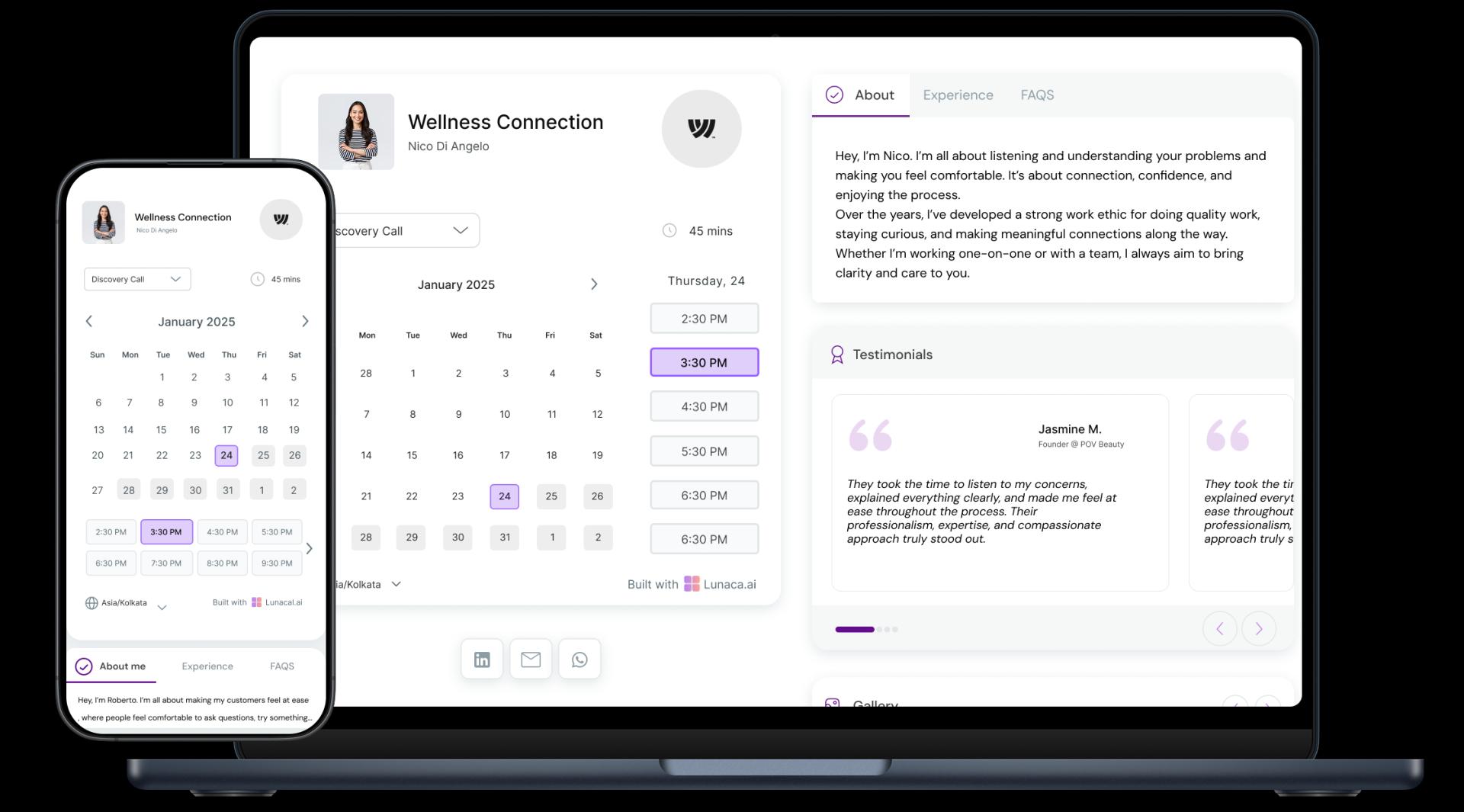
Show your approach, credentials, and who you help
Therapy is built on trust, not features. Use the scheduling page to explain your modalities (CBT, EMDR, trauma-informed), focus areas (anxiety, burnout, grief), and what a first session is like. A few grounded lines can help a client self-select without feeling “sold to.”
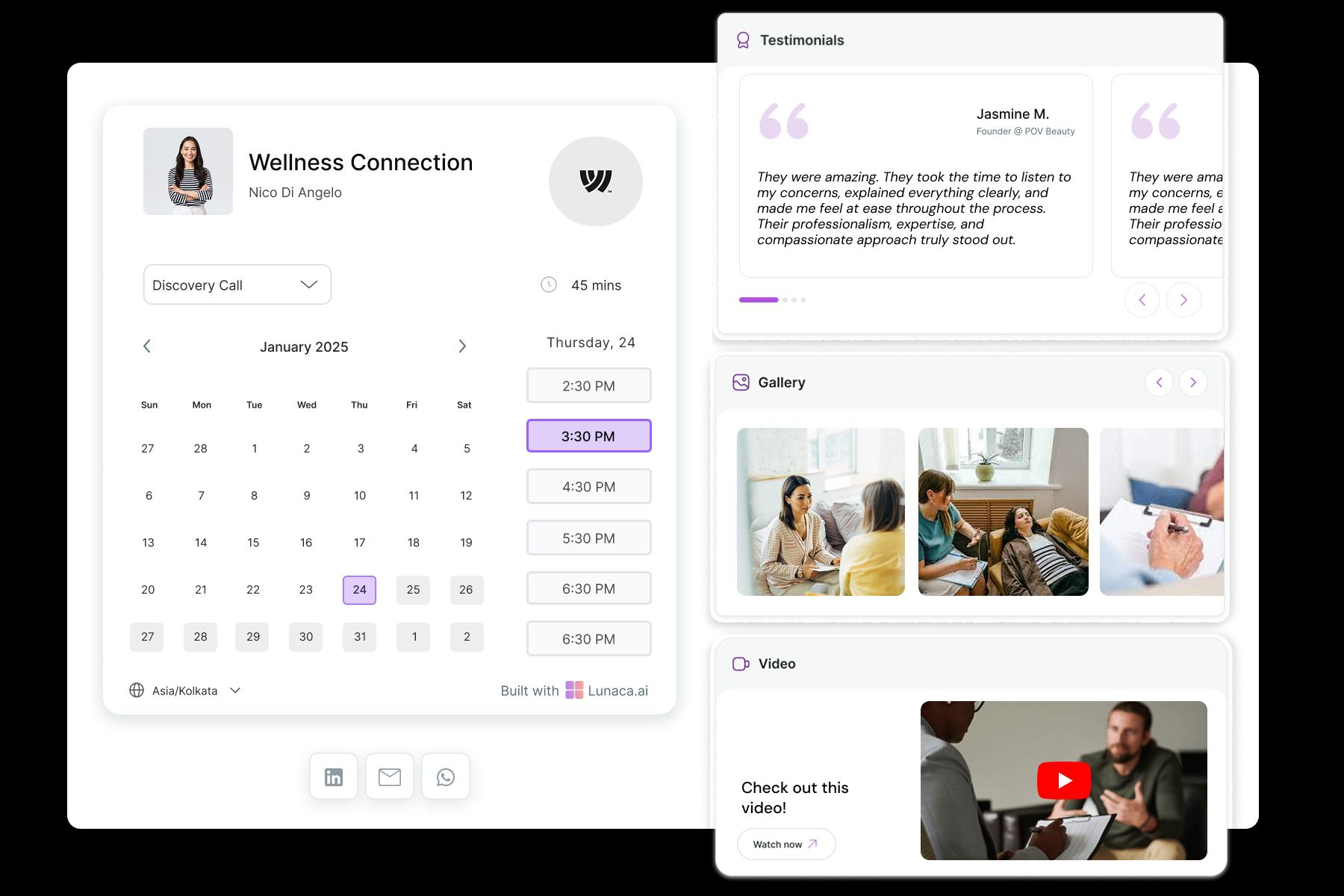
Collect goals, symptoms, and practical context upfront
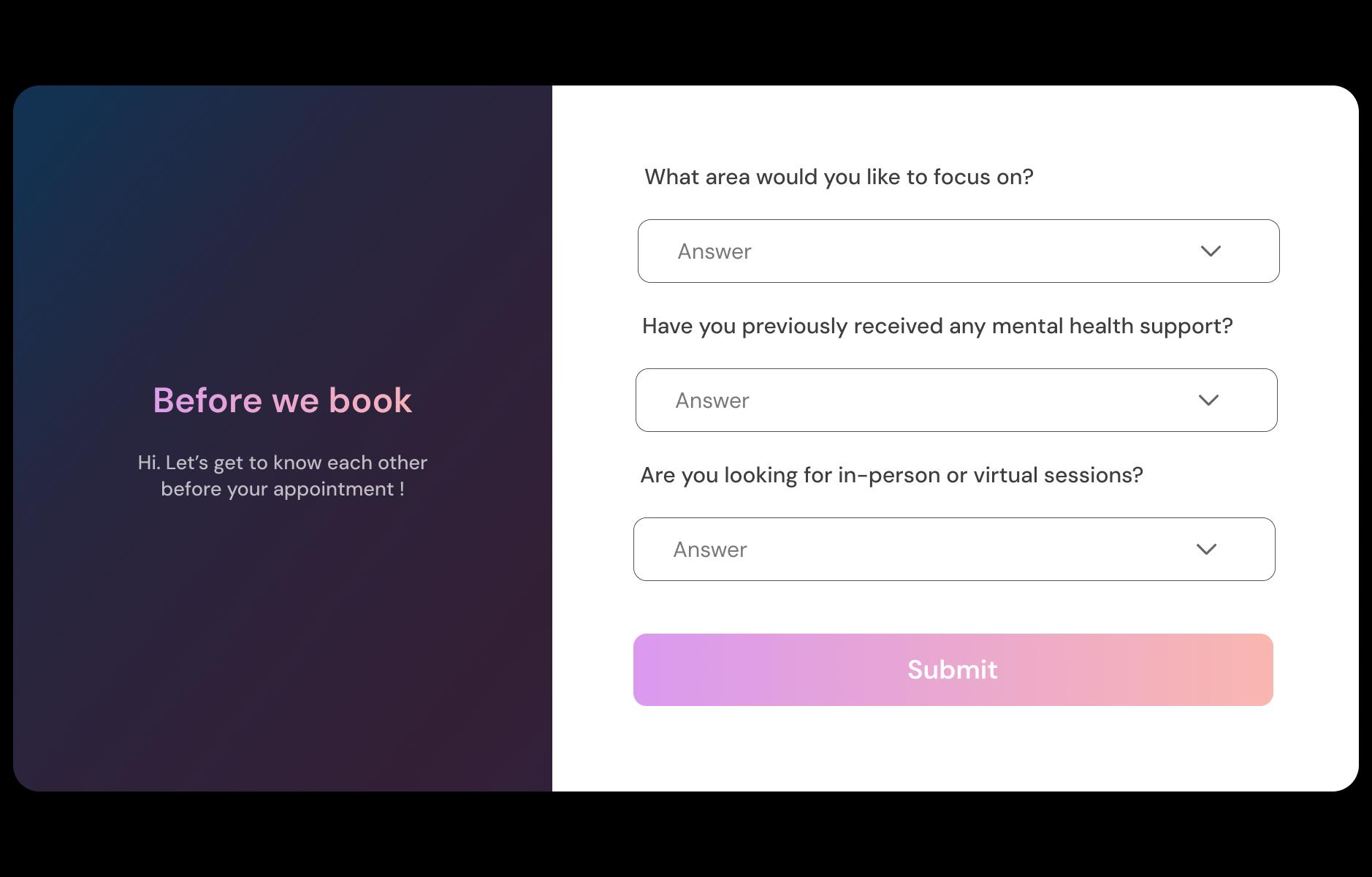
Ask what brings them in (panic, relationship conflict, postpartum, loss), whether this is their first time in therapy, and any preferences like online vs in-person. This avoids spending the first 10 minutes on admin and helps you prepare a safer, more focused intake.
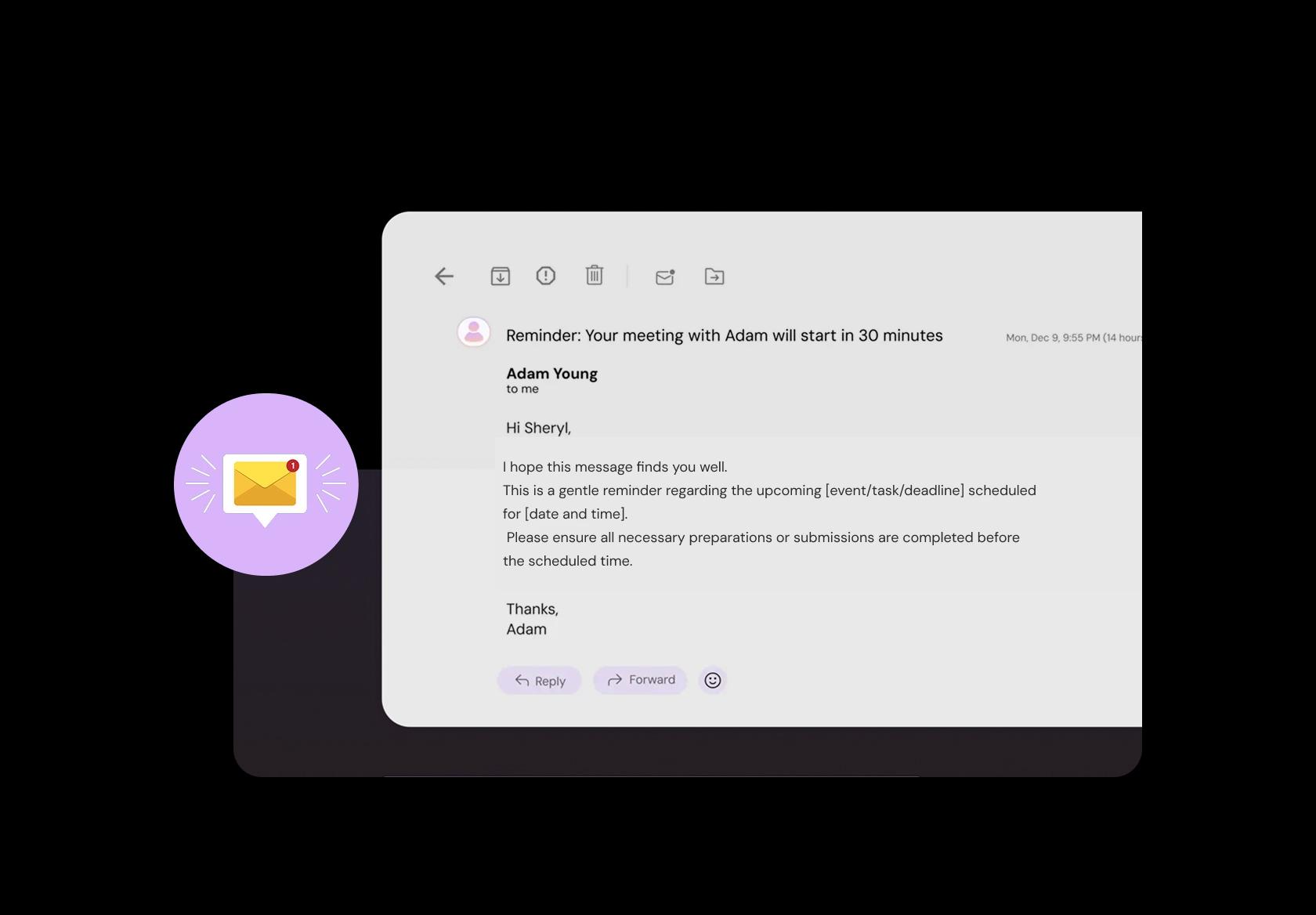
Reduce missed sessions without adding pressure
Clients forget, schedules change, and some feel embarrassed rescheduling. Send a gentle reminder 24 hours before and again 1–2 hours prior, including the teletherapy link or office address. Add a simple reschedule option so continuity stays easy, not shame-y.
Collect fees or deposits without awkward conversations
Money shouldn’t hijack the end of a session. For private pay, accept payment at booking or keep a card on file for automatic charges after the session. For sliding scale or packages, set clear rules in the booking flow so boundaries are understood before you begin.

Manage in-person, teletherapy, and hybrid schedules cleanly
Many therapists split between office days and online sessions, sometimes across locations. Set separate locations with different hours, buffers, and instructions (parking, building access, video link). This prevents double bookings and reduces last-minute “where do I go?” confusion.
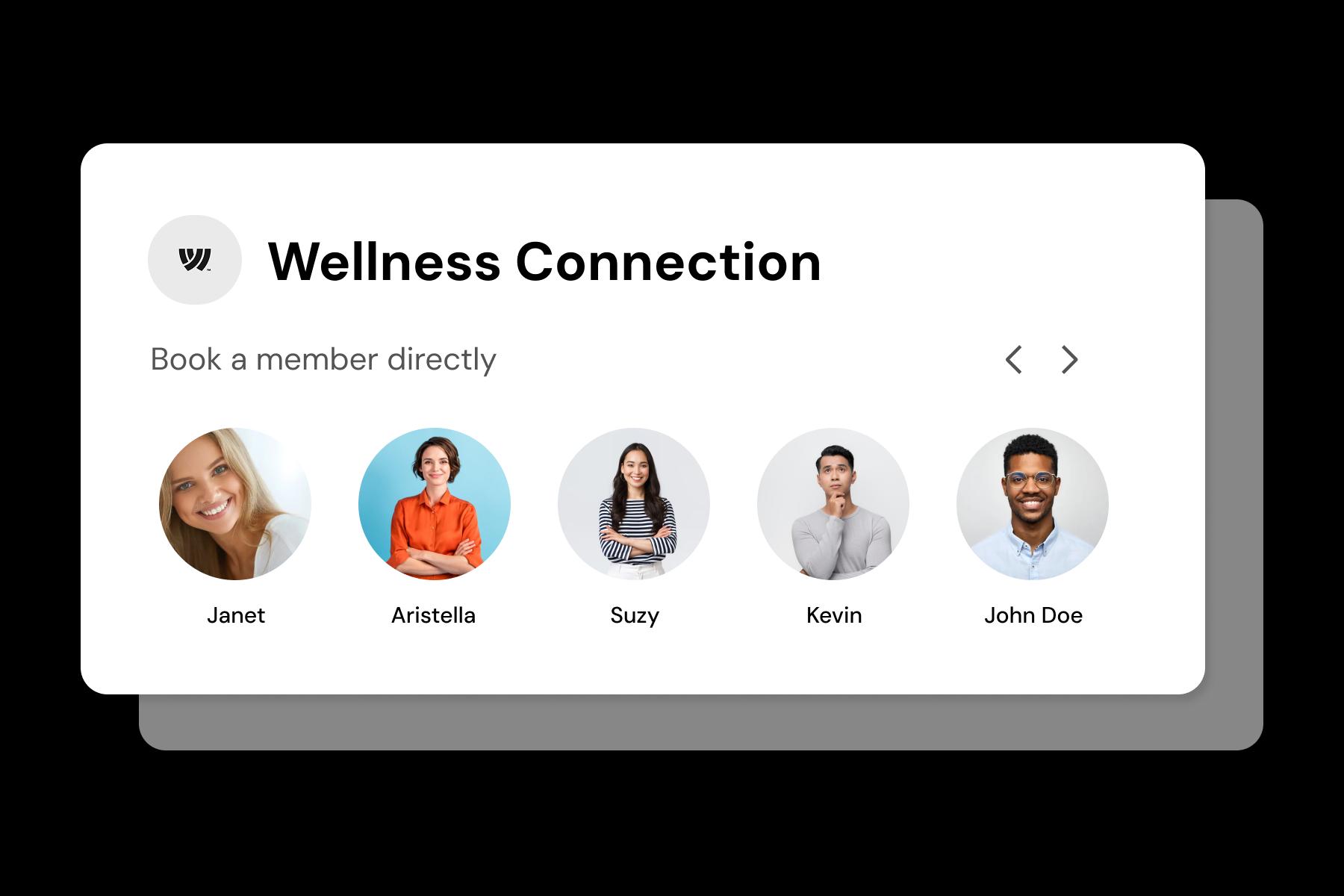
Support intake, ongoing sessions, couples, and groups
An intake often needs more time than a standard therapy session. Couples sessions, family therapy, and group therapy require different lengths, pricing, and prep. Configure each session type separately so your calendar reflects real clinical workflow, not generic meeting slots.
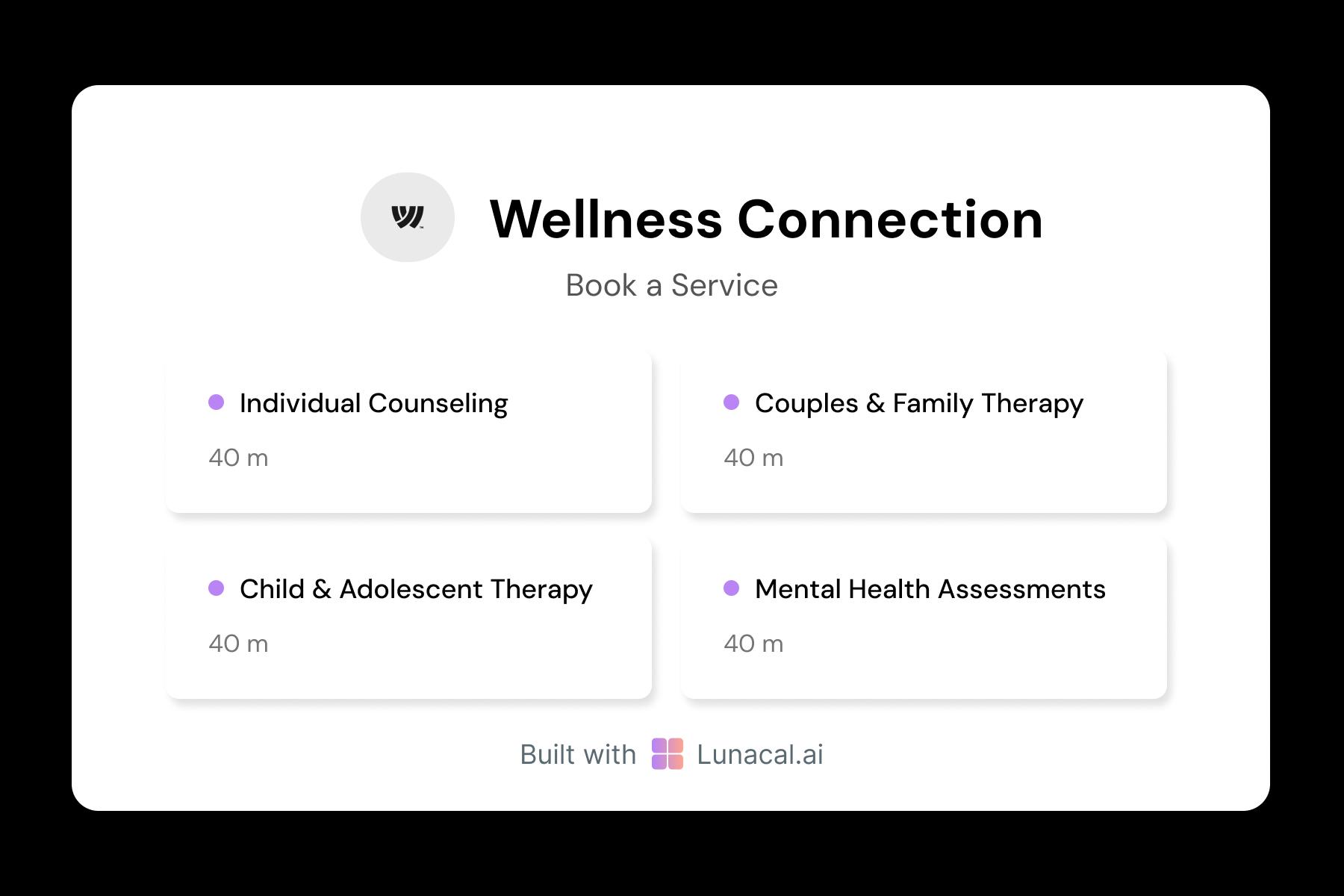
Route new clients to the next available clinician
For group practices, round-robin helps new client intake move faster. It distributes inquiries fairly across clinicians while still respecting each therapist’s availability and scope. This is especially useful during high-demand periods when response speed affects whether clients follow through.
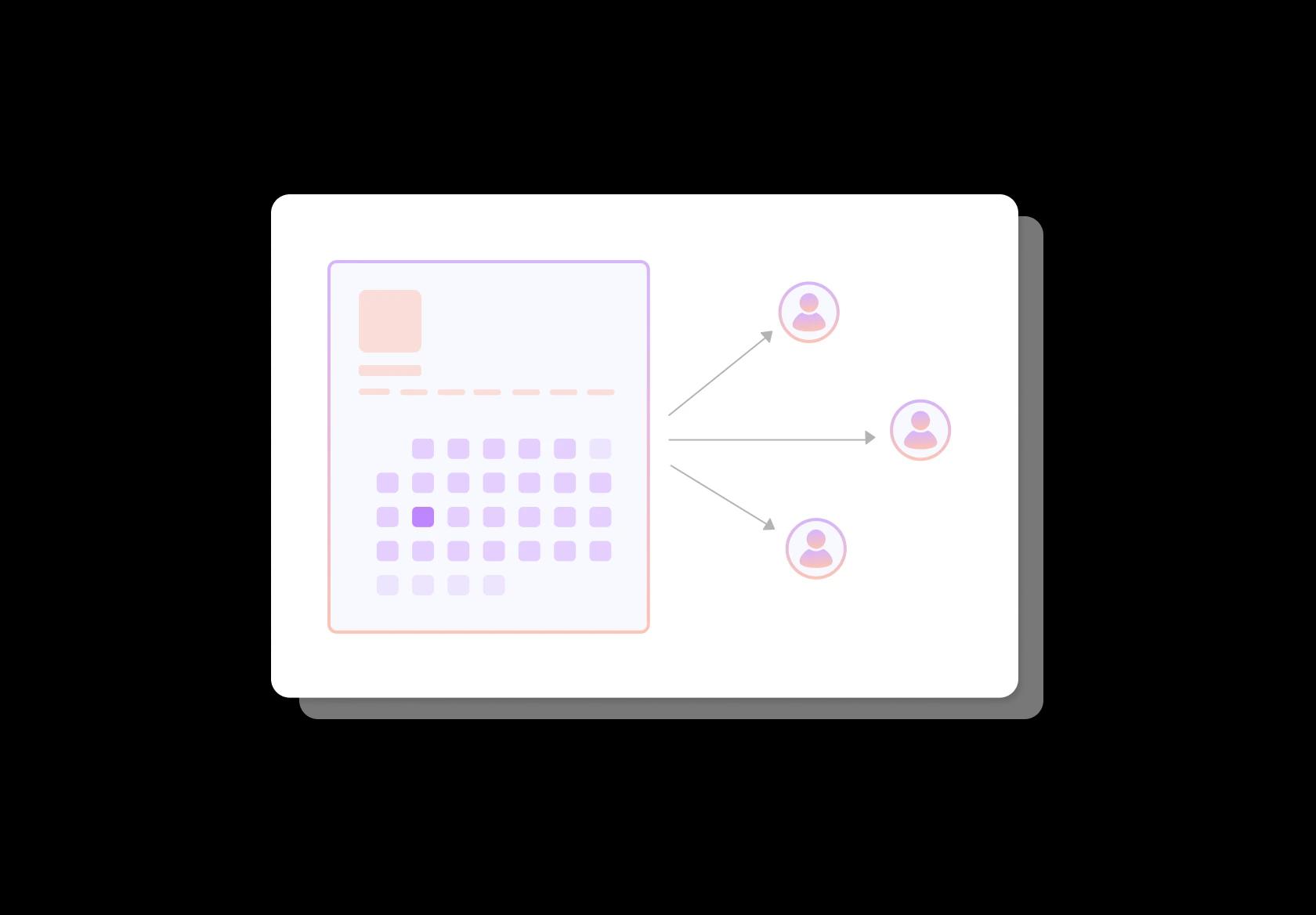
Help clients choose the right therapist fit
Fit matters. Profiles should include qualifications, languages, populations served, modalities, and a short “how I work” paragraph. Give clients the option to pick a specific therapist or choose “next available” if they mainly want the earliest appointment.
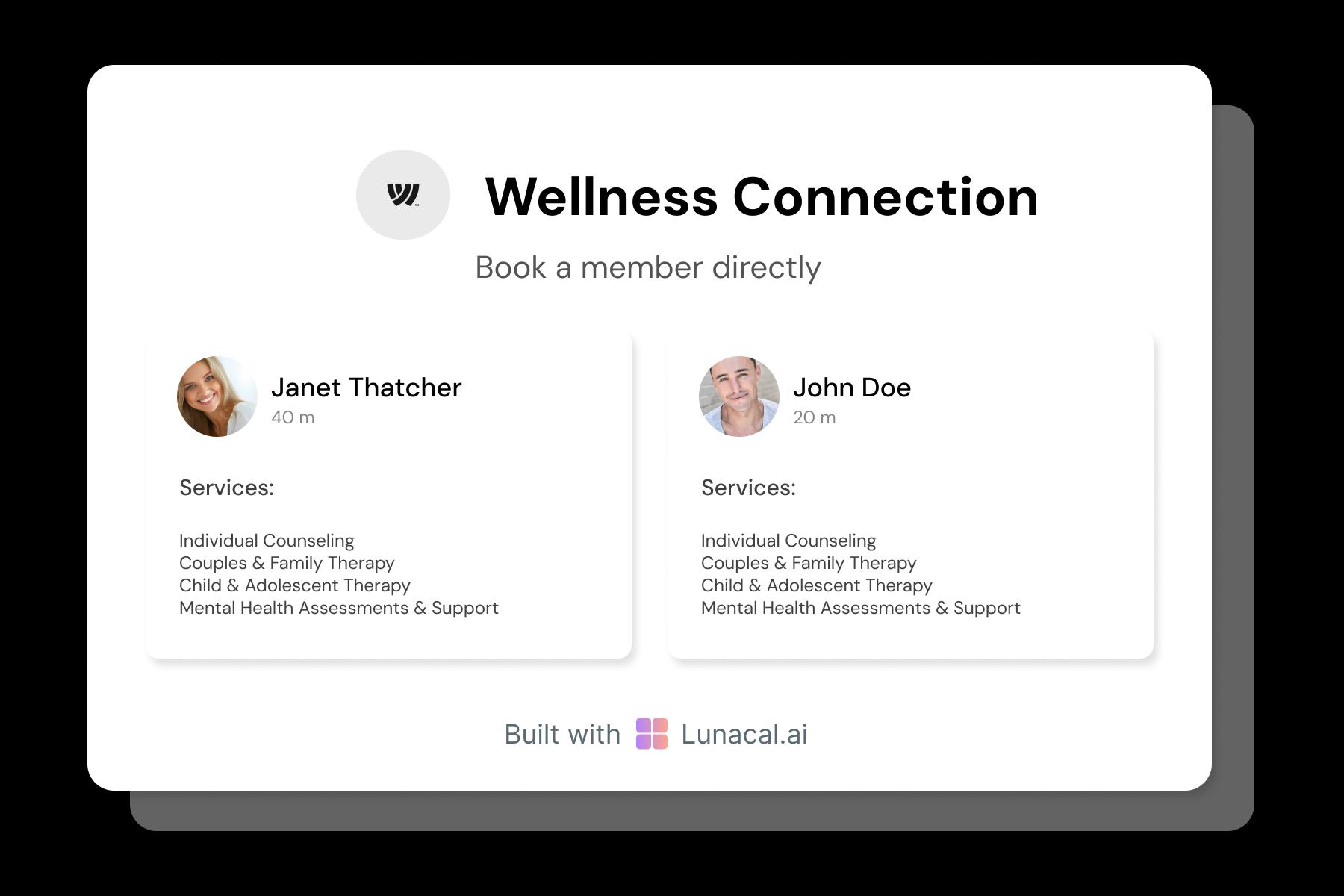
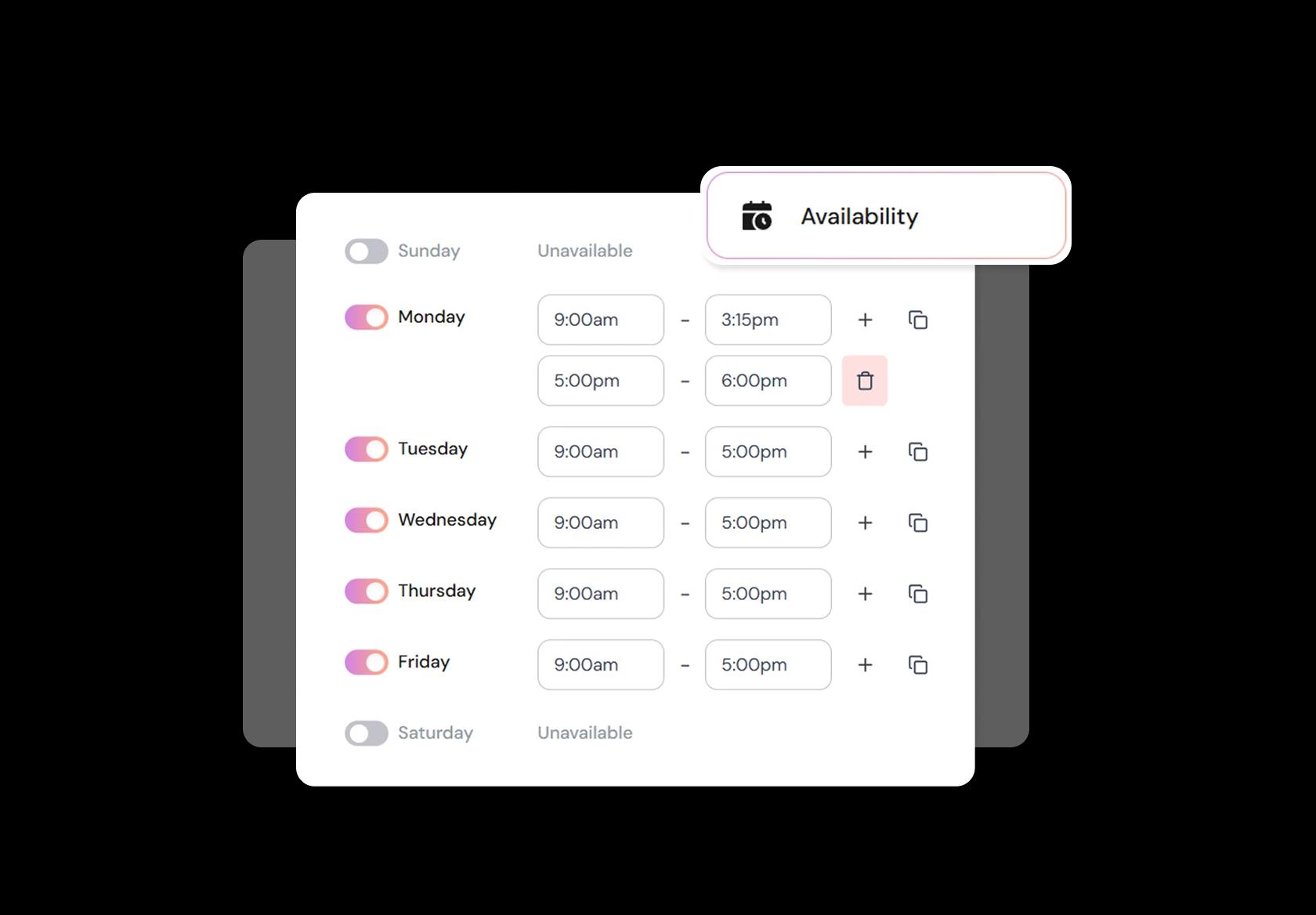
Protect energy with buffers, breaks, and prep time
Therapy work has emotional load, notes, and case prep. Add buffers between sessions for documentation and decompression, block supervision hours, and set minimum notice so you’re not scrambling. Good availability rules prevent burnout and make clinical consistency easier to maintain.
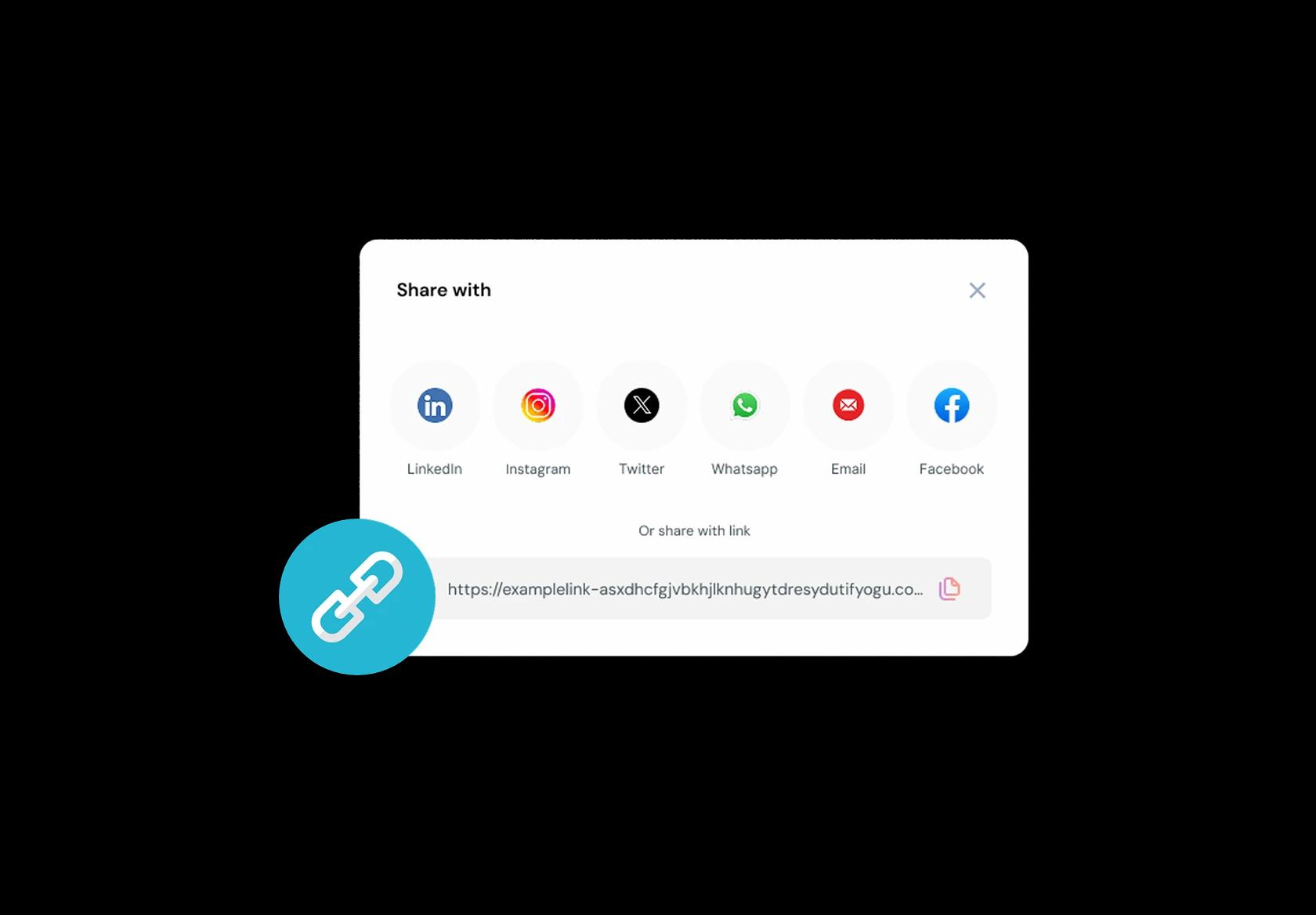
Share one booking link across directories and referrals
Clients find you through Psychology Today, referrals, clinic websites, email signatures, Instagram, or community resources. A single, consistent booking link reduces friction at the exact moment someone decides to start therapy. Keep it the same everywhere so there’s no confusion.
No commission, No license fees.
Just simple, fair pricing
(save upto 20%)
Standard
- Unlimited Calendars & Services
- Connect Online Meeting Tool
- Payments via Stripe, PayPal
- Text / Email Reminders
- Customize your booking page
Teams
- All Standard Features
- Teams Scheduling
- Multi-session Packages
- Round-robin Scheduling
- Webhooks
Enterprise
- AI Voice Agent
- Account Manager
- Complete Branding
- MCP Server (Beta)
- SSO


Therapy Scheduling Software Playbook: Book clients smoothly, protect your energy, and reduce no-shows
Design your session types like a therapist, not a calendar
Your booking system should reflect how therapy actually works: different session formats, different emotional load, different boundaries.
- Separate session types clearly: Intake, Individual, Couples, Child/Family, Short check-in, Assessment, Teletherapy.
- Give each type its own duration and rules (intakes usually need more time than follow-ups).
- Limit what clients can self-book if it creates risk (for example, couples sessions with a therapist who only does individuals).
Collect only the intake details that prevent mismatches
Good intake questions reduce back-and-forth and prevent “this isn’t the right fit” after someone has already booked.
- Reason for booking in one line (free text), plus a small list of focus areas (anxiety, grief, relationships, trauma, work stress).
- Client location and time zone (critical for global teletherapy and licensing constraints).
- Preferred format: video, phone, in-person, or no preference.
- Simple suitability checks: “Are you looking for ongoing therapy or a one-time consult?”
- Safety banner: “If you are in immediate danger or considering self-harm, do not use this form. Contact local emergency services.”
Set availability rules that prevent burnout
Therapy scheduling isn’t about filling every slot. It’s about protecting consistency, recovery time, and clinical quality.
- Define working windows and hard stops (no late-night sessions if it drains you).
- Cap sessions per day and per week to avoid overload.
- Block “admin recovery” time for notes, referrals, and decompression after heavy sessions.
- Use notice periods (for example, 12–24 hours) so you are not reacting to last-minute bookings.
Use buffers and pacing to keep sessions on time
Even a 5-minute slip can cascade into an entire afternoon of stress.
- Add buffers before and after sessions for notes and transitions (especially after intakes or trauma-focused sessions).
- Use larger buffers for in-person sessions if you share rooms, need cleanup, or have clients arriving early.
- For teletherapy, include a short tech cushion so you don’t start flustered.
Make reminders feel supportive, not spammy
Reminders should reduce no-shows while still sounding calm and respectful.
- Send an instant confirmation with date, time, format, and location or video link.
- Send one reminder 24 hours before, and another 2–4 hours before for clients who opt in.
- Include one clear action: confirm, reschedule, or message your practice.
- For teletherapy, add a short checklist: quiet space, headphones, stable internet.
Handle cancellations, reschedules, and payments without awkwardness
The best policies are short, visible during booking, and applied consistently.
- Display a cancellation window (commonly 24–48 hours) and what happens if it’s missed.
- Offer a reschedule link so clients don’t disappear when they can’t make it.
- If you charge a late-cancel fee, state it plainly and avoid moralizing language.
- If you take deposits for first sessions, explain why: to reserve time and reduce last-minute drop-offs.
Build trust on the booking page in a global-friendly way
Therapy clients are evaluating safety and fit before they evaluate price.
- Show therapist credentials, approach, and who you work best with, in simple language.
- Clarify what therapy is not (for example, “not an emergency service”).
- List languages offered, accessibility notes, and how privacy is handled for teletherapy.
- Explain next steps: what happens after booking, how sessions start, and how to prepare.
If you’re a clinic or group practice, route clients intelligently
Scheduling software should reduce admin work by sending the right client to the right provider.
- Use routing questions (issue, format, language, availability) to match clients to clinicians.
- Offer “first available” and “choose a therapist” options to balance speed and fit.
- Use round-robin only when clinicians are interchangeable for the request.
- Keep internal notes private and visible to the care team only.
Track a few metrics that actually matter
Therapy scheduling improves when you measure consistency, not just volume.
- No-show and late-cancel rates by session type (intakes often behave differently).
- Rebooking rate within 2–6 weeks (a proxy for continuity of care).
- Time-to-first-appointment (how quickly a new client can get help).
- Capacity strain (how often you are fully booked and how far out).
Authored & Reviewed by:
Pranshu Kacholia is the founder of Lunacal.ai, a calendar scheduling and appointment booking system. He works directly with businesses of all sizes to improve booking outcomes - reducing no-shows, cutting back-and-forth, and making scheduling more reliable and efficient. His day-to-day includes reviewing real scheduling setups and edge cases: complex availability and buffers, time zones, routing, cancellation/rescheduling rules, paid meetings and deposits, reminder workflows, and integrations with calendars and meeting tools. He regularly shares appointment scheduling best practices through interviews and community conversations (see this interview and this discussion) and also writes about calendar scheduling (read the article on Medium). He has first-hand experience of using 40+ scheduling tools such as calendly, acuity scheduling, vagaro, fresha, tidycal, square, setmore etc. and understands product nuances deeply.
Lunacal.aiCalendlyAcuity SchedulingSquare AppointmentsSetmoreDoodleBooksyMindbodyFreshaSimplyBook.meHoneyBook


