Doctor Appointment Scheduling Software
Patient booking with intake forms, visit types, provider calendars, reminders, follow-ups, & secure video links for virtual visits.

Scheduling features for clinics, follow-ups, and care
Patients book consults, follow-ups, telehealth, or checkups online
Patients don’t want to call at 10am and wait on hold. A clinic scheduling system should show real-time availability, confirm instantly, and prevent double bookings. It should also handle common flows like follow-ups, first visits, and telehealth without staff manually coordinating everything.
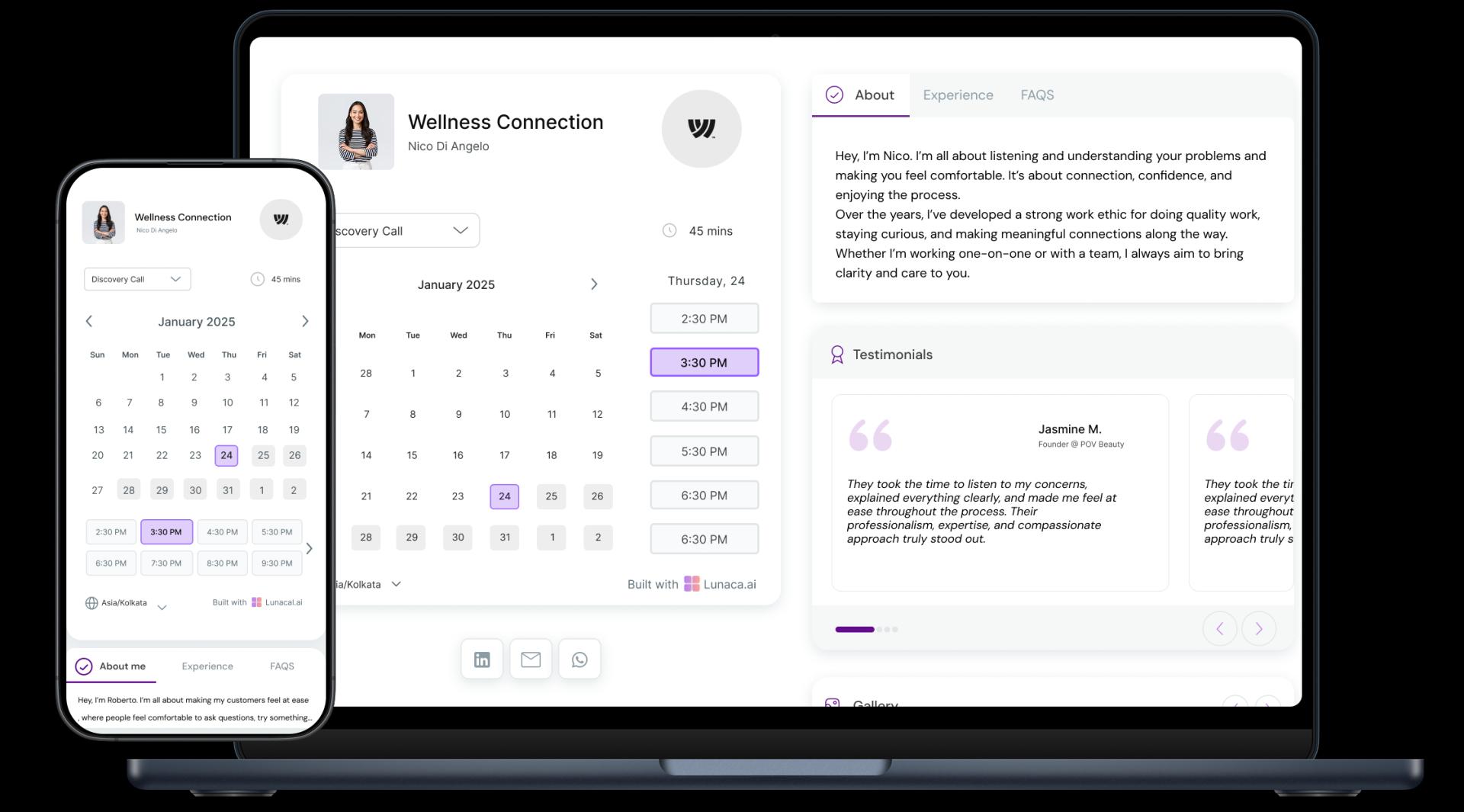
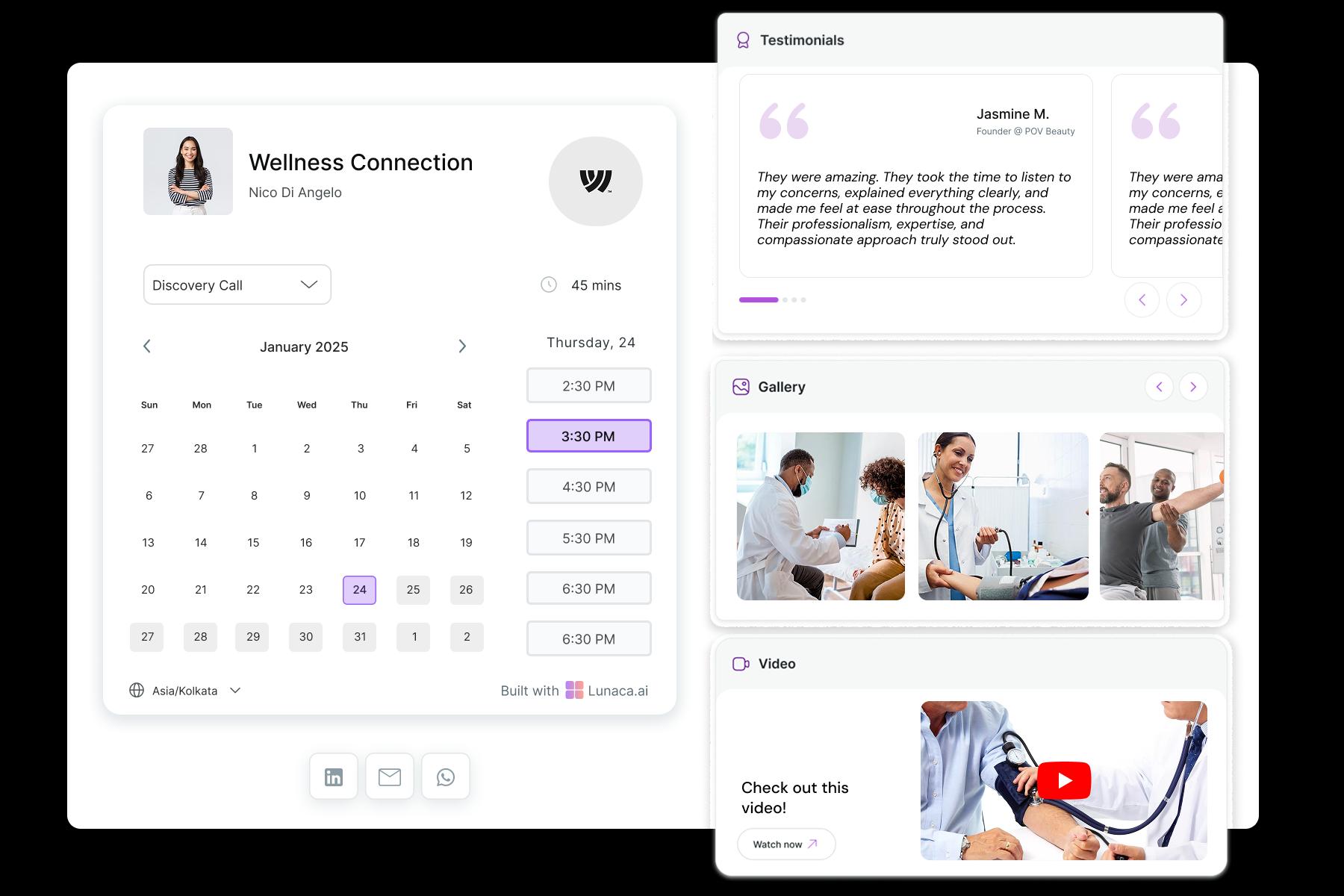
Show credentials, services, clinic approach, and what to expect
Patients judge trust fast. Your booking page should clearly show qualifications, specialties (family medicine, pediatrics, dermatology, cardiology), clinic values, and what happens during a visit. Think “digital front door”: simple, reassuring, and specific, not a generic form with a calendar stuck on top.
Collect symptoms, reason for visit, and key history upfront
The goal isn’t to do diagnosis in a form. It’s to avoid surprises. Ask for reason for visit, symptom duration, current medications, allergies, and past history that affects care. This reduces rushed intake, helps triage, and saves staff from repeating the same questions at check-in.

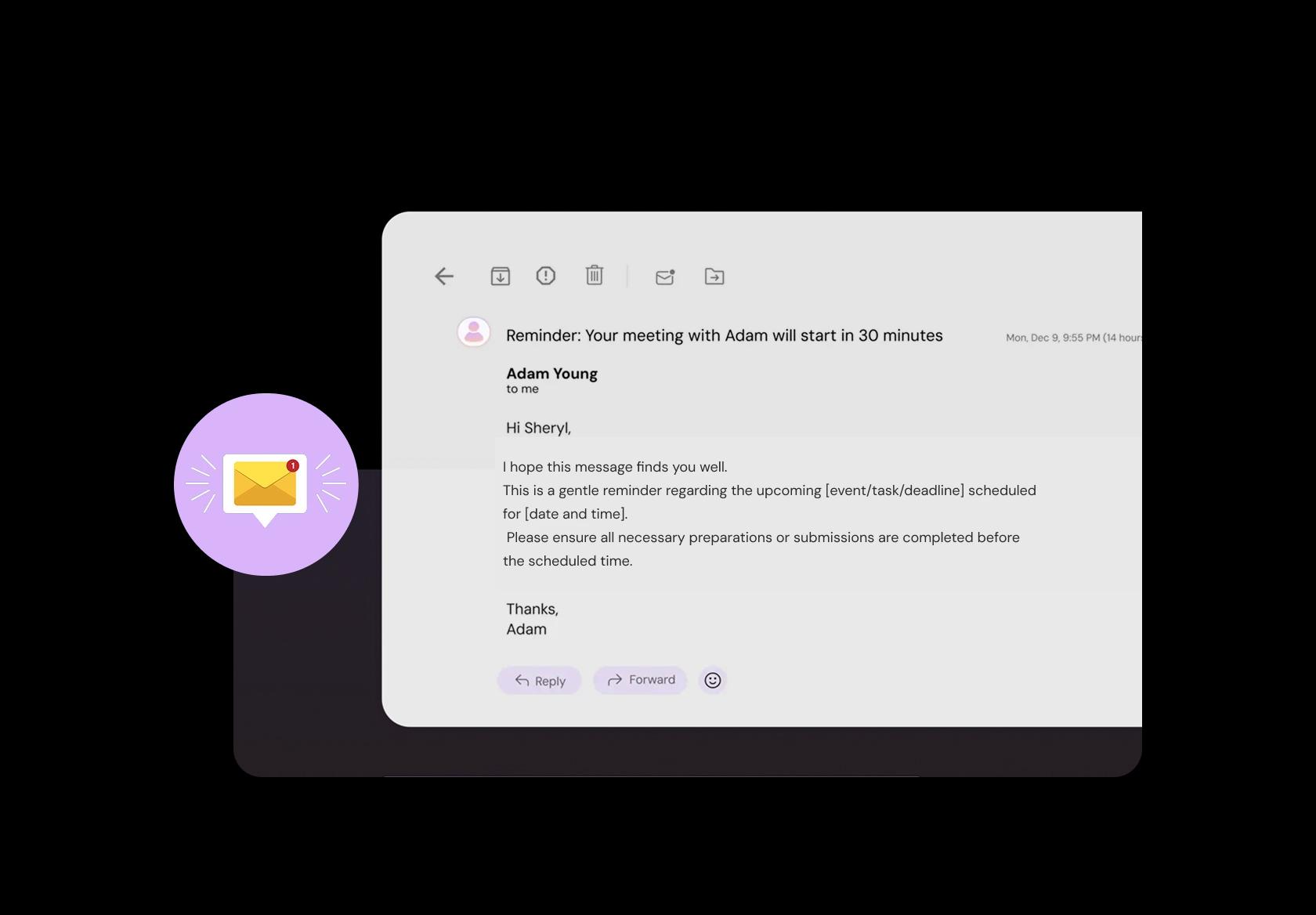
Reduce no-shows with prep instructions and check-in guidance
No-shows wreck clinic schedules. Send reminders with the basics patients actually need: arrival time, clinic address, parking, telehealth link, what to bring (ID, insurance, reports), and prep instructions (fasting, avoid skincare products before dermatology, etc.). Include a clear reschedule option so patients don’t just disappear.
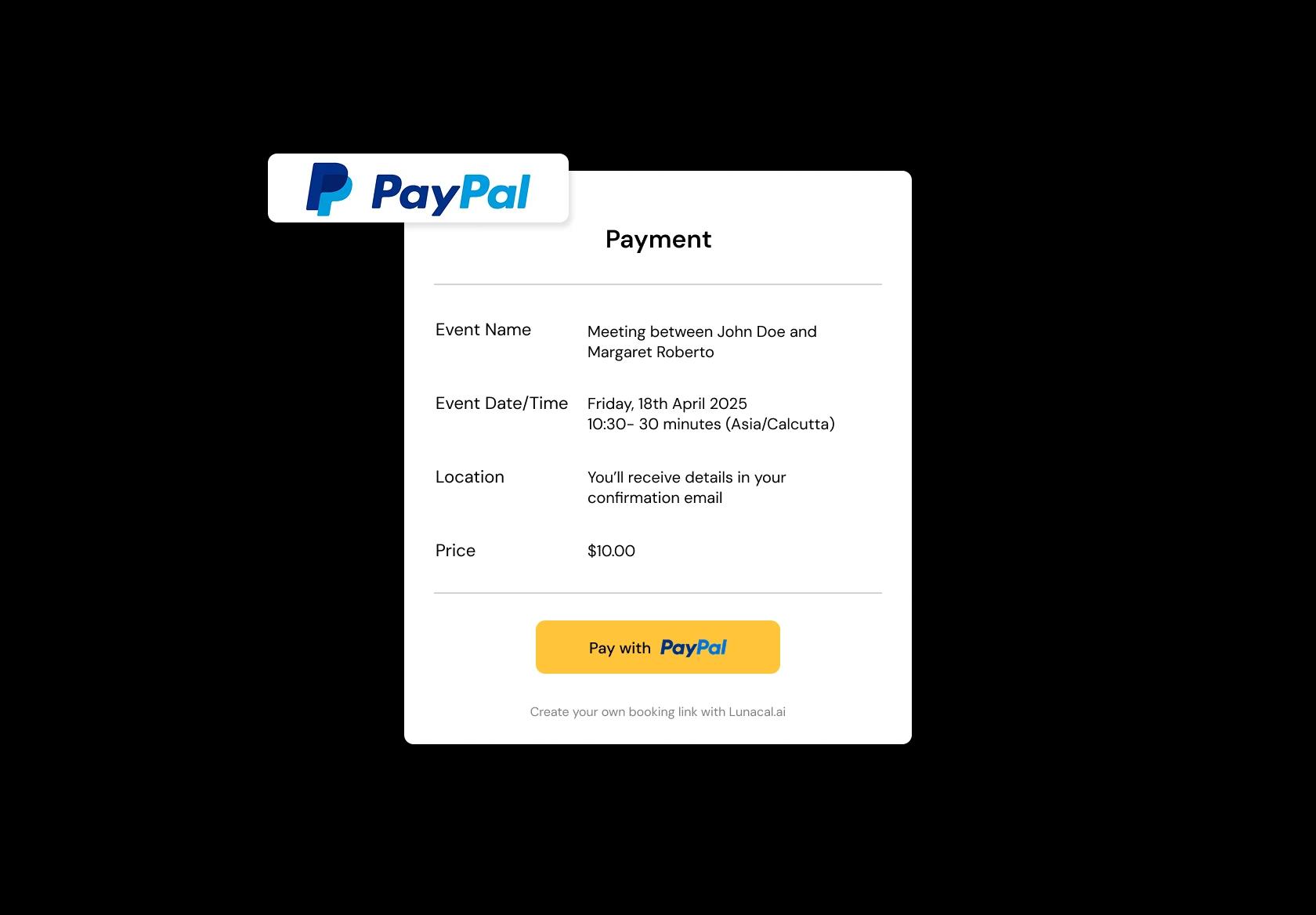
Collect consultation fees or deposits when booking
In private practice and specialty care, payment at booking reduces last-minute cancellations. Support fee collection for consults, procedures, and packages (for example: diabetes review program, physiotherapy plan, counseling sessions). It also avoids awkward end-of-visit billing and speeds up checkout.
Manage hospital rounds, clinic days, and telehealth in one system
Many clinicians split time across hospitals, clinics, and online visits. Your scheduling should support location-based availability so patients don’t accidentally book a “clinic visit” on a telehealth-only day. It also helps staff and patients know exactly where to go, without clarification calls.
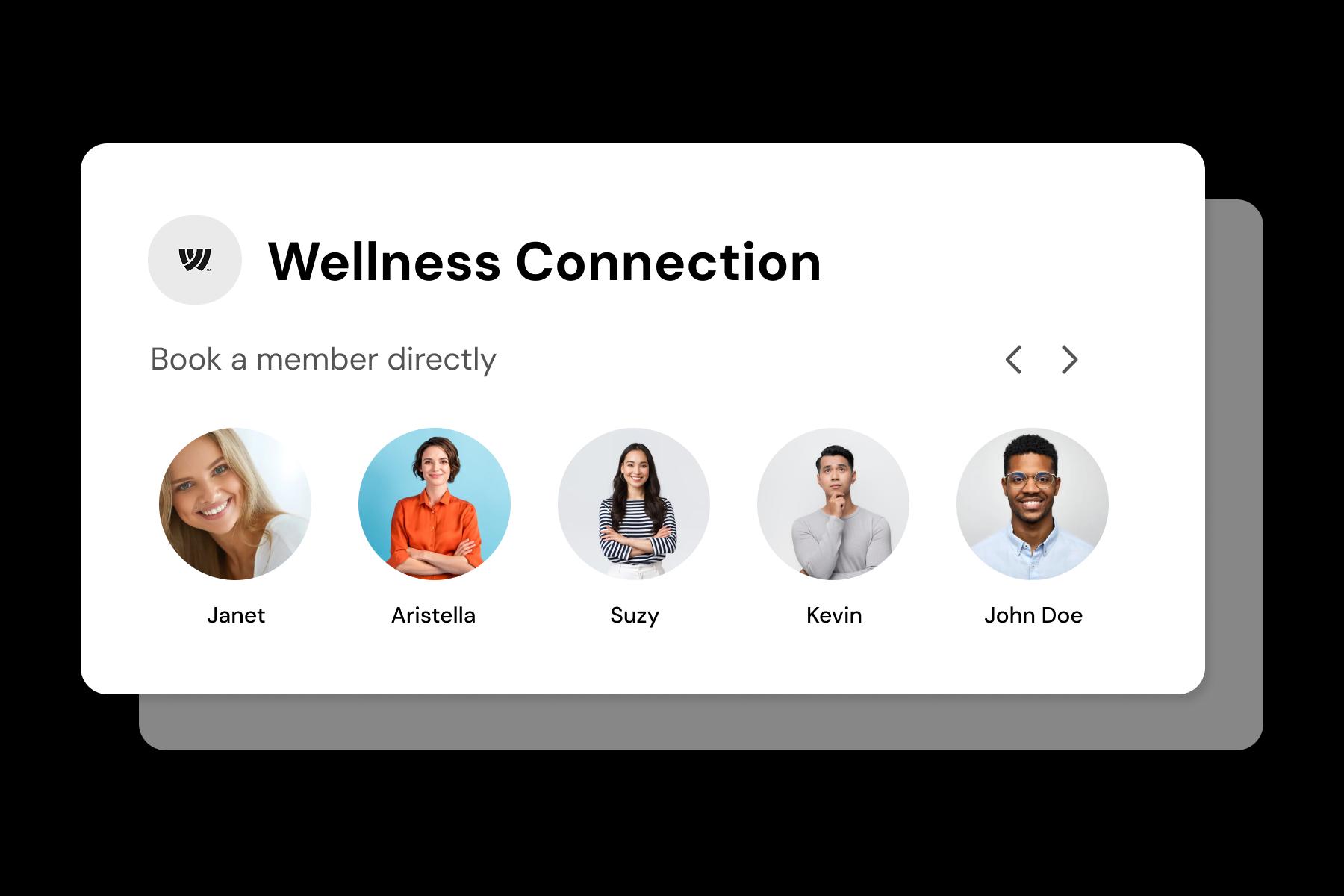
Create visit types with different durations and rules
A 10-minute prescription refill and a 40-minute chronic care review should not be treated the same. Define visit types like new patient, follow-up, annual physical, procedure, lab review, teleconsult, and counseling. Each can have its own duration, buffers, intake questions, and booking limits to protect quality of care.
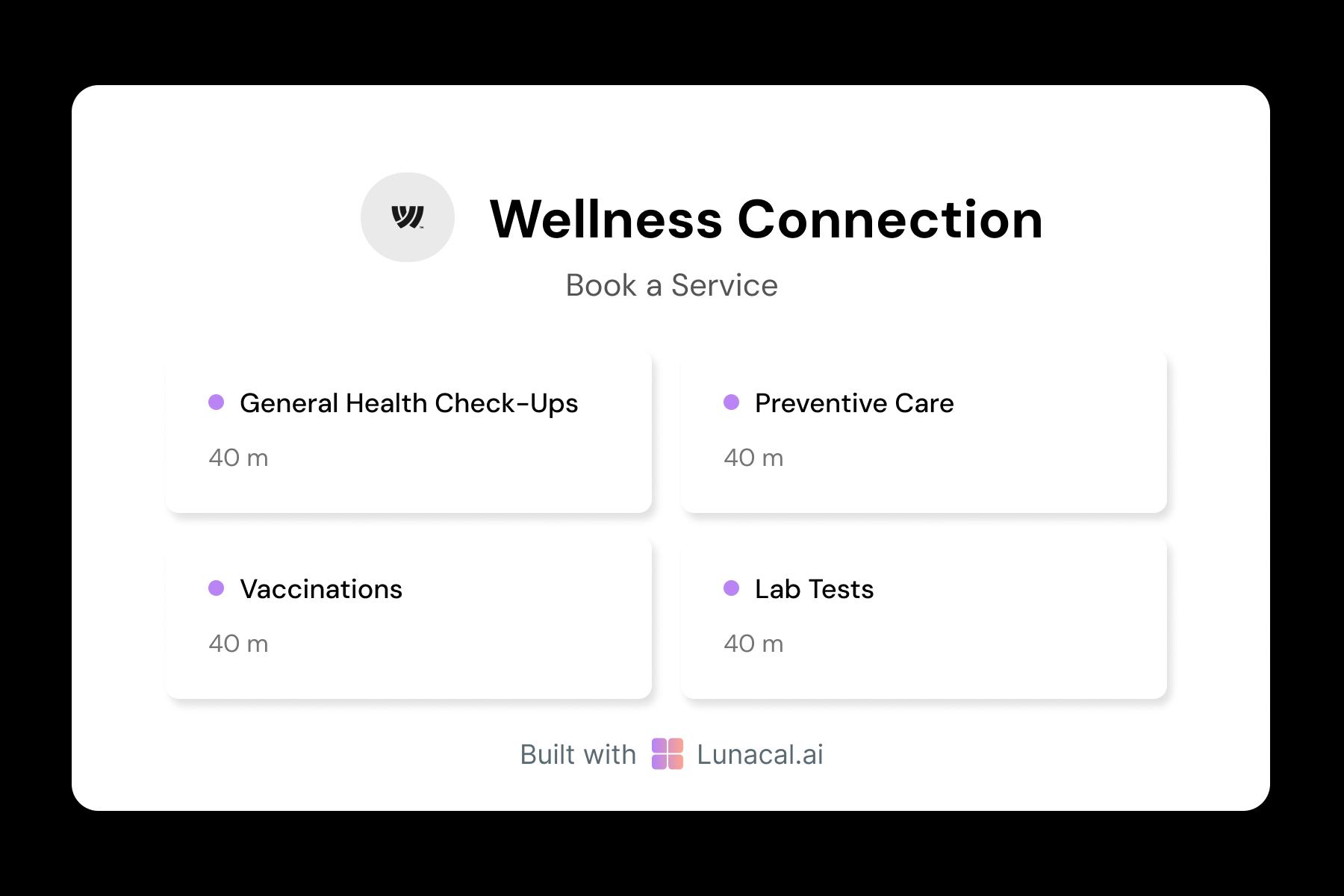
Route general appointments to the next available doctor
For group practices, round-robin reduces wait time and spreads workload fairly. It works best for general consults and first-line visits, while still allowing specialist bookings to go to specific clinicians. Patients get faster appointments, and the front desk spends less time manually assigning slots.
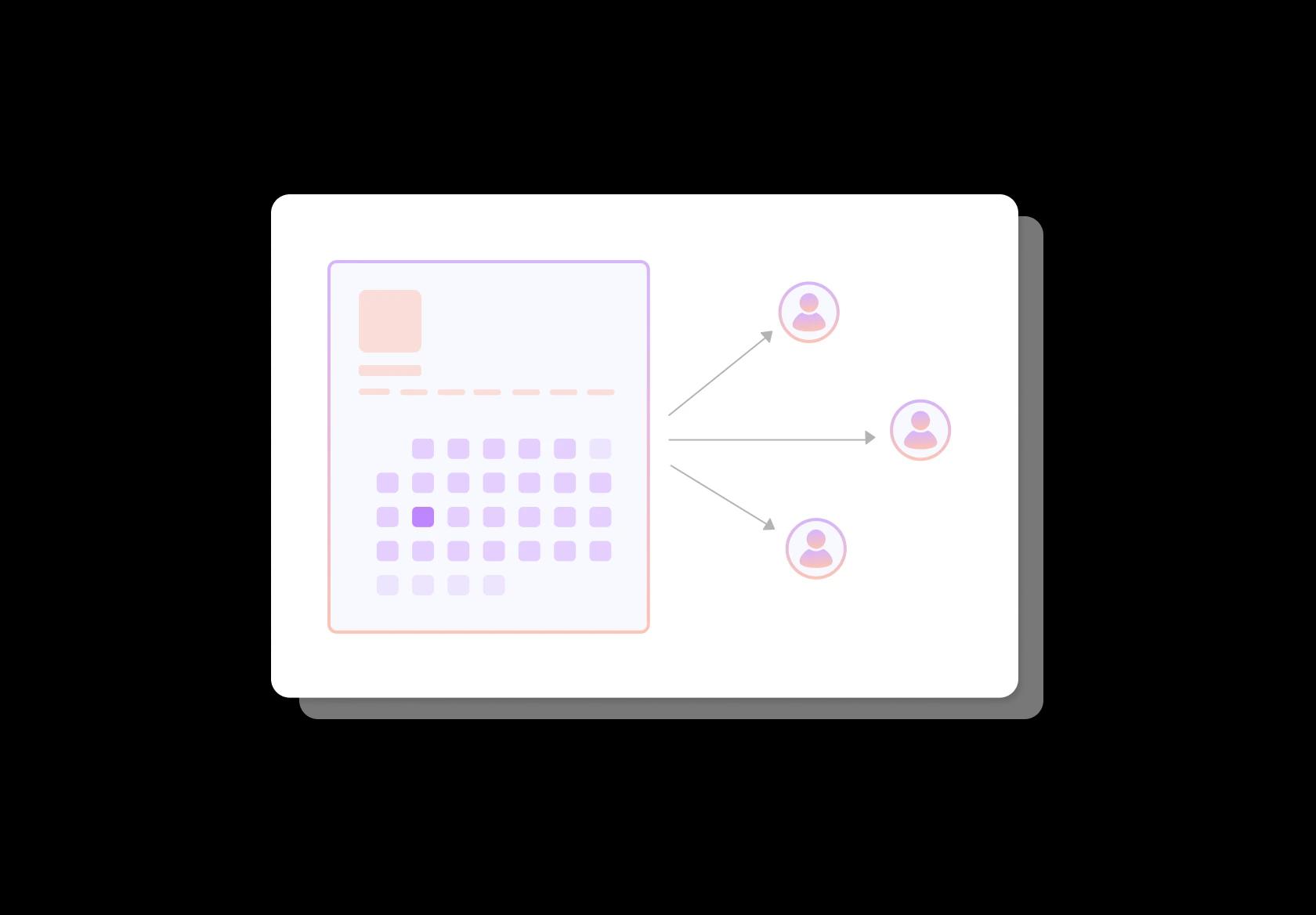
Let patients choose by specialty, language, and experience
Patients often choose based on language, gender preference, specialty, and familiarity with chronic conditions. Profiles should clearly show areas of focus, languages spoken, typical visit types, and any special clinics (for example: geriatric clinic, women’s health, diabetes care). This builds confidence before the first visit.
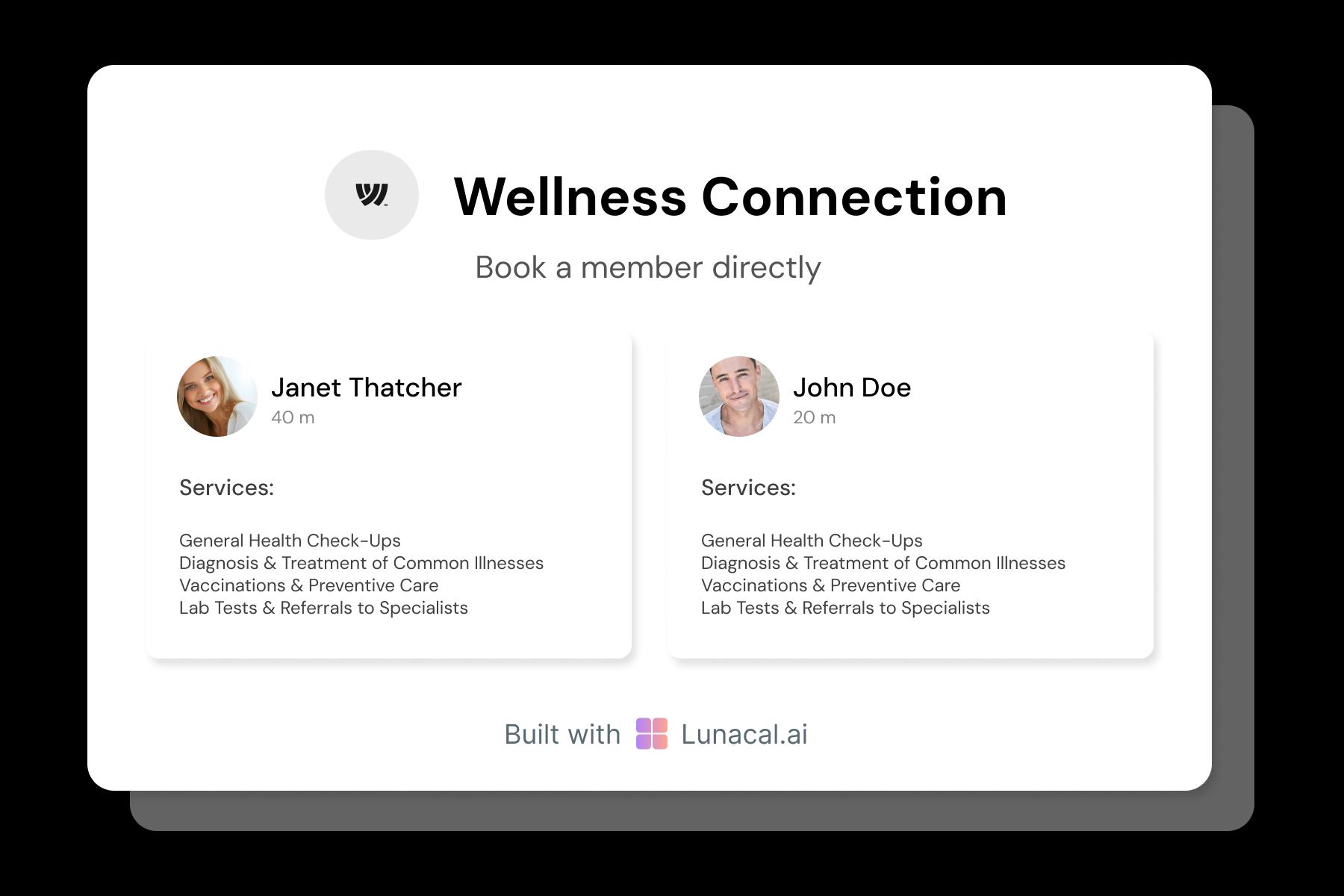
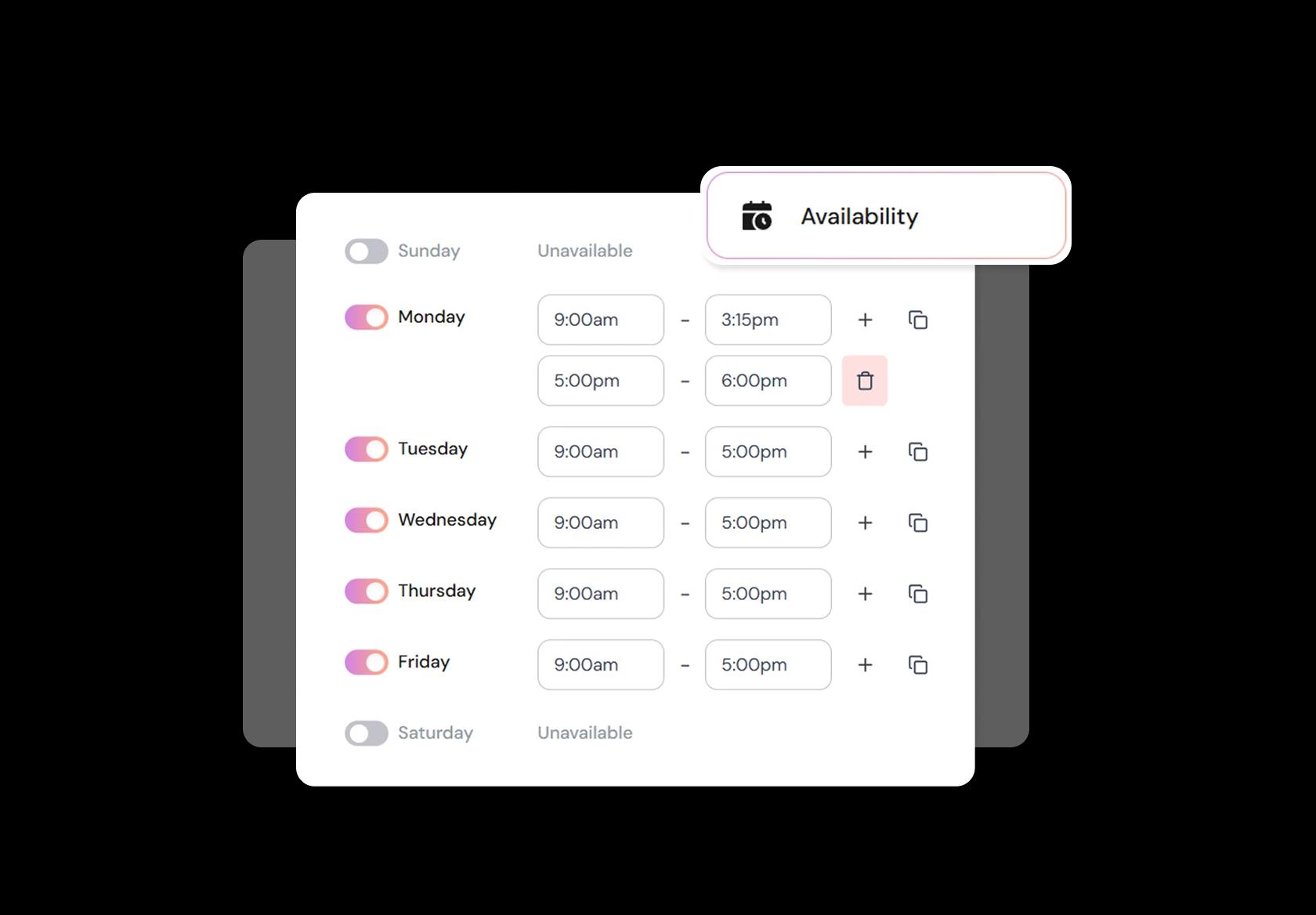
Block time for procedures, admin, emergencies, and breaks
Real clinic schedules change daily. You need fast controls for buffers, minimum notice, break times, procedure blocks, and urgent call slots. This prevents overbooking, reduces delays, and gives you room for the reality of care: late arrivals, complex cases, and unexpected follow-ups.
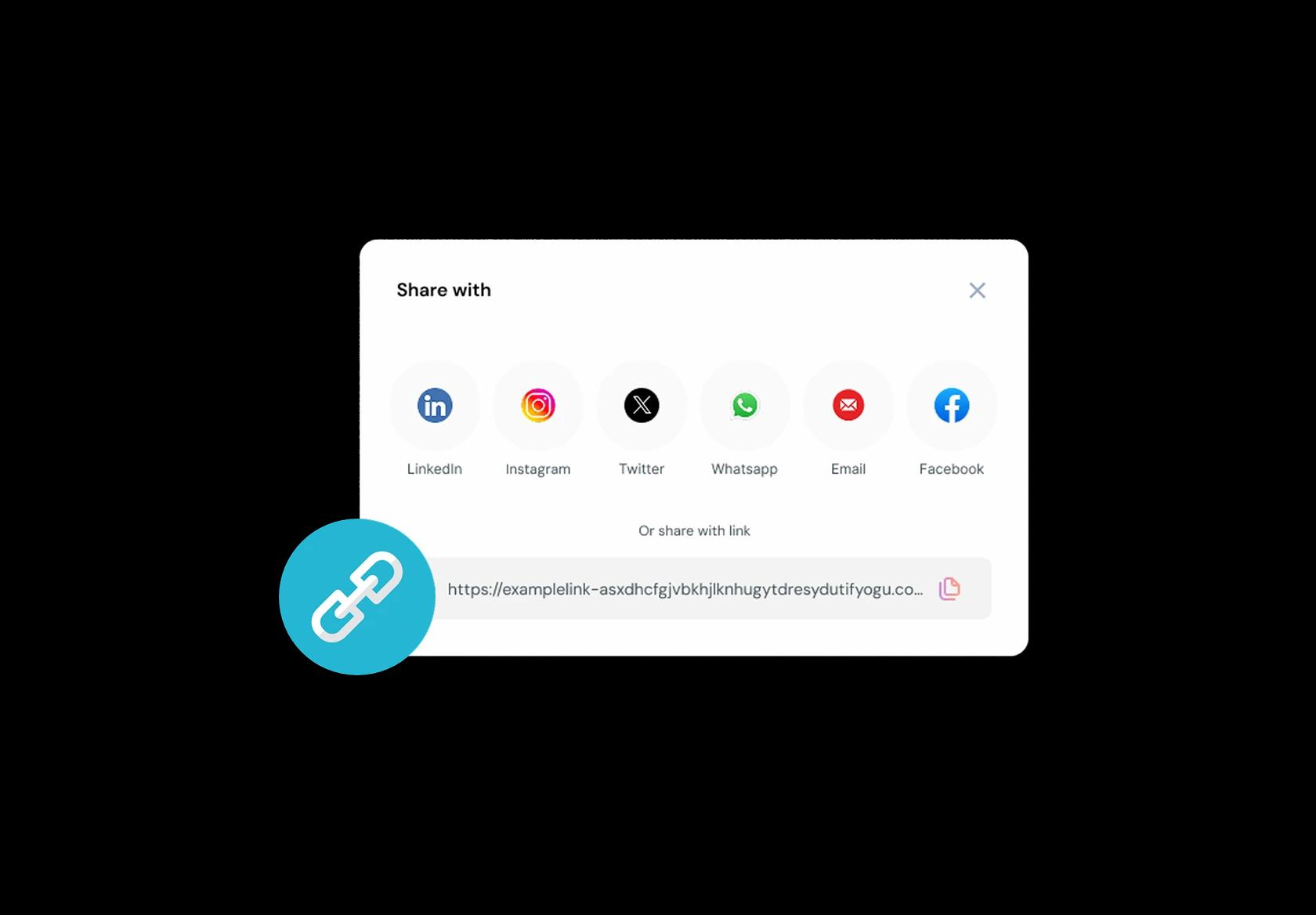
Put booking links in referrals, portals, SMS, and your website
Booking should be one click from wherever the patient is: referral message, patient portal, Google Business Profile, email, or post-visit SMS. The link should land them on the correct service and location automatically. Scheduling should remove bottlenecks, not create new ones with extra back-and-forth.
No commission, No license fees.
Just simple, fair pricing
(save upto 20%)
Standard
- Unlimited Calendars & Services
- Connect Online Meeting Tool
- Payments via Stripe, PayPal
- Text / Email Reminders
- Customize your booking page
Teams
- All Standard Features
- Teams Scheduling
- Multi-session Packages
- Round-robin Scheduling
- Webhooks
Enterprise
- AI Voice Agent
- Account Manager
- Complete Branding
- MCP Server (Beta)
- SSO


Doctor Appointment Scheduling Software Playbook
This playbook helps you set up doctor appointment booking so patients choose the right slot, your day stays on time, and urgent cases don’t get buried.
Start with visit types that match real clinic work
Most scheduling problems in a doctor’s clinic happen because “15 minutes” isn’t a medical unit.
- Create clear visit types: new patient, follow-up, chronic care, acute illness, preventive checkup, procedure, reports review, teleconsultation.
- Assign realistic durations per visit type and per specialty (a dermatology follow-up and a cardiology consult rarely need the same time).
- Add setup and reset buffers for procedures, vitals, documentation, and room turnover.
Separate urgent from routine without pretending to triage medicine
Your booking flow should route urgency safely, not diagnose.
- Add a simple “reason for visit” selector and a short free-text box for context.
- Include a safety line like: “If you have severe symptoms (trouble breathing, chest pain, heavy bleeding, sudden weakness), seek emergency care immediately.”
- If you offer same-day slots, label them clearly and limit them to appropriate visit types (for example “acute illness” or “urgent follow-up”).
Collect intake details that actually save time in the room
Good doctor appointment scheduling collects the minimum info that changes care and appointment length.
- Patient basics: name, age range, contact number, preferred language, and whether they are a new or returning patient.
- Clinical context (lightweight): chief complaint, how long it has been happening, current medicines, and any key allergies.
- Logistics: in-person vs teleconsultation, insurance or payment method if relevant in your country, and whether reports will be brought or uploaded.
Make the booking page answer trust questions before patients ask
Patients decide in seconds whether your clinic feels safe, legitimate, and organized.
- Show doctor profile basics: qualifications, languages spoken, consultation hours, and typical consultation scope.
- Set expectations: what the appointment includes, what to bring (ID, prior prescriptions, reports), and how teleconsultation works.
- Publish clear privacy wording: what data you collect and how you use it, in simple language.
Reduce no-shows with confirmations and reminders that feel human
No-shows are often “I forgot” plus “I didn’t know the rules,” not malice.
- Send an instant confirmation with doctor name, clinic location link, visit type, and any prep notes.
- Send two reminders: one the day before and one a few hours before (timing can vary by region and patient behavior).
- Include one-tap reschedule. A reschedule beats an empty slot.
Design cancellations, late arrivals, and waitlists like a clinic, not a salon
Your policies should protect doctor time without punishing genuine patient issues.
- Use a clear cancellation window (for example 12–24 hours) and keep the rule visible during booking.
- Define late arrival handling: shorter consultation, moved to the end of the queue, or reschedule depending on clinic load.
- Add an optional waitlist for popular doctors so cancelled slots refill fast without staff calling 20 people.
Team scheduling: multiple doctors, rooms, and assistants
Clinic scheduling software should mirror how care is delivered: people + rooms + constraints.
- Support per-doctor availability (different days, different hours, different appointment types).
- If procedures require a room or equipment, block that resource so two bookings don’t collide.
- Let assistants see the day’s schedule and intake notes so doctors aren’t starting cold every time.
Close the loop after the appointment
Scheduling doesn’t end when the patient walks out.
- Send a short follow-up message: prescription/reports reminders, next steps, and when to book a follow-up.
- Make repeat booking easy: “Book a follow-up with Dr. X” with suggested windows (for example 2 weeks, 1 month, 3 months) based on your practice style.
- Offer separate appointment types for “reports review” so patients don’t book a full consult just to show lab results.
Authored & Reviewed by:
Pranshu Kacholia is the founder of Lunacal.ai, a calendar scheduling and appointment booking system. He works directly with businesses of all sizes to improve booking outcomes - reducing no-shows, cutting back-and-forth, and making scheduling more reliable and efficient. His day-to-day includes reviewing real scheduling setups and edge cases: complex availability and buffers, time zones, routing, cancellation/rescheduling rules, paid meetings and deposits, reminder workflows, and integrations with calendars and meeting tools. He regularly shares appointment scheduling best practices through interviews and community conversations (see this interview and this discussion) and also writes about calendar scheduling (read the article on Medium). He has first-hand experience of using 40+ scheduling tools such as calendly, acuity scheduling, vagaro, fresha, tidycal, square, setmore etc. and understands product nuances deeply.
Lunacal.aiCalendlyAcuity SchedulingSquare AppointmentsSetmoreDoodleBooksyMindbodyFreshaSimplyBook.meHoneyBook


