Scheduling Software For Freelancers
Branded booking with paid sessions, packages, time zones, buffers, intake questions, reschedule rules, reminders, & instant confirmations.
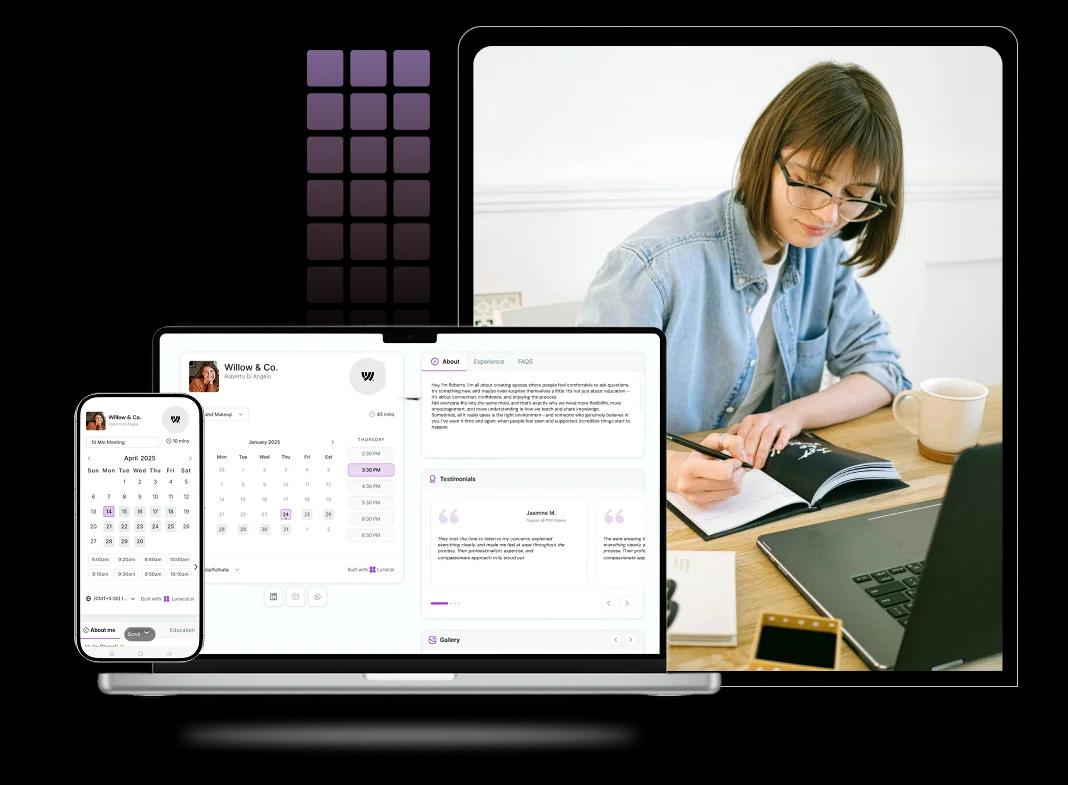
Booking features for calls, projects, and payments
Clients book calls fast, without back-and-forth
When someone’s ready to talk, don’t make them wait. A good freelancer booking page shows only the slots you can actually take (with buffers), collects the basics, and confirms instantly. It turns “sounds good” into a real meeting in under a minute.
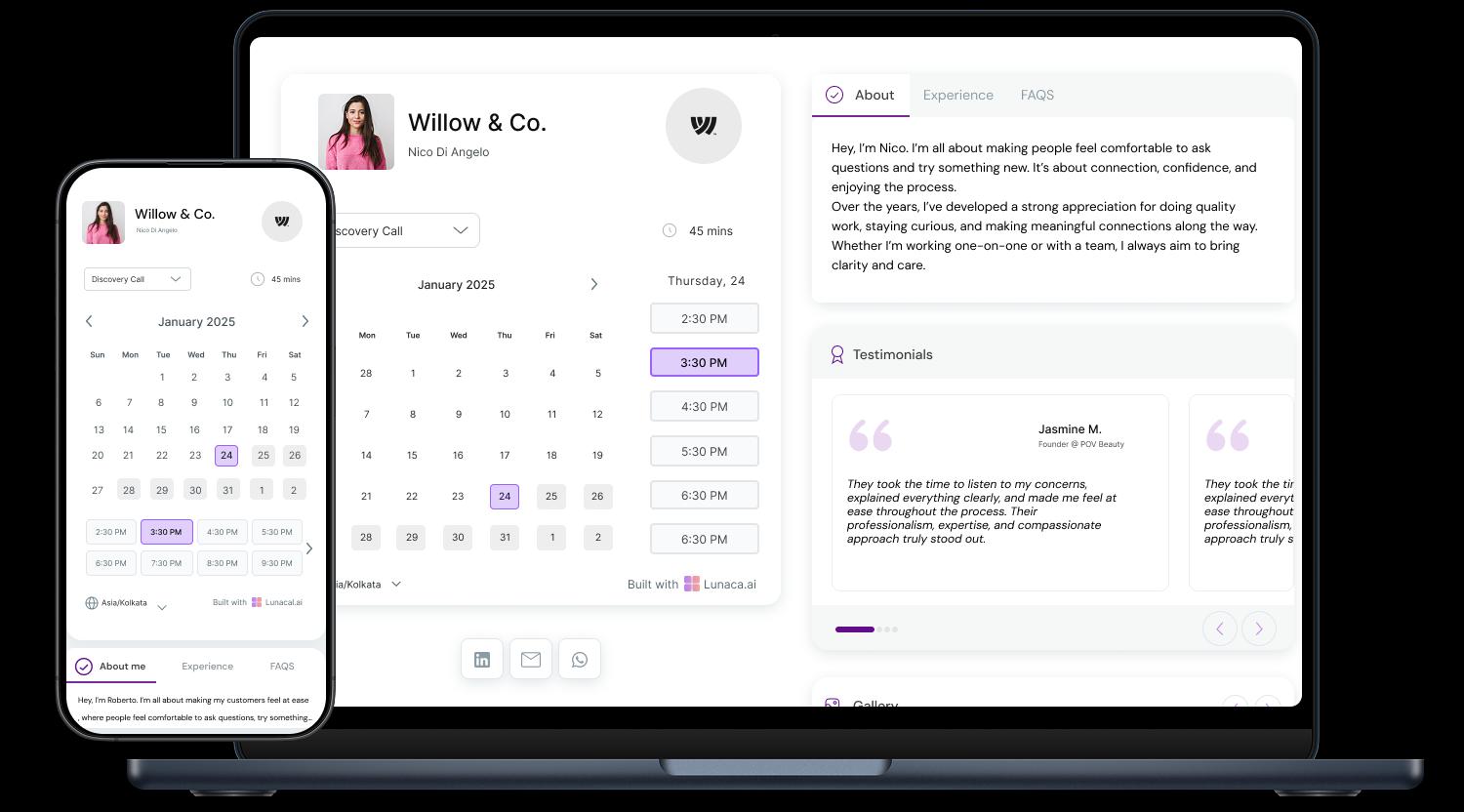
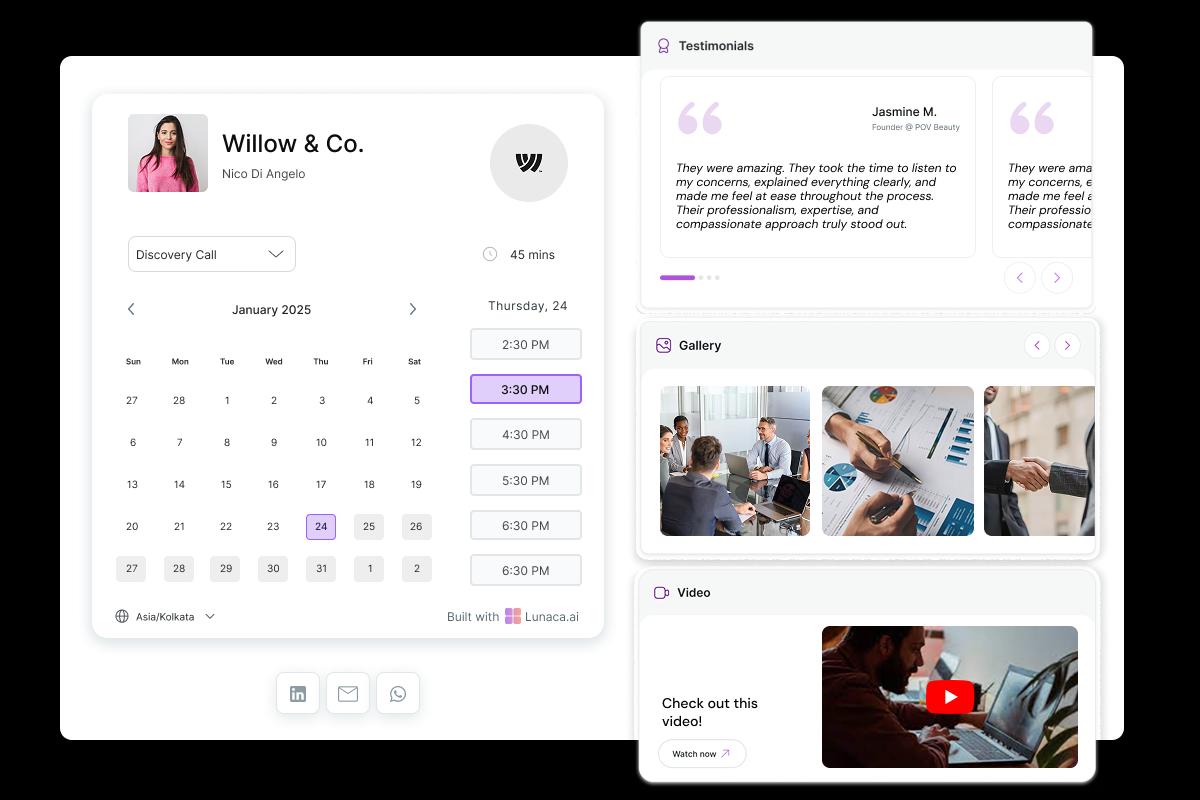
Turn your booking page into a mini portfolio
Most clients hire the person, not a generic service. Add a short intro, your best work, and 2–3 proof points (testimonials, logos, results, before/after). Your calendar should feel like a simple one-page site, not a naked time picker.
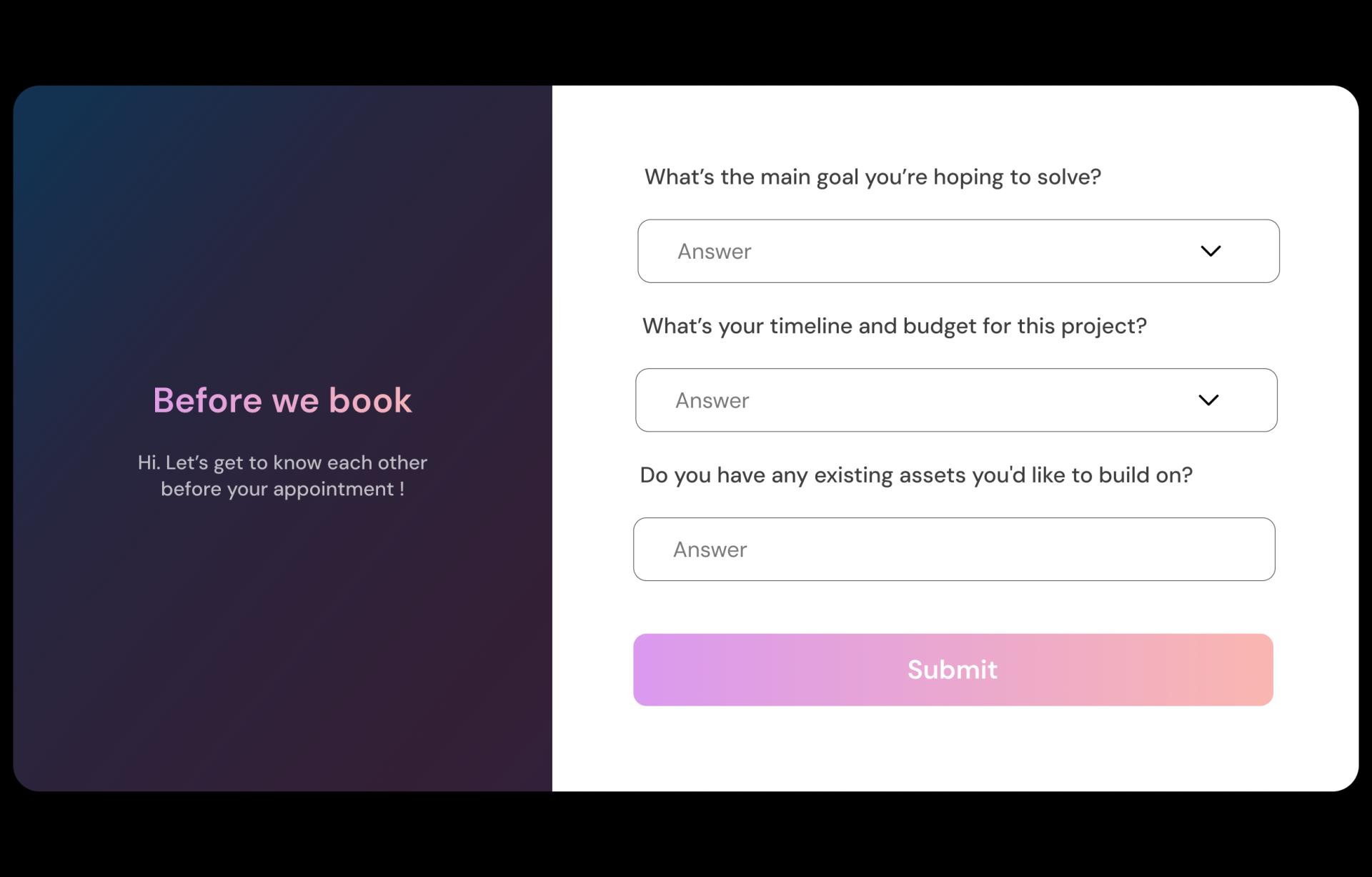
Collect scope info so the first call is productive
Ask what you’d normally dig out over DMs: goal, timeline, budget range, decision-maker, and what “done” looks like. If it’s design or dev, ask for links and references. You start the call already aligned, not doing awkward discovery from zero.
Reduce no-shows with clear, friendly nudges
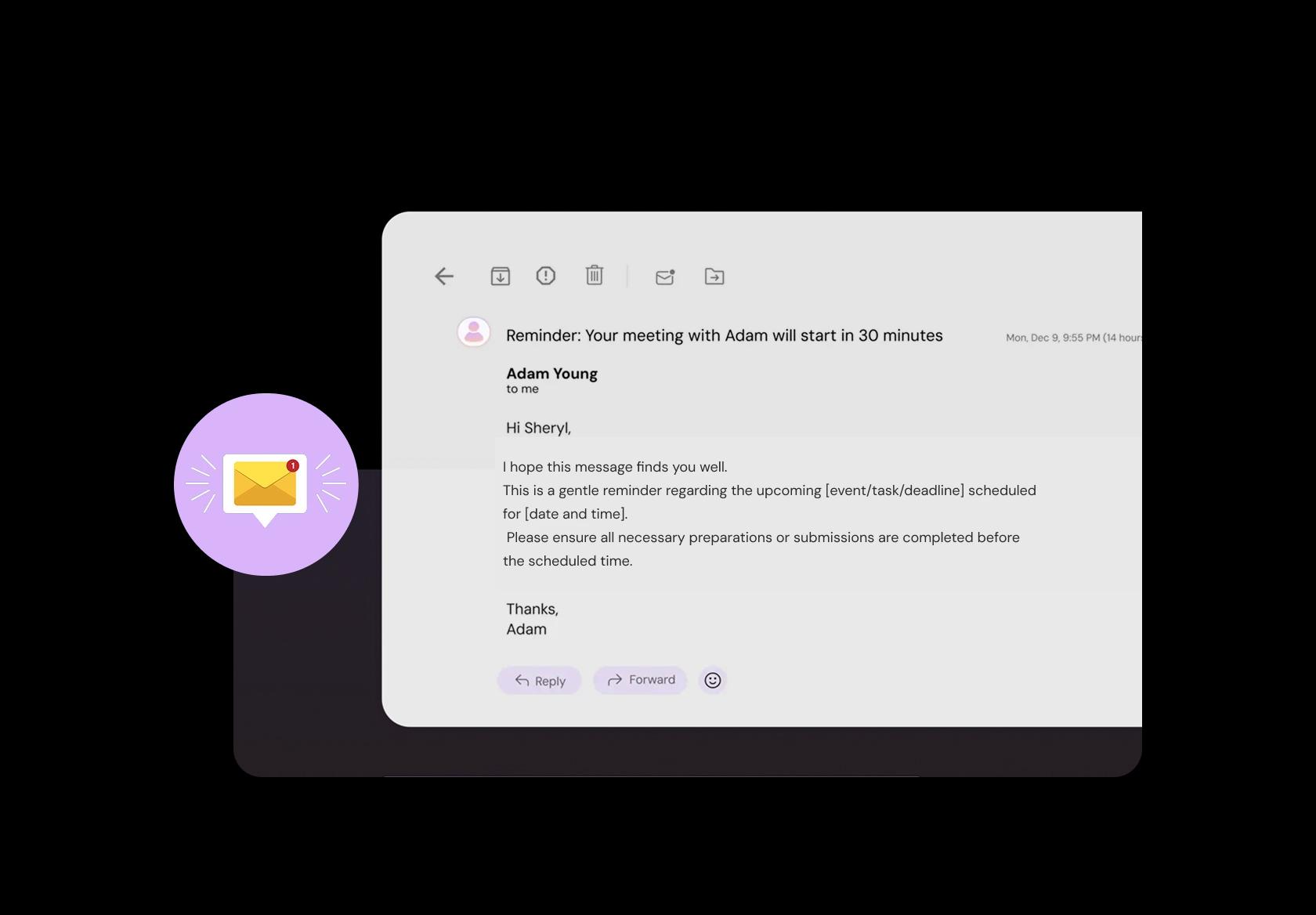
Freelancers lose hours to ghosting. Send a reminder 24 hours before and another 1 hour before with the agenda, the meeting link, and what to prepare. After the call, send a follow-up that recaps next steps and makes it easy to reschedule if needed.
Charge for consults and scoping calls upfront
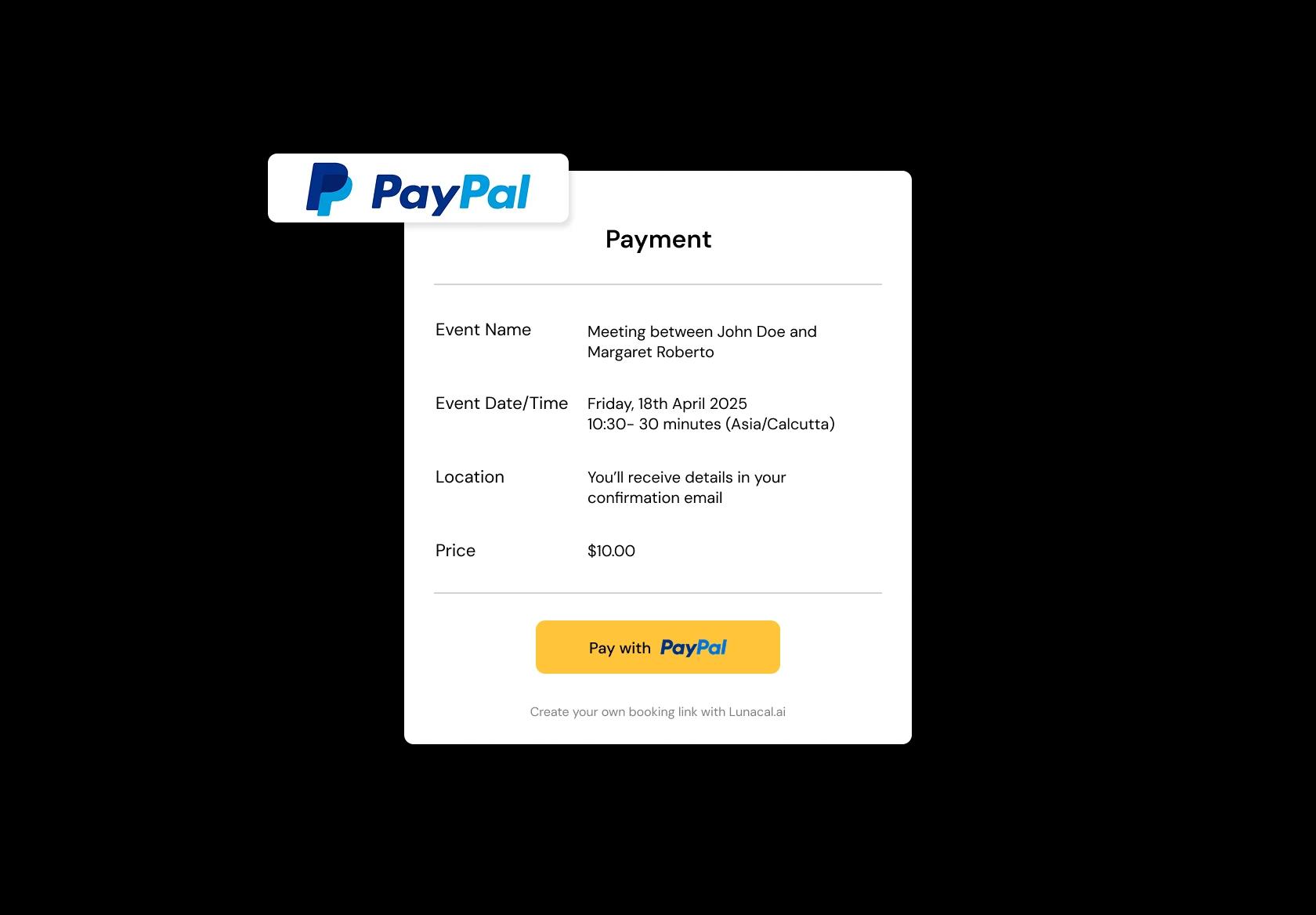
If you offer paid audits, strategy calls, or reviews, payment upfront filters out time-wasters. It also sets expectations: this isn’t “pick my brain”, it’s a real deliverable. Add a short note on what’s included and your reschedule policy.
Handle time zones, travel, and multiple calendars
Global clients get messy fast. Use time zone detection so nobody books a 3 a.m. call by accident. If you switch between home, co-working, or travel weeks, keep separate availability rules so your calendar doesn’t lie when you’re on the move.
Separate intro calls, reviews, workshops, and retainers
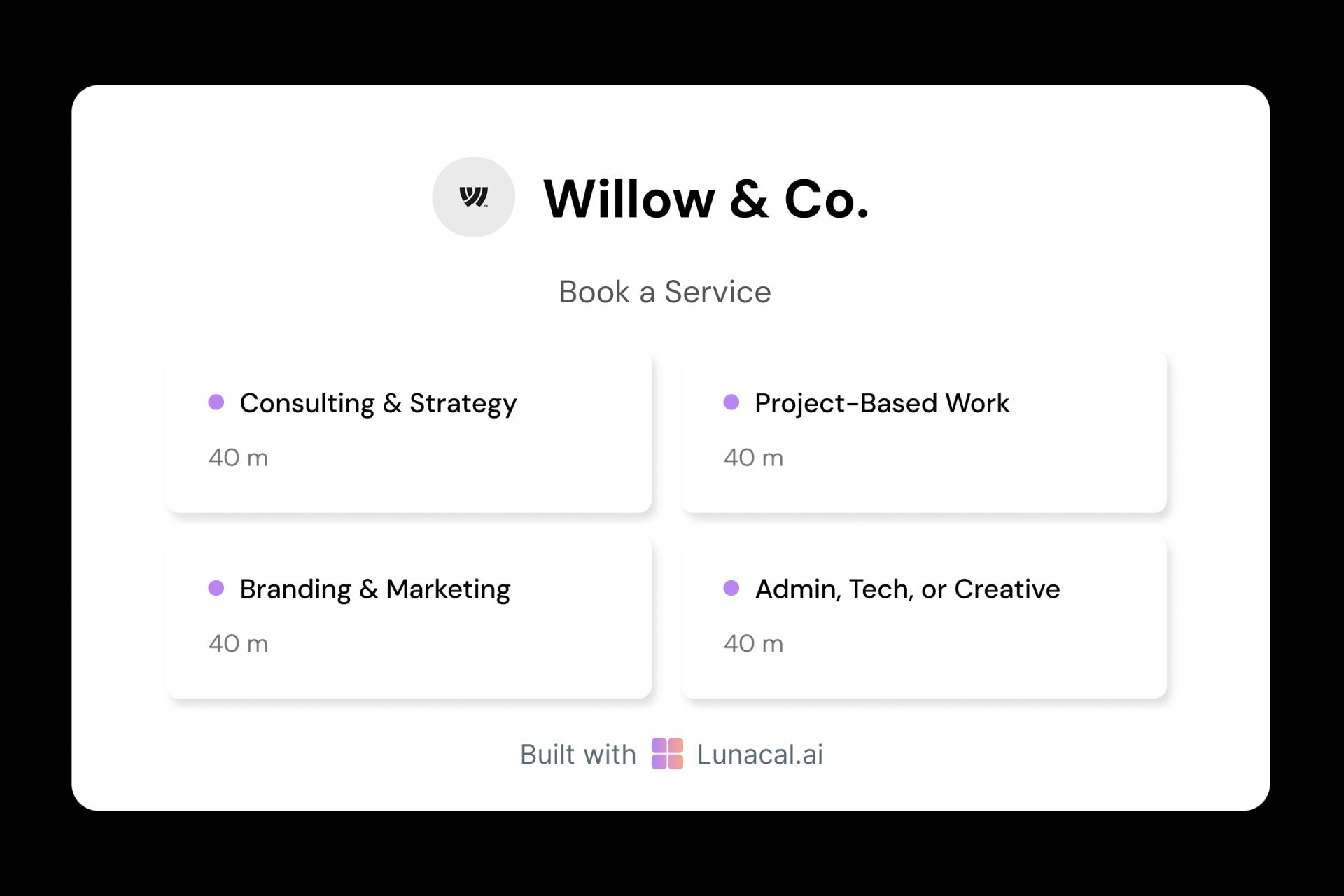
A 15-minute intro is not a 90-minute teardown. Create distinct services with clear durations, who it’s for, and what the client gets. Example: “Portfolio review (30 min)” vs “Website audit (75 min + notes)”. Less confusion, better-fit bookings.
Great for studios and freelancer collectives
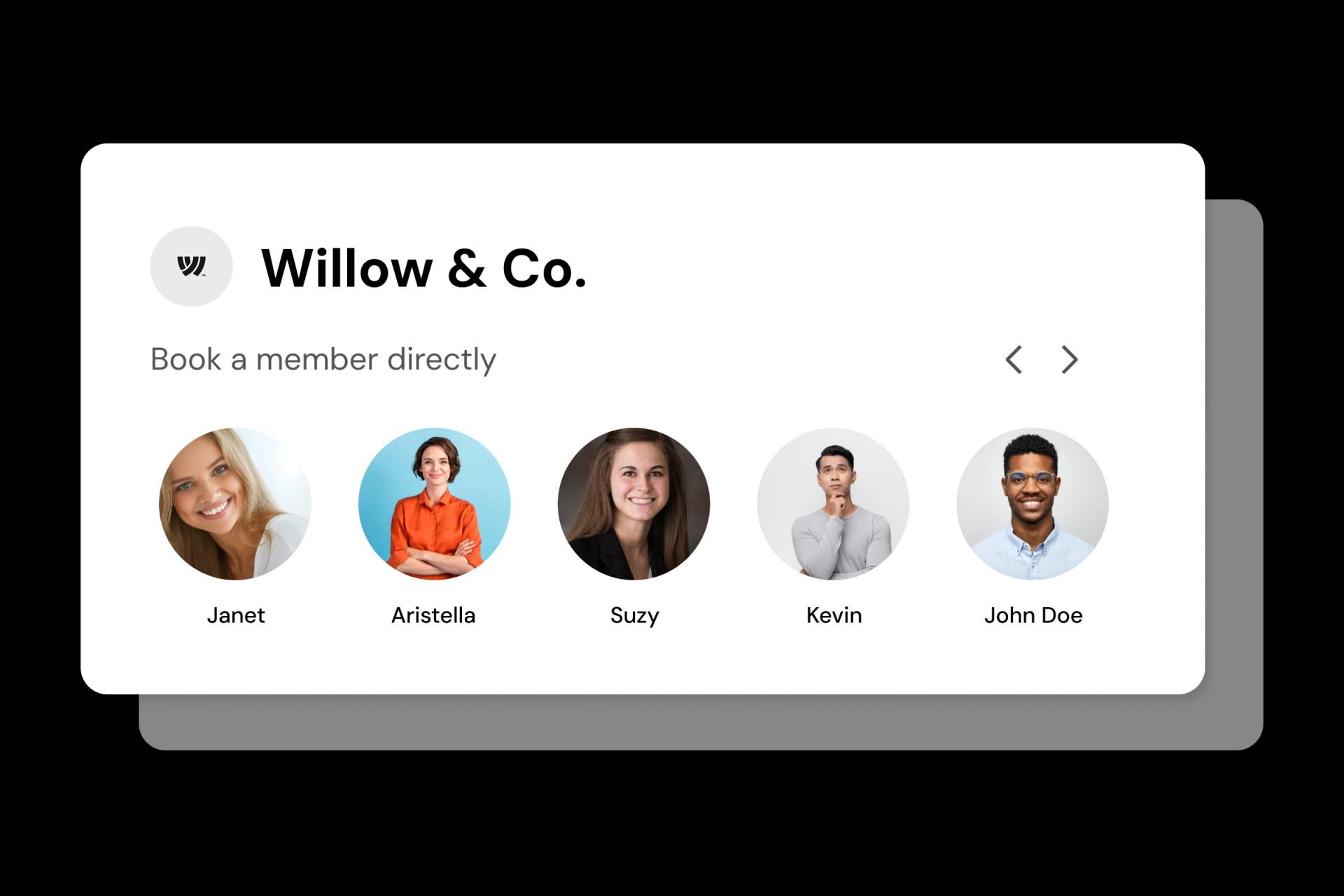
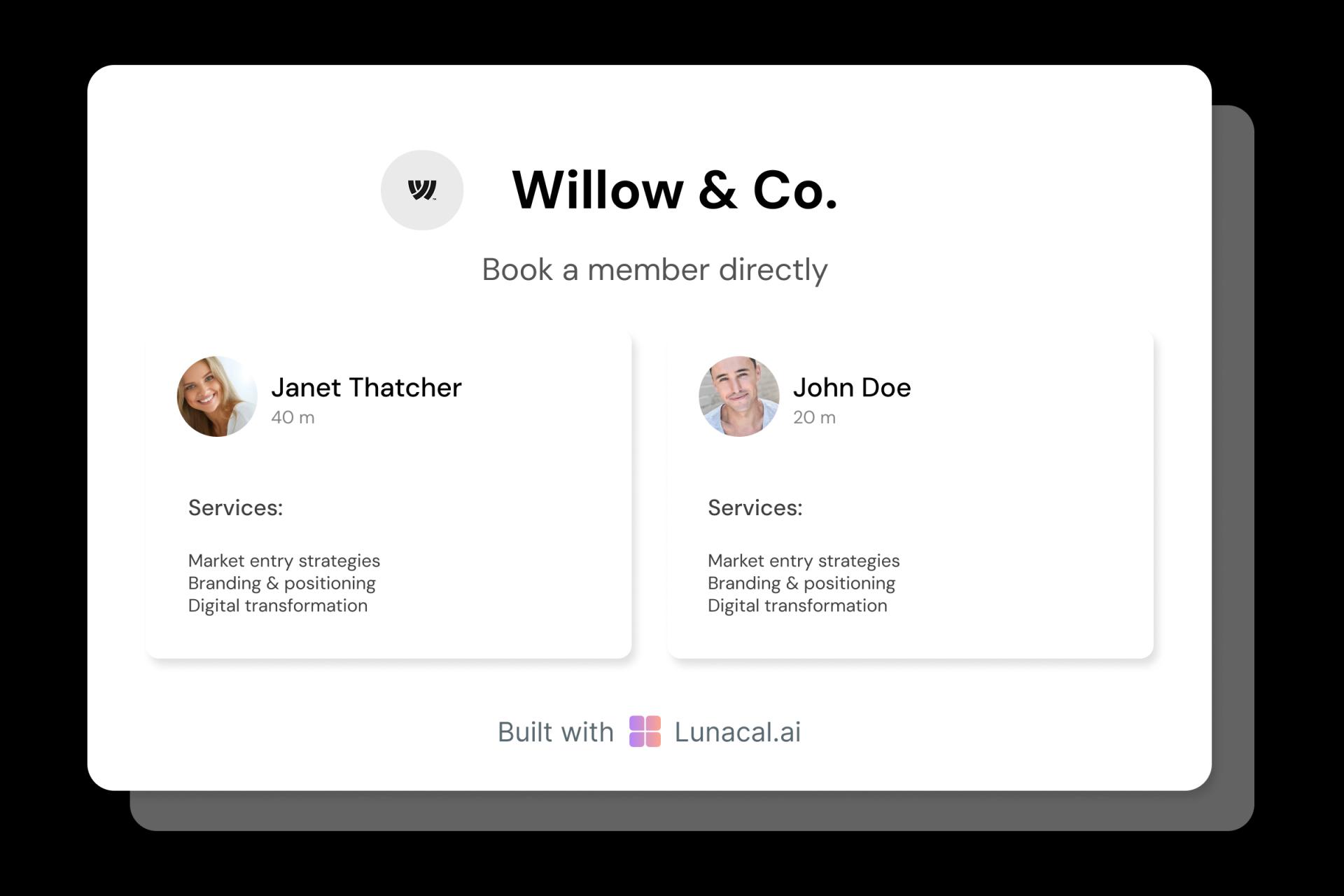
Solo freelancers won’t use this daily. But if you run a small studio, round-robin can route new inquiries to the next available teammate, while still letting clients pick a specific person when they care. It keeps replies fast during busy weeks.
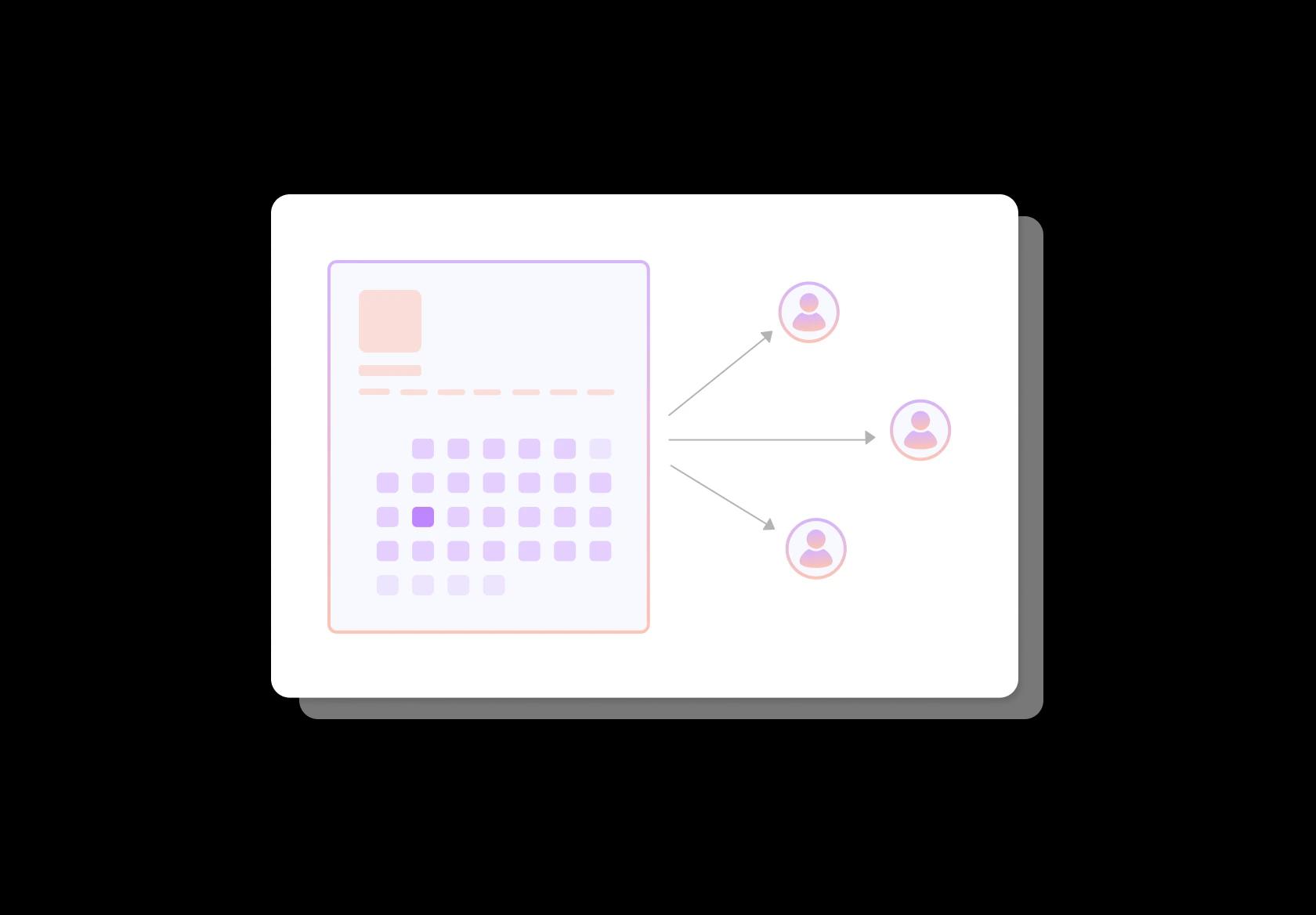
Show your process, niche, and past results
Add a tight “how I work” section, your typical timeline, and a few mini case studies with outcomes. Mention industries you know well and tools you use when it matters. Clients should understand your style before they ever say “Hi”.
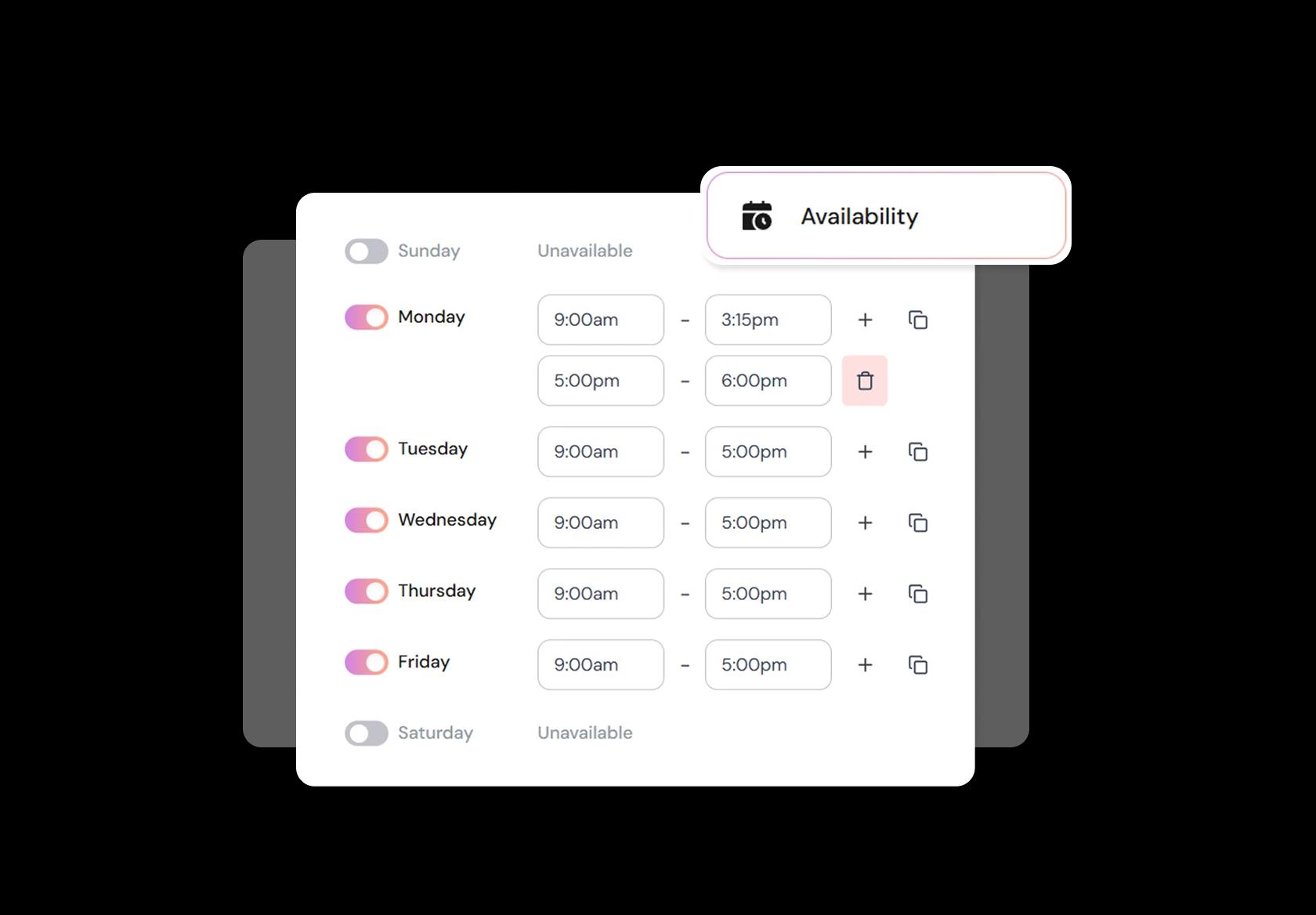
Protect deep work days and creative blocks
The fastest way to hate freelancing is constant meetings. Block focus days, set minimum notice, and add buffers so calls don’t break your momentum. In busy months, tighten availability; in quiet months, open more slots. Your calendar should match reality.
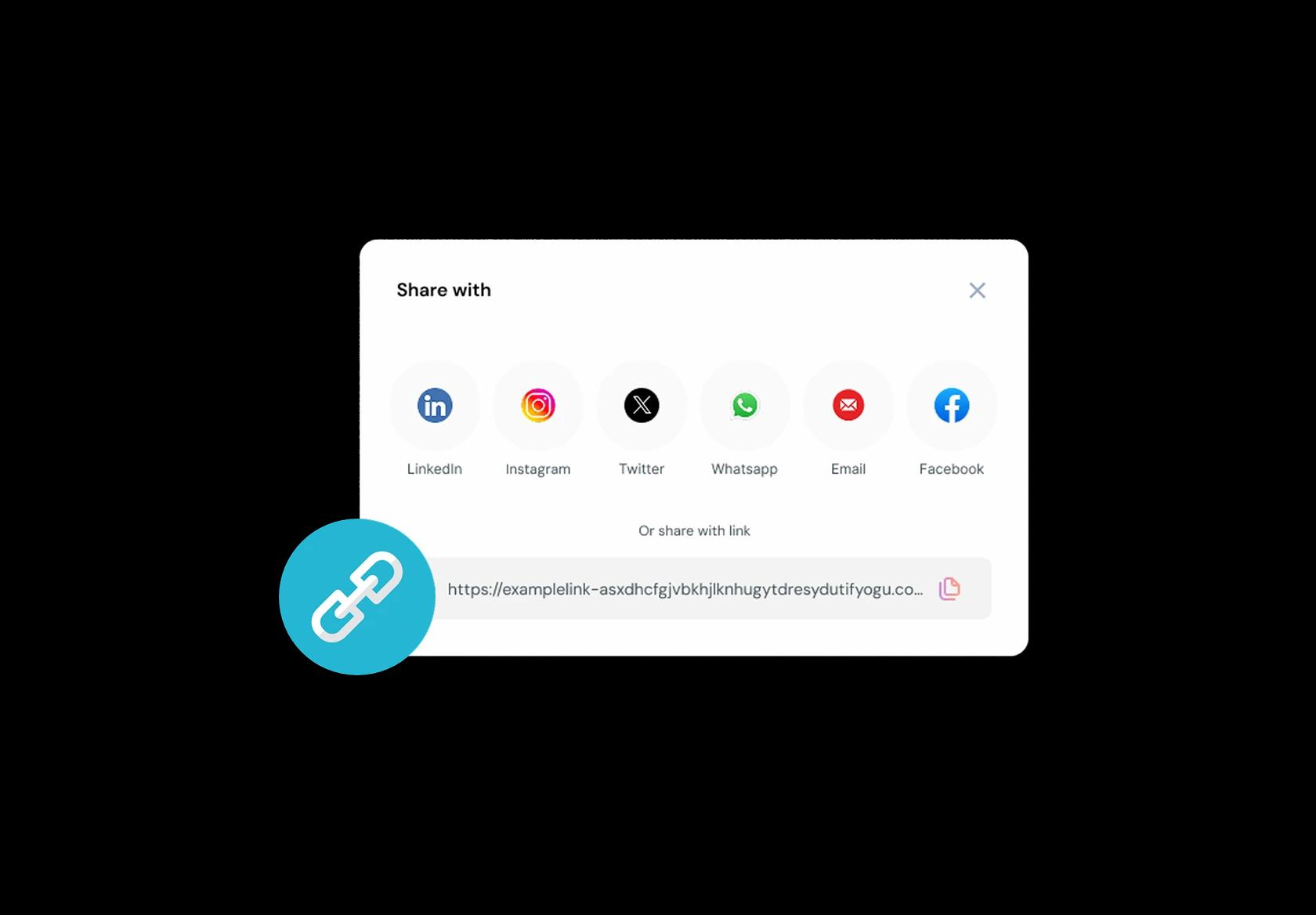
One link for website, email, social, and proposals
Put the same link on your portfolio, LinkedIn, Dribbble, proposals, and email signature. Every time someone asks “when are you free?”, you answer once and move on. A consistent booking link reduces friction and speeds up paid work.
No commission, No license fees.
Just simple, fair pricing
(save upto 20%)
Standard
- Unlimited Calendars & Services
- Connect Online Meeting Tool
- Payments via Stripe, PayPal
- Text / Email Reminders
- Customize your booking page
Teams
- All Standard Features
- Teams Scheduling
- Multi-session Packages
- Round-robin Scheduling
- Webhooks
Enterprise
- AI Voice Agent
- Account Manager
- Complete Branding
- MCP Server (Beta)
- SSO




Freelancer Scheduling Software Playbook: turn “can we meet?” into paid work (without back-and-forth)
This playbook shows how freelancers should set up scheduling software so the booking link filters the right clients, captures the right context, and protects your time across time zones.
Create 3 booking options that match how freelancers actually sell
Most freelancers don’t need 12 meeting types. You need three that map to your funnel and your calendar.
- Discovery call: short, qualification-focused, with a strict agenda and clear outcomes.
- Paid consult: a paid session for “pick my brain” clients, audits, and urgent help.
- Client session: recurring calls for active projects, retainers, and check-ins.
Design the booking page like a mini-brief, not just a calendar
A freelancer booking page should answer the questions prospects usually ask on the call, so the call starts deeper.
- What you do: one line on your niche and who you help, written in plain language.
- What they’ll get: 2–4 specific outcomes per meeting type (for example, “clear next steps” or “actionable audit notes”).
- Proof: a short portfolio link, a testimonial, or a before/after metric if you have it.
- Boundaries: what this call is not (stops “free consulting” expectations early).
Use intake questions to prevent scope creep before it starts
The best freelancer scheduling software acts like a lightweight project manager before the meeting happens.
- Goal: “What would make this meeting a win for you?”
- Context: company, role, website, and any relevant links.
- Problem snapshot: one paragraph, not a novel.
- Stage: “Exploring”, “Shortlisting”, or “Ready to start this month”.
- Budget range: optional, but powerful for filtering mismatched leads.
- Assets: upload or link docs (brief, deck, designs, analytics screenshots) so you can prep fast.
Set availability rules that protect your energy, not just your hours
Global freelancing fails when your calendar is technically open but practically exhausting.
- Time zone clarity: show times in the visitor’s time zone and confirm it in the booking confirmation.
- Minimum notice: stop same-day surprises unless you charge for “urgent” slots.
- Buffers: add prep and recovery time, especially around deep work blocks.
- Daily cap: limit meetings per day so calls don’t eat your delivery time.
- No-meeting zones: protect mornings for creation or evenings for family, depending on your rhythm.
Attach commitment to time: paid sessions, deposits, and clear policies
Freelancer appointment booking works best when the booking link creates mutual commitment.
- Paid consults: charge for high-leverage advice sessions and include what’s delivered (notes, audit, recordings if you offer them).
- Deposits: use for high-demand slots or longer sessions to reduce no-shows.
- Reschedule rules: keep it short and visible before booking (for example, “24 hours notice to reschedule”).
- Late policy: specify what happens if someone joins late, so you’re not negotiating on the spot.
Automate confirmations and reminders so people show up prepared
Good calendar scheduling for freelancers doesn’t just remind. It sets expectations and reduces awkward openings.
- Instant confirmation: include agenda, meeting link, and how to reschedule.
- One-day reminder: include the intake answers back to them so both sides align.
- One-hour reminder: short, with the join link and “what to bring”.
- Meeting logistics: auto-generate video links or allow custom links when clients require specific tools.
Turn every booked meeting into the next step
The biggest freelancer mistake is ending a call with “I’ll follow up” and hoping it closes.
- Post-call follow-up: send a short summary, next steps, and a link to book the next meeting type.
- Proposal bridge: include a checklist of what you need from them to finalize scope and timeline.
- Retention hook: for ongoing clients, offer recurring sessions or a “monthly review” slot to keep work steady.
Track the only metrics that matter for freelancers
Freelancer scheduling software should make your pipeline calmer and your delivery time larger.
- Booking conversion: visits to bookings (does your page explain enough to earn commitment).
- No-show rate: by meeting type (discovery vs paid consult vs client sessions behave differently).
- Time-to-first-call: how fast a new lead can meet you without email ping-pong.
- Revenue per meeting type: ensures your calendar isn’t full of low-value calls.
Authored & Reviewed by:
Pranshu Kacholia is the founder of Lunacal.ai, a calendar scheduling and appointment booking system. He works directly with businesses of all sizes to improve booking outcomes - reducing no-shows, cutting back-and-forth, and making scheduling more reliable and efficient. His day-to-day includes reviewing real scheduling setups and edge cases: complex availability and buffers, time zones, routing, cancellation/rescheduling rules, paid meetings and deposits, reminder workflows, and integrations with calendars and meeting tools. He regularly shares appointment scheduling best practices through interviews and community conversations (see this interview and this discussion) and also writes about calendar scheduling (read the article on Medium). He has first-hand experience of using 40+ scheduling tools such as calendly, acuity scheduling, vagaro, fresha, tidycal, square, setmore etc. and understands product nuances deeply.
Lunacal.aiCalendlyAcuity SchedulingSquare AppointmentsSetmoreDoodleBooksyMindbodyFreshaSimplyBook.meHoneyBook


