Scheduling Software For Medical Clinic
Multi-provider scheduling with patient intake, visit types, room/resource booking, reminders, follow-ups, & privacy-friendly access controls.

Scheduling features for visits, follow-ups, and flow
Patients can instantly schedule appointments or follow-ups
Online clinic appointment booking lets patients pick a slot without waiting on hold. It also cuts front-desk load so staff can focus on check-ins and care. Support confirmations, easy reschedules, and follow-ups so routine visits do not turn into a phone-tag mess.
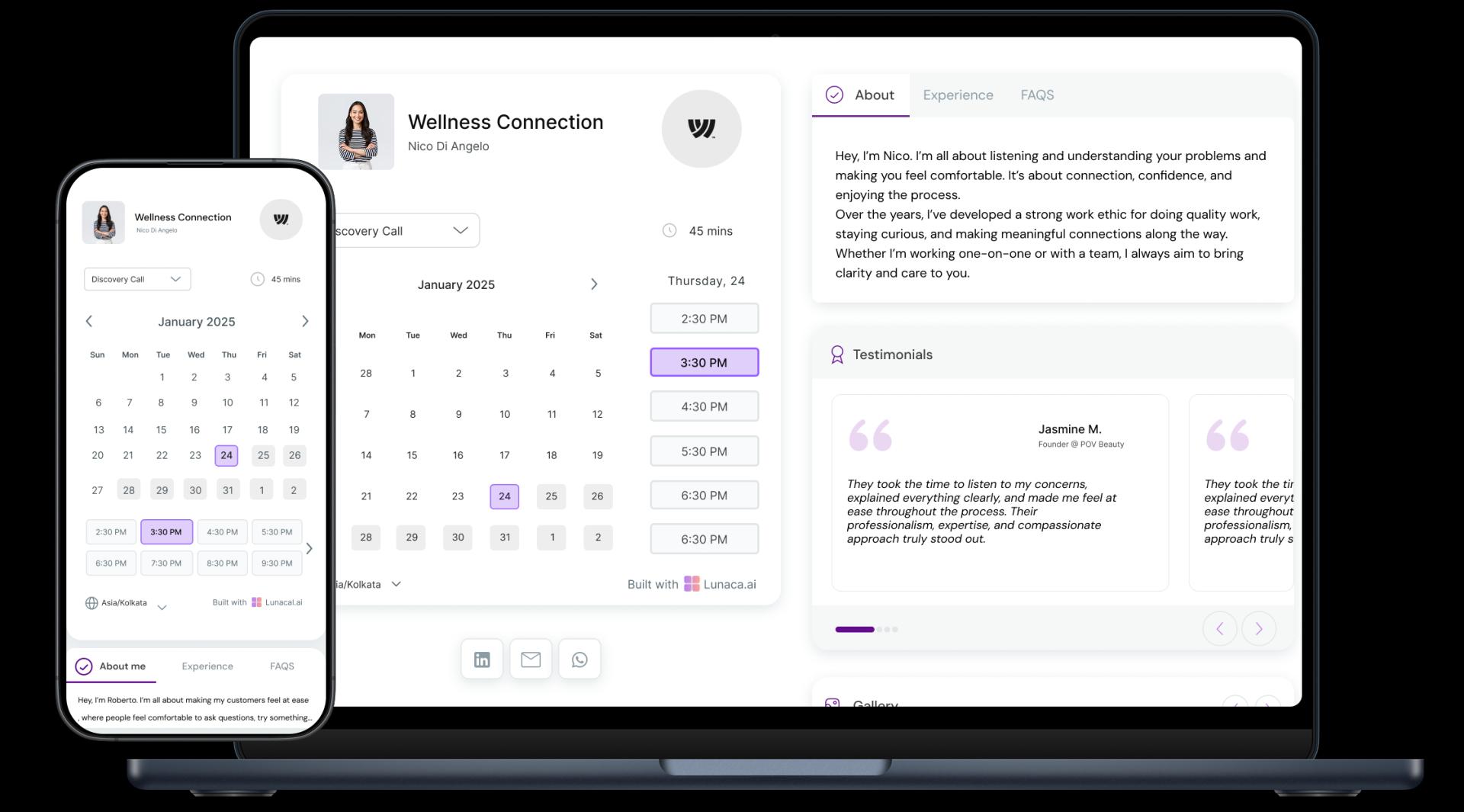
Display clinic specialties, credentials, and patient stories
A booking page should answer “Can I trust this clinic?” in 20 seconds. Show services (family medicine, dermatology, physiotherapy), clinician credentials, languages spoken, accessibility, parking, and clear next steps. If you use reviews or patient stories, keep consent and privacy front-and-center.
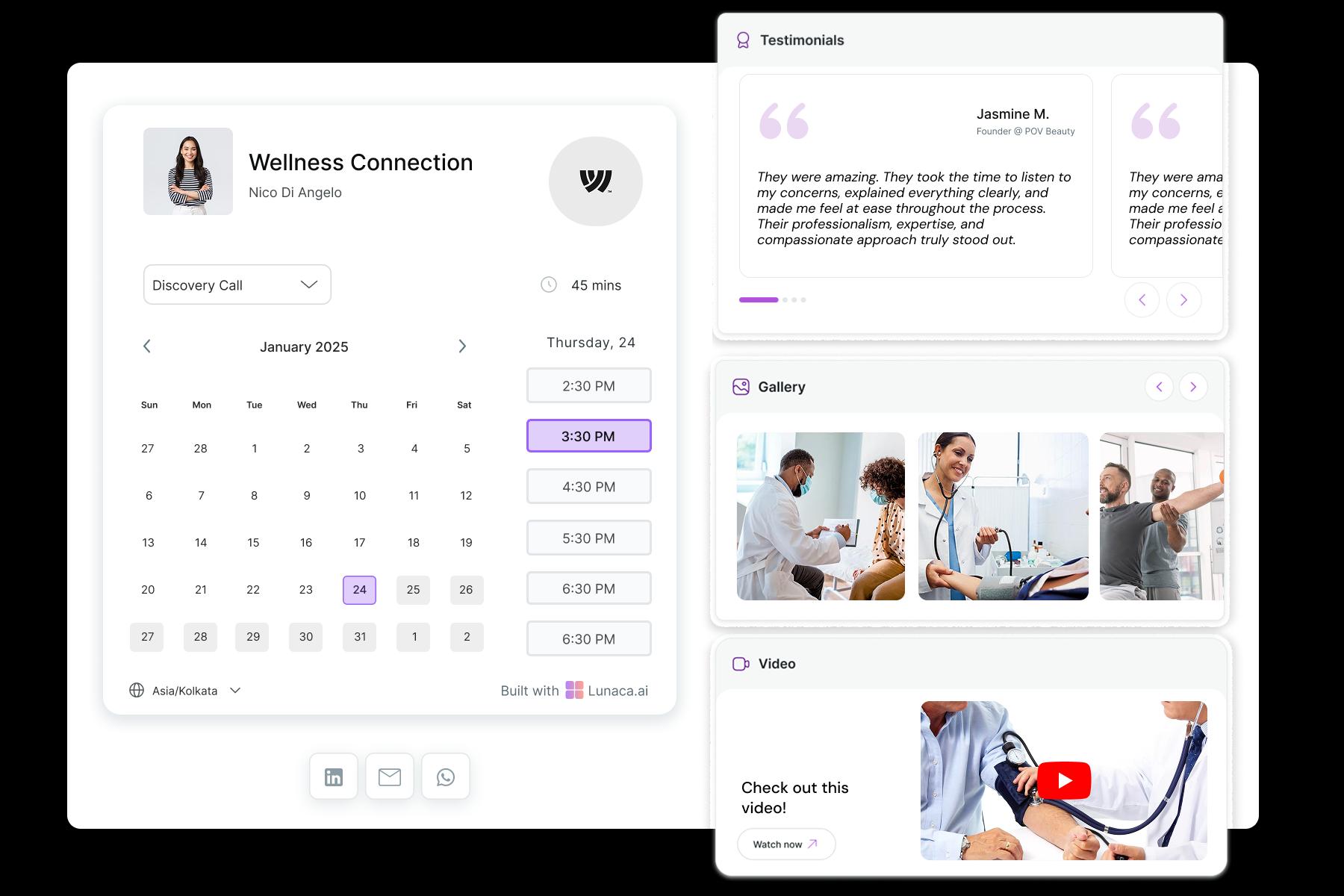
Ask symptoms, referral info, or visit reason upfront
Collect just enough intake to schedule correctly: reason for visit, duration needed, referral source, preferred clinician, language, and any forms required. This prevents booking a 10-minute slot for a complex consult and helps you avoid conflicts with labs, imaging, or procedure rooms.

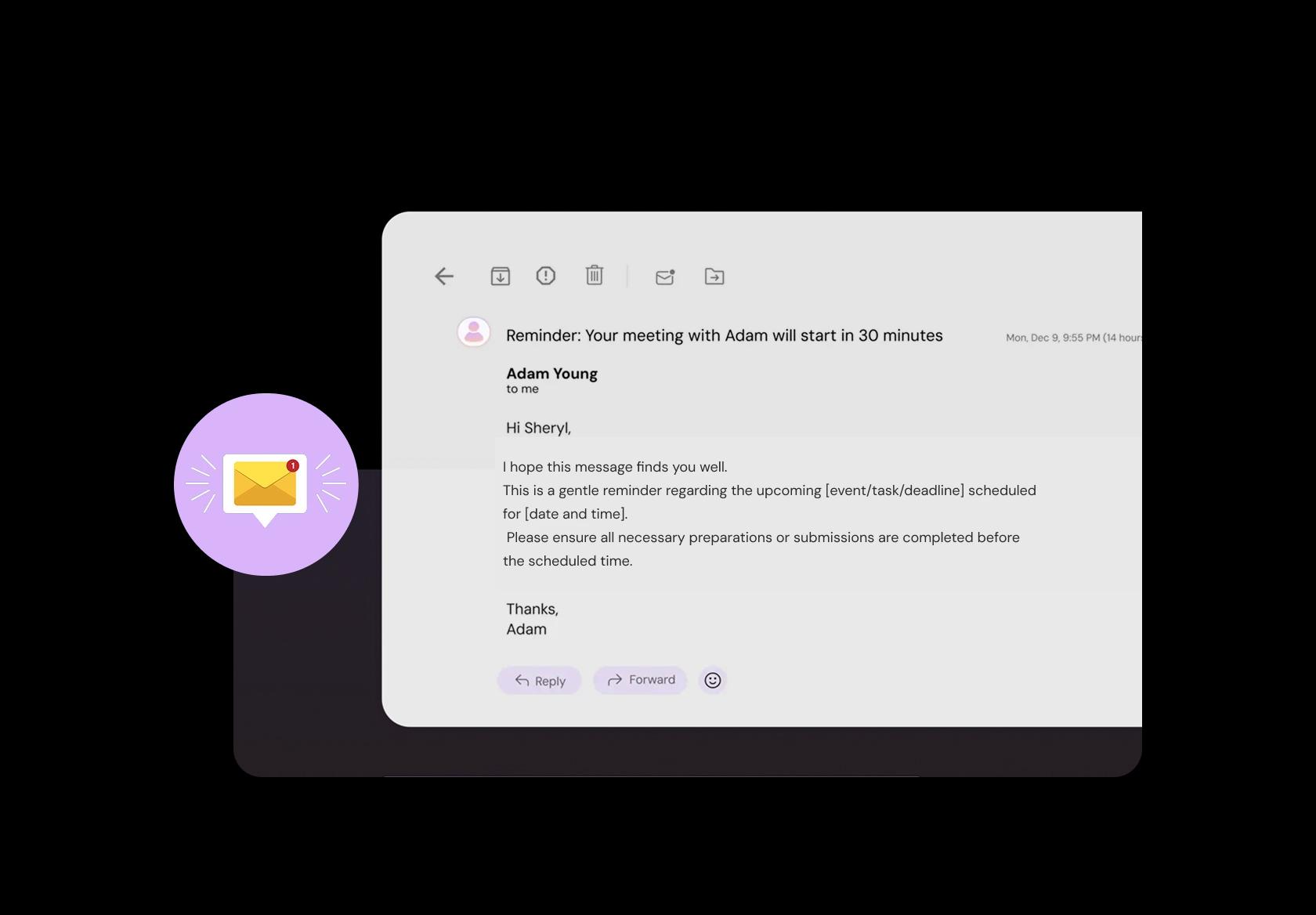
Send automated alerts before appointments
No-shows disrupt care and schedules. Send SMS/email/WhatsApp reminders with the essentials: time, location, what to bring, and any pre-visit instructions your clinic uses (for example, arrive early for paperwork). Include a one-tap reschedule link so cancellations happen early, not at the desk.
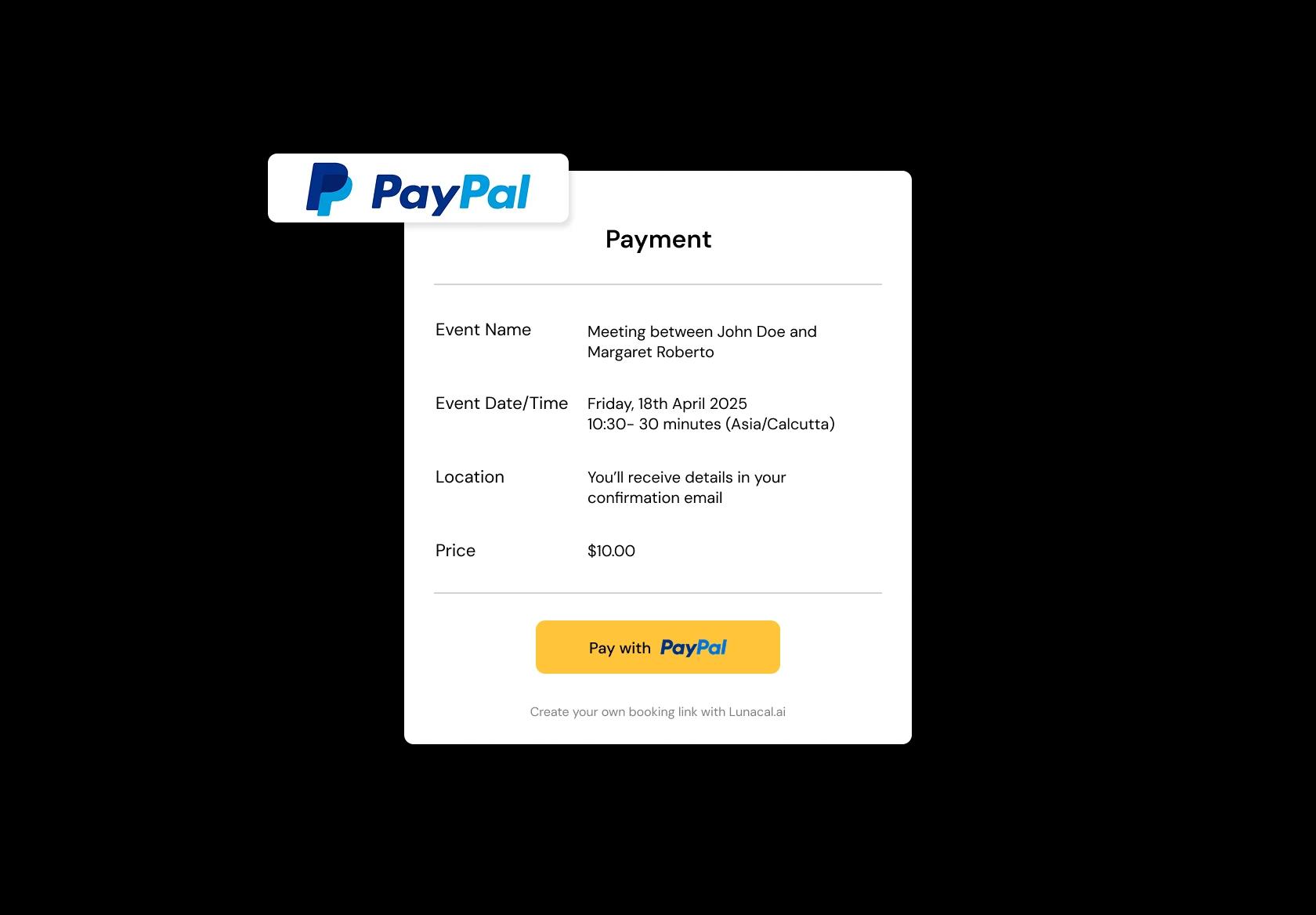
Take deposits or full payments before sessions
For private-pay consults, diagnostics, or physiotherapy sessions, upfront payments or deposits reduce last-minute drop-offs. Keep it simple: show the fee clearly, confirm what is included, and send receipts automatically. Patients get clarity; the clinic gets fewer “soft bookings.”
Coordinate teams across departments or multiple clinics
If you run multiple branches or departments, centralized clinic scheduling software prevents double-booking providers, rooms, or equipment. It also keeps patient flow predictable: front desk knows who is where, clinicians see their day in one view, and transfers between locations do not become a spreadsheet.
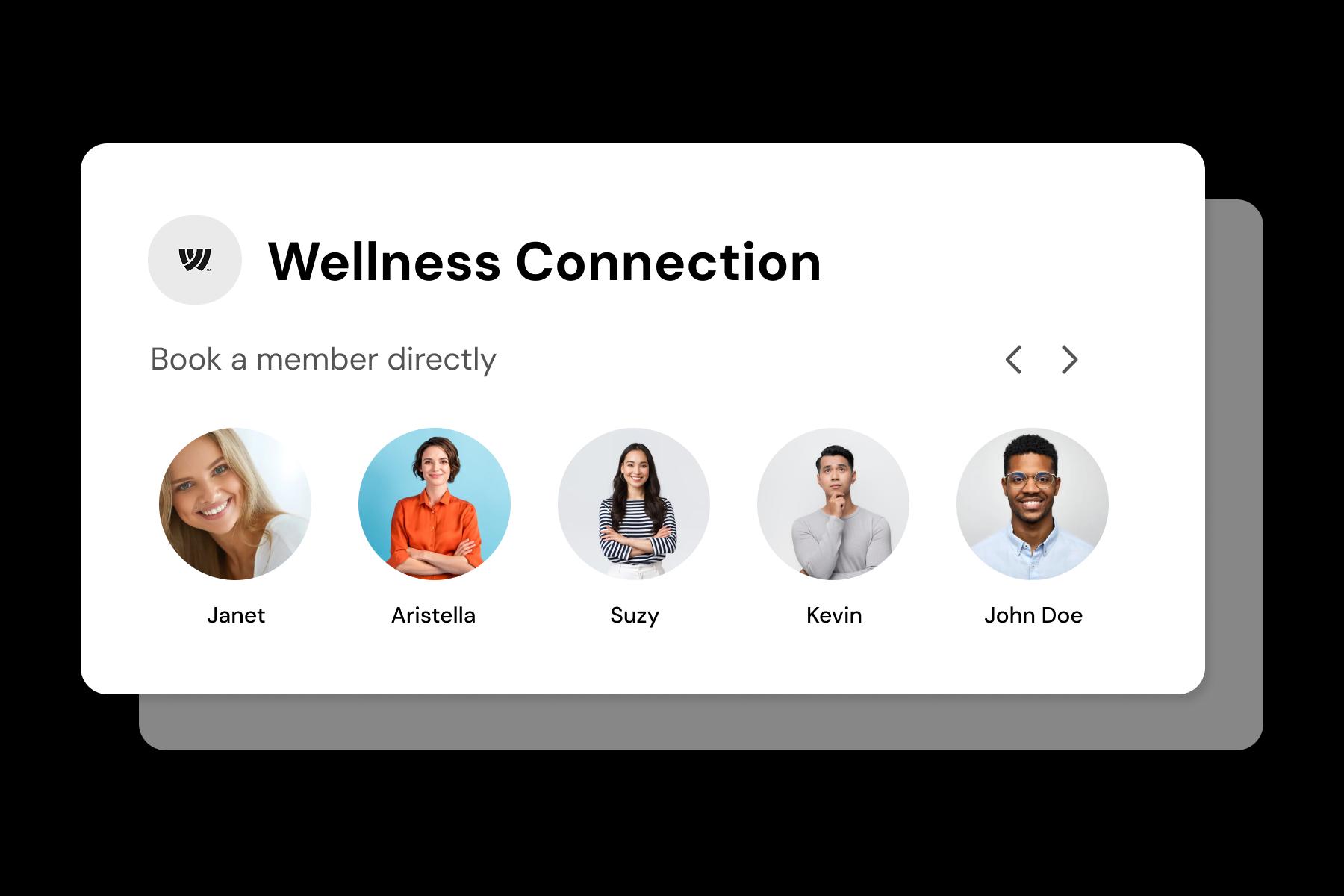
Define appointment types with custom timings and buffers
Not all appointments are equal. Configure visit types like new patient, follow-up, vaccination, wound dressing, lab draw, ultrasound, or procedure. Assign different durations, room requirements, and buffers (setup, cleaning, documentation) so your schedule matches how clinics actually run.
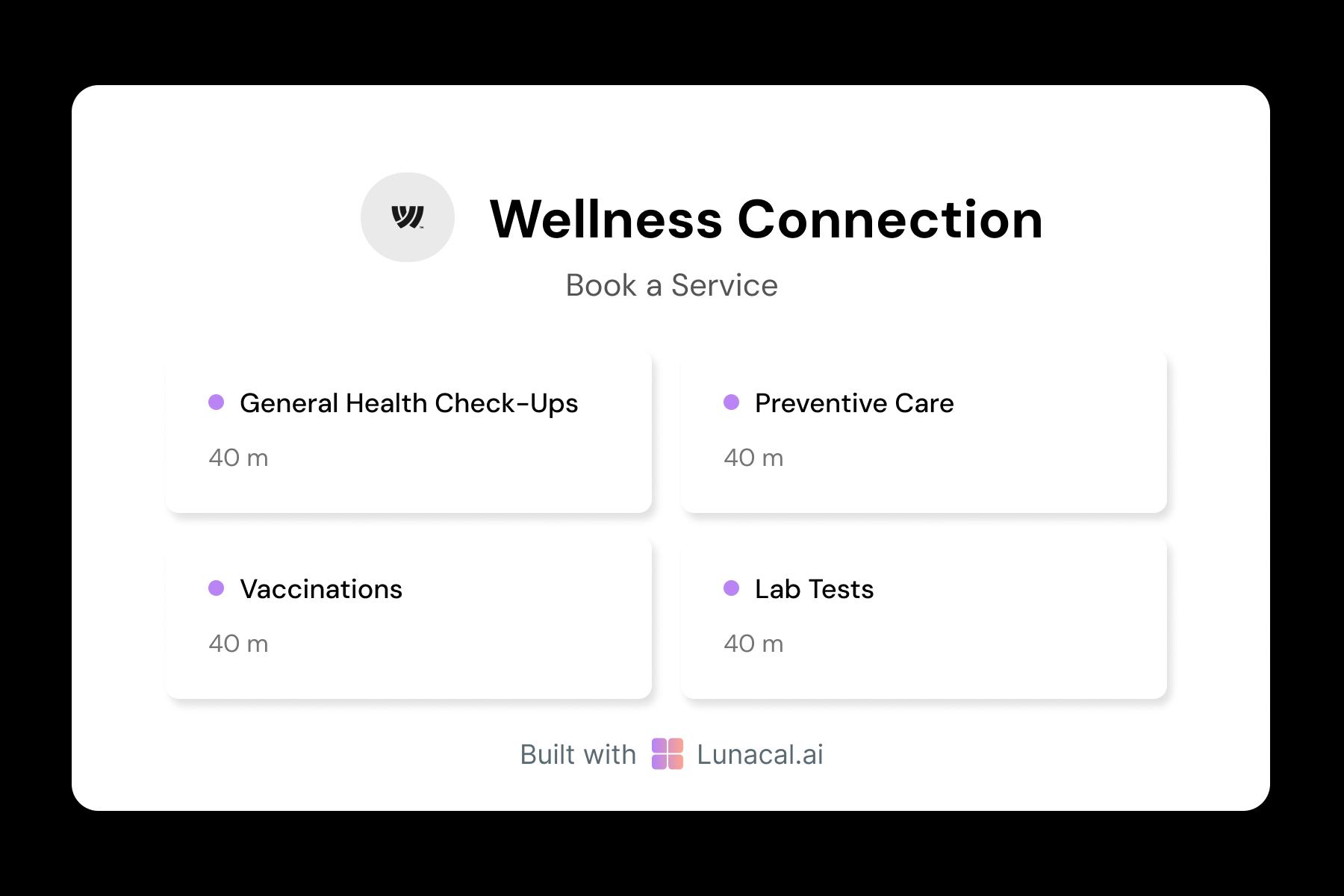
Distribute general appointments evenly across doctors
For general consults or first-time appointments, round-robin spreads demand fairly across available providers and reduces wait times. Also allow continuity rules when needed (same doctor for follow-ups), so you balance speed with patient preference and clinical workflow.
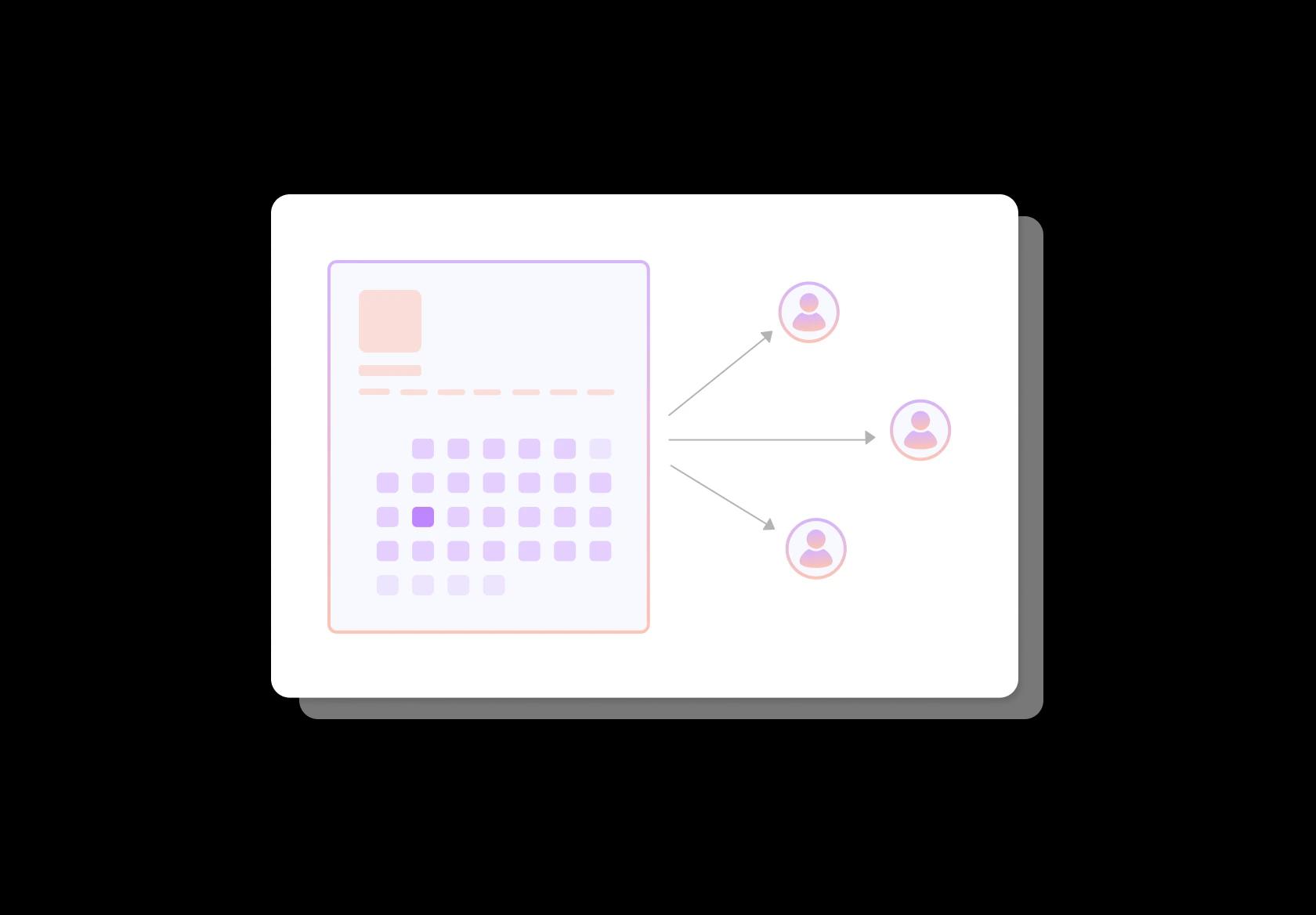
Show each provider’s focus and availability
Profiles help patients self-select correctly. List specialties, common visit types, languages, telehealth vs in-person, and whether they are accepting new patients. When someone chooses “any available,” show what that means, so expectations are set before they arrive.
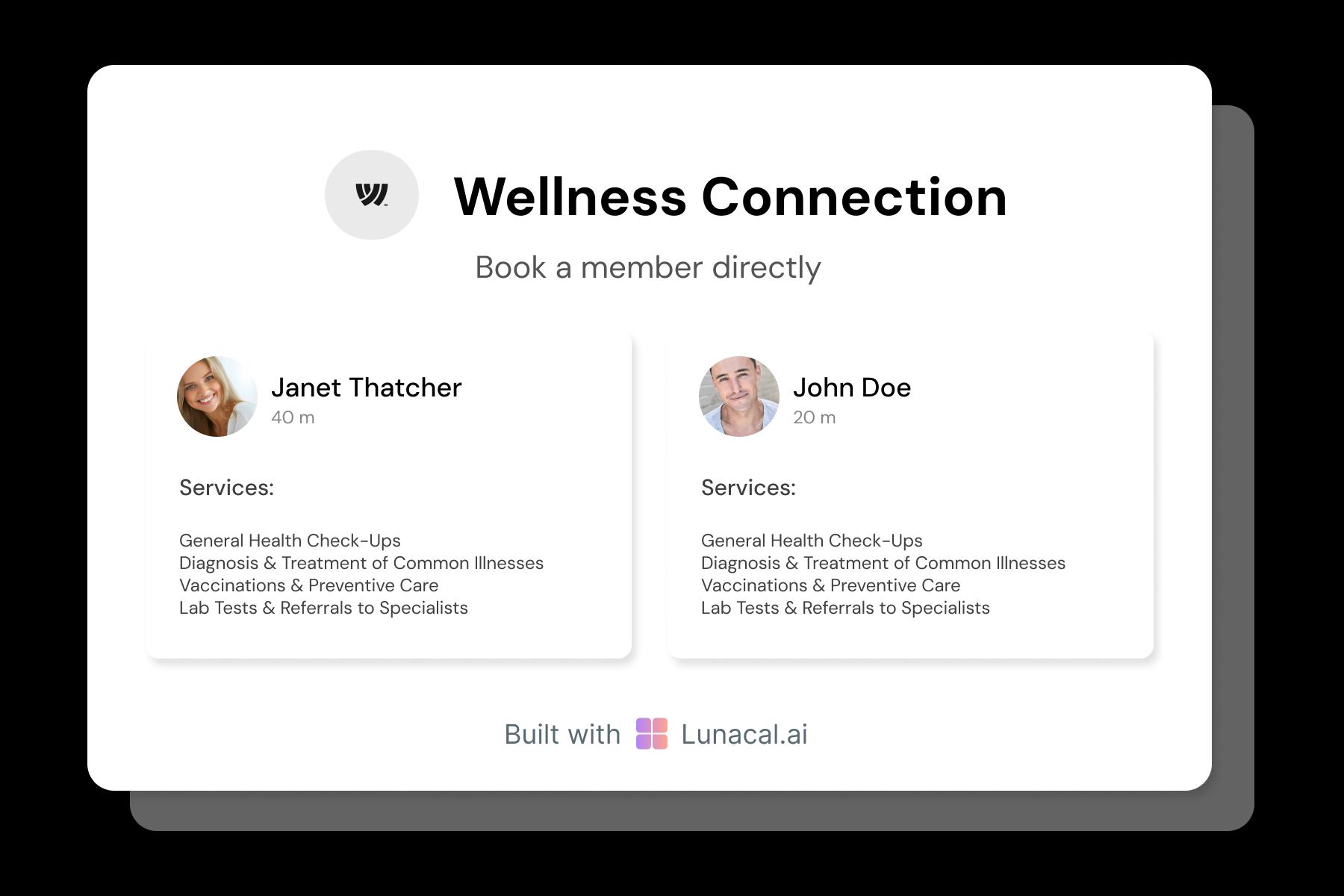
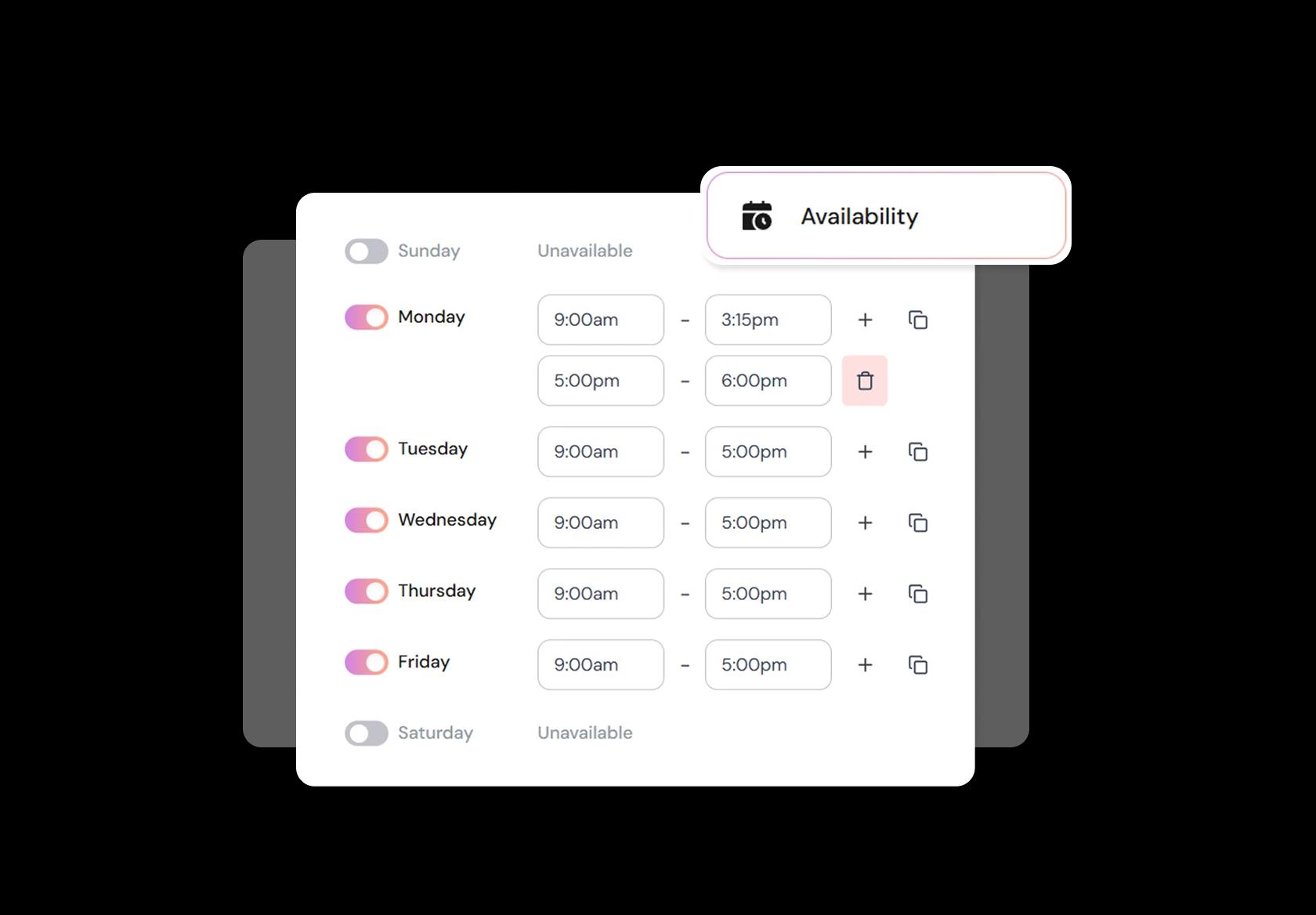
Adjust hours for emergencies, procedures, or team shifts
Clinic schedules change fast: flu season surges, procedure blocks, staff leave, vaccination drives. Real-time availability controls let you add shift-based hours, block procedure time, enforce minimum notice, and keep breaks protected. The result is fewer manual calls and fewer accidental overbooks.
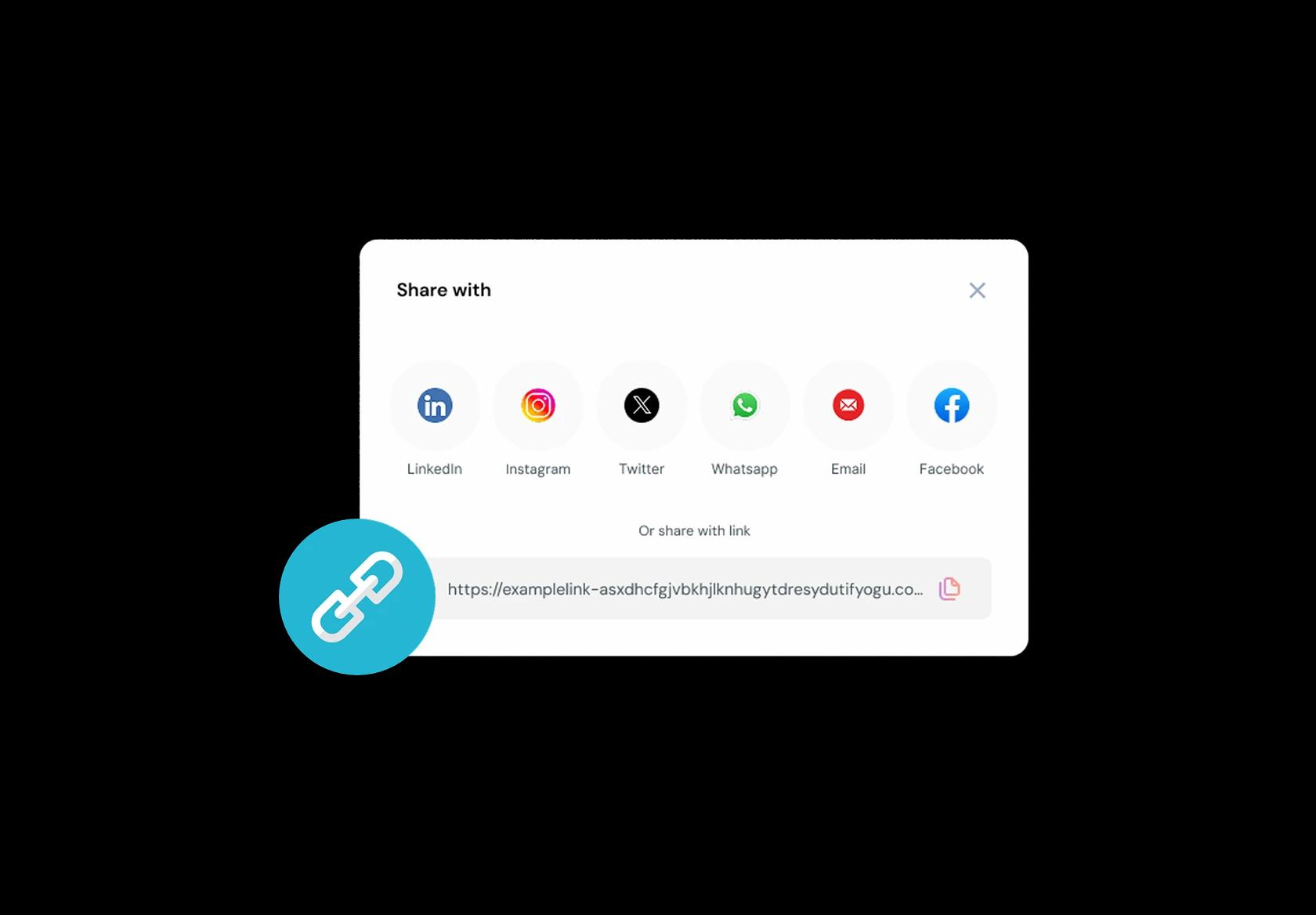
Embed your booking link across emails, portals, and websites
Put one booking link where patients already are: website, Google Business Profile, appointment reminder emails, patient portal, and even a QR at reception. When someone searches and is ready to book, one click should lead to a confirmed slot, not a phone queue.
No commission, No license fees.
Just simple, fair pricing
(save upto 20%)
Standard
- Unlimited Calendars & Services
- Connect Online Meeting Tool
- Payments via Stripe, PayPal
- Text / Email Reminders
- Customize your booking page
Teams
- All Standard Features
- Teams Scheduling
- Multi-session Packages
- Round-robin Scheduling
- Webhooks
Enterprise
- AI Voice Agent
- Account Manager
- Complete Branding
- MCP Server (Beta)
- SSO


Medical Clinic Scheduling Playbook: how to set up clinic appointment booking that stays safe, on-time, and patient-friendly
Define appointment types before you touch availability
Good medical clinic scheduling software starts with clear appointment types, because visit purpose controls time, staff, and rooms.
- Create appointment types by clinical intent: new patient, follow-up, chronic care review, acute symptoms, lab-only, vaccination, procedure, teleconsult.
- Set default durations per type (and don’t force everything into 10 or 15-minute blocks).
- Add “requirements” per type: documents to bring, fasting needed, prior reports, referral letter, insurance card if applicable.
Collect the minimum patient info that prevents clinical surprises
Your medical appointment booking system should capture enough context to triage, without making booking feel like paperwork.
- Required basics: full name, date of birth (or age band), phone, email, preferred language.
- Visit reason in 1–2 sentences, plus a short symptom checkbox set relevant to your clinic (fever, chest pain, shortness of breath, injury, medication refill).
- Medication and allergy note fields (short, optional), and a “bring prior reports” prompt.
- Privacy notice + consent to contact (SMS/email/WhatsApp), written in plain language.
Put triage guardrails in the booking flow
Clinic scheduling is not only “pick a time”—it’s also “pick the right level of care.”
- Add an urgent-symptom gate: if a patient selects red-flag symptoms, show a clear instruction to seek emergency care and provide local emergency guidance.
- Restrict certain appointment types to phone-first triage (for example, chest pain, severe breathing trouble, neurological symptoms).
- Use lead time rules (no same-day for non-urgent reviews, but allow same-day for acute slots if your clinic supports it).
Design availability like a clinic day, not a calendar grid
Strong clinic scheduling software protects clinical time with buffers, cutoffs, and realistic throughput.
- Buffer time: add setup/notes buffers for procedures and longer consults, not for every appointment.
- Capacity blocks: reserve daily “catch-up” blocks for documentation and overruns.
- Different hours by service: teleconsult windows can differ from in-clinic hours.
- Timezone handling for global patients: show times in the patient’s local timezone and include the clinic timezone in confirmations.
Route patients to the right clinician and resources
Scheduling breaks when the system books the wrong clinician, the wrong room, or the wrong equipment.
- Use clinician rules: restrict procedures to trained staff, and keep general consults open to more clinicians.
- Resource rules: tie appointment types to rooms (procedure room vs consult room) and equipment (ECG, ultrasound, vaccination fridge access if relevant).
- Keep a “fastest available clinician” option and a “choose a clinician” option for patient preference.
Reduce no-shows by answering patient anxiety early
No-shows drop when confirmations remove uncertainty: where to go, what to bring, what happens next.
- Instant confirmation: appointment type, clinician (if selected), location with entry instructions, what to bring, and prep rules.
- Reminder timing: 24 hours before + 2–4 hours before for most clinics, with a one-tap reschedule link.
- Include arrival guidance: “Please arrive 10 minutes early for registration” (or local equivalent).
Handle cancellations, waitlists, and last-minute gaps without chaos
A clinic appointment booking flow should turn cancellations into reschedules, and gaps into filled slots.
- Set a clear cancellation window and what happens if a patient cancels late (fee, deposit forfeiture, or warning), based on local policy.
- Use a waitlist by appointment type, not a generic waitlist (acute slots should not get filled by routine follow-ups).
- Allow staff to override when clinically appropriate, but keep an audit trail for changes.
Automate follow-ups so care stays continuous
The best medical clinic scheduling software behaves like continuity infrastructure, not a one-time booking tool.
- Post-visit follow-up: send a “next steps” message and a simple feedback prompt.
- Recall scheduling: prompt rebooking windows for chronic care (for example 4–12 weeks, depending on condition and clinician preference).
- Lab and imaging workflows: allow “lab-only” bookings and route results follow-ups to the right clinician queue.
Prove quality with simple metrics your team can act on
If you can’t measure it, you’ll keep firefighting it.
- No-show rate by appointment type and by day/time.
- Average delay (scheduled vs actual start) and top reasons (overruns, late arrivals, admin bottlenecks).
- Time-to-next-available appointment for urgent vs routine care.
- Reschedule success rate (how many cancellations convert into a new booking).
Authored & Reviewed by:
Pranshu Kacholia is the founder of Lunacal.ai, a calendar scheduling and appointment booking system. He works directly with businesses of all sizes to improve booking outcomes - reducing no-shows, cutting back-and-forth, and making scheduling more reliable and efficient. His day-to-day includes reviewing real scheduling setups and edge cases: complex availability and buffers, time zones, routing, cancellation/rescheduling rules, paid meetings and deposits, reminder workflows, and integrations with calendars and meeting tools. He regularly shares appointment scheduling best practices through interviews and community conversations (see this interview and this discussion) and also writes about calendar scheduling (read the article on Medium). He has first-hand experience of using 40+ scheduling tools such as calendly, acuity scheduling, vagaro, fresha, tidycal, square, setmore etc. and understands product nuances deeply.
Lunacal.aiCalendlyAcuity SchedulingSquare AppointmentsSetmoreDoodleBooksyMindbodyFreshaSimplyBook.meHoneyBook


