Cleaning Service Scheduling Software
Cleaning bookings with recurring visits, service options, address capture, team assignment, payments, travel buffers, reminders, & last-minute lockouts.
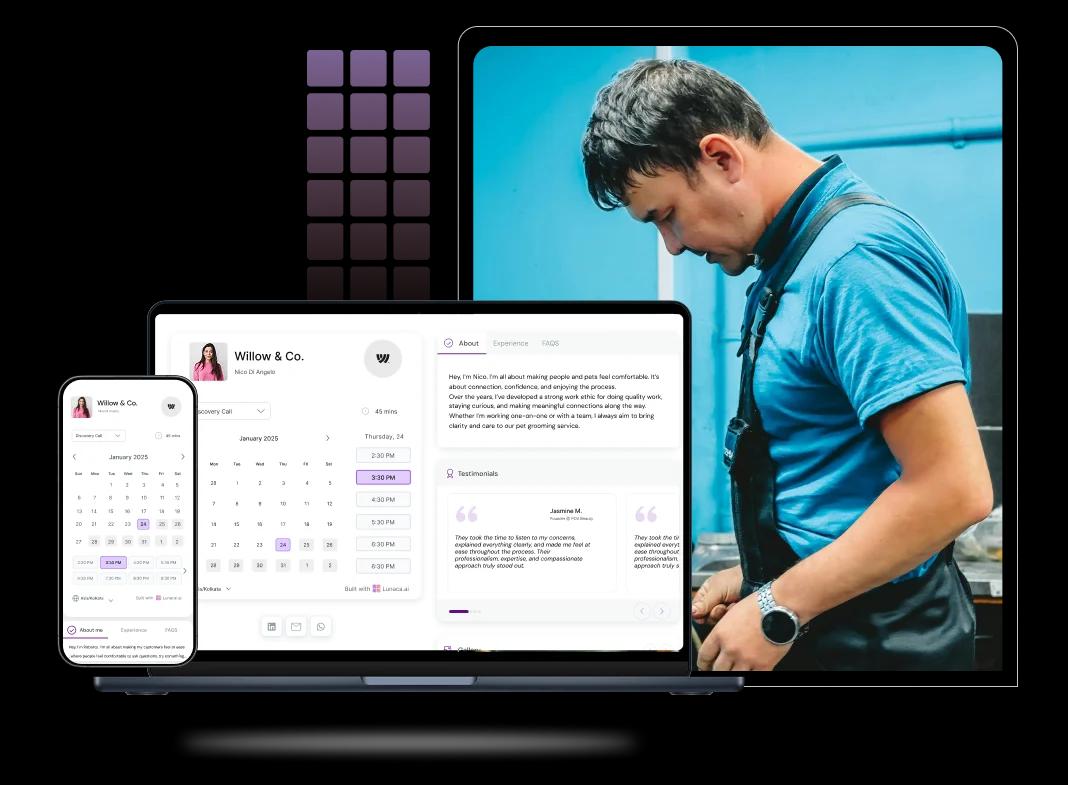
Booking features for recurring jobs and crews
Let clients book a clean the moment they decide
Mess happens fast. Your booking page should too. Show only slots that fit crew capacity, travel time, and the estimated job length (home size, type of clean). Instant confirmation cuts voicemails and reduces “are you available?” back-and-forth.
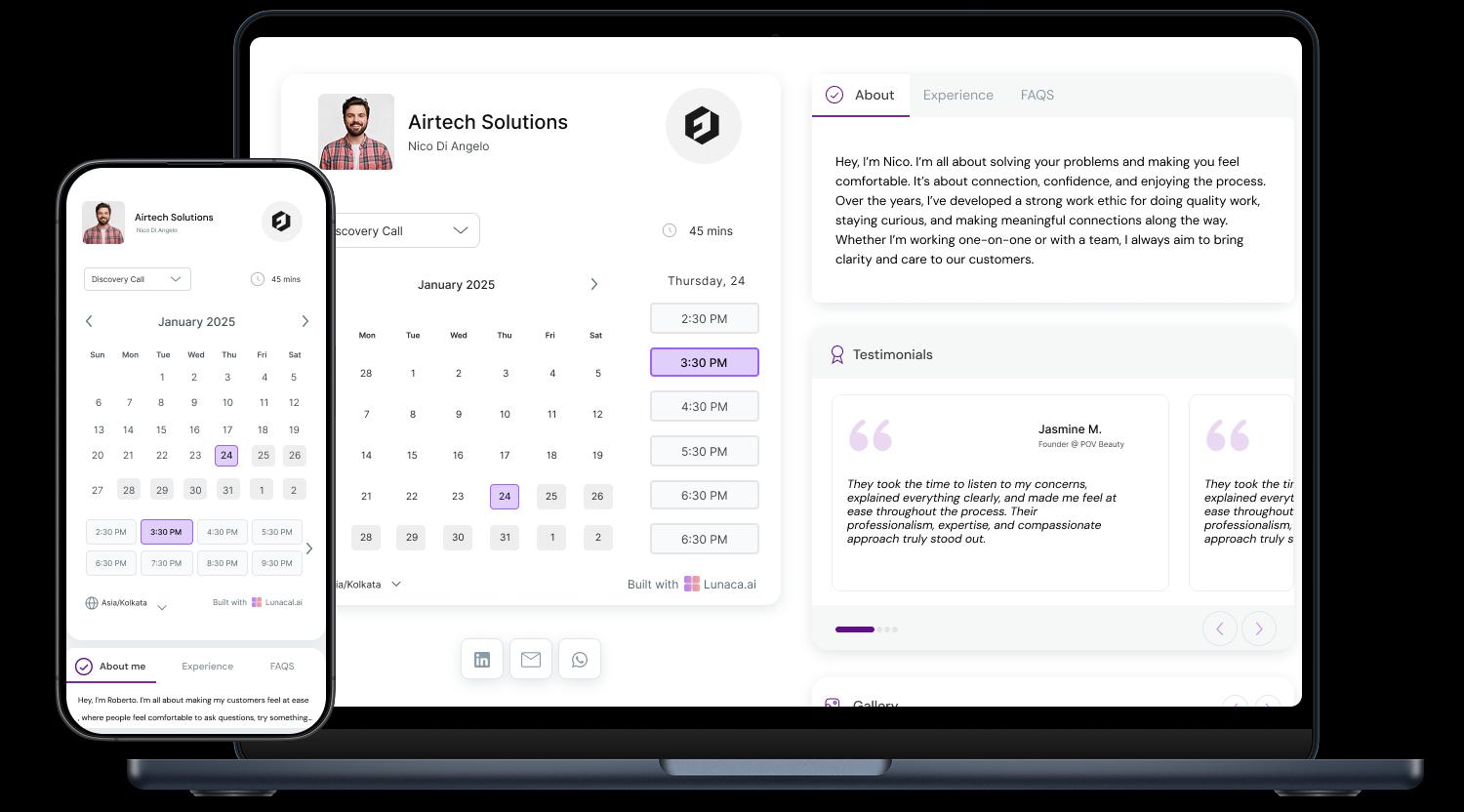
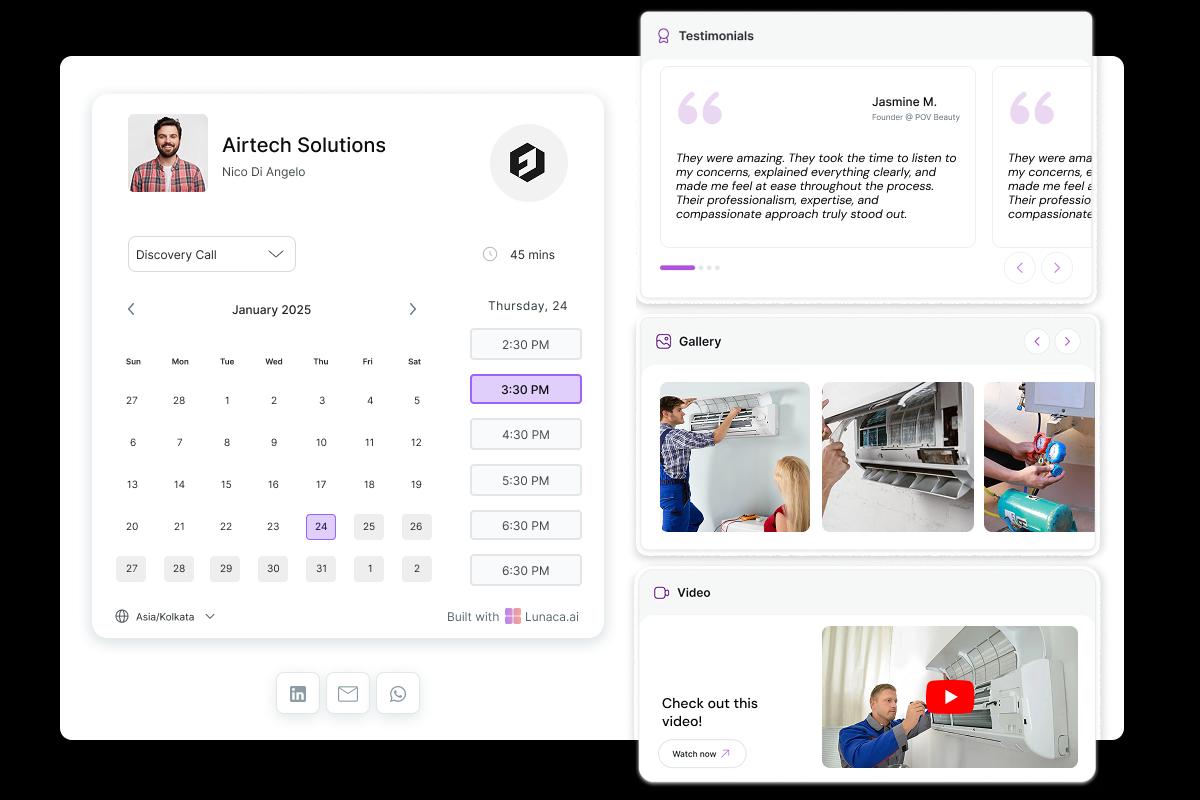
Show exactly what you clean, and how you clean it
People don’t book “cleaning”, they book a specific outcome. Highlight specialties like deep cleans, move-out or end-of-tenancy cleans, Airbnb turnovers, office cleaning, or eco-friendly options. Add proof that builds trust: before/after photos, what’s included, and what you do not touch.
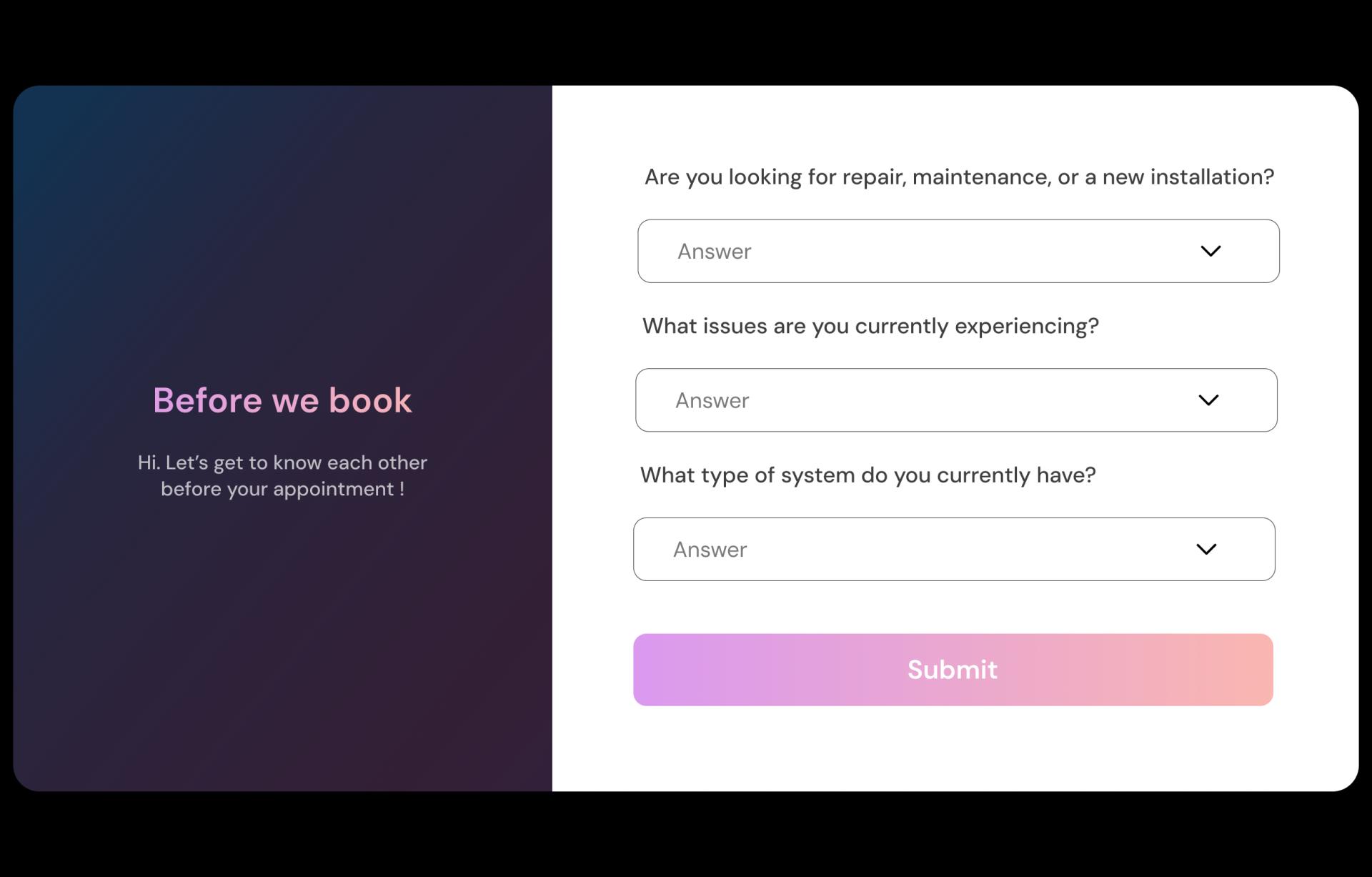
Capture the details that decide time, tools, and price
Ask for bedrooms and bathrooms, property type, floor surfaces, and priority areas. Include practical stuff: pets, parking, lift/elevator access, gate codes, and any product preferences (fragrance-free, eco). In my experience, one photo upload saves 10 messages later.
Prevent “no access” visits with simple, timely nudges
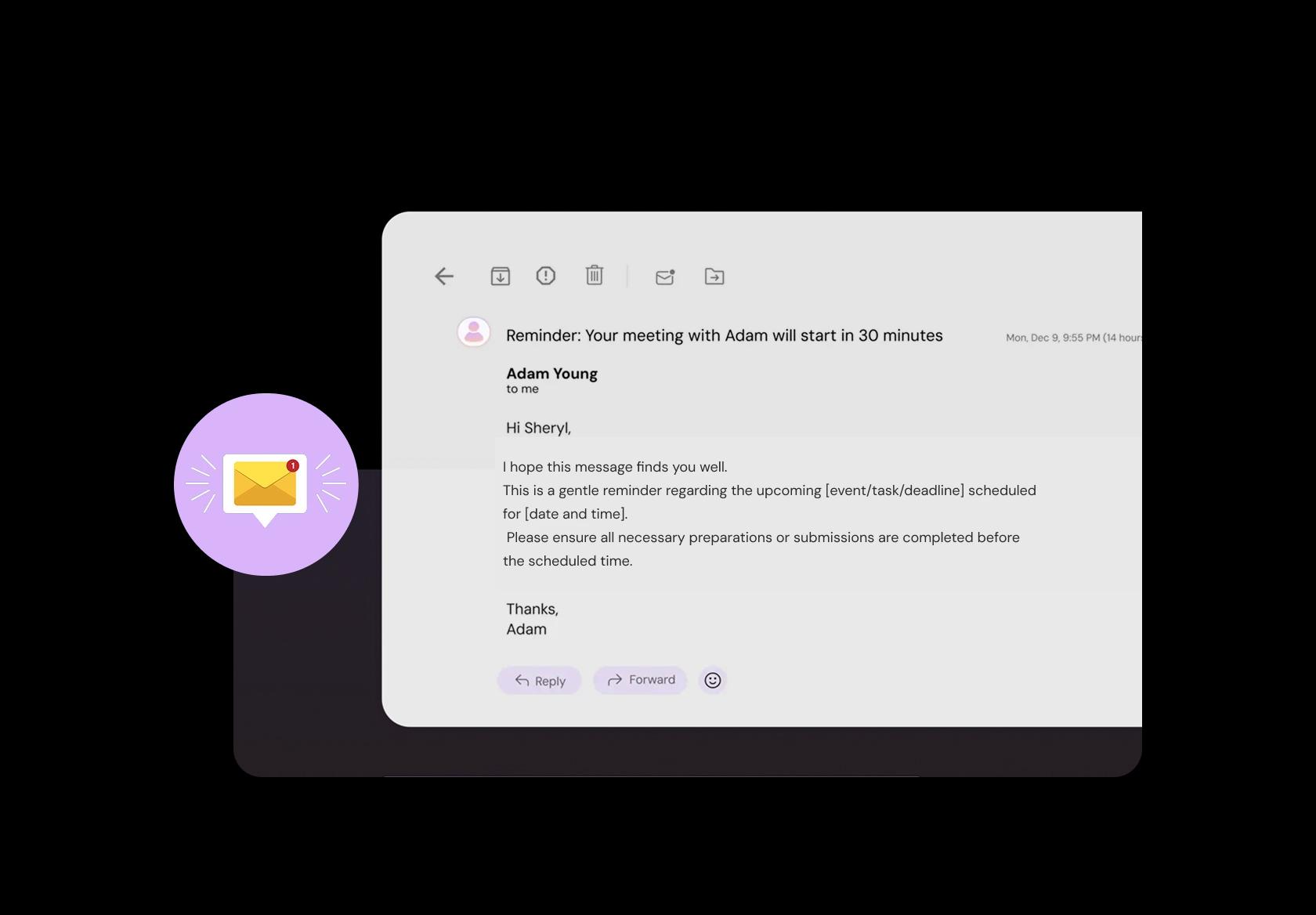
Send a day-before and day-of reminder that covers access and prep. Key pickup or lockbox details, alarm instructions, where to park, and whether someone must be home. Add quick prep tips like clear counters, secure pets, and flag valuables or fragile items.
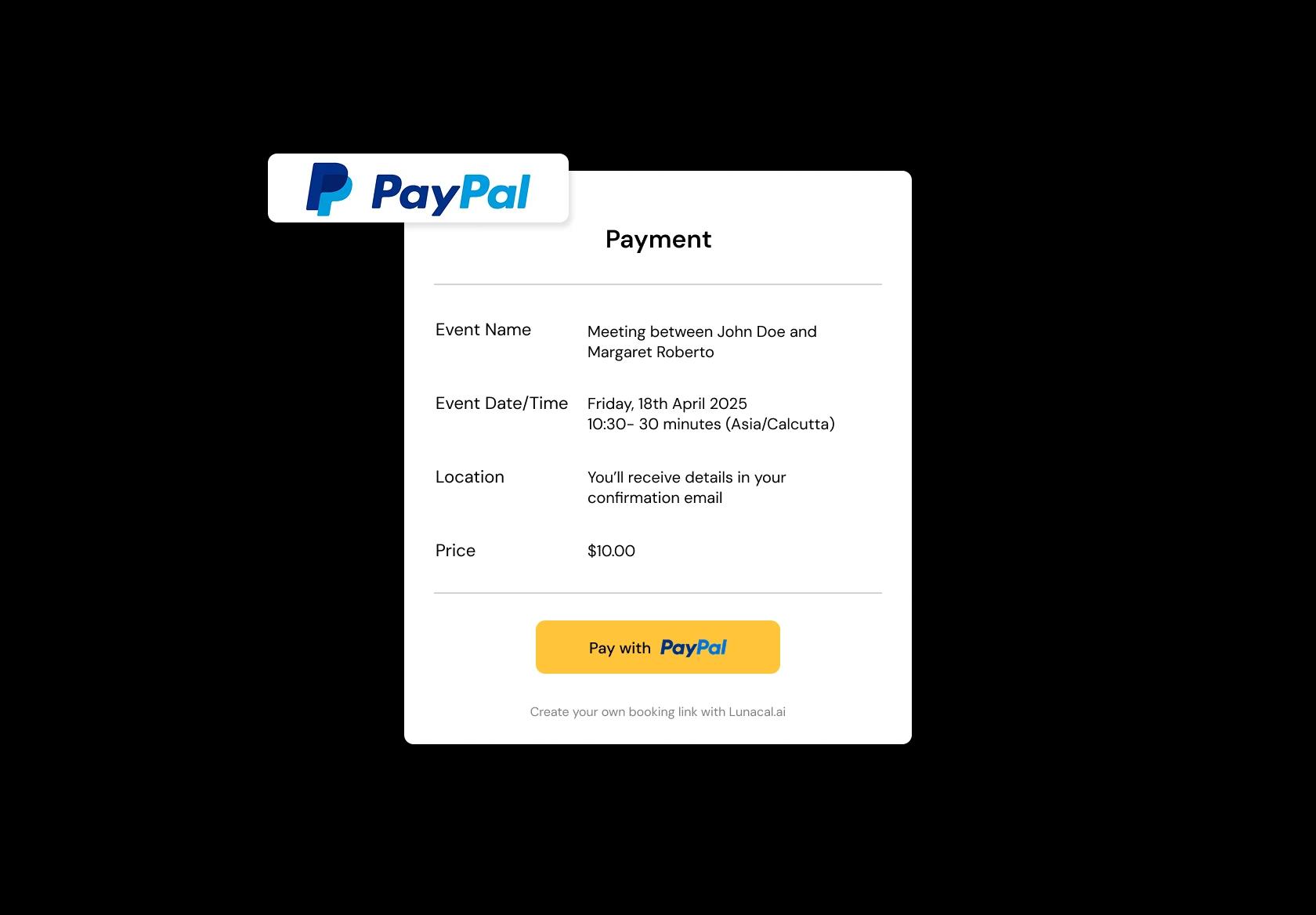
Take a deposit or full payment to lock the slot
For one-time and first-time clients, deposits reduce last-minute cancellations. Let clients pay online, get an automatic receipt, and see your cancellation policy at checkout. If you invoice later for recurring clients, still support card-on-file for missed appointments.
Schedule across neighborhoods without zig-zagging your crews
Organize service areas by zone (postcode or ZIP), not just “city”. A central calendar should prevent back-to-back jobs that are 45 minutes apart in traffic. Assign teams to territories, include travel buffers, and keep the day readable for dispatch and cleaners.
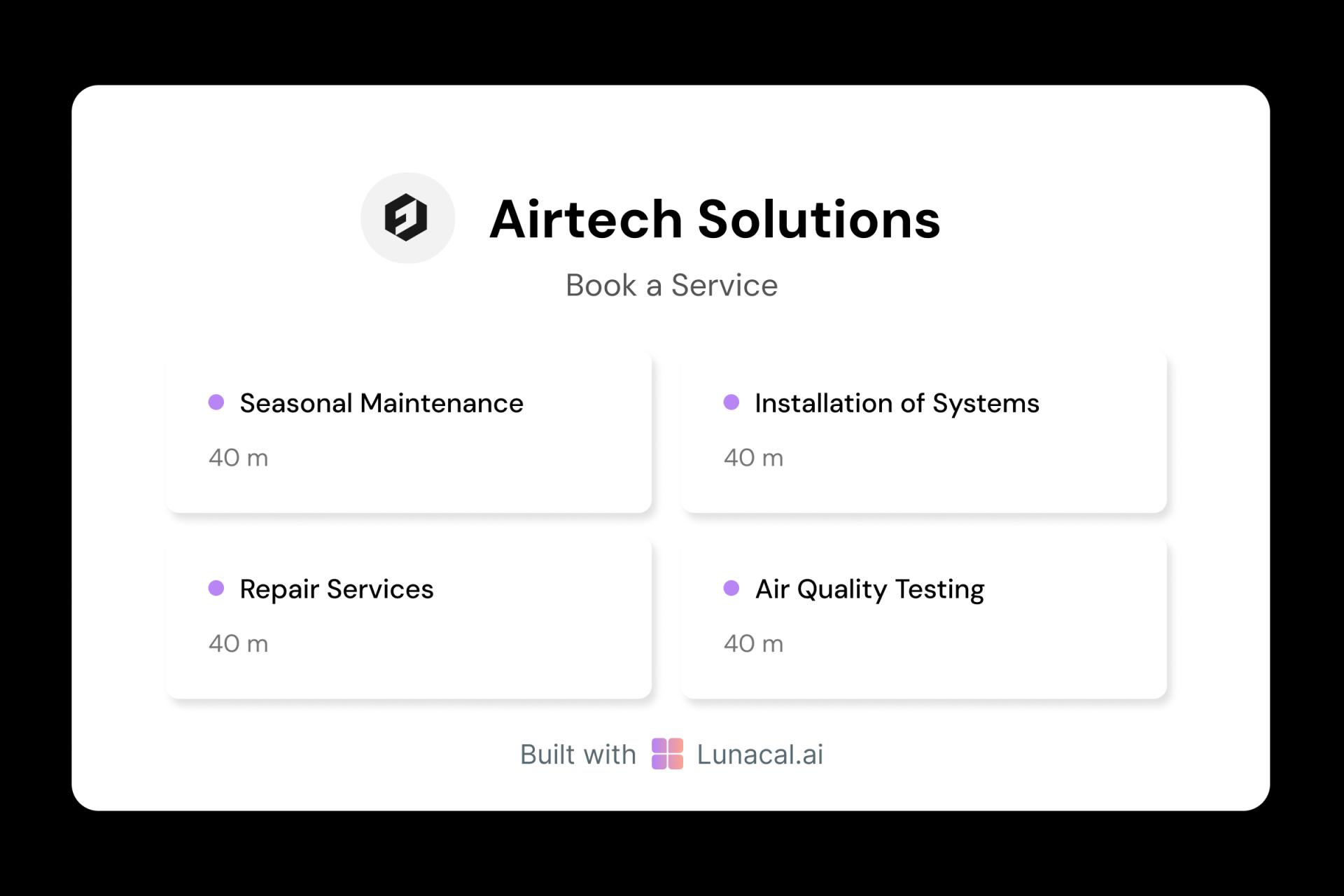
Define each service with its own time, price, checklist
A weekly maintenance clean is not a post-renovation scrub. Give each service a duration rule, a clear checklist, and add-ons with separate timing: oven, fridge, windows, inside cabinets, carpet shampoo, upholstery. This sets expectations and avoids surprise scope on arrival.
Balance jobs across crews, with skill-based routing
Round-robin is useful, but real ops needs more than “next available”. Route by crew skills and equipment (ladder work, steam cleaning, deep-clean specialists) and keep workload fair across the week. Add manual override for VIP clients or tricky properties.
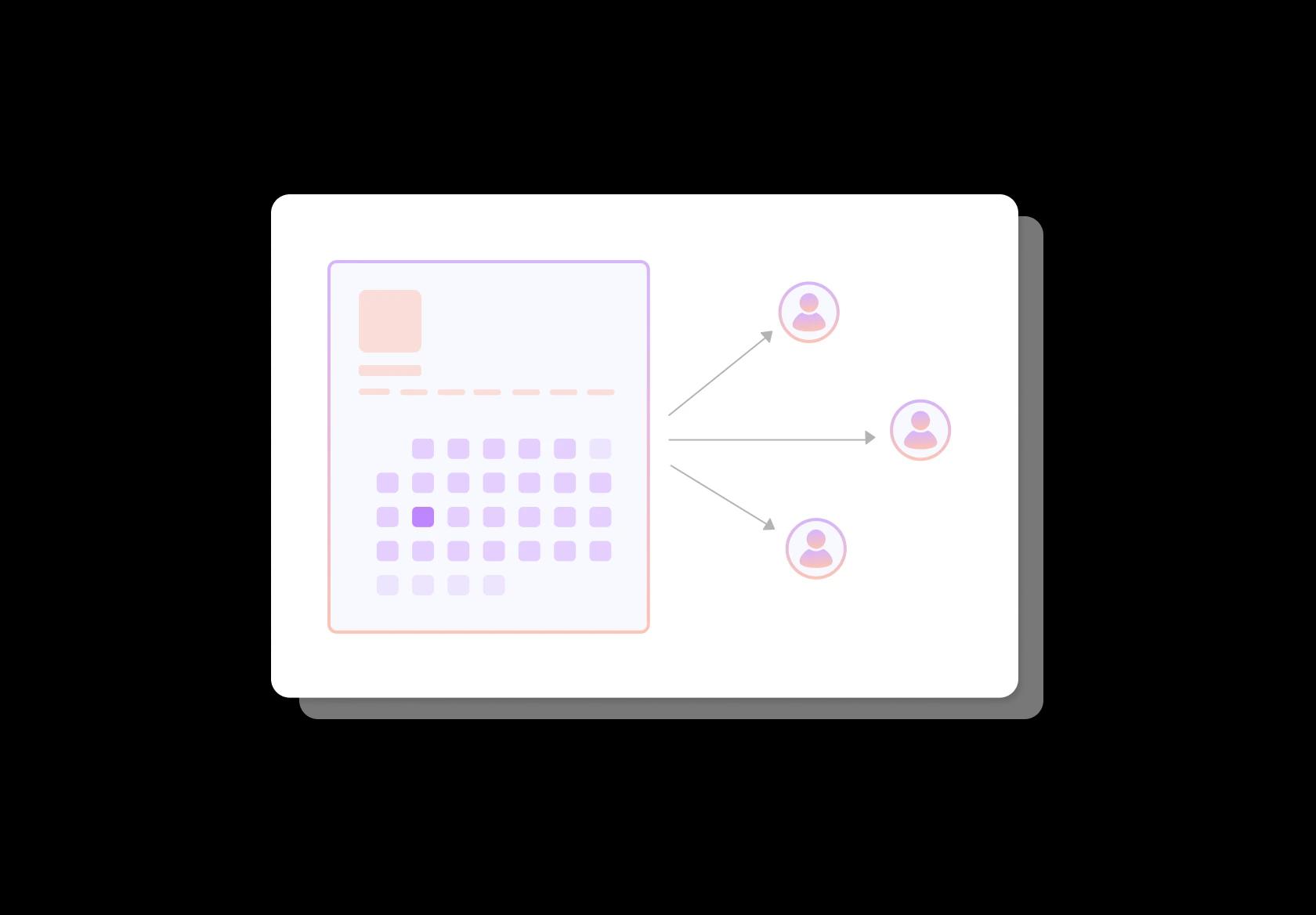
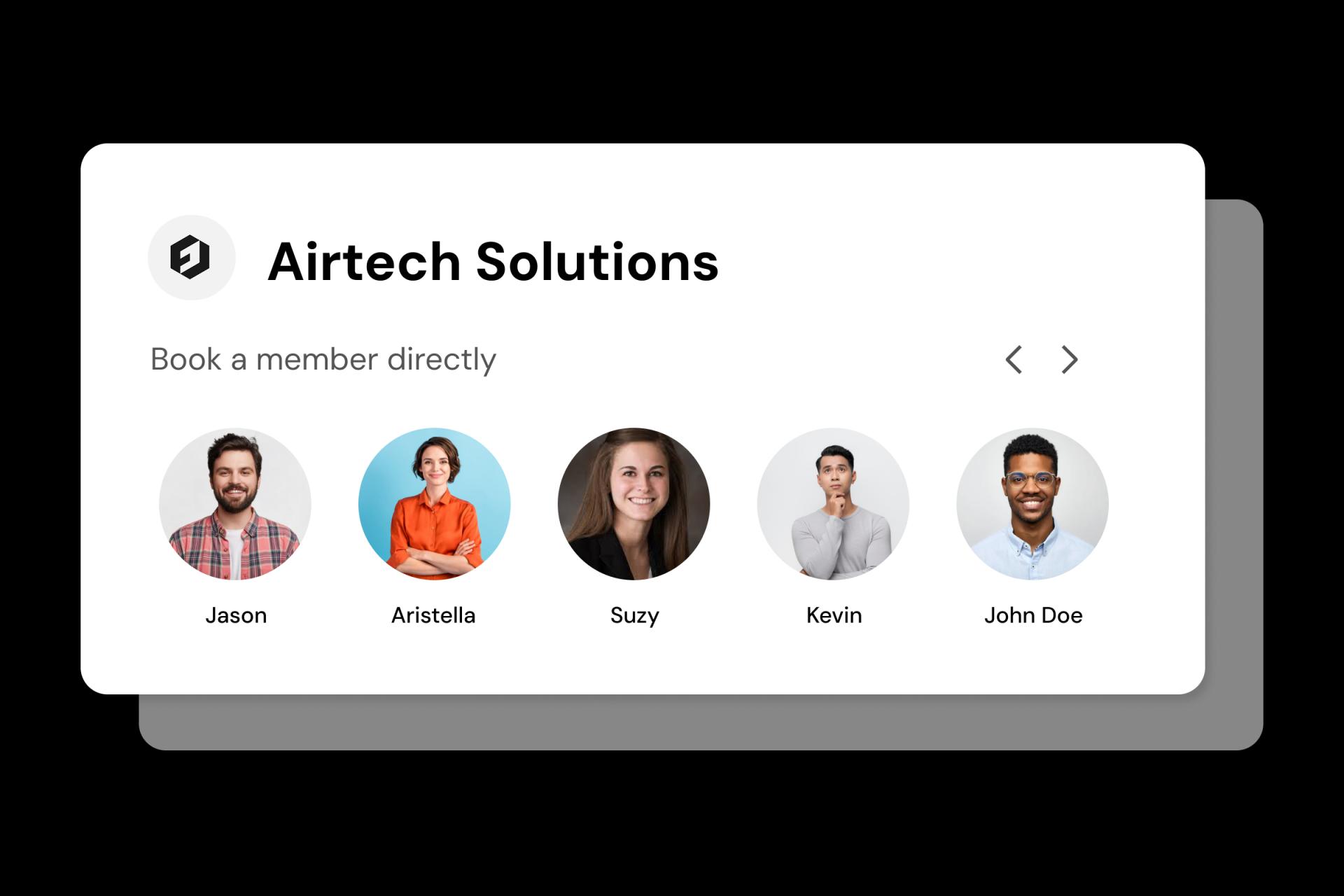
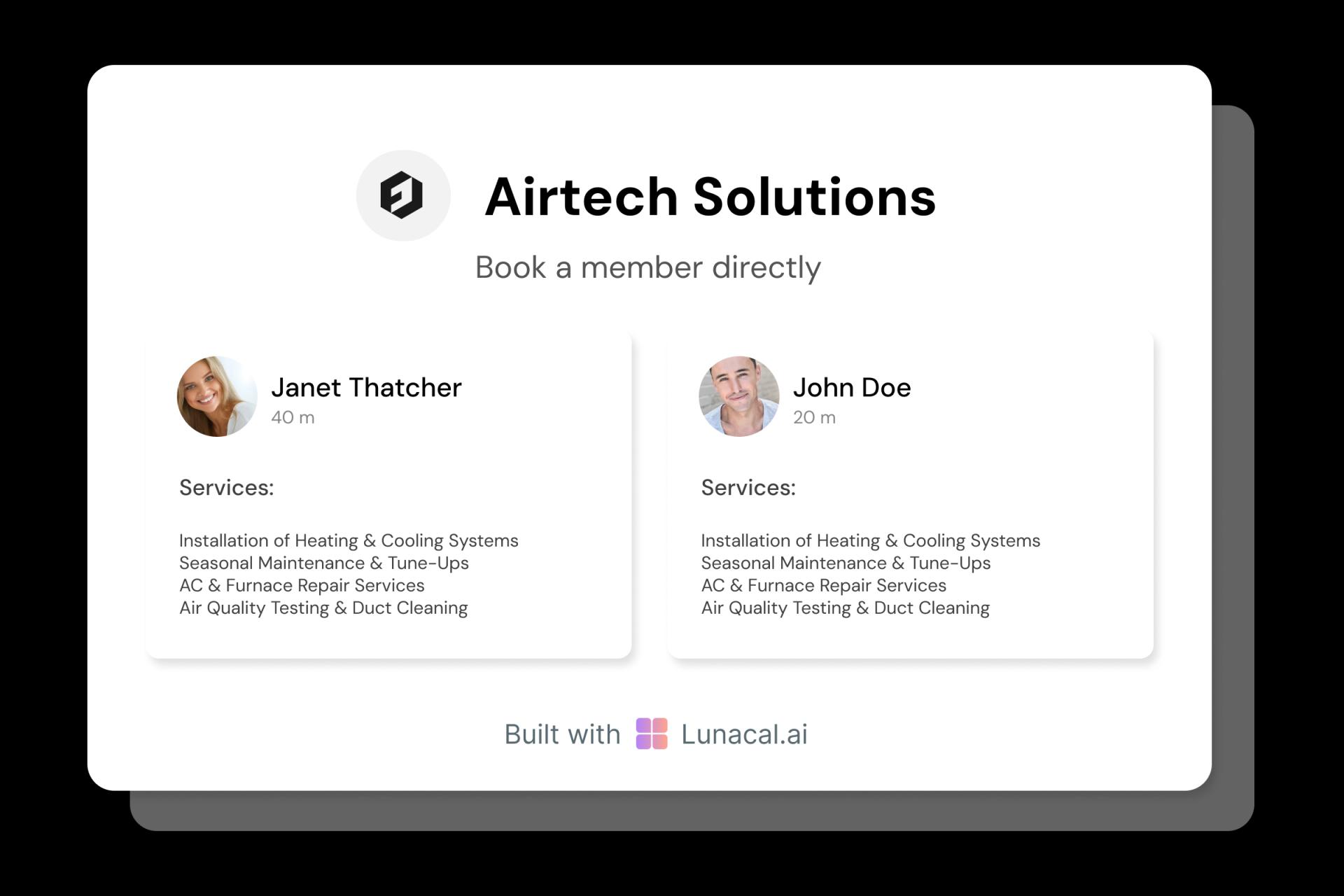
Build trust before arrival with real, specific team info
Let clients see who’s coming: name, photo, languages, training, and service badges (for example “move-out specialist”). If you show background-check or insurance indicators, keep wording accurate and region-appropriate since requirements vary globally. Trust reduces cancellations.
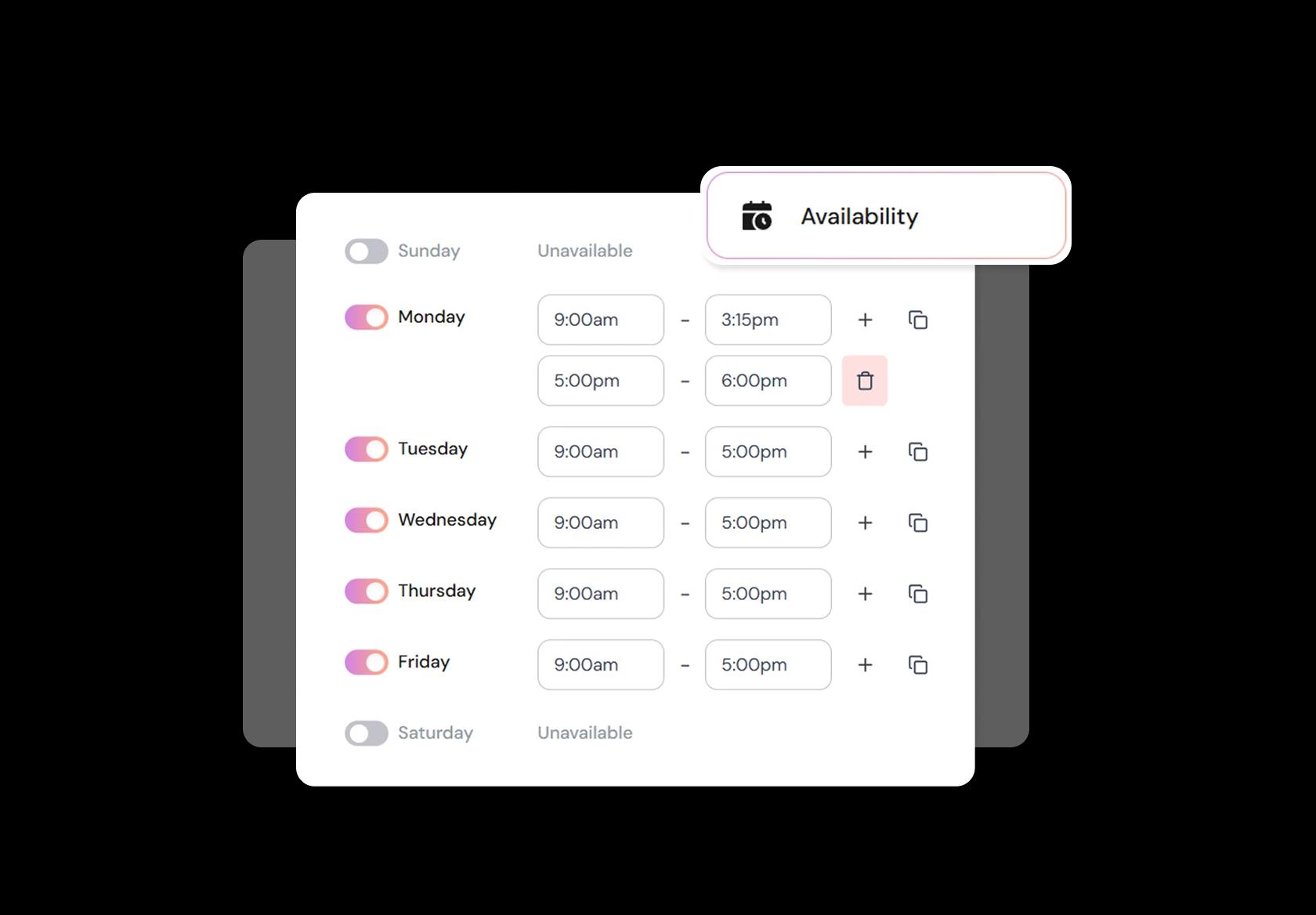
Update slots fast when staffing, weather, or supplies change
Sick cleaner, vehicle issue, supply delay, holiday rush. It happens. You should be able to block times, add buffers, change minimum notice, and cap same-day bookings in seconds. In my experience, these controls matter more than fancy scheduling rules.
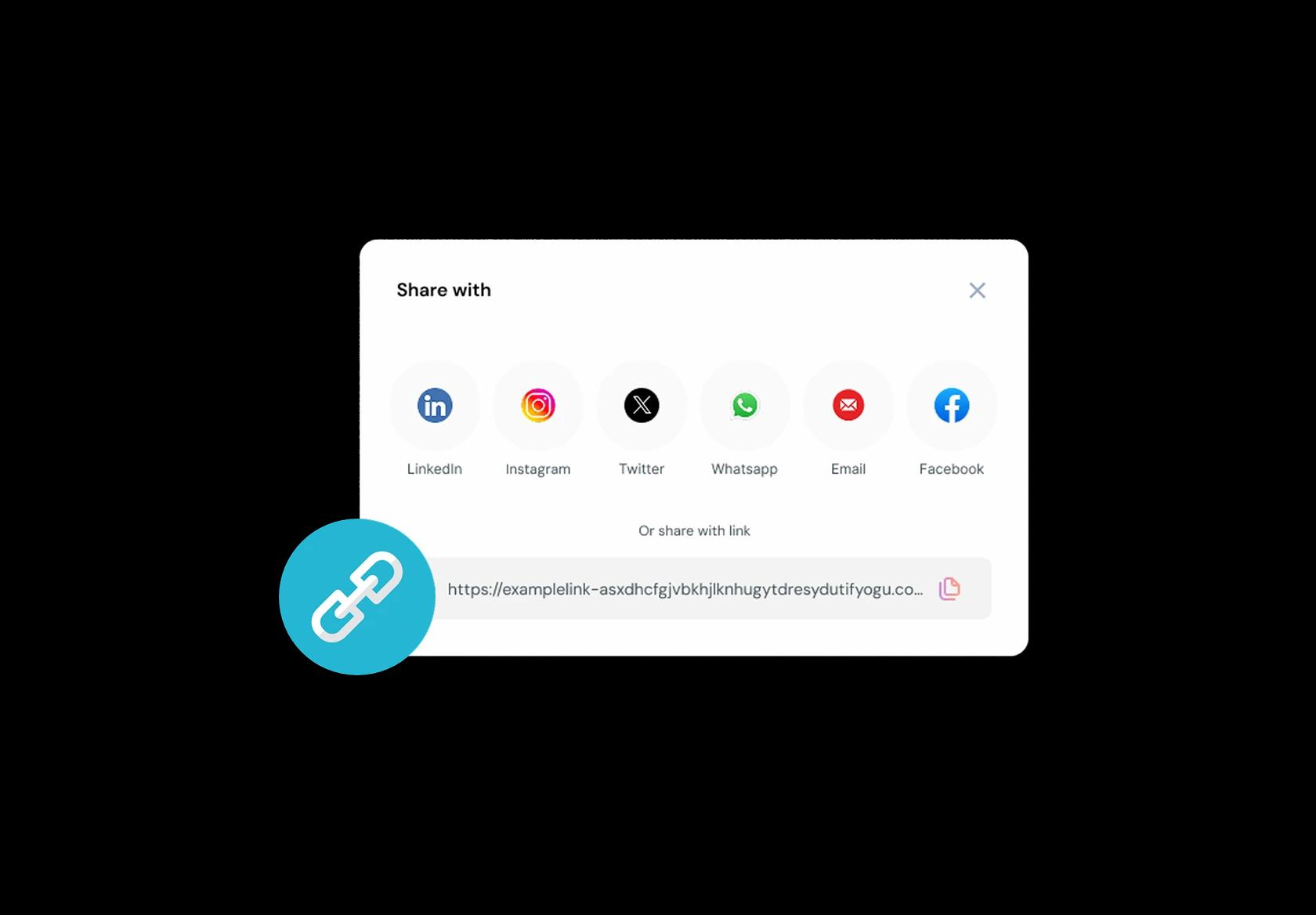
One booking link that works from any channel or QR
Put the same link on your website, Google Business Profile, Yelp, Nextdoor, Instagram bio, WhatsApp, and email signature. Add QR codes for flyers and fridge magnets. The link should land straight on available times, not a “contact us” dead end.
No commission, No license fees.
Just simple, fair pricing
(save upto 20%)
Standard
- Unlimited Calendars & Services
- Connect Online Meeting Tool
- Payments via Stripe, PayPal
- Text / Email Reminders
- Customize your booking page
Teams
- All Standard Features
- Teams Scheduling
- Multi-session Packages
- Round-robin Scheduling
- Webhooks
Enterprise
- AI Voice Agent
- Account Manager
- Complete Branding
- MCP Server (Beta)
- SSO
Related scheduling apps



Cleaning Appointment Booking Playbook
This playbook shows how to set up cleaning service scheduling software so bookings come in with the right details, jobs get assigned correctly, and your day doesn’t fall apart when reality shows up.
Design a service menu that matches how cleaning is actually sold
A cleaning booking system fails when services are vague. A “2-hour clean” means different things in different homes and countries, so define services by outcome and scope.
- Separate by type: home cleaning, deep cleaning, move-in or move-out, office cleaning, post-construction.
- Separate by size: studio, 1BHK, 2BHK, 3BHK, small office, medium office. Use globally recognizable labels.
- Add-ons as explicit items: fridge, oven, windows, balcony, inside cabinets, laundry, ironing, pet hair, disinfection.
- Set expectations: what’s included, what’s excluded, and what “deep clean” specifically covers for your business.
Make time estimates predictable using rules, not guesses
Cleaning appointments run late when duration is based on optimism. Your scheduling setup should estimate time from the inputs you already collect.
- Base duration on property size, then add time for add-ons (windows, oven, heavy pet hair).
- Add a travel buffer between jobs, especially if you serve multiple neighborhoods.
- Keep a “first visit” buffer because first-time clients usually take longer (finding supplies, access, priorities).
- Split commercial vs residential hours if you do after-hours office cleaning or weekend-only jobs.
Collect the booking details that prevent “we couldn’t start” situations
A global cleaning appointment booking flow should gather access, scope, and constraints up front so your cleaner doesn’t arrive and get stuck.
- Address + unit details: building name, floor, apartment number, landmark, gate code if applicable.
- Access method: someone will be home, key under security, lockbox code, concierge, smart lock.
- Pets and sensitivities: pets at home, allergy concerns, fragrance-free preference.
- Parking and entry: parking instructions, elevator availability, visitor policy, restricted timings.
- Priority areas: “kitchen and bathrooms first” or “guest room is off-limits.”
- Supplies: client provides supplies or your team brings supplies, plus any restrictions.
Build availability that survives real-world disruptions
Availability for a maid service scheduling setup should reflect how cleaners work, not how calendars look. If your team can’t realistically do back-to-back jobs, the calendar shouldn’t allow it.
- Set working zones if you serve multiple areas, so travel time doesn’t silently destroy your schedule.
- Use minimum notice for same-day or next-day bookings based on how long it takes you to assign staff.
- Protect peak slots with rules: limit deep cleans to mornings, move-outs to fixed windows, offices to evenings.
- Block internal operations like supply pickup, team meetings, or quality audits so they don’t compete with bookings.
Assign the right cleaner using simple matching rules
The best cleaning service scheduling software makes assignments feel automatic, but the logic should stay simple and explainable.
- Match skill to job: deep cleaning and post-construction often need experienced staff and more time.
- Match equipment to job: vacuum type, steam cleaner availability, ladder work, specialized products.
- Keep continuity for recurring clients when possible, because it reduces mistakes and builds trust.
- Use team size rules: large homes and move-outs may require 2 cleaners to hit the promised time window.
Reduce cancellations and no-shows without being aggressive
Cleaning has a unique failure mode: clients forget they booked, or access isn’t arranged. Your booking system should make “showing up ready” the default.
- Confirmation message should restate date, time, address, and access method in plain language.
- Reminder timing: one reminder the day before, and one a few hours before with a “confirm access” prompt.
- Clear cancellation policy: keep it short, visible during booking, and consistent across countries and payment methods.
- Deposits only where needed: use them for high-effort jobs like move-outs and deep cleans, not routine weekly cleans.
Use checklists so quality is consistent across staff
Clients judge cleaning by details. A playbook section should help you standardize what “done” means without sounding like corporate operations.
- Room checklist: kitchen, bathrooms, bedrooms, living areas, balcony. Keep it short enough that staff will follow it.
- Before-start checklist: confirm priorities, confirm supplies, confirm fragile items, confirm pet situation.
- Before-leaving checklist: quick walk-through photos (if client agrees), trash out, surfaces dry, keys returned.
- Exception notes: “couldn’t access balcony,” “stain did not lift,” “client requested skip.” This prevents disputes.
Make recurring cleaning easy to run and hard to mess up
Recurring work is where cleaning businesses win. Your scheduling setup should support weekly, bi-weekly, and monthly patterns cleanly across time zones and holidays.
- Recurring rules: same day and time, flexible time window, or “anytime on Tuesday.”
- Holiday handling: auto-suggest nearby dates instead of silently skipping a week.
- Price stability: lock pricing for recurring clients and handle add-ons as optional extras.
- One-click rebook: after a job, clients should be able to book the same service again without re-entering details.
Track the few metrics that actually improve operations
Most teams drown in analytics. These are the numbers that directly improve schedule quality and revenue for a cleaning booking system.
- Job overrun rate: which services consistently take longer than planned.
- Cancellation timing: how many cancellations happen inside 24 hours and which service types cause it.
- Travel inefficiency: gaps caused by distance and zone mixing.
- Repeat rate: how many first-time clients book again within 30–60 days.
Copy-paste snippets for your booking page
These templates make your cleaning appointment booking flow clearer without sounding harsh.
- Access confirmation: “Please share entry instructions (gate code, concierge, lockbox) so our cleaner can start on time.”
- Late arrival protection: “If access isn’t available at the scheduled time, we may need to shorten the service or reschedule.”
- Scope clarity: “Add-ons like oven, fridge, and interior windows should be selected during booking so we allocate the right time.”
- Pet note: “If pets are home, please tell us in advance and share any handling instructions.”
Authored & Reviewed by:
Pranshu Kacholia is the founder of Lunacal.ai, a calendar scheduling and appointment booking system. He works directly with businesses of all sizes to improve booking outcomes - reducing no-shows, cutting back-and-forth, and making scheduling more reliable and efficient. His day-to-day includes reviewing real scheduling setups and edge cases: complex availability and buffers, time zones, routing, cancellation/rescheduling rules, paid meetings and deposits, reminder workflows, and integrations with calendars and meeting tools. He regularly shares appointment scheduling best practices through interviews and community conversations (see this interview and this discussion) and also writes about calendar scheduling (read the article on Medium). He has first-hand experience of using 40+ scheduling tools such as calendly, acuity scheduling, vagaro, fresha, tidycal, square, setmore etc. and understands product nuances deeply.
Lunacal.aiCalendlyAcuity SchedulingSquare AppointmentsSetmoreDoodleBooksyMindbodyFreshaSimplyBook.meHoneyBook