
Introduction
Appointment scheduling software affiliate programs let creators, consultants, and publishers earn by referring people to tools that help businesses manage bookings, calendars, reminders, and client meetings. They matter because appointment scheduling is useful across many industries, from coaching and healthcare to sales and local services. For creators with an audience that needs to save time or reduce booking back-and-forth, these programs can be a relevant topic to cover through practical, helpful content.
Best SaaS Affiliate Programs for Productivity Creators at a Glance
This table helps productivity creators compare appointment scheduling affiliate programs by audience fit, earning structure, and the type of content they create.
| Tool | Best for | Affiliate commission | Cookie duration | Payout model | Content angle for creators | Official affiliate page |
|---|---|---|---|---|---|---|
| Lunacal | Coaches who teach client systems | 30% recurring commission, forever | 90 days | Recurring; tracked through Tolt | Booking-page walkthrough for coaches | Lunacal affiliate program |
| SimplyBook.me | Website creators serving service businesses | 25% of the first payment, then 15% of subsequent payments for up to 24 months | Not publicly stated | Recurring for up to 24 months; paid monthly; first payout at $50 | Service-business booking workflow tutorial | SimplyBook.me affiliate program |
| Appointlet | B2B sales workflow creators | 20% lifetime commission | Not publicly stated | Recurring; Tapfiliate; PayPal; $50 minimum; paid around the first of the month | Lead qualification and booking workflow tutorial | Appointlet affiliate program |
| Setmore | Solo-business workflow YouTubers | 30% of the initial subscription payment | 90 days | One-time; Tapfiliate; PayPal; payment period set 90 days after a valid referral | Online booking setup video for solo businesses | Setmore affiliate program |
Lunacal: Best for client-workflow productivity creators
I reviewed Lunacal’s affiliate, product, pricing, and help pages to understand the fit.
It supports booking links, payments, and booking pages.
It suits audiences selling calls, services, classes, or consultations.
Affiliate program
Lunacal’s affiliate page is live; the program appears active. It states that affiliates earn 30% of each referred paying customer’s subscription, with no expiry, and get a 90-day cookie. Tracking uses Tolt, which provides an affiliate link and coupon code. Coupon codes cannot be listed on coupon websites; this can result in disqualification.
The public affiliate page does not state a payout method or timetable, so I would confirm both directly.
Why I think it fits productivity creators
What stood out to me was the fit for creators teaching freelancer, consultant, coach, or agency workflows. A YouTube guide, Notion client-system template, newsletter, course, or workflow audit can show scheduling as part of running client work.
I also looked through recent G2 feedback. Its summary highlights the booking experience and customization, but says advanced configuration may take extra exploration. Lunacal therefore fits audiences seeking a richer client-facing page, not simply a meeting link.
Features worth showing in content
-
Paid sessions and packages: Lunacal supports Stripe or PayPal payments before booking confirmation and multi-session packages.
Use this in content about selling consultations or coaching blocks, where payment and scheduling need to connect. -
Booking-page content: Its pricing page lists video, image, testimonial, document, map, form, and podcast widgets.
A booking-page makeover gives creators a clear demo beyond calendar availability. -
Email and SMS workflows: The help documentation covers confirmations, reminders, and follow-ups, with up to 10 workflows.
Show how this reduces manual client follow-up, while noting the limit.
Pros
- Simple to demonstrate through a page, link, and paid-session workflow.
- The stated recurring commission and 90-day cookie support evergreen tutorials and templates.
- Lunacal says affiliates can book a call for content-promotion help.
Limitations
- The public affiliate page does not publish payout method or timetable.
- G2’s review summary says advanced settings can need more exploration.
Recurring revenue from scheduling content
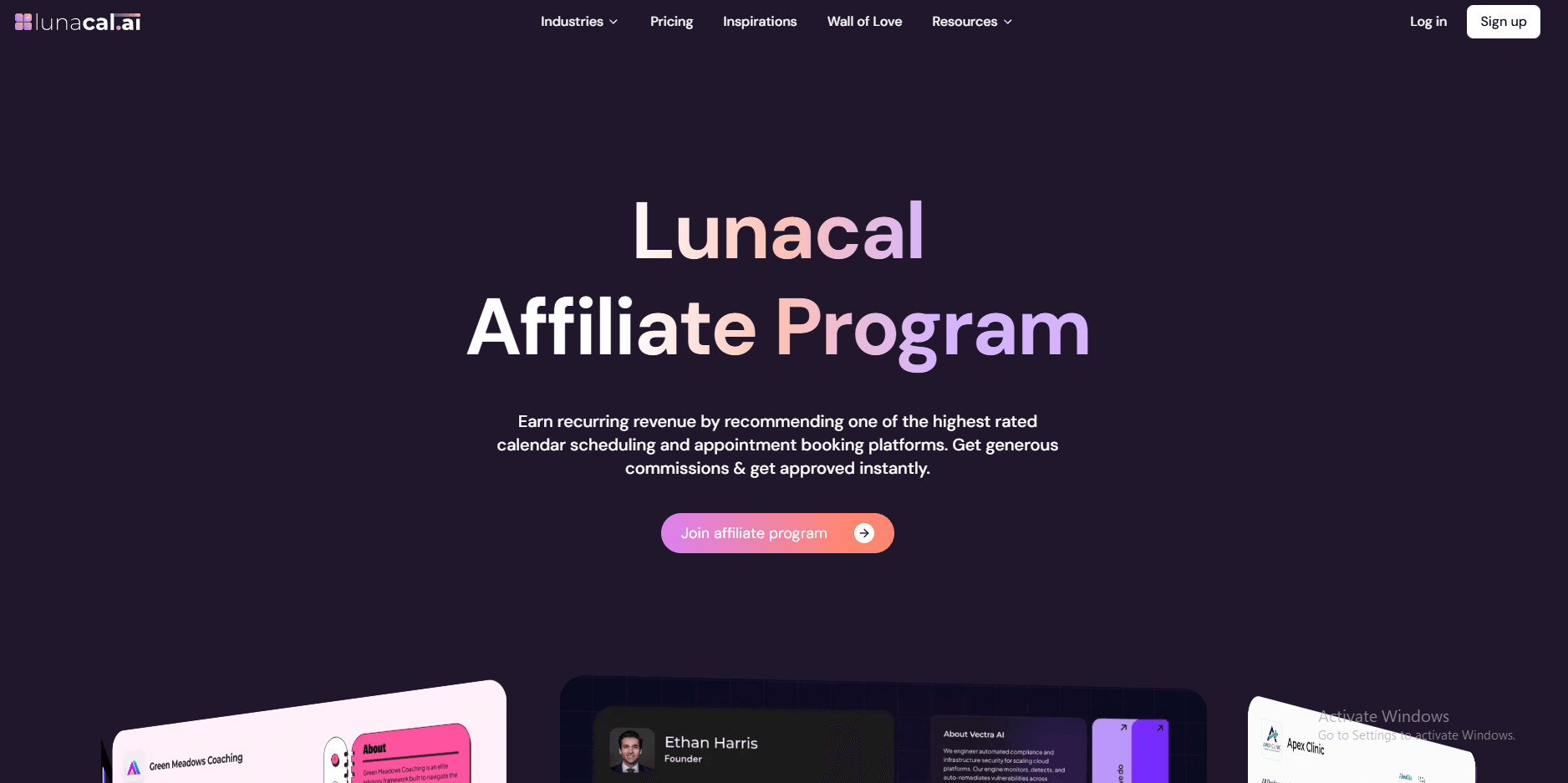
I am highlighting Lunacal’s claim that affiliates can earn recurring revenue by recommending its scheduling platform.
This matters for productivity creators publishing evergreen content.
Here is the screenshot below.
Help for promoting creator content
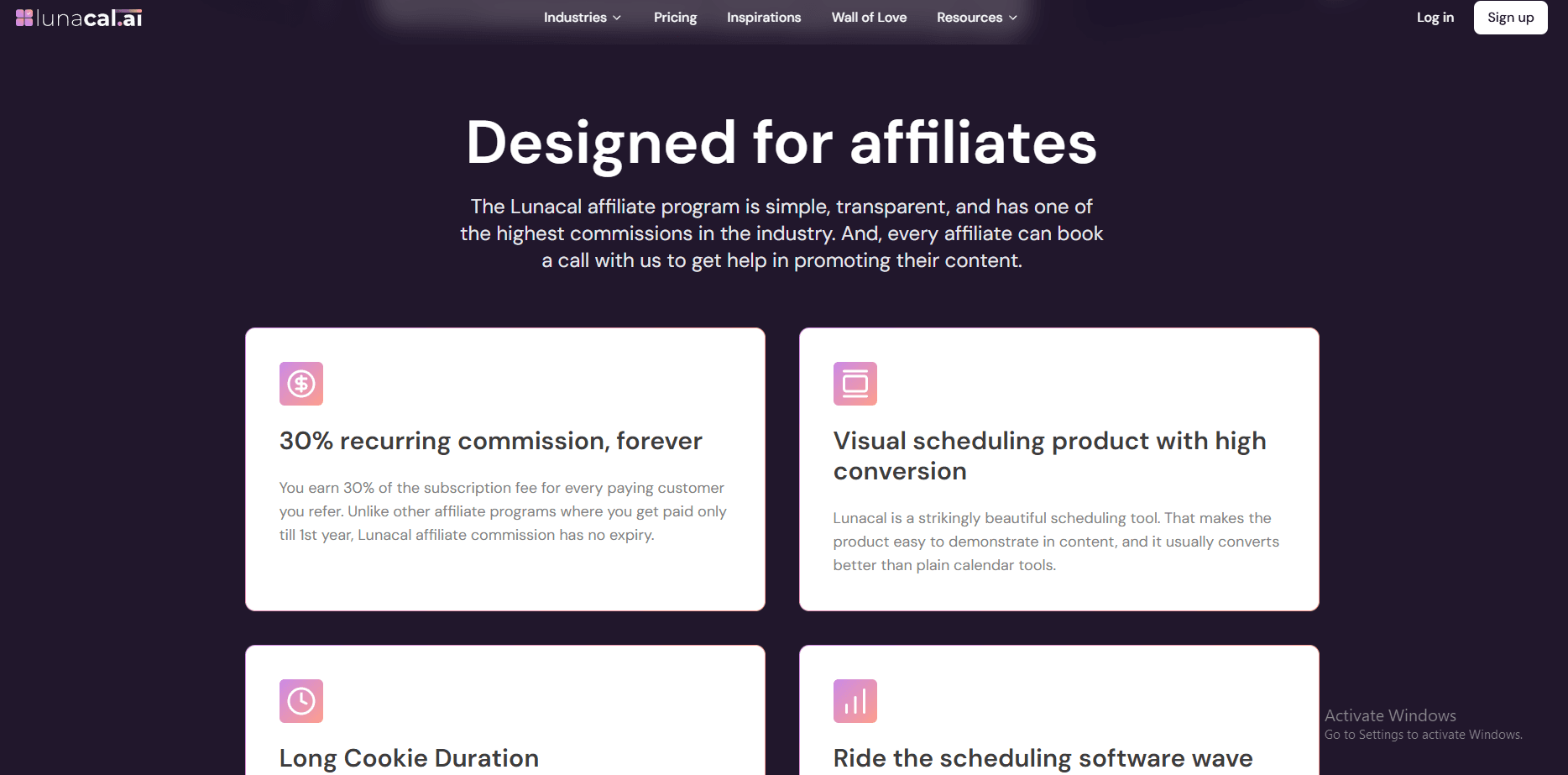
I am highlighting Lunacal’s statement that affiliates can book a call for help promoting content.
This can support a tutorial, comparison post, or newsletter recommendation.
Here is the screenshot below.
Who should promote Lunacal?
- Freelancer-systems creators
- Coach and consultant educators
- Agency workflow creators
SimplyBook.me: Best for service-workflow creators
I reviewed SimplyBook.me’s affiliate, pricing, and help pages. It is scheduling software for businesses with bookings, widgets, reminders, payments, and workflows.
Affiliate program
I confirmed the active program pays 25% of a new referral’s first payment and 15% of later payments for up to 24 months. I see it as recurring, capped at two years.
The public affiliate page does not state a cookie duration. The page has an affiliate dashboard but no named network. Payouts are monthly via a preferred payment method after a threshold; the first payout is $50. It prohibits misleading or unethical advertising.
Why I think it fits productivity creators
I see a fit for creators teaching freelancers, coaches, and consultants to organise client work. I could show booking, intake, payments, and calendar rules together. It gives creators more to demonstrate than a meeting link.
Capterra feedback mentions live support, payments, custom emails, reminders, and time saved over building a booking system. Some reviewers found setup intimidating, so I would target audiences ready for more setup.
Features worth showing in content
-
Intake forms: They collect required or optional answers and add them to booking details and notifications. I would show this for pre-call context in a client-discovery workflow.
-
Booking widgets: A widget can target a service, provider, category, or location. I would use it in a portfolio or service-page embed tutorial.
-
Custom features: More than 60 options can be enabled as needed. I would frame this as a “build only what you need” walkthrough.
Pros
- I see two-year commissions suiting evergreen tutorials and templates.
- I found affiliates receive a referral link and marketing content.
- I could demonstrate widgets and intake forms in practical content.
Limitations
- Cookie duration is unlisted, which makes long-funnel comparison content harder to assess.
- I would not lead with it for a basic meeting-link audience; reviews also flag setup complexity.
Promote a scheduling system for service businesses
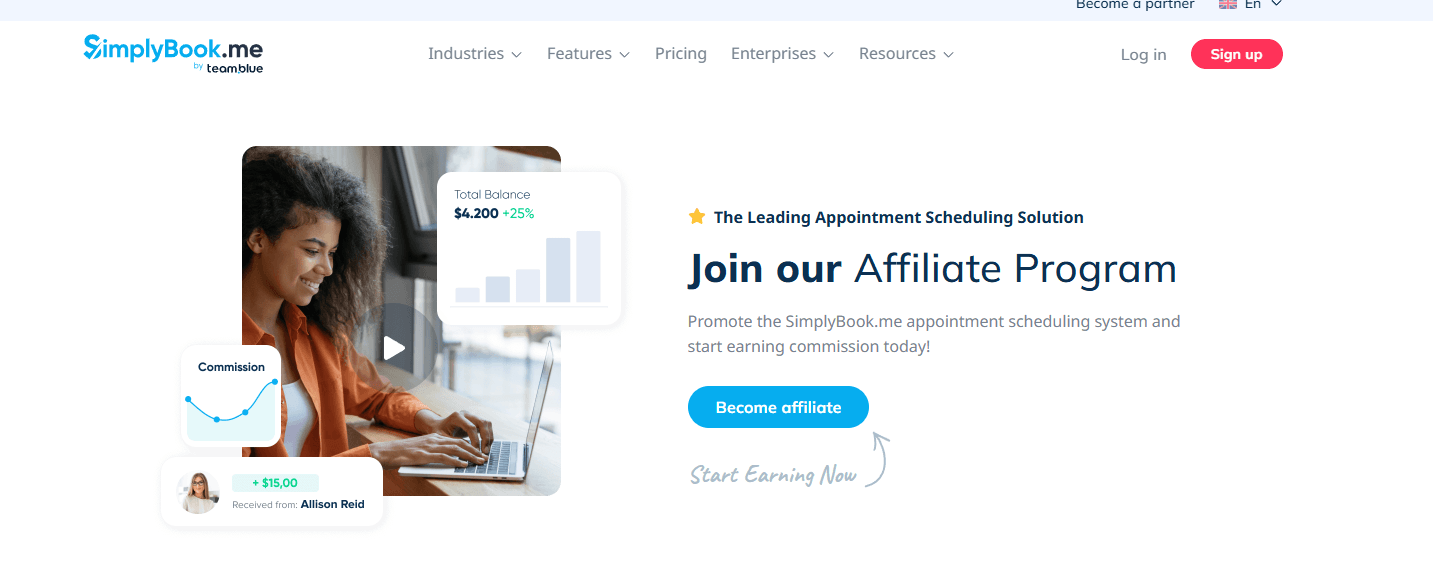
I am highlighting SimplyBook.me’s invitation to join its affiliate program and promote its appointment scheduling system. The company says affiliates can earn commission by promoting the system, useful for my booking-workflow content.
Here is the screenshot below.
Two years of commission and marketing content
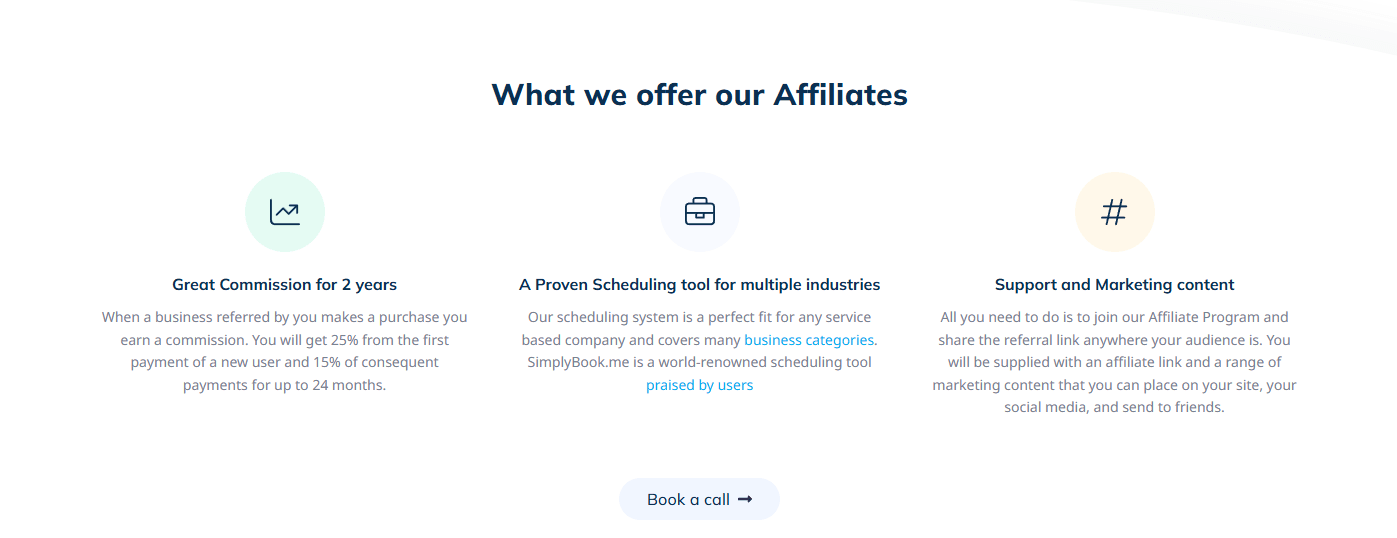
I am highlighting the company’s stated commission structure for up to 24 months. It also says affiliates receive a referral link and marketing content for tutorials, newsletters, and social posts.
Here is the screenshot below.
Who should promote SimplyBook.me?
- Creators teaching freelancer client systems
- Coaches sharing operations workflows
- Consultants serving appointment-based businesses
Appointlet: Best for freelance systems creators and client-workflow coaches
I reviewed Appointlet’s affiliate, product, pricing, and help pages to understand who it fits. I found it is an appointment scheduler for educators helping freelancers organize client work.
Affiliate program
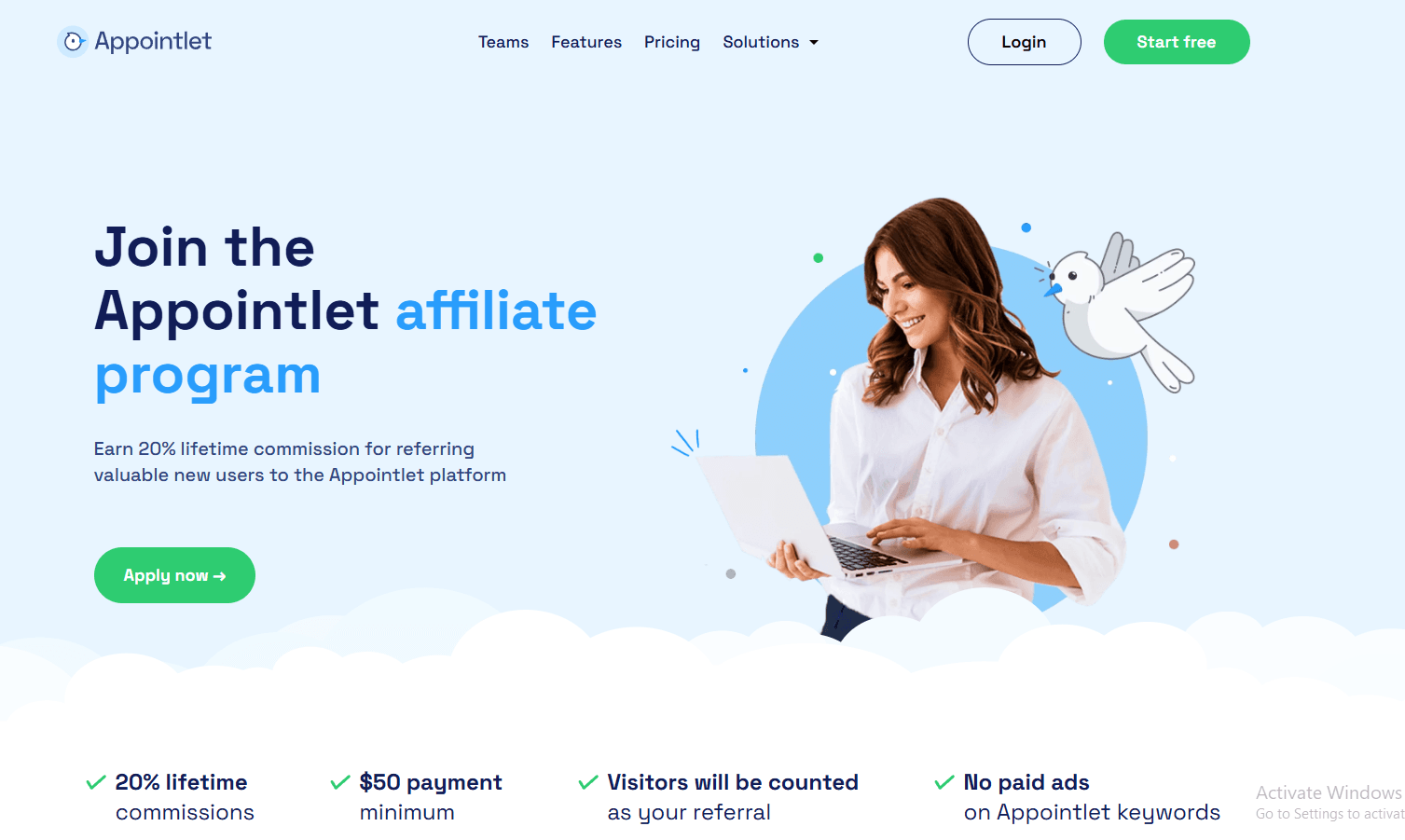
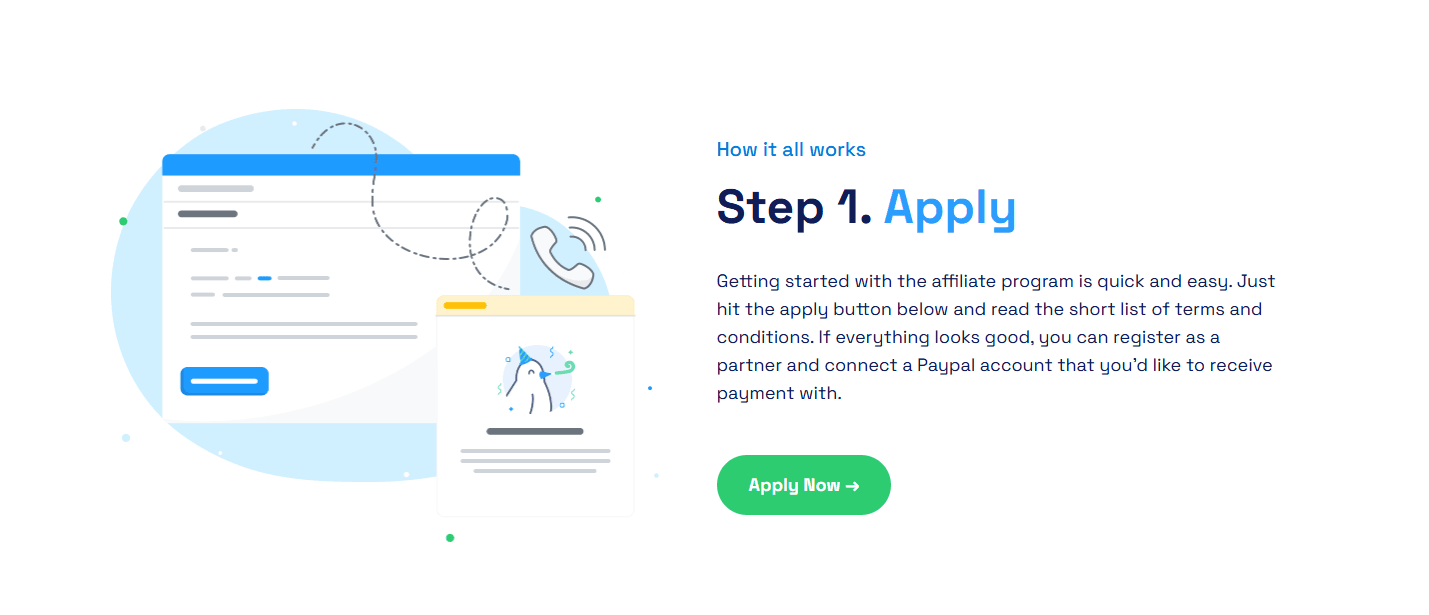
Appointlet’s affiliate page says partners earn 20% lifetime commission when referred users upgrade to a paid plan. It covers monthly or annual paid spend. The program uses Tapfiliate, a 45-day cookie, and a $50 payment minimum. Appointlet says commissions are paid around the first of the month, and partners connect PayPal to receive payment. Affiliates cannot run paid ads on Appointlet keywords. Commission pauses while a referral is on the free plan.
Why I think it fits productivity creators
What stood out to me was the fit for creators whose audiences book coaching calls, client sessions, or onboarding meetings. YouTube guides, freelancer newsletters, and workflow templates can introduce it naturally.
I also looked through recent Capterra feedback. Reviewers highlighted straightforward setup, meeting-type creation, and calendar connections. One 2024 review found the attendee .ics calendar file less convenient than an Add-to-Google-Calendar link.
Features worth showing in content
-
Custom intake forms: The paid plan supports text, choice, and checkbox fields. I would show consultants how to collect project context before a discovery call.
-
Scheduling controls: The pricing page lists buffers, booking notice rules, and daily meeting limits. This makes a clear tutorial example for protecting focused work time.
-
Website embeds: Appointlet provides code for adding a booking page to a website. I would use it in content about making a services page easier to book from.
Pros
- The 20% lifetime structure can support evergreen tutorials, comparisons, and templates.
- A 45-day cookie gives readers time to consider a free trial before upgrading.
- Appointlet provides niche use-case pages for relevant audiences.
Limitations
- Paid ads on Appointlet keywords are prohibited, limiting creators who depend on search ads.
- I found it fits client-facing scheduling better than audiences looking for a complete project-management system.
A lifetime commission model for evergreen content
I am highlighting Appointlet’s claim that partners earn 20% lifetime commission for referring new users. For a productivity creator, this can make a useful tutorial or resource page relevant when referrals become paid users.
Here is the screenshot below.
A simple application and PayPal setup path
I am highlighting that the application flow covers reviewing the terms, registering as a partner, and connecting a PayPal account. That gives creators a clear checklist before planning content around the program.
Here is the screenshot below.
Who should promote Appointlet?
- Freelance workflow educators
- Client-systems coaches
- Service-business YouTubers
Setmore: Best for productivity creators who teach client-booking workflows
I reviewed Setmore’s affiliate, product, pricing, and help pages. It is appointment scheduling software for service businesses and suits creators teaching freelancers, coaches, and small teams to manage client time.
Affiliate program
Setmore’s affiliate page is live and uses Tapfiliate. Its terms list a 30% one-time commission on the initial paid Pro or Team subscription, not recurring revenue, with a 90-day cookie. Referrals must upgrade and stay paid through their initial period.
Payouts use PayPal. Its help page says 60 days after the first month, while its terms say 90 days after a subscription becomes valid, so I would confirm the timetable directly. Affiliates must be 18+ and cannot bid on Setmore brand keywords, use spam, or promote through adult, hateful, gambling, or harmful content.
Why I think it fits productivity creators
It fits YouTube workflow tutorials, client-onboarding templates, newsletters, coaching, and freelancer systems. The pricing page lists booking pages, payments, reminders, and calendar tools; paid plans add recurring appointments, SMS reminders, video appointments, and two-way sync.
I also looked through current G2 feedback. It notes easy setup and a user-friendly interface, but flags Google Calendar sync issues. Calendar-dependent audiences should see the sync workflow before buying.
Features worth showing in content
-
Custom Booking Pages: Setmore provides branded pages, service links, and team booking pages.
I would show a consultant creating one client-facing link. -
Recurring bookings and reminders: Pro includes recurring appointments plus SMS and email reminders.
This supports a lesson on reducing repeat-session admin. -
ClickUp task automation: A Zapier workflow creates a ClickUp task for each new appointment.
I would show it where work starts after calls.
Pros
- The 90-day cookie suits comparison posts and template-led content.
- The documented 30% rate is straightforward to explain.
- Setmore publishes affiliate content ideas for blogs, newsletters, webinars, and how-to guides.
Limitations
- The help page and terms conflict on payout timing.
- The commission is not recurring and needs a valid paid Pro or Team upgrade.
Helping your audience automate booking
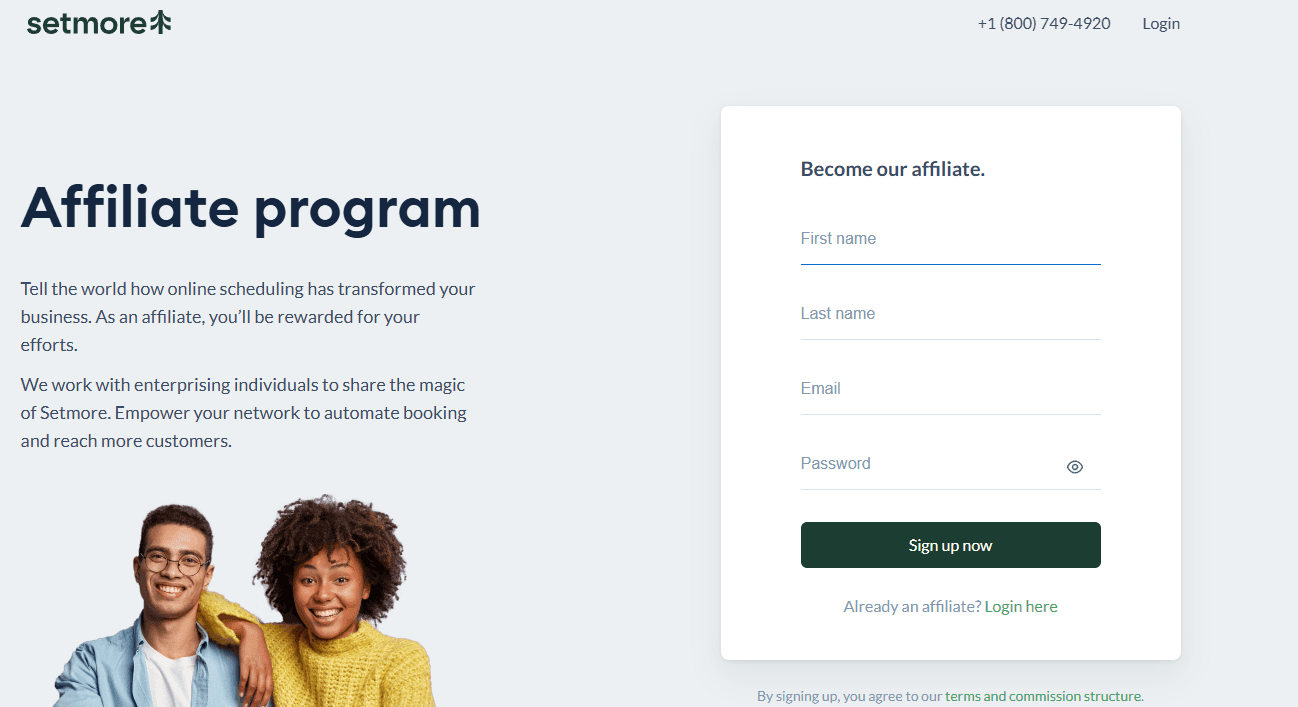
I am highlighting Setmore’s claim that affiliates can share how online scheduling transformed their business. The company says affiliates are rewarded for helping their network automate booking and reach more customers. This gives productivity creators a practical content angle.
Here is the screenshot below.
Partnership content built around your story
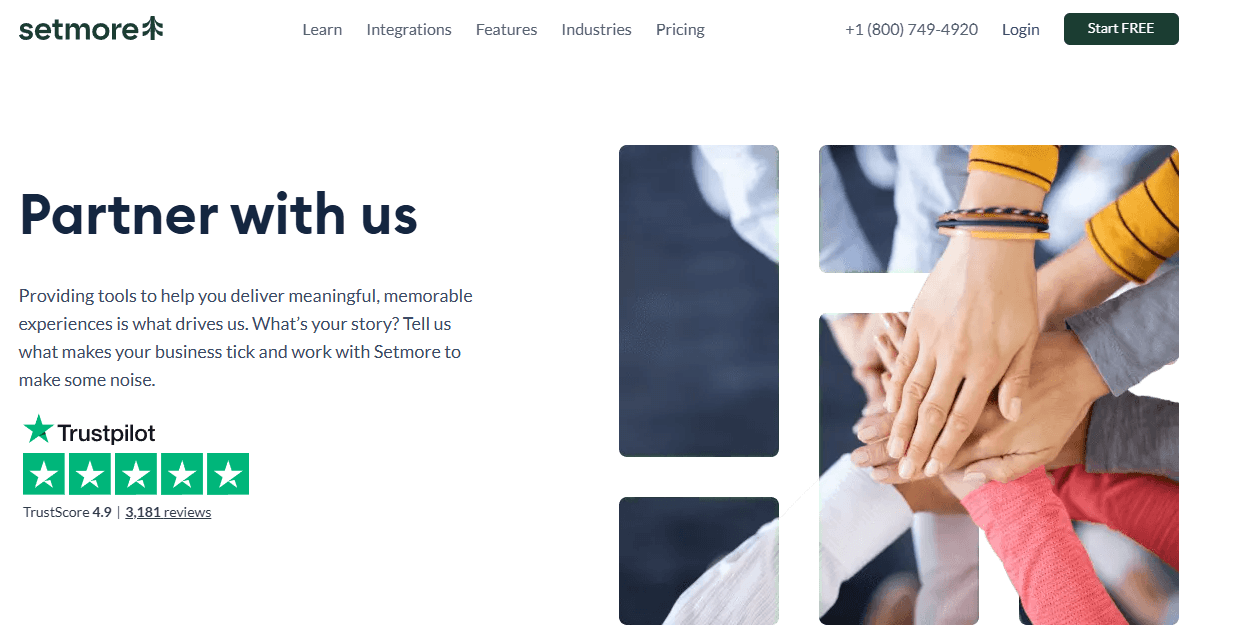
I am highlighting Setmore’s invitation to explain what drives a business and work together to create attention. A productivity creator could use that framing in a story-led video, post, or workflow breakdown.
Here is the screenshot below.
Who should promote Setmore?
- Freelancer and consultant workflow creators
- Coach and course-creator educators
- Small-team productivity newsletter writers
FAQs
What is an appointment scheduling software affiliate program?
An appointment scheduling software affiliate program lets publishers, creators, consultants, or businesses earn a commission for referring new customers to a scheduling platform. Affiliates usually share a tracked referral link through articles, videos, newsletters, social media, or client resources. The exact commission structure and terms vary by program.
Who should promote appointment scheduling software?
These programs can suit creators and publishers whose audience includes service businesses, consultants, coaches, agencies, recruiters, healthcare providers, educators, or local businesses. They work best when the audience regularly manages appointments, client calls, demos, bookings, or team availability and could benefit from a simpler scheduling process.
How do affiliate commissions usually work for scheduling tools?
Affiliate commissions are generally earned when a referred visitor completes a qualifying action, such as starting a paid subscription or making a purchase. Some programs may offer one-time payments, while others may offer ongoing commissions. Always review the official affiliate terms to understand what counts as a valid referral.
Do appointment scheduling software affiliate programs offer recurring commissions?
Some scheduling software affiliate programs offer recurring commissions, while others pay a fixed amount or a percentage of an initial purchase. Recurring terms can differ by program and may change over time. Check the program’s official affiliate page or terms before describing its commission model in your content.
What content works well for promoting scheduling software?
Useful content usually helps readers solve a real scheduling problem. Examples include software comparisons, setup guides, use-case articles, booking workflow templates, alternatives pages, and tutorials for specific industries. Content should explain who the tool is for, what it helps with, and where it may or may not fit.
What should I check before joining an affiliate program?
Review the program’s official terms, commission structure, qualifying actions, payment conditions, promotional restrictions, and brand guidelines. It is also worth checking whether the product fits your audience, has clear documentation, and offers a practical use case you can explain honestly. Avoid promoting tools you cannot evaluate clearly.
Summarize this content with AI


